
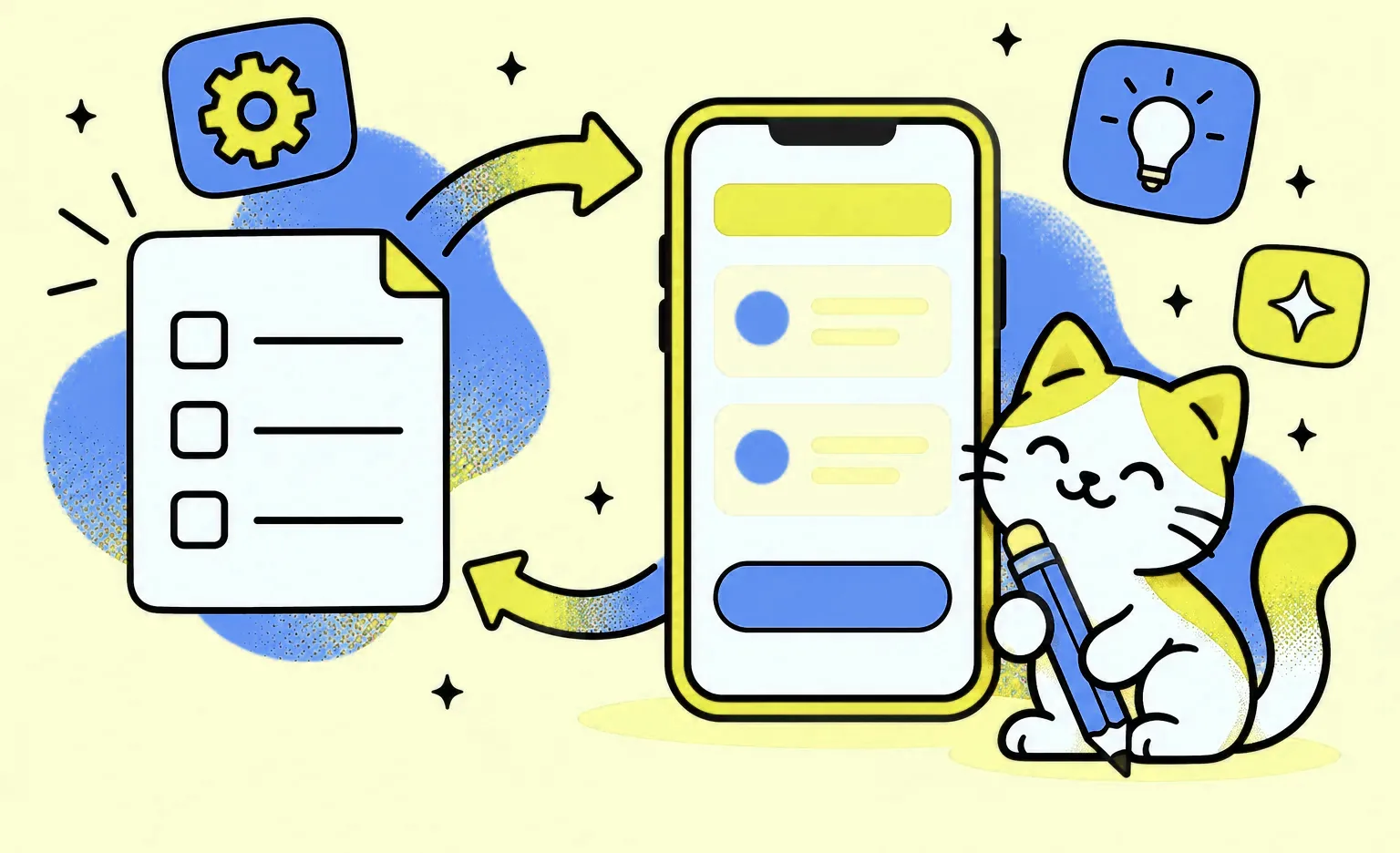
MVP design is the UX and UI work that turns the core features of a minimum viable product into screens that developers can build and early users can try. It produces a visual concept, a product map of the features, the final screens, and a UI kit. At Ronas IT, design-only work on a whole MVP starts from $2,000 and 1 week, and a Basic MVP that we design and build starts from $5,000 with its design included.
This guide is for founders and product owners who have a feature list and want to know what the design stage should deliver before development starts, how long it takes, and what to leave for later.
What MVP design covers
For each user role, MVP design covers one core path, the one that tests your main assumption, and designs it completely. The narrow scope follows from what an MVP is: the smallest version of a product that can test the assumption with real users. Eric Ries, who made the term popular, defined it in 2009 as the version of a new product that allows a team to collect “the maximum amount of validated learning about customers with the least effort.”
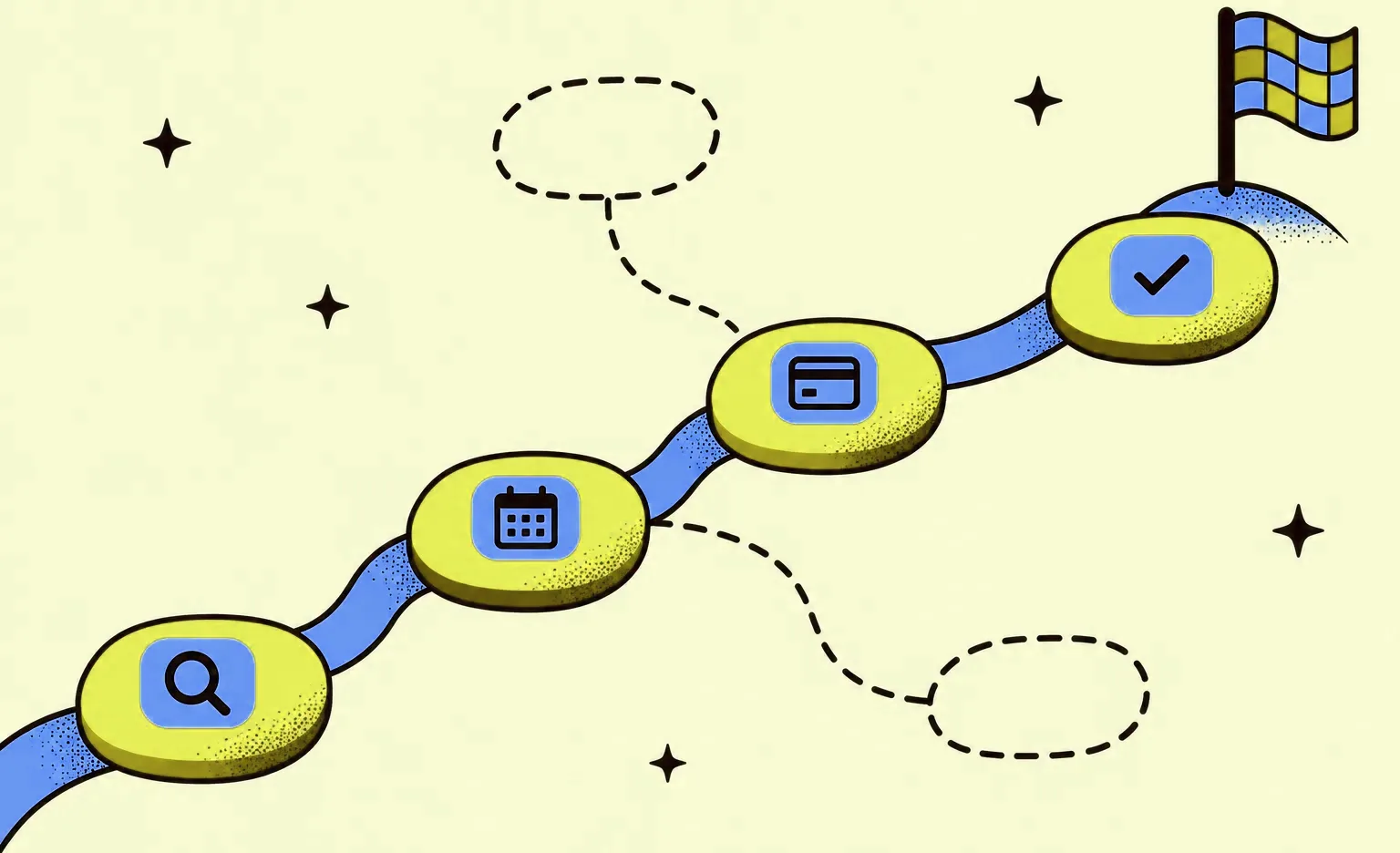
For a booking app, the path might be: find a slot, book it, pay, and get a confirmation. Every screen on the path gets its final look, along with the states people will actually meet: an empty list, a loading screen, a failed payment, a lost connection. Screens off the path, such as a referral program or detailed settings, wait for the next version.
Finished screens matter because users and investors judge the product by what they see, and a rough core path makes it hard to tell whether people rejected the idea or the way it was built. The table shows where MVP design stops and full product design goes further.
| Area | MVP design | Full product design |
|---|---|---|
| User flows | One core path per user role | Every path, including rare cases |
| Research | A review of competitors | Interviews, surveys, and analytics collected over time |
| Visual style | One style direction applied to the core screens | A full brand system with illustrations and motion |
| Components | A UI kit with the elements the core screens use | A design system with rules for every part of the product |
| Testing | A clickable prototype you can test with a few target users | Regular tests of live features |
The MVP design process, step by step
The process below has eight steps, from a written scope to the developer handoff. The concept, the product map, and each reviewed part of the design come to you for approval before the work builds on them.
1. Agree on the assumption, the roles, and the first-release features
Design starts from a short written scope: who the users are, which assumption the MVP tests, and which features go into the first release. On our projects, a written kickoff plan includes the target users, the feature priorities, and what design, if any, already exists.
If that scope does not exist yet, you can write it first in our optional analysis phase. It costs $1,000-$2,000, takes at least 1 week, and ends with user stories, flow maps, and a scope document that estimates the budget and timeline. Without it, you still get a free rough estimate.
2. Review references and competitors
The designer walks through competing products and notes where their steps are slow or unclear. The goal is to find patterns users already know, so the MVP does not teach people a new way to do a familiar task. You can speed this up by sharing apps you like and apps you dislike.
3. Agree on a visual direction
The designer styles a few key screens in the look the product could have, and you approve the colors, fonts, and overall feel before the rest is drawn. Judging real screens is faster than describing a style in words, and a concept you have already approved keeps the later screens from turning into a debate about taste.
4. Map the features of the core path
A product map is a diagram of the features on the core path, the data and controls each one needs, and how they connect. It can be drawn as a mind map or a flow map, and a two-sided product, such as a marketplace, gets a map for each side. The map is the cheapest place to cut scope: removing a box from a diagram takes minutes, while removing a built screen means changing code. When the analysis phase or your own documents already describe the features this way, the project manager can skip this step.
5. Design the screens and the UI kit
The core screens get their final look for each platform in scope, with their empty, loading, and error states. For standard controls, such as navigation bars, lists, and date pickers, follow Apple's Human Interface Guidelines and Google's Material Design. Users already know these controls, and developers can build them without custom work.
Alongside the screens, the designer collects every button, field, icon, and card into a UI kit. The kit keeps the look consistent and makes each new screen faster to add, which matters as soon as the first users start asking for features. At Ronas IT, the MVP design file begins as a copy of our company design system, restyled for your product, and a component that needs another version gets a new variant rather than a one-off edit on a single screen. For routine screens, an AI assistant can give the designer a fast first draft; the designer picks what works and rebuilds it in Figma, and the concept stays the designer's work.
6. Review each part before you see it
Our designers check their own work against a written quality checklist: the screen shows the data the feature needs, elements sit on the grid, and the text is real content rather than placeholder copy. Then another designer reviews the part and returns it with comments if something needs fixing, the way code is reviewed before it is merged. Only after that does the part come to you for approval.
7. Build the prototype and test it
We work with three levels of prototype. The minimal one, with the device frame, fixed elements, and scrolling, is part of every design file. A basic prototype links the screens of each flow so a person can tap through the core path as if the app worked, and a detailed one adds complex animations and conditional transitions. The higher levels are built when the task calls for them, such as a transition that is not obvious from static screens or a path you plan to test with users.
If you test, do it with a few target users before development starts. Jakob Nielsen of Nielsen Norman Group wrote in 2000 that the best results come from small tests of no more than 5 users, run as often as you can afford, and that two distinct user groups need 3-4 users each. Our guide to prototype testing covers the methods. At Ronas IT, the test sessions stay on your side: we prepare the prototype, and you run the sessions with your users.
8. Hand the design to developers
Handoff is a stage with its own acceptance check. At Ronas IT, a comment in the design file stays open until the change it asks for is made, and the design stage is not handed over with open comments. While the MVP is being built, the designer checks the implemented screens against the design.
“A comment left open at handoff becomes a guess. The developer has to answer it alone, not always the way the designer meant, and the difference shows up only when the screen is already built.”
Alexander Kontsevoy, Art Director at Ronas IT
What you get at the end of MVP design
A finished MVP design is a set of files that a development team can estimate and build from without a meeting for every screen. Ask for these items in the proposal, since a quote that lists only “screens” leaves the rest undefined.
- Visual concept: the few key screens where you approved the style.
- Product map: the features of the core path for each role, and how they connect.
- Final screens: the core path in its final look for each platform in scope, with empty, loading, and error states.
- UI kit: the buttons, fields, icons, and cards the screens use, ready for new features.
- Prototype: at the level agreed in step 7, clickable when you plan demos or a user test.
- A design file ready for handoff: organized pages and components with no open comments.
- DESIGN.md: a file in your code repository that we generate from the design, with the colors, fonts, and spacing written down for AI coding agents, so screens added later keep the style.
MVP design on our projects: Buke and Docky
Two of our projects show the steps above on real products.
Buke is a dating app built around anonymity. The project started as the design and development of a secure MVP and later grew into a full mobile app. We proposed a few ready-made design concepts for the client to choose from. The client approved one, and we made it brighter and developed it into the final concept. We later added a landing page and a web version to the project. To keep the look consistent as features were added and to make updates faster, we compiled a UI kit with all the design elements. Within three months of launch, the app had 4,000 active users.
Docky is a marketplace where yacht owners book berths from berth owners. Before designing any screen, we drew a mind map of the navigation for both roles, then showed a couple of design concepts in a marine theme, and the client chose the first. A working MVP was ready in the first three months. Over the project, the design went through many revisions, and the product grew nearly threefold from its original MVP scope.
What to leave out of the first design
Leave out anything that does not help test the main assumption. Each item below removes design and build work from the first release, and each can come back once users ask for it.

- Secondary flows: referral programs, detailed settings, and extra user roles.
- Custom illustrations and animation: the first version needs only a clean layout with readable type.
- Custom controls: the standard platform controls work, and users already know them.
- A full design system: a UI kit for the screens you have is enough until the product grows.
- Web and mobile at once: design first for the device your users reach for, and add the other one when the first proves the idea.
One thing is cheaper to get right from the start than to fix across finished screens: readable contrast. The WCAG 2.2 guidelines of the W3C set a contrast ratio of at least 4.5:1 for normal text, and choosing colors that meet it in the UI kit costs nothing extra.
How long MVP design takes
At Ronas IT, design-only work on all the screens of an MVP takes at least 1 week, and the estimate sets the real timeline by the number of screens. When we design and build the MVP together, a Basic MVP takes at least 2 weeks with its design included, and an Extended MVP with more roles and features takes at least 5 weeks.
Three things stretch the timeline: the number of user roles, the number of platforms, and how quickly decisions come back from your side. We usually work in sprints of one to three weeks, and each sprint ends in something you can open, such as screen mockups. We also tell you about design changes while we make them, because an edit that seems minor on a screen can change the development work behind it.
How much MVP design costs
At Ronas IT, if your own developers will build the product, design of all its screens starts from $2,000 for a web or a mobile app, with project management included, and the final price depends on how many screens the MVP has and how complex they are. If you only need the look and a UI kit for your team to extend, a design concept starts from $1,000. If we also build it through our MVP development service, design is part of the development price: a Basic MVP starts from $5,000 for one platform, such as a web app or one cross-platform app for iOS and Android, with the backend and admin panel it needs. Each extra platform adds from 50% of the first, so a web MVP with a cross-platform app starts from $7,500. The table gives the starting price and timeline of each option.
| What you need | What you get | Starting price | Timeline |
|---|---|---|---|
| A written scope before design | Analysis phase, optional: user stories, flow maps, and a scope with a budget and timeline estimate | $1,000-$2,000 | At least 1 week |
| A look for your team to extend | Design concept on one or two key screens, plus a UI kit | $1,000 | From 3 days |
| Design of an MVP that your developers will build | All screens of a web or mobile app with flows, a UI kit, and a minimal prototype | $2,000 | At least 1 week |
| Design and development of the core features | Basic MVP development for one platform, design and backend included | $5,000 | At least 2 weeks |
| Design and development of more roles and features | Extended MVP development for one platform, with custom user journeys | $10,000 | At least 5 weeks |
| Changes to a design you already have | Product redesign of key screens after a review, plus a UI kit | $2,500 | At least 1 week |
Above the starting price, the cost grows with the number of roles, platforms, and screens on the core path: a marketplace with buyers and sellers needs two sets of flows where a booking app needs one.
“Before the design is done, our development estimate is conditional: it holds for the stack and the team we propose and for the scope as we understand it. Until the screens exist, that scope is a set of assumptions, and an estimate built on assumptions moves when they do.”
Roman Surikov, CEO at Ronas IT
How to choose who designs your MVP
Ask each candidate the three questions below.
- “What will I see at the end of each sprint?” Expect designs you can open and comment on, not a status update.
- “How are changes handled after I approve a screen?” Look for a clear rule on who hears about the change and when the estimate is revisited.
- “Do I get a UI kit, or only screens?” Expect a kit, since it makes each new screen faster to add.
One risk in MVP design is a set of screens that looks right but is slow or costly to build. If your own team will build the product, show its developers the designs at the end of each sprint, not only at handoff.
For the steps before and after design, such as testing the idea and choosing the features, see our guide on how to build an MVP.
What to do next
- Decide whether you need design only or design and development together.
- Ask each candidate to list the design deliverables in the proposal, including the prototype level and the DESIGN.md file.
- If your own developers will build the product, plan a design review with them at the end of each sprint.



Frequently Asked Questions (FAQs)
What is MVP design?
MVP design is the UX and UI work for a minimum viable product: the visual concept, the product map, the final screens, and the UI kit for the core path that tests your main assumption. It covers fewer screens than full product design, but the screens it does cover are finished, including their empty, loading, and error states.
How long does it take to design an MVP?
At Ronas IT, design-only work on a whole MVP takes at least 1 week, for a web or a mobile app alike. The number of user roles and platforms and the speed of your feedback decide how long the design takes. If we design and build the MVP together, a Basic MVP with its design takes at least 2 weeks.
How much does MVP design cost?
Design-only work on every screen of an MVP starts from $2,000, whether the product is a web or a mobile app, and the price grows with the number of screens and their complexity. If we also build the product, its design and project management are inside the development price: a Basic MVP starts from $5,000, and an Extended MVP with more roles and features from $10,000, each for one platform. A redesign of a design you already have starts from $2,500.
How do I design an MVP without a designer?
You can sketch the core path on paper or in a free tool yourself, and you can use the standard components from Apple's and Google's design guidelines instead of drawing your own. That is enough for a clickable prototype to test the idea with a few users. A designer becomes worth the cost when real users will pay or sign up through the screens, because unclear steps then cost you customers.
How do I design an MVP quickly?
Limit the design to one core path per user role, use standard platform controls, and pick a visual direction from ready concepts instead of describing it in words. Answer the designer's questions quickly, because slow decisions stretch a design project.
Prototype vs MVP: which should I build first?
Build the clickable prototype first when the main risk is whether people understand and want the flow: it needs no code, so it costs less than an MVP. Build the MVP when you need to see real behavior, such as payments or repeat use, that a prototype cannot show. Our comparison of a PoC, a prototype, and an MVP explains when each fits.
How many users should test an MVP design?
About five per group of similar users, following Jakob Nielsen's 2000 advice cited in step 7 above.
What should I prepare before MVP design starts?
Bring the assumption your MVP tests, the user roles, the list of features for the first release, and a few apps you like and dislike. If the feature list is still open, you can start with the optional analysis phase, which produces a scope document along with user stories and flow maps.
Related posts




Related Services
MVP Development Services
Need to launch your startup quickly? Ronas IT offers urgent MVP development services, allowing you to get a fully-functional app in 4 to 12 weeks, depending on scope. Ideal for testing business ideas, presenting to investors, or entering the market swiftly. Benefit from our extensive experience and accelerated development process.
Cross-platform App Development
Ship to iOS and Android from one React Native codebase instead of funding two native teams. Ronas IT handles UI/UX design, development, and the releases to Google Play and the App Store, delivering high-performance, secure apps within 2 to 4 months.
UI/UX Design Services
Ronas IT designs user-focused interfaces for mobile, web, and desktop products, with designers and front-end developers working side by side for pixel-perfect handoff. A library of UI flows for common business scenarios speeds up delivery, and every project follows the same established design standards.