
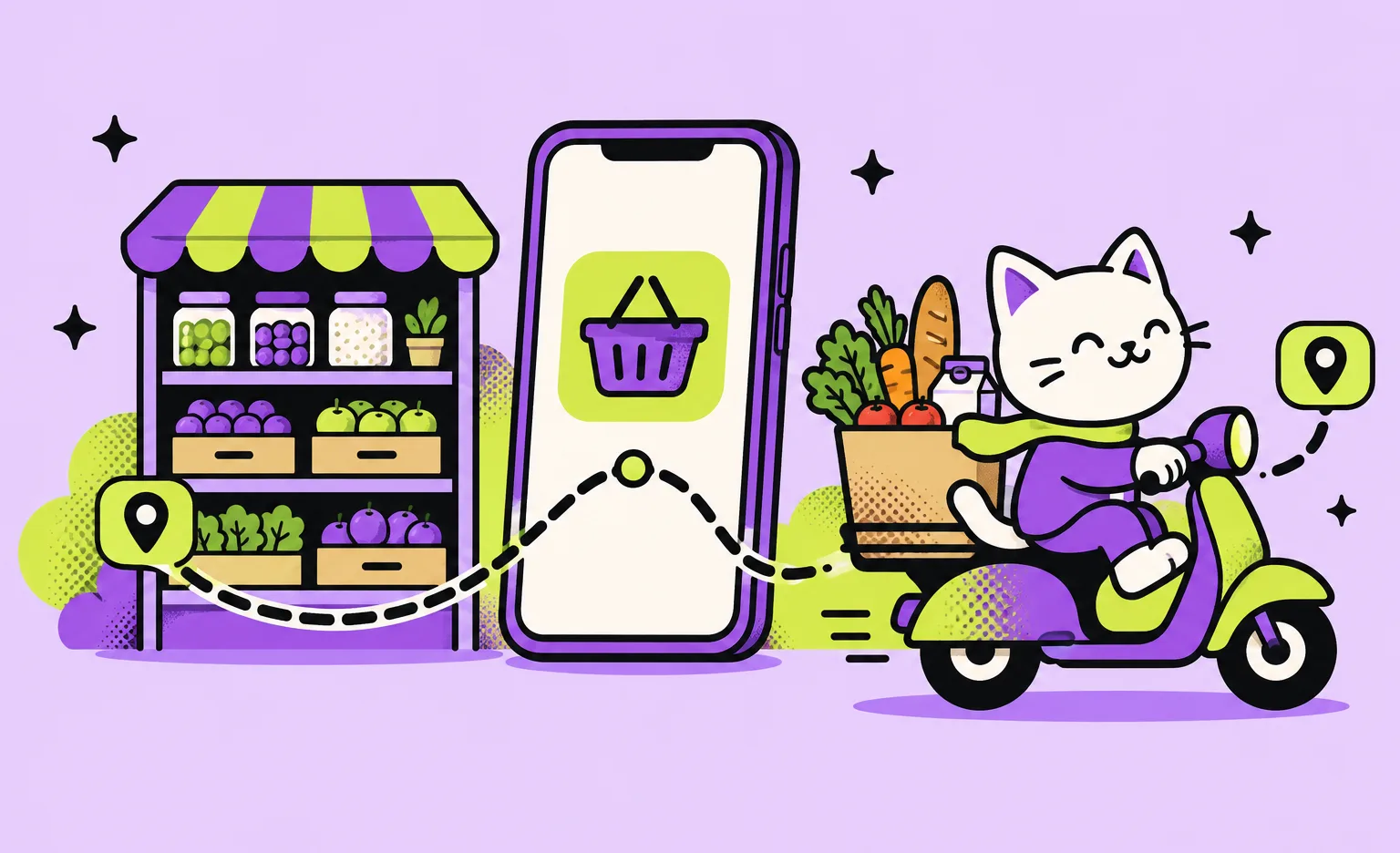
A complete grocery delivery system has three apps (customer, picker, and courier) and an admin panel on one backend. Picking and delivery can share one app, and a retailer can also start with the customer app alone. Our price for such a system for one retailer starts from $40,000, and the work takes from 8 weeks. Four problems specific to groceries shape the backend: stock that shifts during the day, substitutions, items sold by weight, and delivery slots.
This guide is for retailers and founders who are planning a grocery app and want to know what goes into it before they ask for quotes. For the service side of this work, see our logistics software development page.
What a grocery delivery app includes
The complete system has four parts on one shared backend: a customer app, a picker app, a courier app, and an admin panel. Customers order, staff pick and deliver, and managers run the catalog, the slots, and the exceptions. Not every service needs all four from day one. Some teams merge picking and delivery into one app when the same person does both, and a retailer whose delivery already runs on its own backend can begin with the customer app only. The backend holds the order, the stock, and the payment, and every app reads from it, so the list of roles defines the scope better than a list of screens.
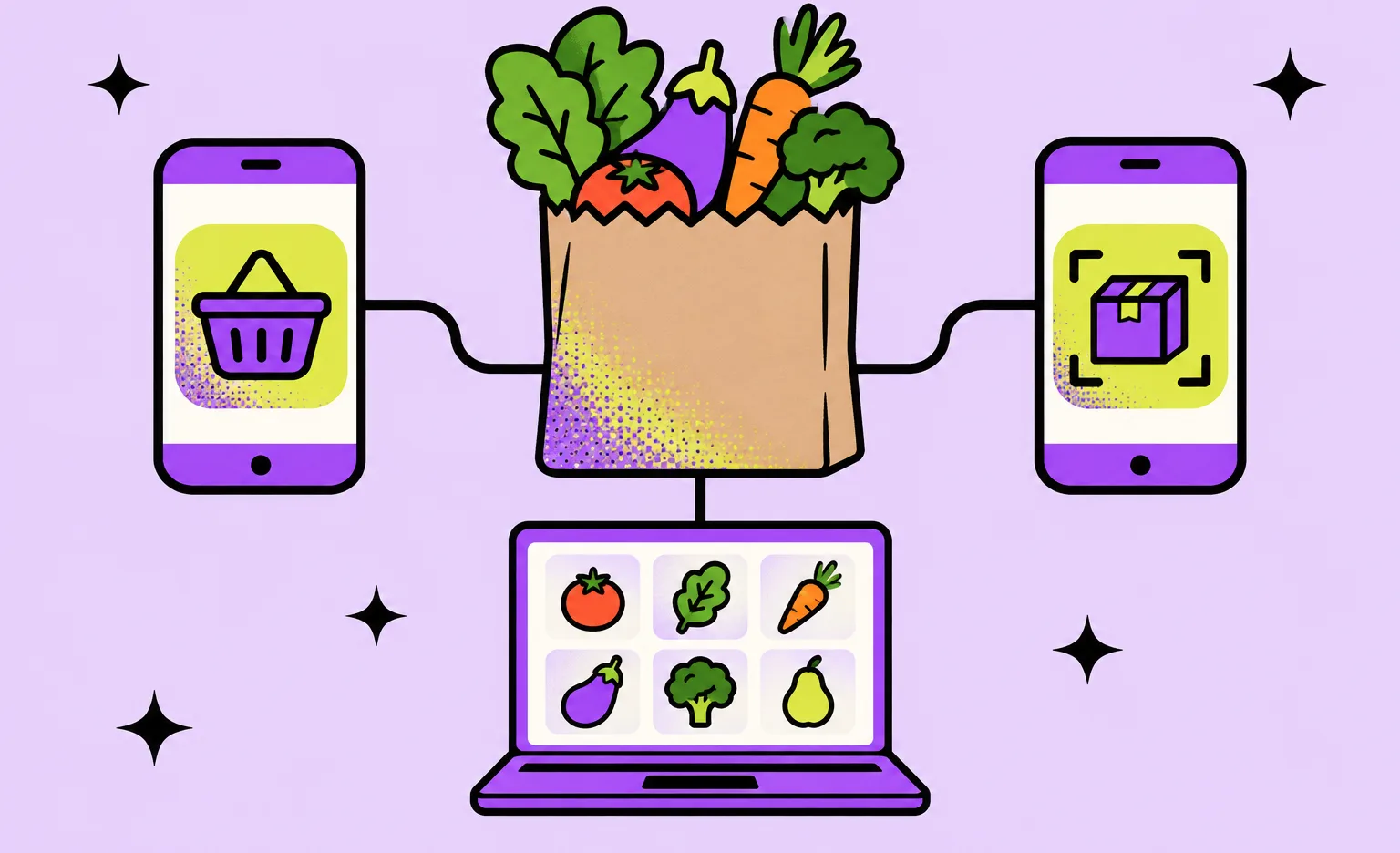
- Customer app: browse the catalog, build a basket, choose a delivery slot, set rules for substitutions, pay, and track the order.
- Picker app: an in-store shopper or a warehouse worker gets the order, scans each item, marks what is missing, and proposes replacements.
- Courier app: the driver gets the route, updates the status at each stop, and confirms the handoff.
- Admin panel: the store team manages products, prices, stock, delivery zones, slot capacity, refunds, and promo codes.
Pick the business model before the features
The business model sets who owns the stock and who picks the order, and those two answers shape a large part of the backend. Choose one model for the launch. A hybrid can come later, once real orders show which parts of the service people use.
| Model | Who holds the stock | What the software must handle |
|---|---|---|
| App for one retailer | The retailer's own stores | Sync with the store's inventory system, picking in the store, own couriers or a partner |
| Multi-store marketplace | Partner stores | Store onboarding, a catalog and prices per store, payouts to partners, commissions |
| Dark store | A warehouse that is closed to shoppers | Stock by shelf, fast picking, a small delivery zone around the warehouse |
A marketplace is a different product from a store app, even when the customer screens look the same. If that is your plan, our marketplace development page covers the partner side.
What makes grocery delivery harder than food delivery
A restaurant order is short, priced up front, and cooked to order. A grocery basket is longer, comes from shelves that change during the day, and is sometimes priced only after the picker weighs it. Four problems follow, and each one needs its own logic in the backend. If you have read our guide to food delivery app development, this is the part that is different.
Stock that changes during the day
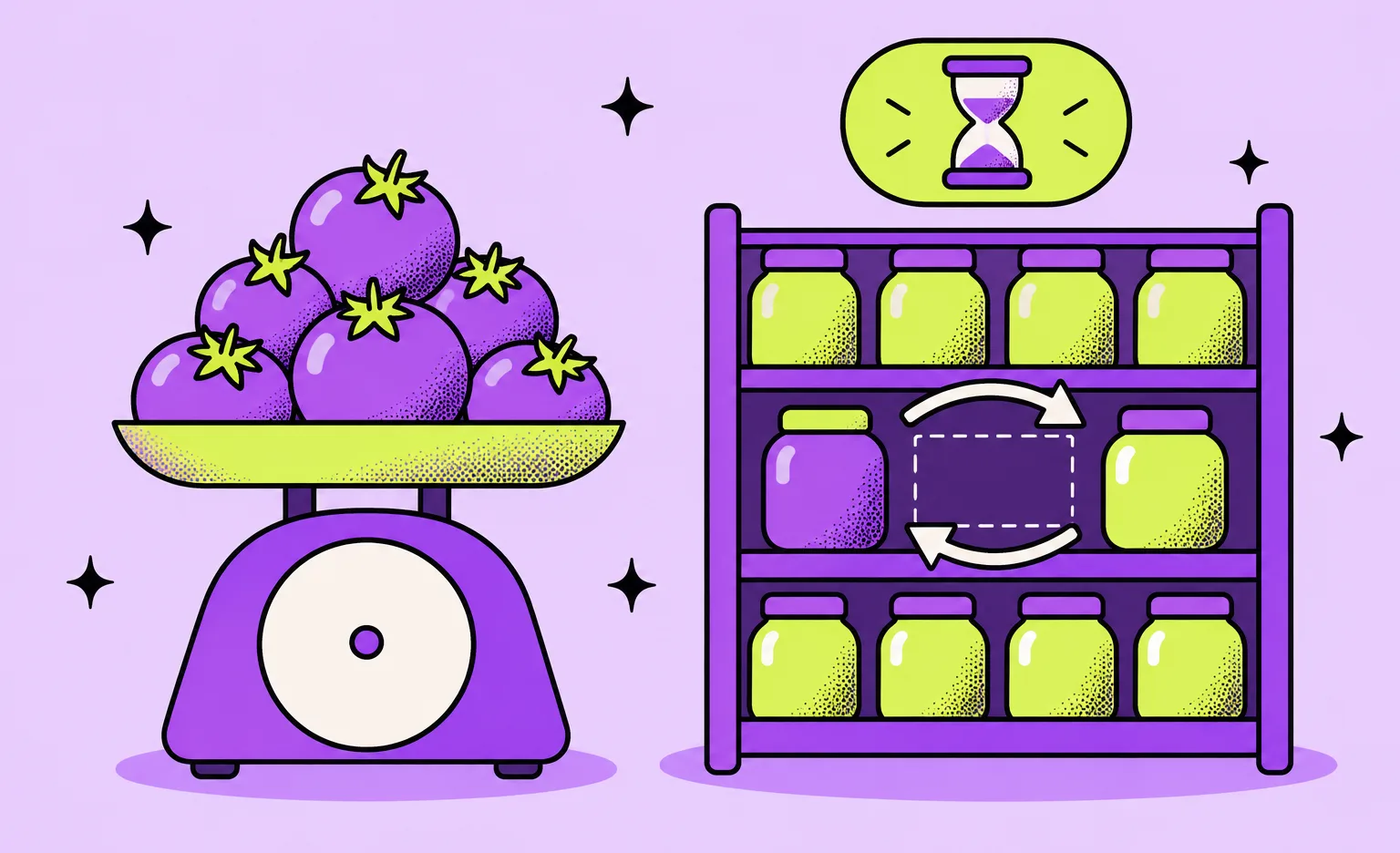
The app shows what the store had at the last sync. Shelf stock may have changed since. So the first design question is where stock and prices live: in the store's point-of-sale system, an inventory system, or an ERP. The app then reads from that system through an API or a scheduled export, and the team agrees how often. Two extra rules narrow the gap between the app and the shelf. Hide an item when its stock falls below a set level, and send every out-of-stock mark from a picker back to the catalog at once. Our article on logistics API integration explains how to decide which system owns which record.
Substitutions
Some items in a basket will be missing when the picker gets to the shelf. The customer should decide what happens before that moment. At checkout, each item gets a rule: replace with a similar product, replace with a specific product, or refund. When an item is missing, the picker app sends the proposed replacement to the customer, waits a set time for an answer, and then applies the rule. The final charge reflects the refund or the price difference. A higher price can be charged only within the limits of the payment method, and the next section, on items sold by weight, explains those limits.
“I treat substitutions as a data problem, not a chat feature. Every approved or rejected replacement tells you something about that customer and that product. If the system keeps those answers, the next proposal gets better, and the picker spends less time waiting on a phone.”
Evgeny Leonov, CTO at Ronas IT
Items sold by weight
The price of fruit, vegetables, meat, and cheese sold by weight is known only after the picker weighs them, so the final charge differs from the basket total. The store can hold an amount on the card at checkout and charge the final amount after picking. The payment provider has to support this. Stripe's documentation says you can capture less than the held amount and the rest is released automatically, while capturing more works only for certain online card payments. So set the hold at the highest total the order can reach after weighing, not at the basket total. Stripe also lists a 7-day authorization window for online card payments that the customer starts. For an order booked more than a week ahead, one option is an extended hold, which is available only for eligible payments. The other is a hold placed closer to the delivery slot on a card the customer agreed to save for later charges. That later hold is a merchant-initiated payment, and Visa gives such payments a shorter window.
Delivery slots
A delivery slot is a promise of capacity: enough pickers and couriers in one zone for one time window. The admin panel sets that capacity per zone and per slot, the slot closes when it is full, and a cut-off time leaves the pickers enough time to collect the order. The customer app shows only the slots the team can meet.
A related system we built: Hamperapp
Hamperapp is a Florida laundry and dry cleaning service. It is not a grocery business, but its order flow follows similar steps. A customer places an order, a driver picks up the laundry, the order can change after it is placed, and a driver brings the laundry back. We found four types of users in the workflow and built a separate interface for each: customers, drivers, managers, and administrators.
- Orders that change after checkout: managers can edit an order, for example add items the customer forgot or change the delivery schedule, and charge the payment.
- Live updates for drivers: we used Ably so drivers see new orders in real time, and Stripe for online payments.
- Routes: drivers who did not know the area got lost and wasted fuel, so we built route optimization with Mapbox tools.
- Stack: Laravel for the backend and Angular for the web app and the admin panel. The Hamperapp team chose native mobile apps, so we built them in Swift and Kotlin.
When the case was written, Hamperapp worked with almost 80 laundries in its area and served households and businesses. A grocery version of this system needs four parts the case does not show: a large catalog with live stock, substitutions, pricing by weight, and a capacity limit for each delivery slot.
“They have a high bar for development and our platform is very stable.”
Jorge Rodriguez, Co-founder of Hamperapp, in a review on Clutch, where the company is listed as Laundry App
The tech stack we would use for a grocery delivery app
Our default for a grocery build is one codebase for the mobile apps and one backend that every app reads from. We would write the customer, picker, and courier apps in React Native with Expo, so iOS and Android ship from the same code.
- Mobile apps: React Native with Expo, and react-native-maps for the courier map.
- Admin panel: Laravel Backpack by default, or Laravel Nova; a custom React panel only if the store needs screens they cannot give.
- Backend: Laravel with PostgreSQL, and Redis for caching.
- Payments: a provider with separate authorization and capture, because the card hold for items sold by weight depends on it.
- Catalog search: Elasticsearch, so shoppers find products by partial names and typos.
- Live order status: Laravel Reverb, the WebSocket server from the Laravel team, with Laravel Echo, so the customer sees each step without refreshing.
- Error tracking: Sentry in production, so crashes in the picker app surface before the store team reports them.
How much does grocery app development cost?
The cost depends on how many apps you launch with and whether you sell from your own stores or from many. The table shows our starting prices for each scope. Each one includes design, project management, testing, and the integrations the scope needs.
| Scope | Starting price | Timeline |
|---|---|---|
| A customer app for iOS and Android, added to a delivery service you already run on your own backend | From $5,000, the connection to your backend included | From 2 weeks |
| Full system for one retailer: customer, picker, and courier apps, an admin panel, and the backend | From $40,000: the customer app from $20,000, the picker and courier apps from $10,000 each | From 8 weeks |
| Multi-store marketplace: the same three apps plus a web portal for partner stores | From $50,000 | From 8 weeks |
| Mobile app maintenance after launch, for one app, instead of technical support | From $1,000 per month | Ongoing |
| Support after launch, for the whole system, apps included | From $2,000 per month | Ongoing |
If you need only a web store, without picker and courier apps, we can build an online store from $6,000, with a timeline from 3 weeks. We build it on Shopify or another e-commerce platform or on our own backend, and choose between them inside the project: a ready platform suits you only if it handles the grocery problems described earlier.
Four things change the price of a project. The first is the number of apps and roles, because each role has its own set of flows. The inventory integration is another: an old point-of-sale system with no API costs more to connect than a modern one. The substitution and weighted-item logic adds cost because it touches the catalog, the picker app, and the payment step at once. For a marketplace, the partner systems from the model table add to the cost.
“The first version I recommend is one store, one delivery zone, and substitutions done well. Customers forgive a short catalog. They do not forgive a basket that arrives with the wrong items and a charge they did not expect. Add stores and zones once the first one runs without the team watching every order.”
Roman Surikov, CEO at Ronas IT
How to build a grocery delivery app, step by step
Follow the order below: the business model, the user flows, and the stock source come before the design, and a test in one real store comes before the public release. The stock source comes early because the design depends on it.
- Choose the model and the first zone. The business owner decides between an app for their own stores, a marketplace, or a dark store, and names the area for the launch.
- Map the roles and their user flows. The product team writes one flow per role before any design starts. On Hamperapp, user flows and wireframes for each user type came before the visual design.
- Connect the stock source. The developers agree with the inventory vendor which system owns stock and prices, how the app reads them, and how often.
- Design around substitutions and slots. The designers build the checkout, the picker queue, and the slot picker around the substitution and capacity rules described earlier.
- Build in short sprints. Each sprint usually lasts one to three weeks and closes with something you can open yourself, such as a new build on the dev server, a screen to test, or fresh mockups.
- Test in one store. Real pickers use the picker app on real orders before the public release, because work in a real store shows problems that a test script misses.
- Release and expand. The apps go to the App Store and Google Play, and the store team adds zones and stores after the first zone works as planned.
What to do next
Before you ask for quotes, write down your answers to the first three steps: the model and the first zone, the roles and their flows, and the system that holds your stock and prices. Then take the three actions below.
- Ask your inventory vendor two questions. Can the system send data by API or by scheduled export, and can you get test access now?
- Set your substitution rule and your payment rule for weighted items. Before the design starts, choose the default replacement and set the card hold to cover the most the order can cost after weighing.
- Decide which scope you need. The choice is a customer app for a service you already run, a full system, a marketplace, or a web store alone.
With those answers, a quote describes your service instead of a generic grocery app.



Frequently Asked Questions (FAQs)
How much does it cost to build a grocery delivery app?
It depends on how many apps and stores you start with. At Ronas IT, a complete system for a single retailer starts from $40,000: from $20,000 for the customer app with the backend and the admin panel, and from $10,000 for each of the picker and courier apps. If picking and delivery share one app, it starts from $30,000. A marketplace that connects many stores adds a web portal for partner stores, from $10,000 more. If you already run delivery on your own backend and need only a customer app for iOS and Android, it starts from $5,000, with the connection to your backend included. Every price covers design, project management, and testing. After launch, maintaining one app costs from $1,000 per month: we watch it, fix bugs, keep up with OS and SDK updates, and ship store releases. Support for the whole system, backend and apps included, starts from $2,000 per month. You choose one of the two plans: app maintenance when only an app needs care, or support for the whole system instead of it. New features are priced separately as development work.
How long does grocery delivery app development take?
A customer app from Ronas IT for a delivery service you already run takes from 2 weeks. The full system for one retailer and a multi-store marketplace both take from 8 weeks; your scope sets the exact timeline. The integration with your inventory system affects the timeline too.
What features does a grocery delivery app need?
For customers: a searchable catalog, a basket, delivery slots, substitution preferences, payment, and order tracking. For pickers: an order queue, item scanning, out-of-stock marks, and replacement proposals. For couriers: a route, status updates, and handoff confirmation. For the store team: products, prices, stock, delivery zones, slot capacity, and refunds.
Should I build a marketplace or an app for my own stores?
Build for your own stores if you already sell groceries and want delivery for your customers. Build a marketplace only if your business is connecting other stores with shoppers, because you will need store onboarding, separate catalogs and prices per store, and payouts to partners. Those extra systems are why a marketplace costs more to build.
Should I use a white-label grocery platform or build a custom app?
A ready-made platform, white-label or SaaS, can be the right choice if your service works like a typical online store. For a web store alone, we build an online store from $6,000, on Shopify or another e-commerce platform or on our own backend, suited to a standard checkout. Before you choose a platform, including the one under our store, check how it handles the four grocery problems: stock levels that change during the day, substitutions, items sold by weight, and delivery slot capacity. If it does not handle them the way your stores work, a custom build is the better fit.
How does a grocery delivery app make money?
Common ways are a delivery fee, a service fee added to each order, a paid subscription with free delivery on eligible orders, and, on a marketplace, a commission on the partner stores' sales. Some services also set a minimum order value. Choose these rules together with the business model, before the design starts, because the checkout and the admin panel have to support each one, and a commission also needs payouts to partner stores.
How does a grocery app handle items that are out of stock?
At checkout the customer decides what should happen to each item if it runs out: a similar product, a specific product, or a refund. If the shelf is empty, the picker offers a replacement through the app, the customer gets a set time to reply, and after that the app follows the chosen rule. The picker's mark also updates the catalog, so the next customer does not order the same missing item.
How do you charge for groceries sold by weight?
Place a hold at checkout and capture the final amount once the order is picked. Stripe, for example, lets you capture less than you held and releases the rest automatically, but capturing more works only for certain online card payments. So the hold should cover the highest total after weighing rather than the basket total. For online card payments the customer starts, Stripe's authorization window is 7 days. An order booked further ahead needs either an extended hold, which Stripe offers for certain card payments, or a later hold, made nearer the delivery slot, using a card the customer agreed to save for later charges. Visa gives that later hold a shorter window.
Should a grocery delivery app be native or cross-platform?
For a grocery build, our default is React Native, so one codebase serves iOS and Android for each of the three apps: customer, picker, and courier. A full grocery delivery system for one retailer, with those three apps, the admin panel, and the backend they share, starts from $40,000. A customer app alone, added to a delivery service that already has its own backend, starts from $5,000 with the connection to that backend included, and the price is the same for a cross-platform app and a native one. We have also built native apps: the team behind Hamperapp, a laundry and dry cleaning service, chose native iOS and Android, so we built both in Swift and Kotlin.
Can a grocery app work with my existing POS or inventory system?
Yes, if the vendor offers an API or a scheduled export of products, prices, and stock. You need to decide which system owns stock and prices and how often the app syncs with it. Ask your vendor for API documentation and test access at the start of the project, before the design work begins.
Related posts



Related Services
React Native App Development Services
Save time and costs with Ronas IT's React Native app development, allowing cross-platform capabilities for iOS and Android. Our team has built 20+ React Native apps since 2020, ensuring rapid development, flexible maintenance, and cost-effective solutions.
Cross-platform App Development
Ship to iOS and Android from one React Native codebase instead of funding two native teams. Ronas IT handles UI/UX design, development, and the releases to Google Play and the App Store, delivering high-performance, secure apps within 2 to 4 months.
Logistics Software Development Services
Ronas IT builds systems for supply chain and fleet management, warehouse process automation, shipment tracking for customers, and route optimization for drivers. We connect them to the ERP, WMS, TMS, and carrier systems you already run, so one shipment stays one record across the stack.
Backend Development Services
Ronas IT builds the server side behind your product, from MVPs to enterprise-scale platforms: APIs, data models, integrations with third-party services, and the infrastructure they run on. Our backend team handles challenges of varying complexity and picks the technologies that fit the product rather than the fashion.