

Mobile and web apps for package delivery
A package delivery system that improves customer service and the internal processes of the company.

Client
A package delivery company requested an order tracking and package delivery system automation. They wanted to make the delivery steps transparent for the customers, ease the handling of orders and drivers-related tasks for the admin, and optimize routes for drivers to deliver faster.
Project idea
We needed to develop a web admin panel for orders fulfillment and driver control, a mobile app for customers, and a driver mobile app.
Our team had to connect every part of the delivery system so that it would provide users with timely updates on order statuses without any delays.
The monetization plan was a revenue distribution model where a portion of the order cost would be allocated to the delivery driver's earnings and the remaining portion would go to the company.


UI/UX design
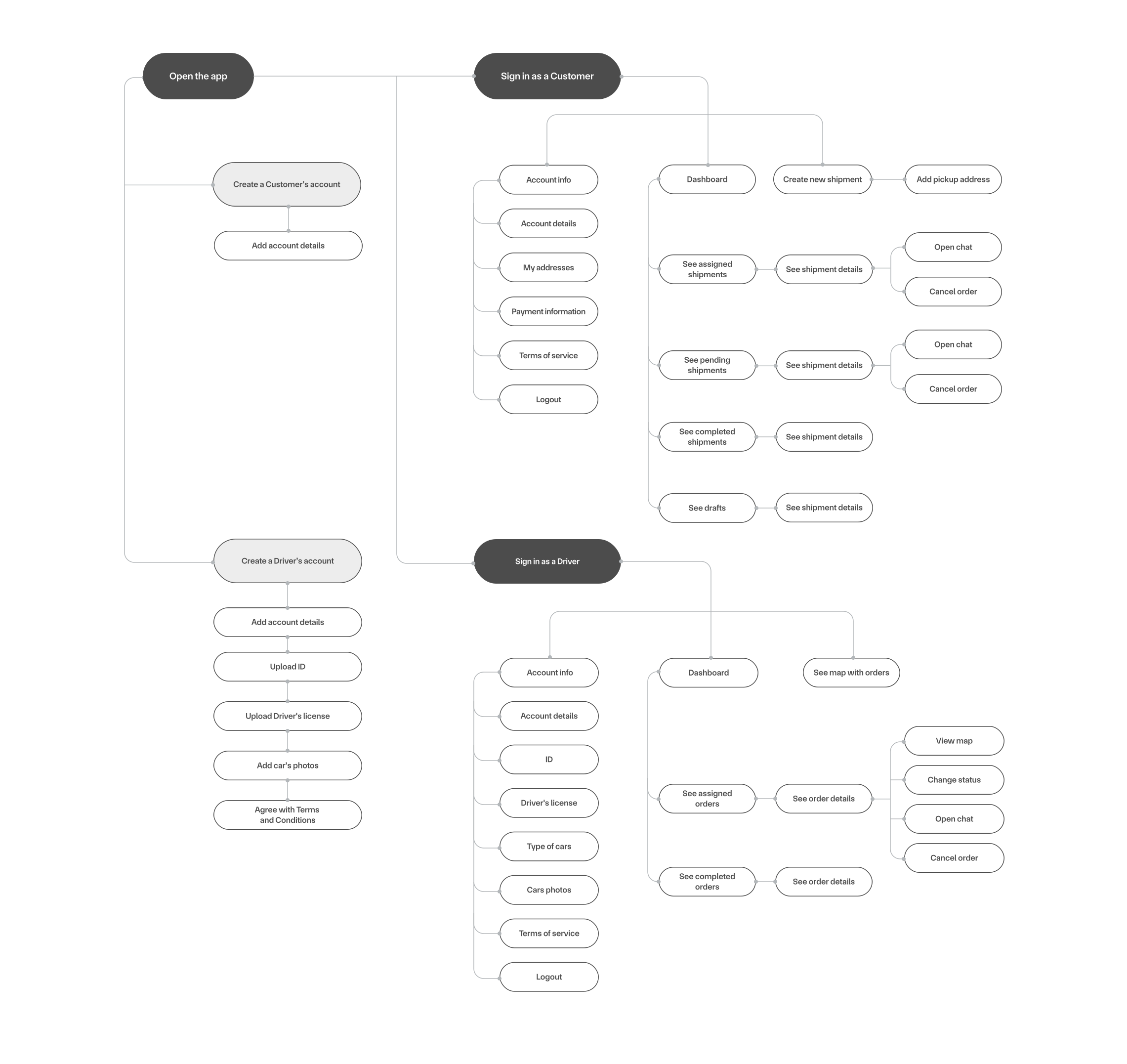
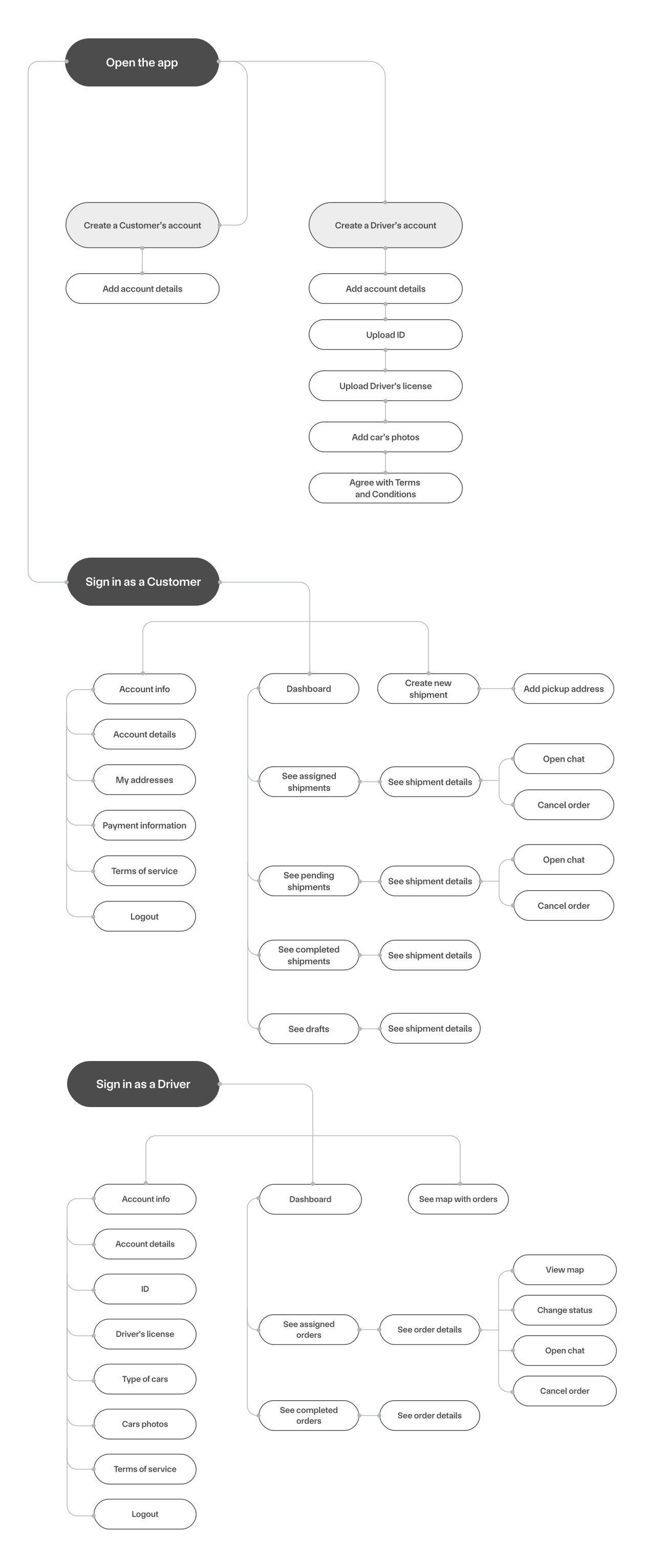
User flow
We started from drawing out a full business logic of the apps to clearly define every step of the order delivery process.
Key design characteristics
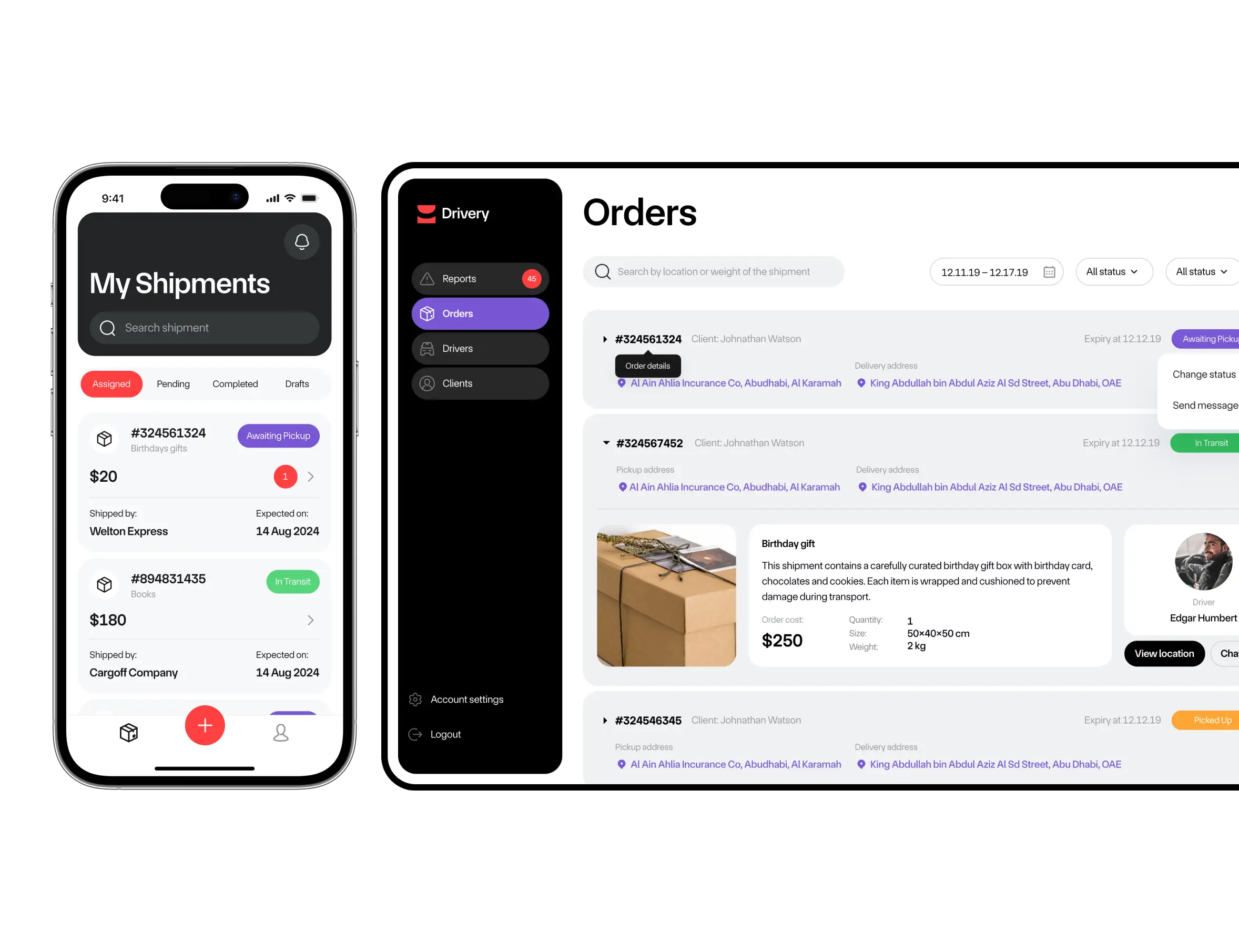
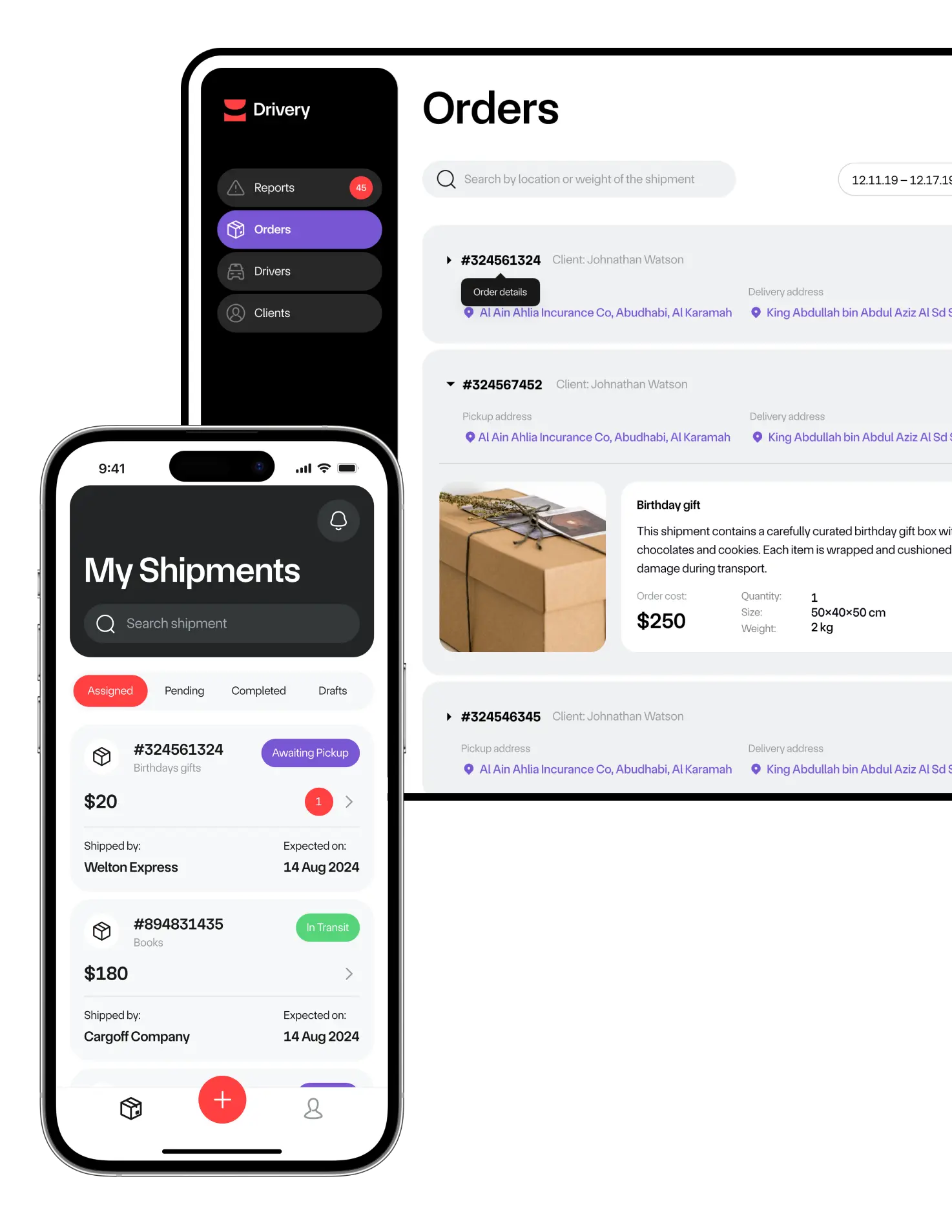
To speed up the processes, we made every design element vivid and clear, allowing tasks to be completed easily, step‑by‑step.
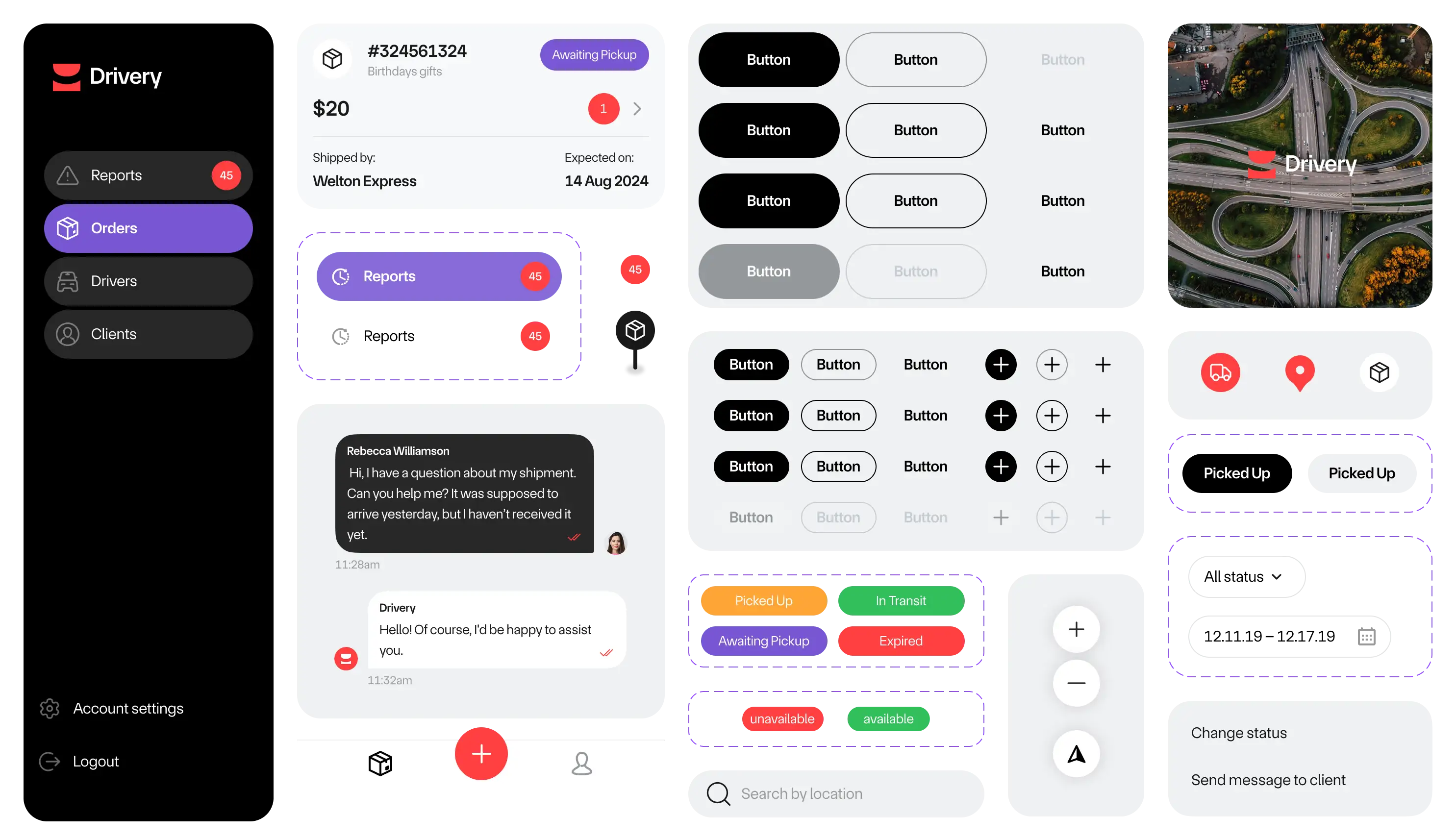
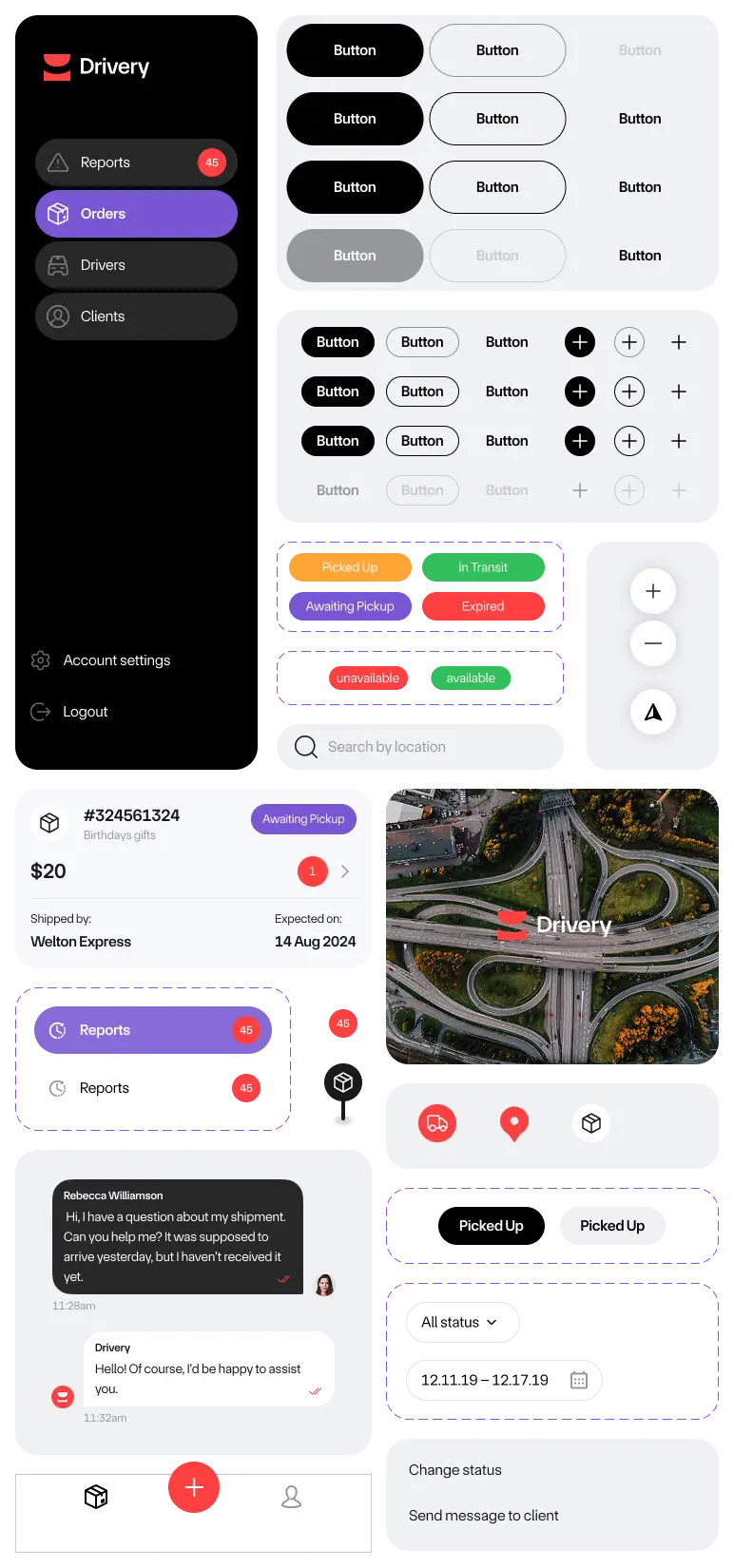
Although the design was simple and focused primarily on optimizing internal processes, the client wanted a consistent look across all parts of the system.
We designed the admin panel, driver’s application, and the customer’s app in the same style.
UI kit
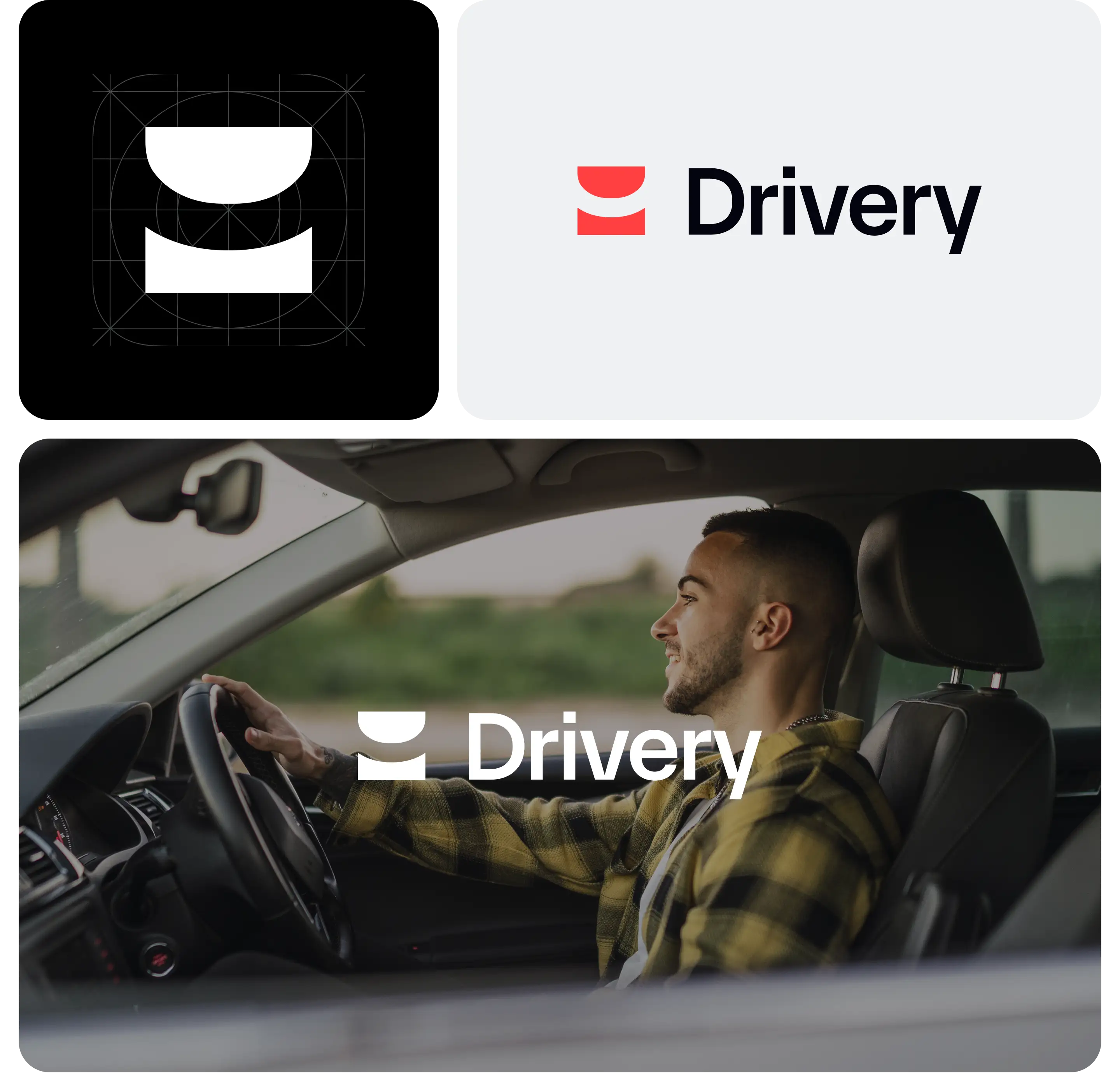
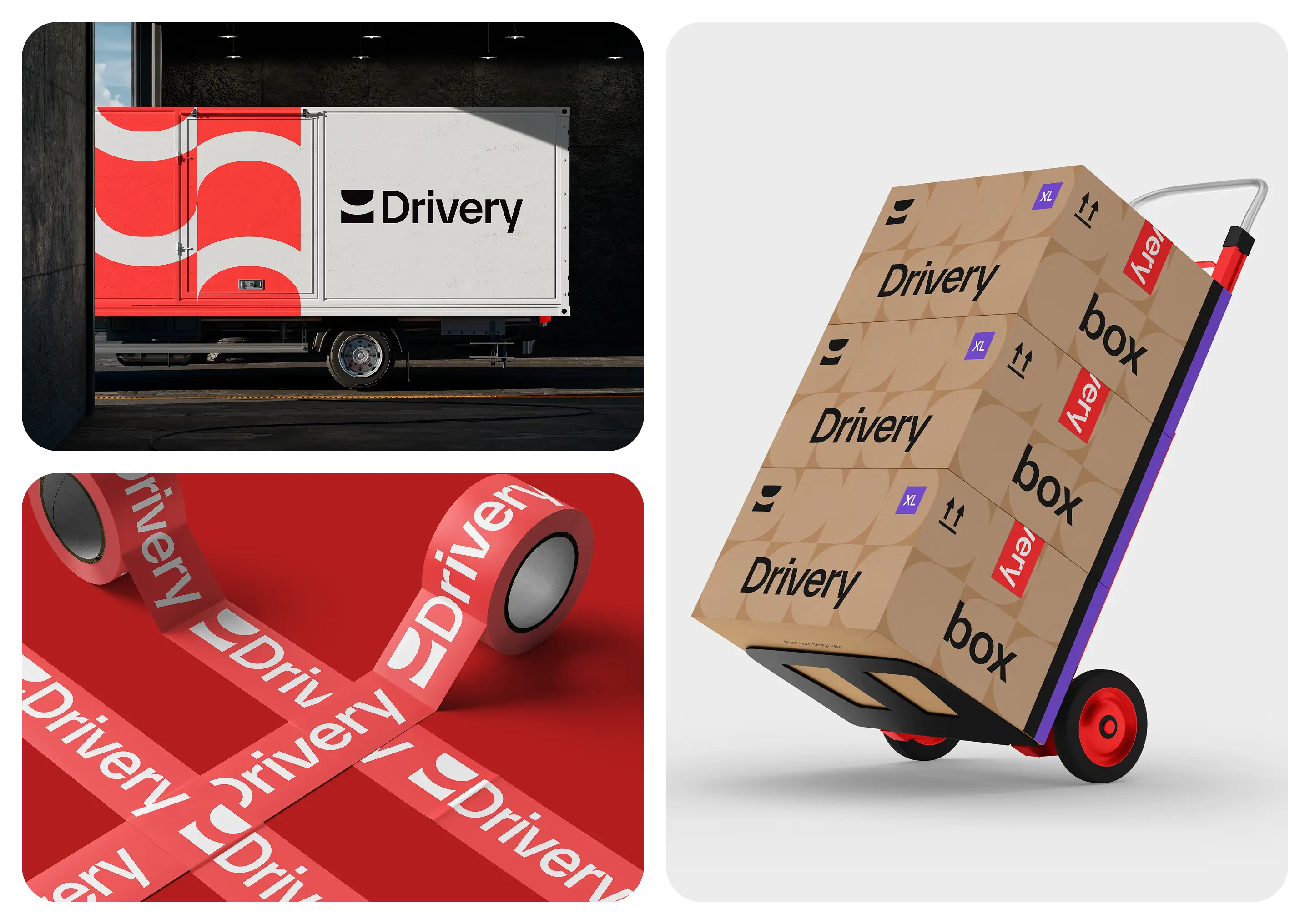
Branding
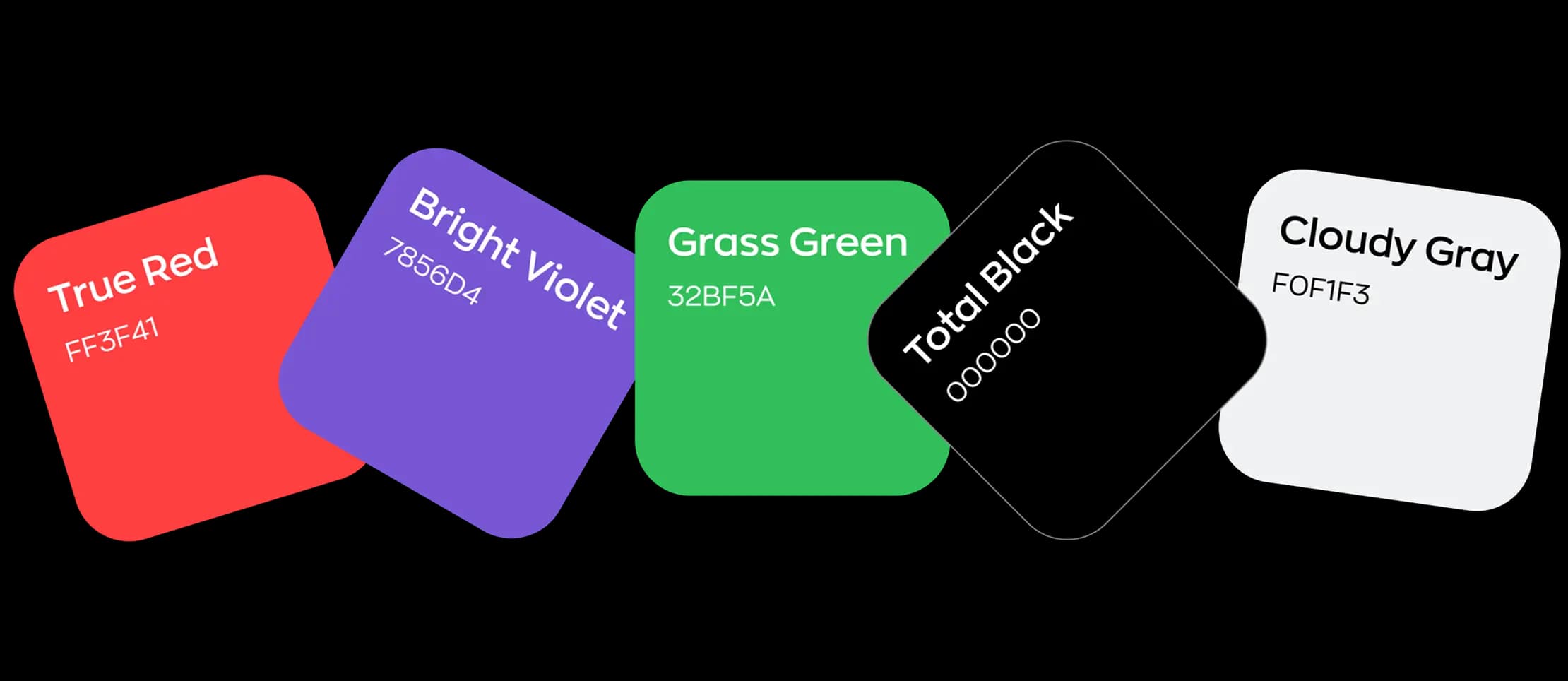
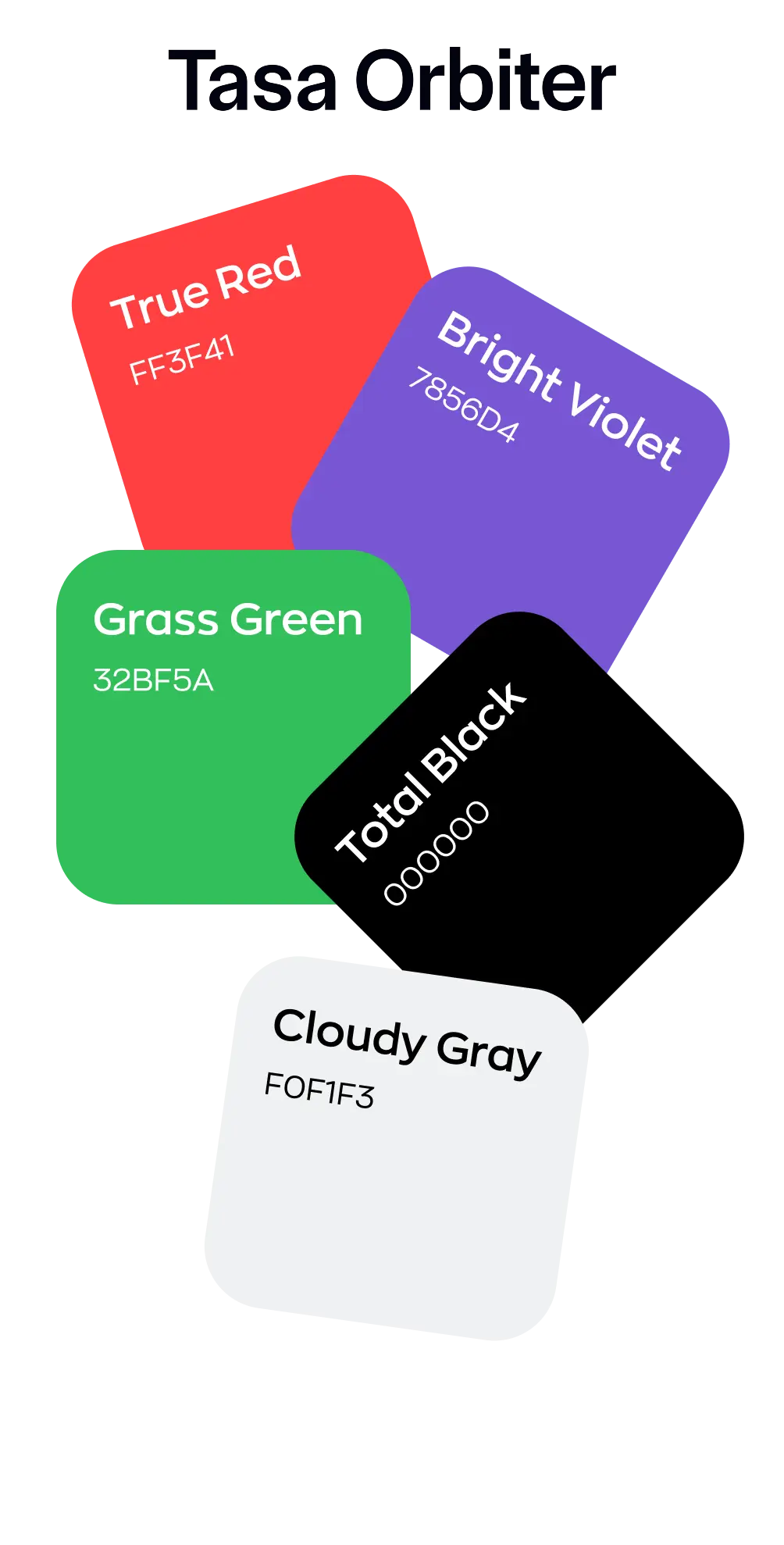
typeface & colors
Aa Bb Cc Dd Ee Ff Gg Hh Ii Jj Kk Ll Mm Nn Oo Pp Qq Rr Ss Tt Uu Vv Ww Xx Yy Zz
0 1 2 3 4 5 6 7 8 9


icon & branding
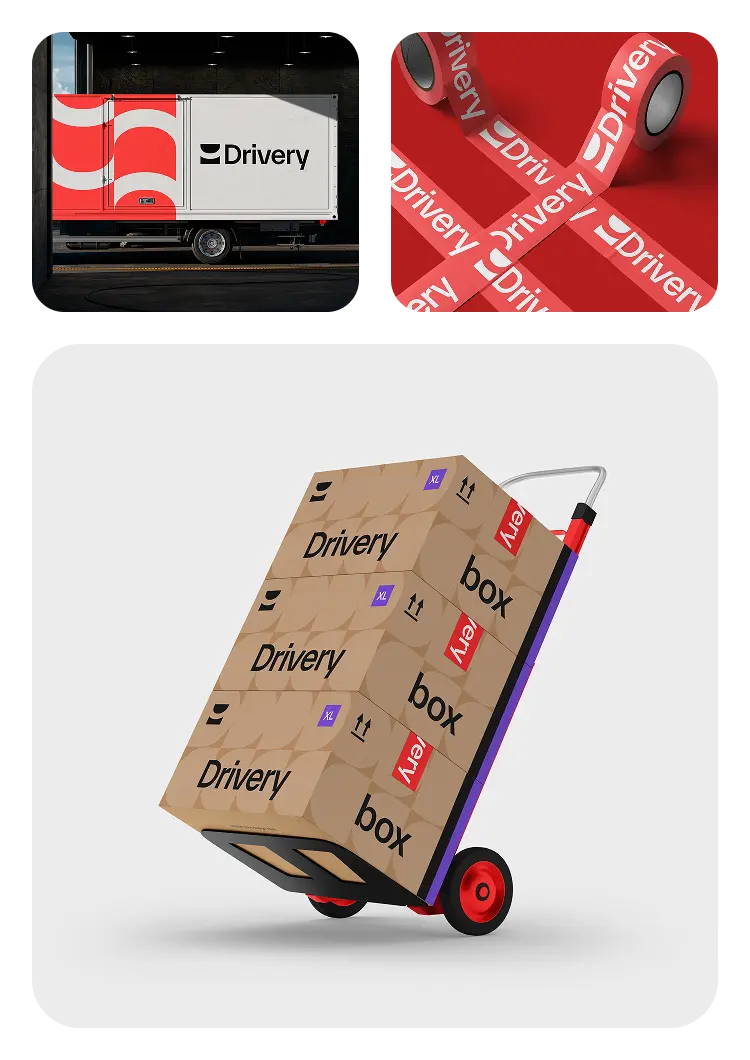
As in all our designs, we followed user interface design principles, which set high standards for usability. We dealt with each app and each role separately to make sure they’ll be convenient for users in real-life contexts.
Features
Admin web panel
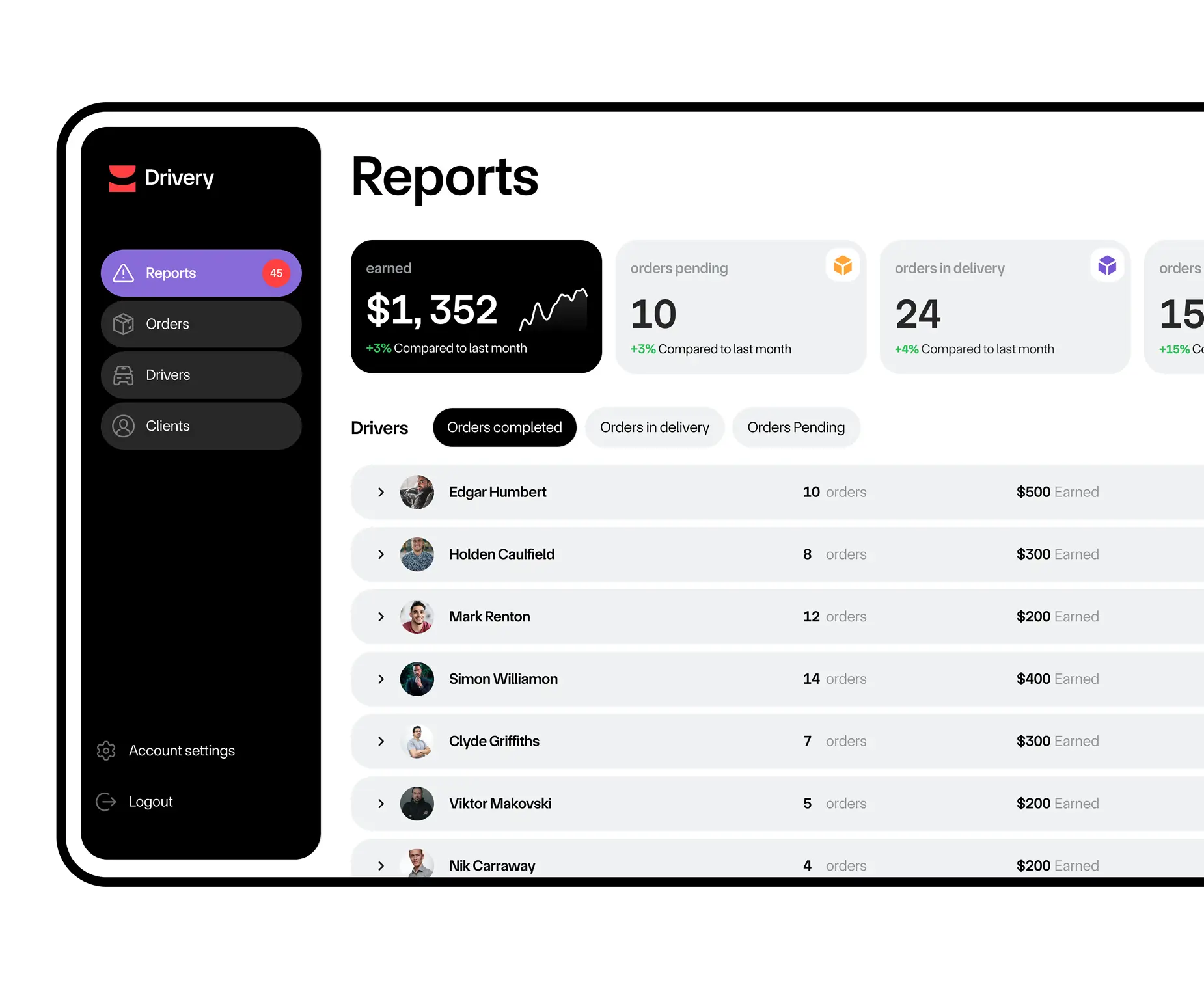
The admin panel allows an administrator to view reports, calculate prices, manage orders, track and change their statuses, and assign and reassign drivers to the orders.
Analytic data
The system offers customizable reports, showing the number of pending orders, items in delivery, completed orders, and earned money. An administrator can also view the performance of the drivers by applying filters.
Order management
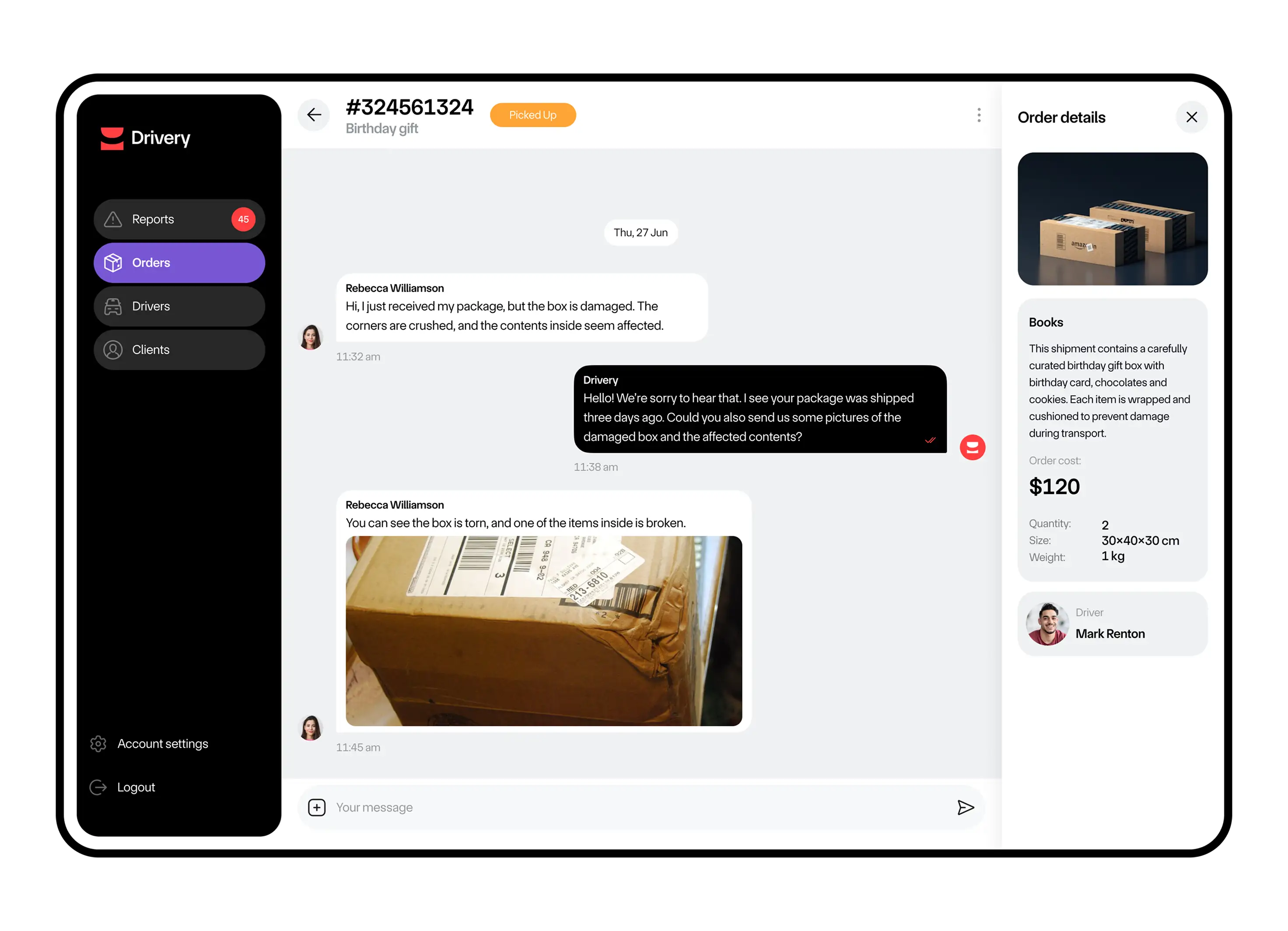
An administrator can view pending orders, change their statuses, view details, and cancel orders.
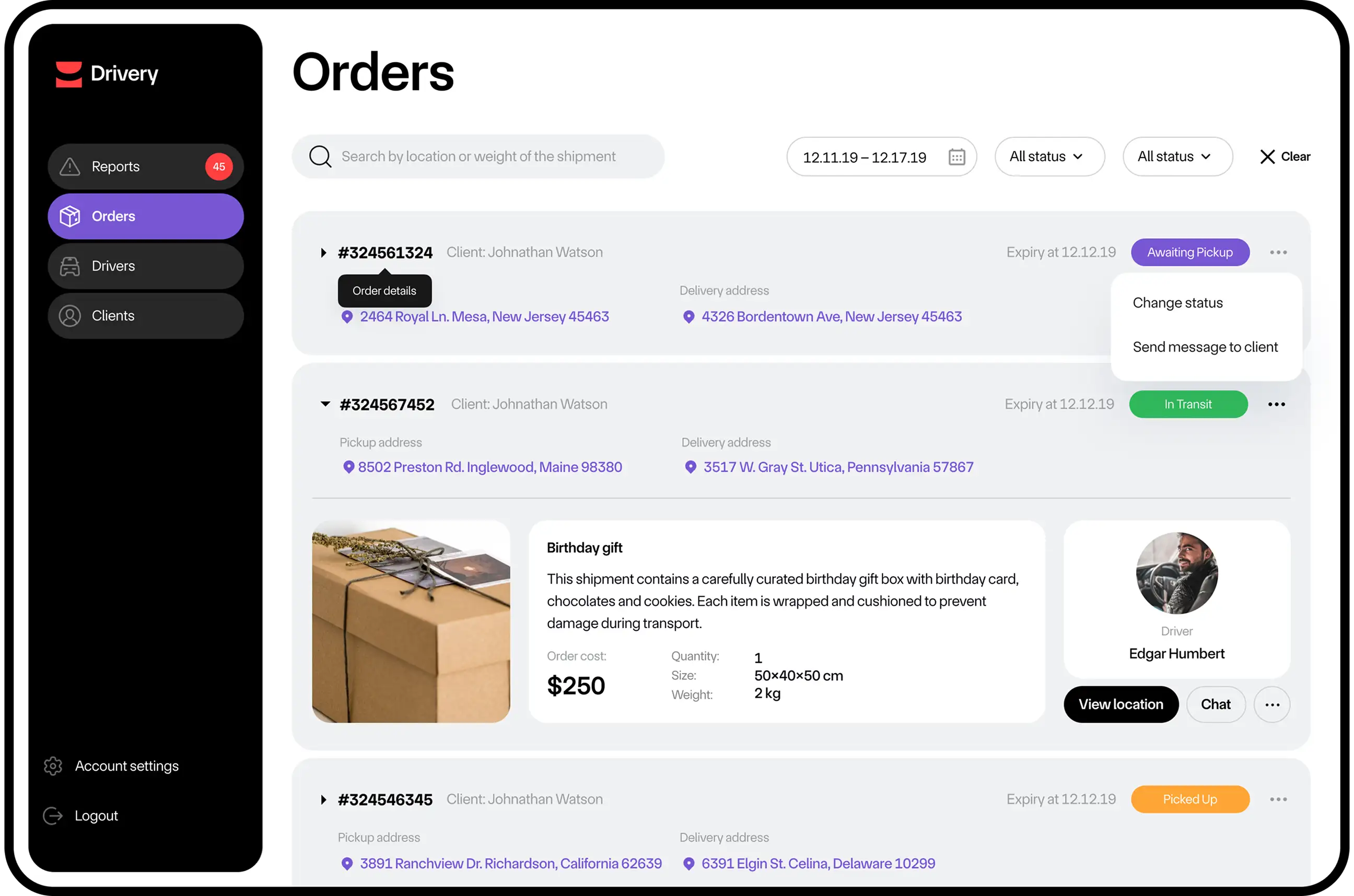
By clicking on the order, an administrator can view the details, pick-up, and delivery locations.
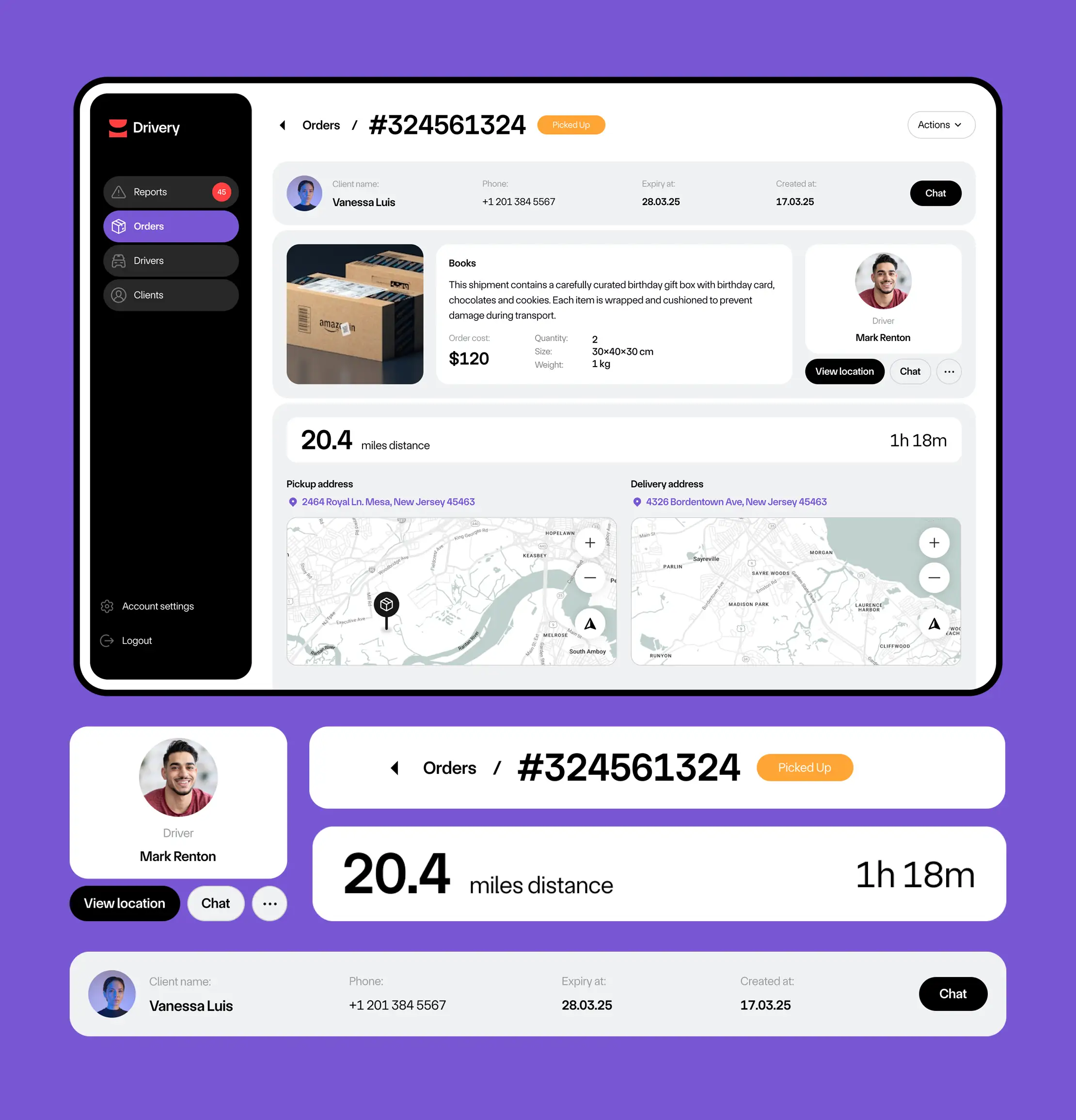
By clicking on the ‘Status’ button, the administrator can chat with a client or a driver, or assign an order to a driver.
Drivers management
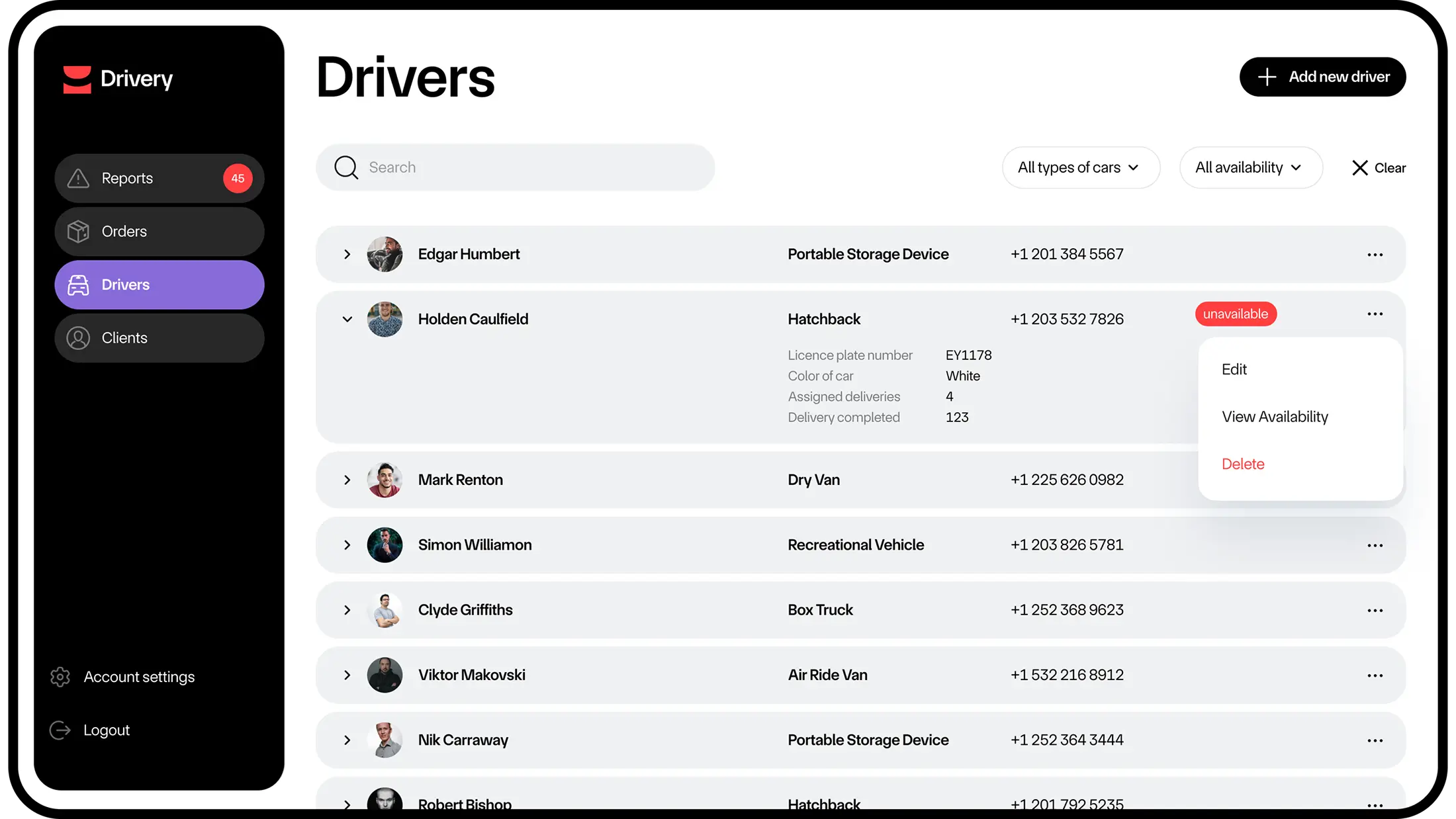
An administrator can add new drivers, assign deliveries to available drivers, and make timely decisions regarding pending orders. The page provides comprehensive information on each driver, including name, contact information, car type, and availability status.
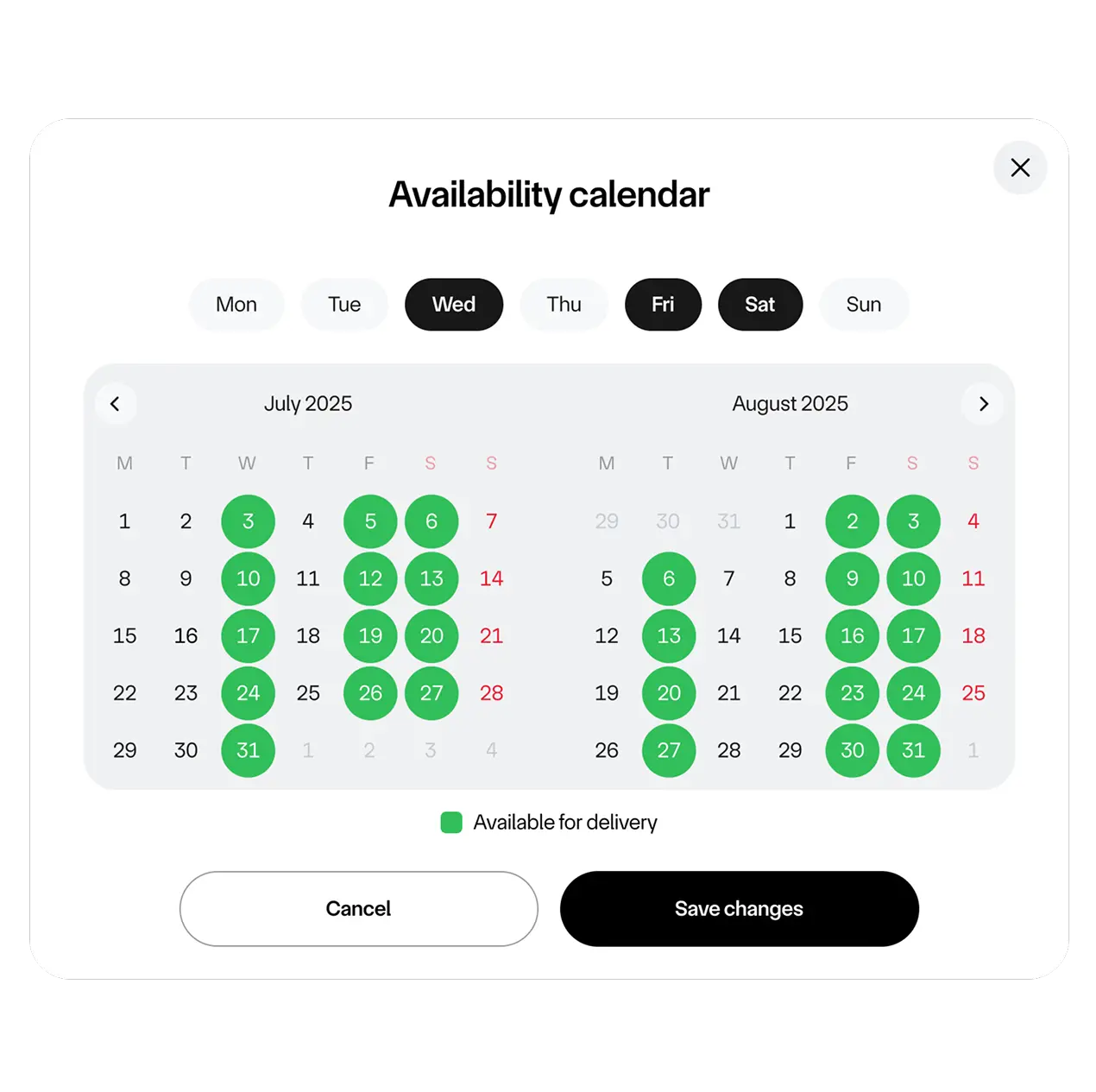
To schedule a delivery, an administrator simply needs to check a driver’s availability calendar and book the desired date.
Customer’s mobile app
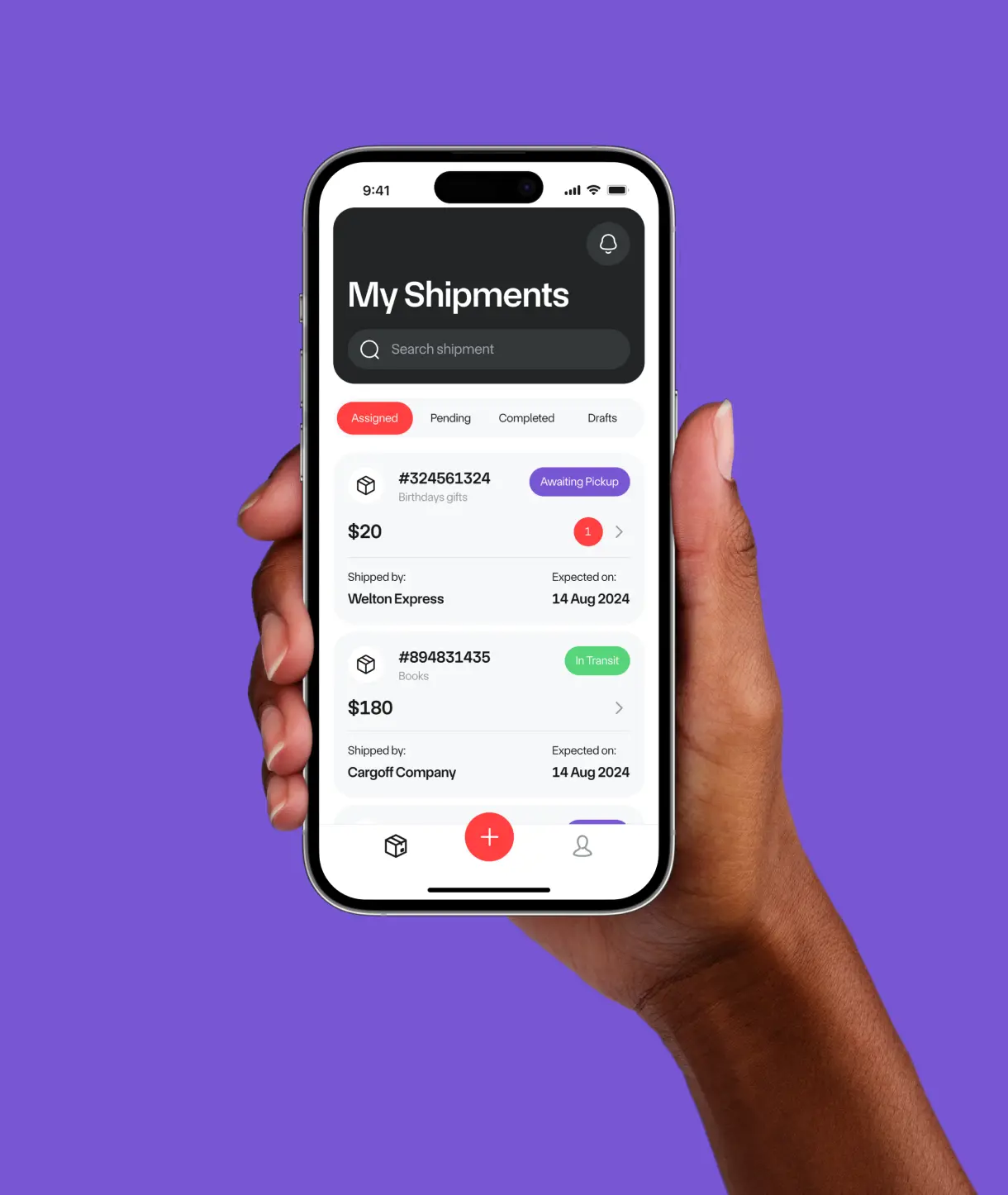
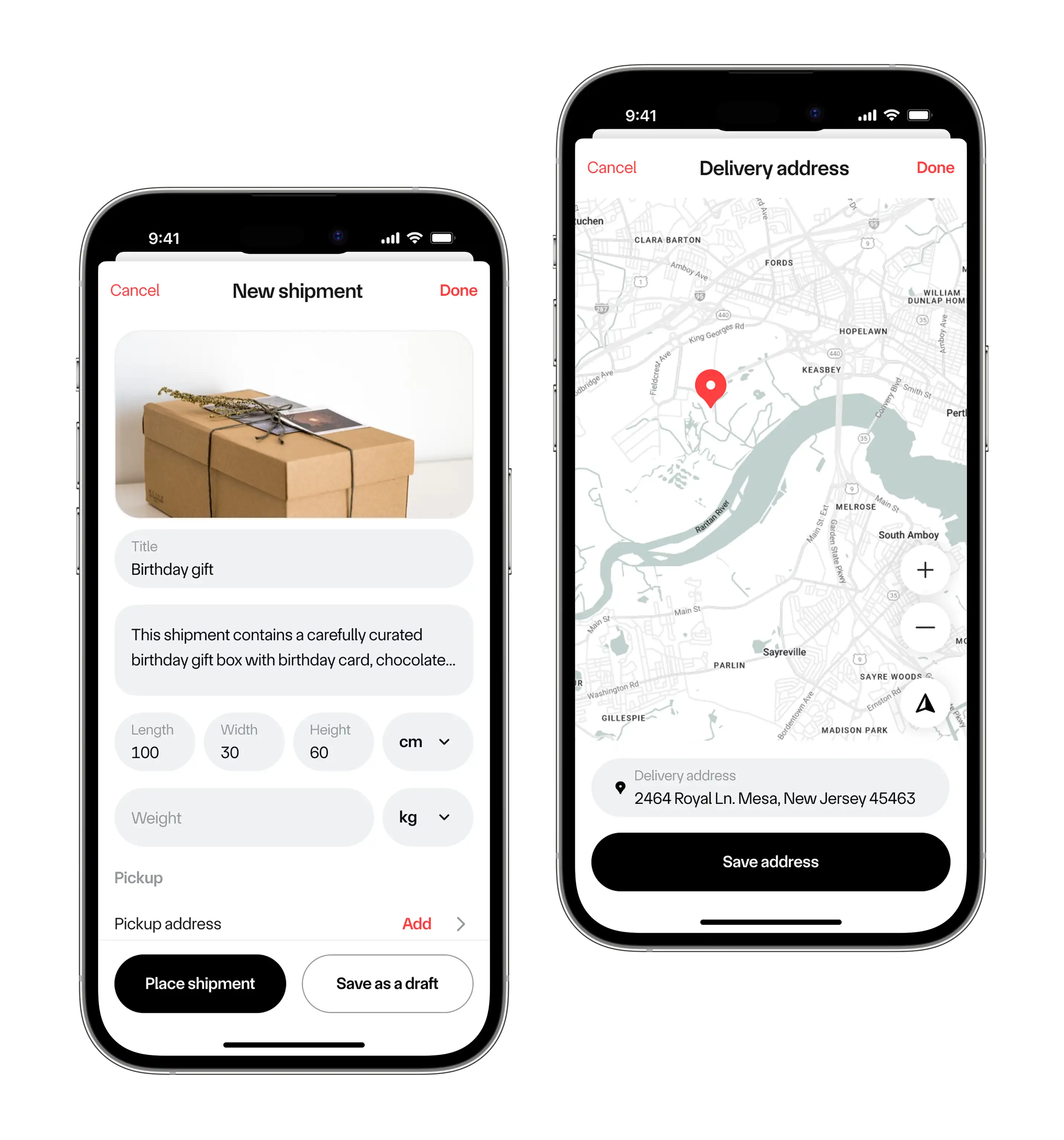
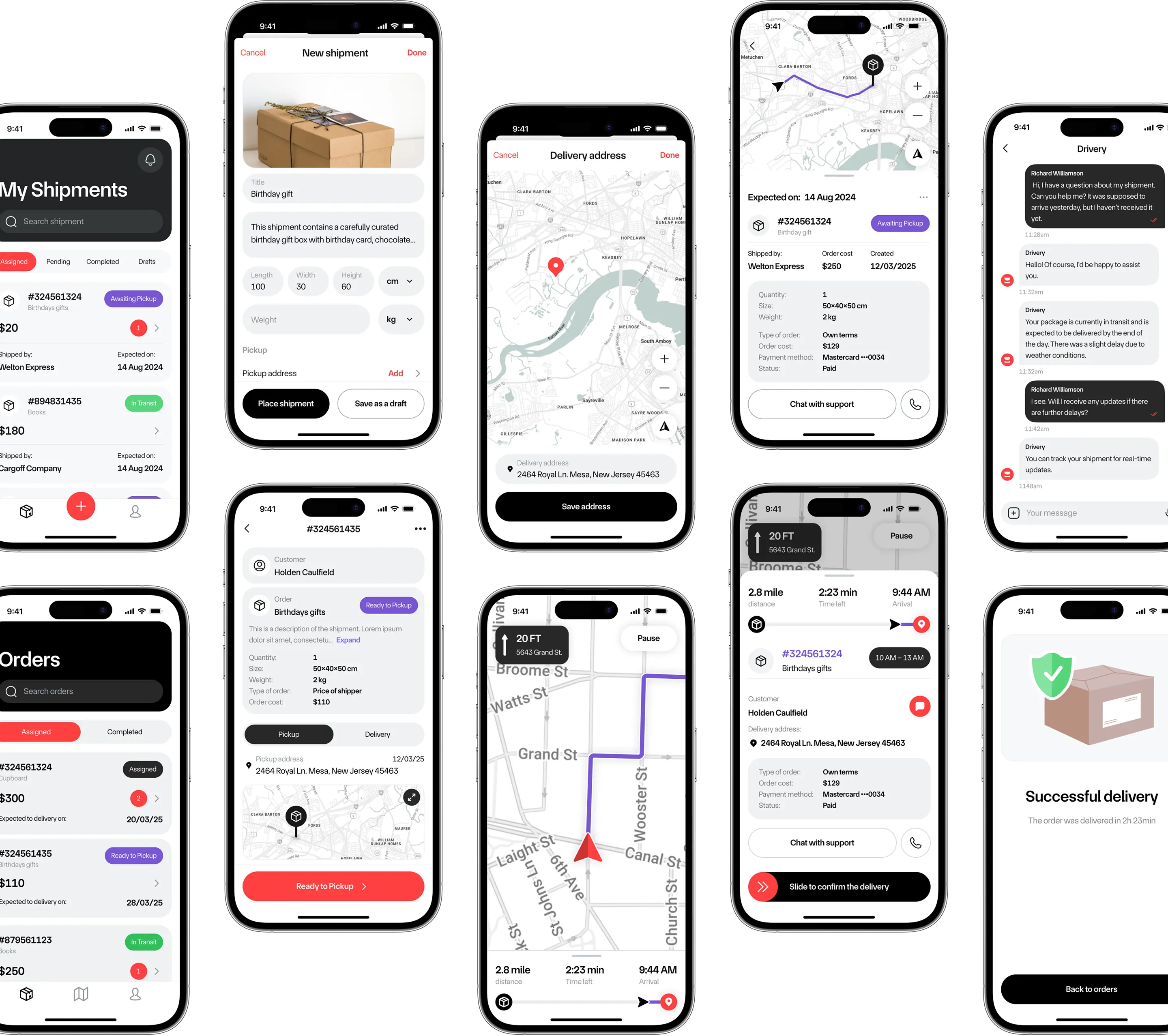
The app allows a customer to place an order for delivery remotely.
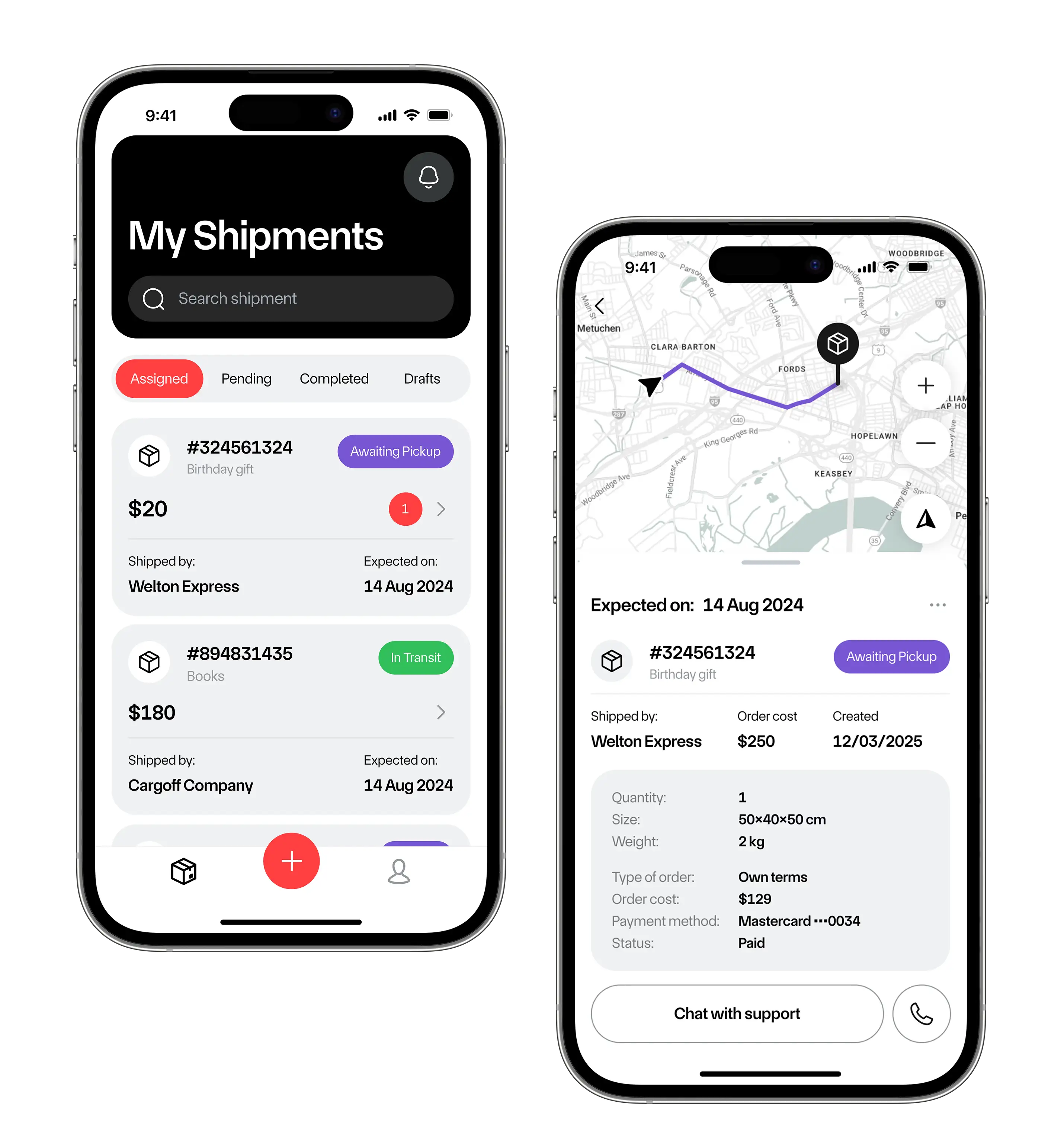
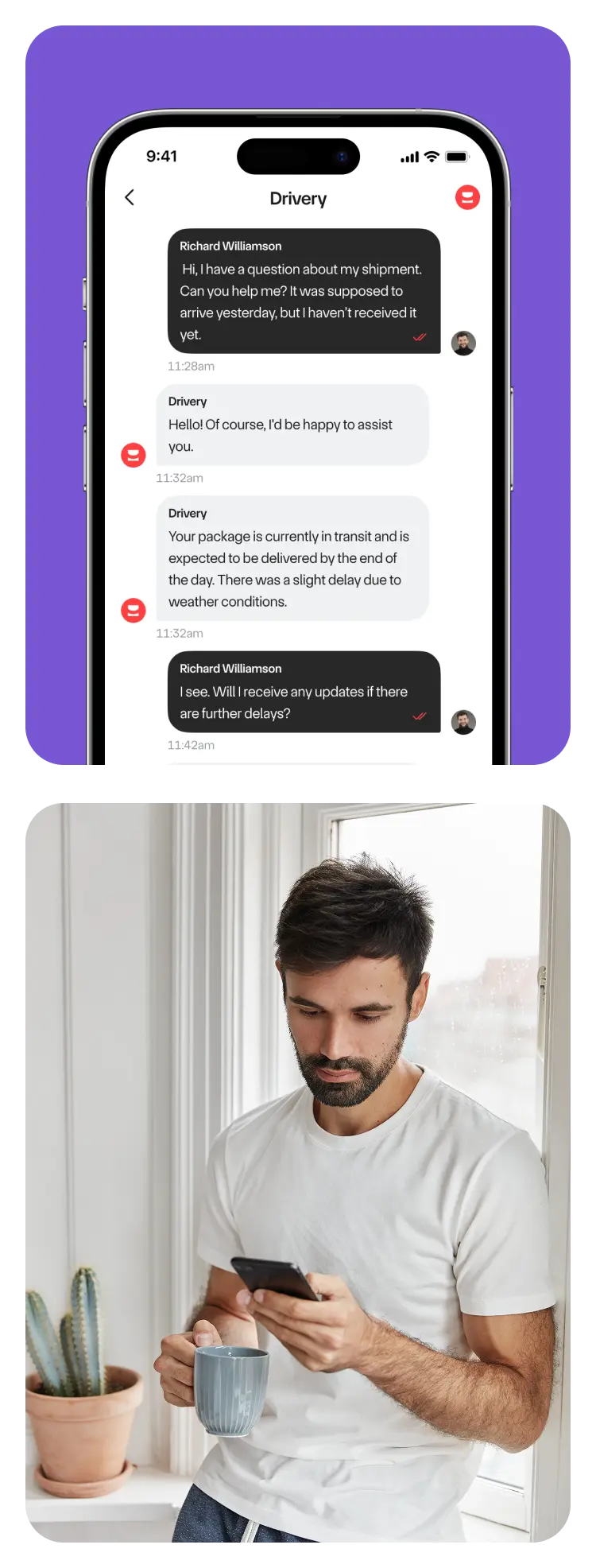
Customers can view shipment status, order details, and chat with the service administrator if there are any issues.
Order placement
A user provides detailed information on the package, including the item's photo and parameters. The price is calculated based on the item’s parameters and delivery distance.
Shipment tracking
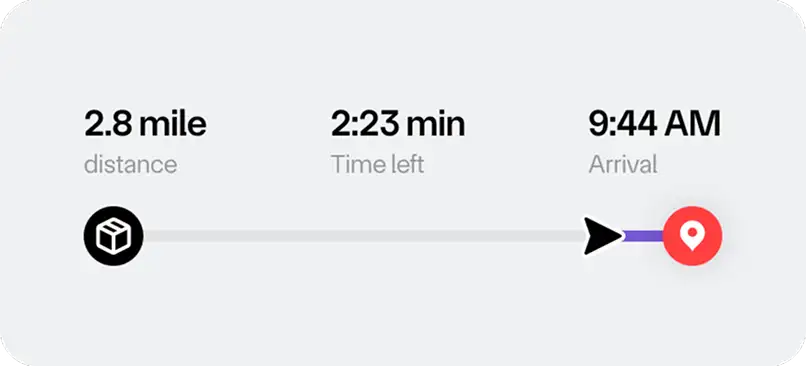
A user can view the changing status of the order and click on it to see the details, including the expected delivery date, driver’s information, and the map.
Reporting tool
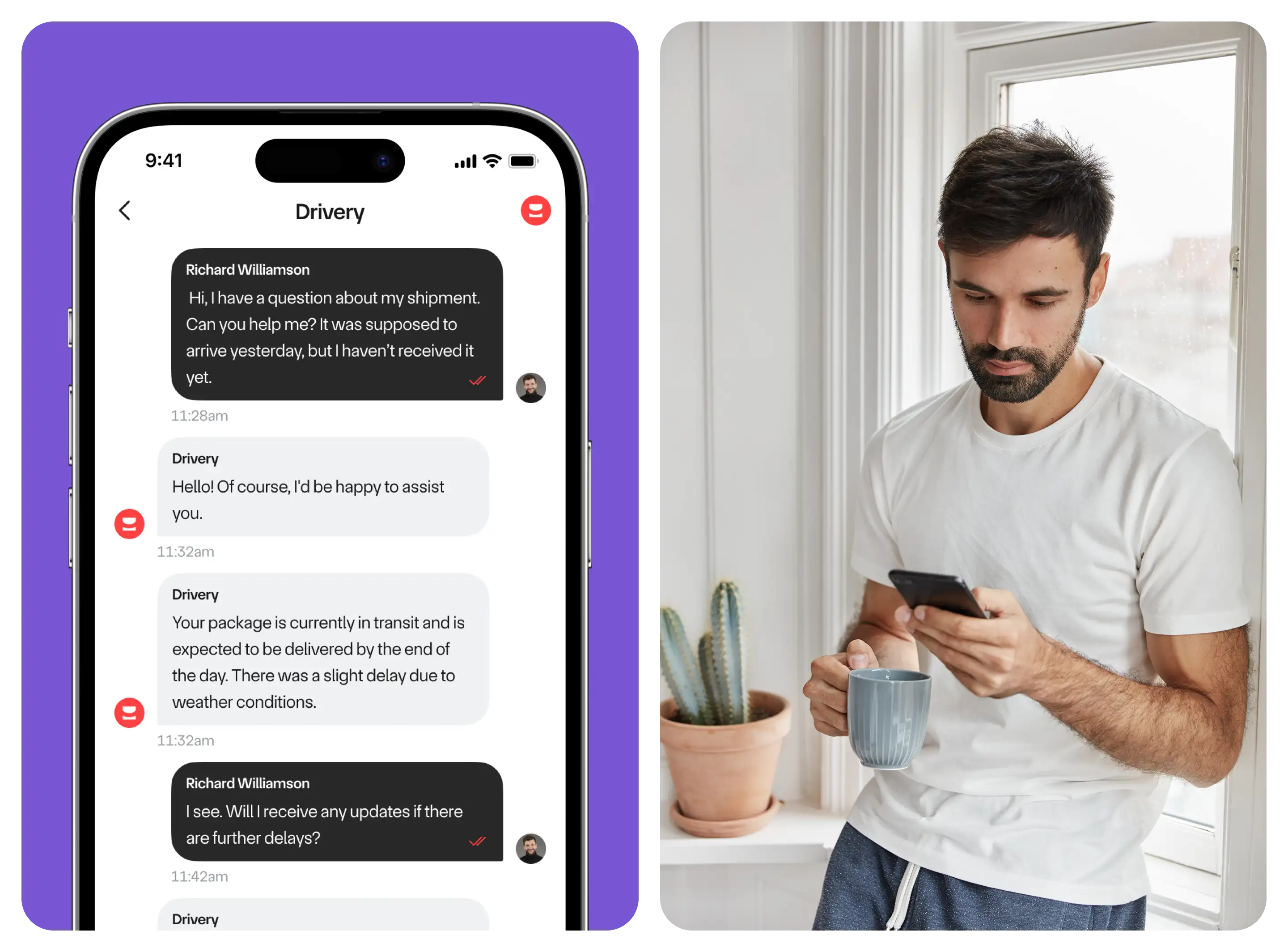
In case of any problem or question, a customer can contact the company by sending a message and uploading an image via the chat.
Driver’s mobile app
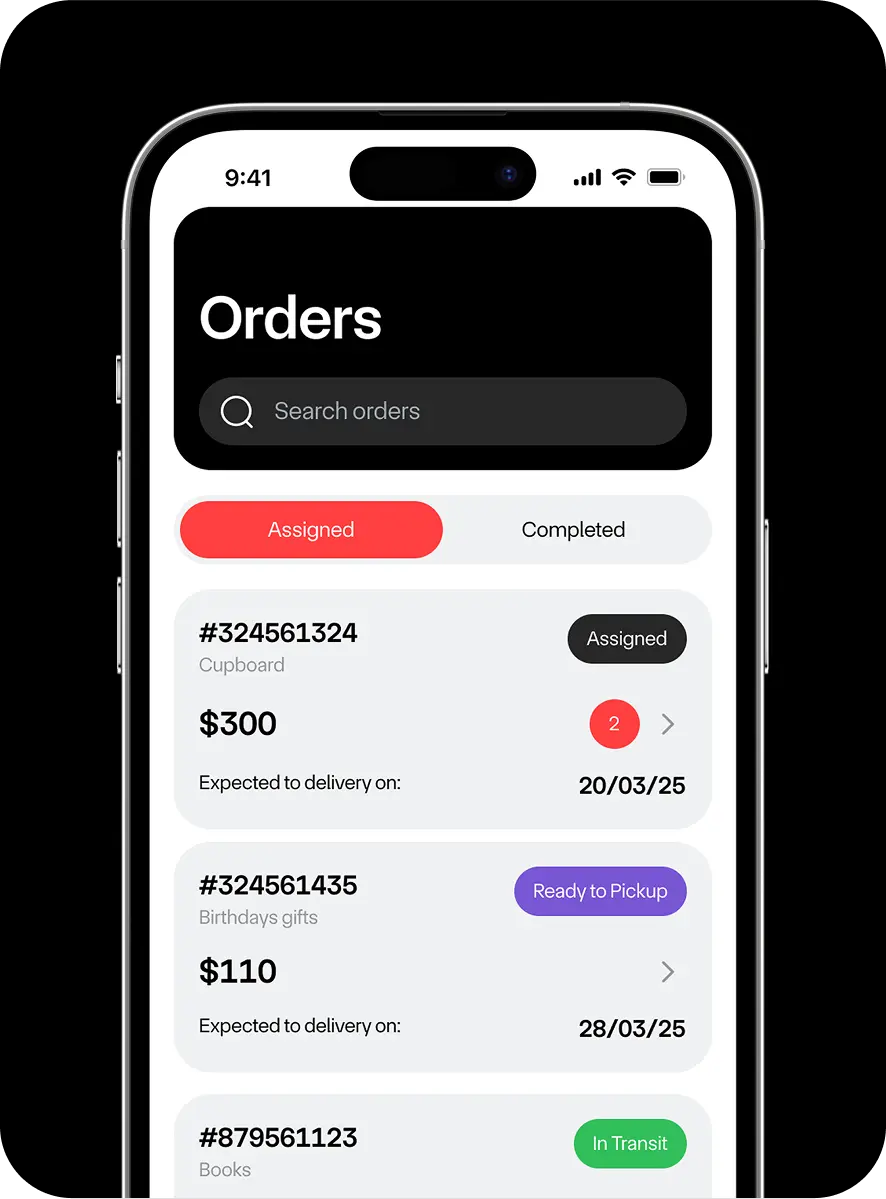
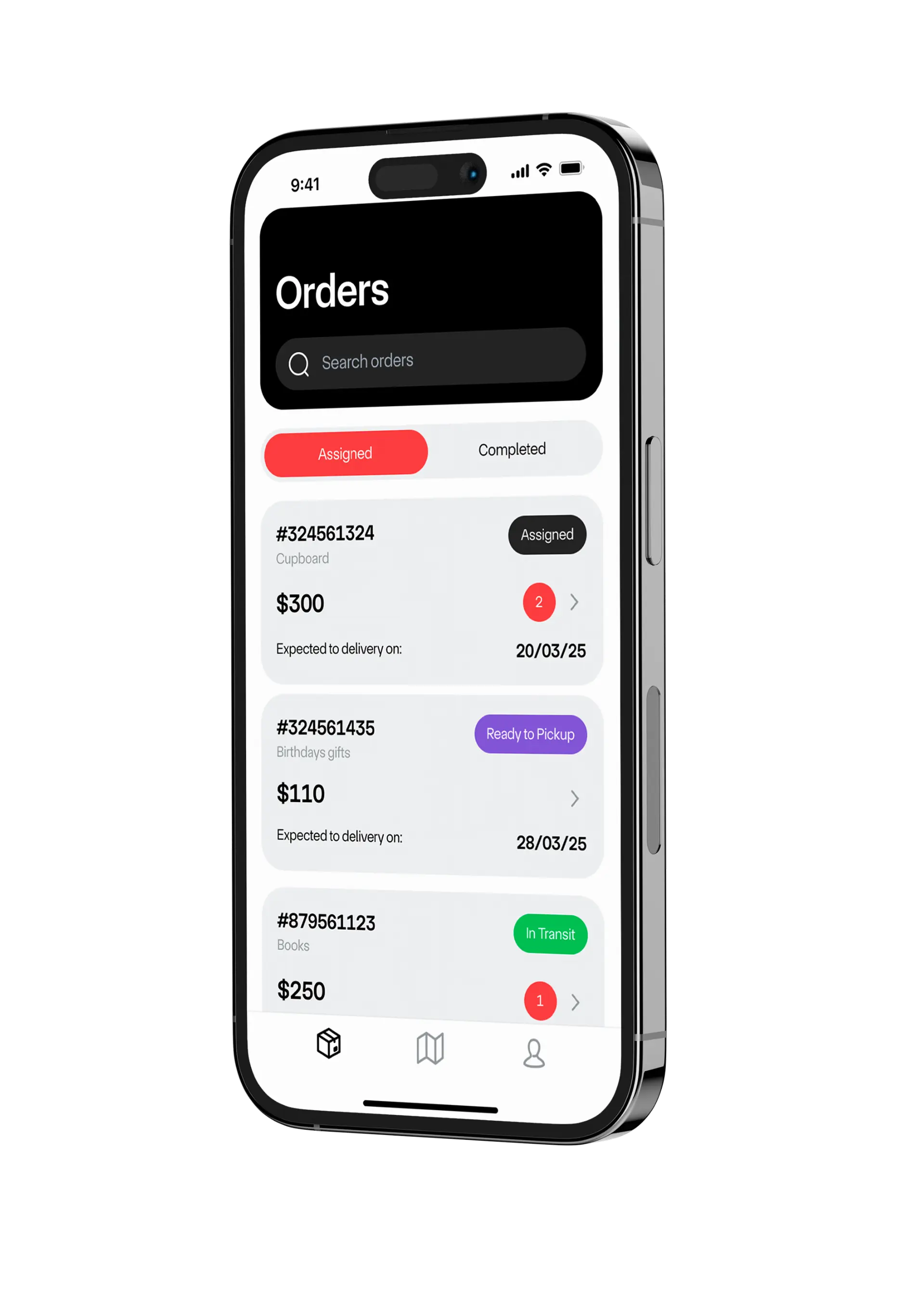
Drivers are assigned orders by managers.
To enter the application, a driver simply types in a phone number and confirms it by entering a code from an SMS.
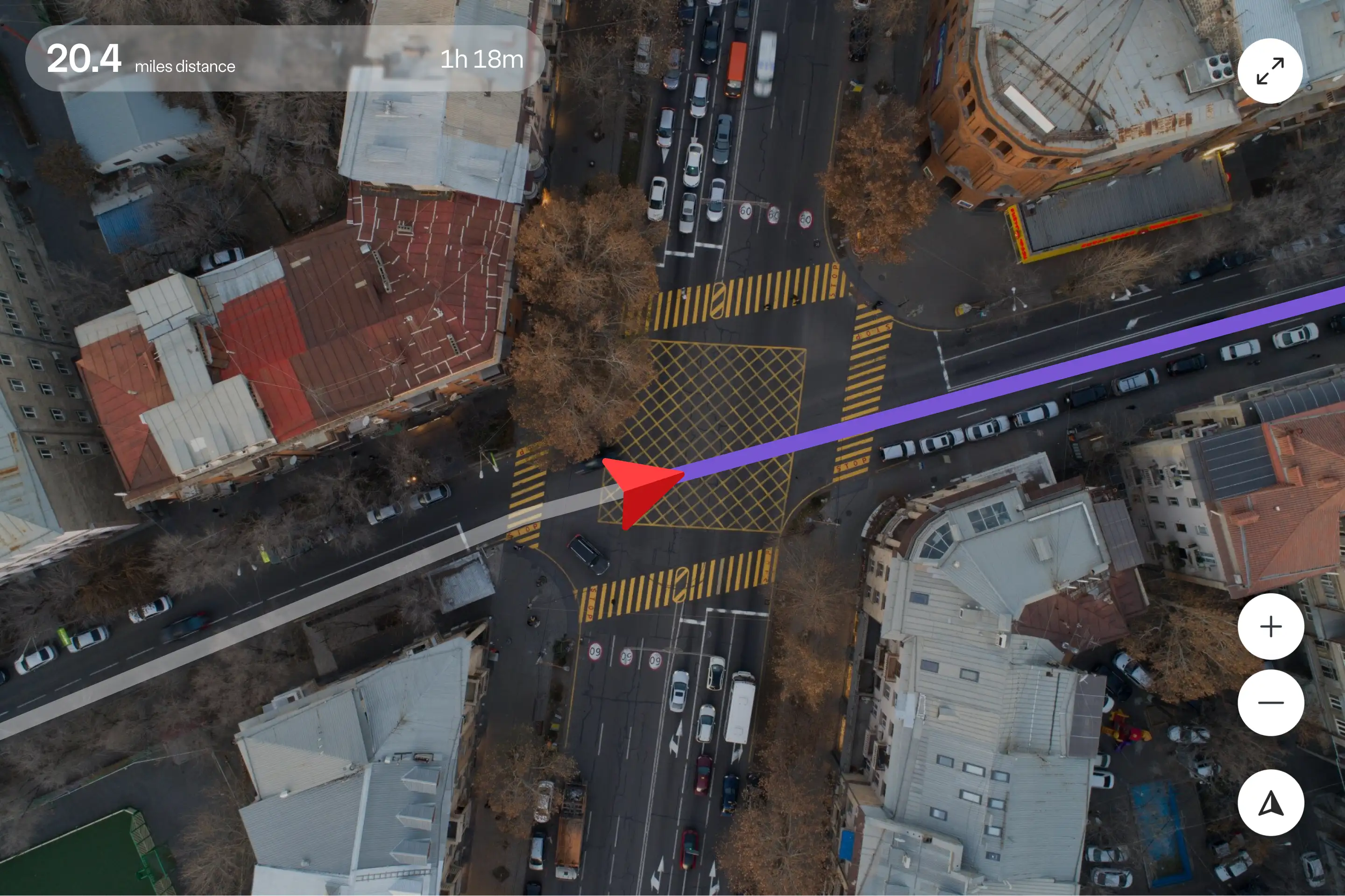
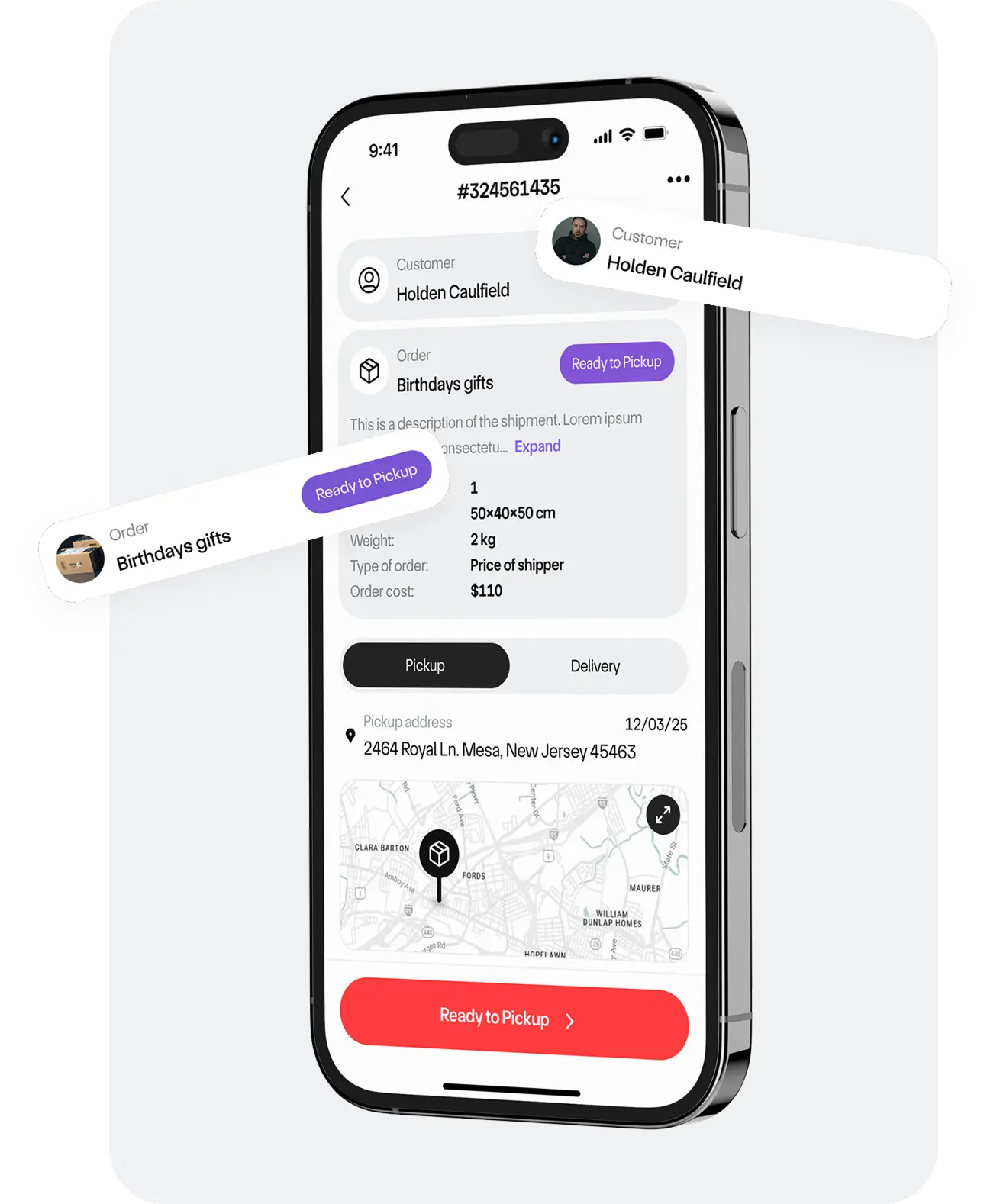
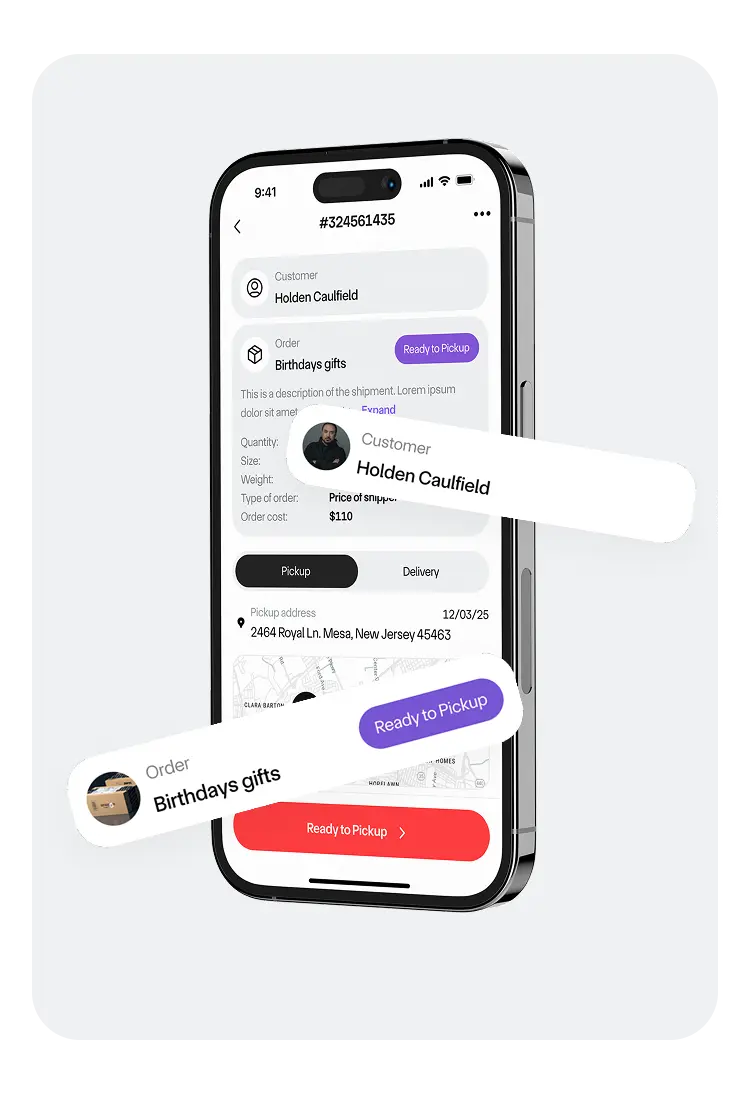
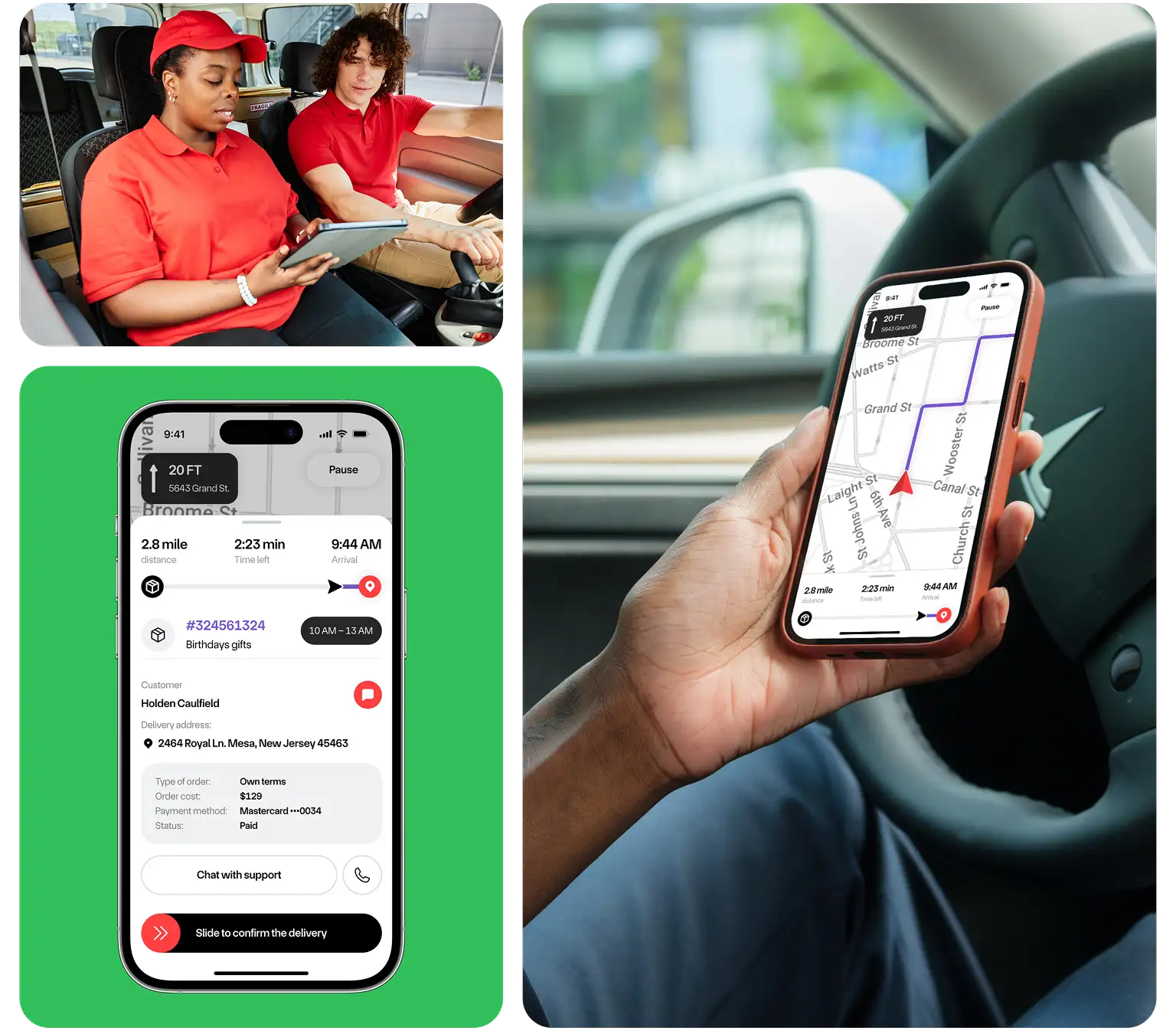
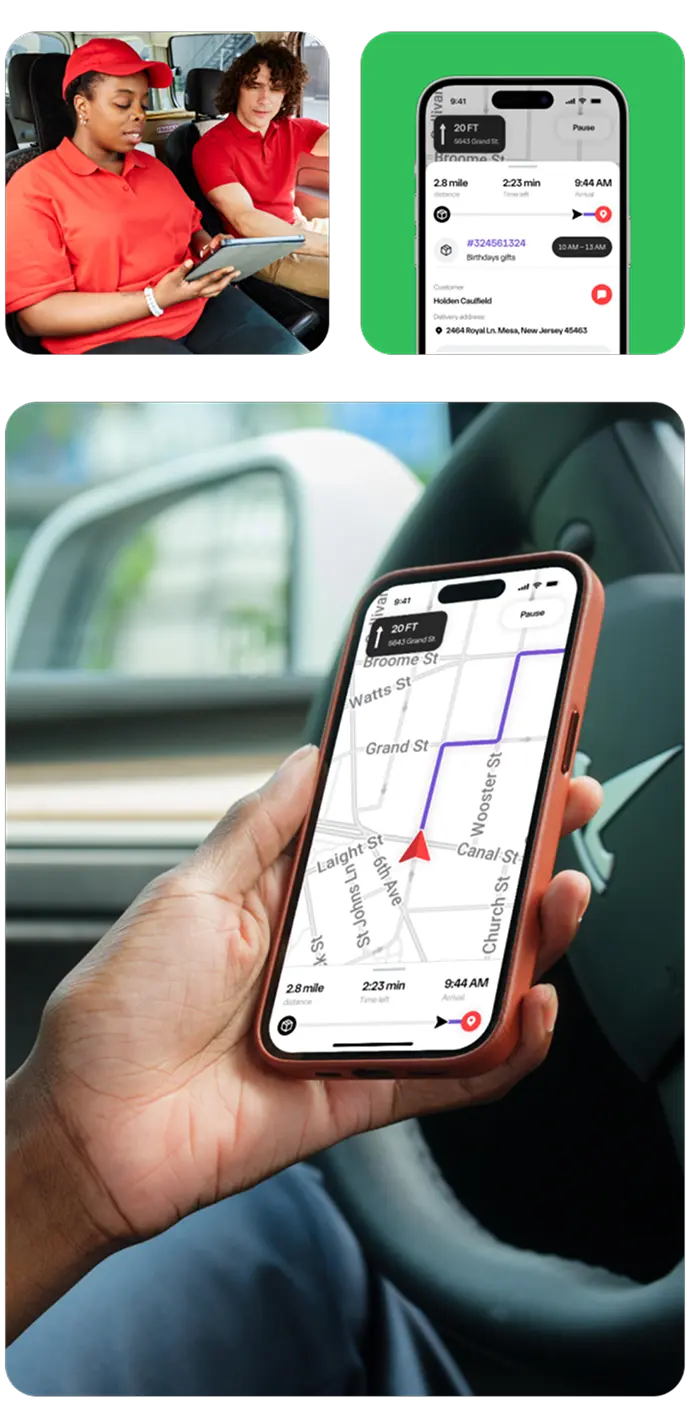
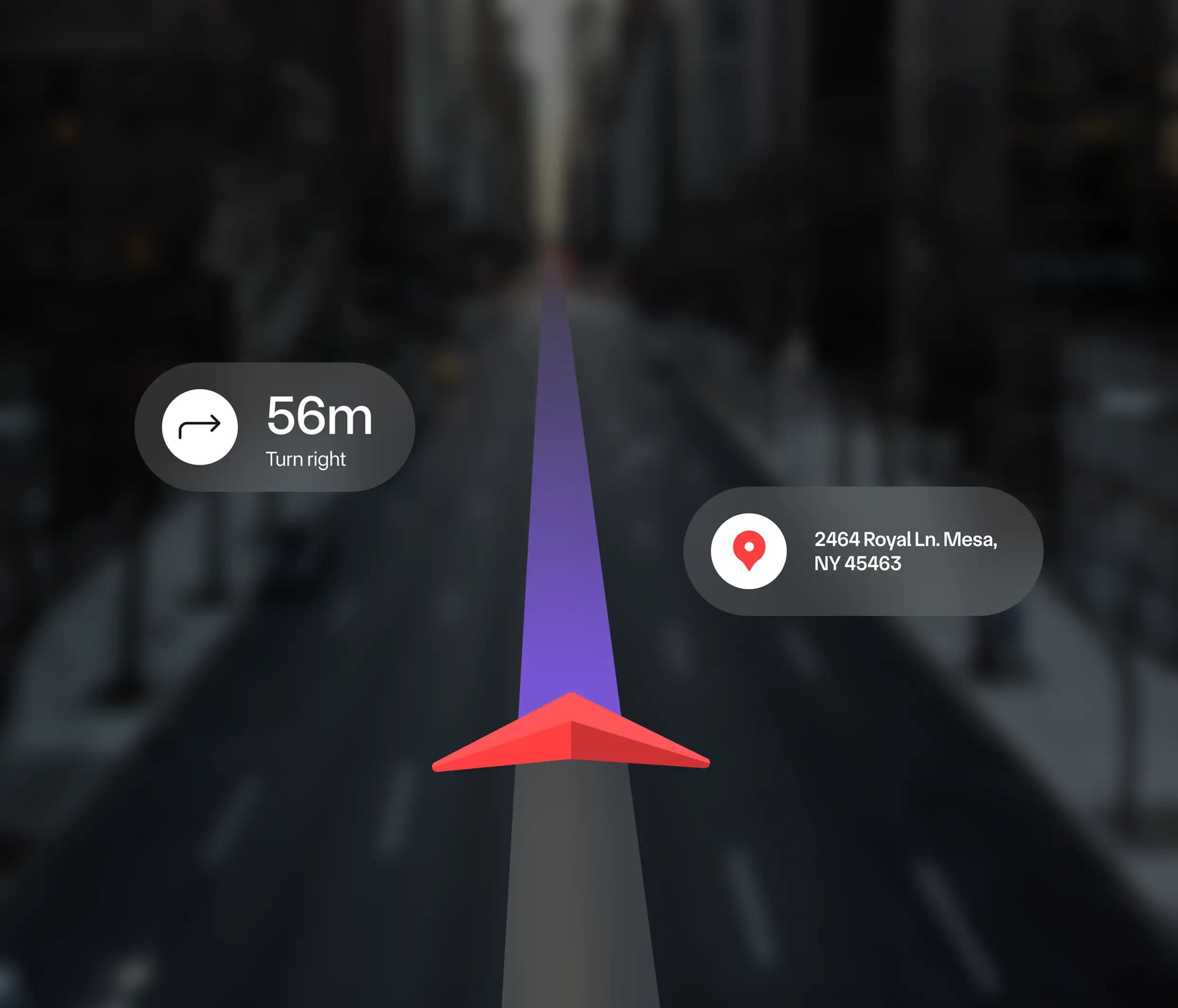
They can receive new shipment details and access the delivery route with the endpoint.
Assignments
Drivers receive assignments within their app with detailed information on the item to deliver.
Route optimization
Google Maps integrated with the driver’s application helps choose the most convenient route in real-time.
Should any issue occur on the way, a driver can report it instantly to the contact support.
Delivery confirmation
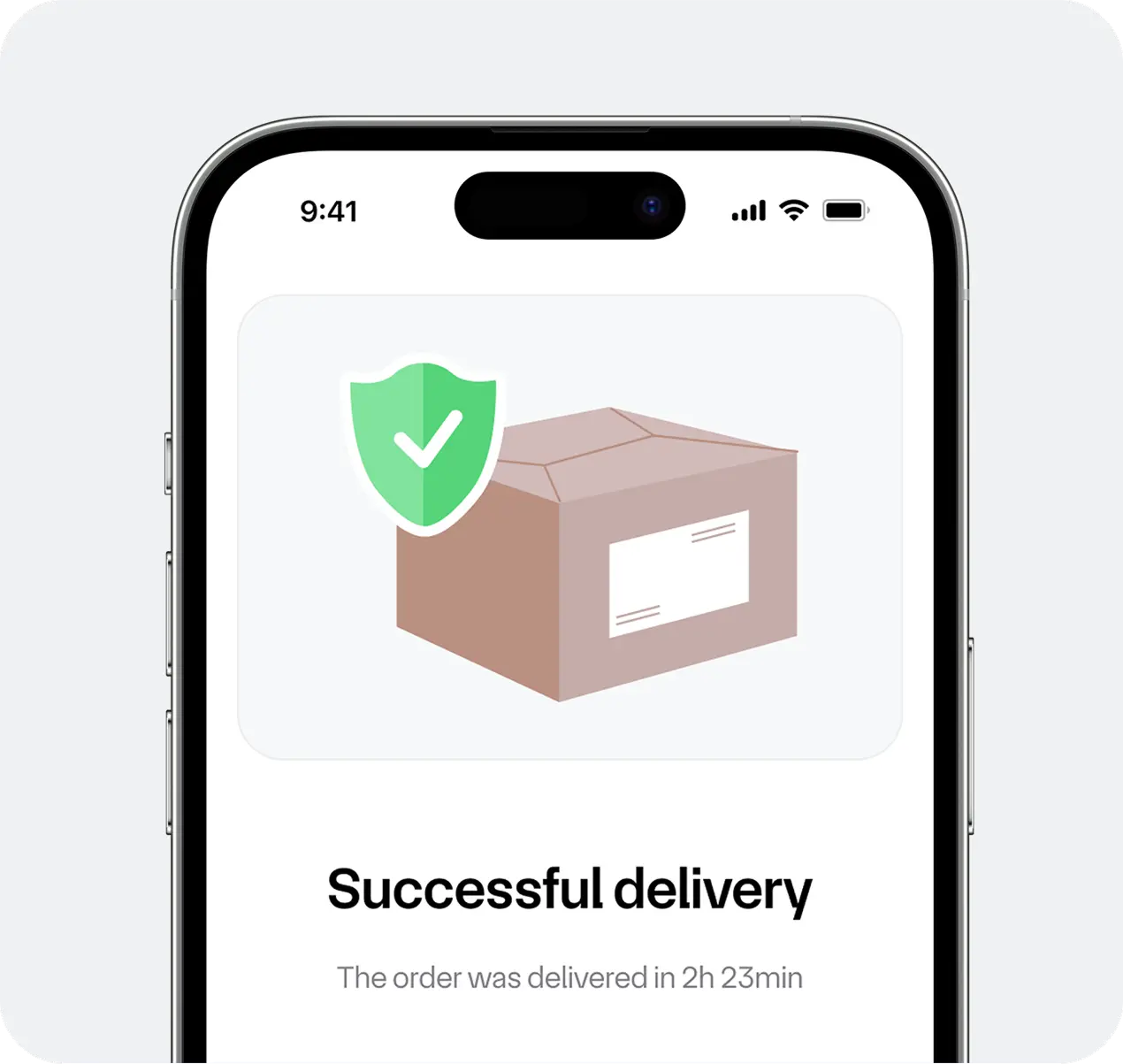
Once the package reaches the customer, a driver confirms the delivery in the application, which updates the web admin panel.
Technologies
Laravel
Using our favorite Laravel framework, we built the server-side of the delivery management system. Laravel reduces development time thanks to its reusable components, allowing us to bring products to release faster.
NextJS
With the Next.js framework, we built a customized interface for the delivery admin panel. This framework is perfect for scalable projects that require high performance.
React Native
To reduce development time, we used the React Native framework for cross-platform mobile development. The ability to use shared components allowed our developers to simultaneously build apps for both iOS and Android operating systems.
NX monorepo
The NX monorepo simplifies and significantly accelerates development on large projects, particularly when multiple applications need to reuse each other’s components.
Google Maps
We integrated Google Maps into the mobile app for drivers for route optimization, using the react-native-maps and react-native-maps-directions libraries.
Google Cloud
We chose Google Cloud to provide the infrastructure for the project, valuing its high level of robustness and security.
WebSockets
WebSockets provide real-time, event-driven communication between server and client, enabling instant updates on order status changes.
Google Pub/Sub
Google Pub/Sub is a messaging middleware for service integration that helps handle large data volumes.

Results
We managed to finish the project in nine months, which was the timeframe set by the client. The system we developed is currently in the testing period, and it has already demonstrated its effectiveness. This is how the development of mobile and web apps for package delivery helped our client:
Delivery visibility
Every delivery step became transparent for all stakeholders through digitalization and was accelerated.
Easier planning
Now that the admin panel shows all the details of the delivery service and results in statistics, it has become easier for the company to schedule order fulfillments and assign tasks to drivers.
Process optimization
Connecting three user roles (administrator, driver, and customer) allowed the company to streamline business processes and increase the number of orders.
Project details
Project team
Timeline
9 month
Cost
$80,000+
