
Habit‑formation app
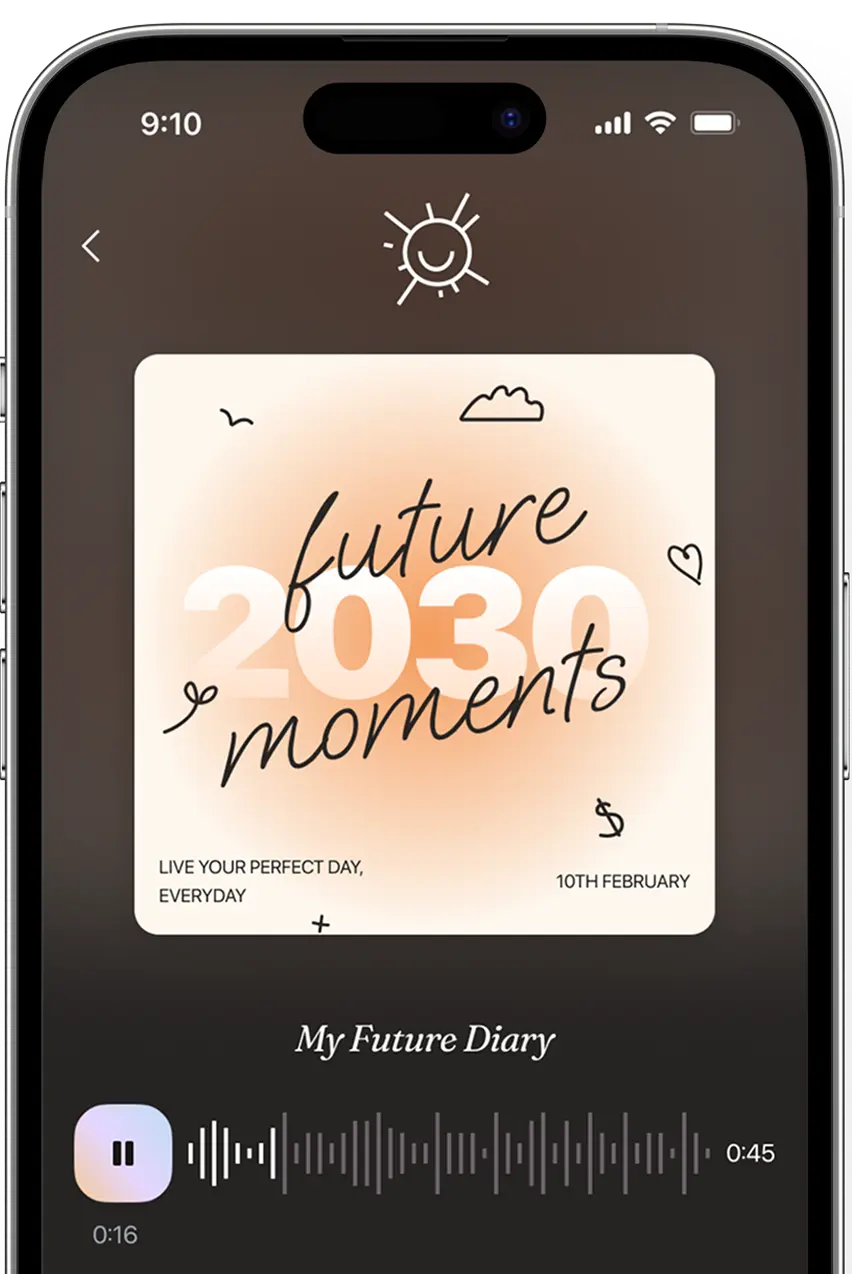
Neuroscience and AI‑based habit‑building journal* aligned with a vision of your future self
* We haven’t specified the name of the app because it hasn’t been released yet

Project idea 
After discovering our designs on Dribbble, a client from the UK approached us to create a design for their habit‑formation app.
In addition to a meticulous focus on user convenience, the design needed to establish a foundation for future AI‑based journaling features that the client planned to implement.


Goals 
to achieve
The client needed an experienced design team to:
— Offer advice on illustration types and color schemes to use within the app’s interface, and create a consistent interface.
— Design a well‑thought‑out onboarding experience that is crucial for the app's functionality and guides user interactions effectively.
— Organize ideas into a logical framework, preparing for the integration of future AI‑based features and development phases.
UI/UX design
Phase 1:
Concept creation
References
Since the app aimed to provide users with personalized journals instead of a random set of habits, the client drew inspiration from our user‑centered habit‑tracking design shots and the journaling concept.

Moodboards 
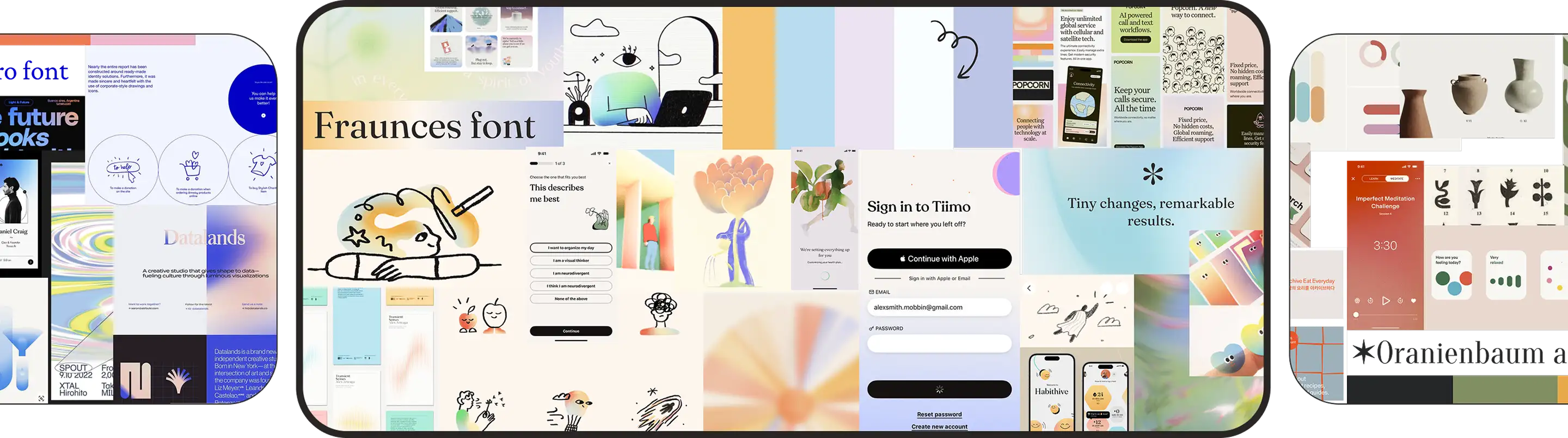
After understanding the client's design preferences, we proposed three moodboard variants to clarify the coloring and direction of the application's visual concept.
The client selected one featuring pastel colors and hand‑drawn illustrations.
Mind map
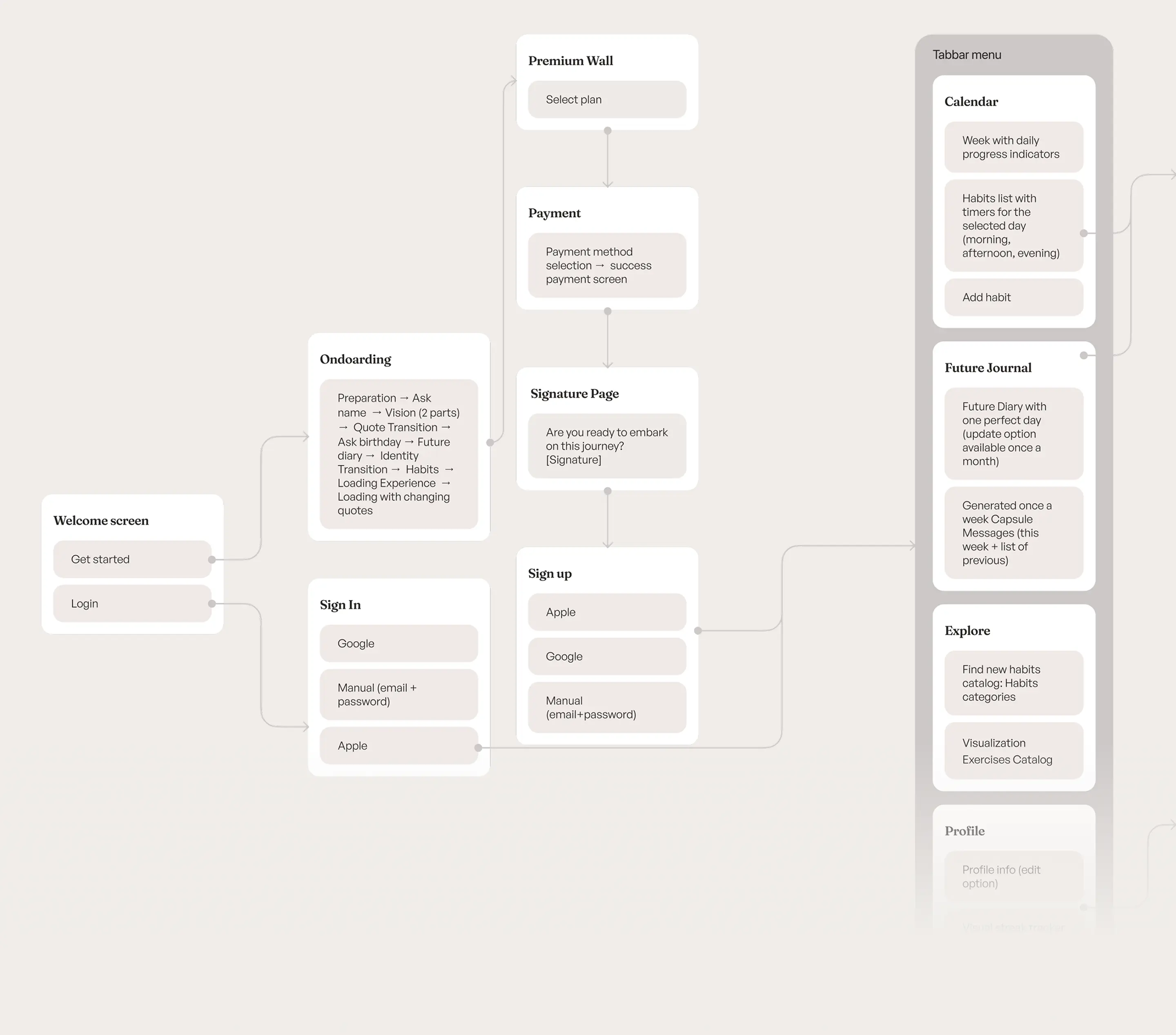
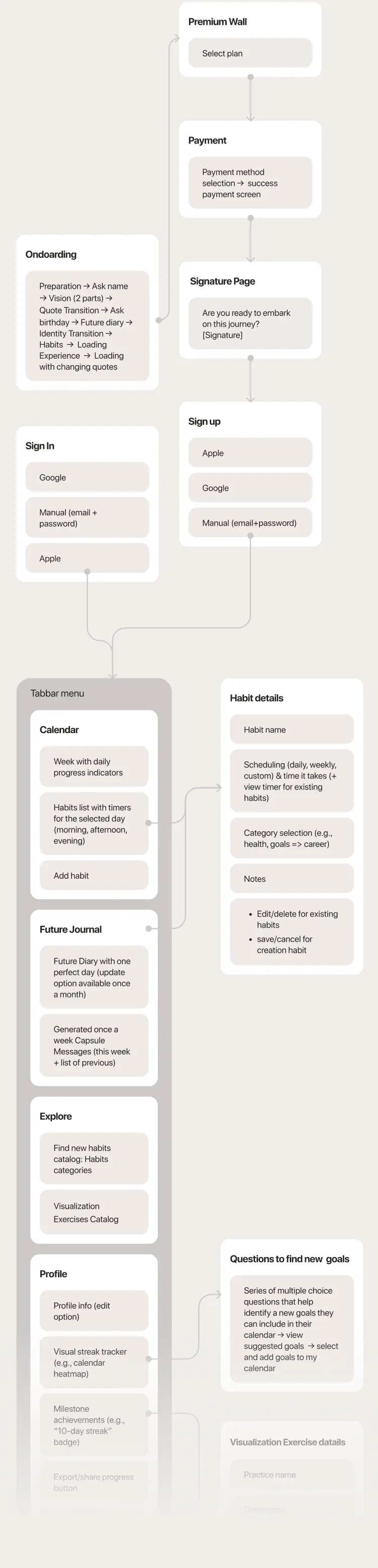
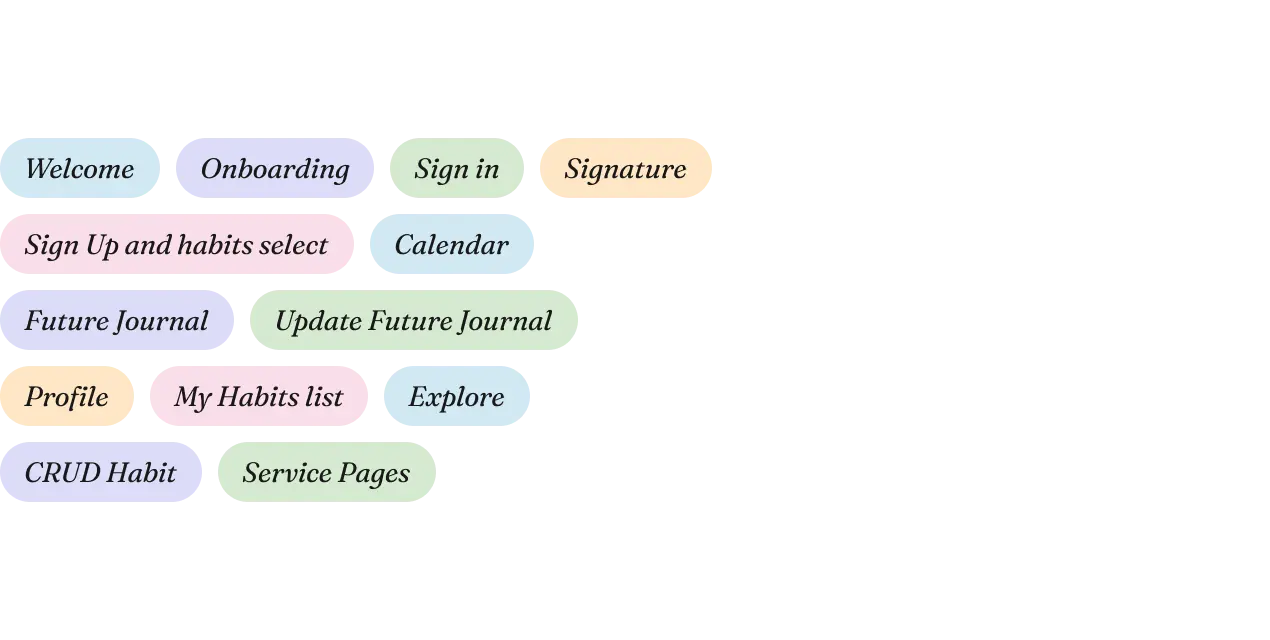
We outlined the core functionality of the product and created a mind map of the application, which was further refined through ongoing work and collaboration.
Concept
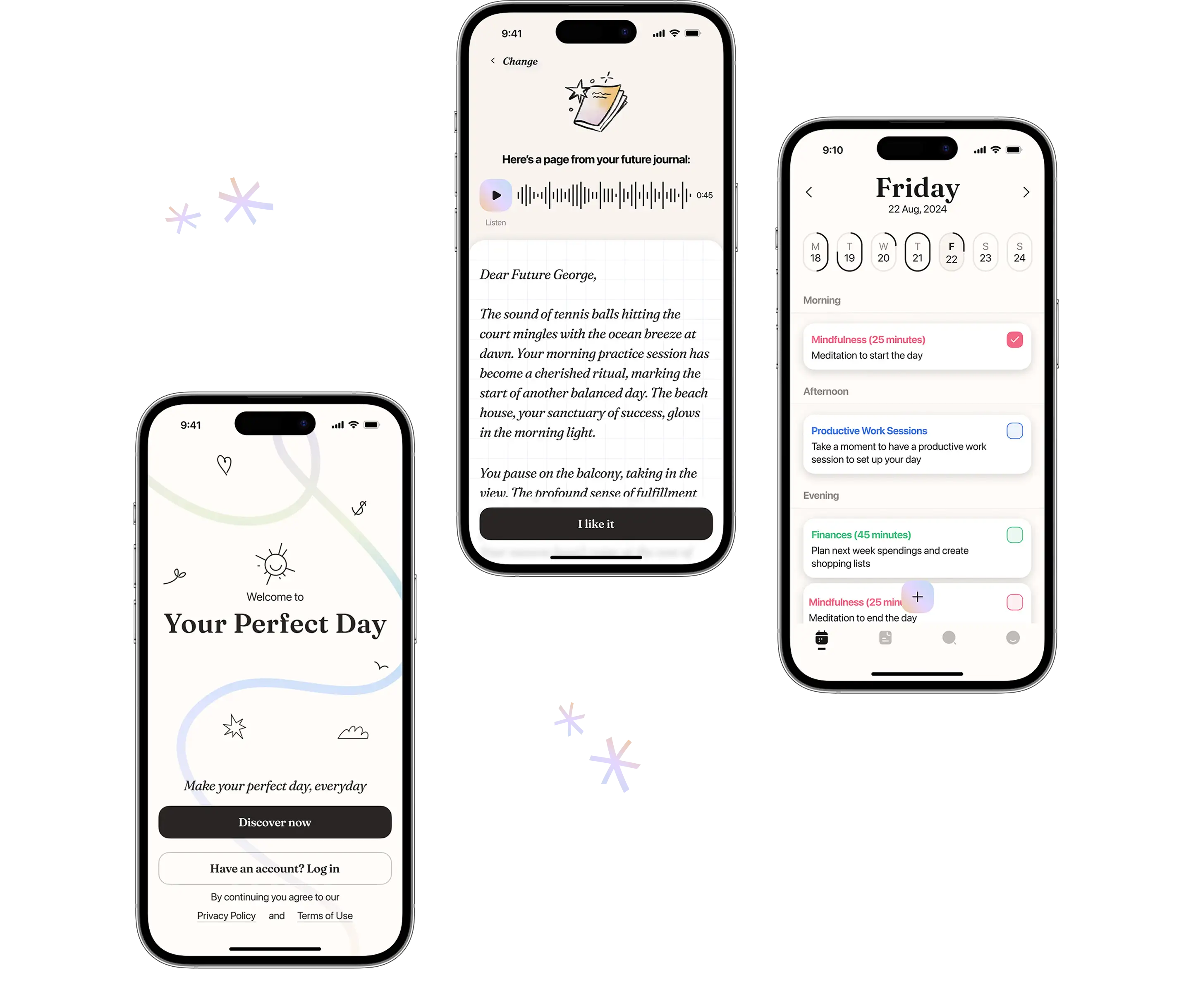
During concept development, we strategically considered the functionality outlined in the mind map along with the aesthetic style of the selected mood board. This approach led to the creation of two closely related variations.
Subsequently, through a collaborative initiative, we and the client worked together to create a final concept, blending their creative ideas with our foundational concepts.
Phase 2:
Full design
Onboarding screens
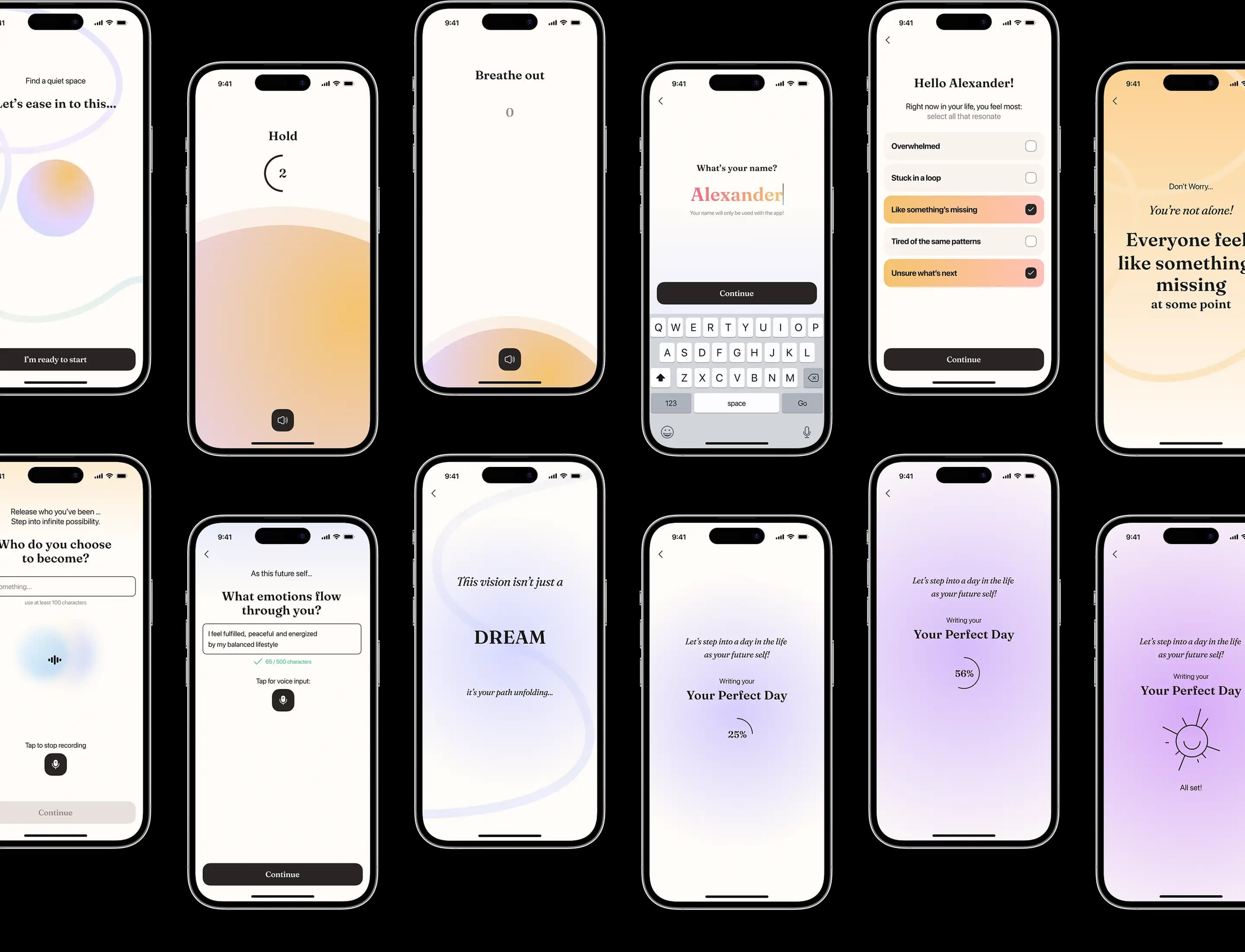
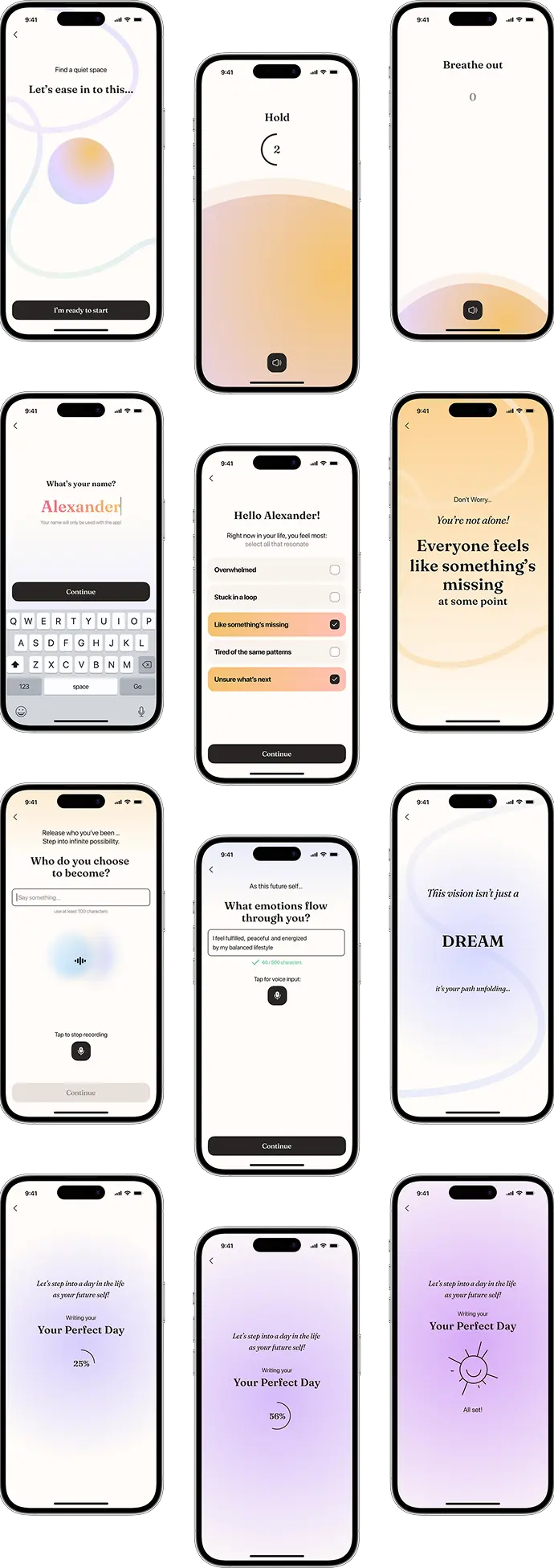
We progressed to the design phase, focusing particularly on the app's onboarding process. Our team made strategic adjustments to ensure the technical feasibility and streamlined implementation of the methodology behind the process.
App’s logic
The application was designed in logical segments, with the client actively involved at every step, contributing numerous ideas. Our team played a significant role in developing a coherent and practical logic.
Animation preview
An animation preview was also needed to facilitate the development of the onboarding experience. We created this using a prototype feature in Figma.
Prototyping
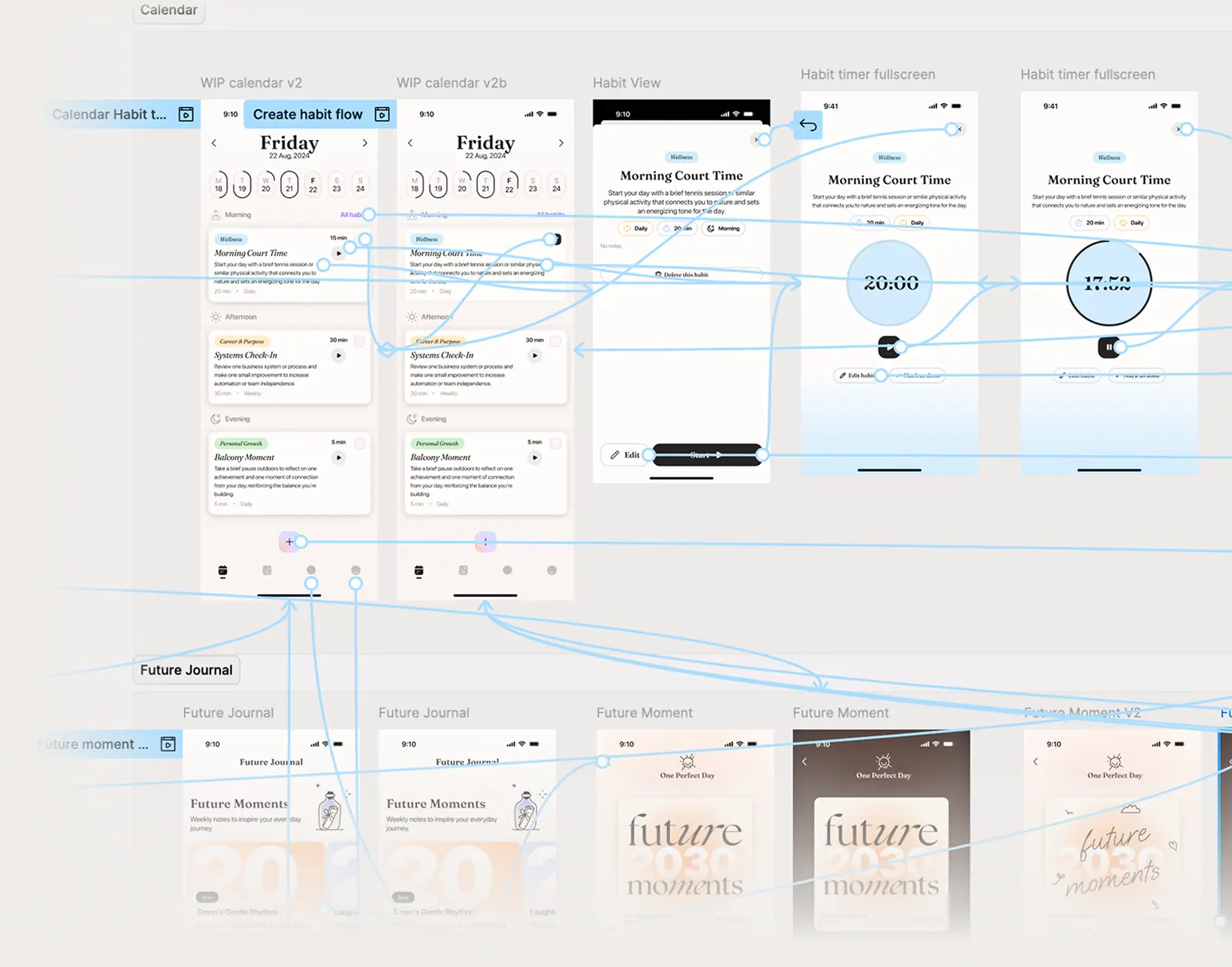
Besides the onboarding prototype, we created an additional prototype during the app screen design process to improve result visualization and ease future development.
Branding
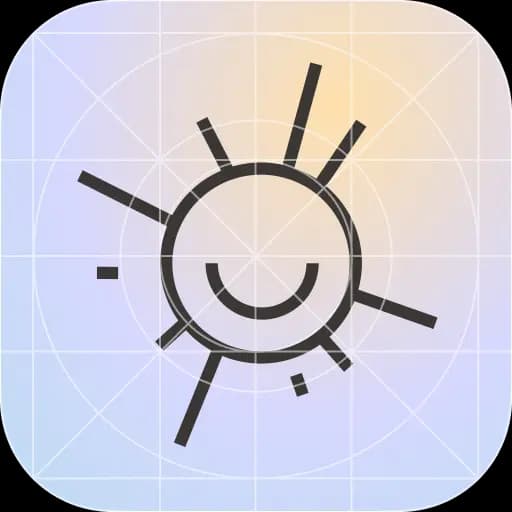
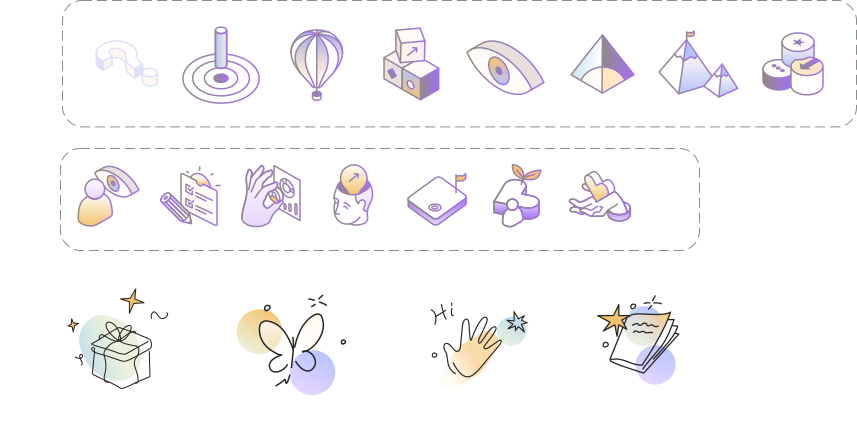
In addition to the app’s UI/UX design, we developed a logo, illustrations, and icons for the application.
UI kit
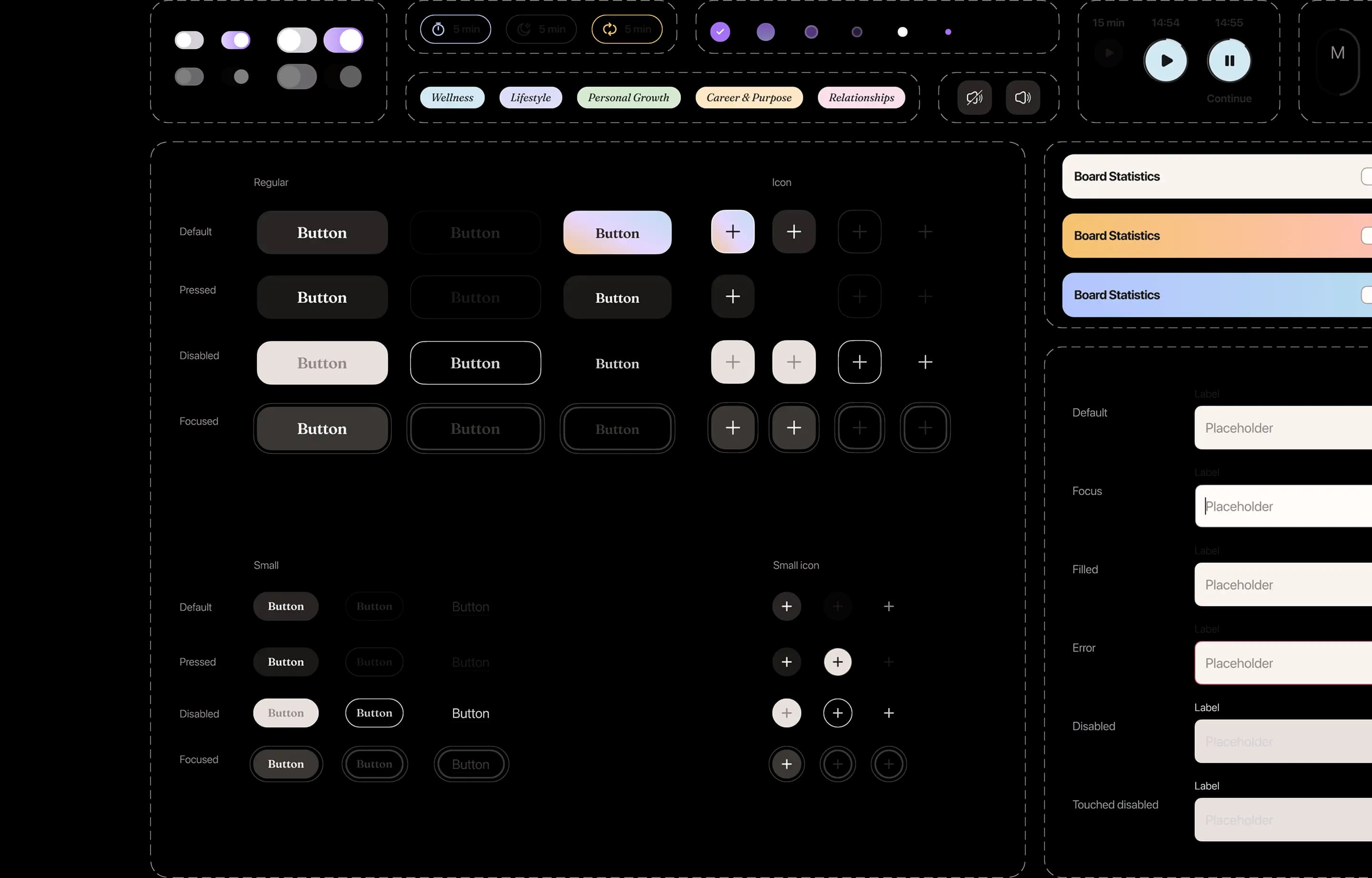
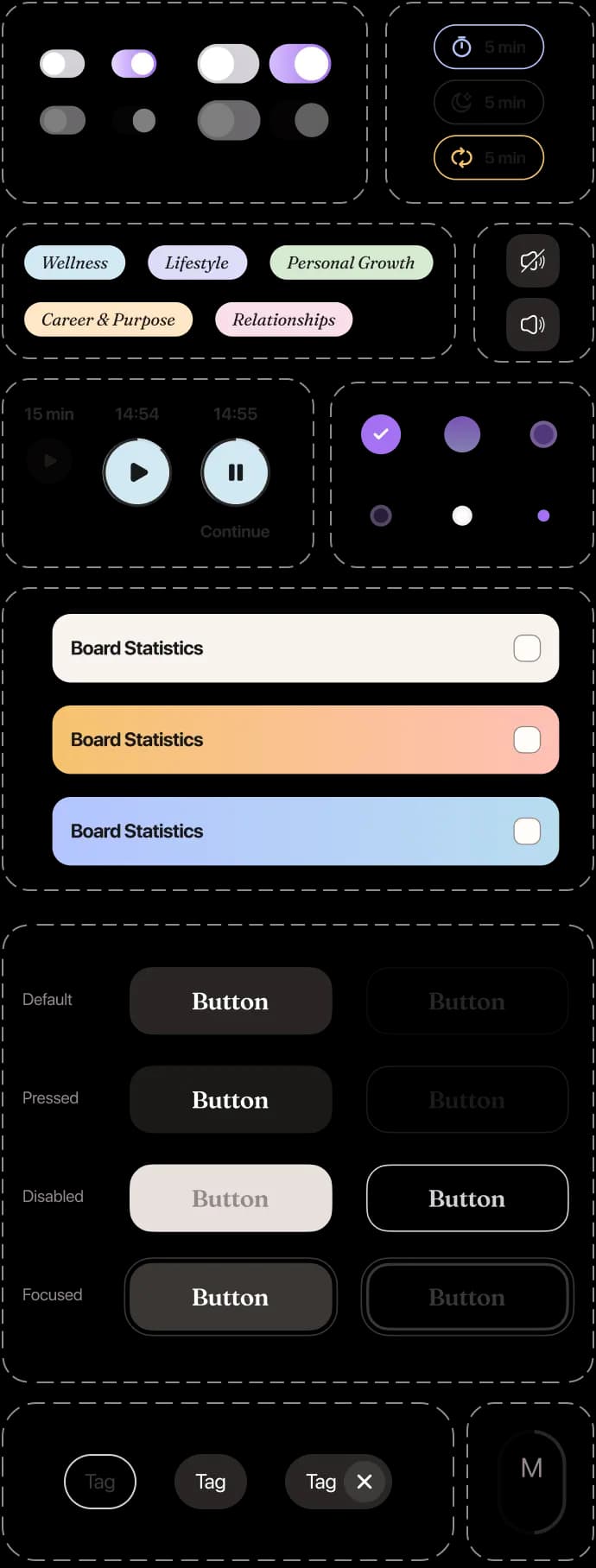
As with all our projects, we assembled a comprehensive UI kit, essential for the future scalability and development of any application.
For this habit‑tracking app, we crafted an extensive UI kit including all necessary elements, such as variables, typekits, responsive sizes, profile images, inputs, buttons, chats, tabs, and more.
Key features

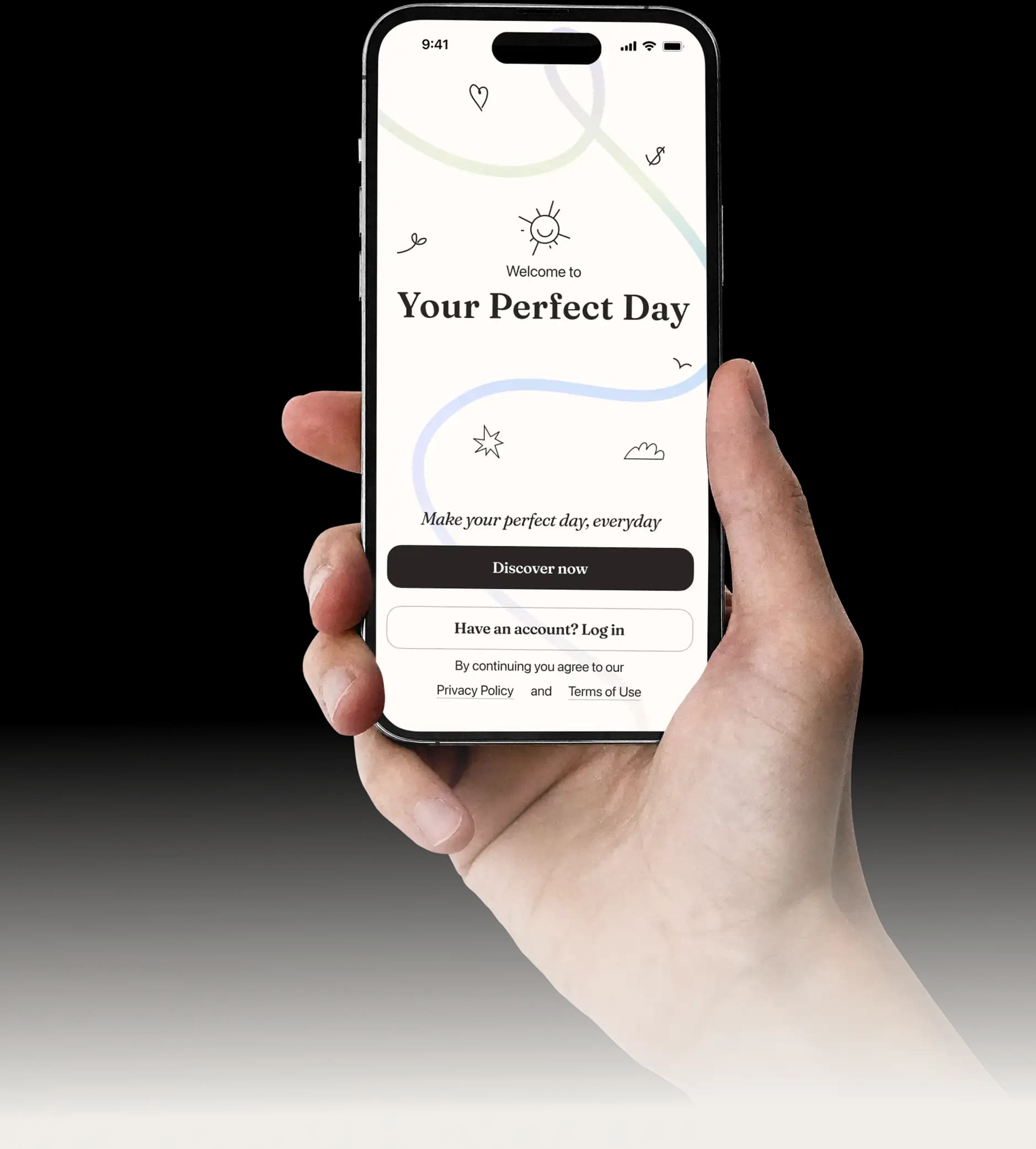
Welcome screen
The user is greeted by a screen featuring a logo of a smiling sun.
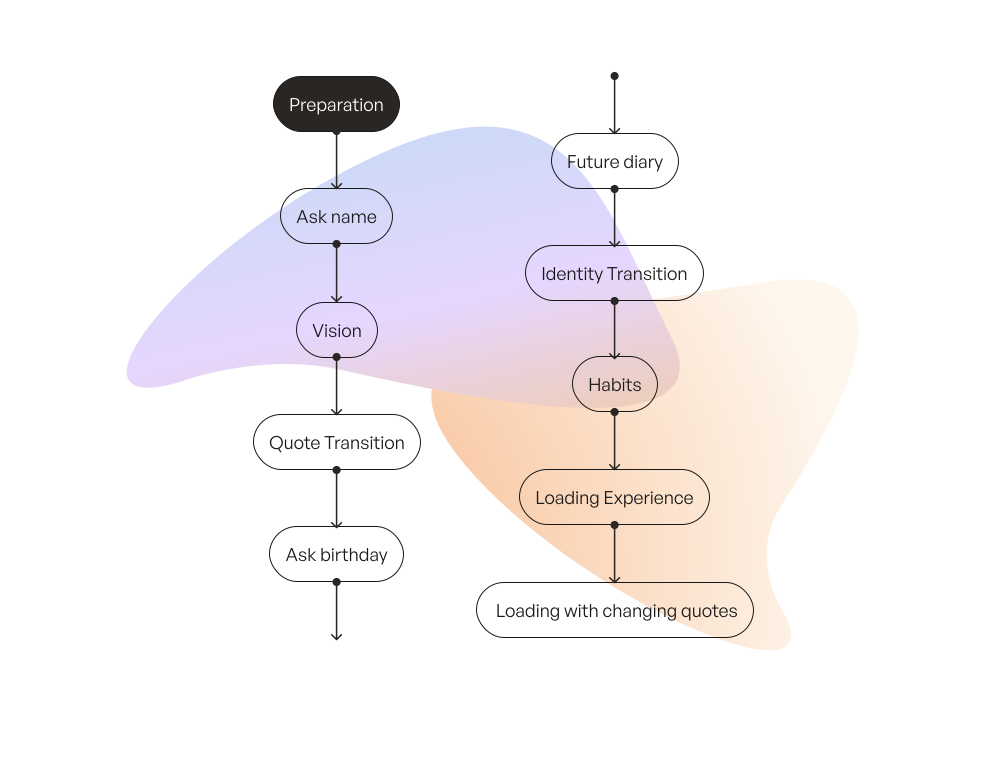
Onboarding 
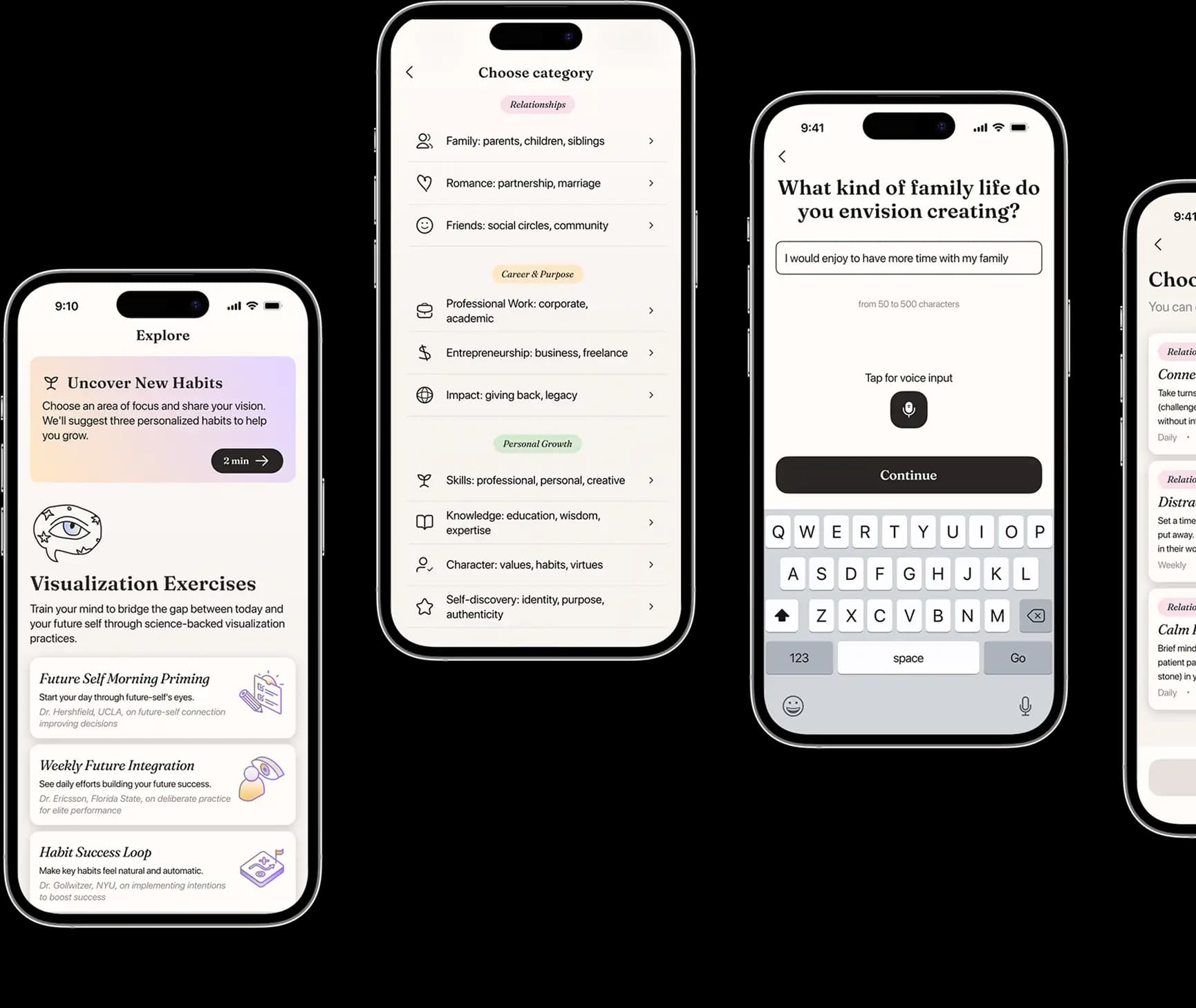
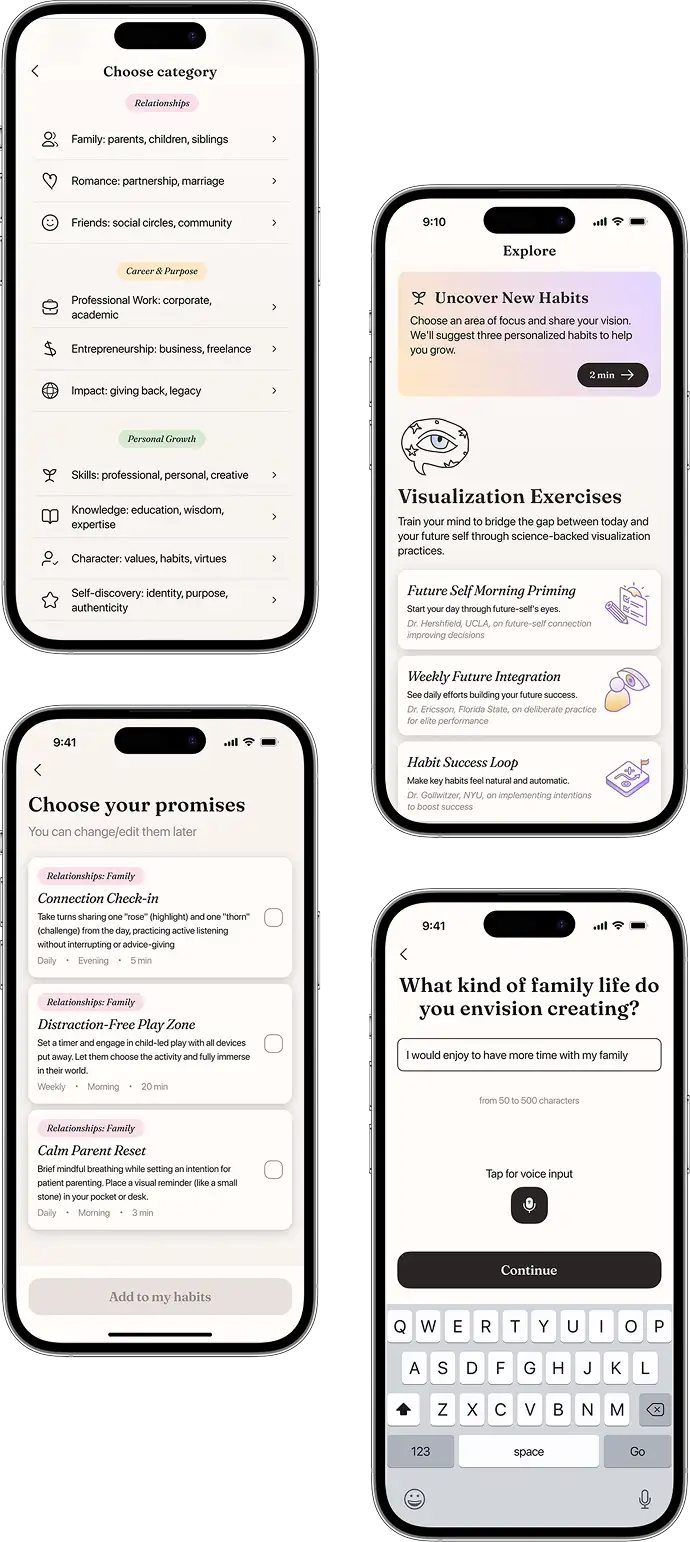
Onboarding is one of the key features of the application, influencing how the app interacts with the user, forms habits, and guides them on their path.
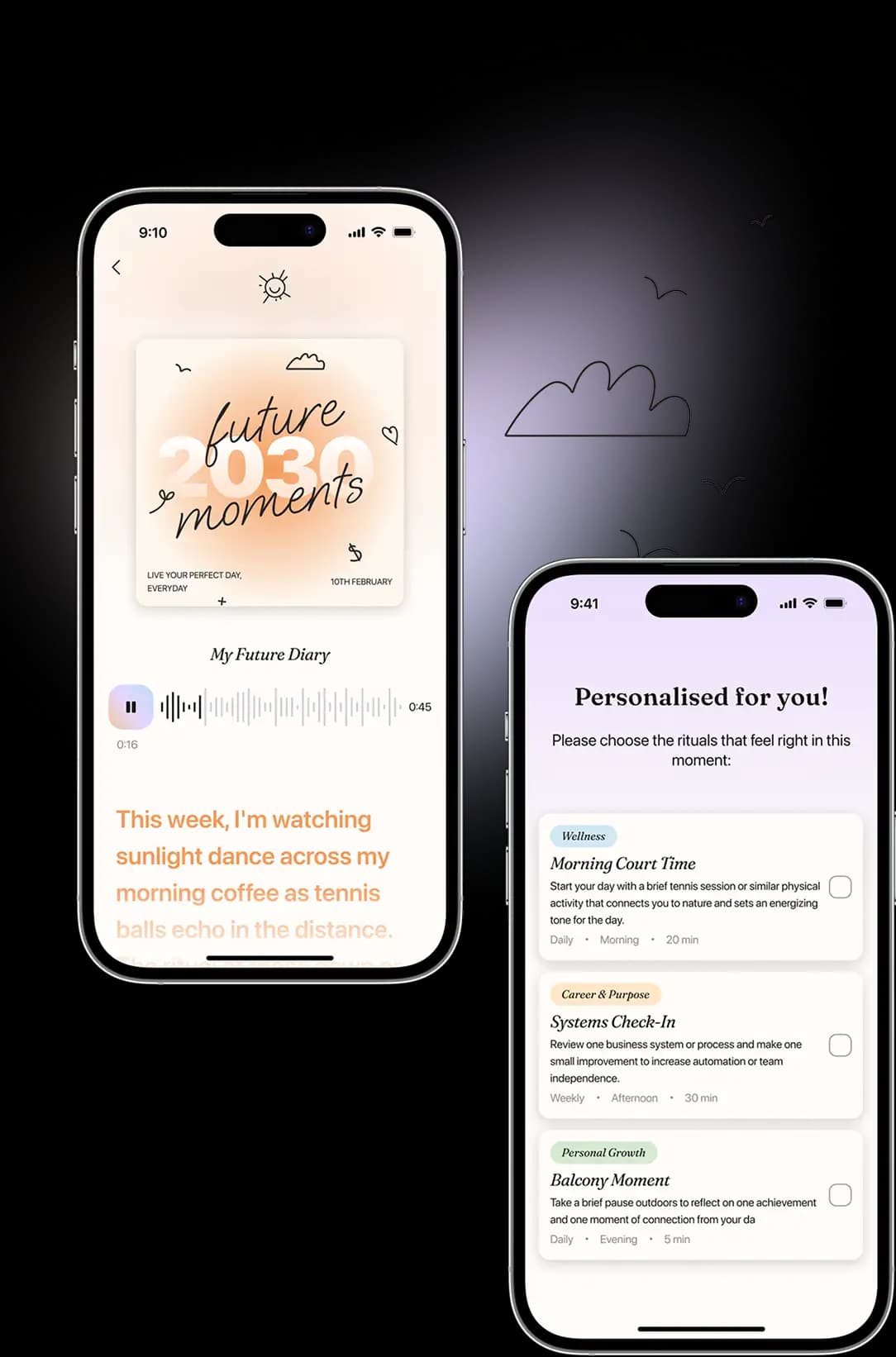
At this stage, for the first time, the app helps users formulate their vision of their future self with the aid of AI.

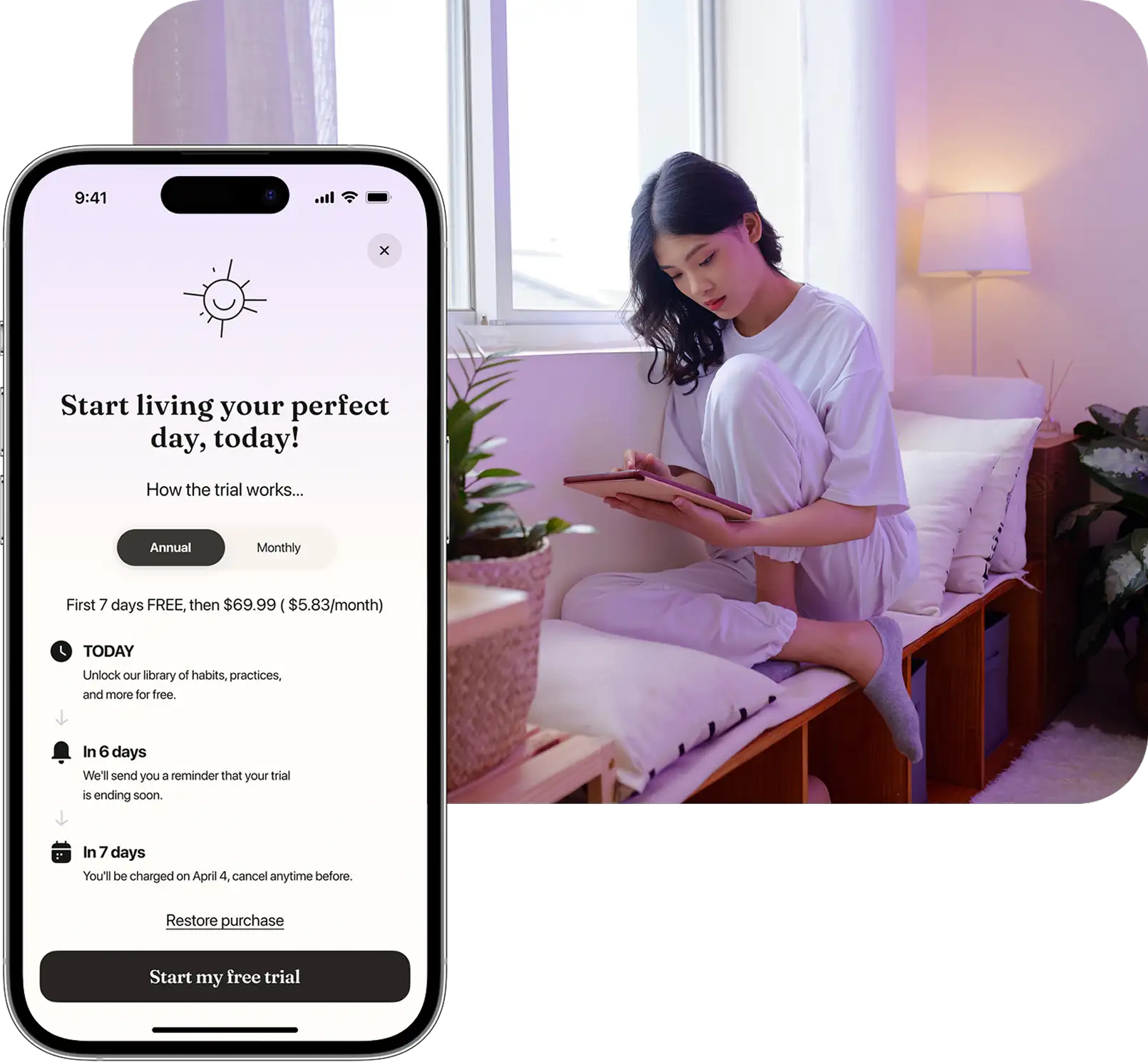
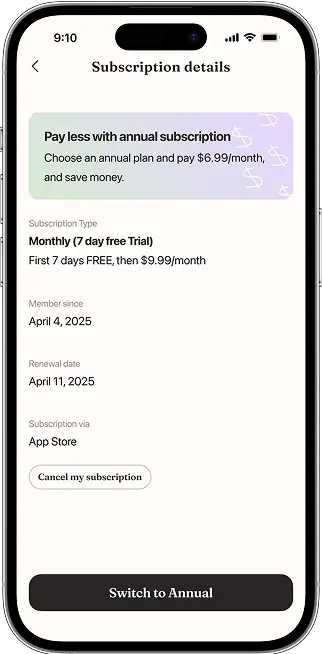
Subscription plan
Users can choose a suitable subscription plan or register for free with limited access to features.
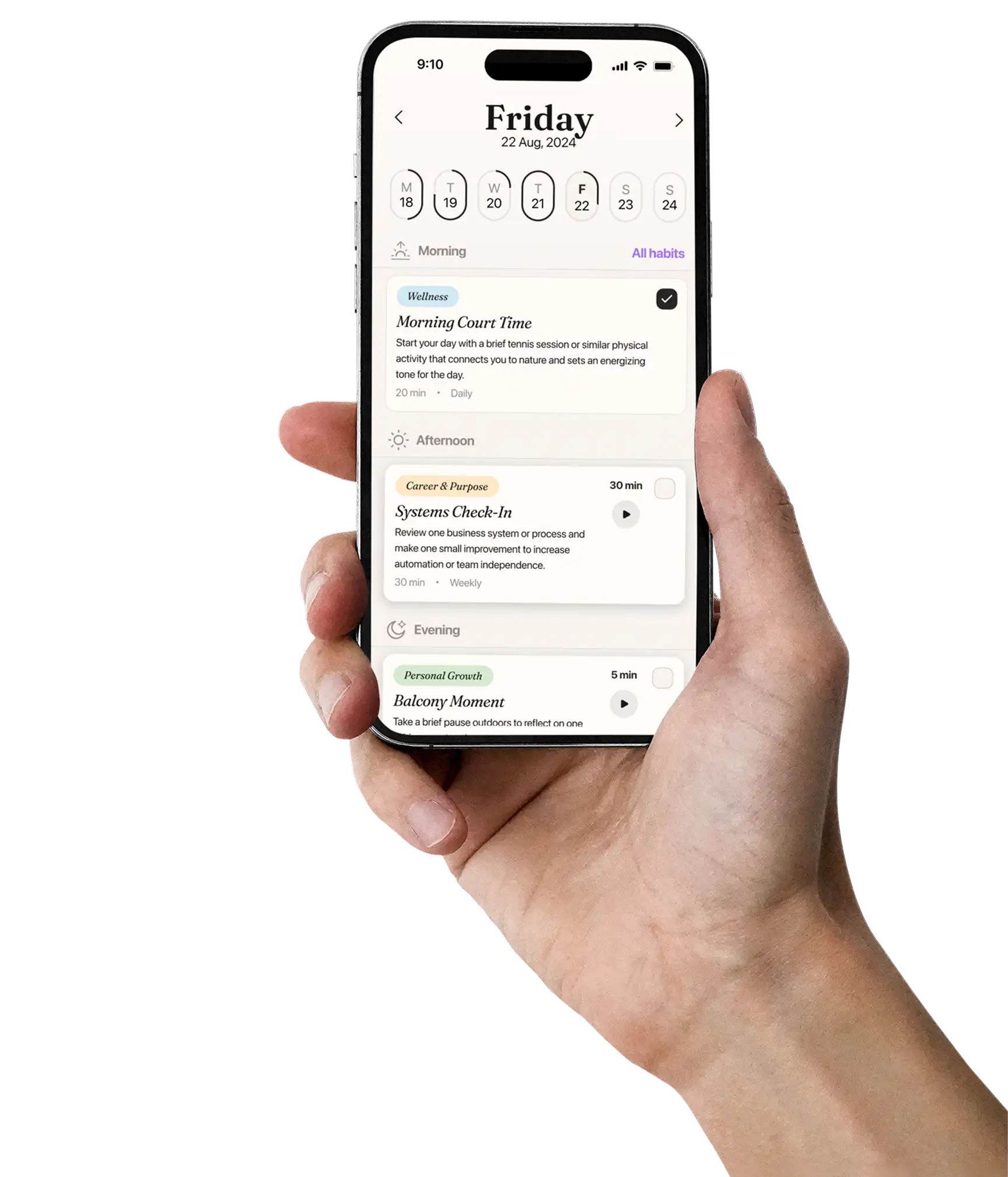
Habits
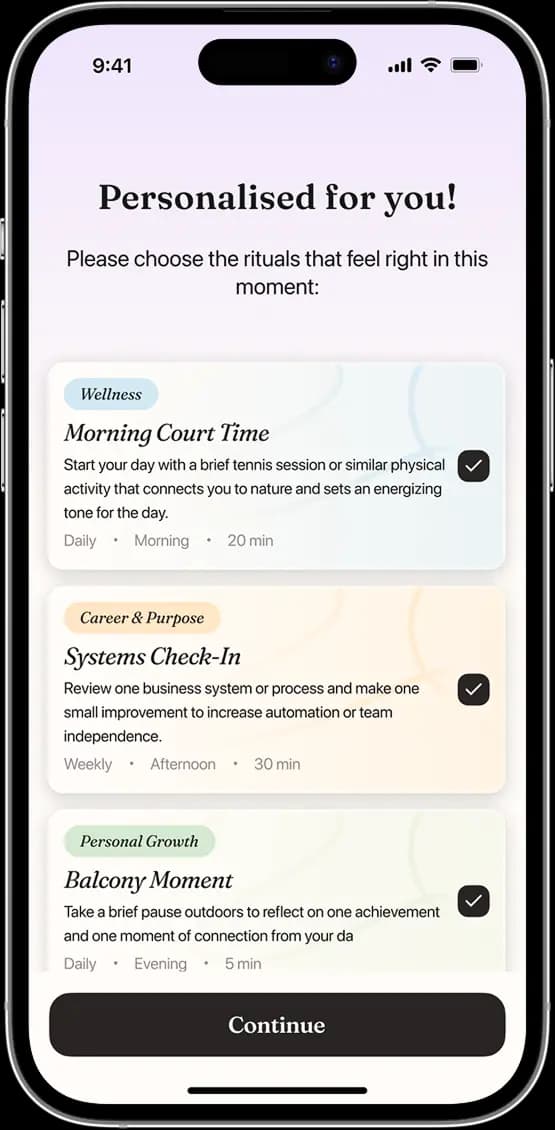
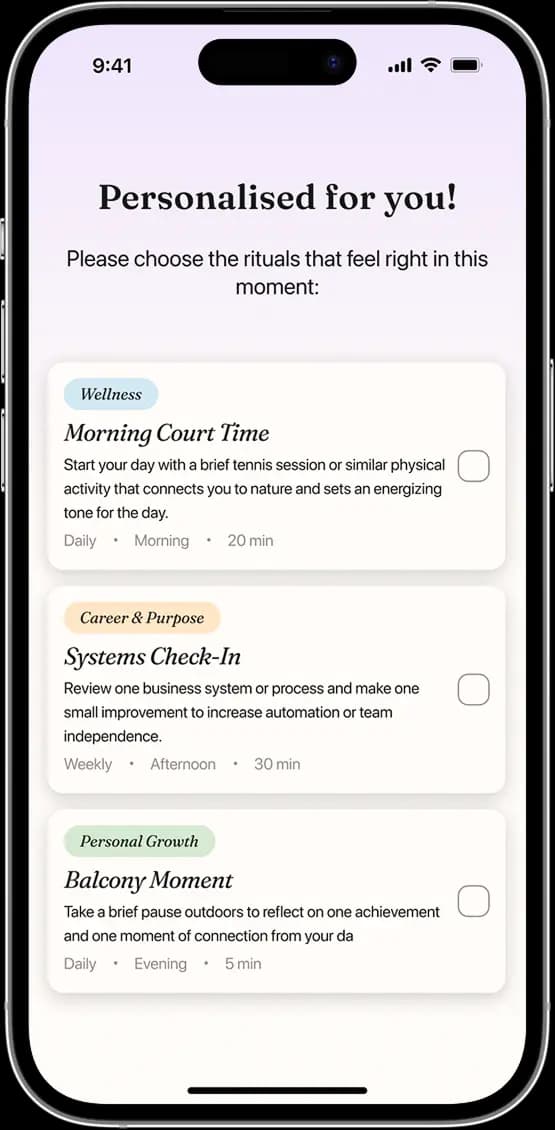
Habits, formed based on the onboarding process, are then offered to the user.
Users can select practices that seem most relevant to them.
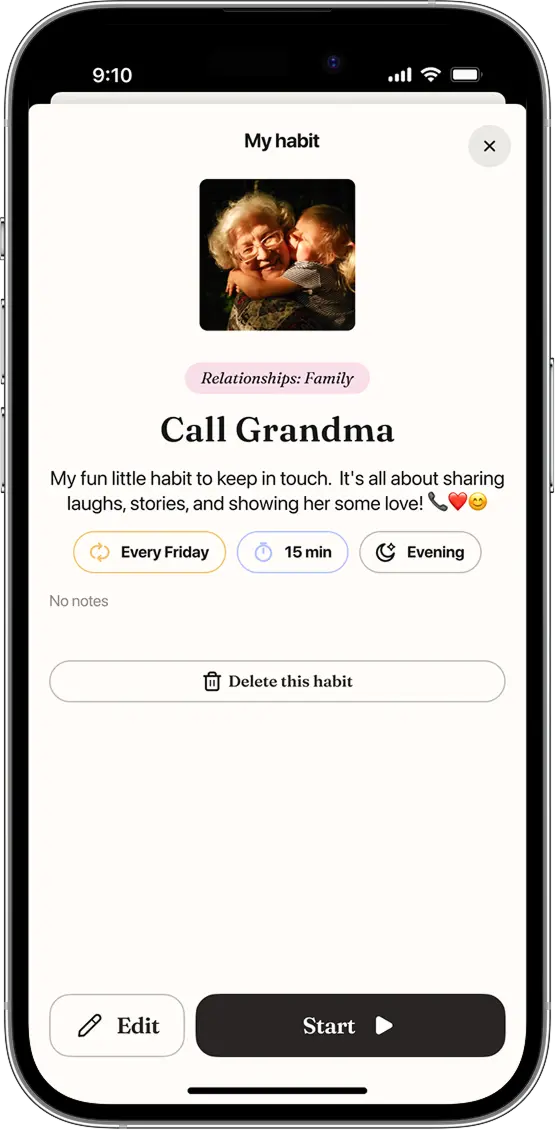
Chosen habits can be viewed, deleted, and added to the Habits List.
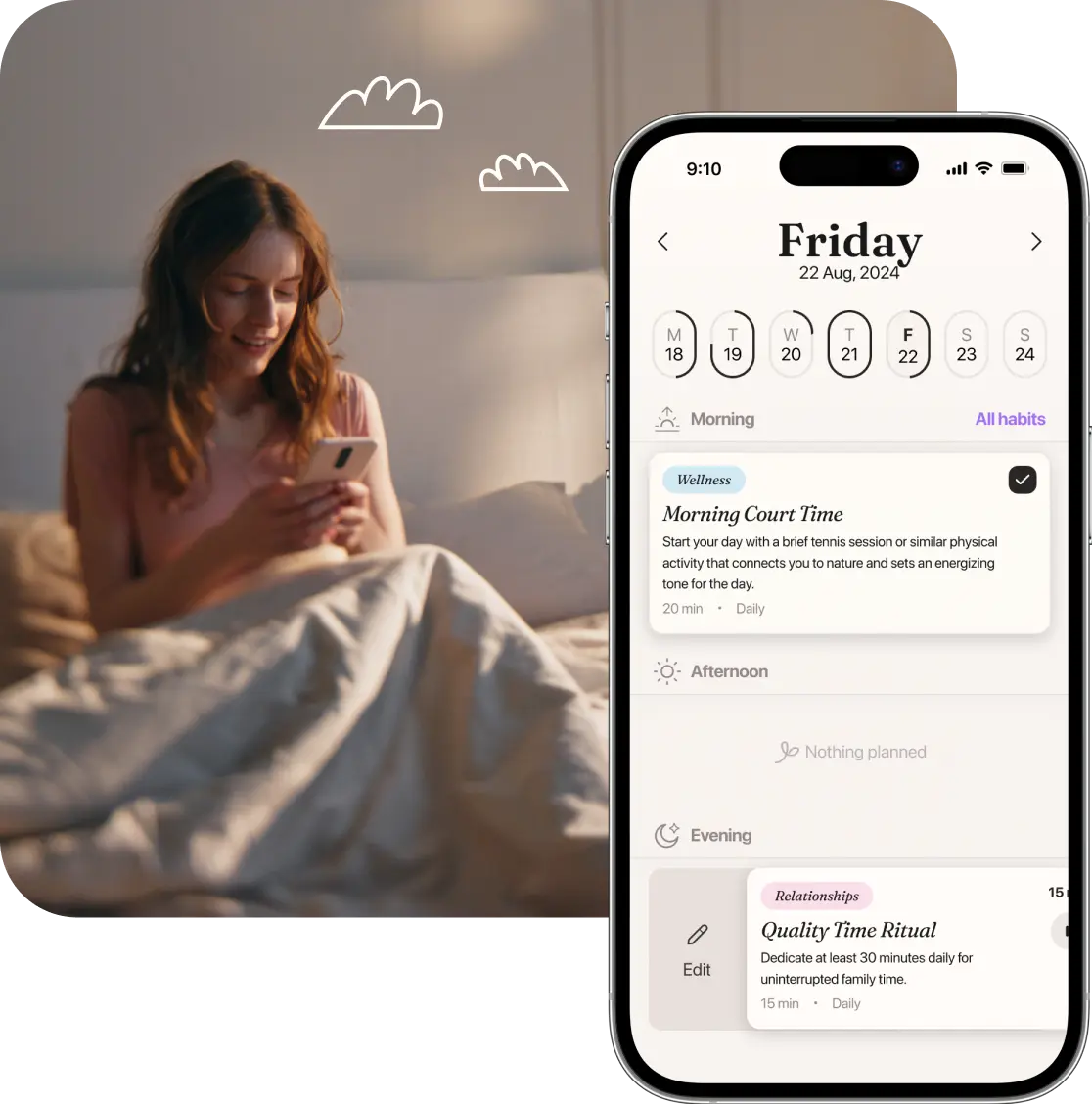
Calendar
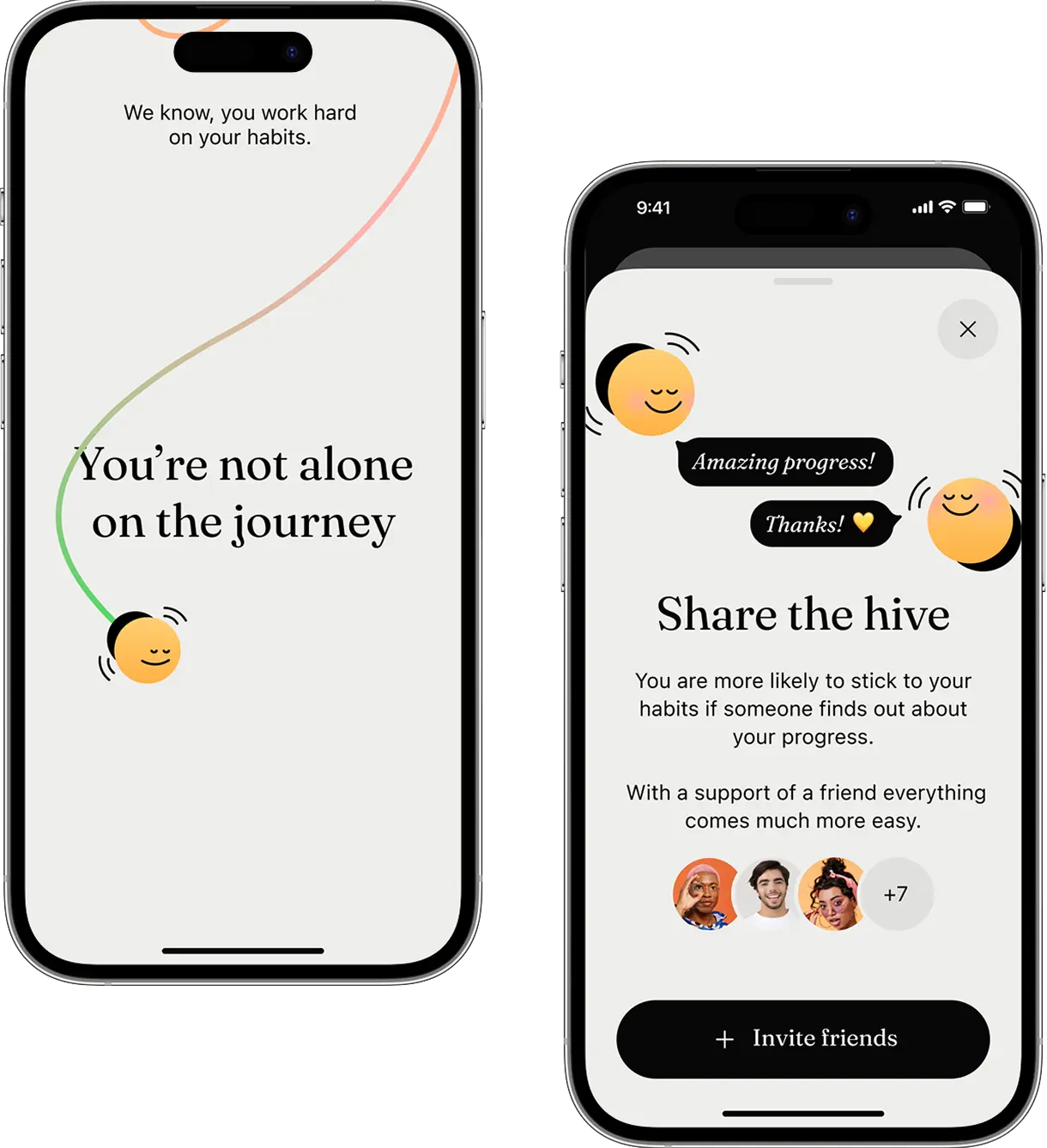
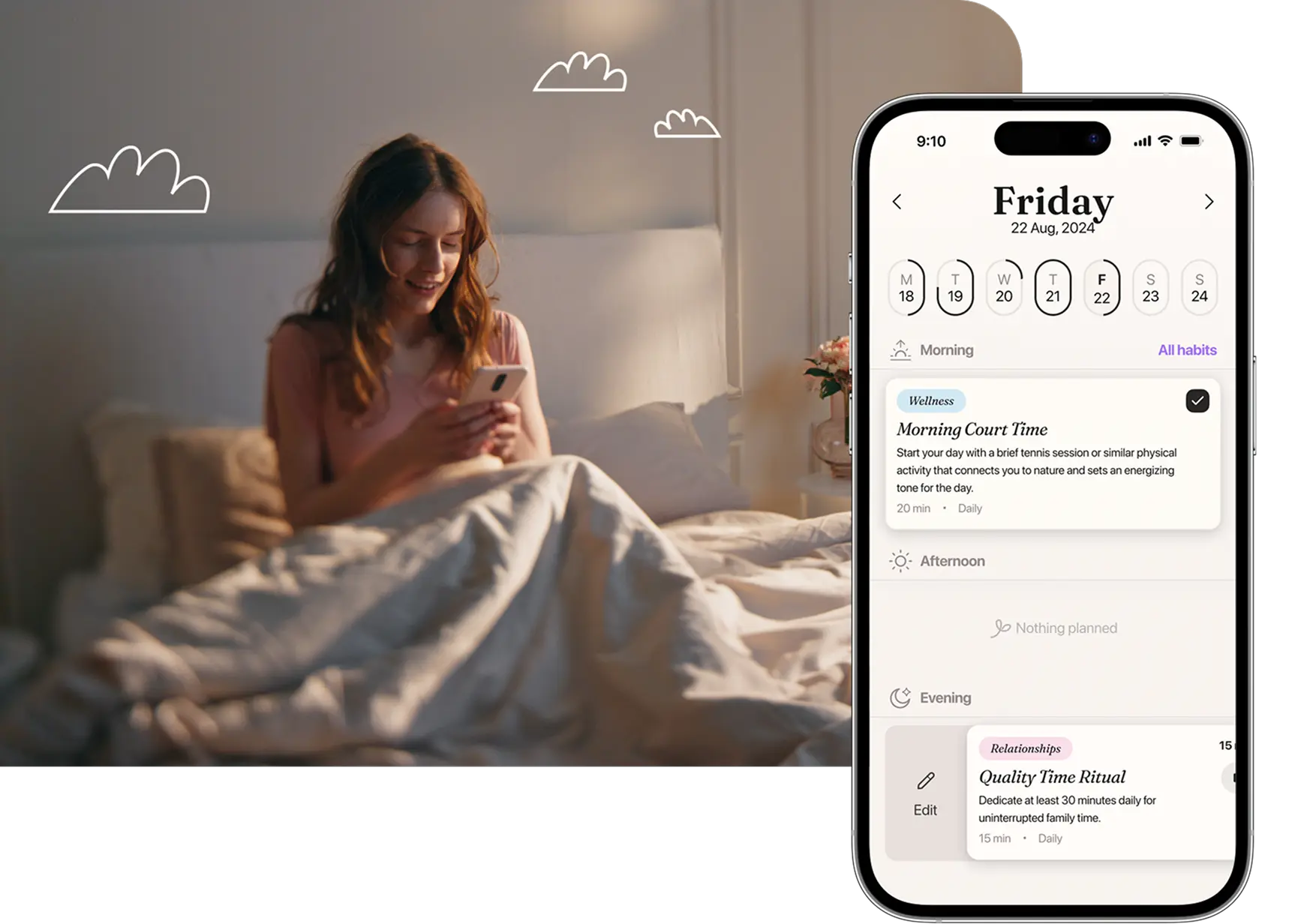
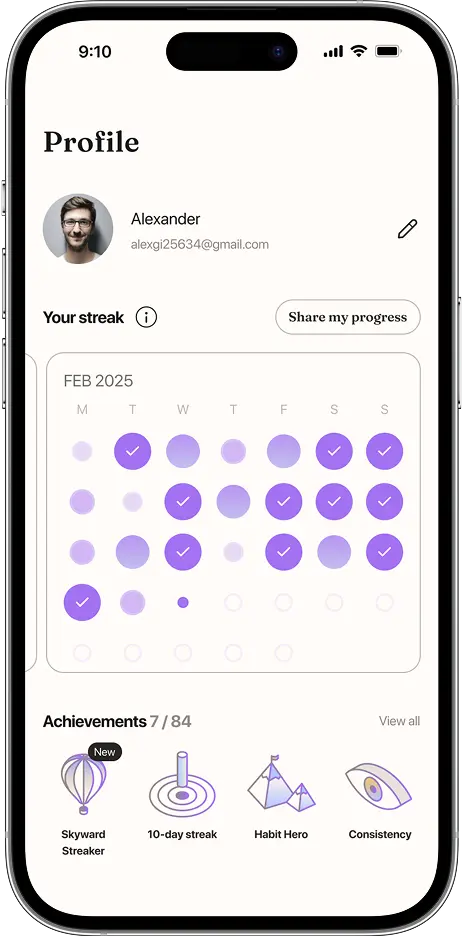
The calendar serves as a tool to help track user progress and transformation by checking off small habits that contribute to a larger picture.
Achievements
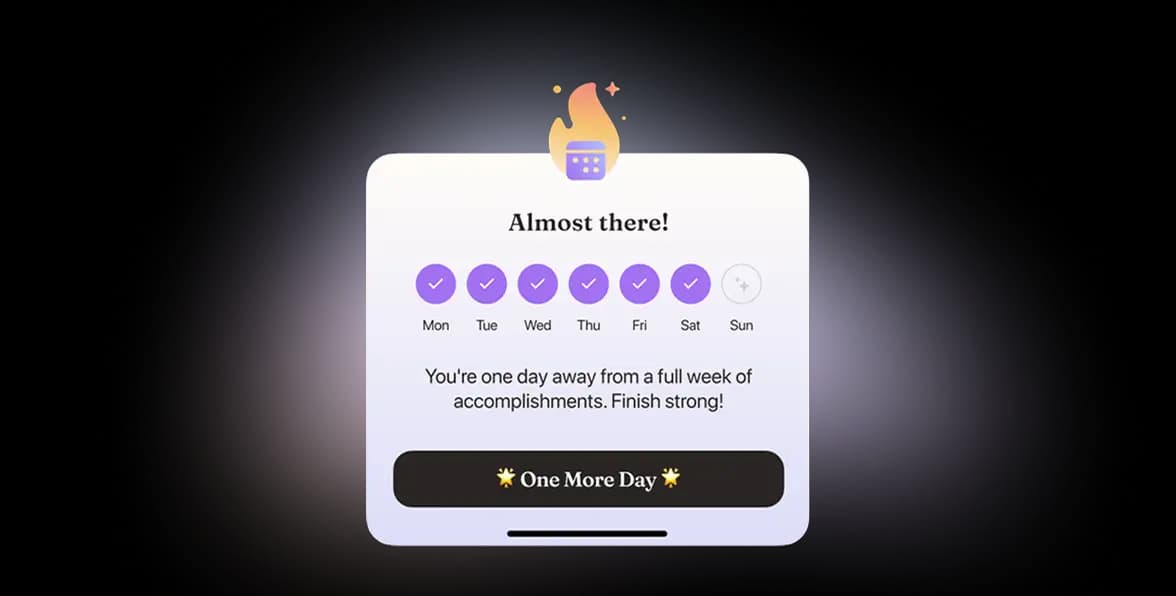
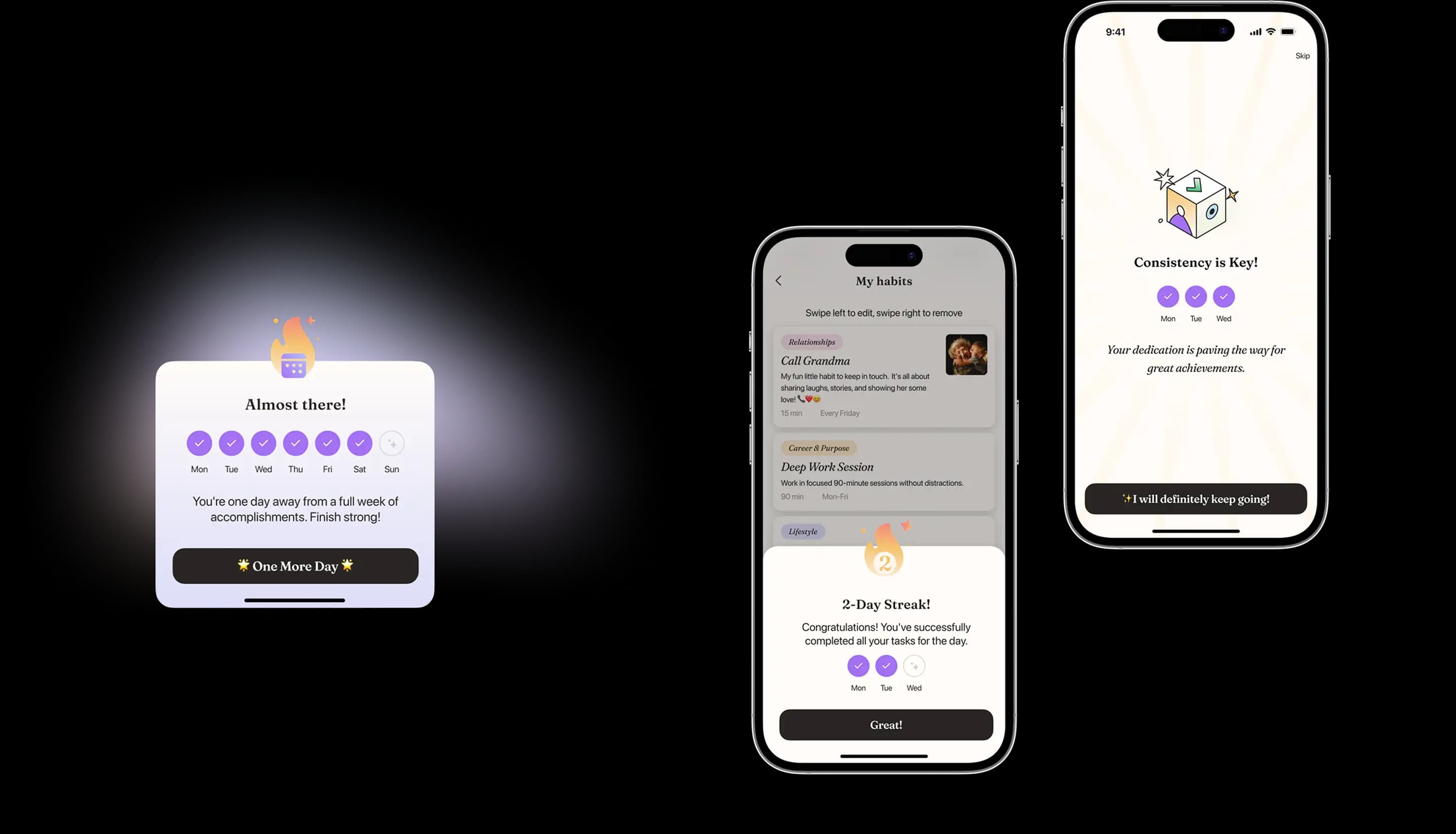
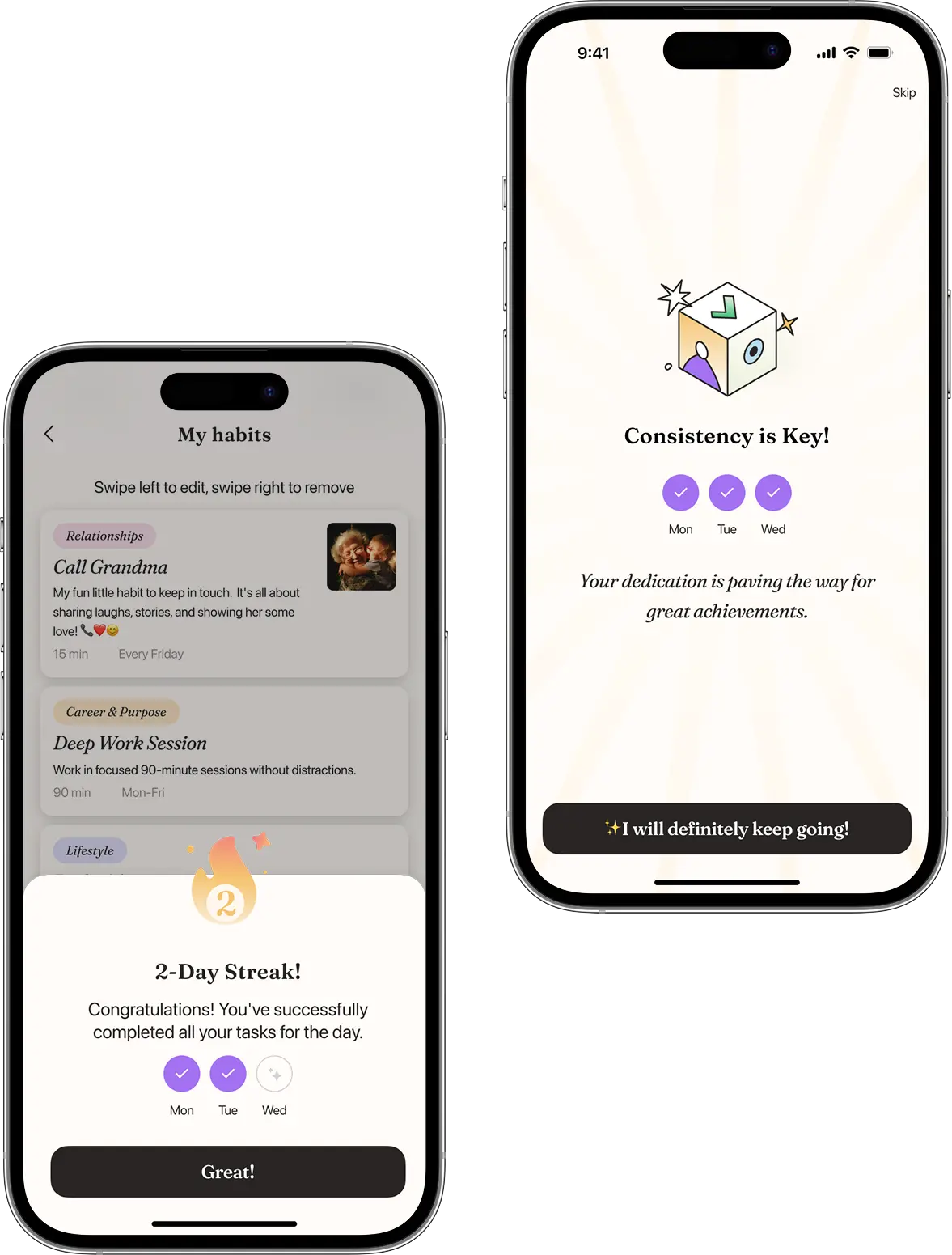
Progress in habit formation is recognized and supported by concise week overviews and three‑day streak notifications.
Explore
Unlike habit formation, the Explore cluster focuses on mind training. With various practices, it helps develop the mindset needed to achieve set goals.
Here, we needed to organize multiple categories so they logically flow from one to another.
Profile
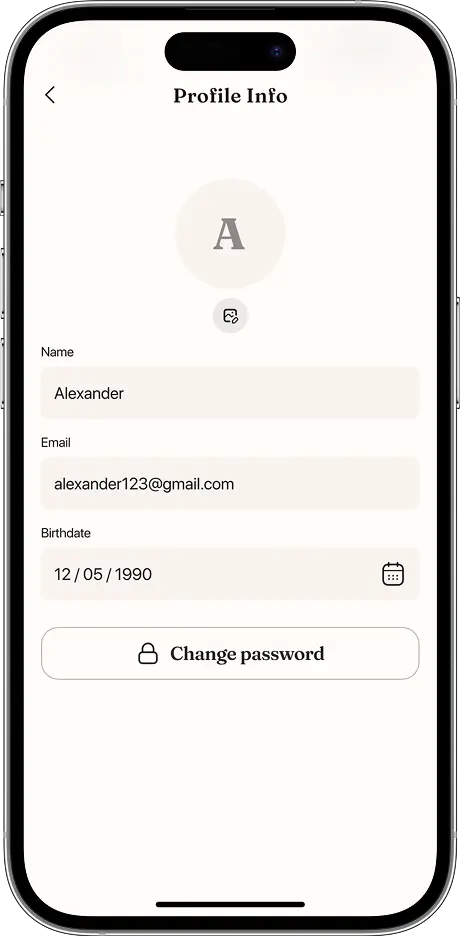
In the profile section, users can change their personal information
View their overall progress
Choose a subscription plan
Killer feature

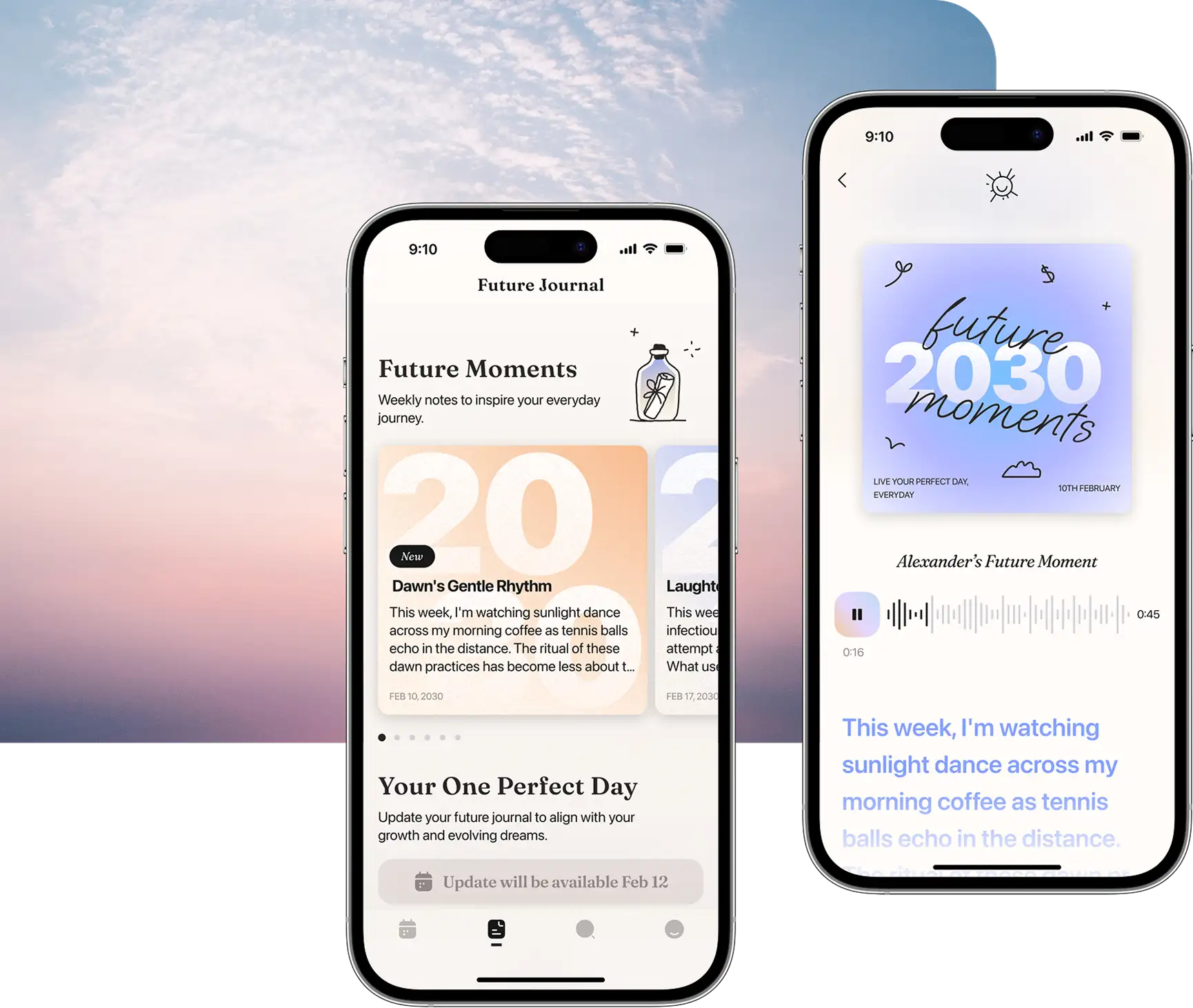
The Future Journal
The main idea of the app is not just about forming a bold set of habits but about transitioning from the current state of mind to a holistic vision of one's future self.
During onboarding, users answer questions that help tailor future recommendations for building habits, which will dynamically evolve as the user changes.
This progress is captured and reflected in the Future Journal.
Project’s dynamics
The distinctive feature of this design project was the close collaboration with the client. Thanks to their active involvement, we developed a clear understanding of their vision and worked on the design effectively. Some revisions were actual design ideas from the client, reflecting their significant contribution to the product and the spirit of co‑creation.
Our expertise was crucial in guiding the client technically to ensure their ideas could be implemented in the future development phase, and we also maintained consistency throughout the application to ensure that creative solutions did not outweigh usability and functionality.
Our expertise was crucial in guiding the client technically to ensure their ideas could be implemented in the future development phase, and we also maintained consistency throughout the application to ensure that creative solutions did not outweigh usability and functionality.
As a result
our joint efforts created a balance between creativity and coherent logic, so that when the client transitions to the actual development of the application, the shift from design to coding will be as smooth as possible.
Results
We’ve successfully passed on all the design documentation to our client and wrapped up our partnership for now.
Team
Project manager
Designer
Art director
Time
8 weeks
8 weeks
Cost
$6,000+
$6,000+