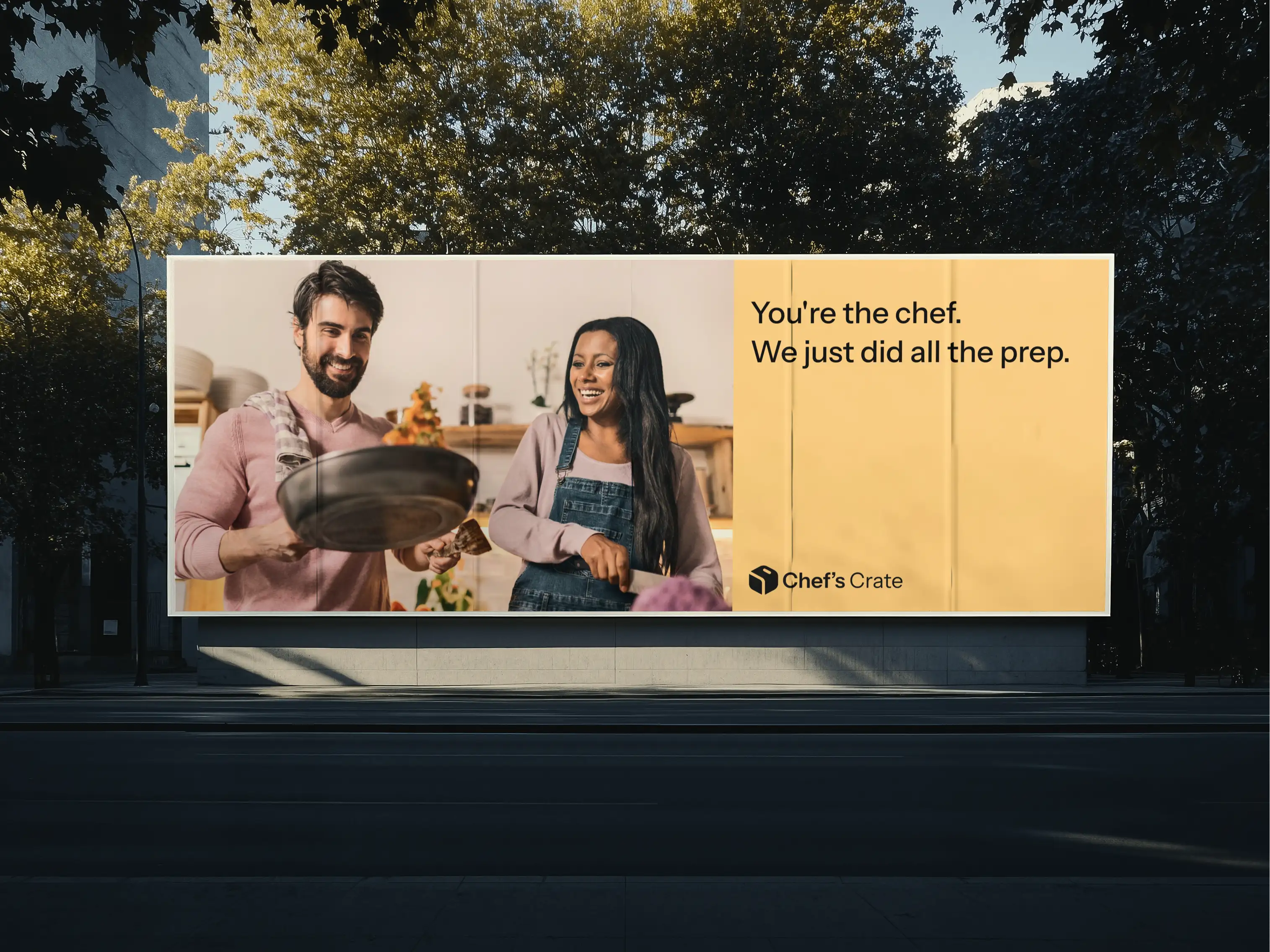
Chef's Crate
Inventory management software for restaurant business
*Since the project is under an NDA, we cannot mention the name of the company or share the exact designs created for the project.
Project idea
A client from Australia requested an inventory management system for their meal preparation app.
They already had a customer app, where they could choose meals and make orders. To make it all work, they needed an inventory management system for restaurants.
Our goals
Integrate
the IMS with the app
Create
an admin panel for inventory managementDesign
a landing page for the appDesign
an inventory management system in line with the customers’ application
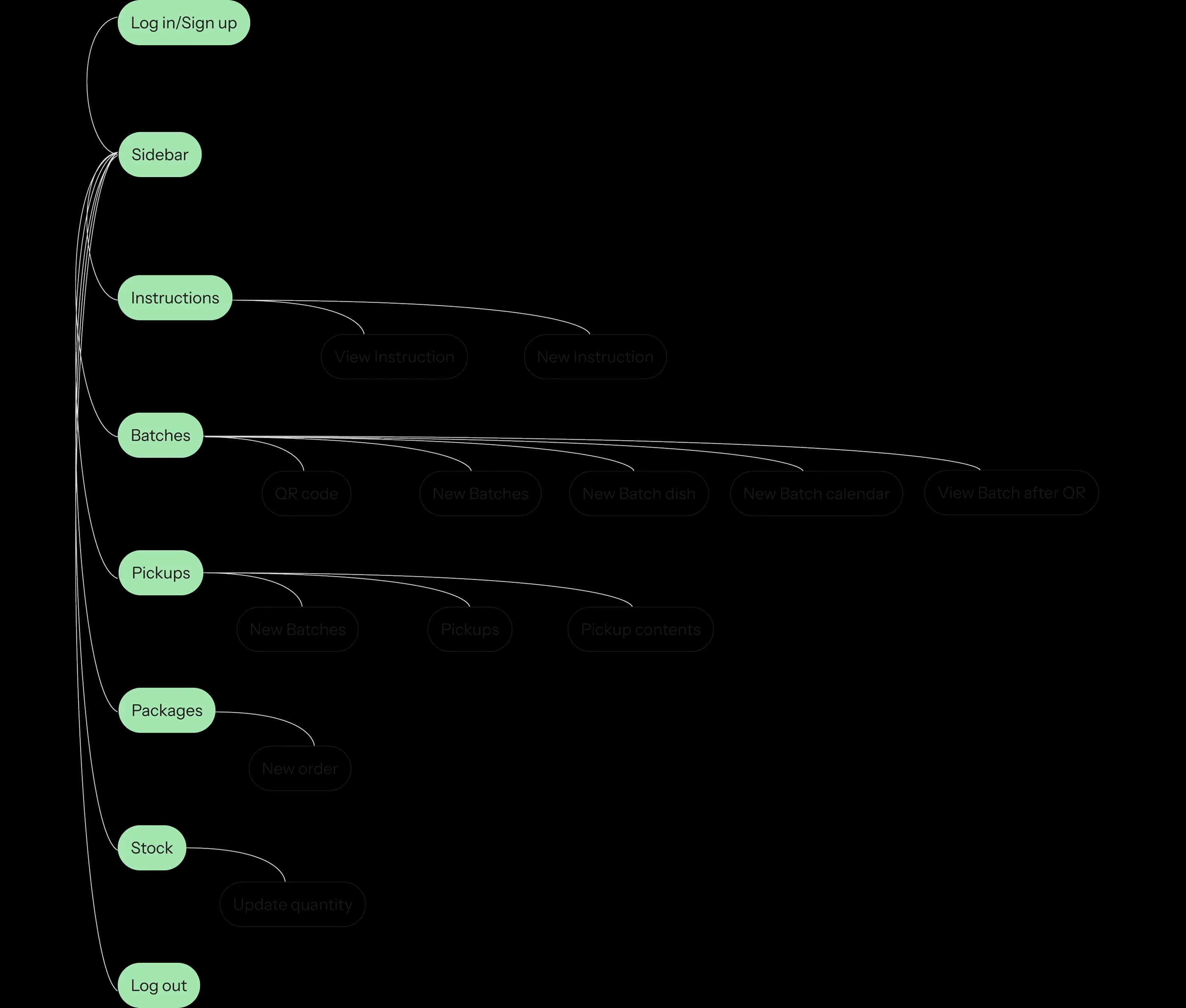
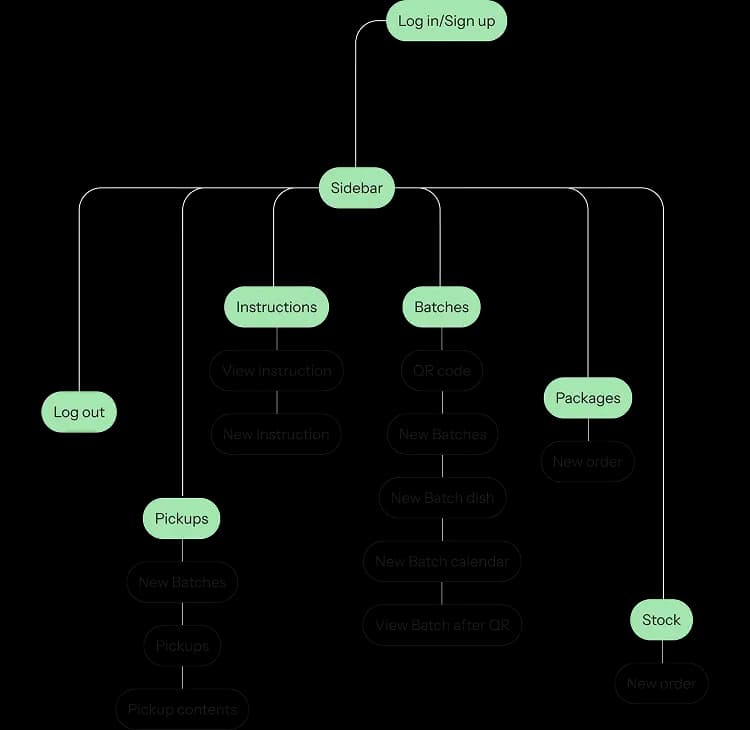
User flow

Design
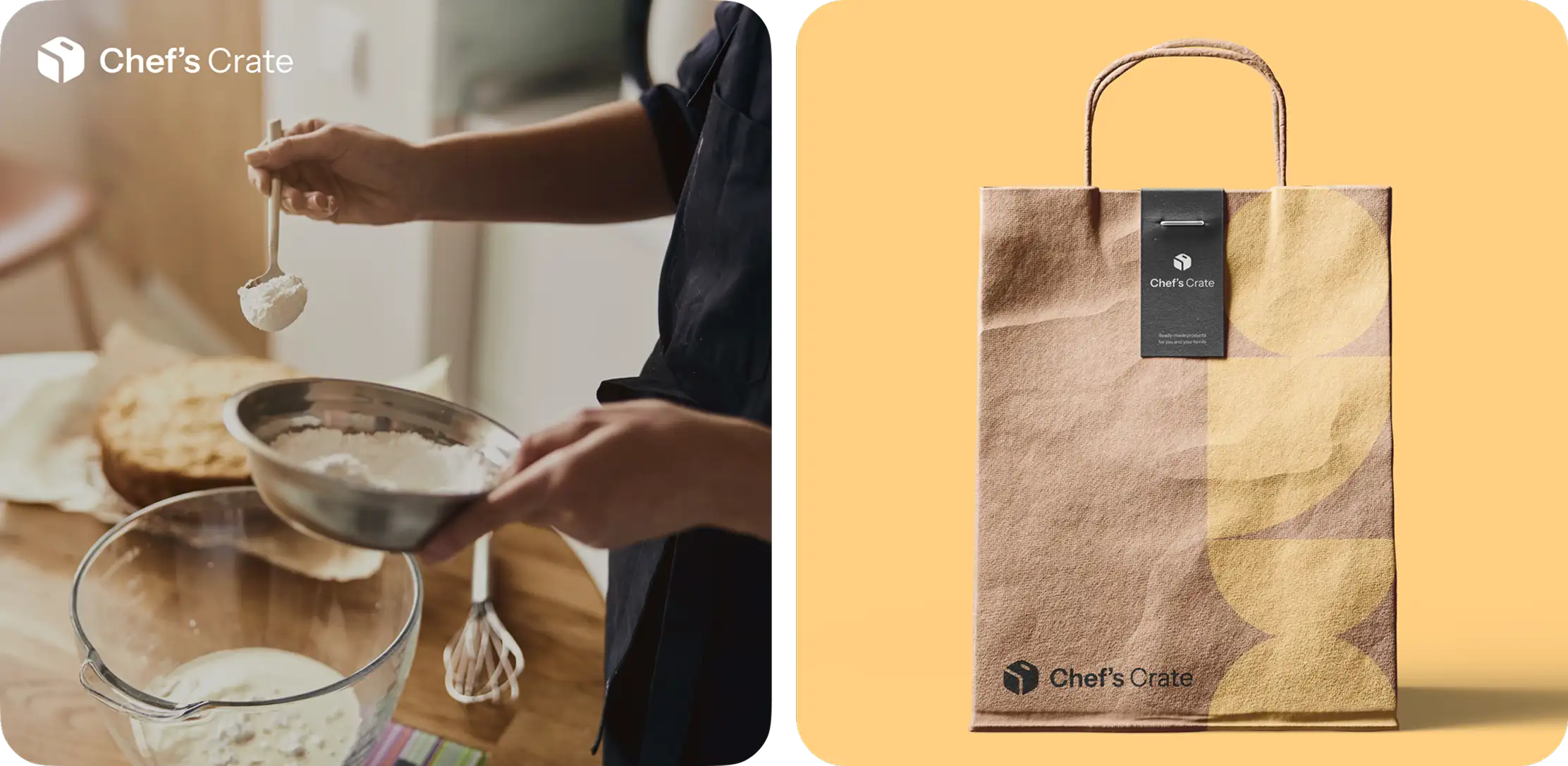
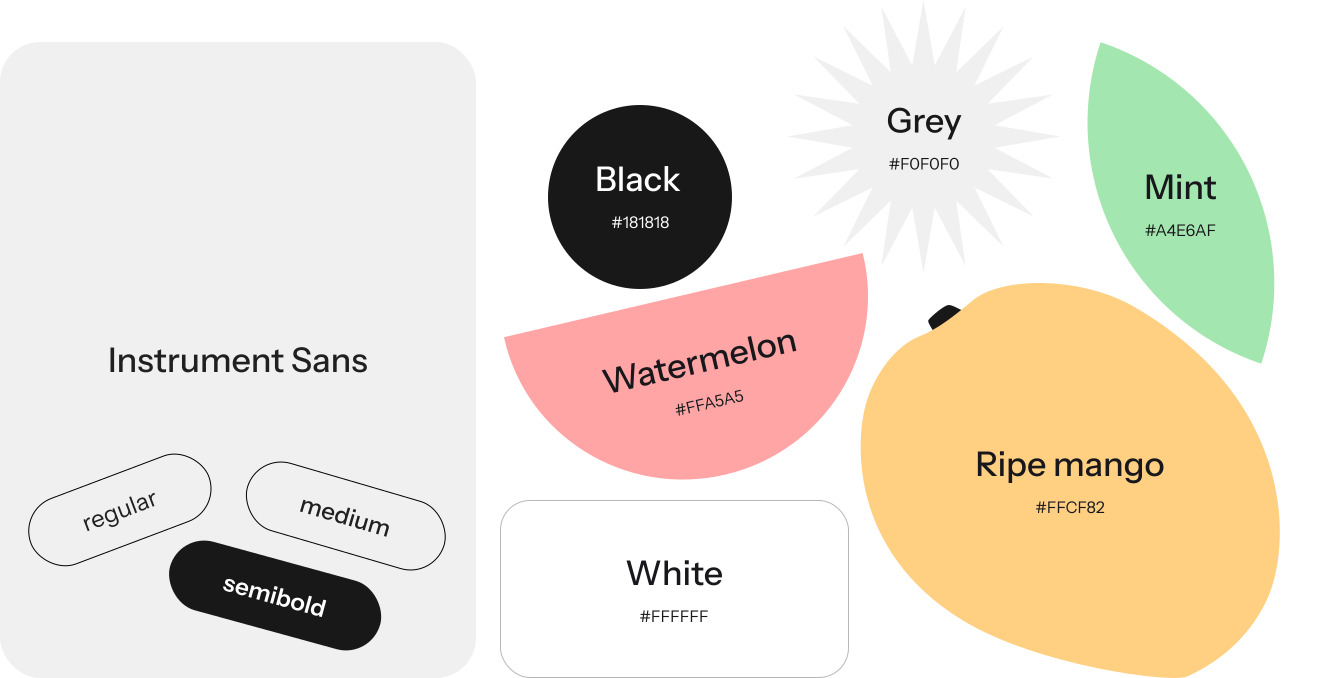
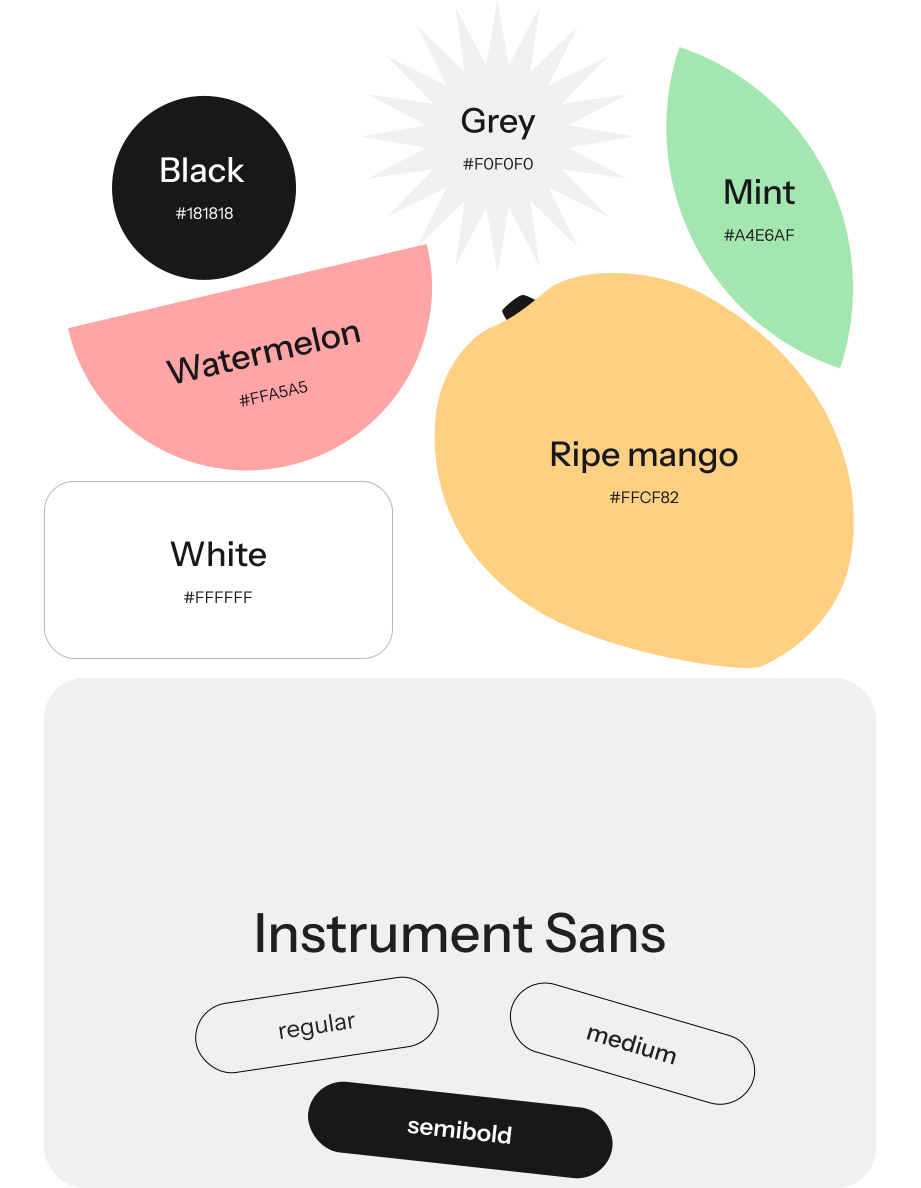
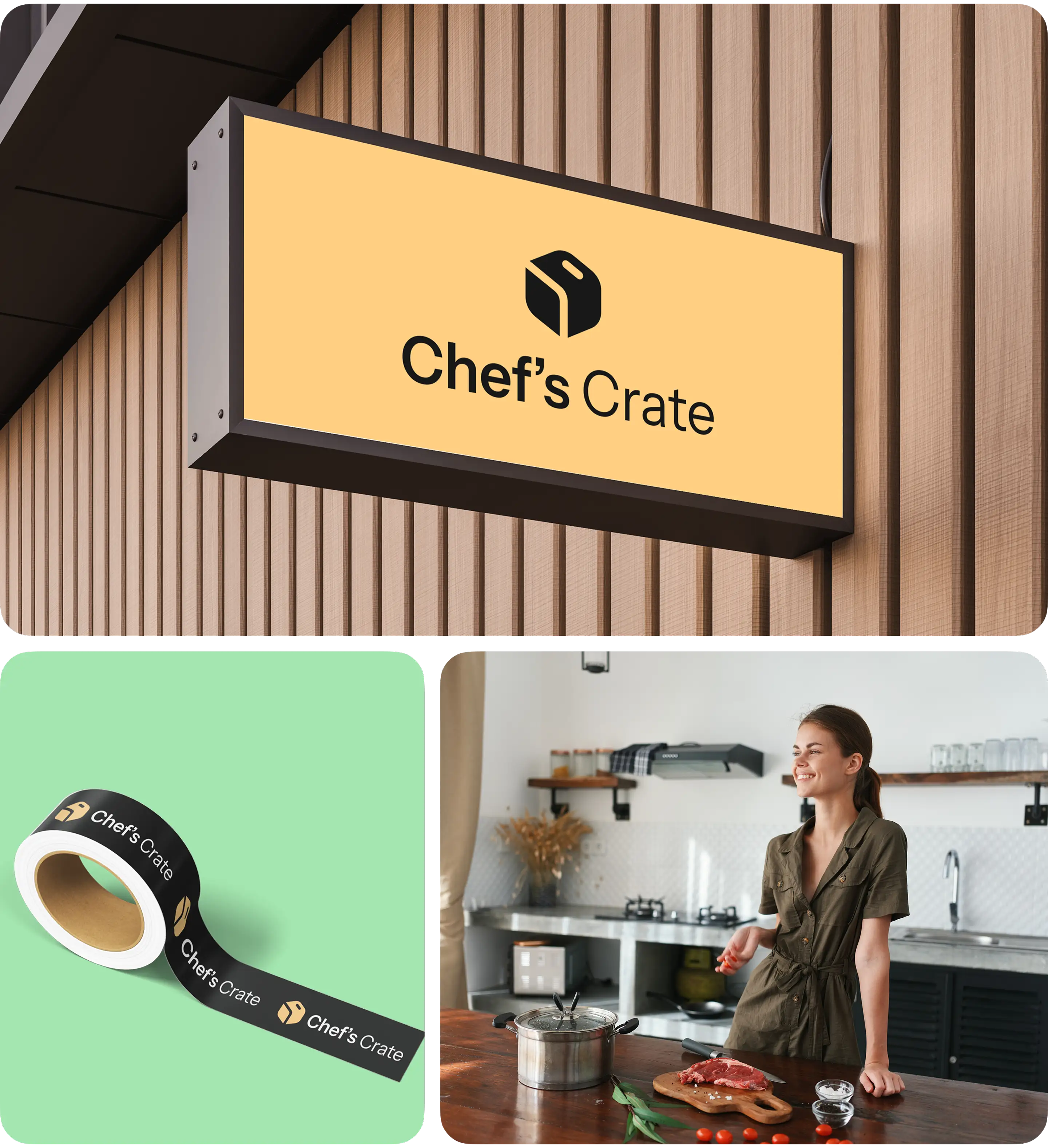
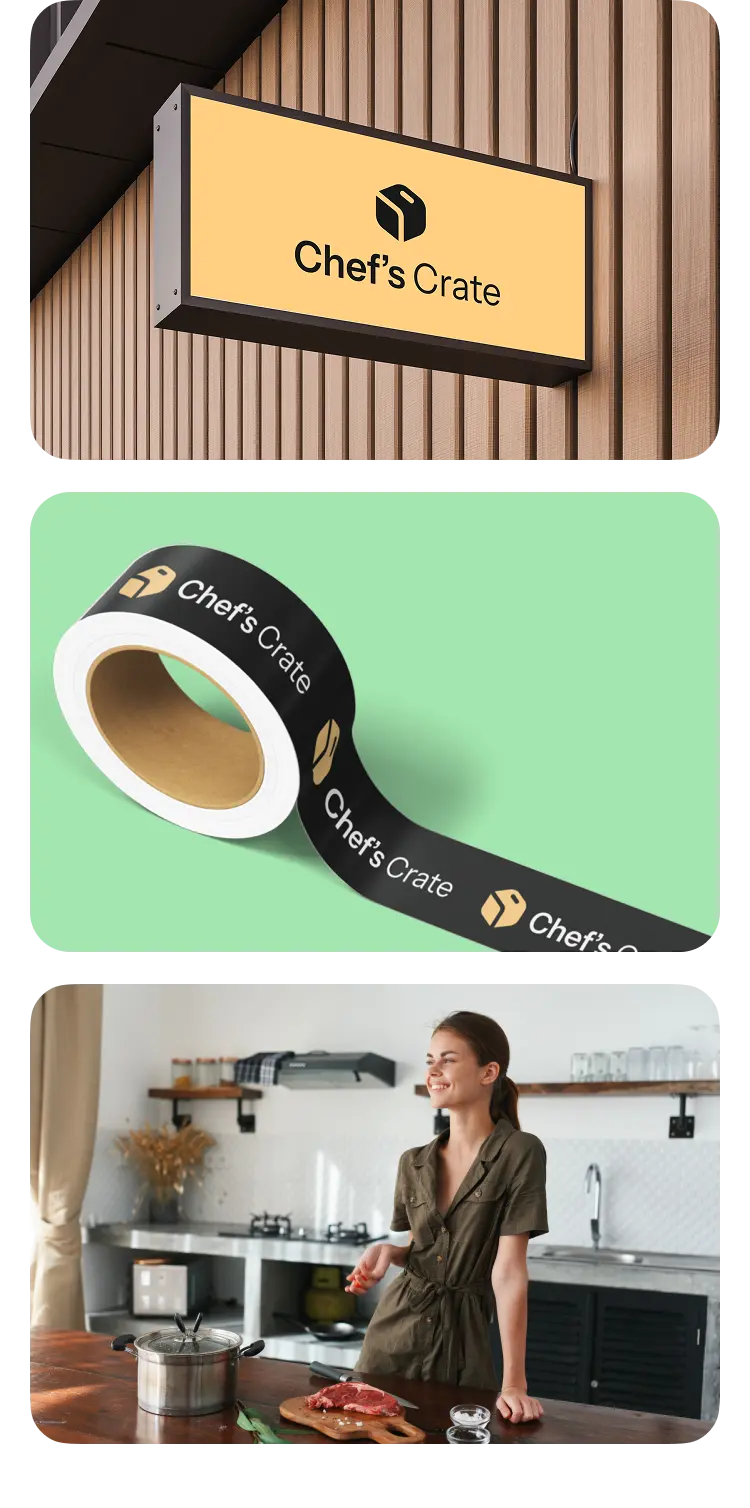
Our client provided us with branding style and company logo, which we needed to integrate in the inventory management software design. We followed the client’s design requests in terms of style. Our prime goal was to make the web panel convenient for restaurant administrators.
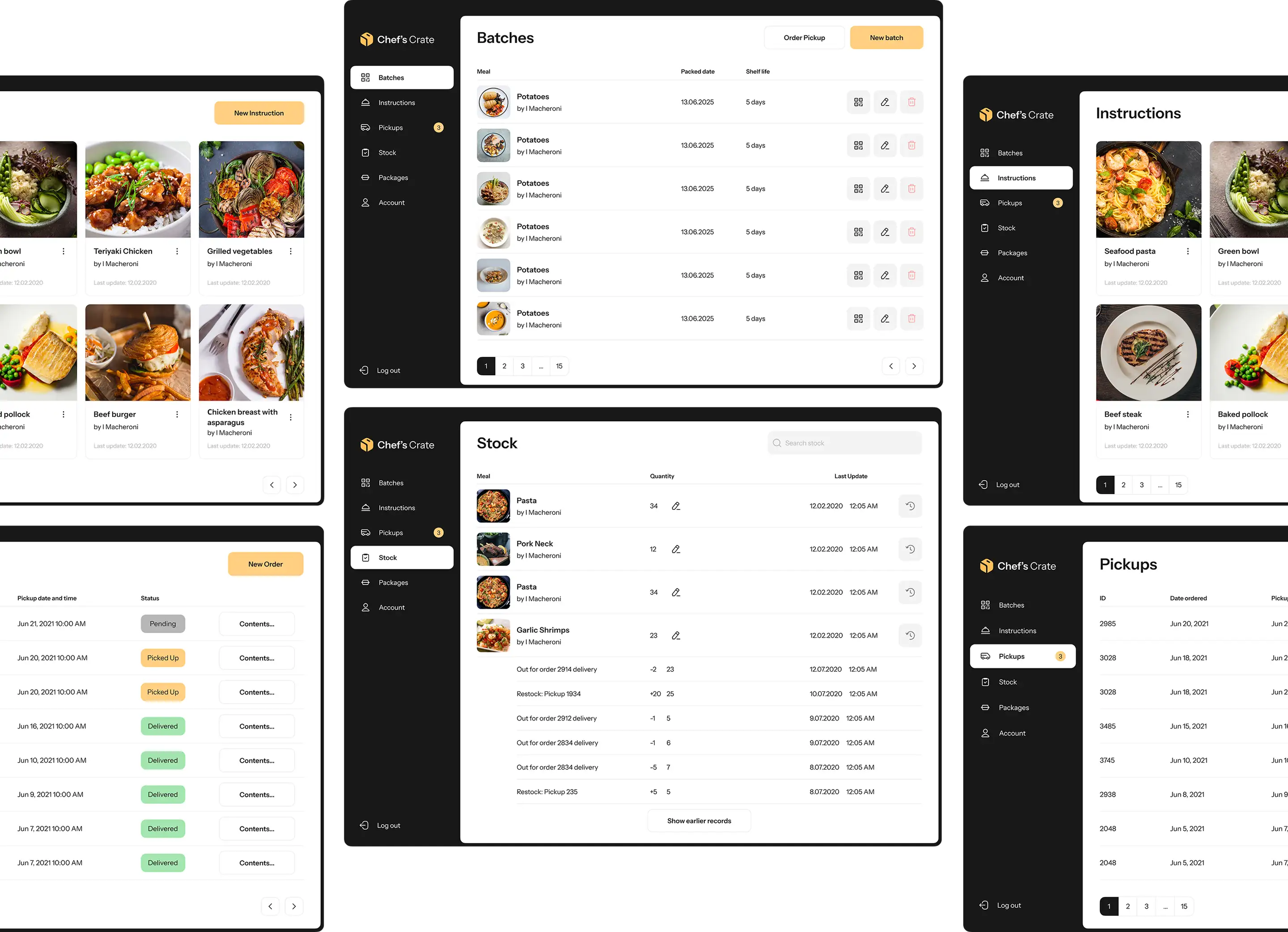
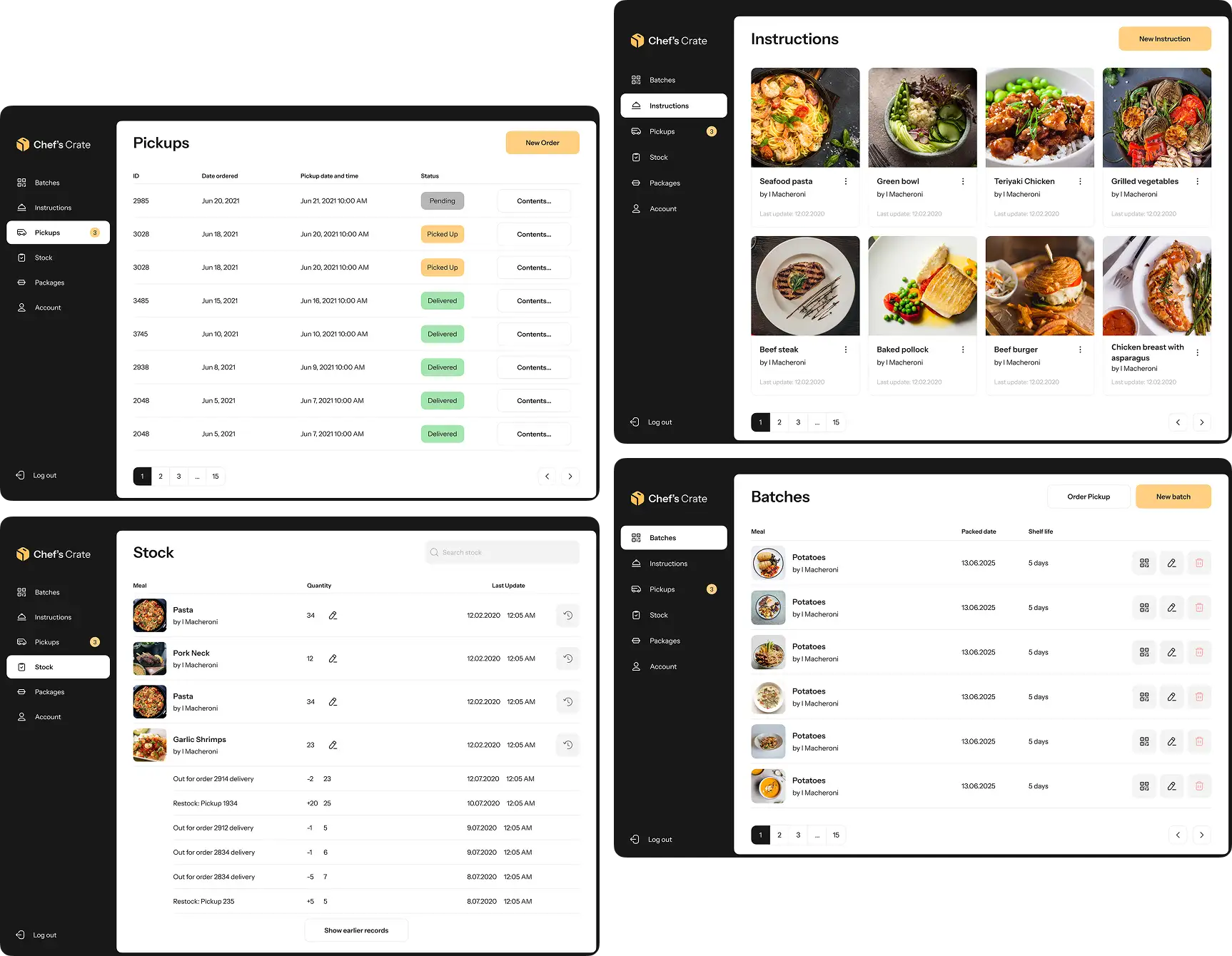
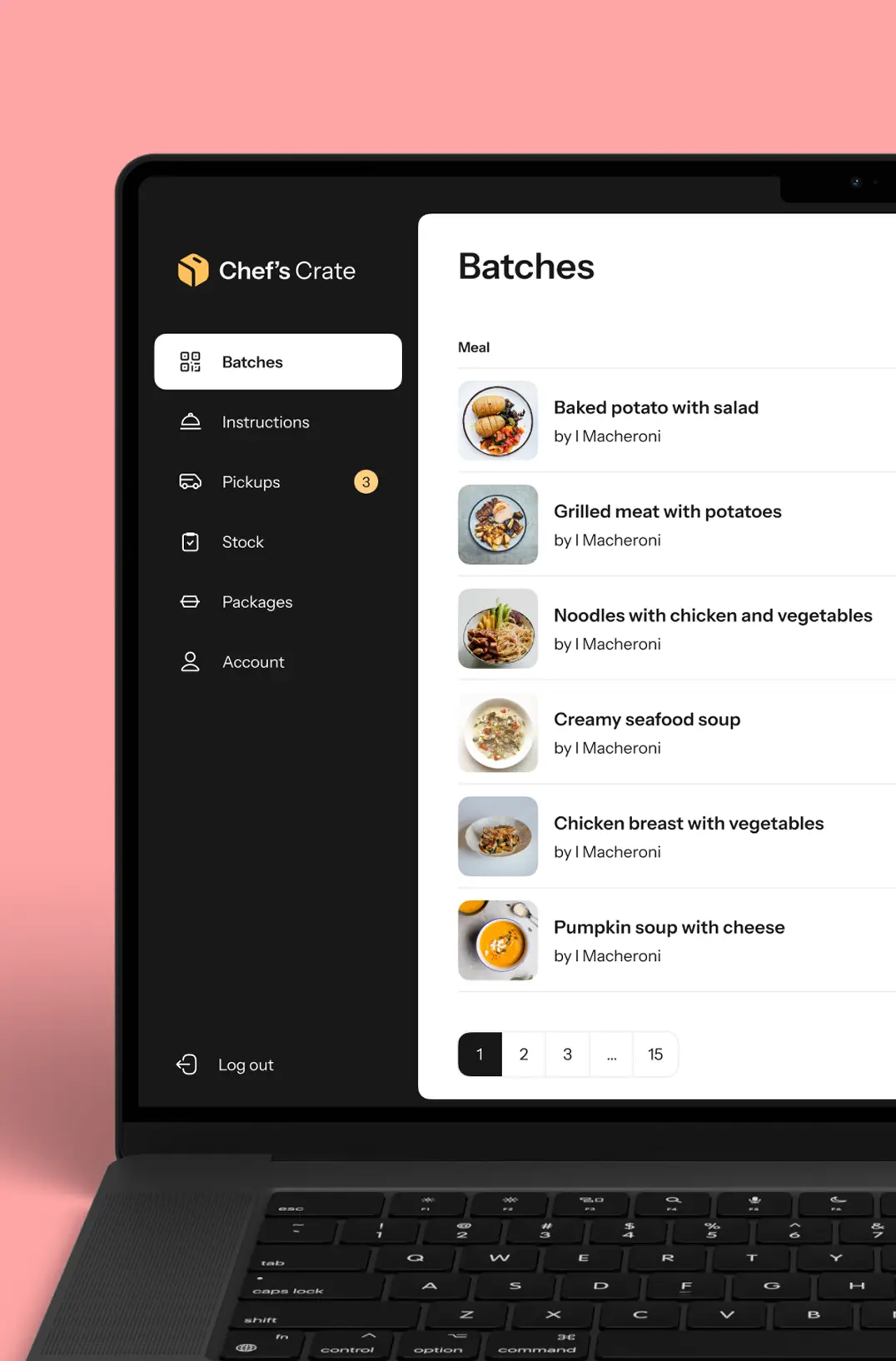
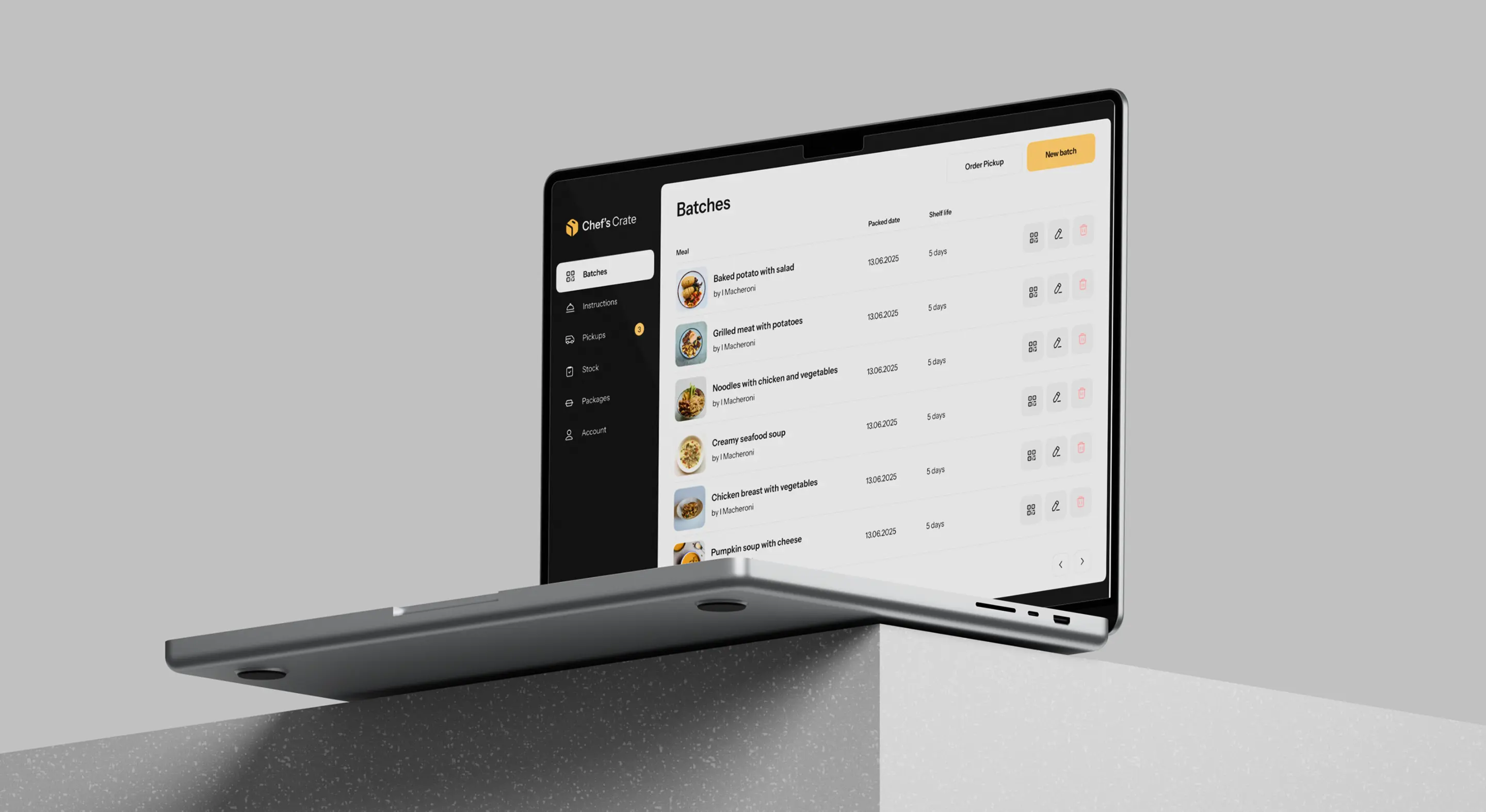
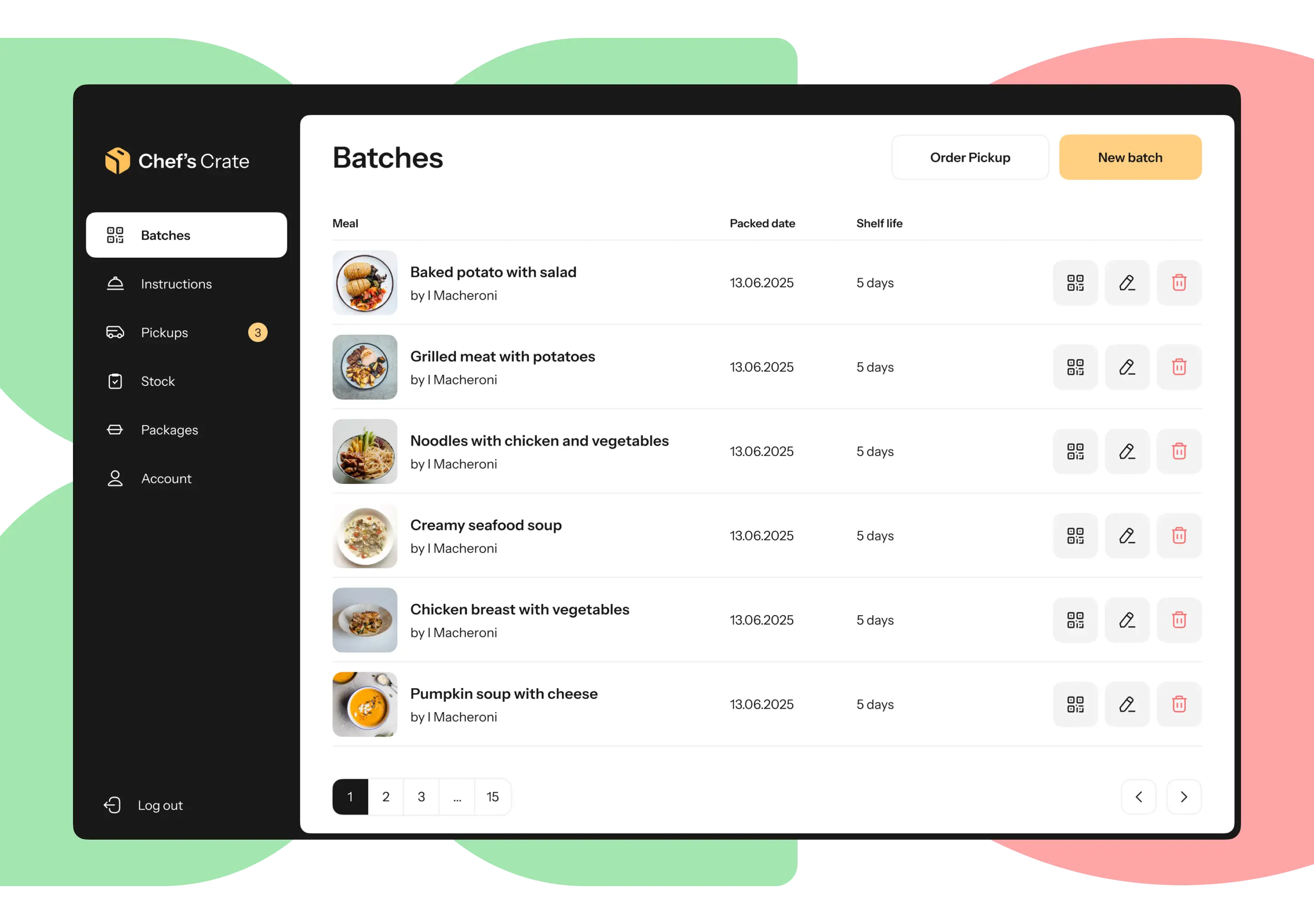
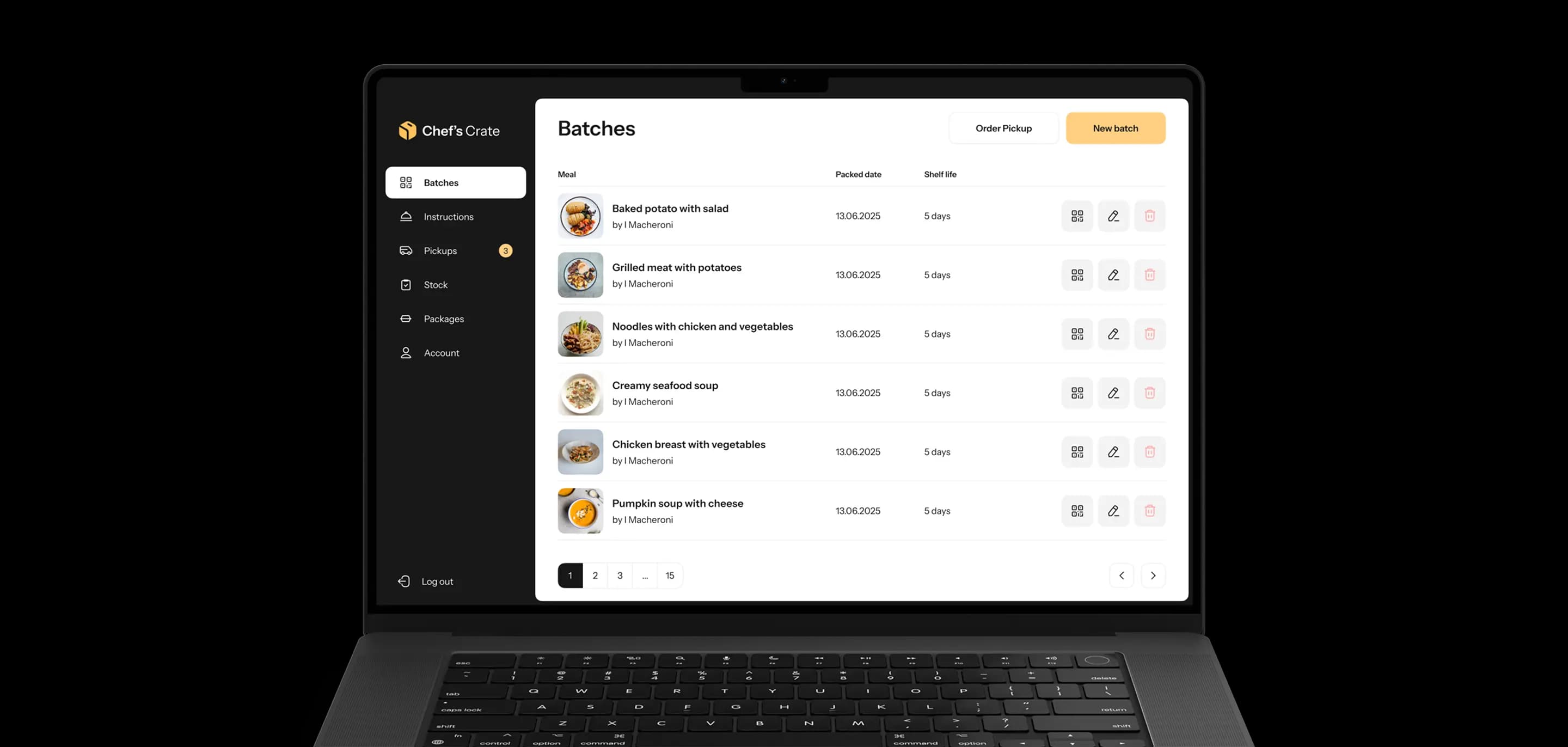
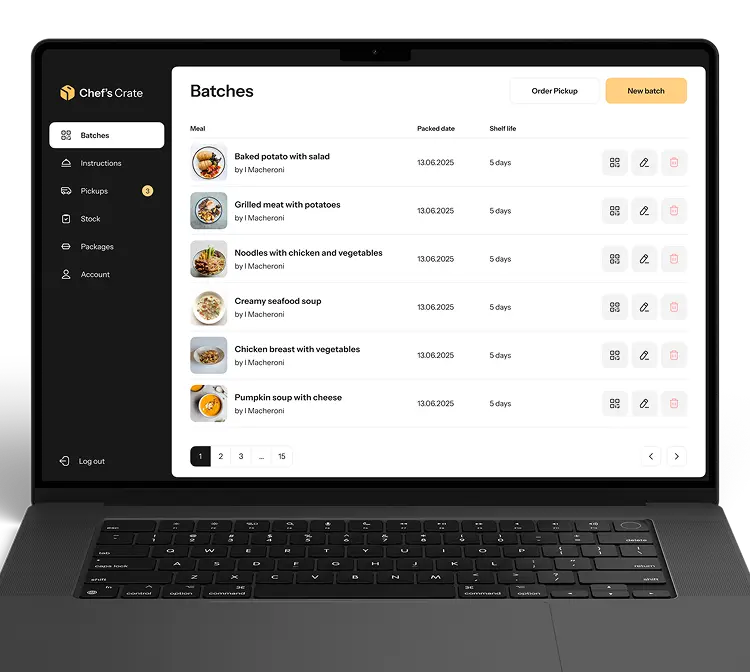
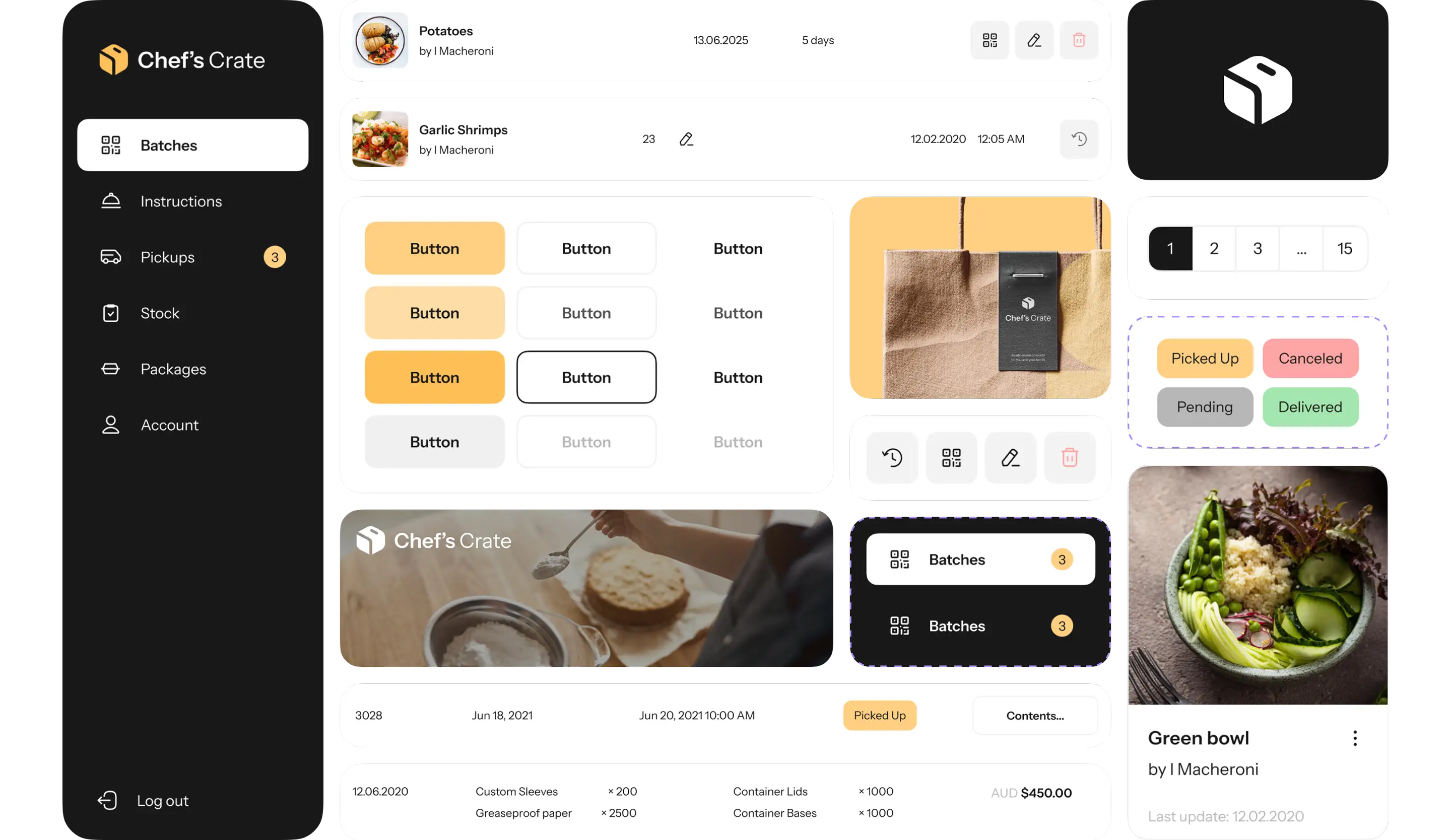
When creating the iconography for the app we aimed to make it intuitive and simple. We wanted to provide the administrator with just necessary information at hand. Icons at the batches section clearly navigate a user to view the QR code, edit information or delete a batch.
Features

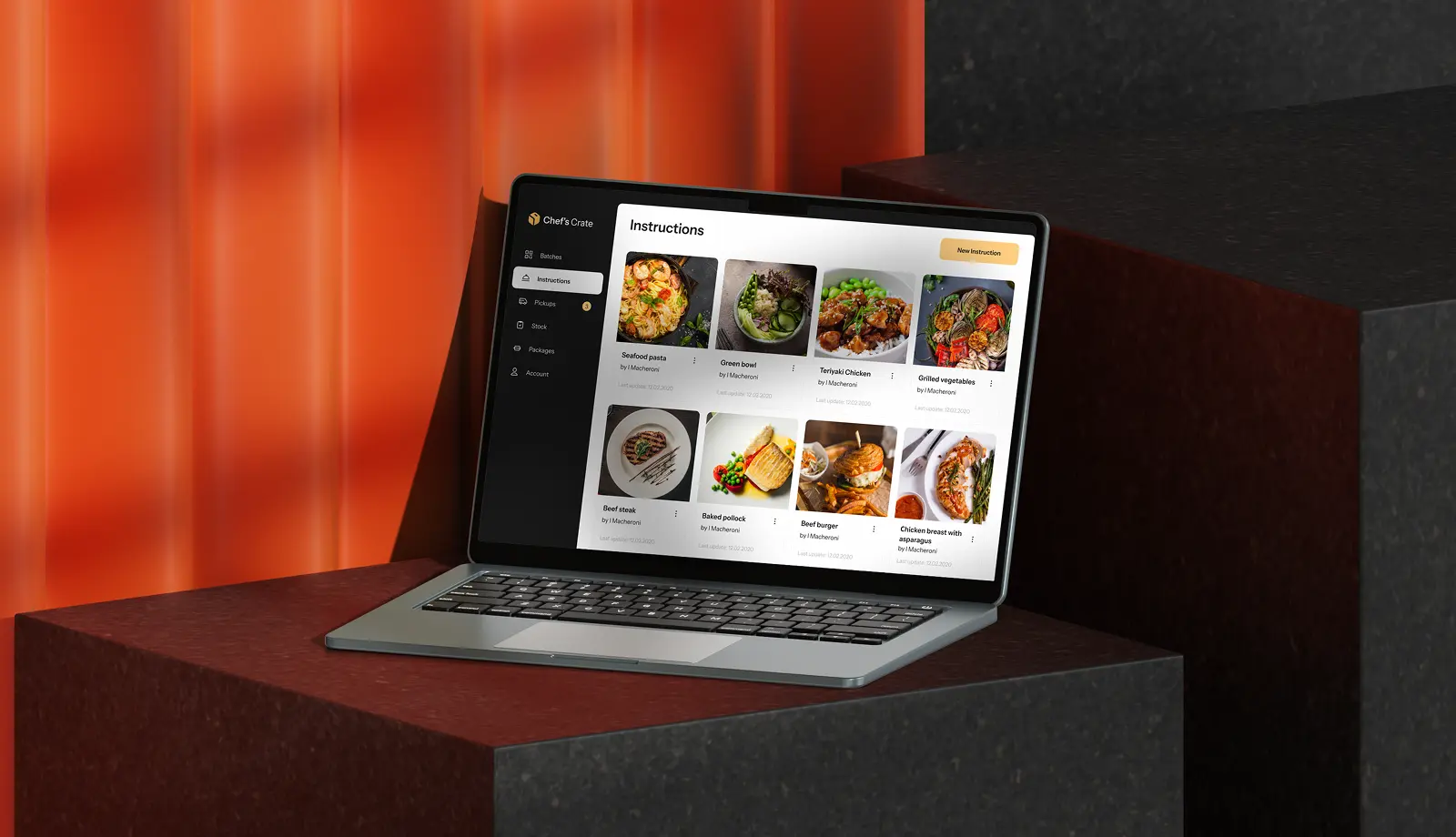
Instructions for meals
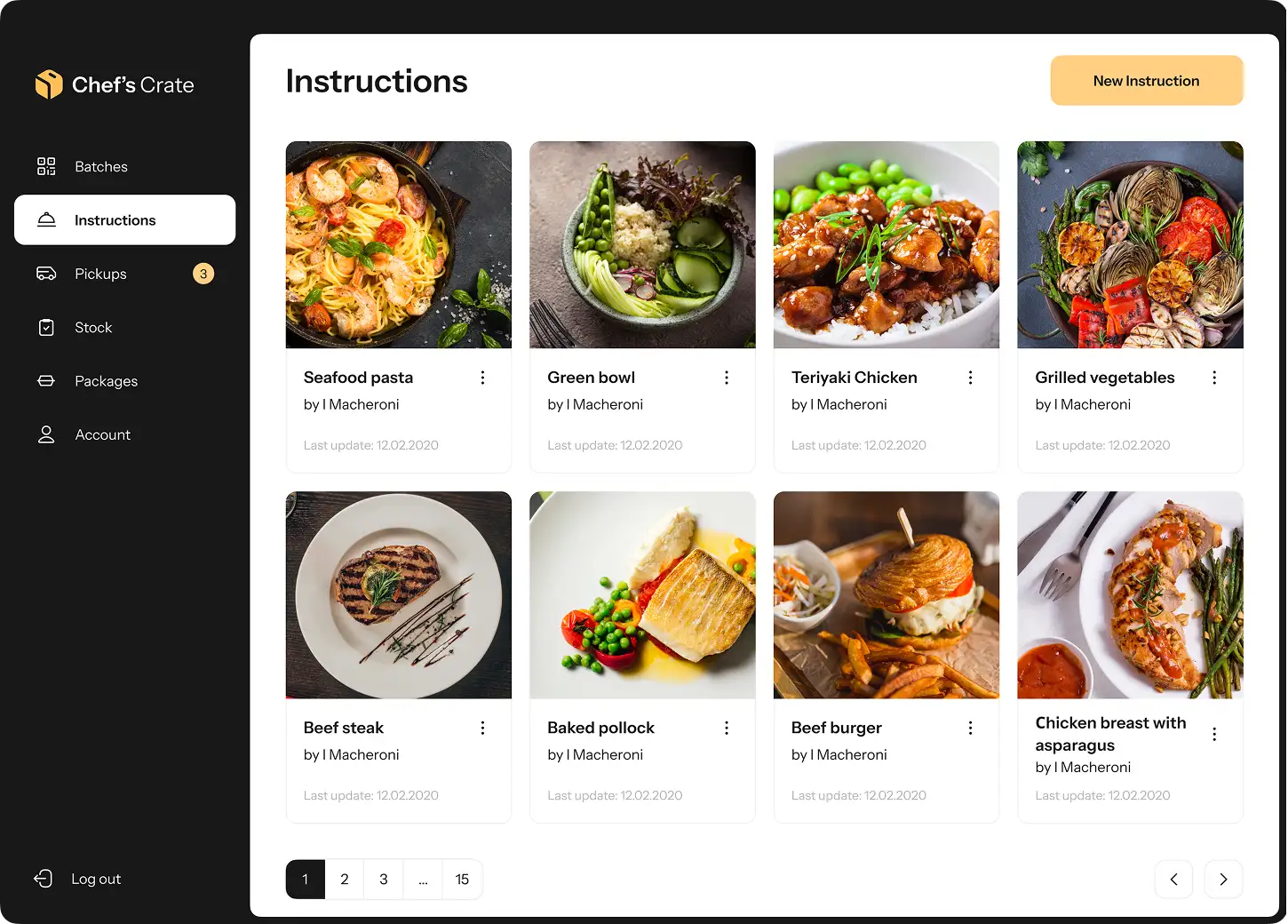
After registering in the app, a restaurant administrator can add meals and instructions to them. Instruction template is divided into sections to help admins add recipes and ensure readability for the future users.
An instruction contains photos of the meal, meal description, list of ingredients, storage conditions, nutrition facts, allergy notice and step-to-step instruction. Users can add and delete fields at their own will.
Batch management
After adding meals to the instructions, an administrator can add batches for each meal type. Every batch has its unique QR code containing information about the packed time and date, and expiry period. An administrator can also edit and delete batches.

Pickup statuses
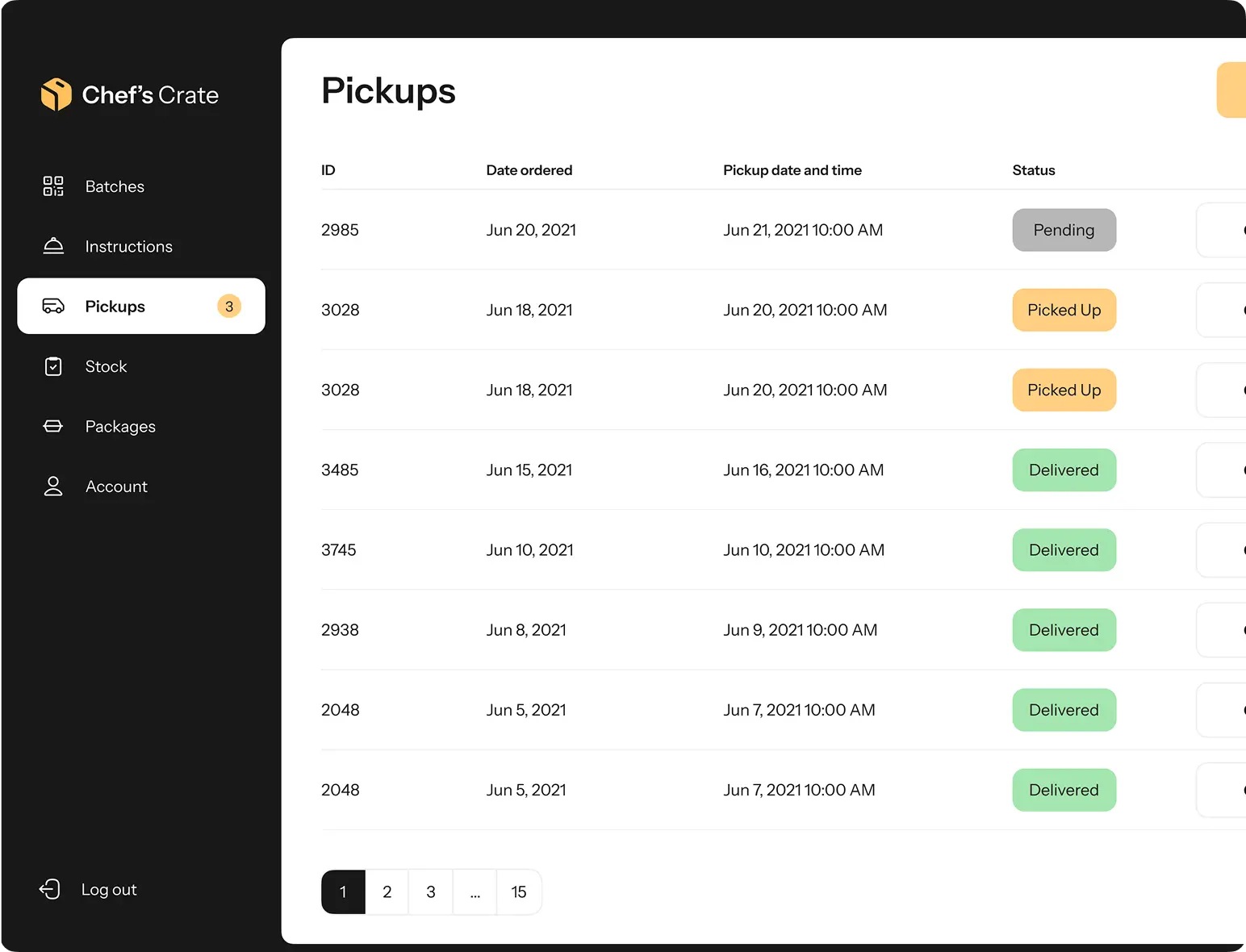
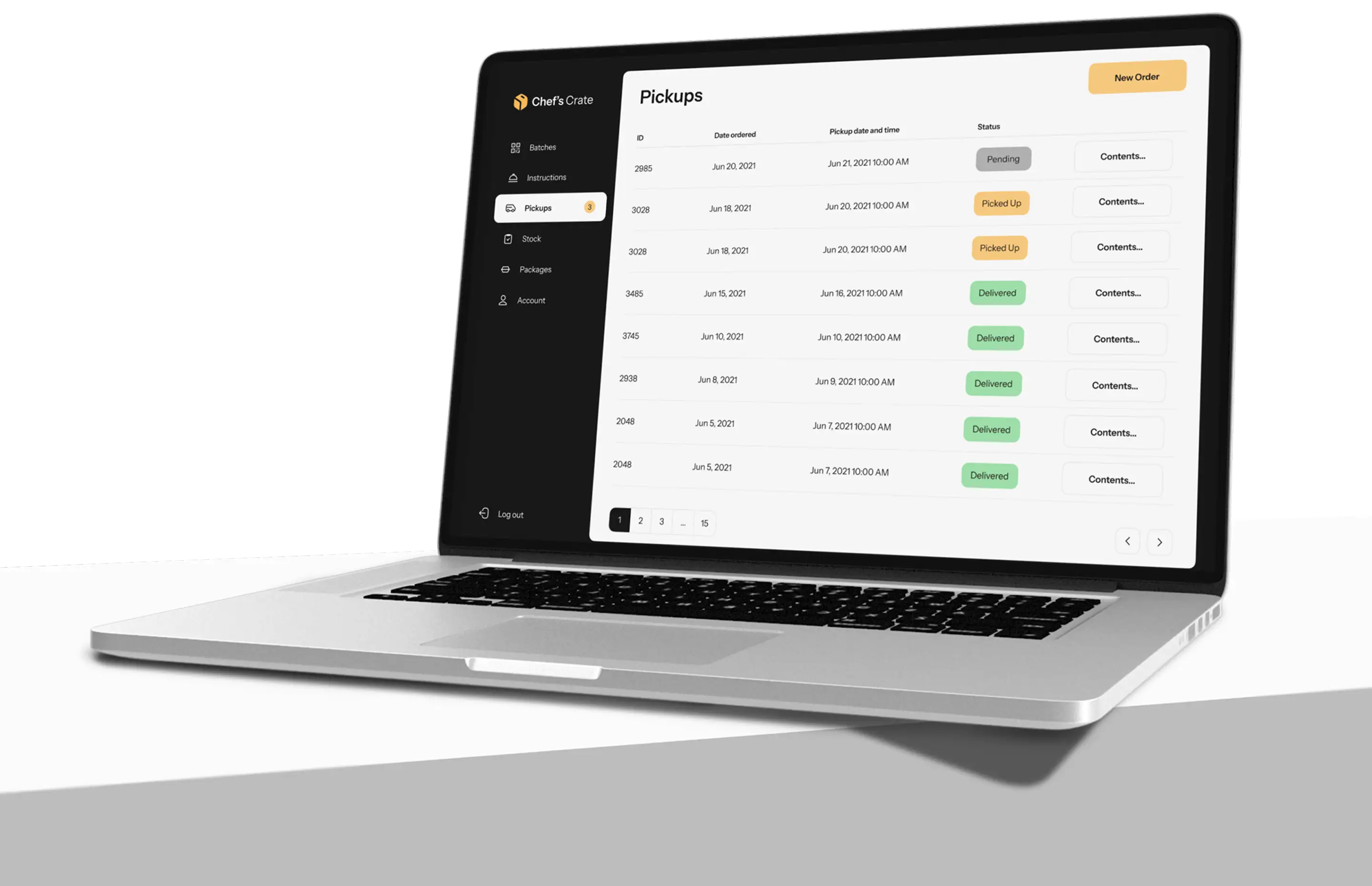
Whenever the batches are ready for delivery, an administrator adds them to the order pickup and can then view the statuses in the inventory management software. Each batch has pickup contents indicating the date ordered, pickup date and time, and pickup address.
Pickup statuses
Whenever the batches are ready for delivery, an administrator adds them to the order pickup and can then view the statuses in the inventory management software. Each batch has pickup contents indicating the date ordered, pickup date and time, and pickup address.
Stock management
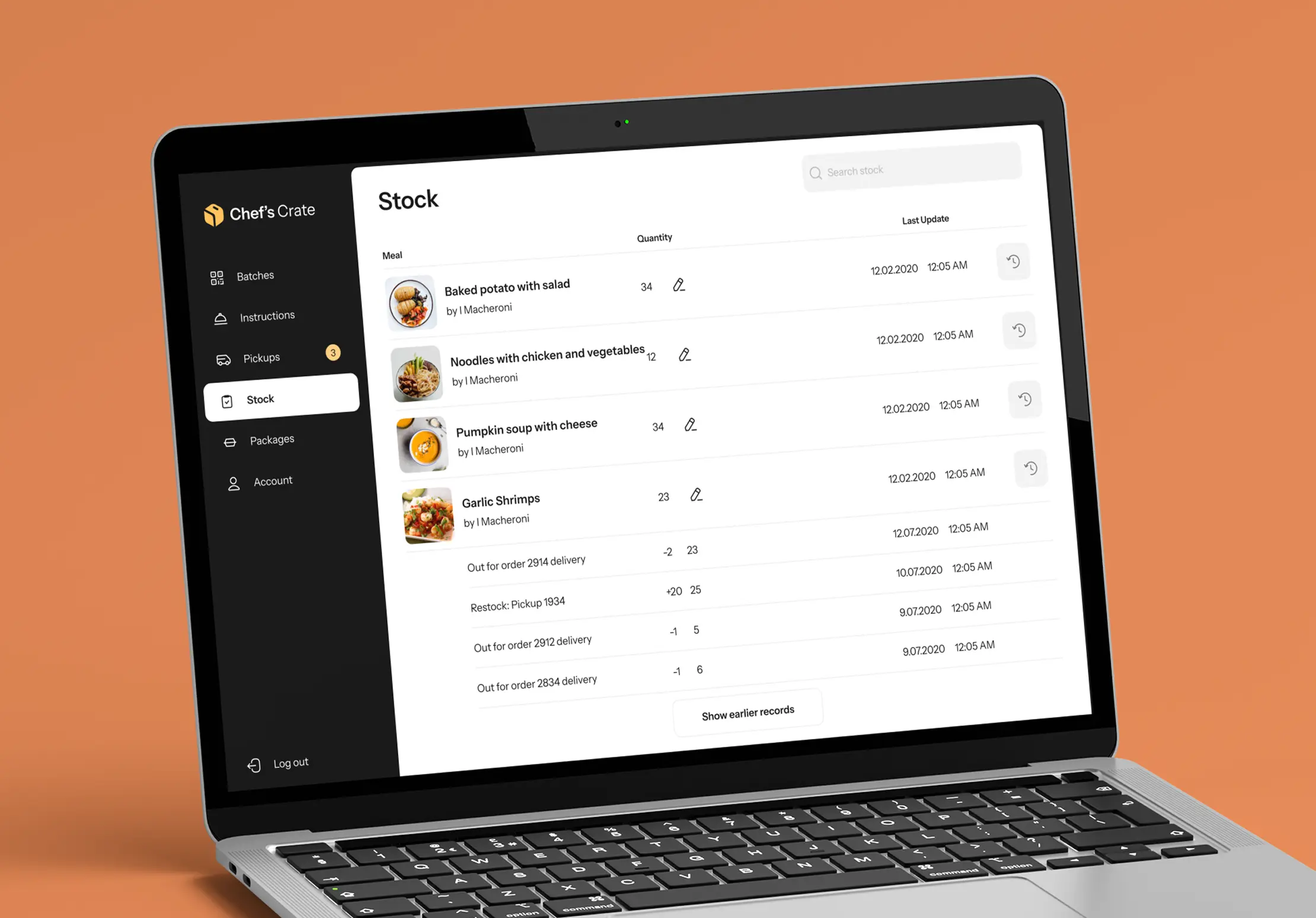
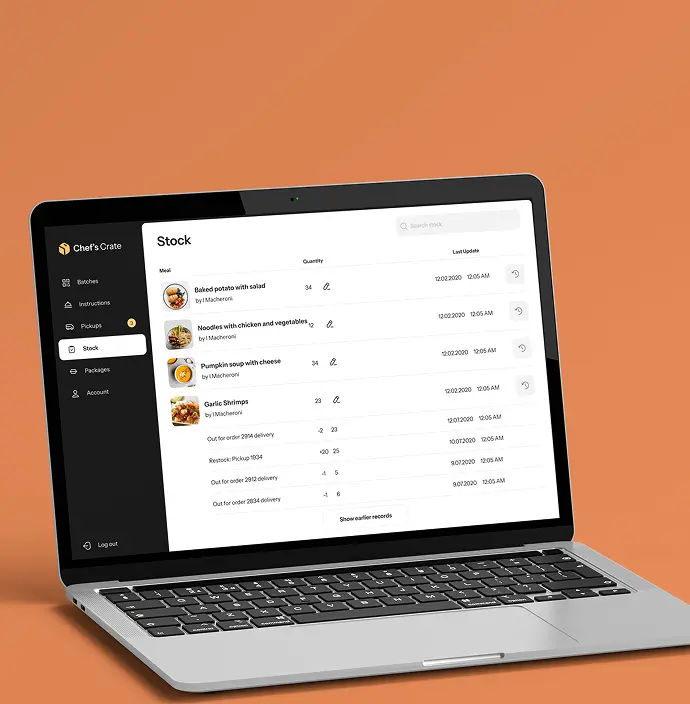
The Stock page helps to update the current number of available dishes and view past records of restocks, deliveries, and issues.
An administrator can report an issue supplying it with a photo proof and short note.
Packages supply
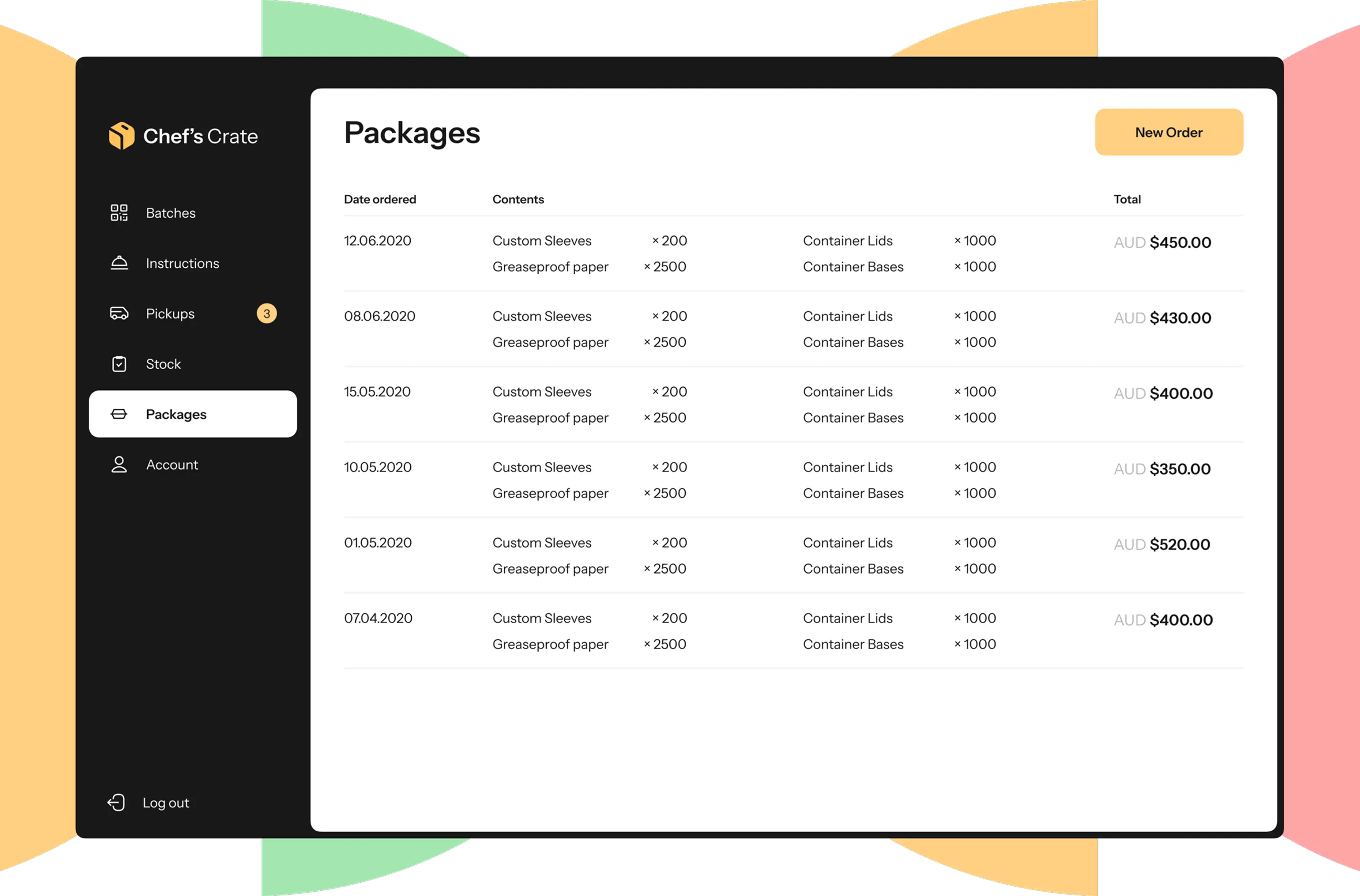
The app provides meal sets for a week, and, therefore, the inventory supply for packaging should be an uninterrupted process. The Packages page helps an administrator to reorder packaging batches.
The main feature of the application is the QR‑codes system.
Killer feature
Each ingredient is labeled with a unique QR code which encodes a link storing the info about a packed date and shelf life period of the product. The same QR code is stuck to the meal box so that customers can have access to this information. The code itself is generated beforehand on the backend and delivered as an image to the inventory management software.
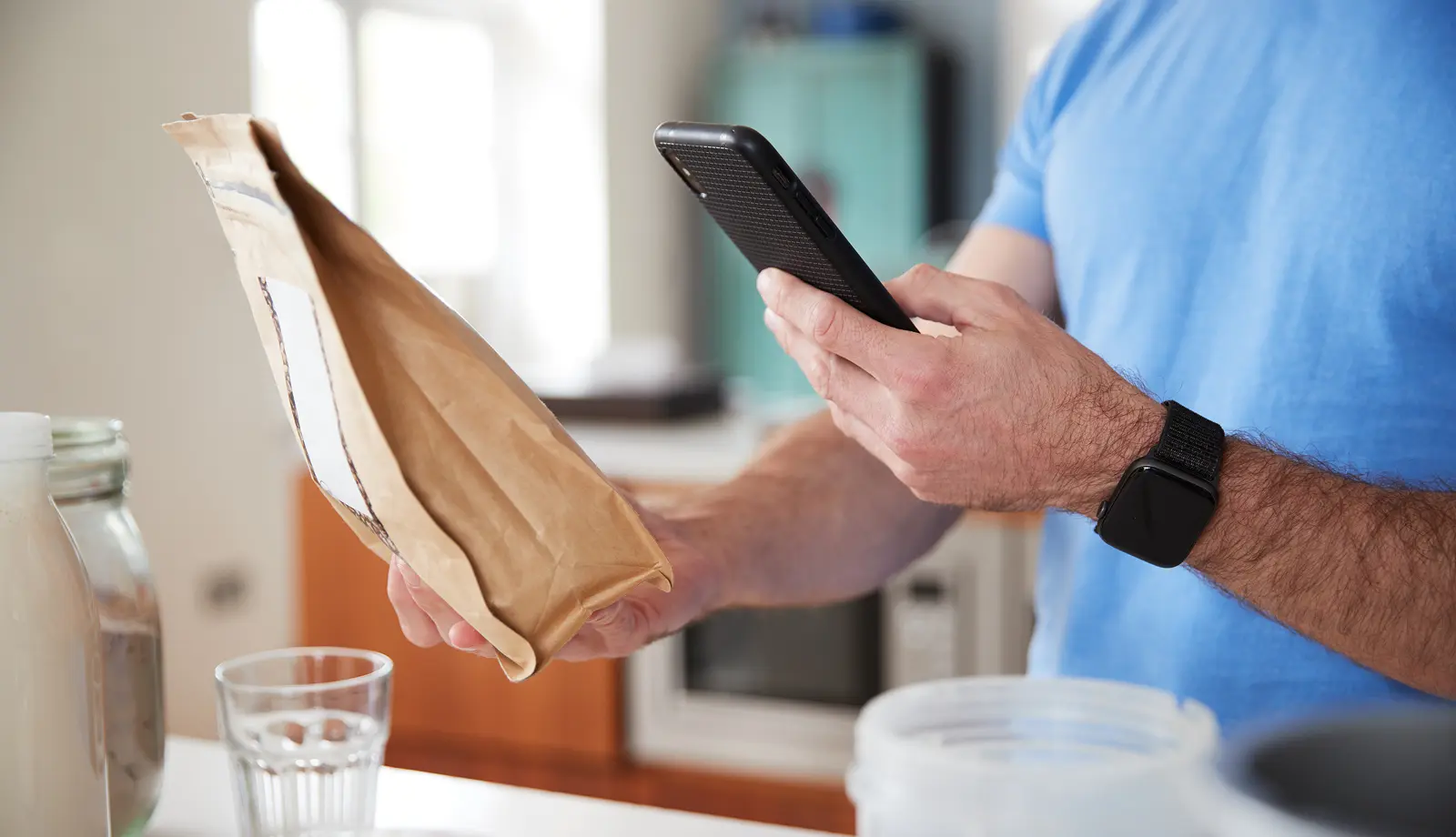
Such an approach allowed the company to build trust with its users, while for our team it became an interesting case of creating an app with such a label system.

UI kit
Colors, fonts
Backend
We built the server side of the inventory management software with Laravel framework. This technology perfectly suits the aim of creating rapid web apps.
Database management
For seamless integration with a client’s app we used PostgreSQL, alongside Laravel’s object-relational mapping. We enhanced system performance with Redis as a cache and message broker.
User authentication
For secure user authentication, we prefer to use reliable ready-made solutions. for our inventory management software, we implemented Auth0, an authentication and authorization platform.
CI/CD
For the need of continuous integration, we used GitLab and ArgoCD which help to test, build, and deploy in a fast and automated way. To ensure consistency between production and development environments we used Docker.
Frontend
For the user side, we used Angular framework specifically designed for building scalable and robust web applications. We coded with RxJS to facilitate efficient management of asynchronous data flows.
System reliability
To ensure that the system runs error-free, we implemented the Sentry tracking tool.
Cloud infrastructure
We chose Google Cloud as a cloud services provider for its high level of security and reliability.
Challenges we faced

Technological integration
We needed to synchronize data between the existing application and new-built inventory management software. for the real-time data exchange between applications, we used Laravel’s API capabilities to establish a RESTful API interface.
Scalable infrastructure
The client wanted to scale up the project in the future, so we had to prepare the system for increased loads and prevent downtime risks. We used Google Cloud’s Kubernetes Engine to manage containerized apps providing scaling, load balancing, and multi-cluster resource management.

UI/UX design responsiveness
An interface had to match the customer application and update the stock data accordingly. Angular’s component-based architecture, strong data binding, and dependency injection helped in crafting a responsive inventory management dashboard mirroring client’s existing style guide.
Our team can build inventory management software tailored to your specific business needs. Contact us to discuss your project requirements.

Results
We successfully integrated our inventory management software with the client's meal delivery app.
Now, the client independently focuses on refining their mobile platform, emphasizing customer-centric features.
Enhanced operational efficiency
Inventory management allows restaurant administrators to reduce manual errors. QR code system helps users quickly access meal data, significantly improving batch processing.
Strategic use of data
PostgreSQL allows the client to perform complex queries on large datasets and gain insights into consumption patterns along with inventory turnover. The inventory management software resolved the issue of overstocking and understocking.
Future-ready solution
The inventory management application can adapt to growing demands with the help of Kubernetes provided by Google Cloud, along with other production-ready solutions such as Google Cloud Storage and Cloud SQL. Therefore, the client can allocate resources based on real-time needs.
Project details
Designers
Backend developer
Frontend developer
Project manager
Art director
DevOps engineer
Weeks
Cost