
Marketplace for the UAE market
An online shop* with an AI-helper designed and developed specifically for the UAE residents
We developed this project under an NDA, so we can’t disclose its name or provide a link to the product.
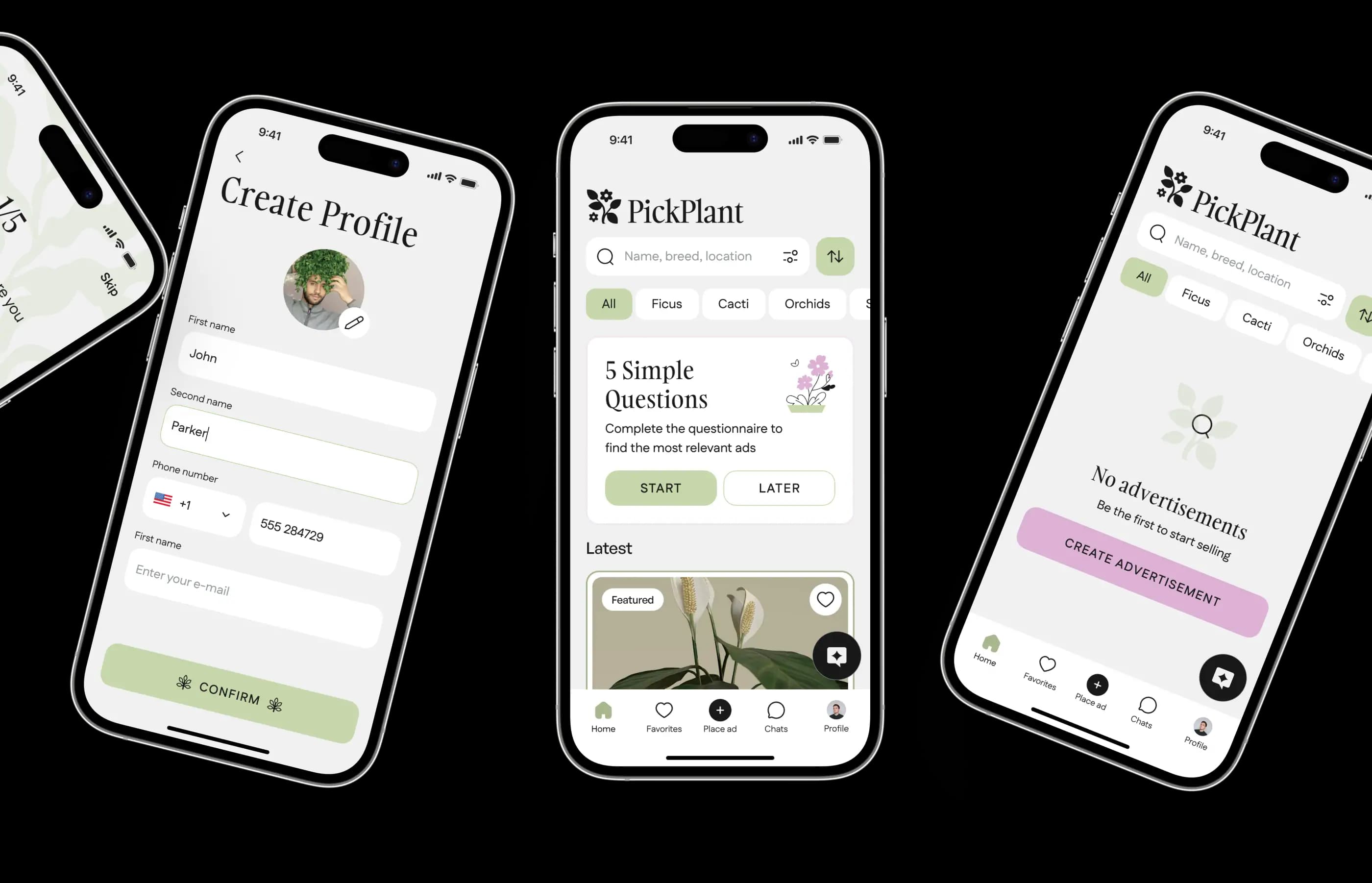
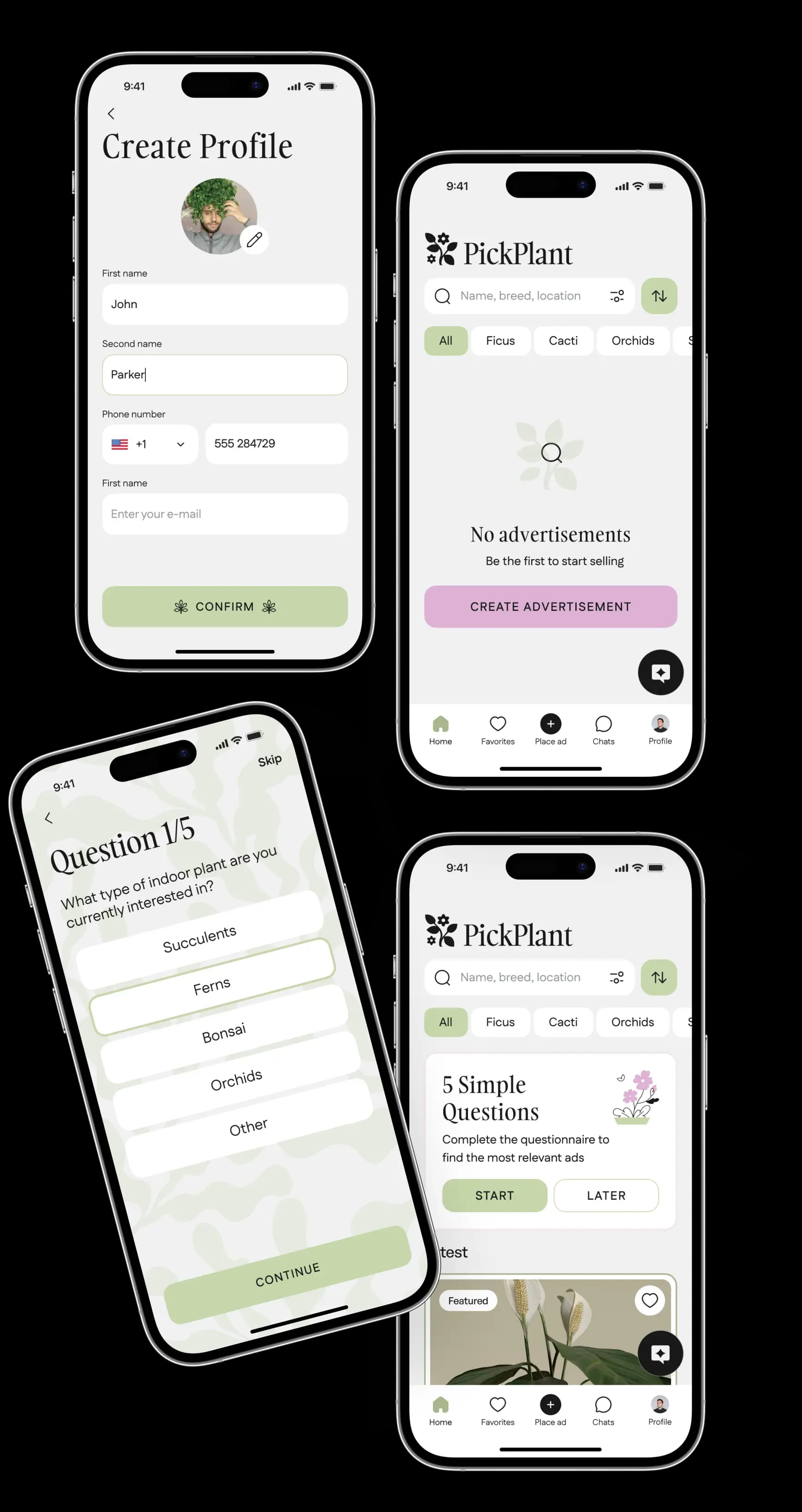
Project idea
The idea of our client was to launch an indoor plants online marketplace that would allow users to post ads promoting their offers as well as help arrange deals between sellers and buyers.



Key objectives
To develop a user-friendly, fully functional marketplace app that complies with UAE regulations, our team took the following steps:

UI/UX design
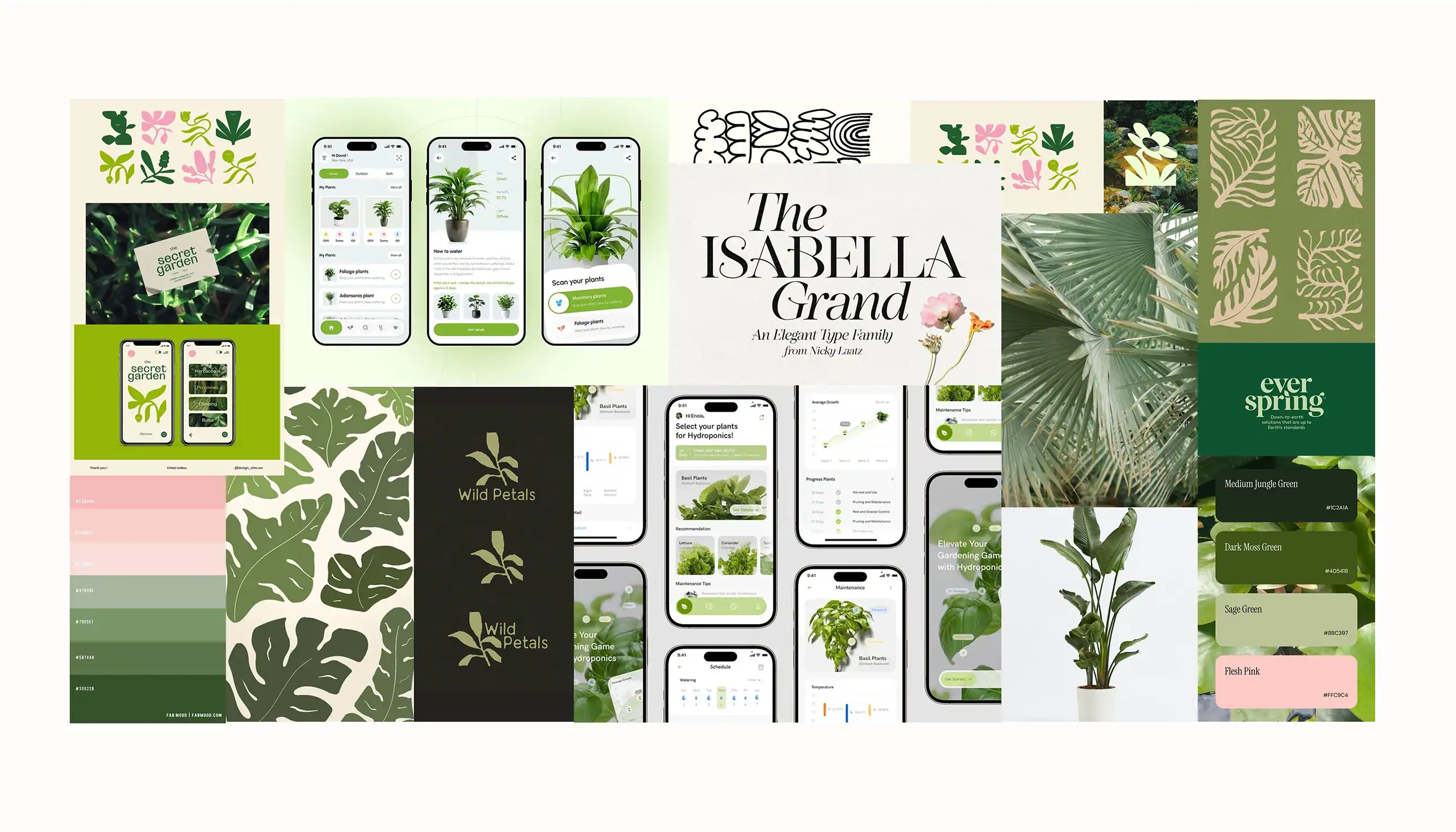
Moodboard
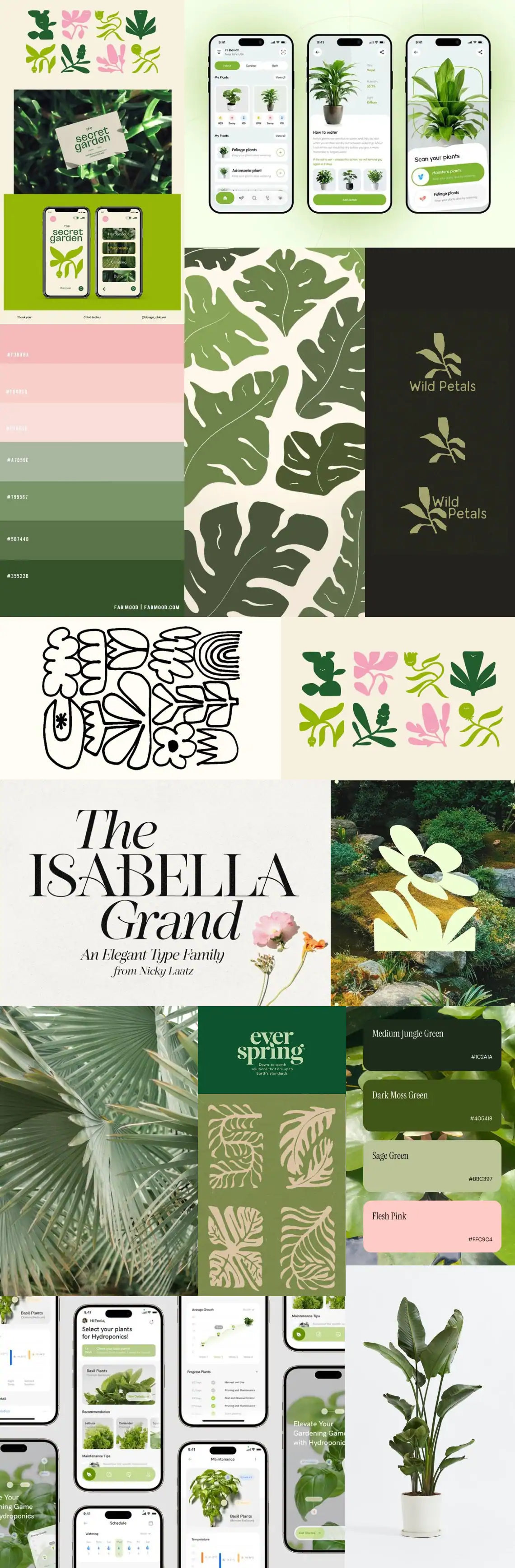
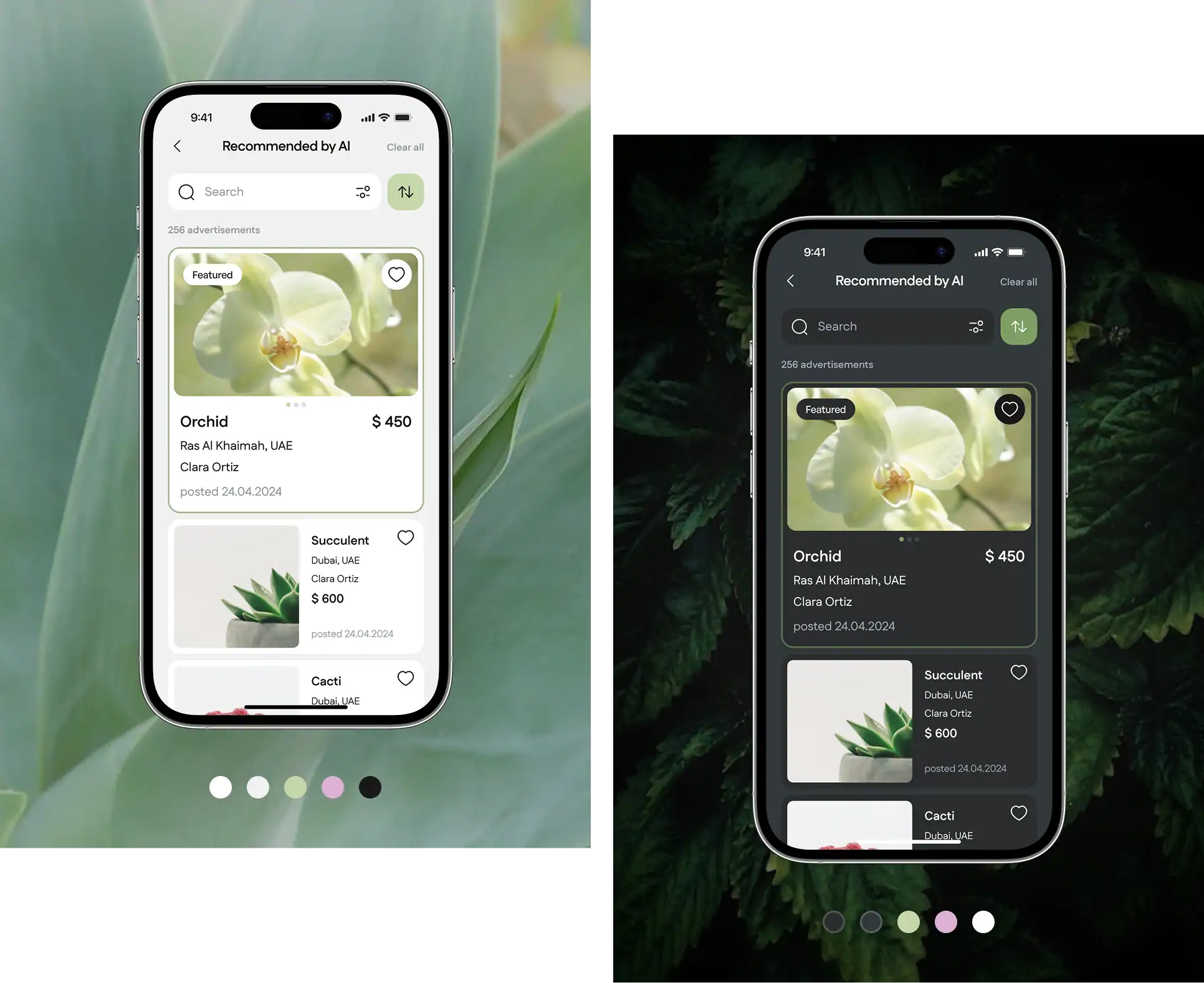
Based on the client’s preferences and the nature of the project, we created a moodboard in natural colors, offering a calm and a more vibrant version.
Mind map
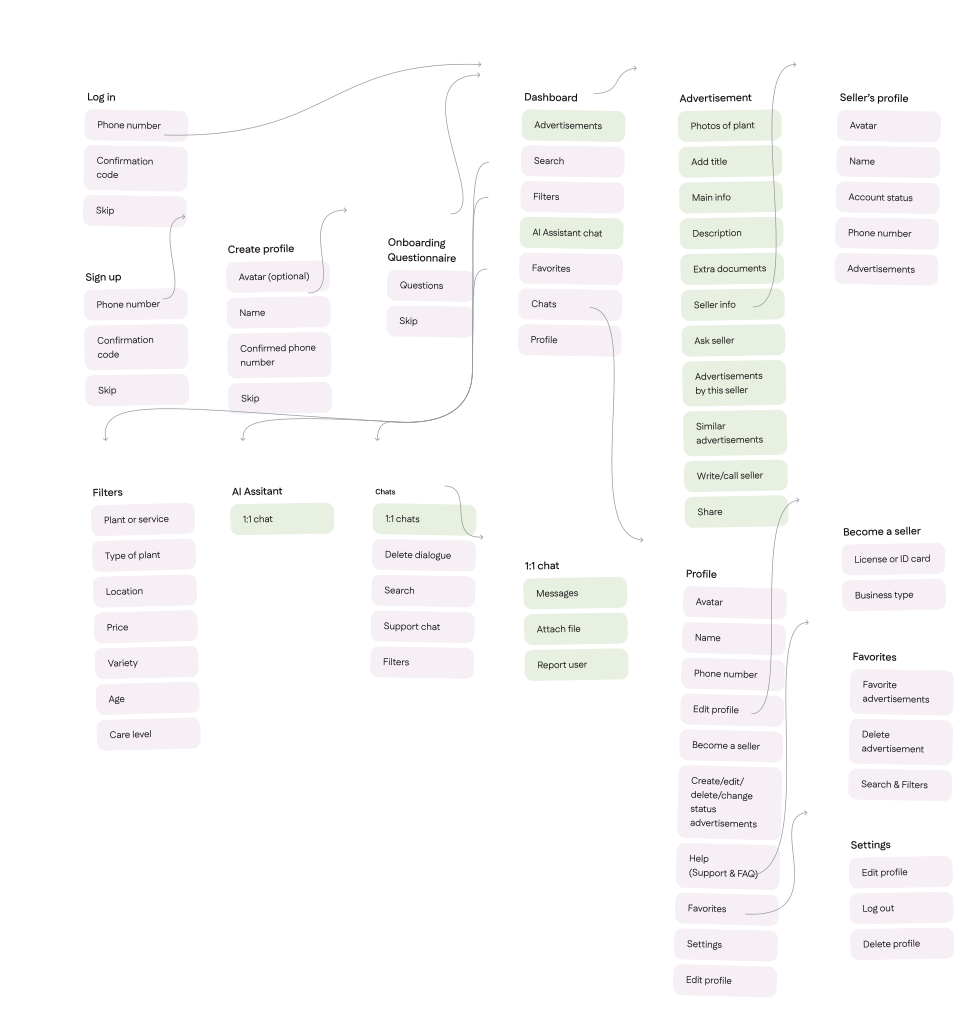
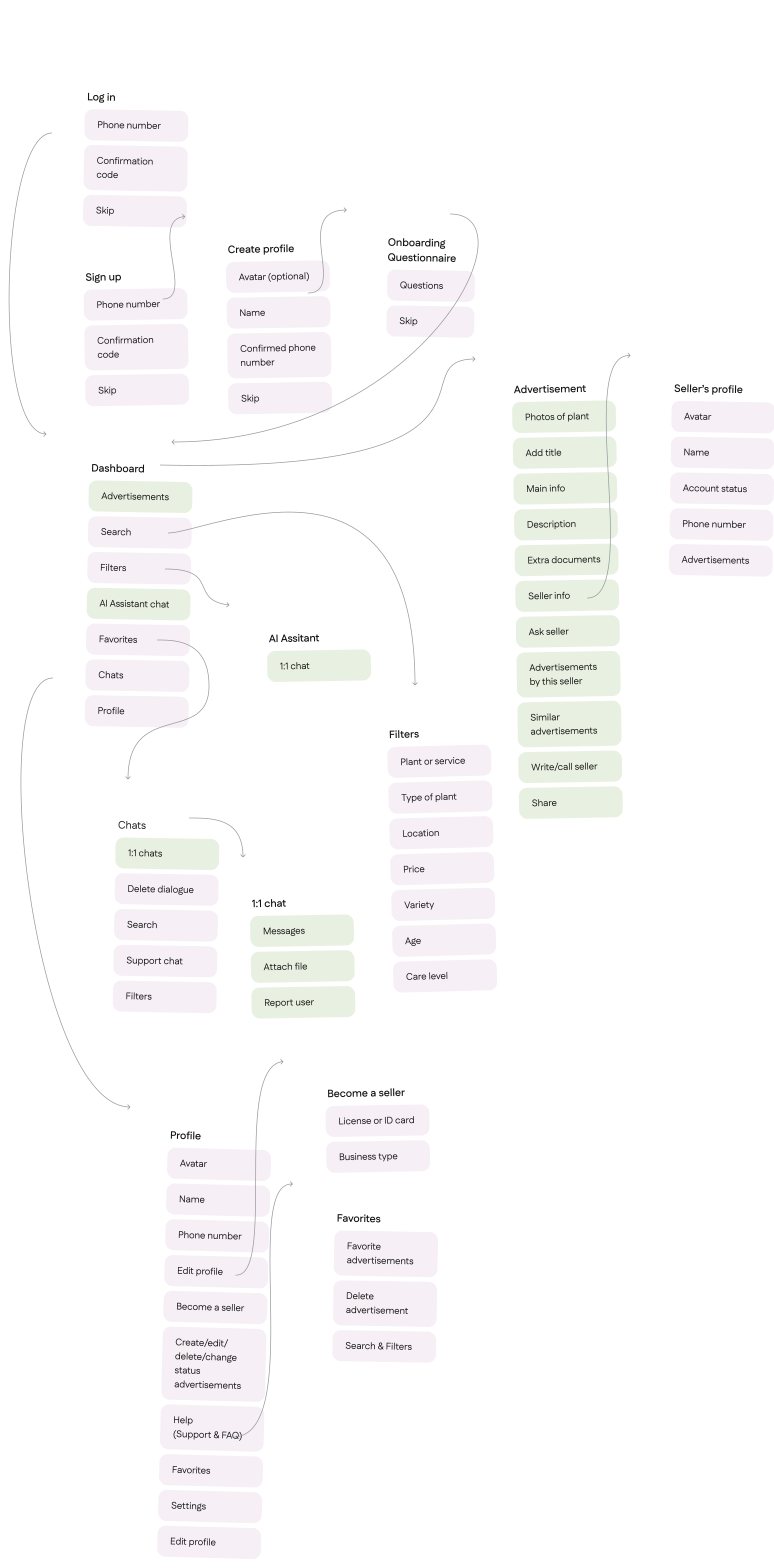
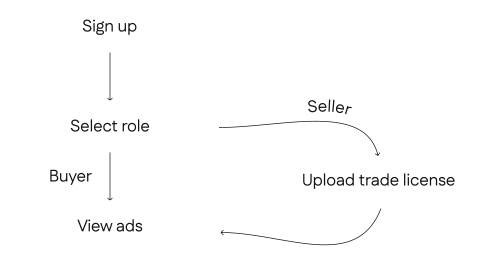
Depending on the objectives, users can take a questionnaire to become a buyer and find a plant they want or skip it and proceed to upload their license to become a seller and advertise their offers.
Concept
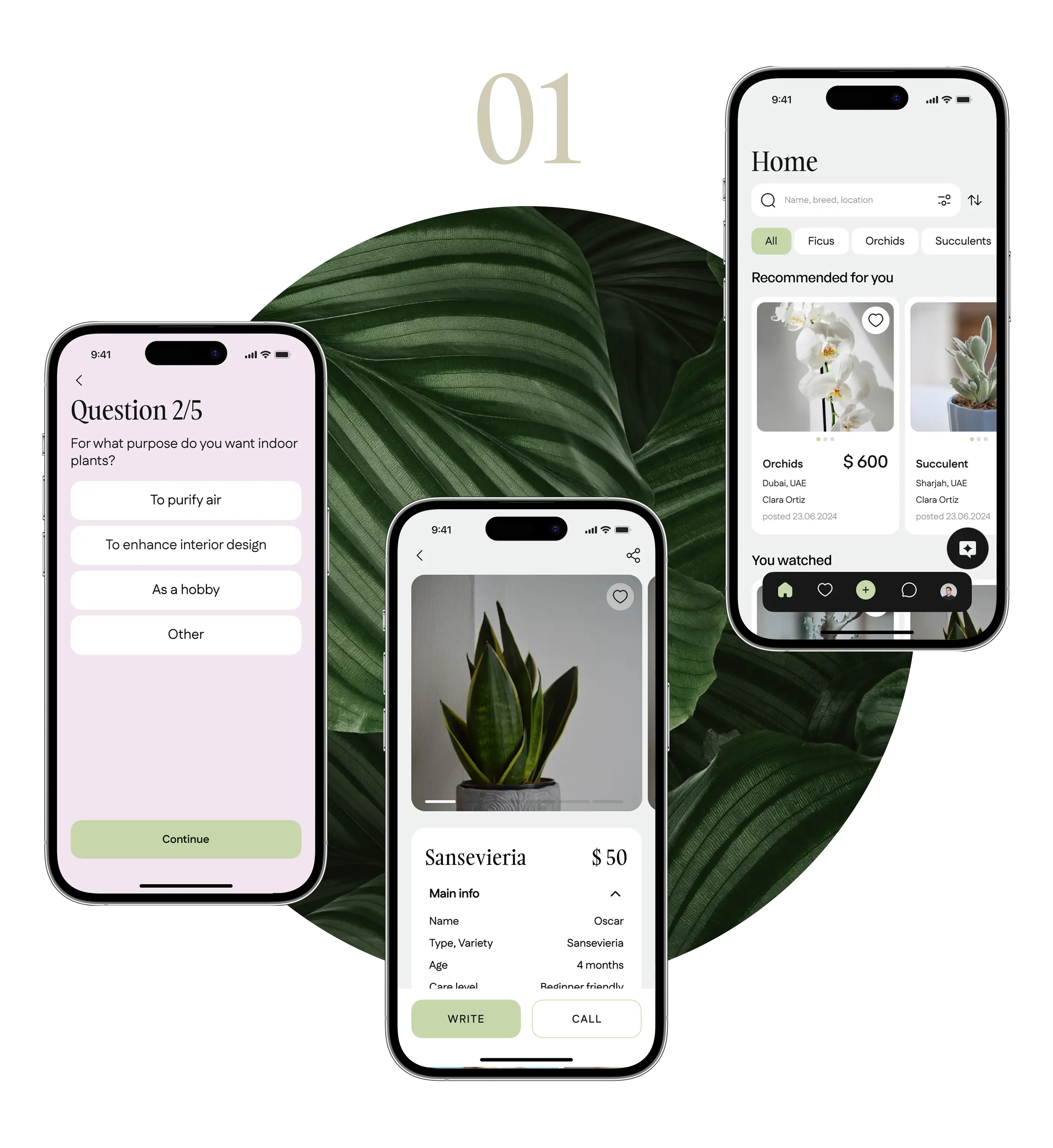
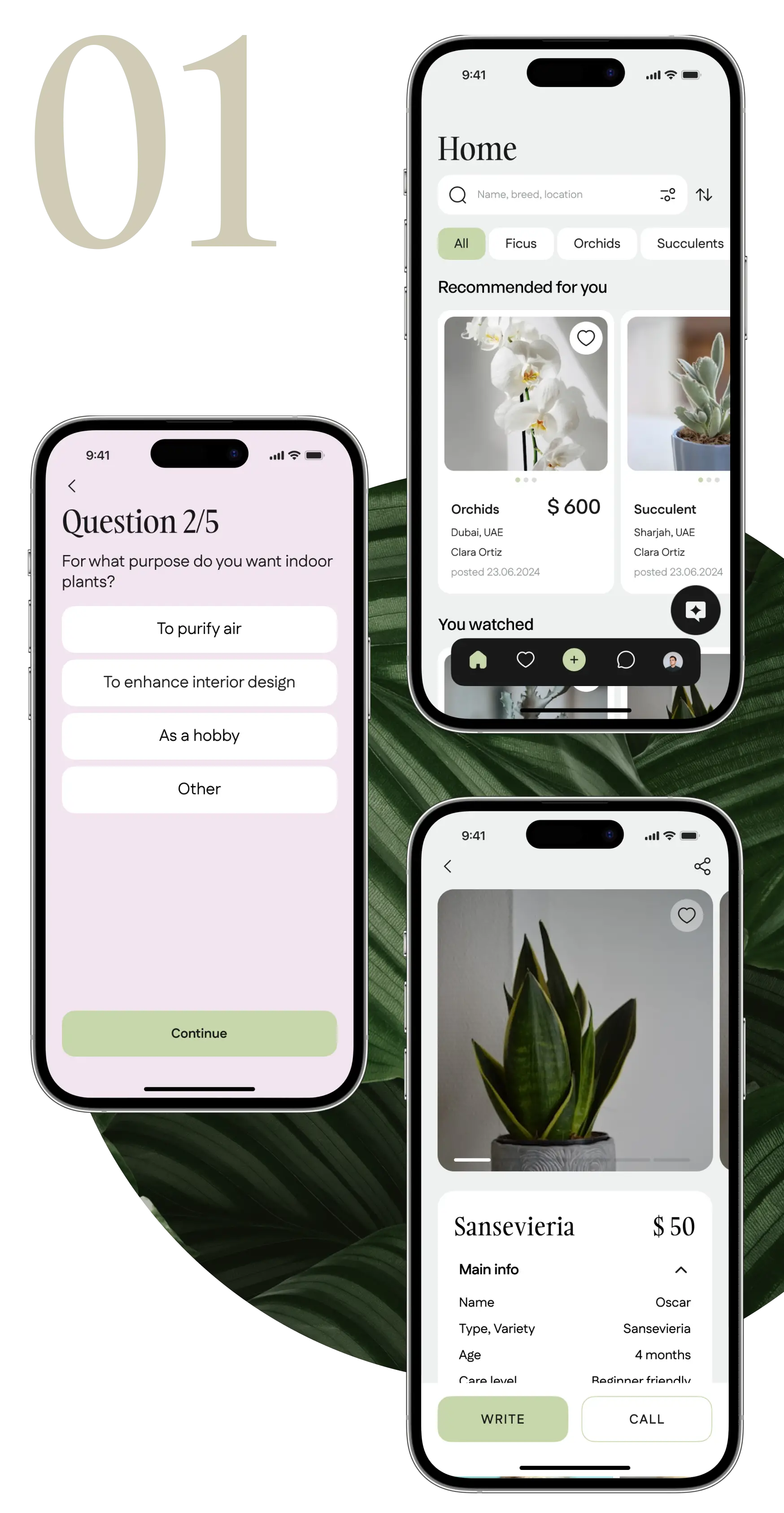
We provided several design concepts: one with malachite-shade buttons and other with backgrounds in sulu colour.
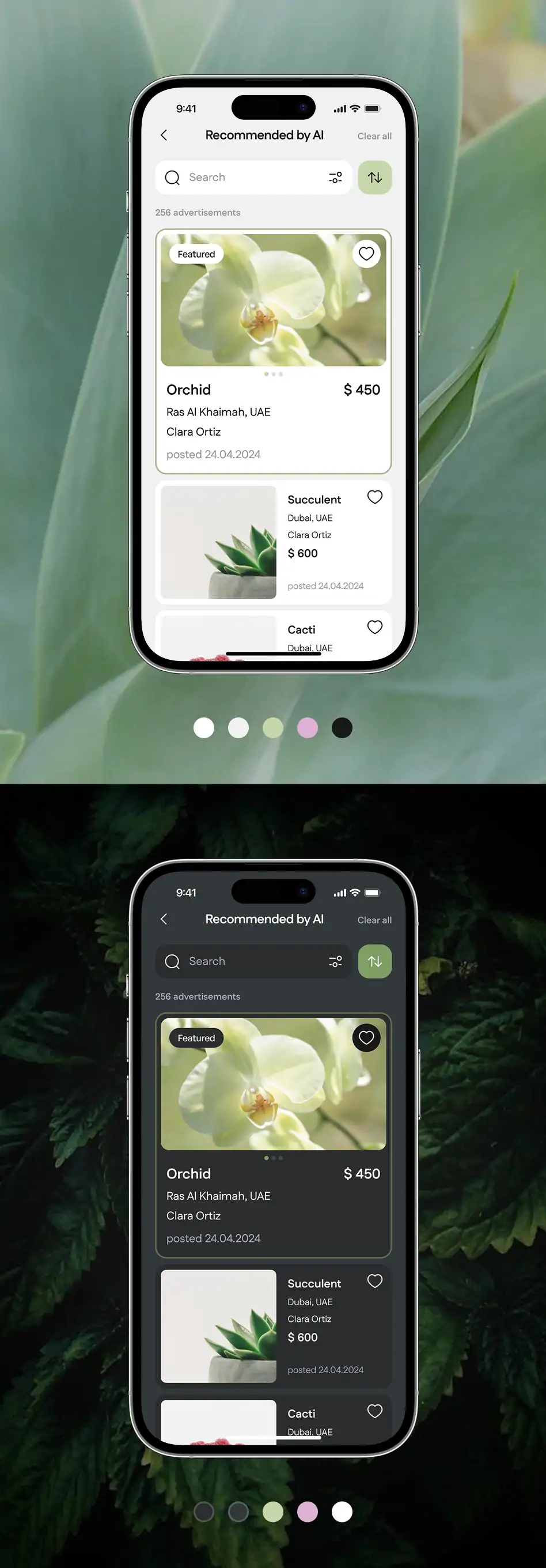
Light and dark modes
After discussing concepts, the client decided to implement both light and dark modes in the application, so we adjusted the color scheme so that it looks natural in both themes while visually consistent.
To speed up our work, we use a system of variables in our design approach. This setup includes ready-made settings for both light and dark modes — they help us quickly and consistently handle theme changes without losing any visual quality.
Interface design
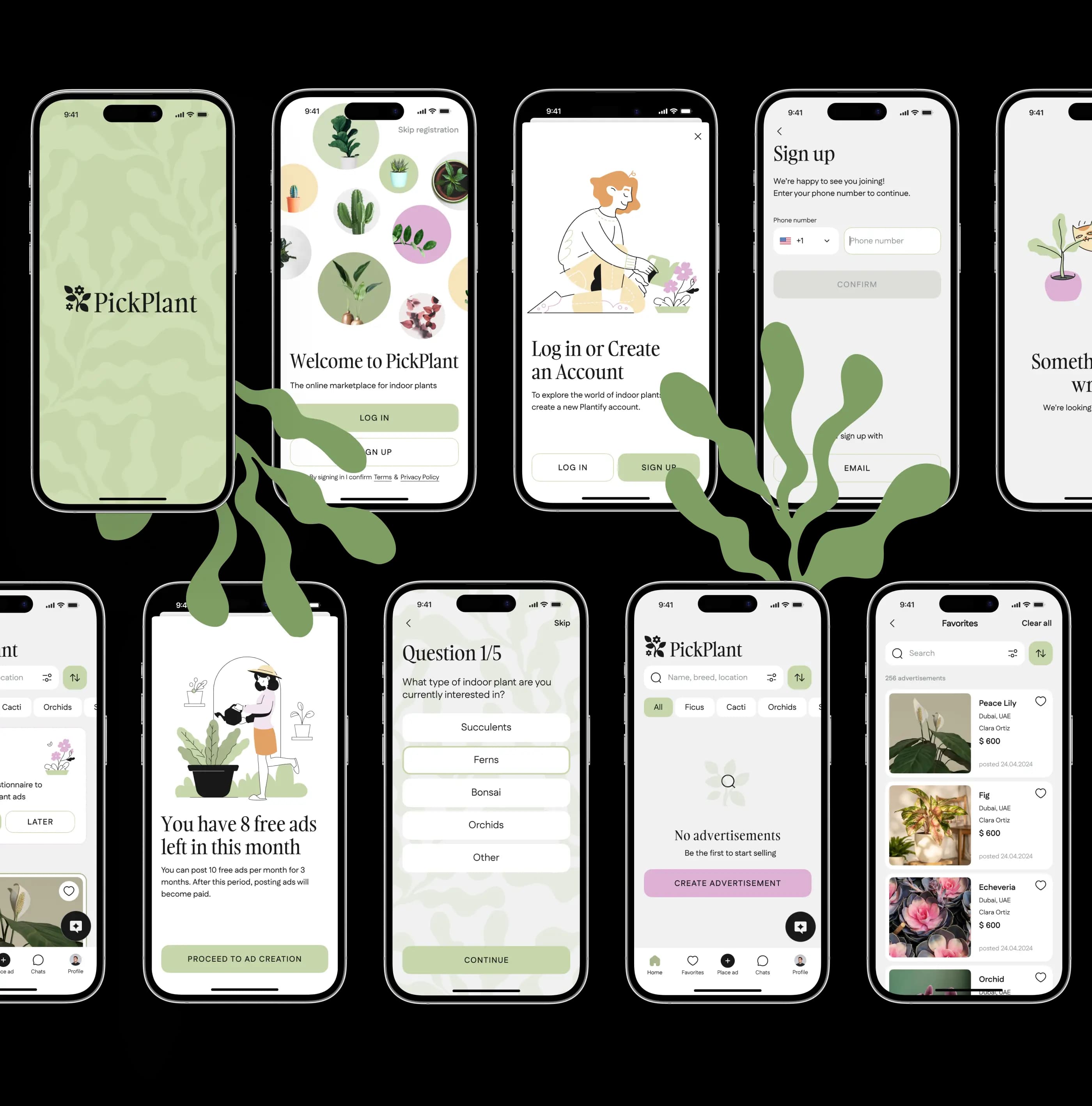
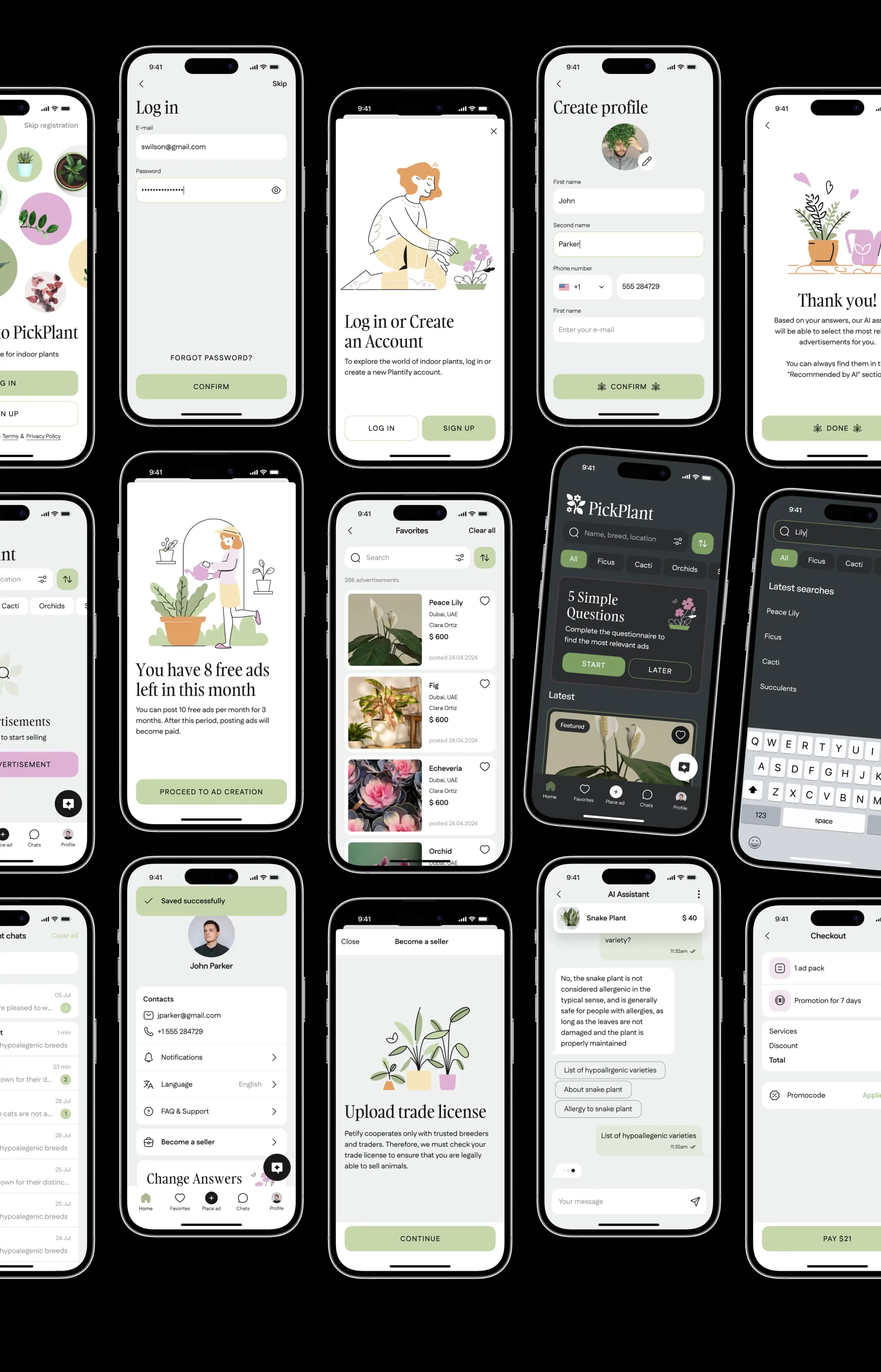
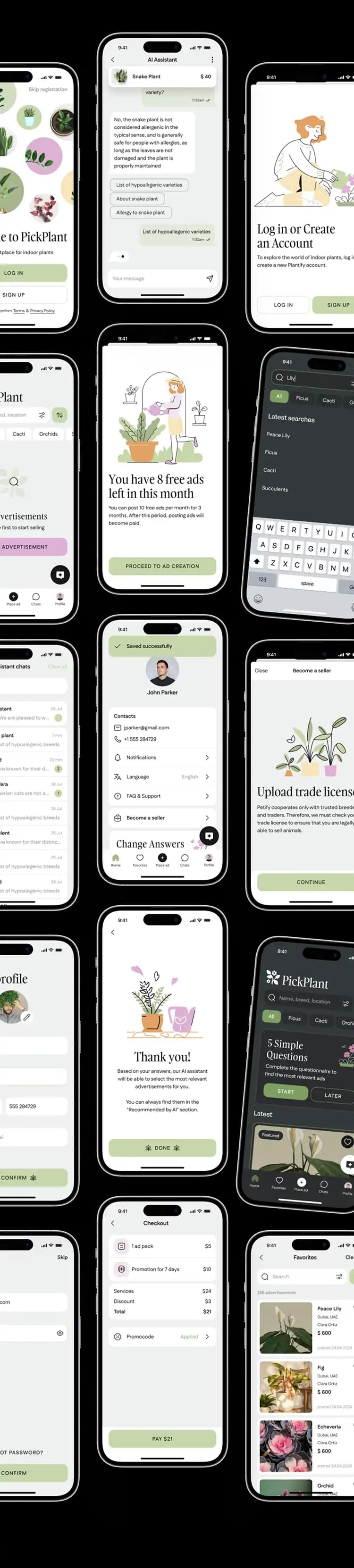
We created a complete interface design by translating a carefully planned mind map functionality into screens.
Illustrations
In addition to a colorful palette, we enhanced the app with friendly illustrations for various states: welcome screen, upload your license, your license under review, ad placement, questionnaire completion, error, and under construction.

UI kit
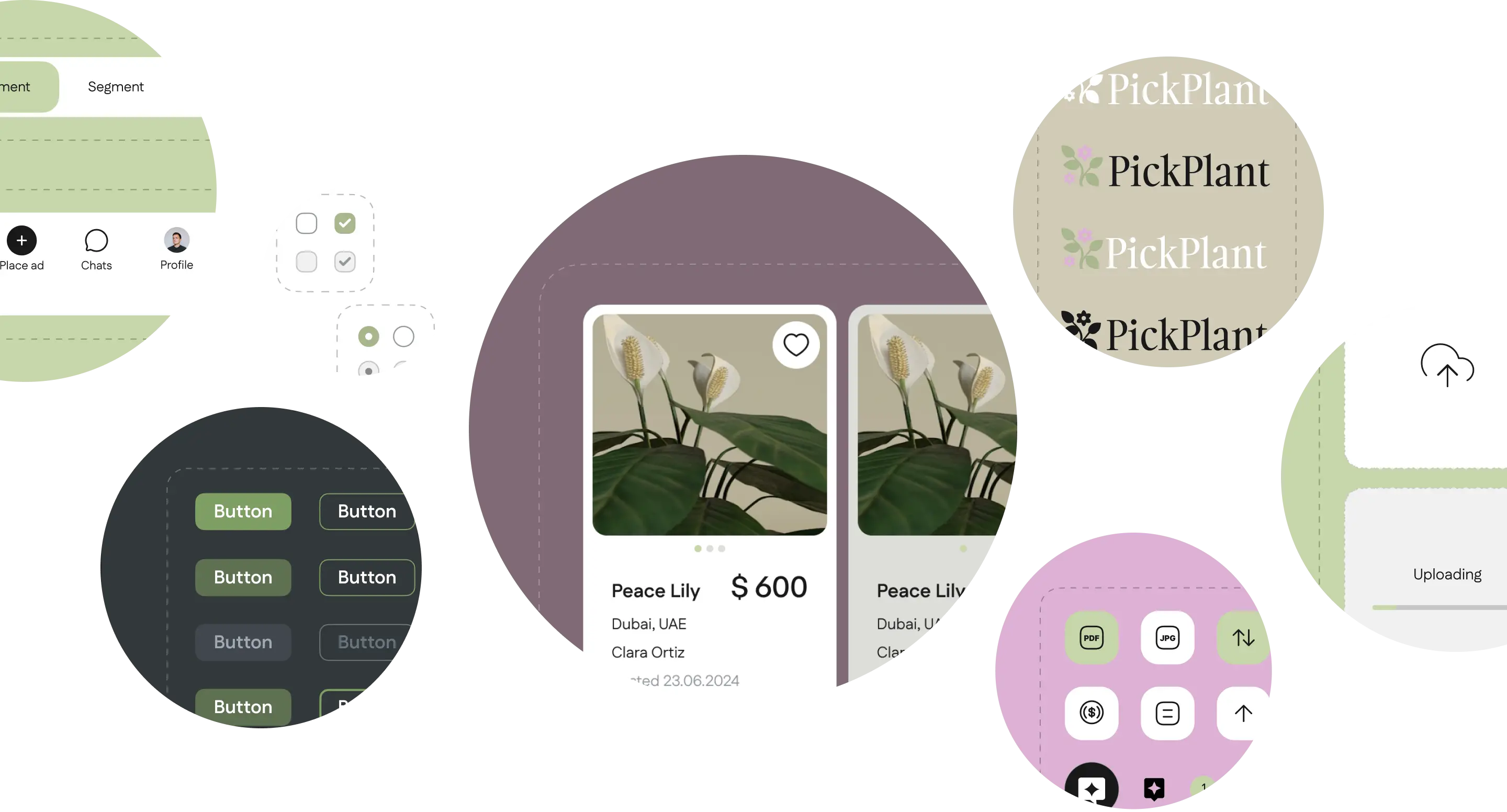
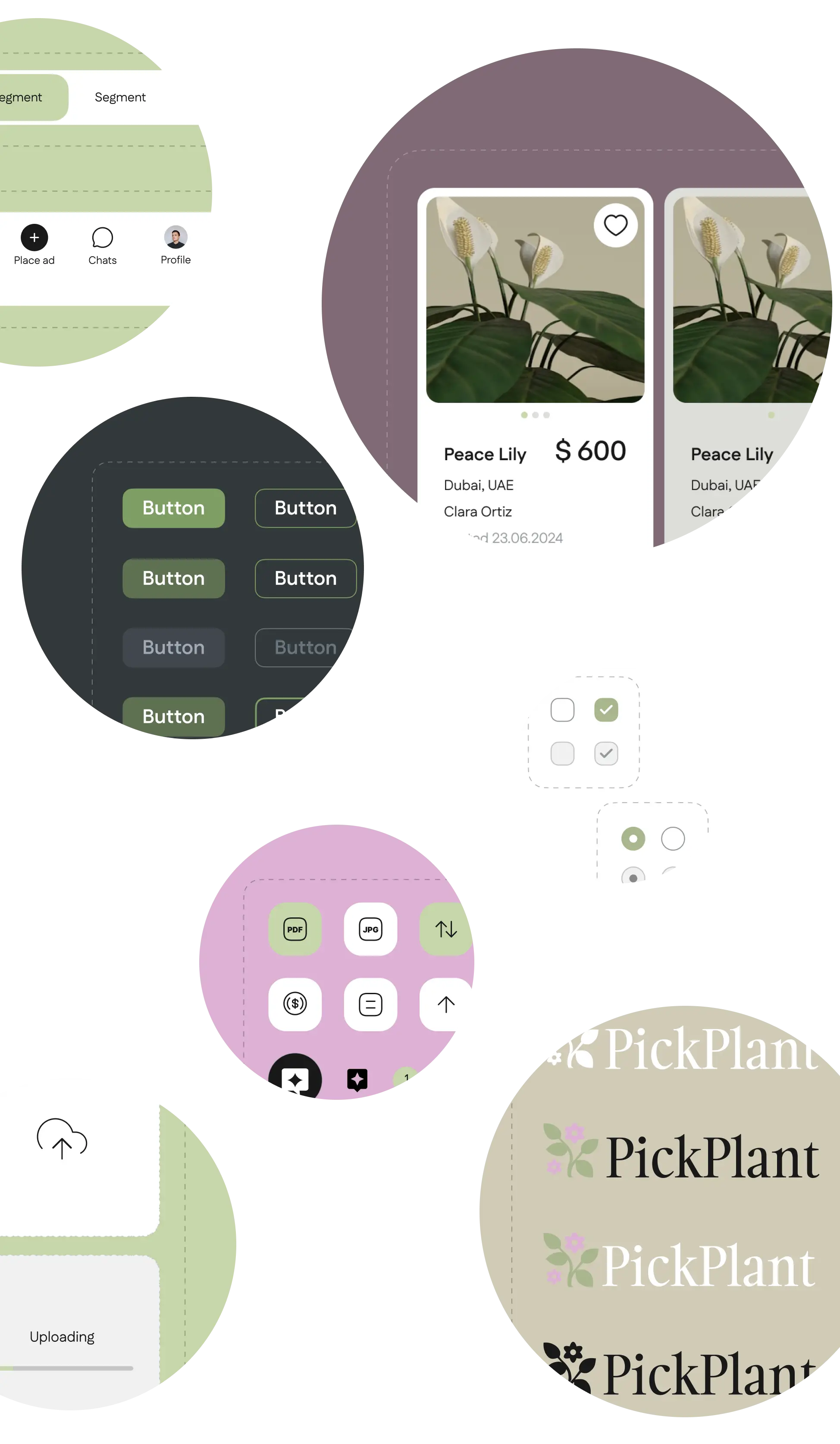
As with all our projects, we built a UI kit for the app's scalability and consistency. Additionally, we designed a set of custom icons that reflect the app's unique characteristics.
App’s key features
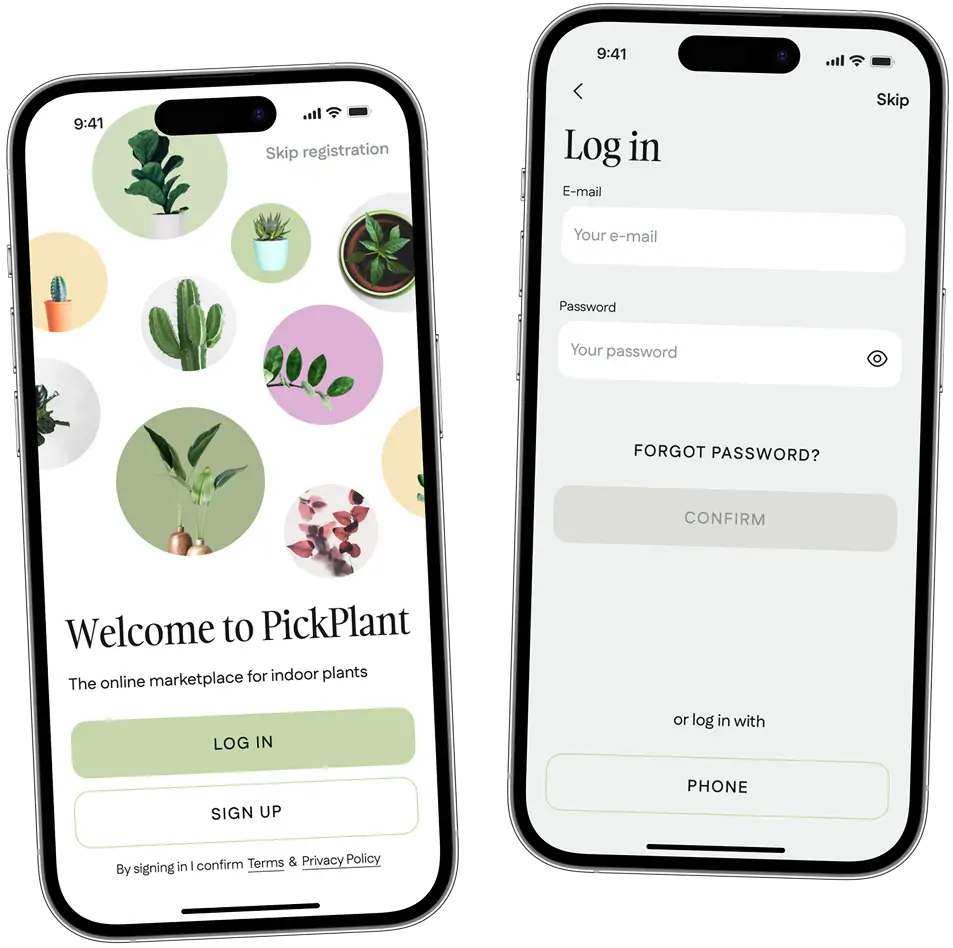
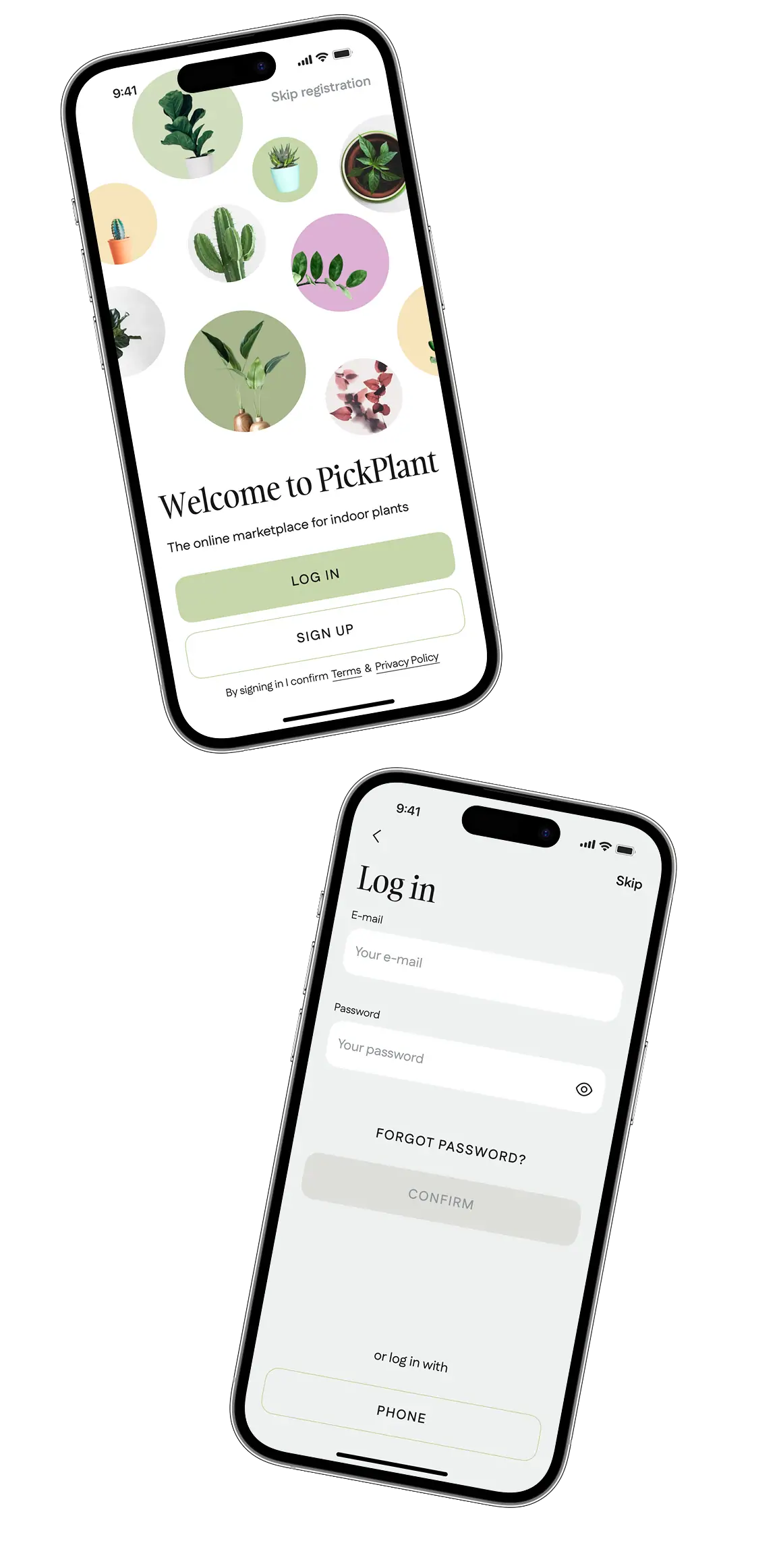
Sign up/Log in
A user can create and access their account using either their email or mobile phone number. Users can also choose to skip the registration process; however, they will not be able to use the chat and AI functions of the app.
KYC
Although the app doesn’t imply in-app payments, any seller in UAE needs to have a trade license to conduct business legally. Therefore, we implemented a KYC system for the sellers.

We were choosing between two models:
Separate accounts
Sellers and buyers have distinct accounts; sellers upload documents during registration. Simple compliance but complex user management.
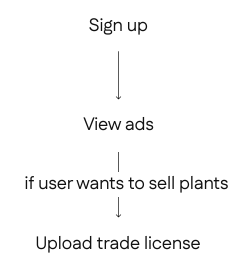
Merged accounts
Users have a single account, switching easily between buying and selling by uploading necessary documents when deciding to become sellers. Offers flexibility but raises data verification challenges.
Feasibility:
We concluded that creating separate accounts would require additional resources and restrict user flexibility. Our tech team evaluated the technical requirements and confirmed that implementing a merged model was feasible.

We came up with the following process:
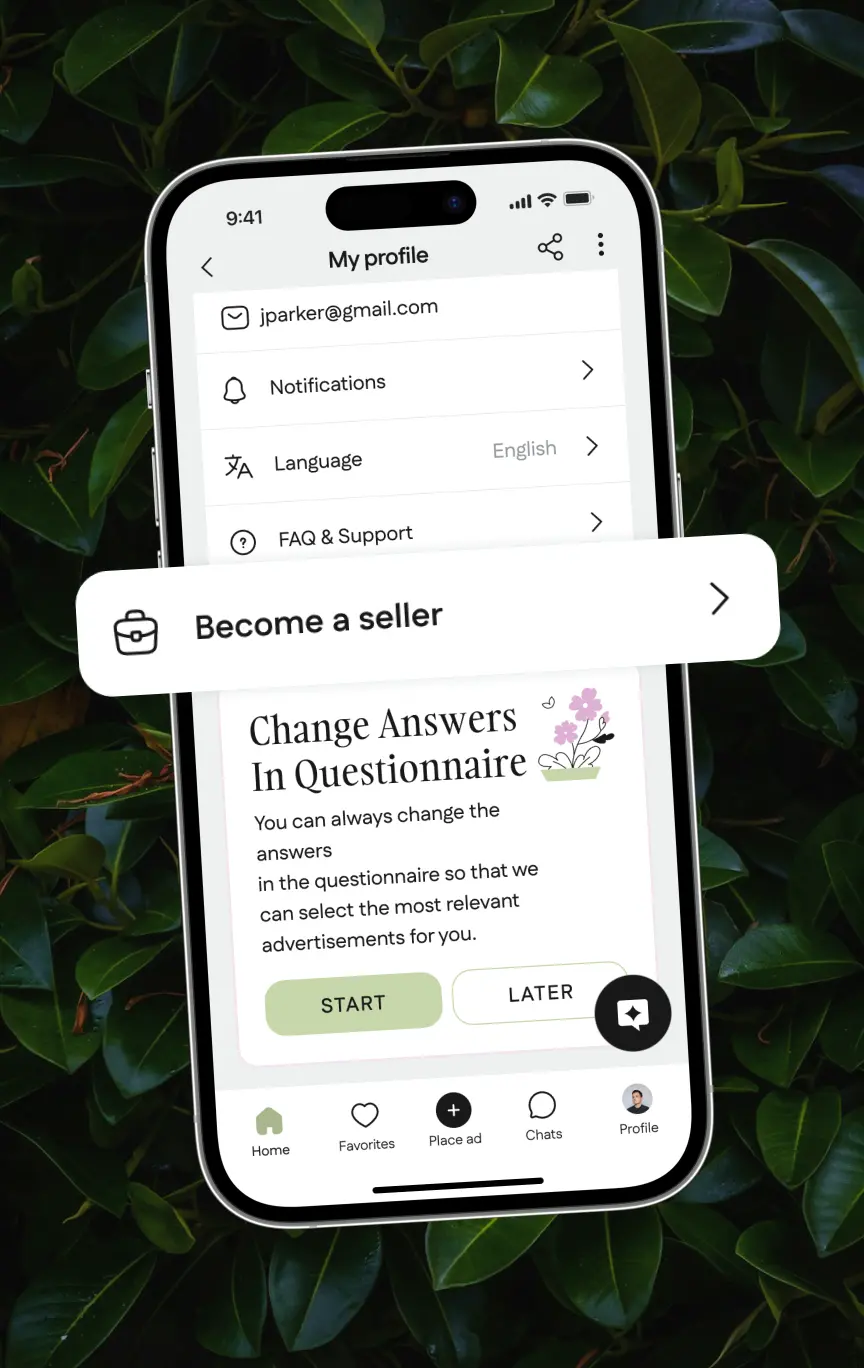
Step 1
After creating a basic account, users can choose to become a seller in their profile settings.
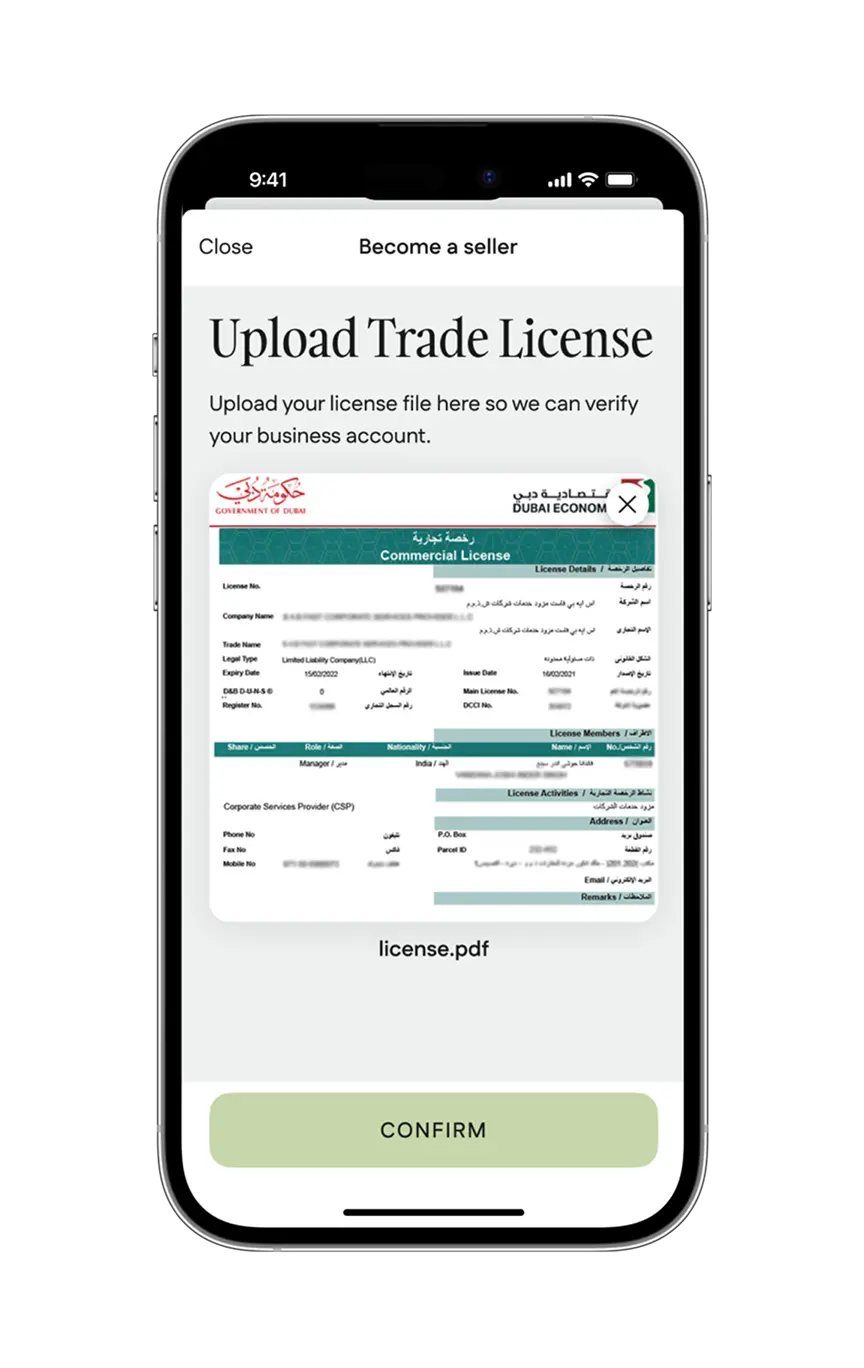
Step 2
They can then upload a photo of their trade license and send it for approval.
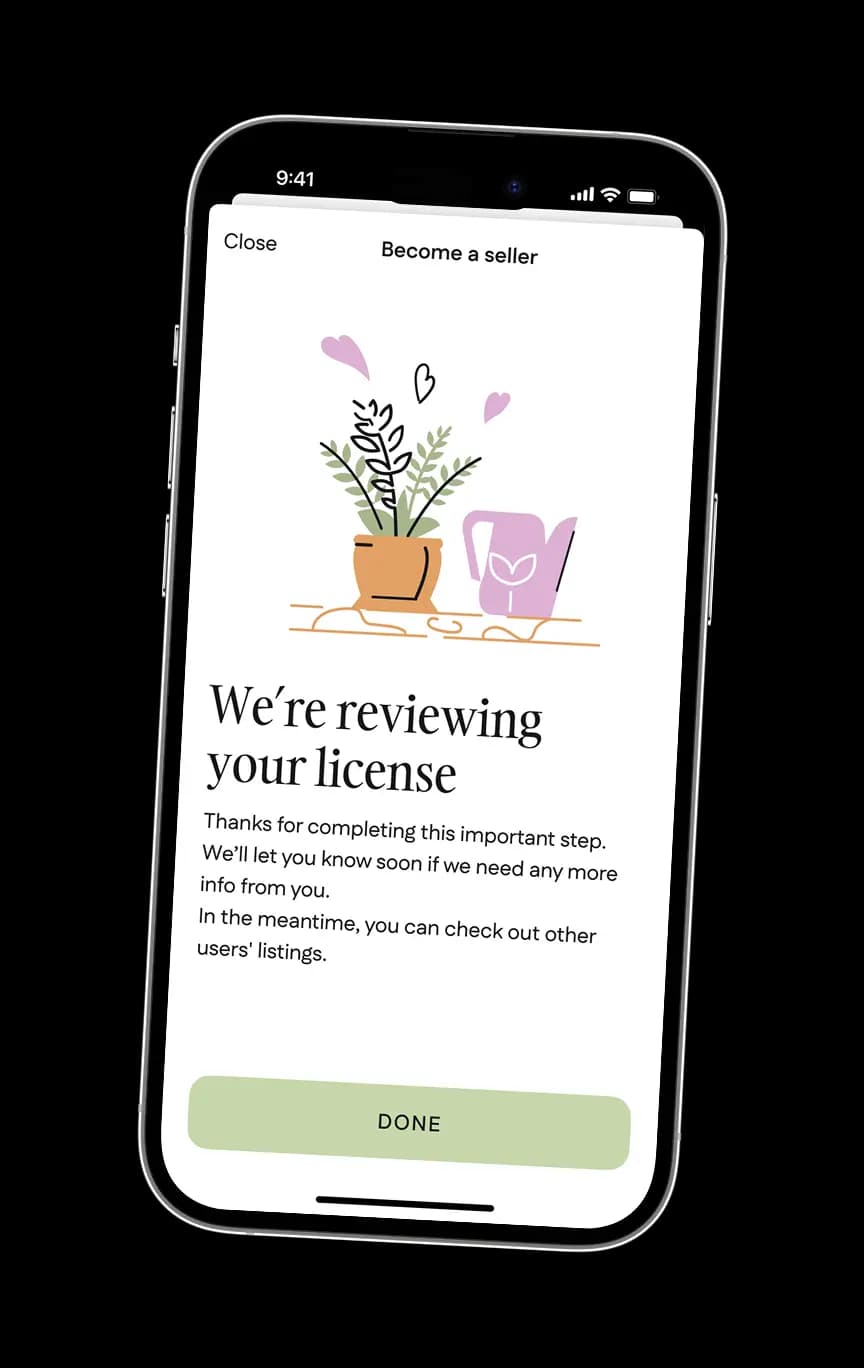
Step 3
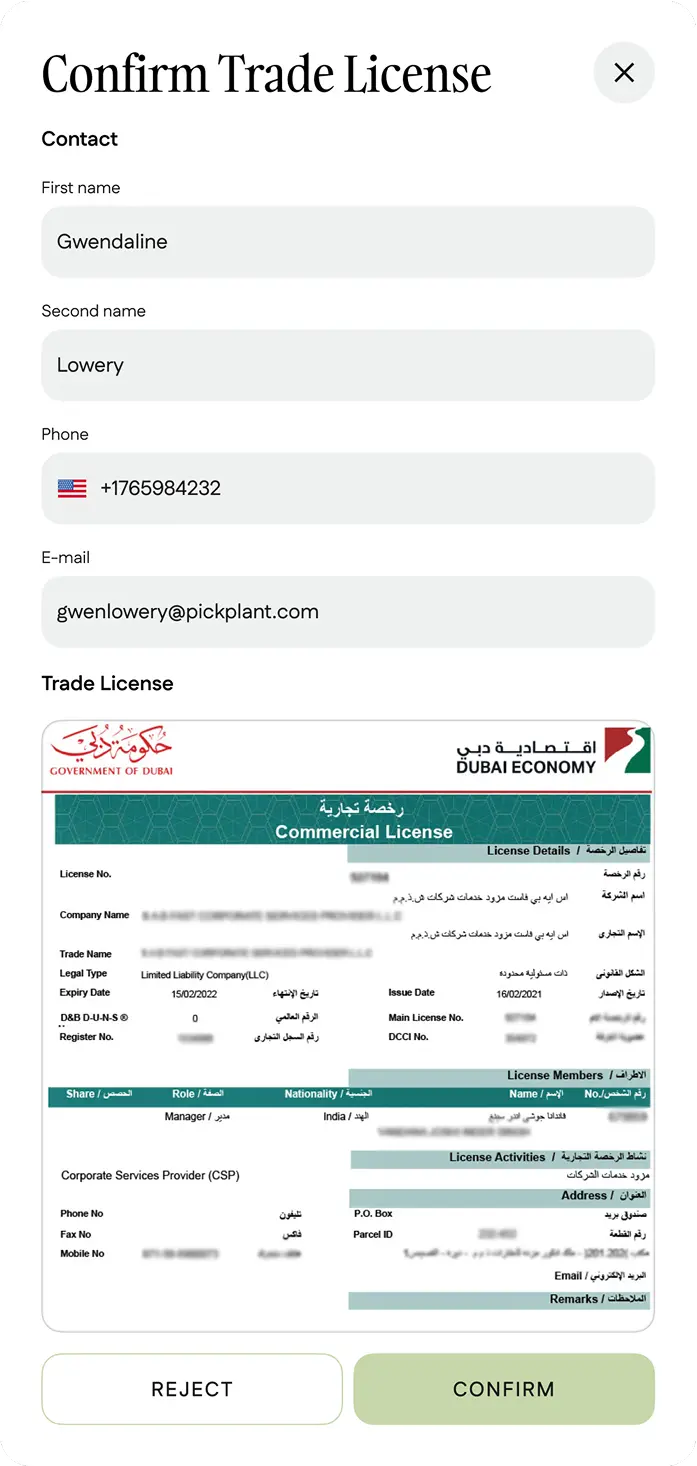
A KYC system verifies the user's license. In the admin panel, a manager can manually approve or disapprove it if necessary.
Onboarding
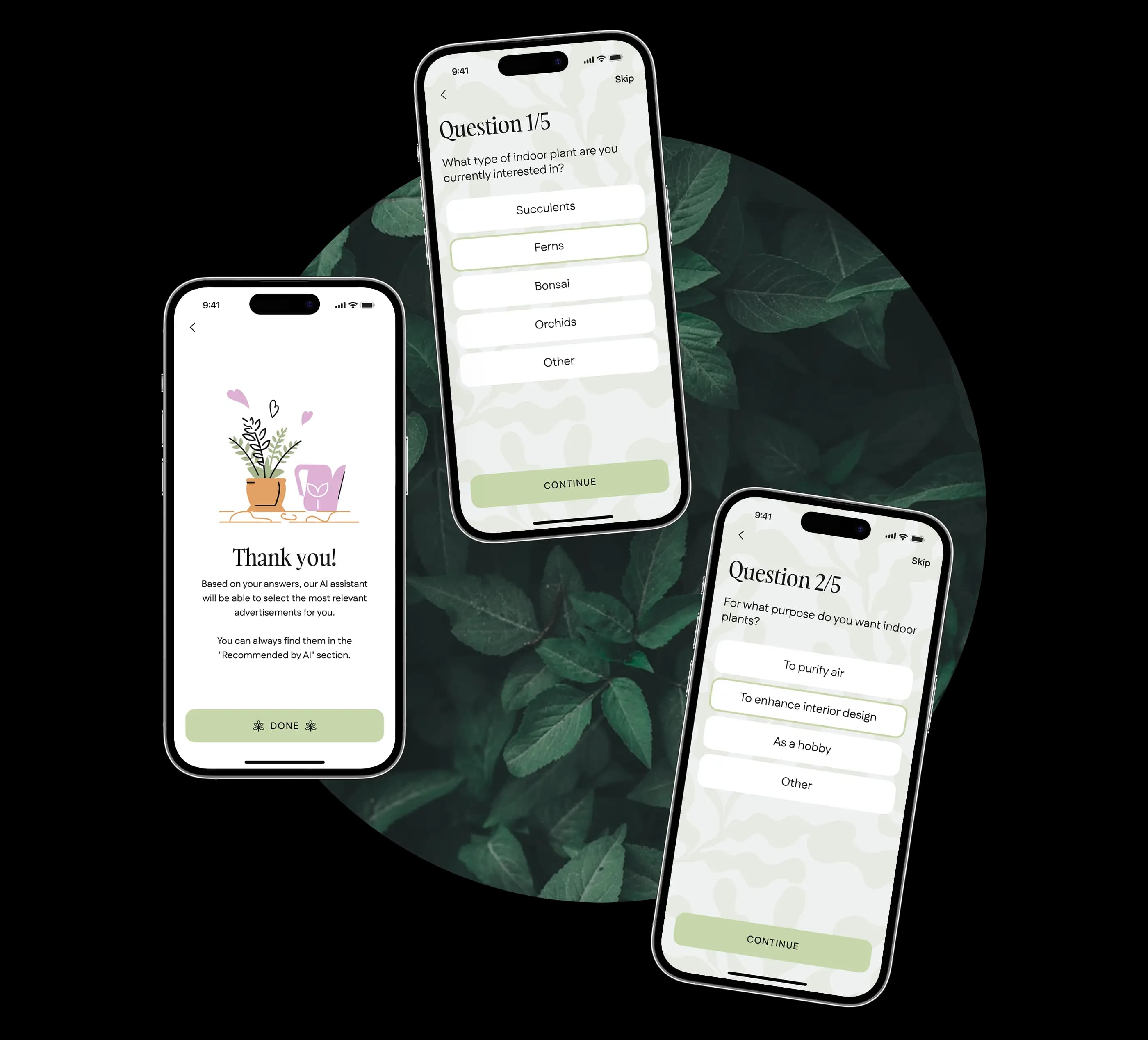
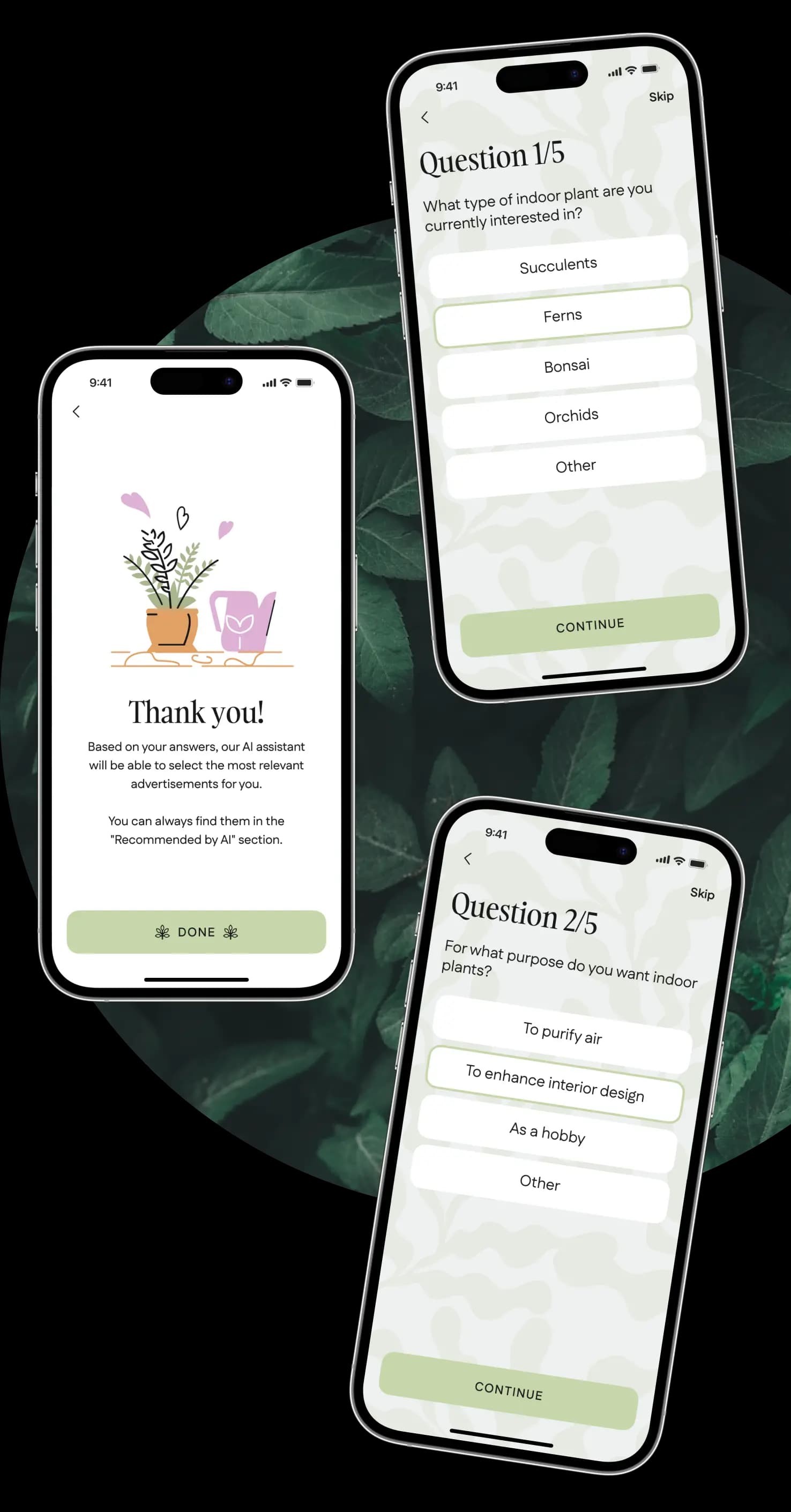
If a user is looking for a plant, they are invited to complete a short survey. Based on their responses, the app will provide smart recommendations powered by AI.
Listings
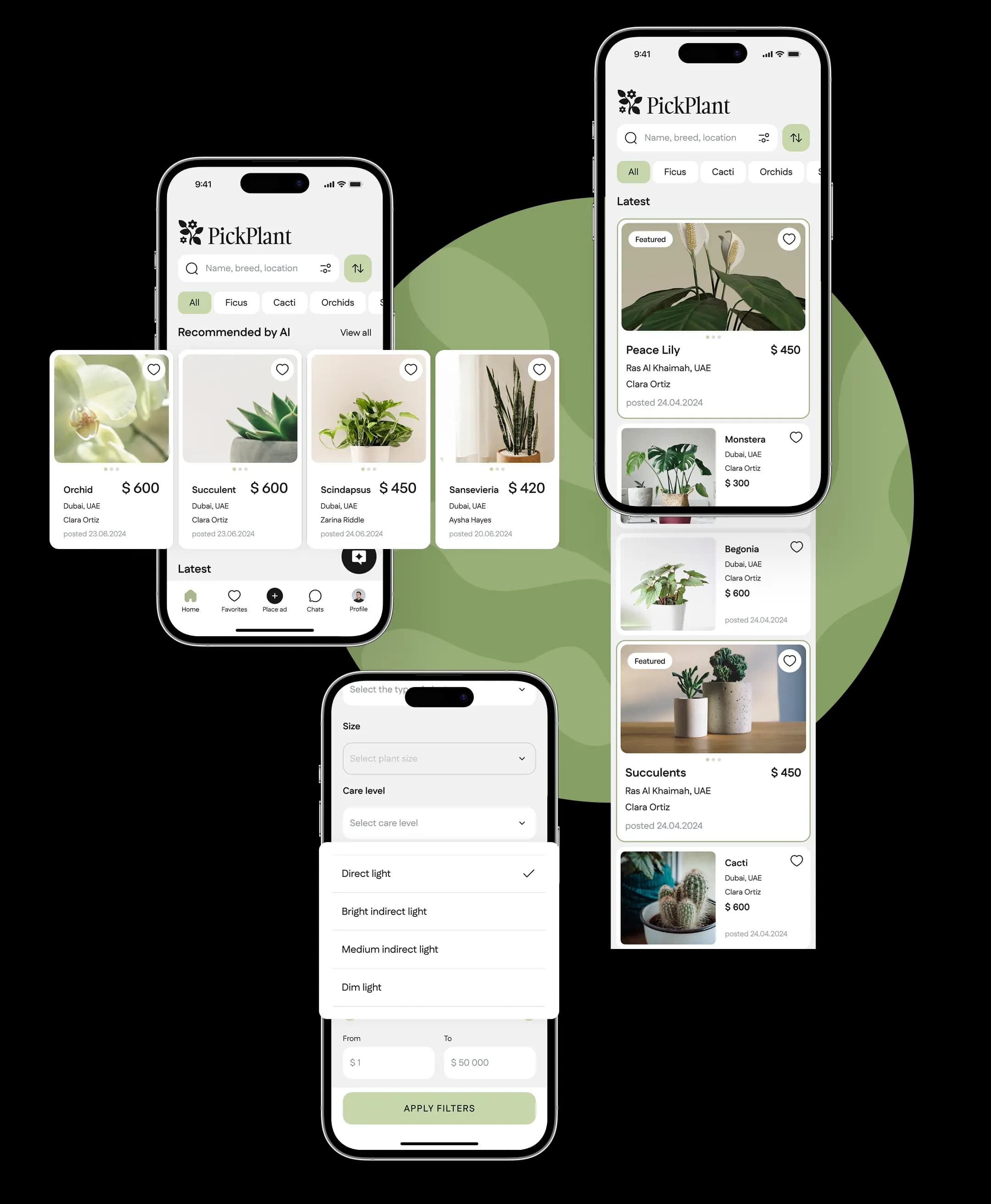
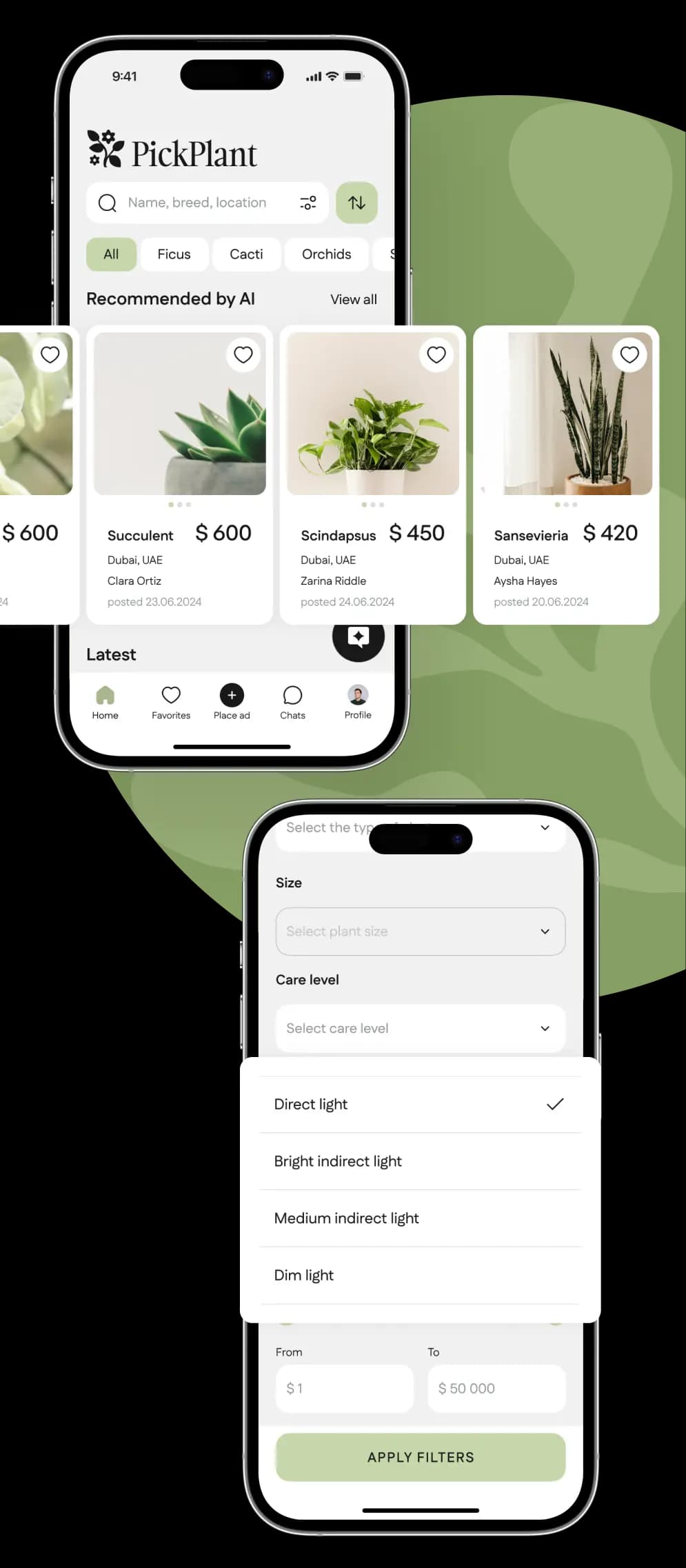
If a person has filled out a survey, they will first see a series of AI recommendations as swipes on their home page, with the option to view more. They can proceed to the AI list or stay on the listing of the latest posts.
A user can conduct a search or apply filters to choose the type, species, size, sunlight requirements, location of a plant seller, opt to show only licensed posts, and set a price range.
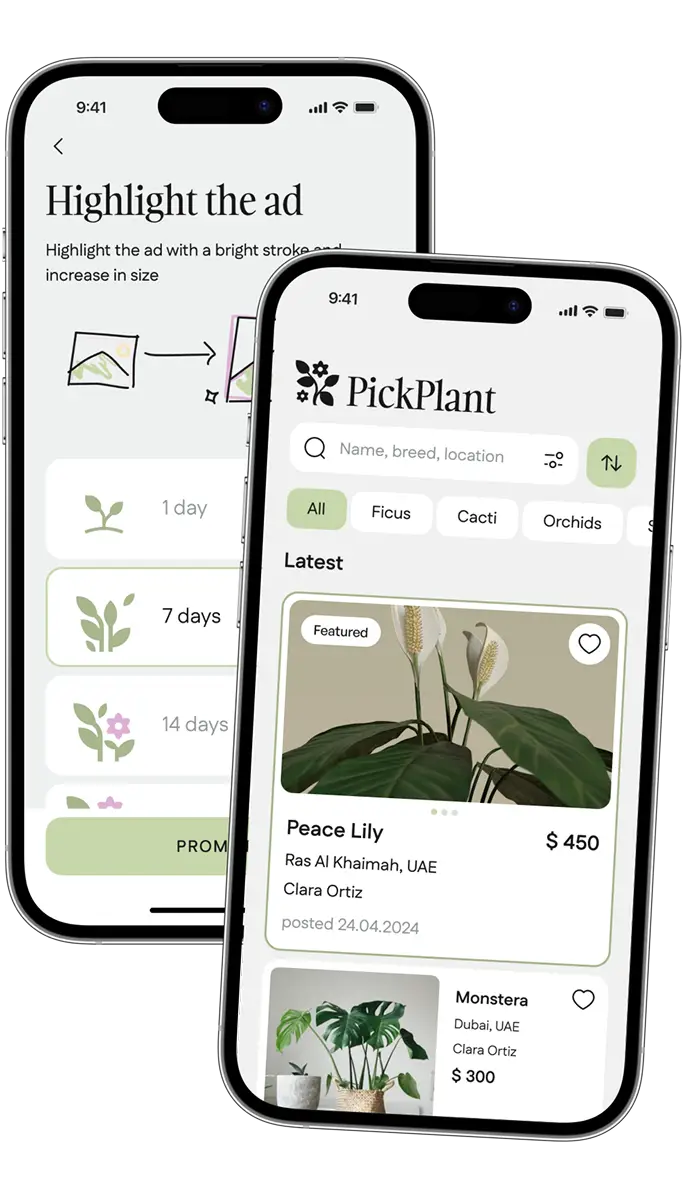
The advertised posts appear higher in the lists and are visually highlighted with a frame and a larger image.
Monetization
Our client came up with a monetization strategy that combines direct seller advertisements and in-app promotional ads through Google AdMob. This approach not only boosts revenue but also provides relevant content to all app users.
This approach not only boosts revenue but also provides relevant content to all app users.
Monetization through advertisement packs
Free advertising
Limited free listings:
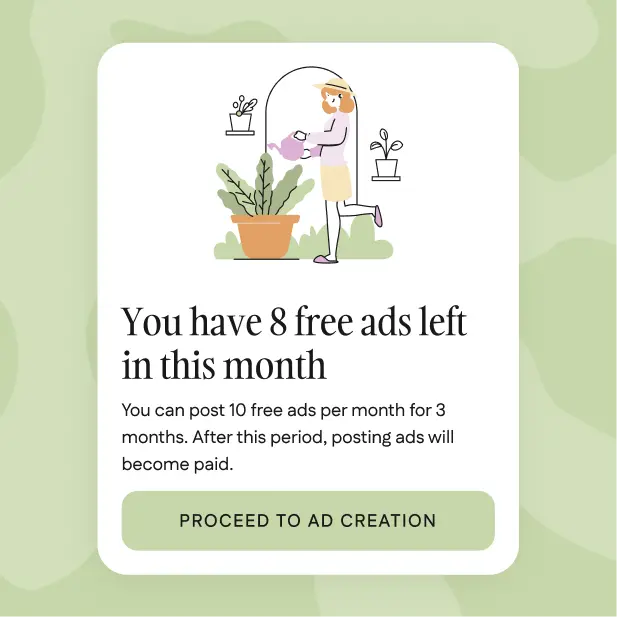
Plant sellers can list a limited number of advertisements each month at no cost. These free listings remain visible in the app for 30 days before expiring, giving sellers ample opportunity to attract buyers.
Notification system:
A built-in notification system alerts sellers when they exhaust their free ad postings. This system seamlessly guides users towards purchasing additional ad placements directly through the app.
Ad creation process:
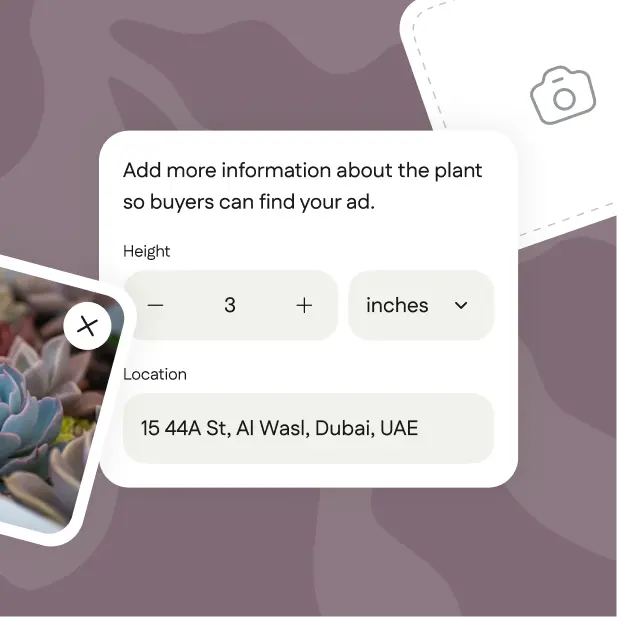
Sellers can easily upload photos, add titles, and provide details for each plant listing. This user-friendly process helps sellers highlight the unique features of each plant.
Ad management:
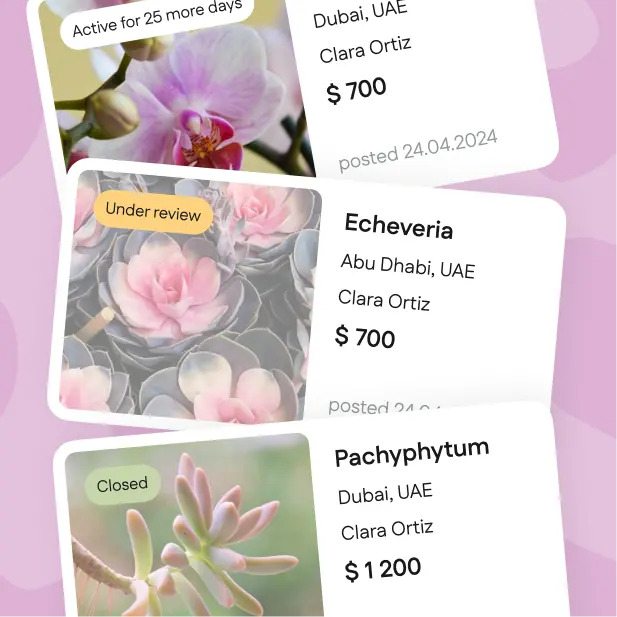
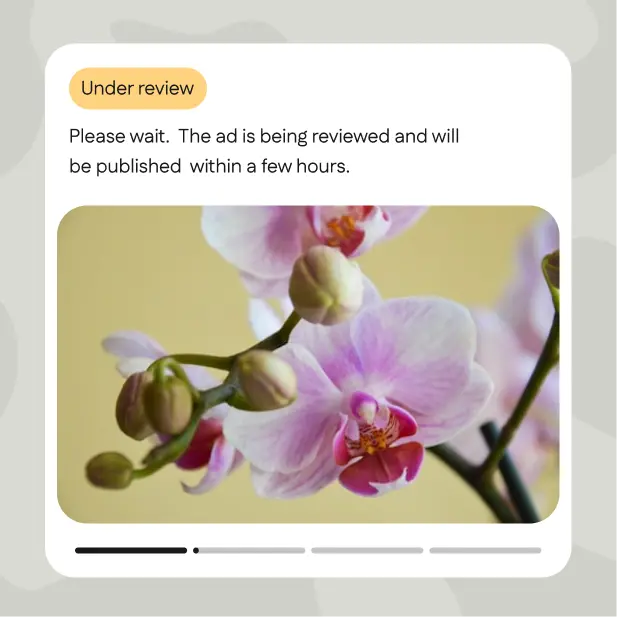
Sellers can keep track of all their listings, monitor their current status (e.g., "active", "under review", "expired"), and view the remaining days for each listing in "My Advertisements".
Moderation:
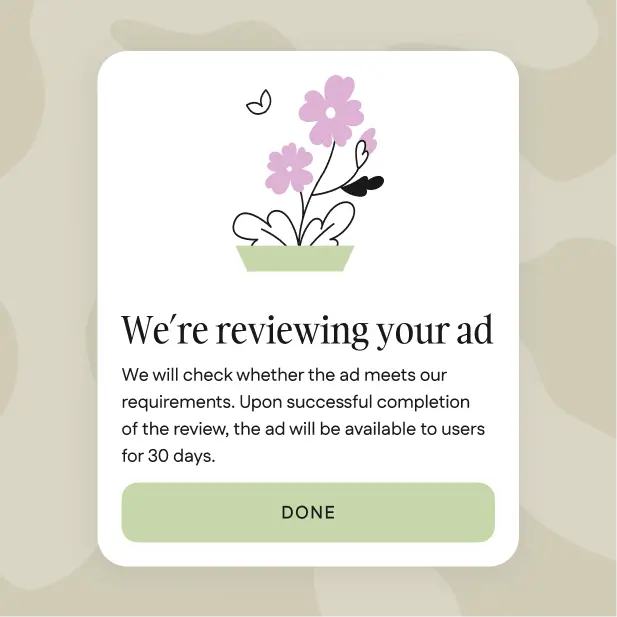
All new listings undergo an administrator review process to ensure compliance with the app’s standards. Listings that adhere to guidelines are marked as "active", while those that fall short may be blocked or revised.
Paid advertising
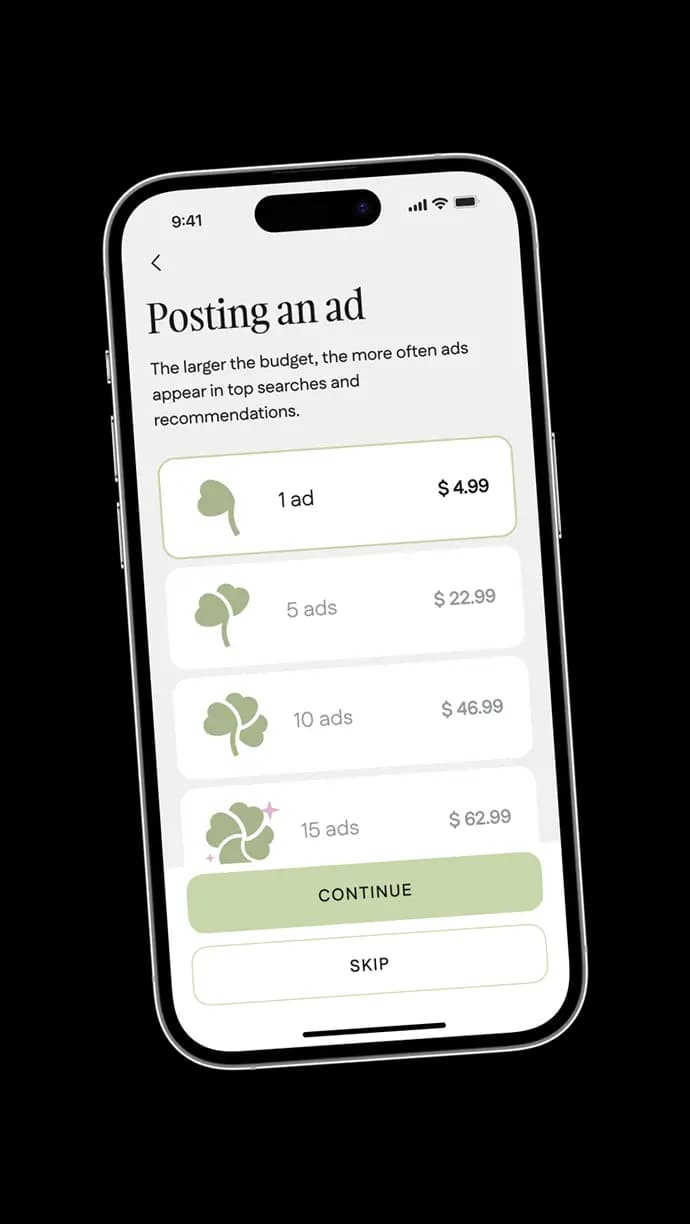
Additional ad packs:
Sellers have the option to purchase additional ad packs to post more listings once their free limit is reached. This provides flexibility for sellers who wish to promote a larger inventory of plants.
Featured listings:
Sellers can purchase highlights for their ads, making them more prominent in search results. This option is beneficial for sellers aiming to attract immediate attention or highlight special offers.
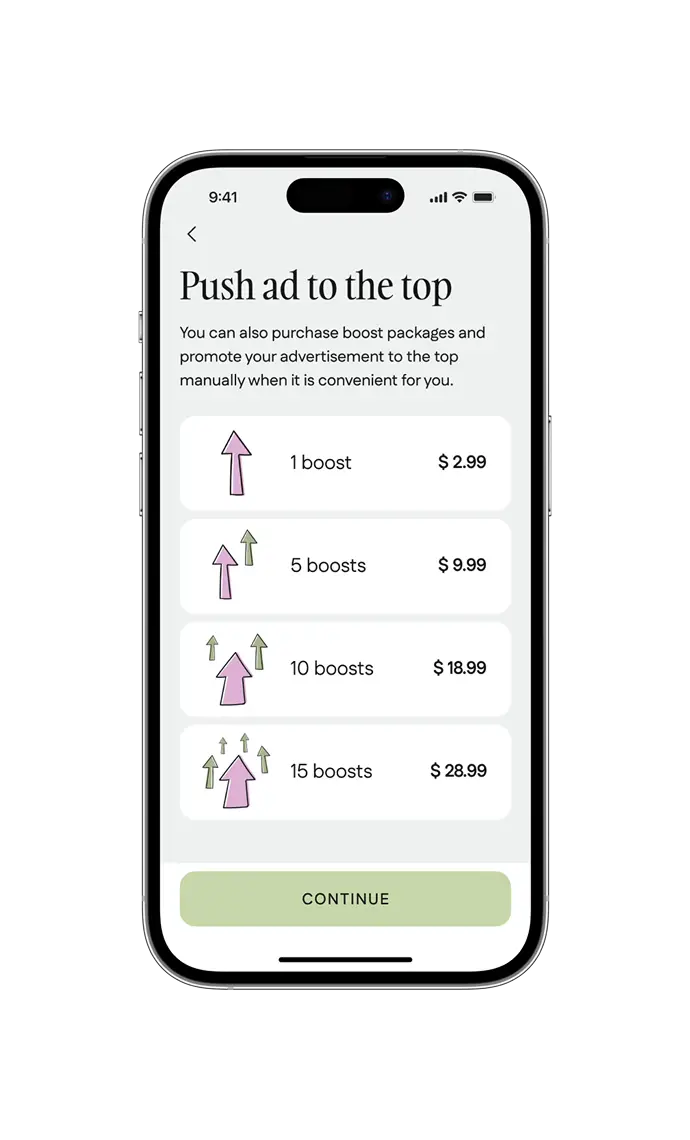
Promotional boosts:
Sellers can use boost packages to push their ads to the top of search lists. This feature is especially effective during peak gardening seasons or for promoting new or high-demand plant varieties.
Monetization with Google AdMob
Contextual advertising
Contextual advertising
AdMob delivers ads relevant to the context of the app. For instance, when users search for "succulents" or "tropical plants", the app can display ads for related products like plant care kits, decorative pots, or specialized fertilizers tailored to these plants.
The app uses the Google AdMob API to help app owners earn revenue by displaying targeted ads within their application.
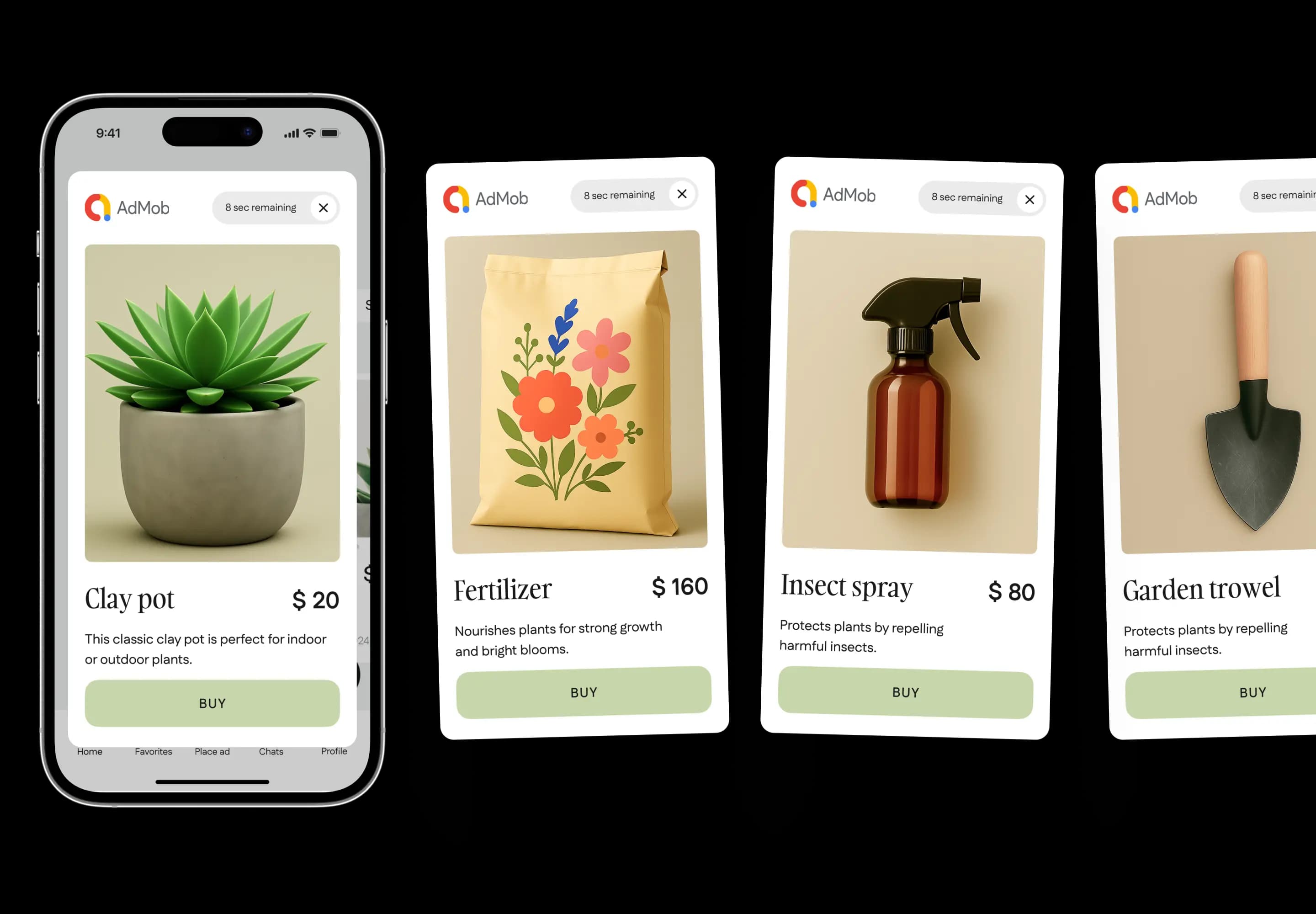
Diverse ad formats
Diverse ad formats
The app uses a variety of ad formats to maintain user engagement without overwhelming them. These include subtle banner ads at the bottom of the page or strategically placed interstitial ads during transitions between browsing different categories of plant types.
Buyer-seller chat
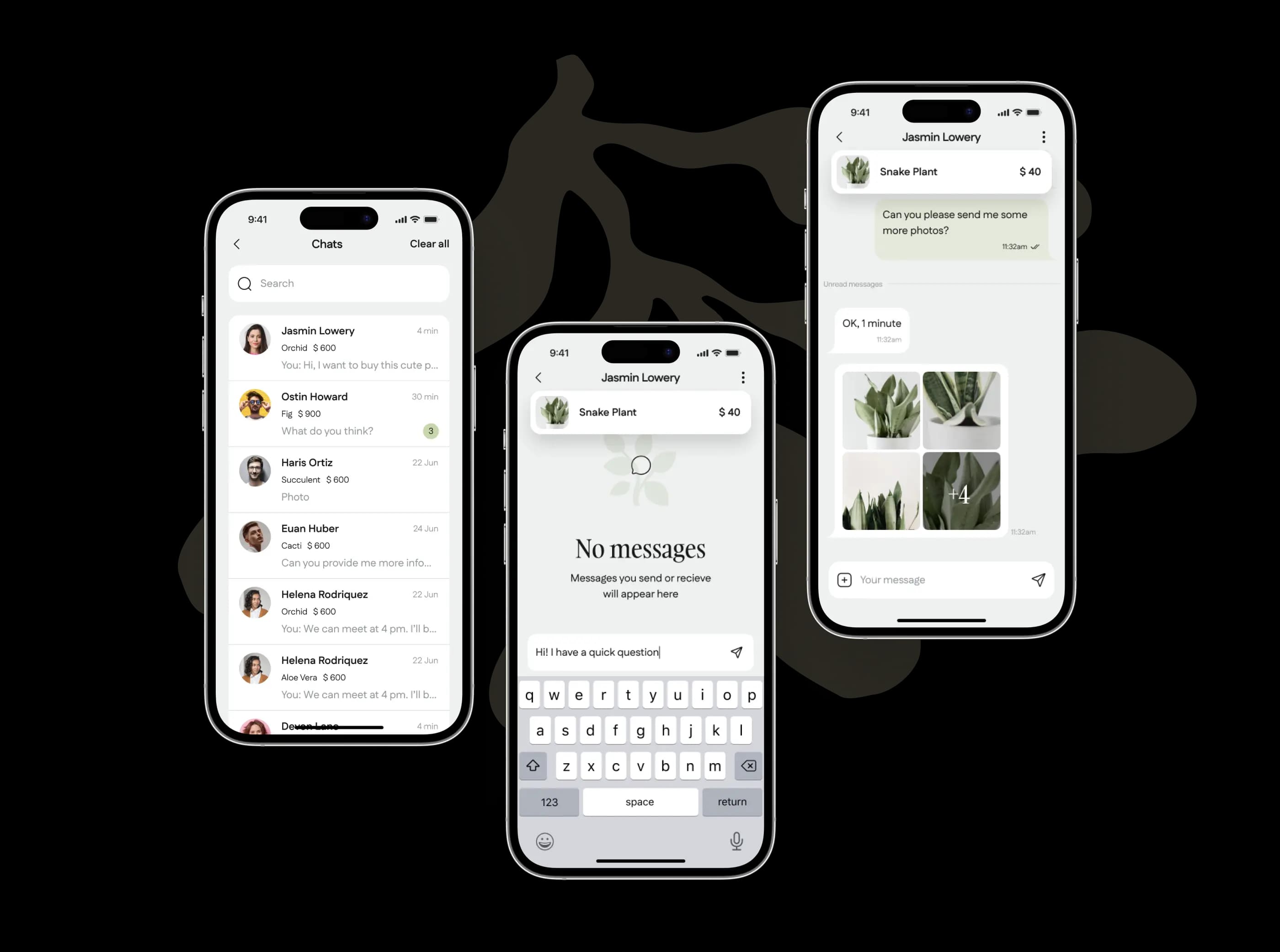
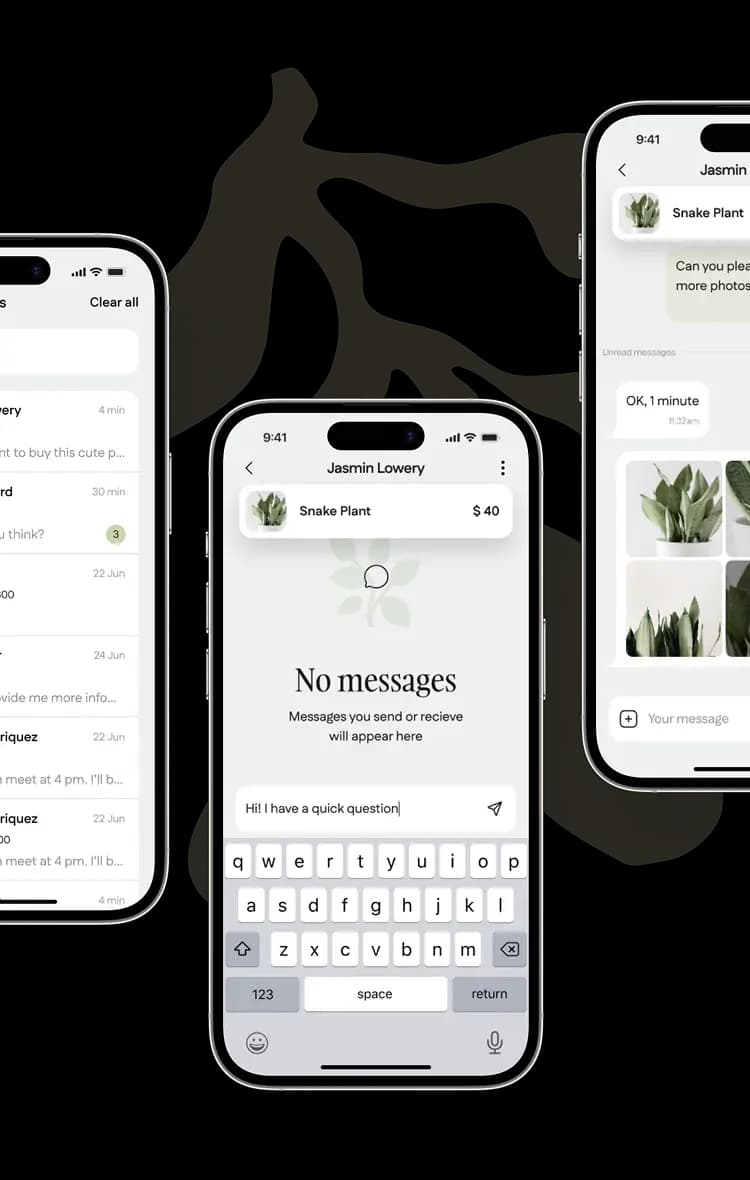
The app doesn’t support in-app transactions between buyers and sellers, but they can exchange messages in chats to arrange deals. Users can view their chats, delete them, and report issues to the administrator.
Killer feature
AI assistant
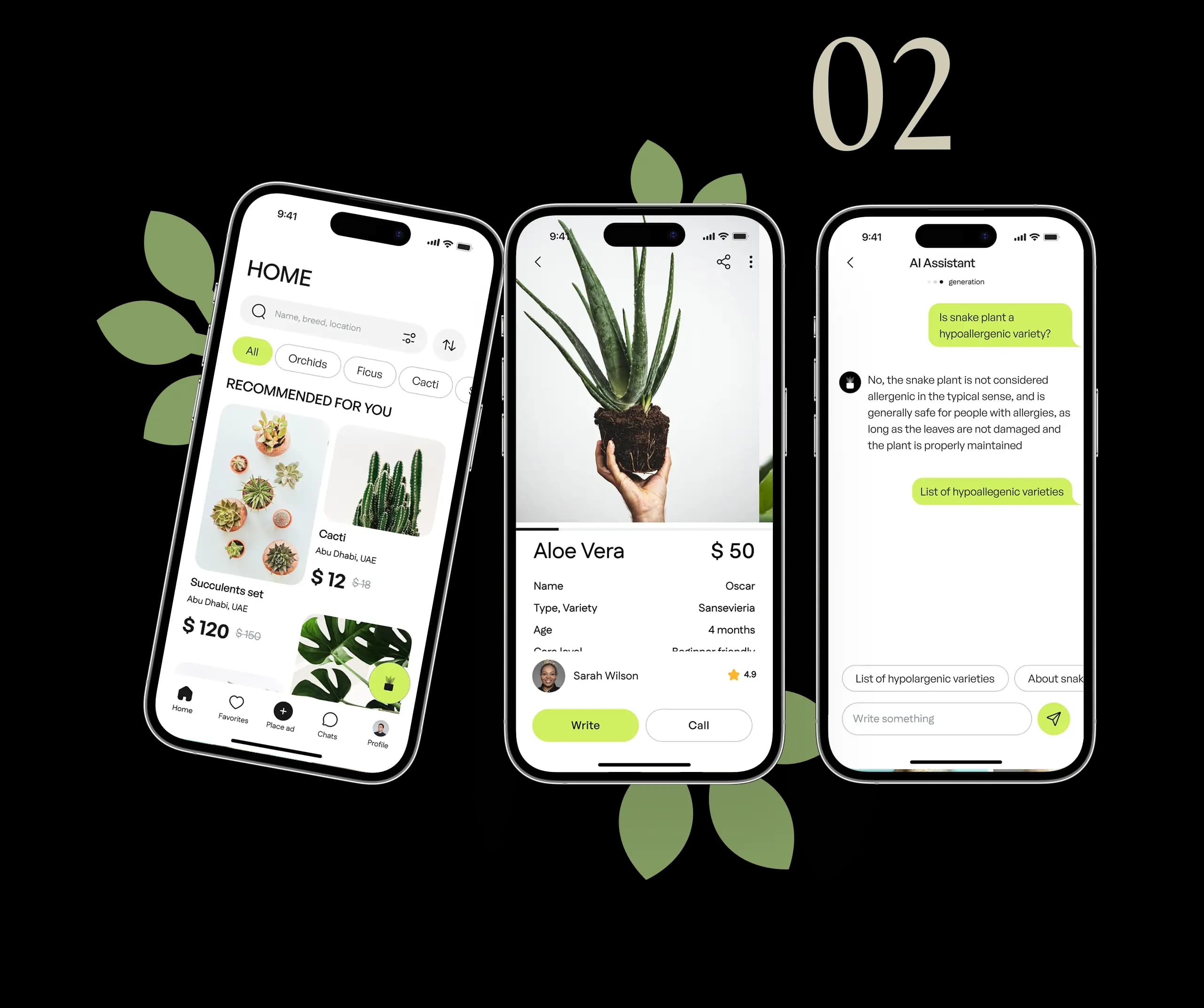
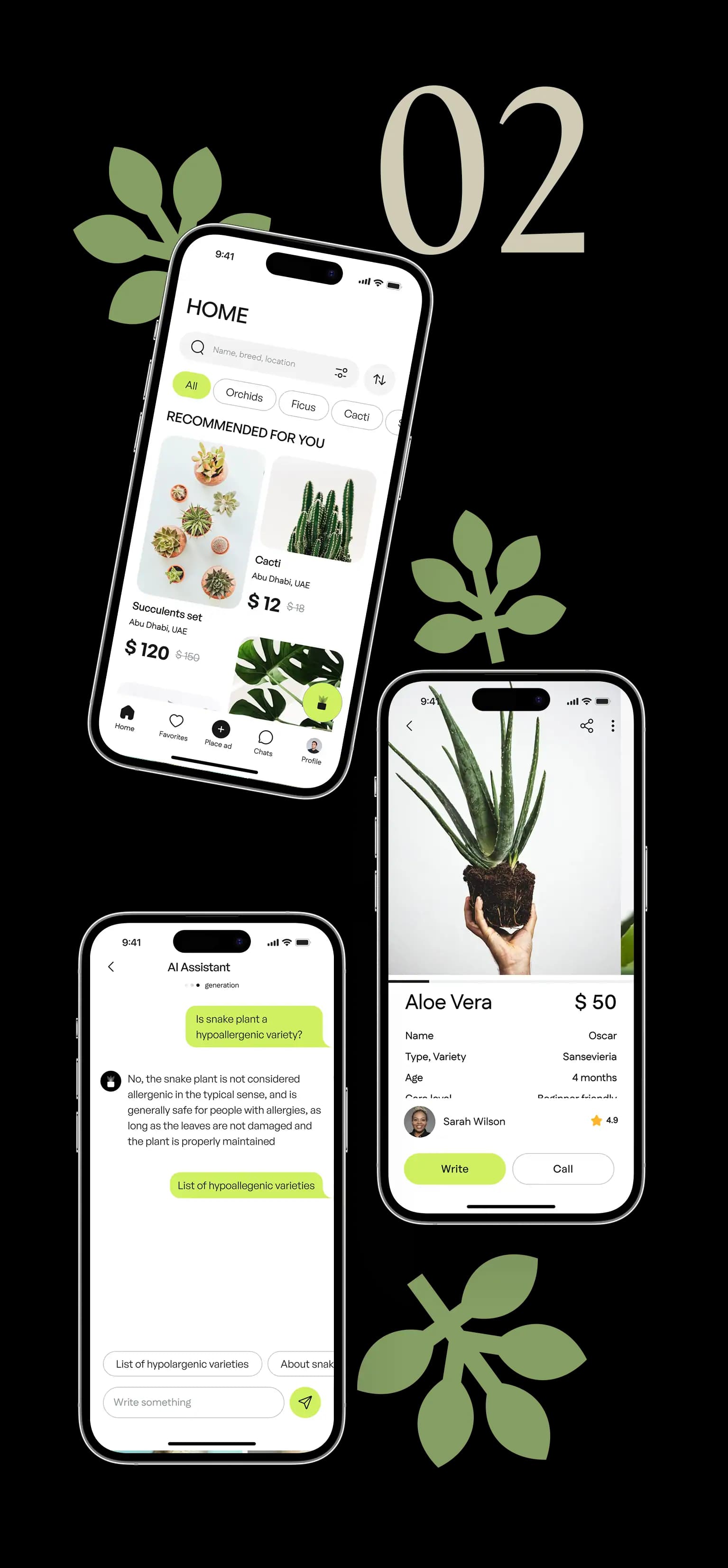
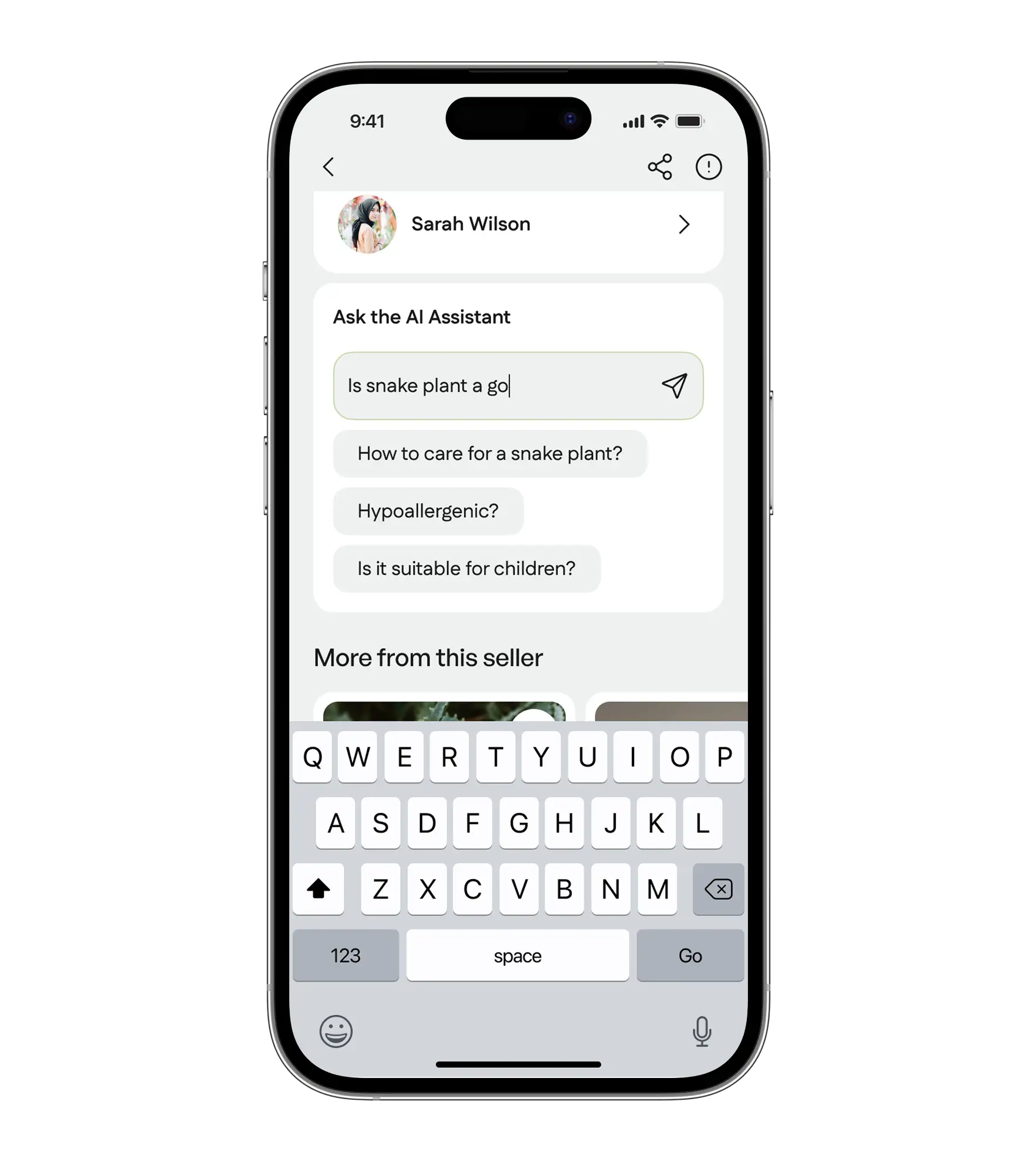
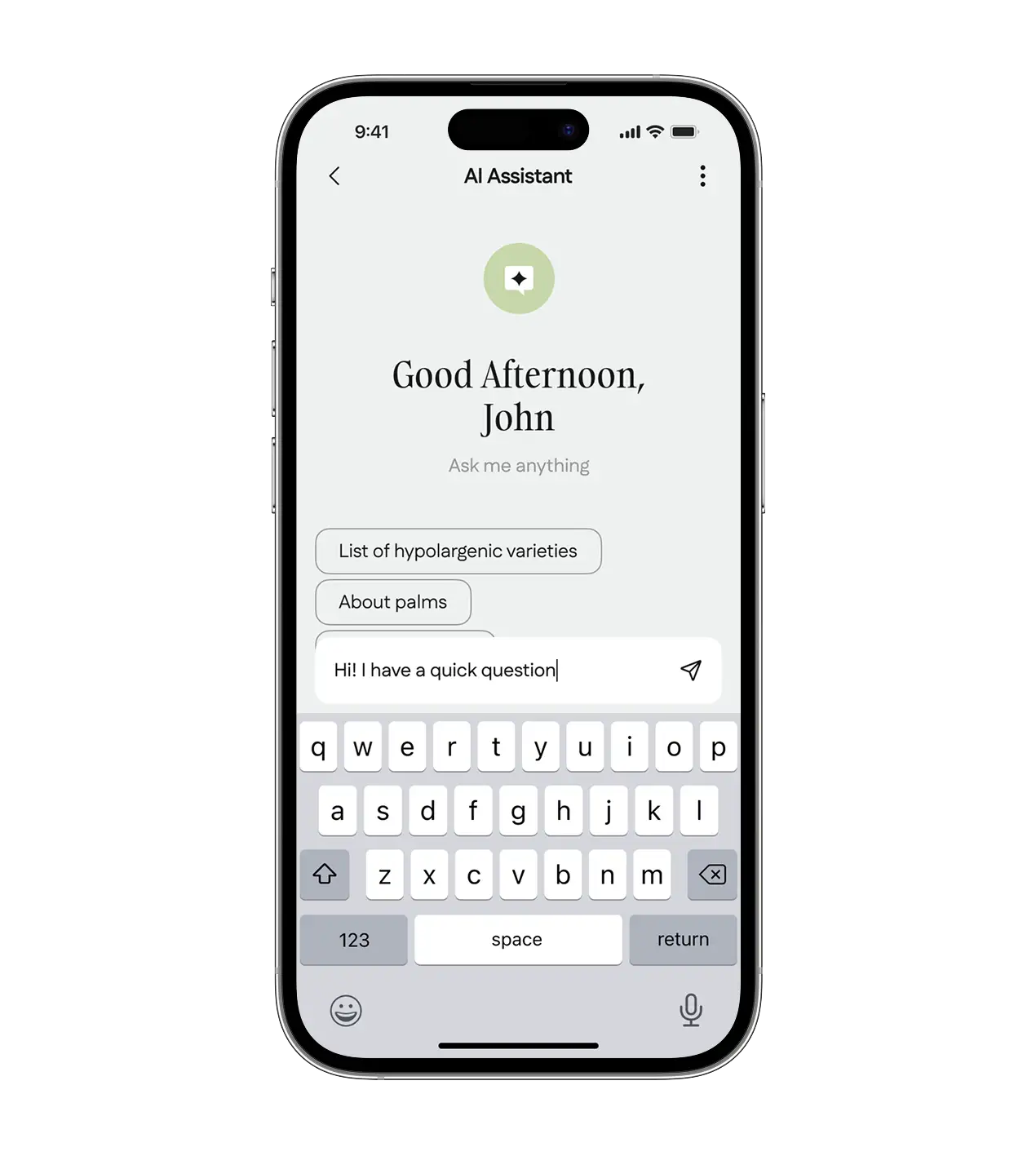
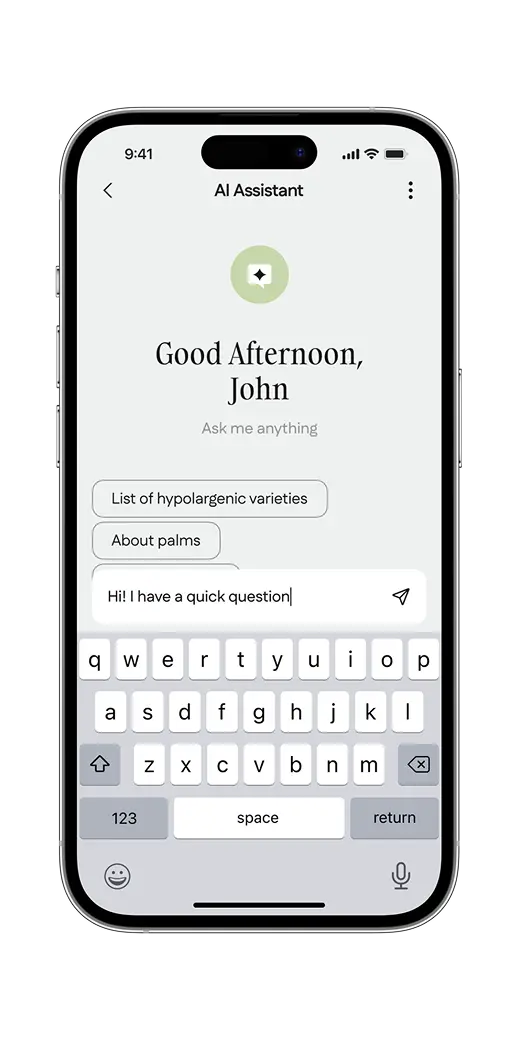
To help the buyer search for plants based on their preferences, we integrated the OpenAI API with an AI assistant function.
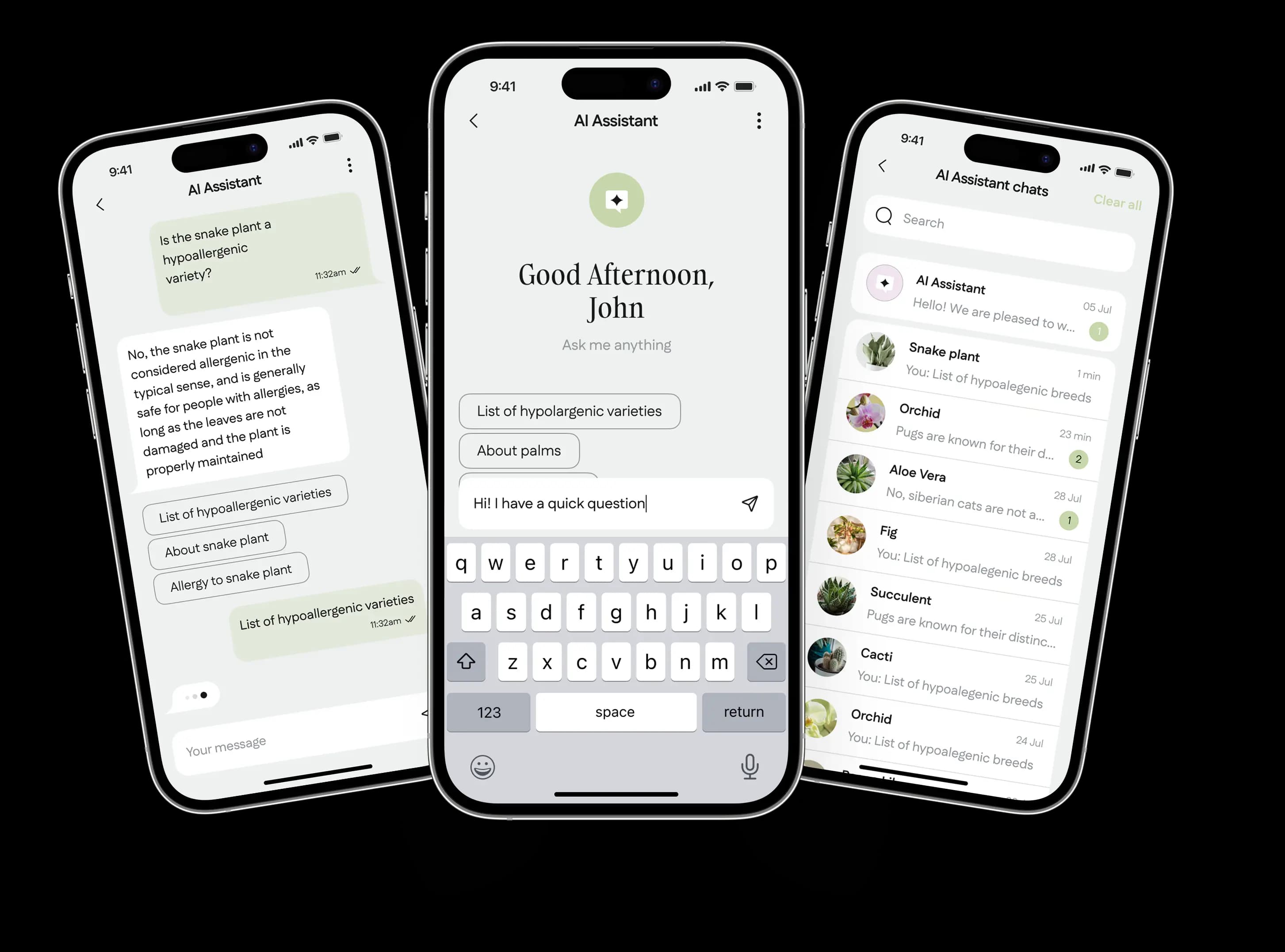
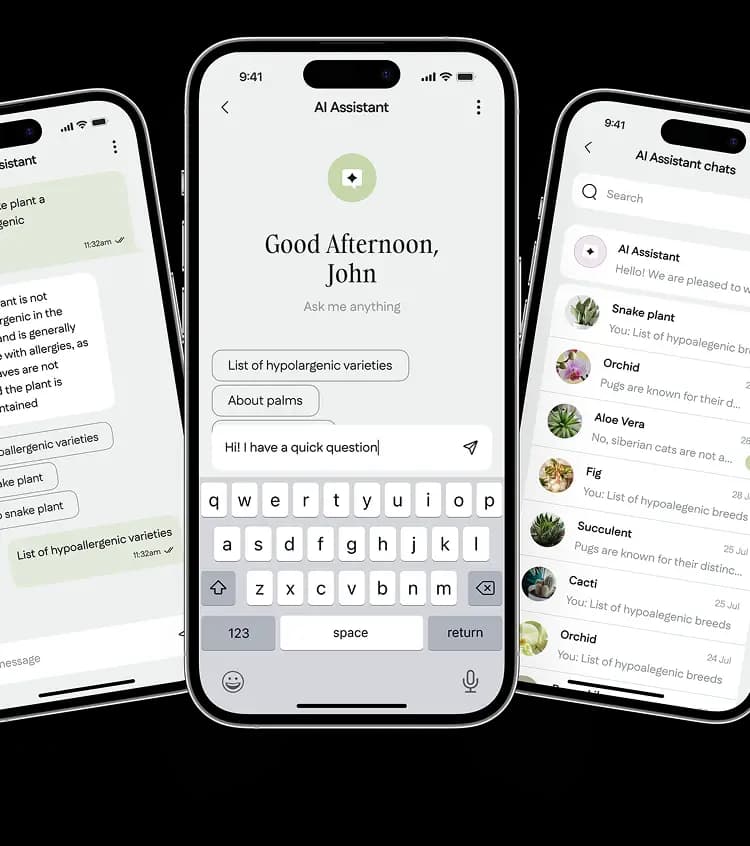
Users can access the assistant either directly on plant profiles to ask specific questions about care, growth, and other related topics, or they can initiate a separate chat to explore and find suitable plants based on their inquiries.

The AI assistant is always pinned at the top of the chat list, allowing users to access it instantly.
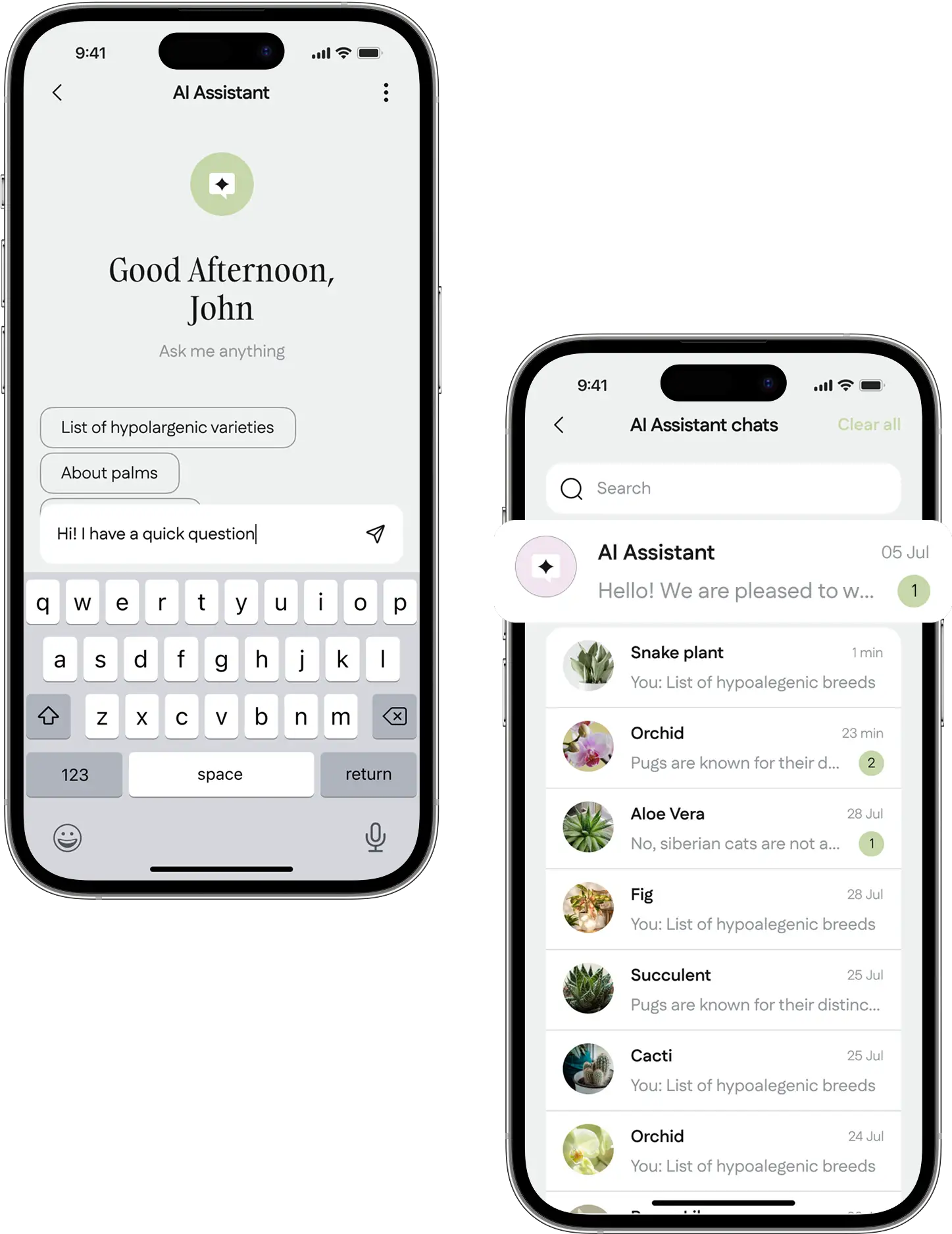
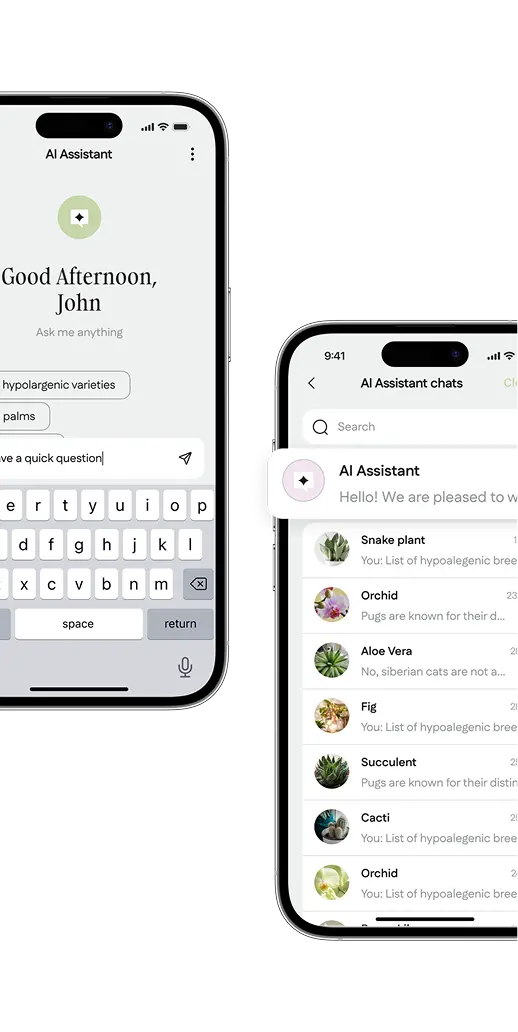
It helps users find information about plants and suggests alternatives if the desired plant is not available for purchase.
Admin panel
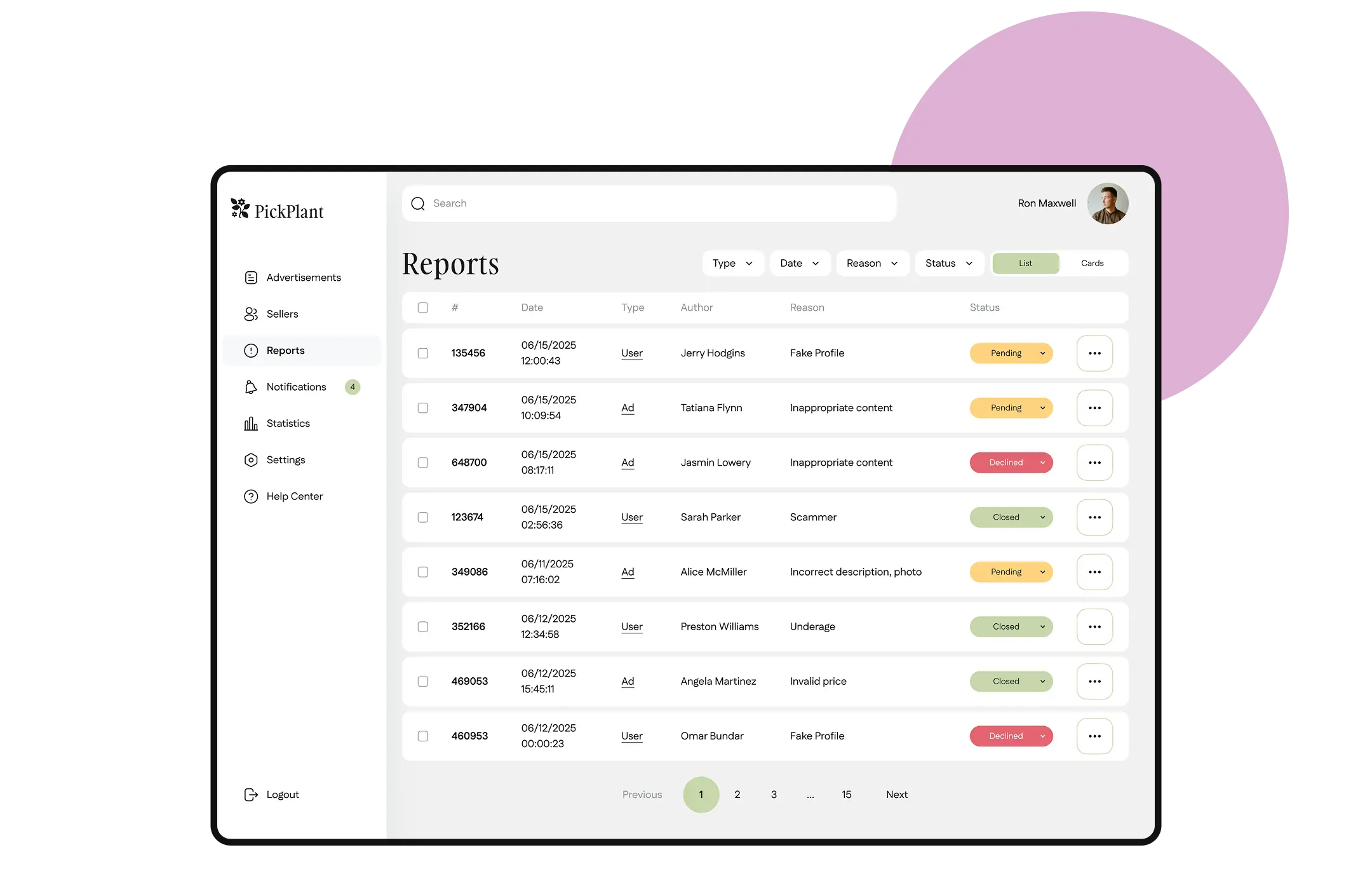
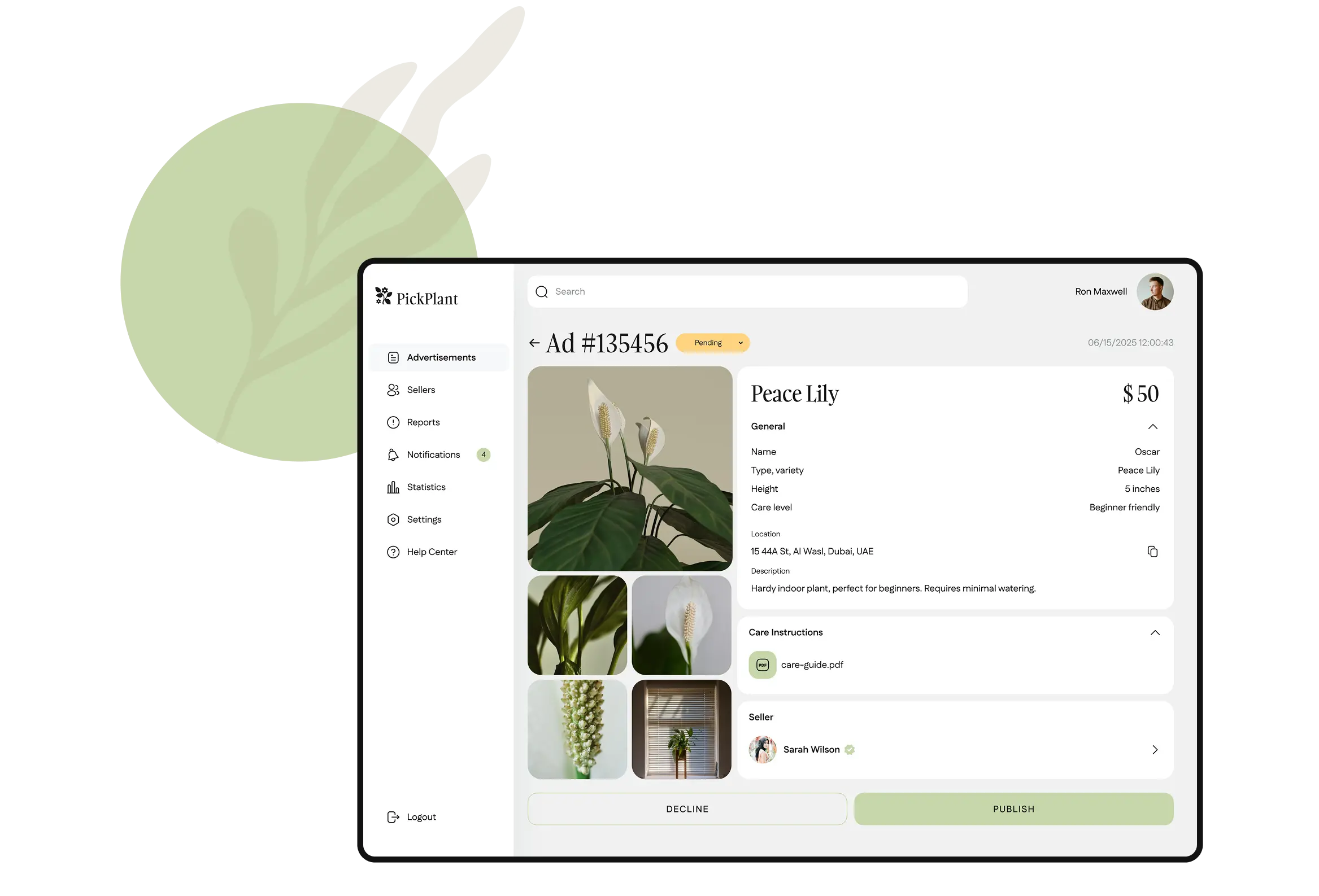
To manage inquiries, we built a simple and functional admin panel, allowing a user to:
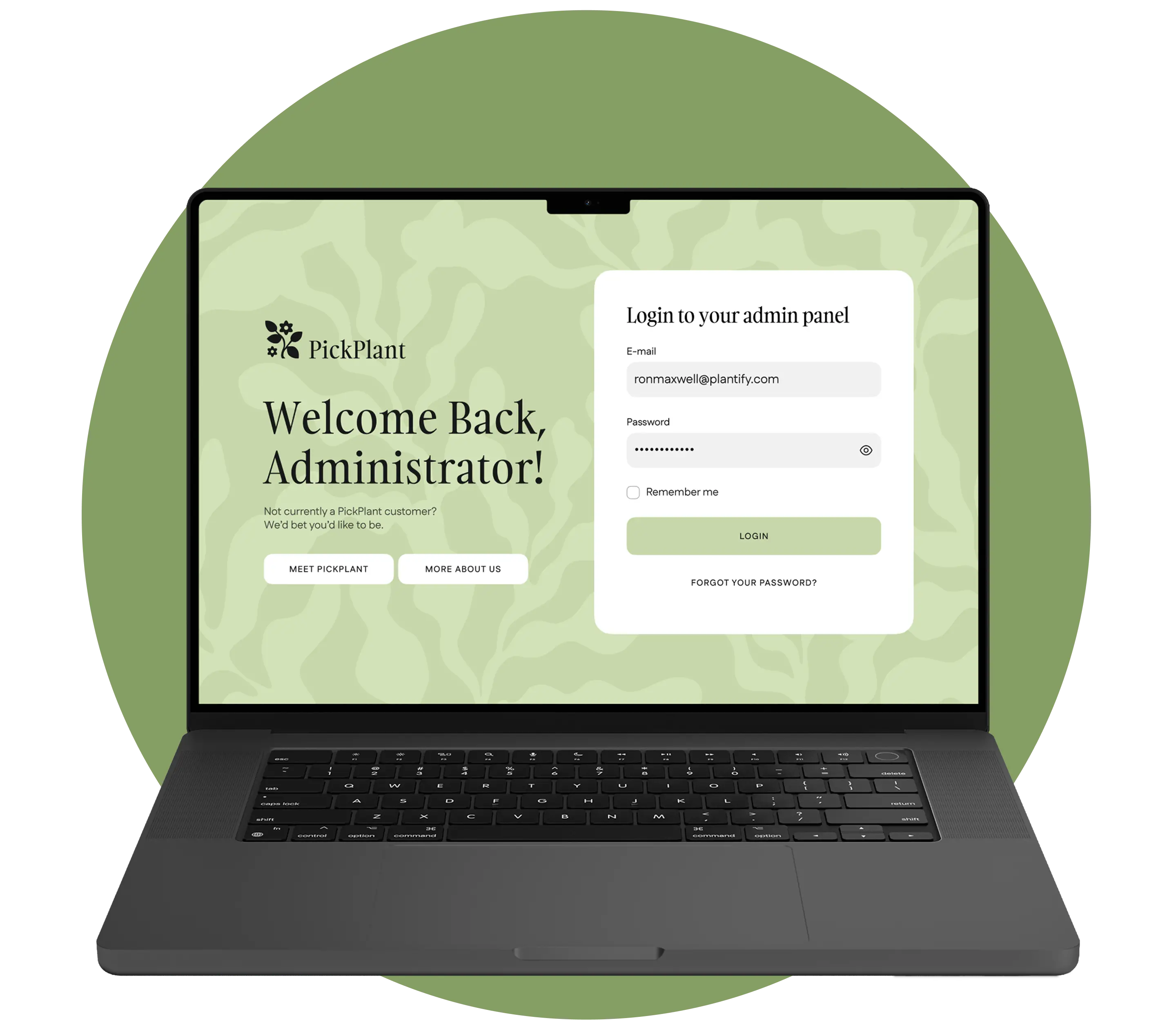
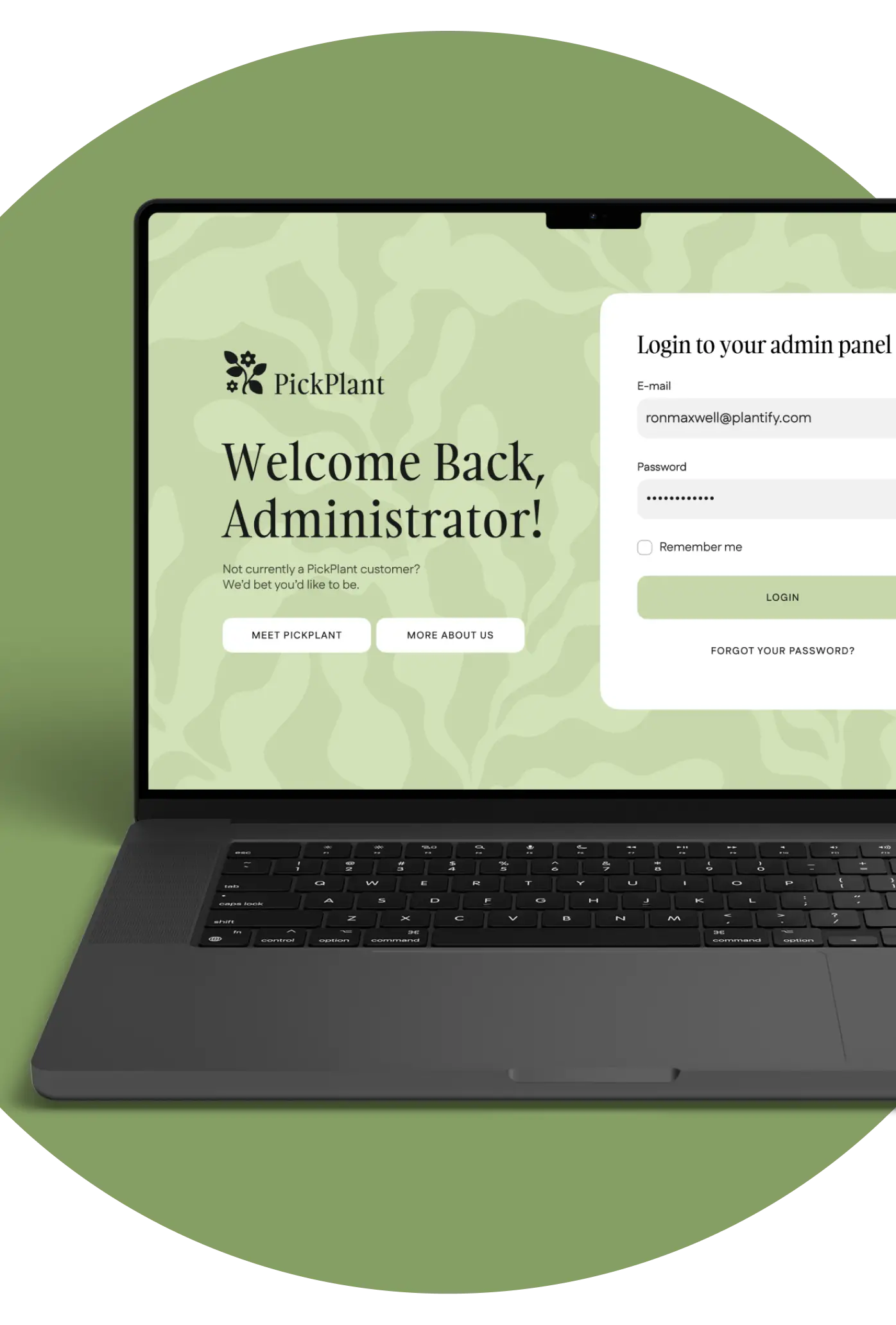
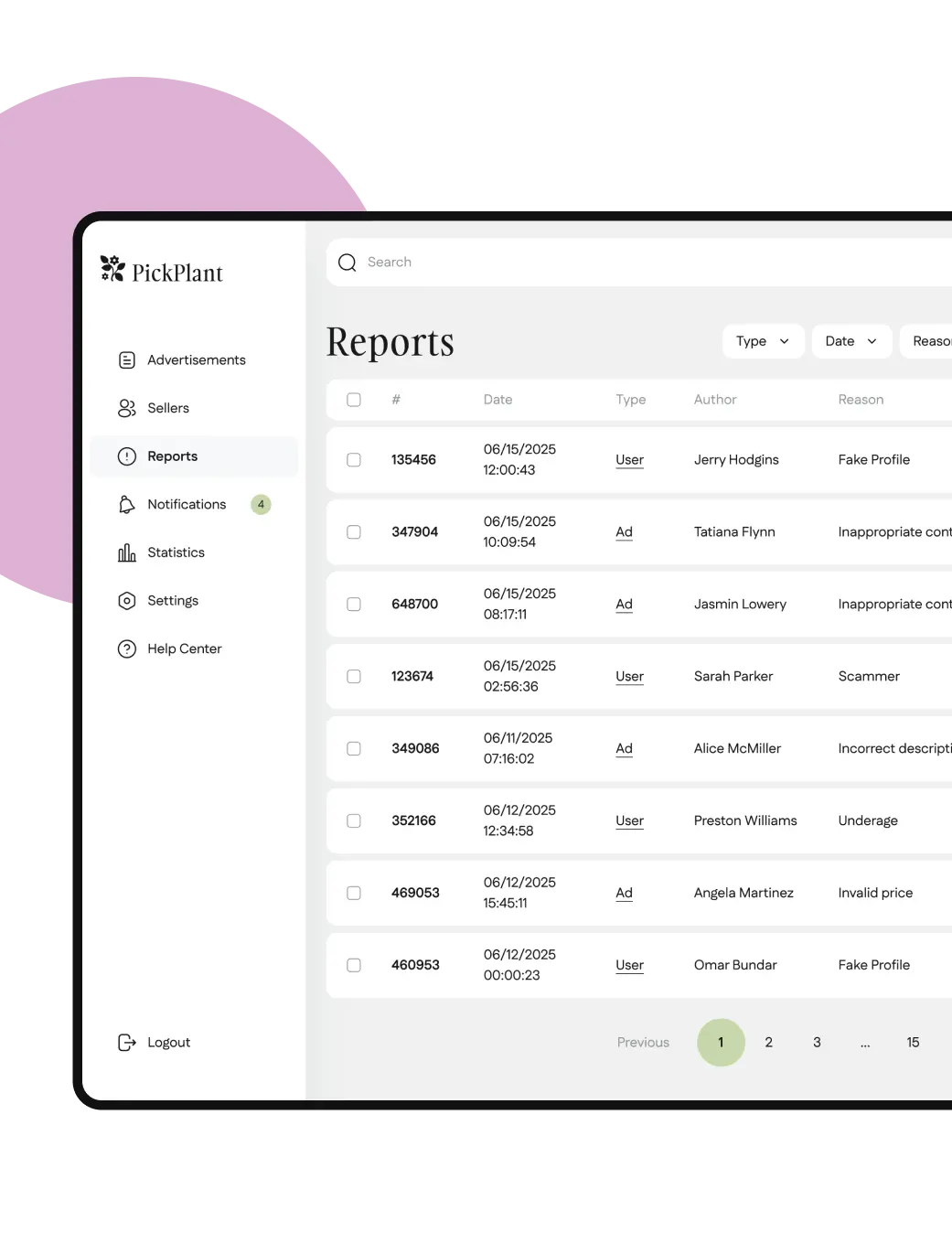
View reports and block users, breaking the policy
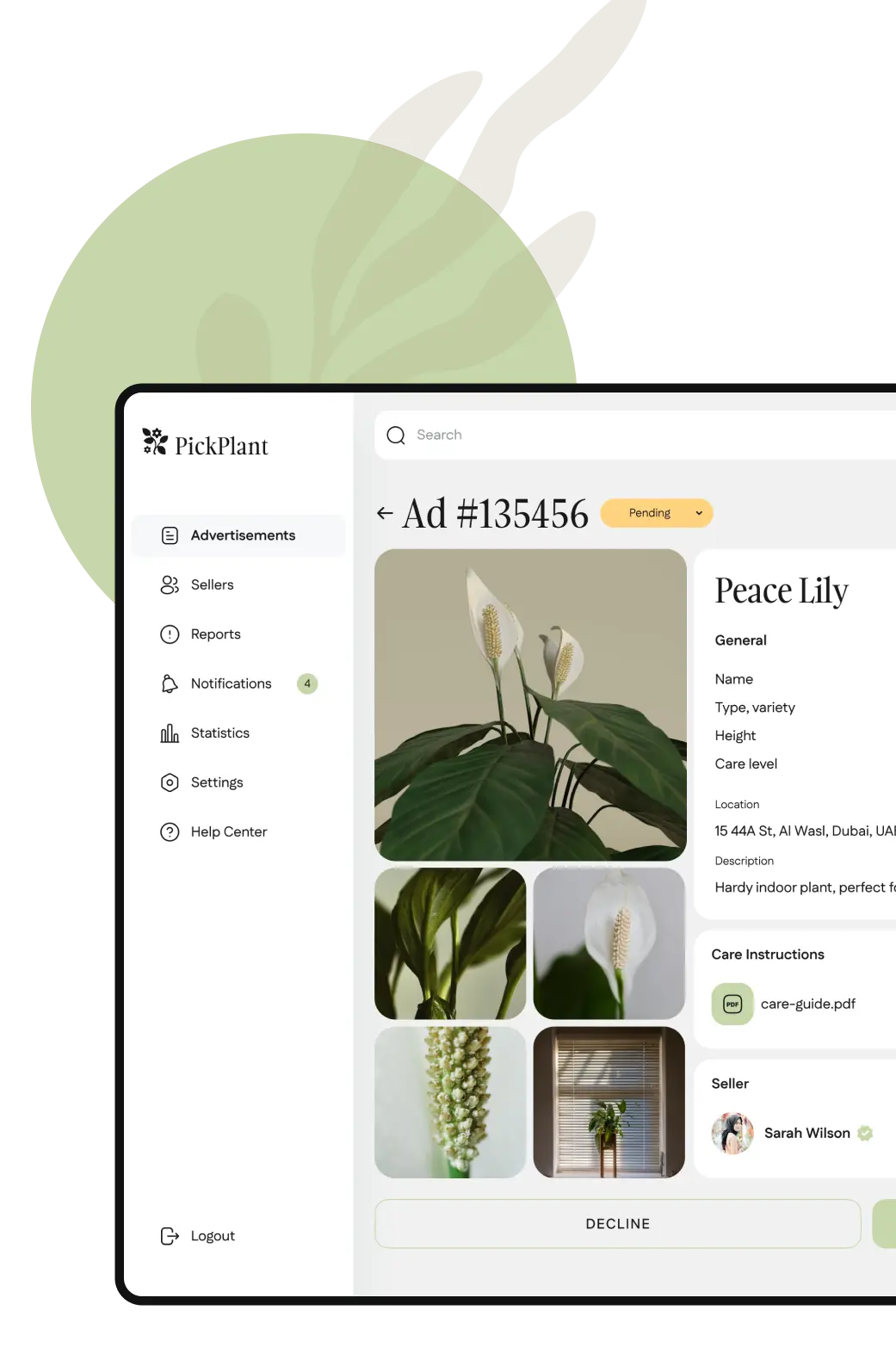
Accept and block ad placements from sellers
Approve and disapprove trade licenses if needed
Development
Tech stack
Mobile development
We built a seller and buyer mobile app for iOS and Android platforms using our favorite React Native cross-platform framework. It allows us to use one the codebase for both platforms and speed up development. We used Laravel for the backend and PostgreSQL for databases.
Web development
We built an admin panel to manually check advertisements on the platforms with Laravel Nova package. This allows us to quickly roll out all necessary functions for effective and simple app management.
Integrations
We used time-tested and secure API integrations to implement the following features:
Clerk
User authentication
ChatKitty
Chat functionality
OpenAI
AI recommendations and AI-chat
Mailgun
Email registration, marketing, and notifications
Twilio
SMS confirmations
Pusher
Push-notifications
Google AdMob
In-app advertising
Persona
KYC

Project specifics
Right-oriented texts
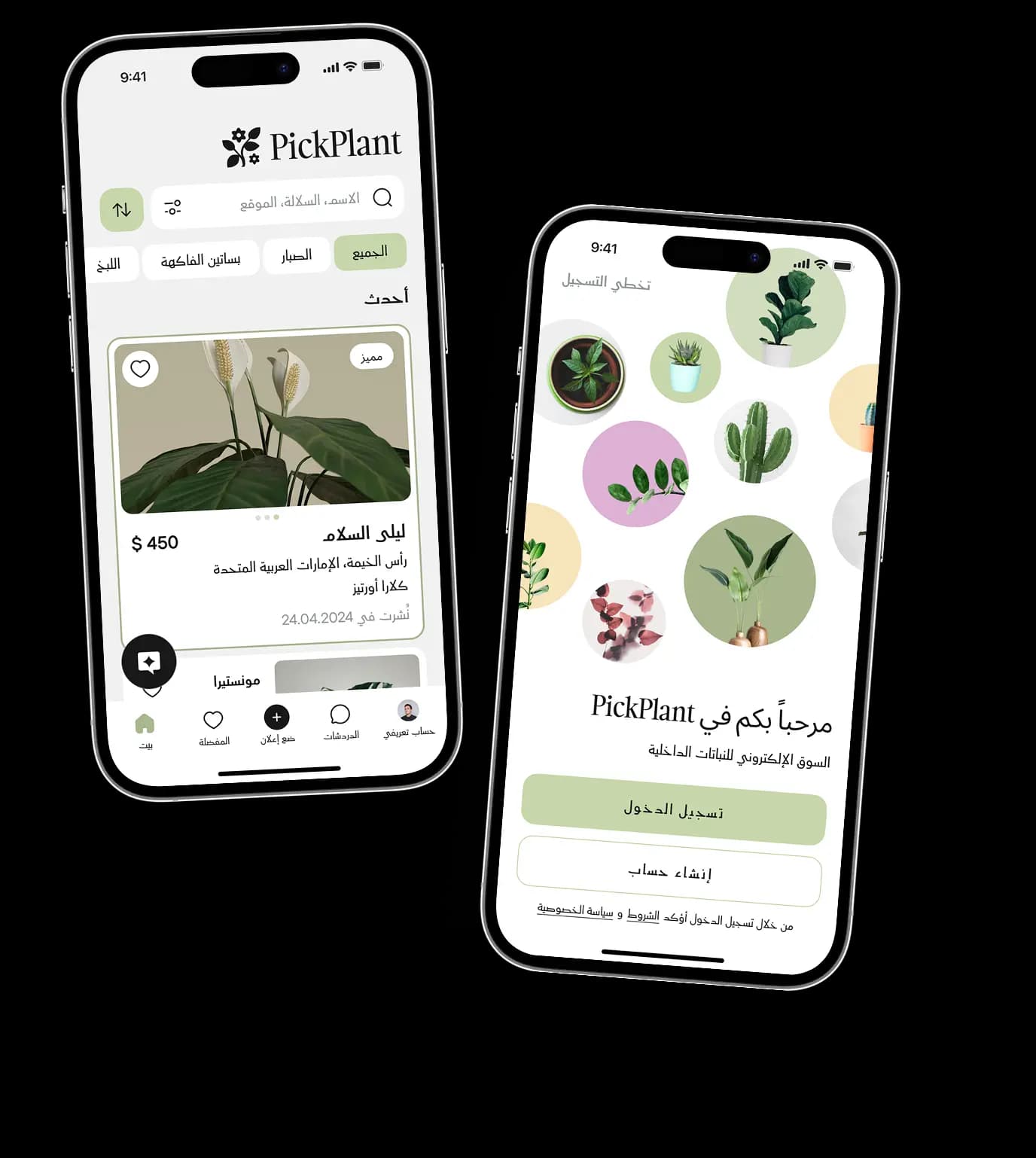
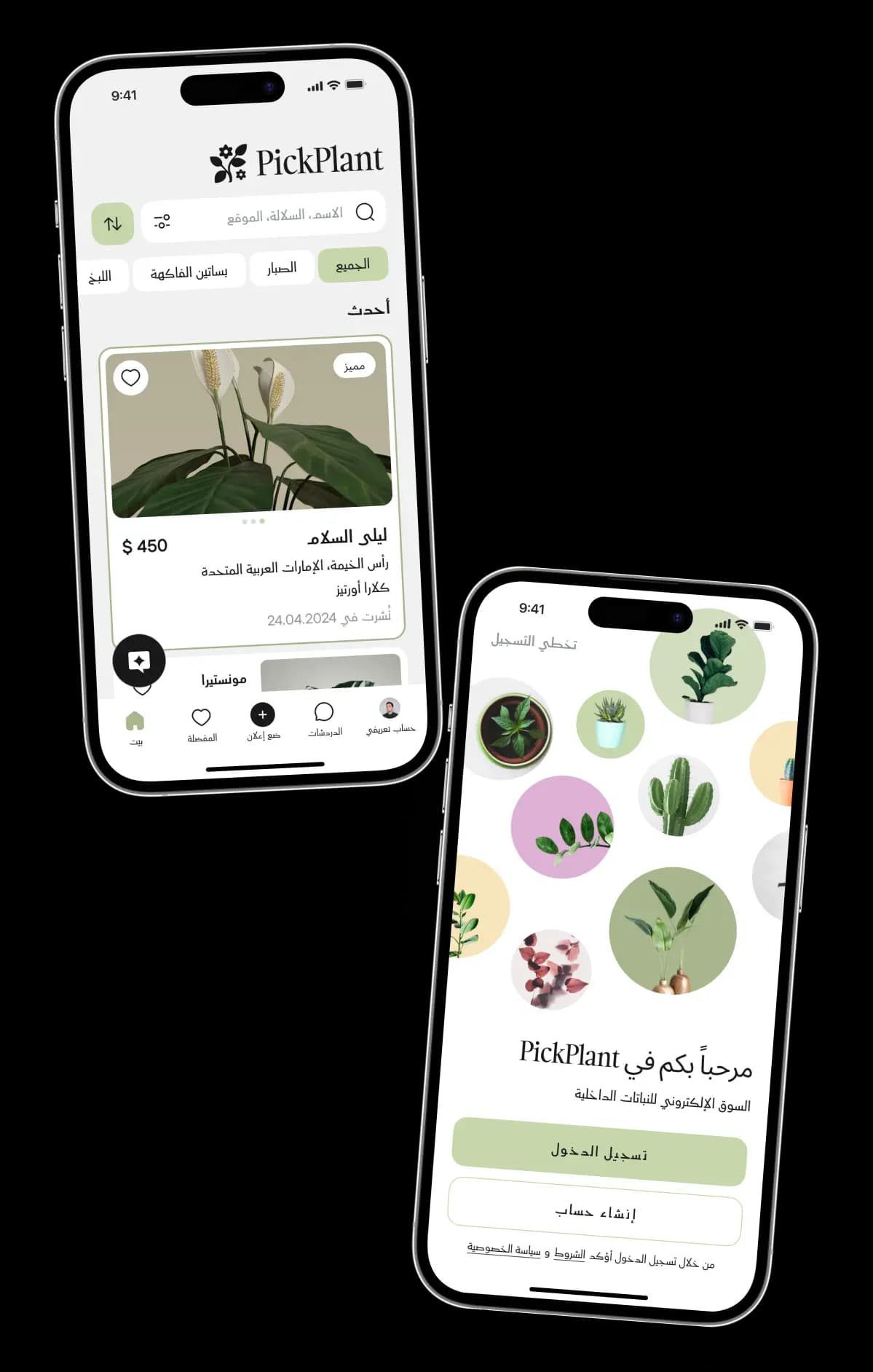
Since we are developing the app for the UAE, where Arabic is predominantly used with right-oriented text, it was crucial for us to design the app to be flexible. This flexibility allows for easy switching between left-oriented English and right-oriented Arabic to accommodate both languages.

Results
We've designed the interfaces and successfully developed the application and admin panel. All project documentation has been handed over to the client. The project has been recently finished and is currently under review in online stores, after which it will be available to users.
Project in numbers