Mobile neobank app design for a UAE company
Neobanking mobile app with AI assistant: analytics and design.
*Since the project is under an NDA, we cannot mention the name of the company or share the exact designs created for the project.
*Since the project is under an NDA, we cannot mention the name of the company or share the exact designs created for the project.
Project idea
The client from the UAE requested a design for a future React Native mobile neobank app.
Since they plan to move on to the development stage soon after partnering with a BaaS provider, we also assisted in evaluating providers available in the region from a technical perspective and defining future app features.
Our goals
Help find technically suitable BaaS solutions
Make a mind map for an application
Identify a scope of features for the first version
Create a unique design for user interfaces

User flow
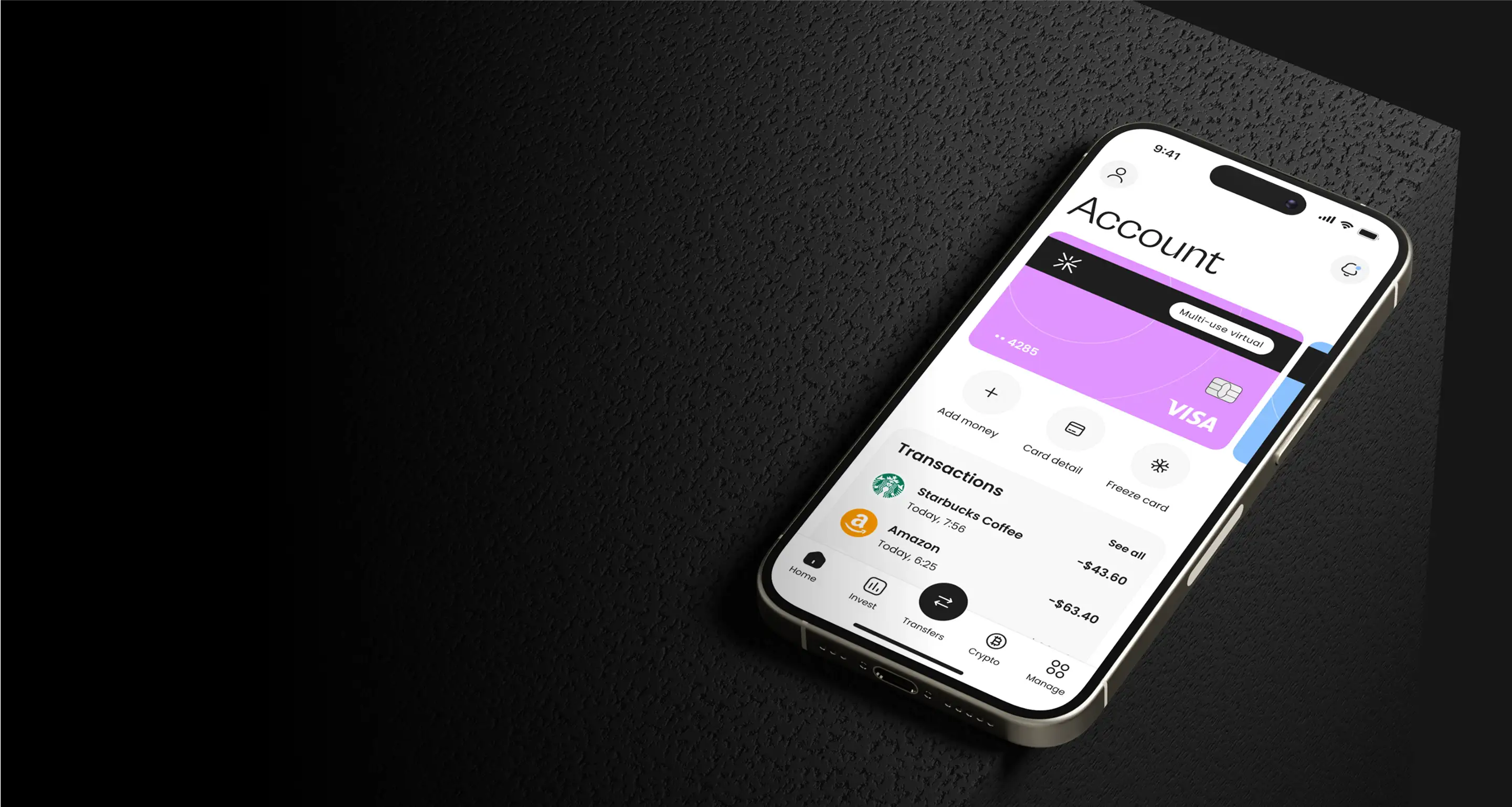
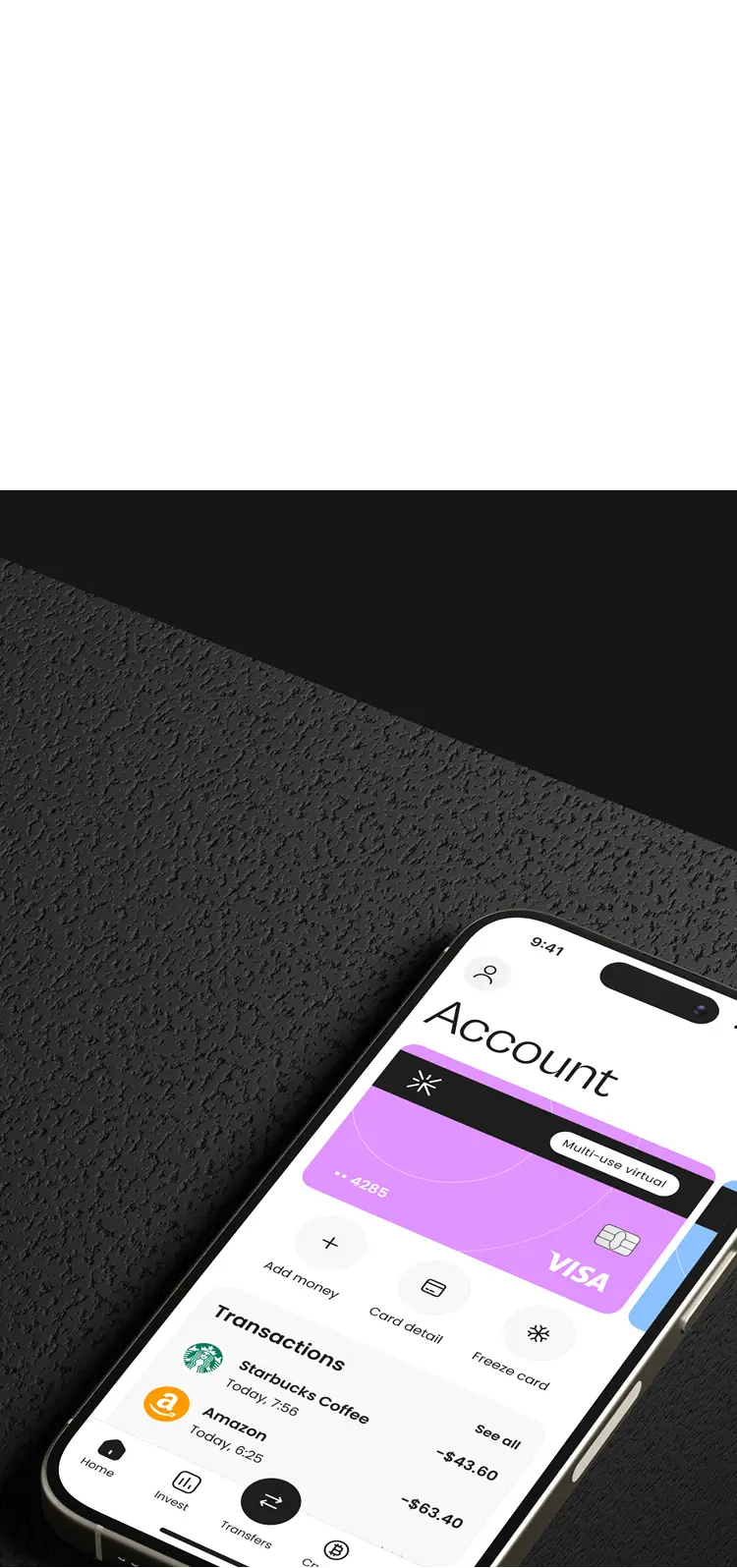
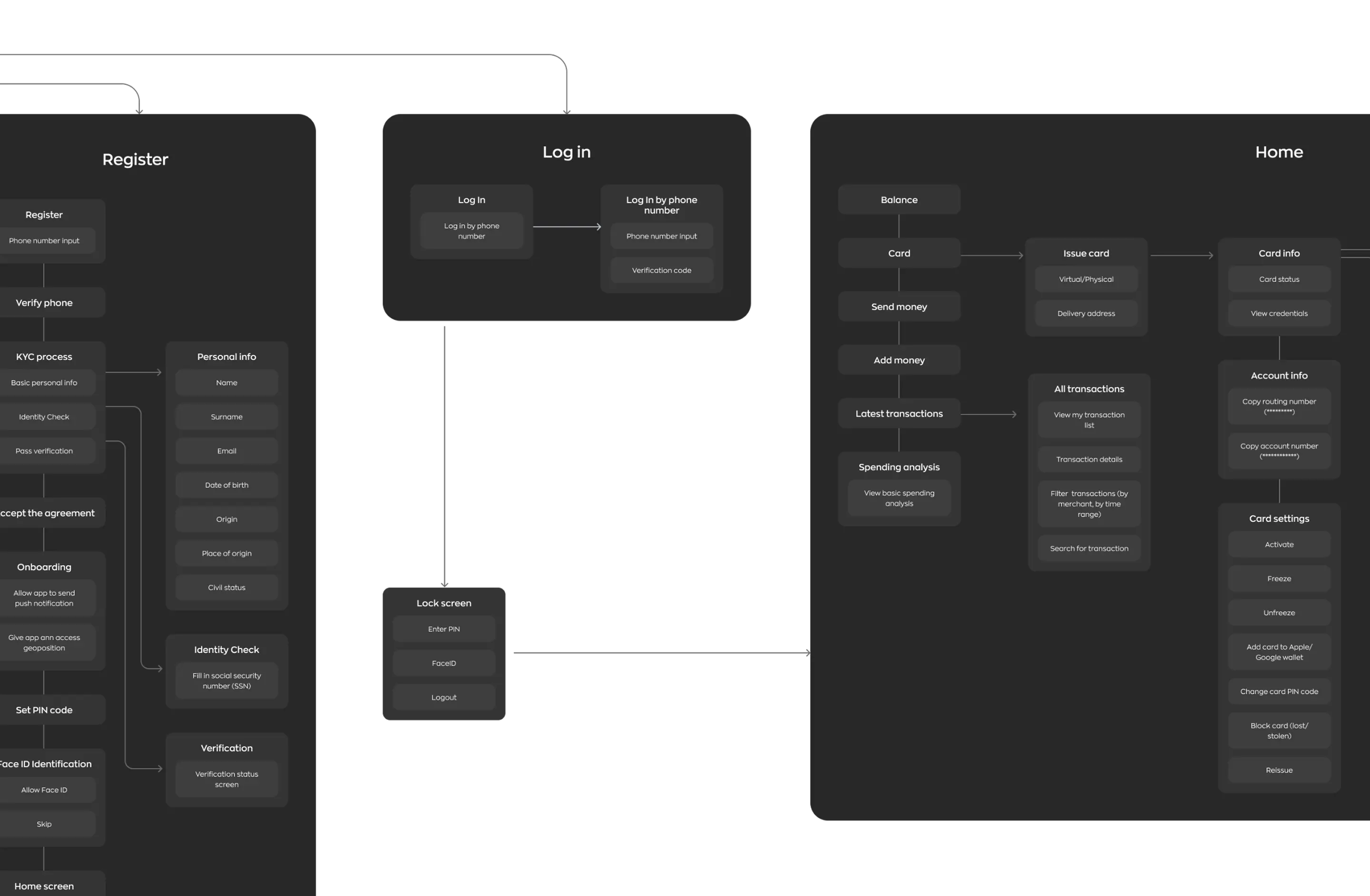
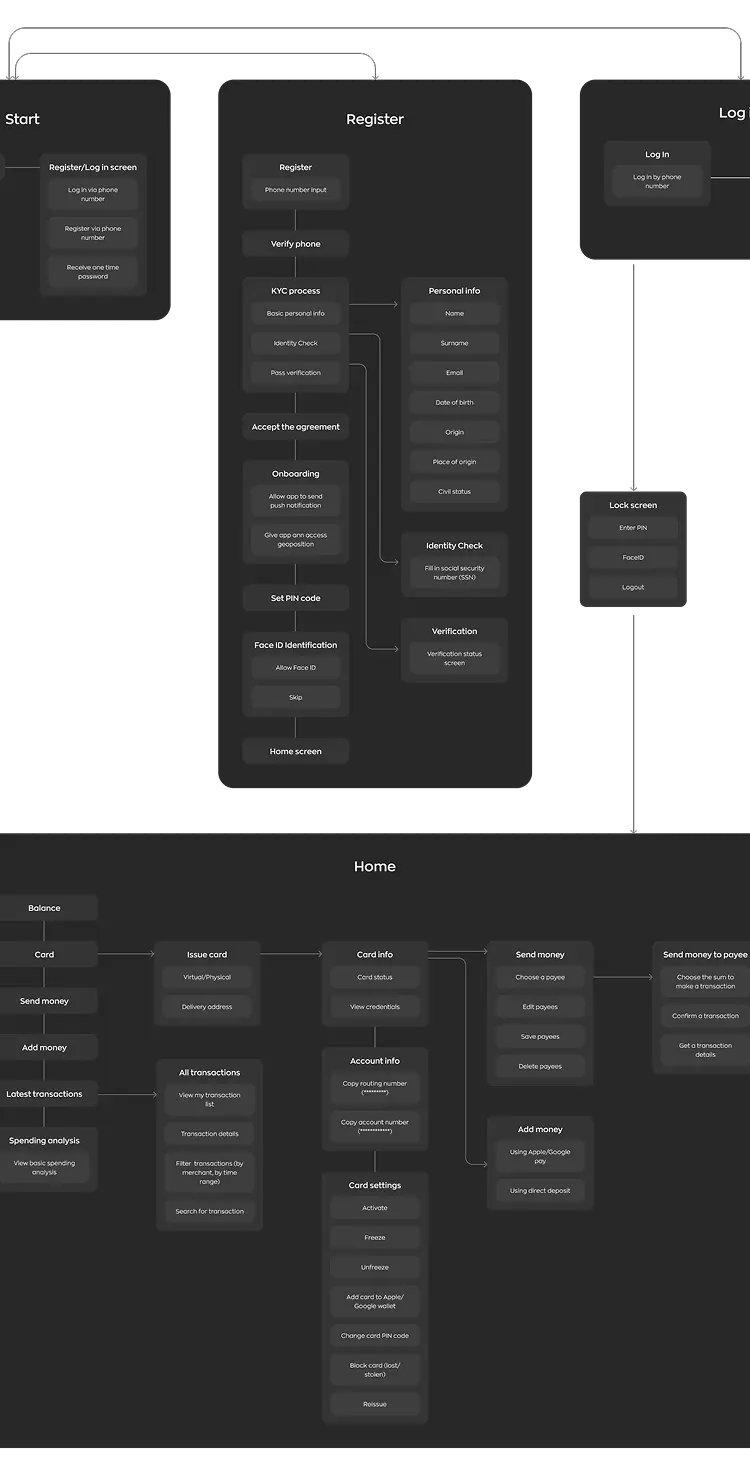
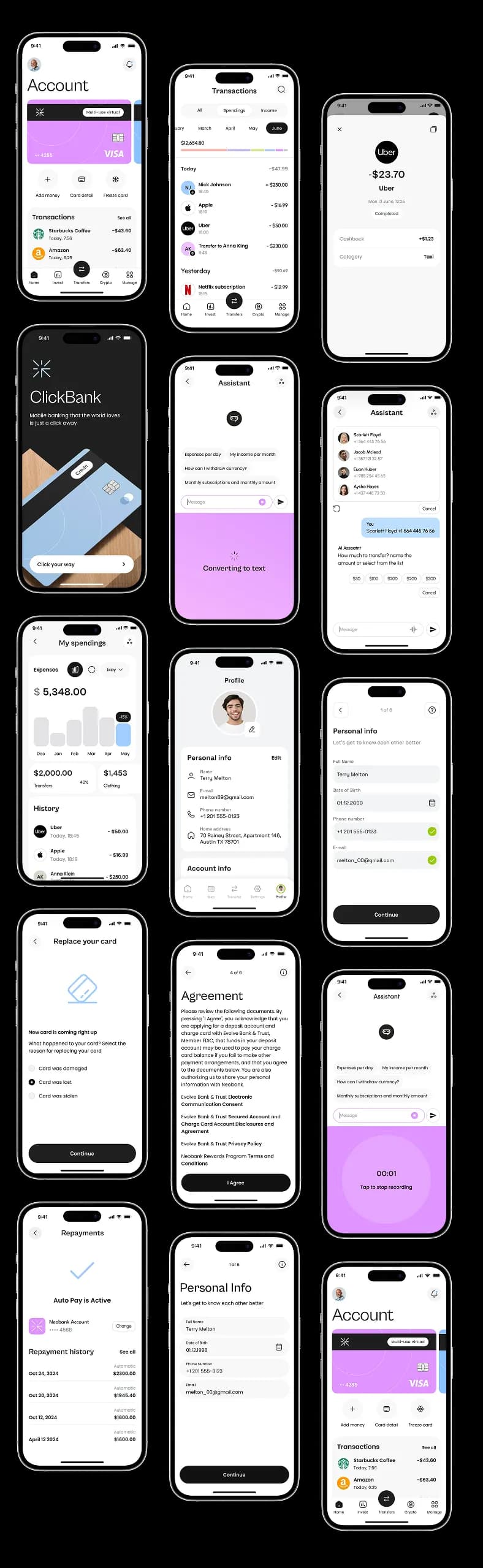
After registering in the app, a user can take control of their finances by issuing and managing cards, viewing a comprehensive and categorized history of transactions, receiving AI financial advice, making payments, and analyzing spending.
The main focus of the application is financial analytics and AI.
Analytics
The client was new to the fintech business and did not know how to handle the necessity of integrating with banking-as-a-service providers or the importance of its compatibility with the software development company's tech stack.

To help them with existing challenges, we created a mind map and provided a list of potential banking-as-a-service providers suitable compatible with our technical solutions.

Every country has its laws regarding the fintech sphere and personal data. In the UAE, money flow differs from European and American ones.
We advised the client on selecting a BaaS provider to identify the most technically suitable option.


Further, the client independently chose a third-party service that complies with the country’s legal requirements.
Mobile app
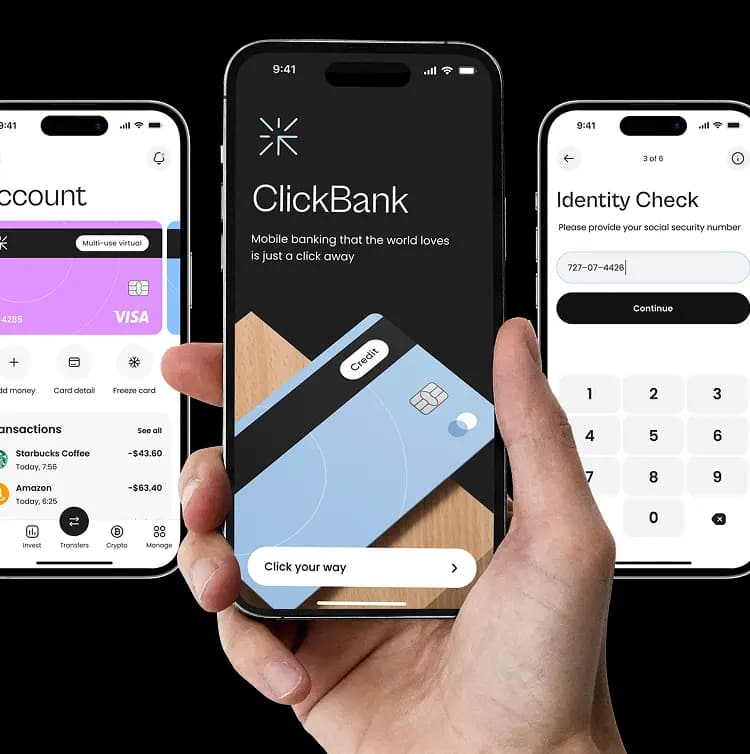
The banking app user flow we designed enables all necessary operations within a single application.
Registration
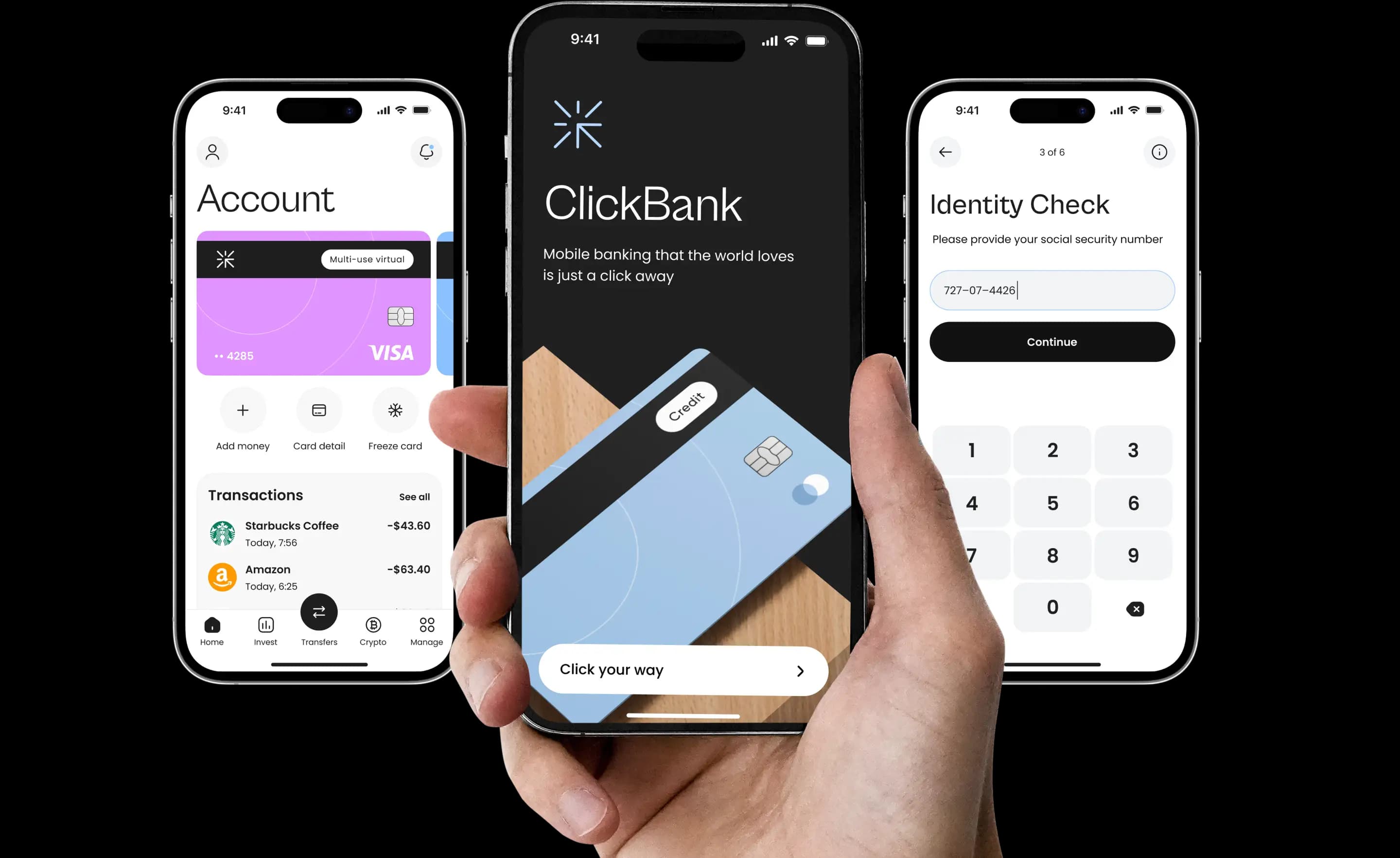
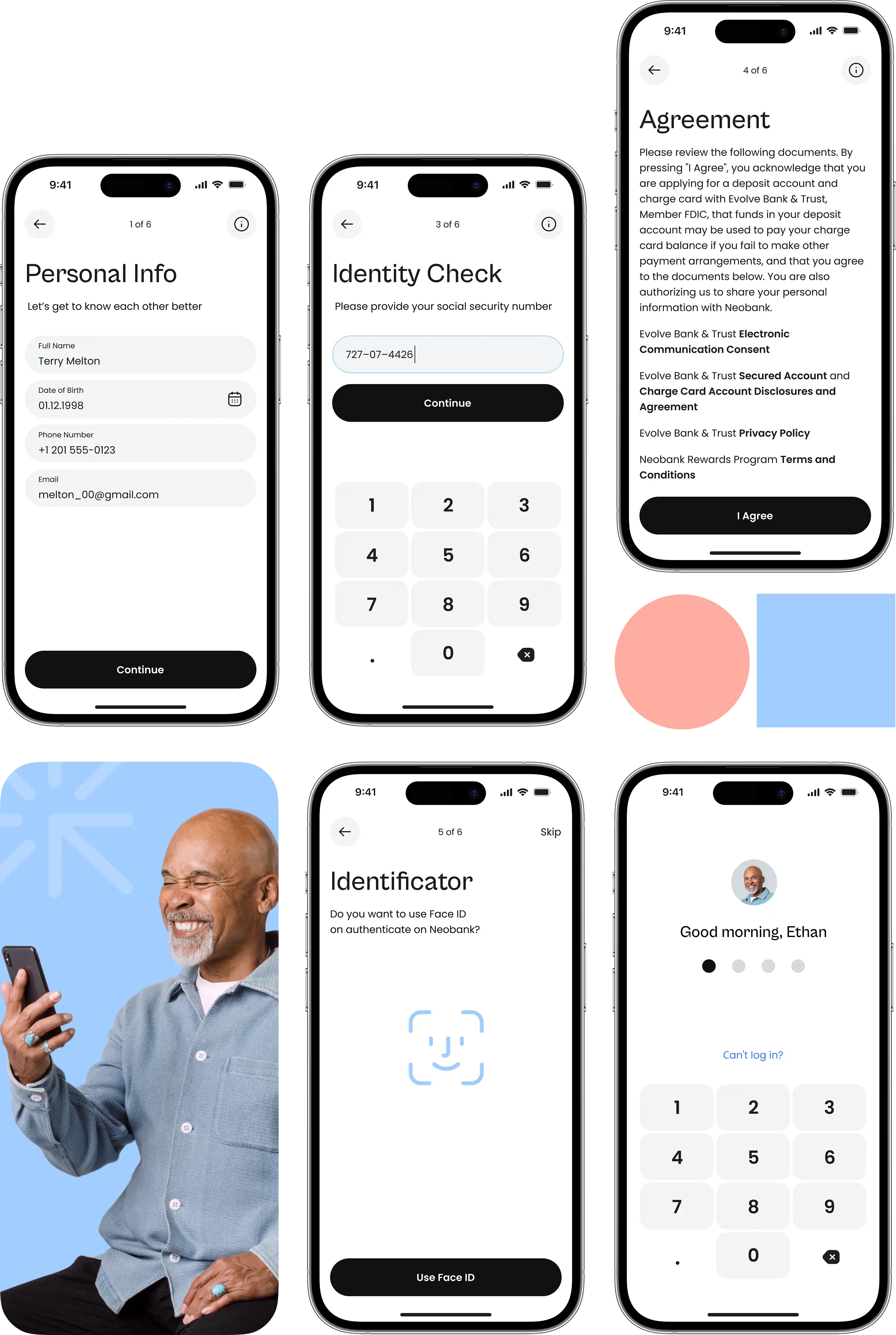
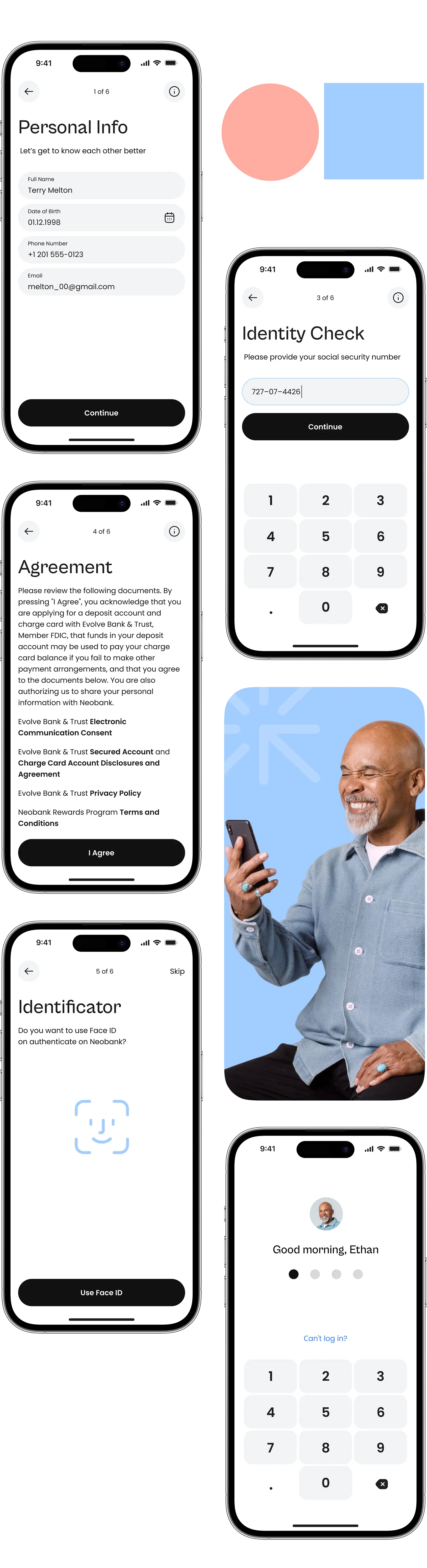
Users complete the registration process without needing to visit a physical office. The app’s KYC process involves providing basic personal information, an identity check with the Emirates ID, and completing verification. Afterward, users accept the agreement and set up multifactor authentication, including a PIN and Face ID.
Card
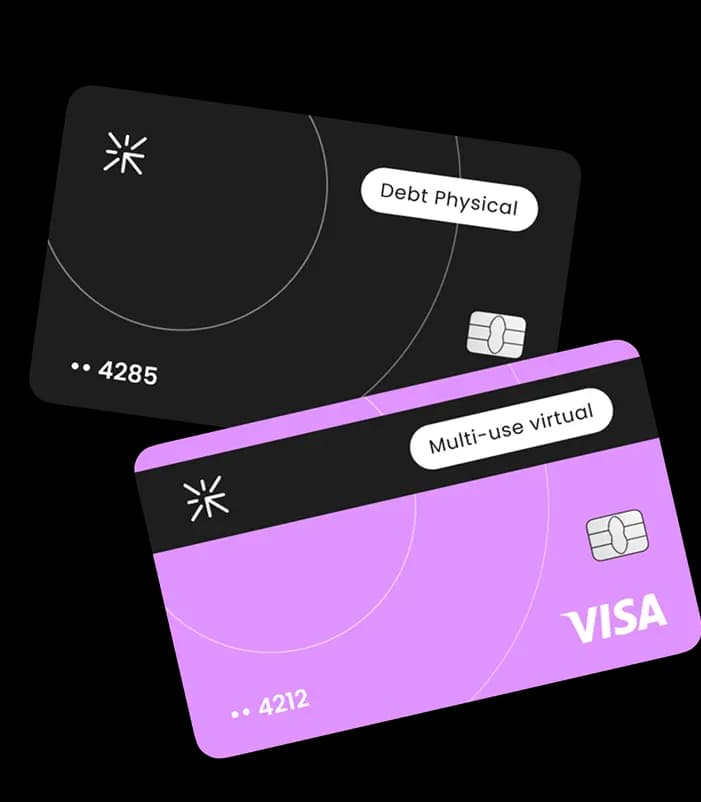
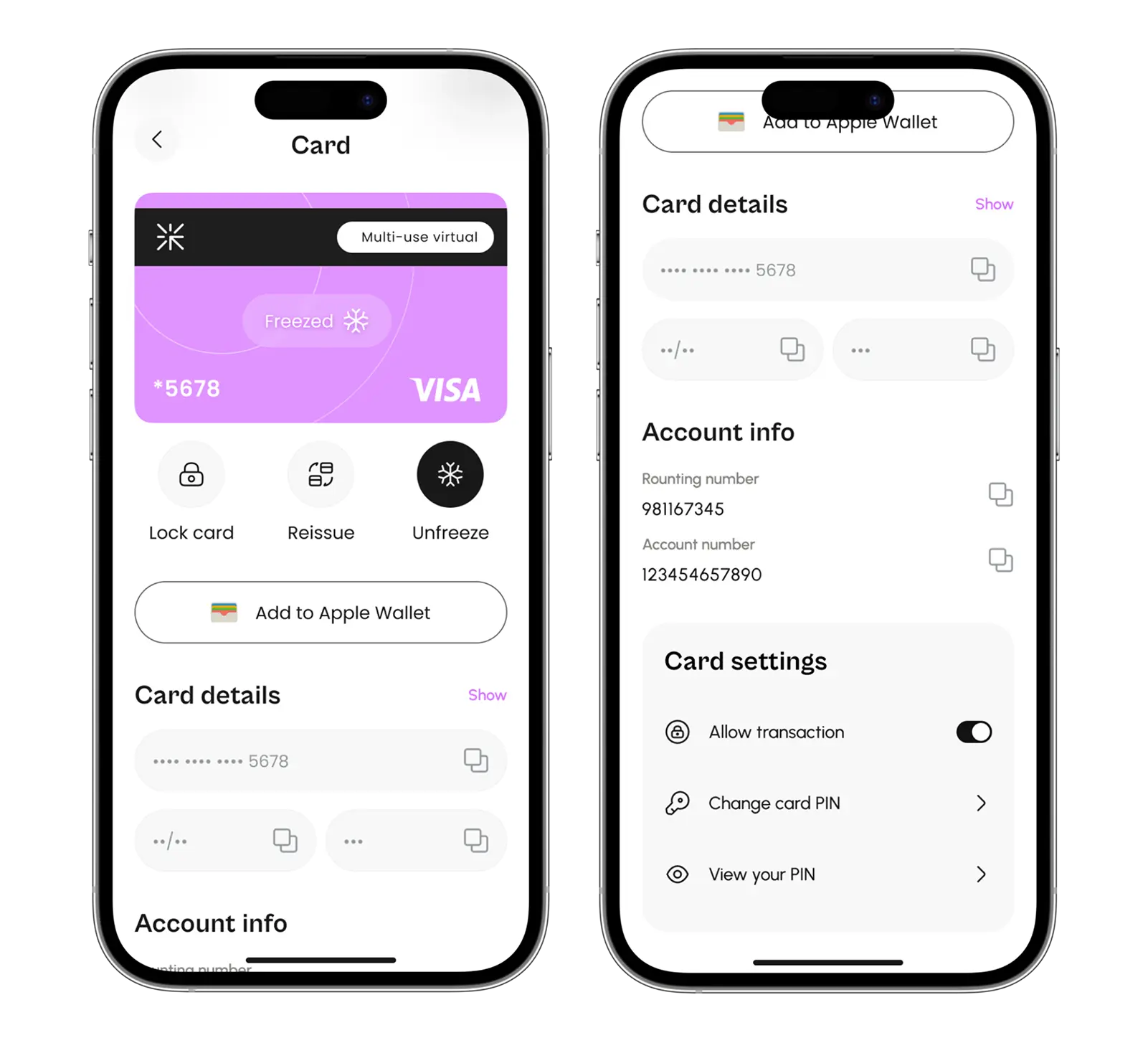
After registering, users can issue a virtual or physical card, which is then delivered to their address. Users can freeze, unfreeze, and block the card in case of loss, and reissue it.
They can copy routing and account numbers to avoid typing card details on other websites.
Transactions
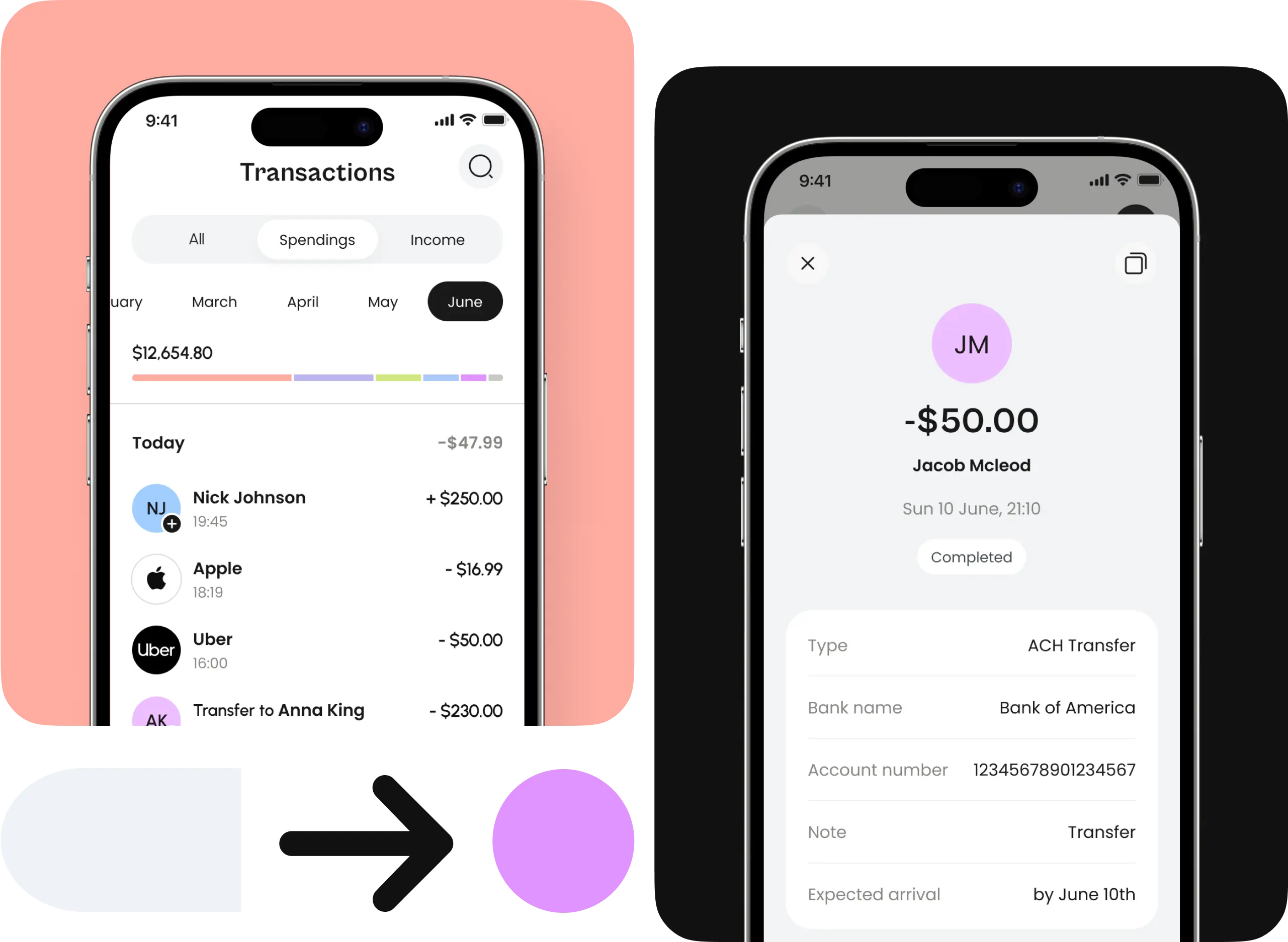
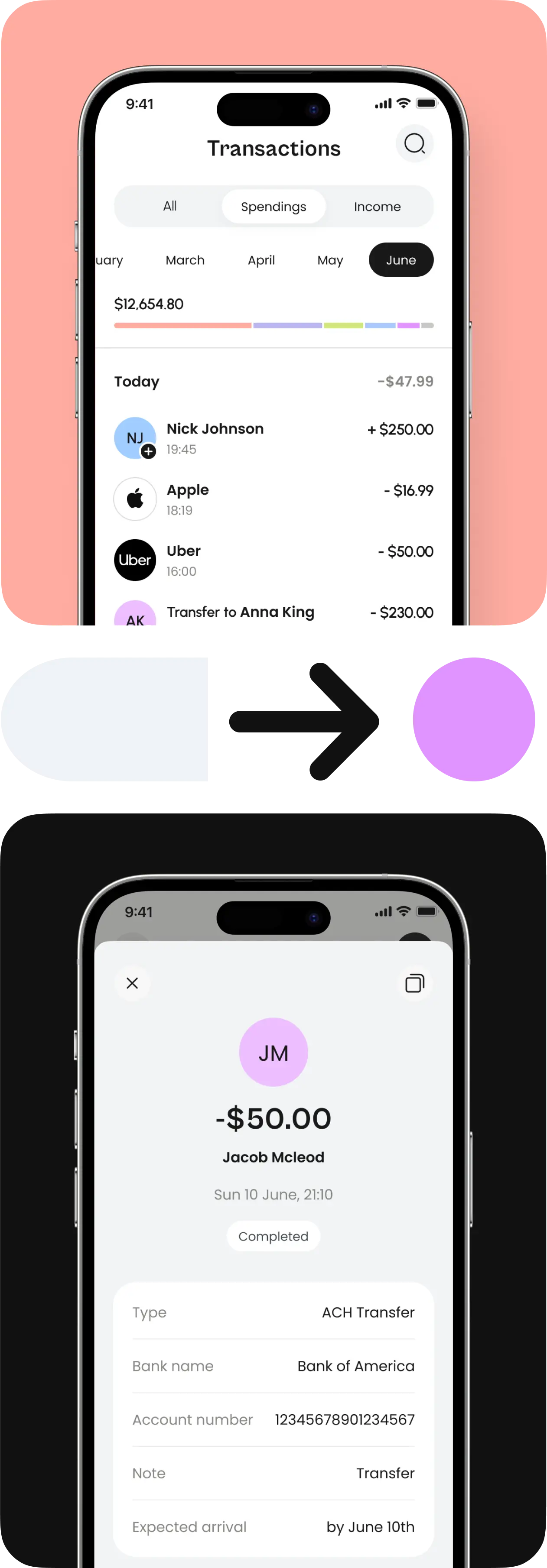
Users can send money to selected and pre-saved payees, choose the sum, confirm, and obtain transaction details. Transactions are categorized based on months, spendings, and incomes.
Analytics
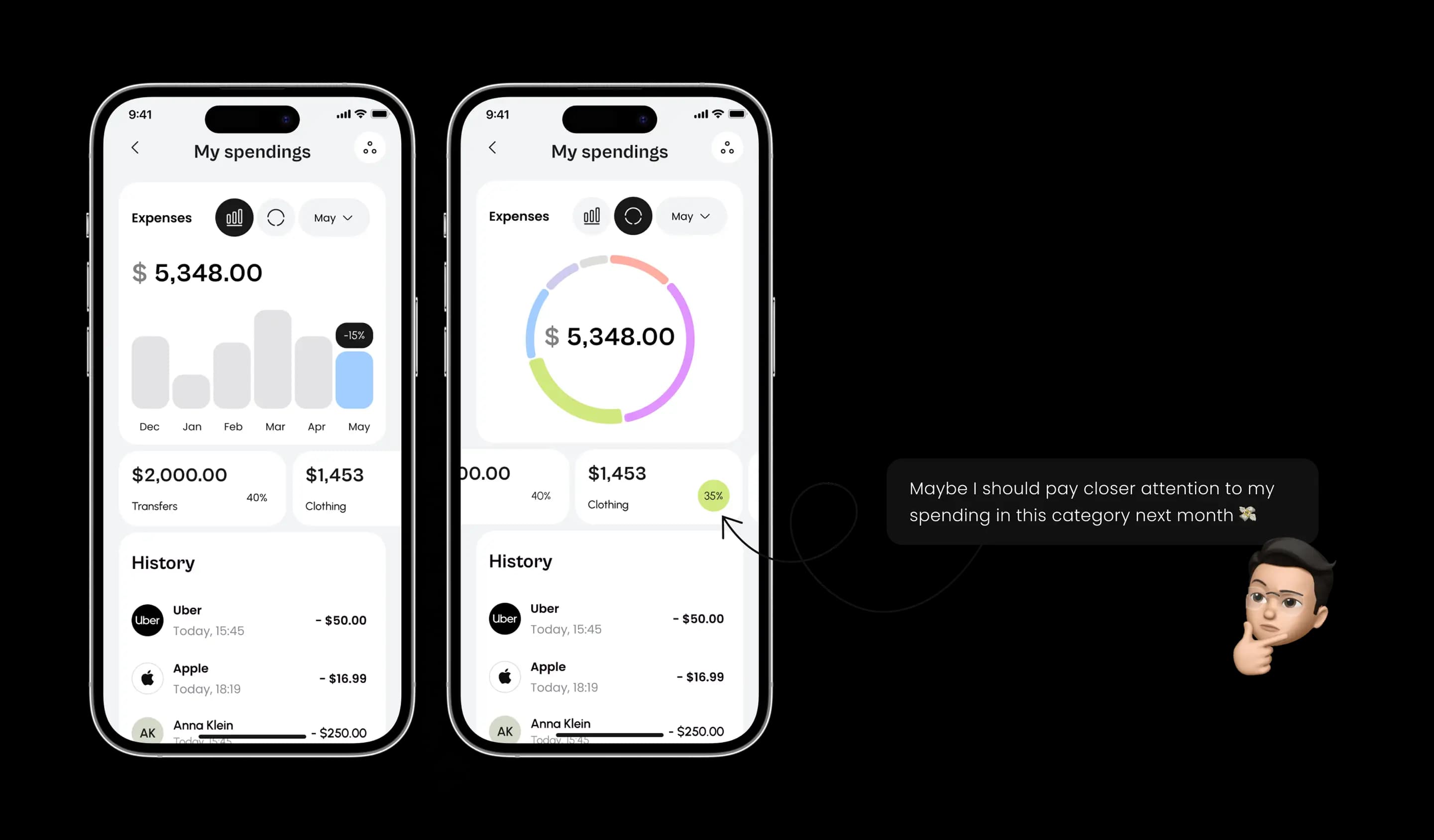
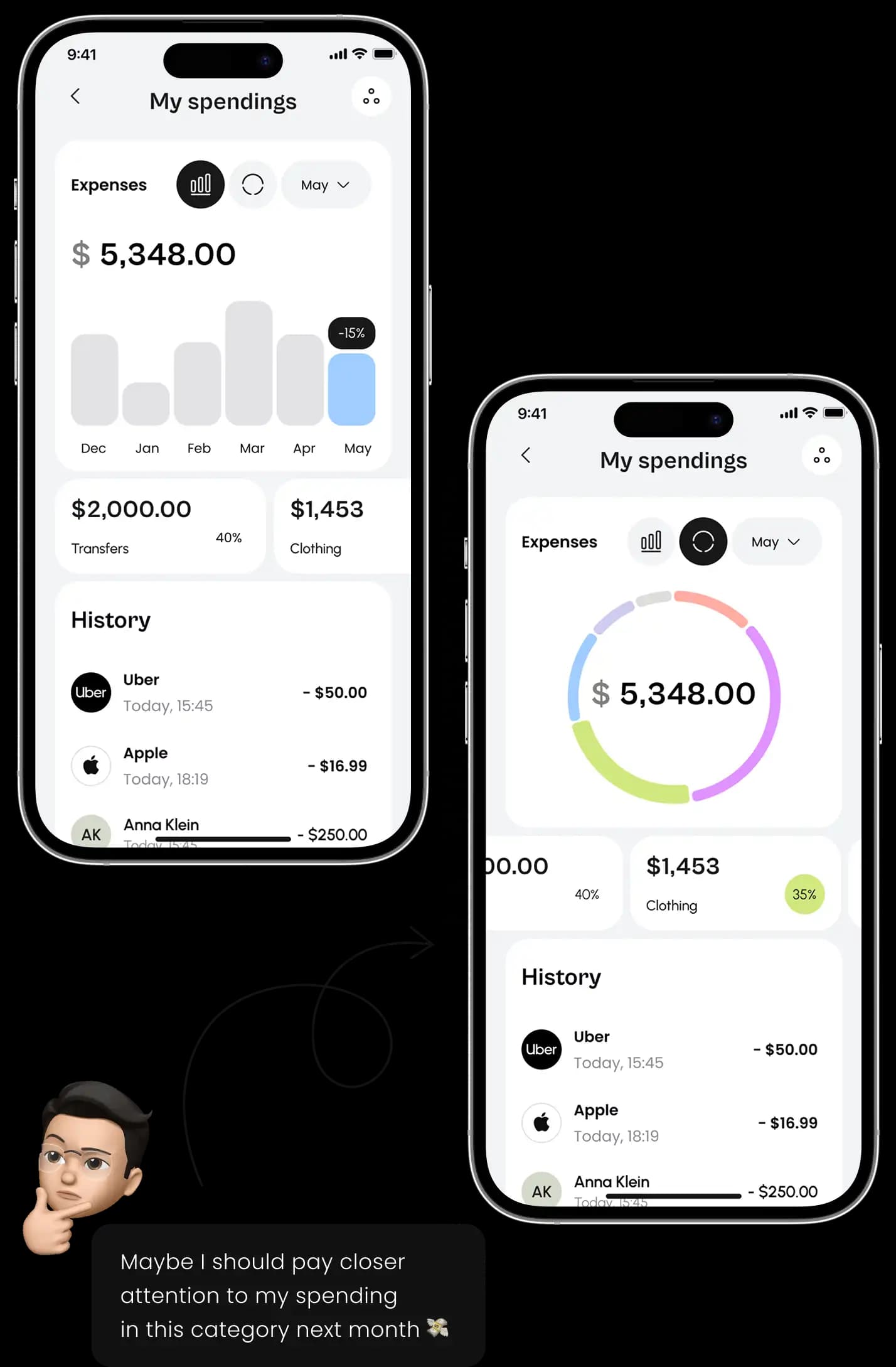
Users can view spending analysis to better manage their finances. They can view spending data by categories, weeks, or days. Users can compare spendings and earnings, set up saving goals, and goals for categories. Reports are compiled based on spending categories, and the app advises users on managing finances.
Killer feature

AI assistant
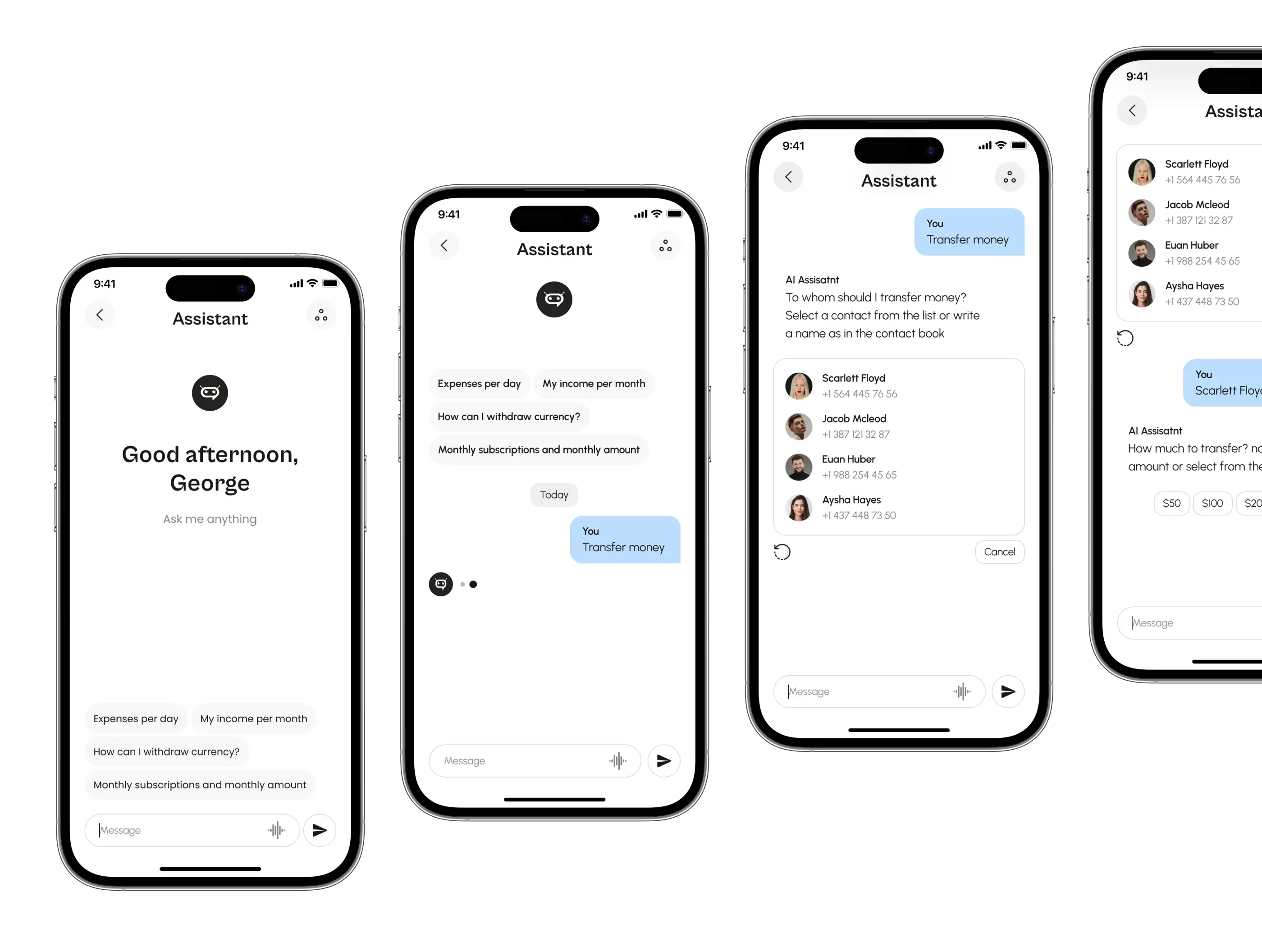
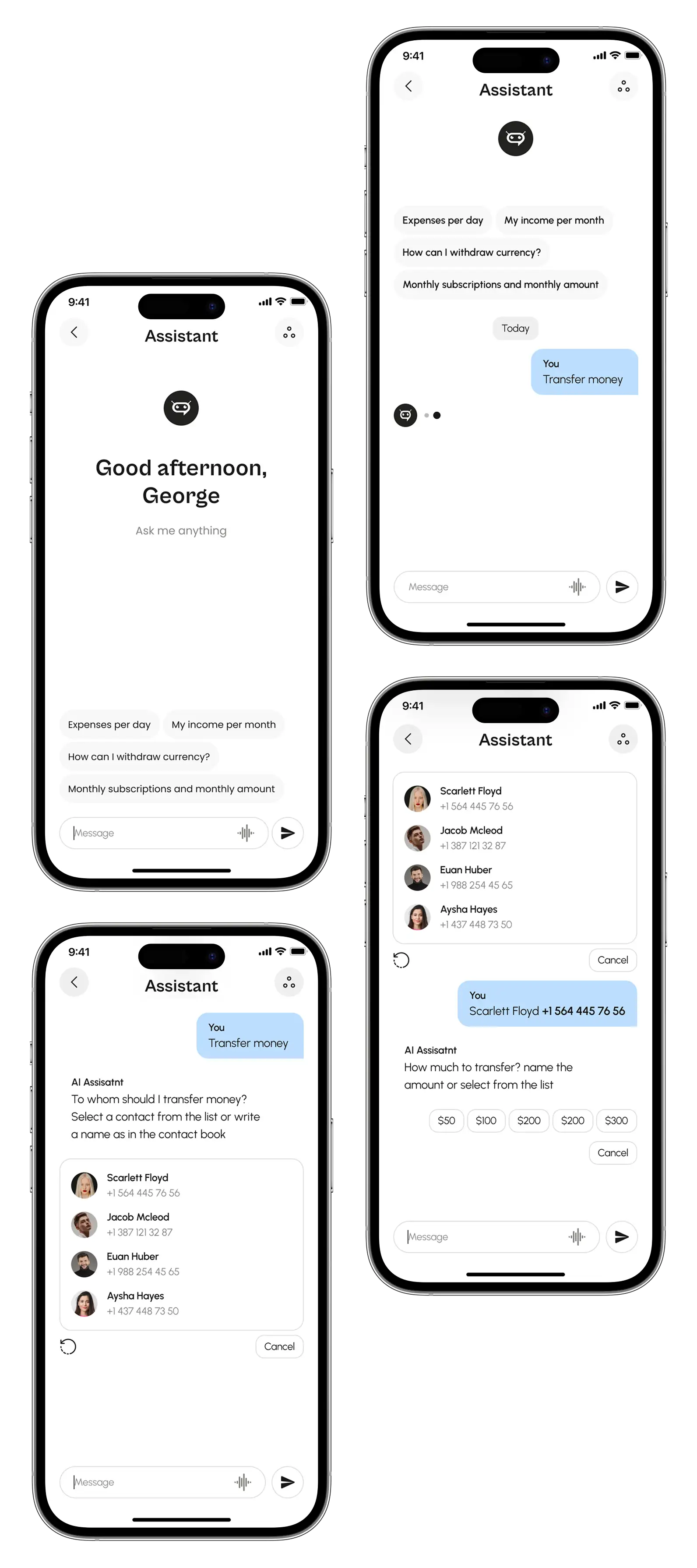
We designed an AI assistant chat that helps users find information faster. for instance, it can provide the list of monthly subscriptions with money spent or locate the nearest cash machines.
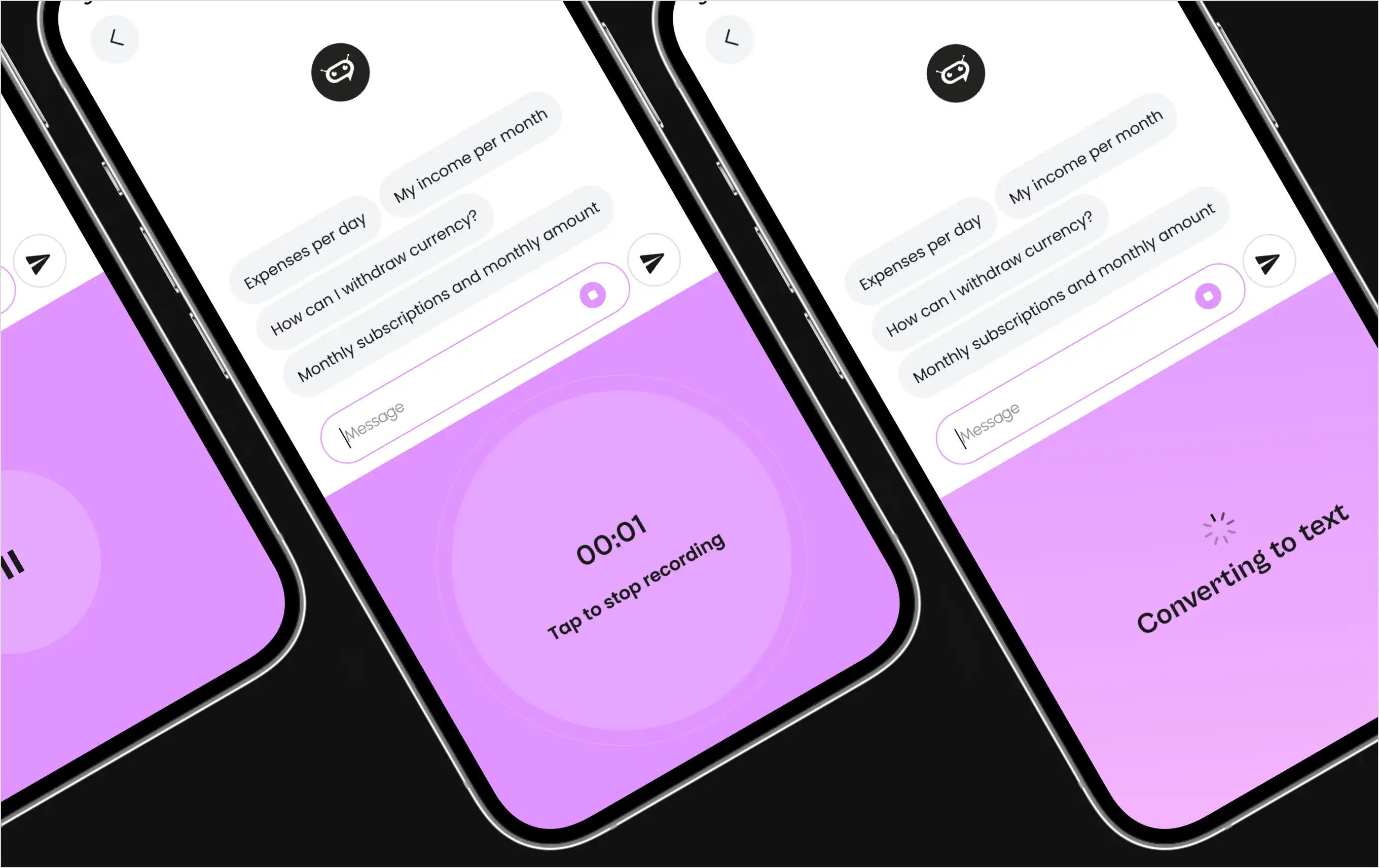
Along with typing, the assistant enables voice messages that automatically convert to text for easier interaction on the go.
The start and stop recording buttons open a half-screen display for better usability and speed.
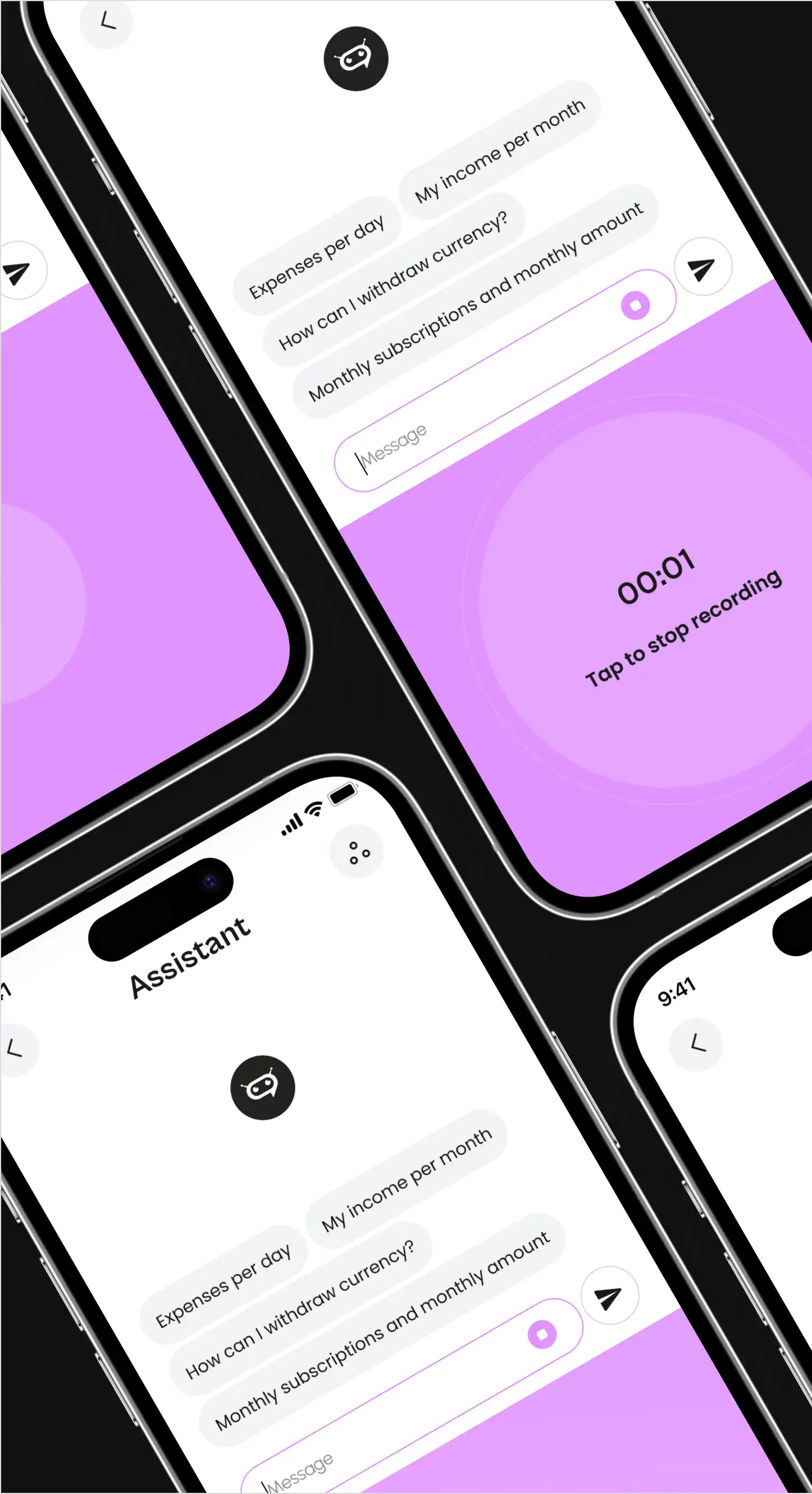
Along with typing, the assistant enables voice messages that automatically convert to text for easier interaction on the go.
The start and stop recording buttons open a half-screen display for better usability and speed.
Process
Requirements gathering and analytics
The initial phase was based on collaborating with the client to explore their goals and requirements for the neobank app in the UAE.
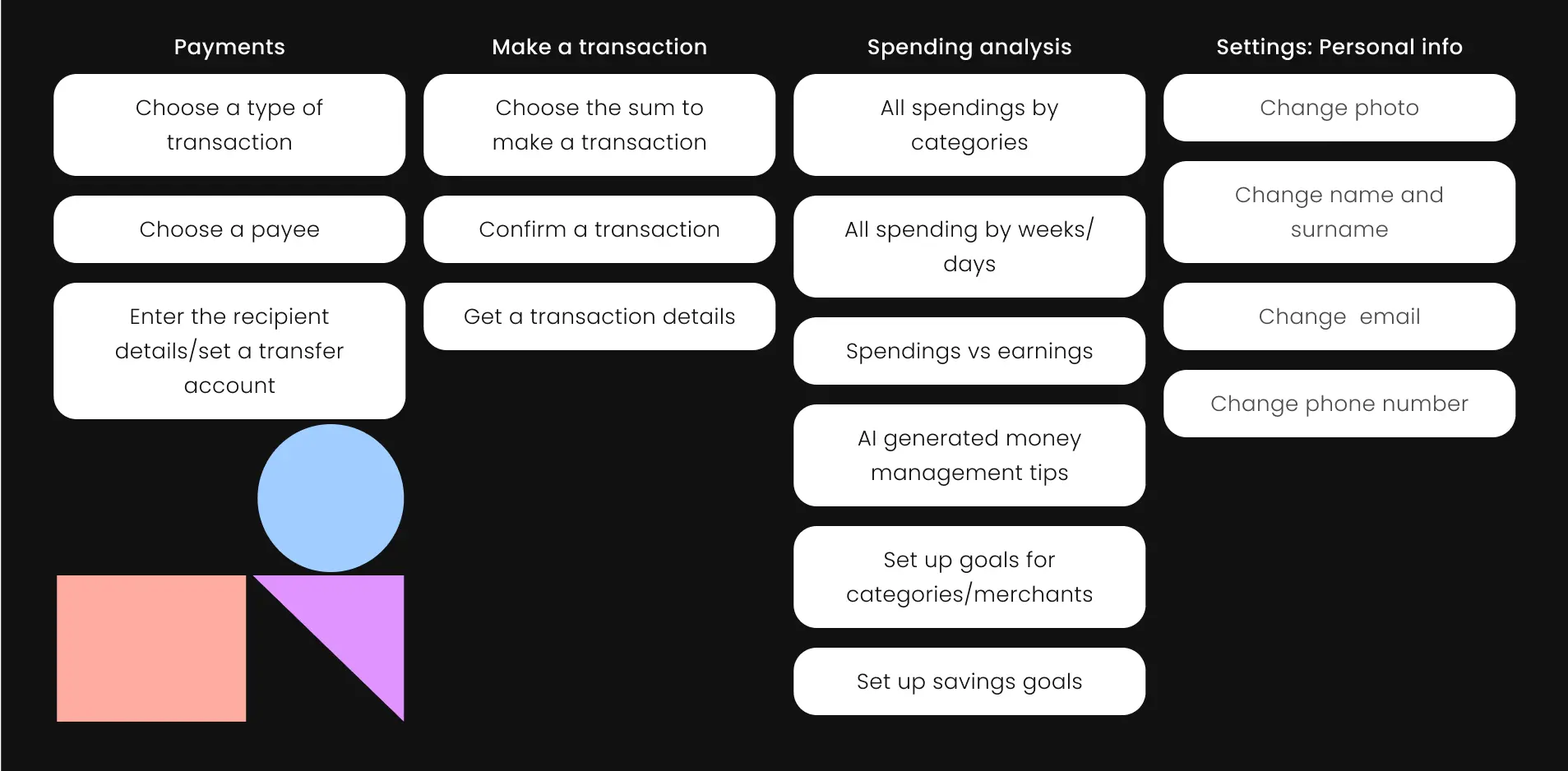
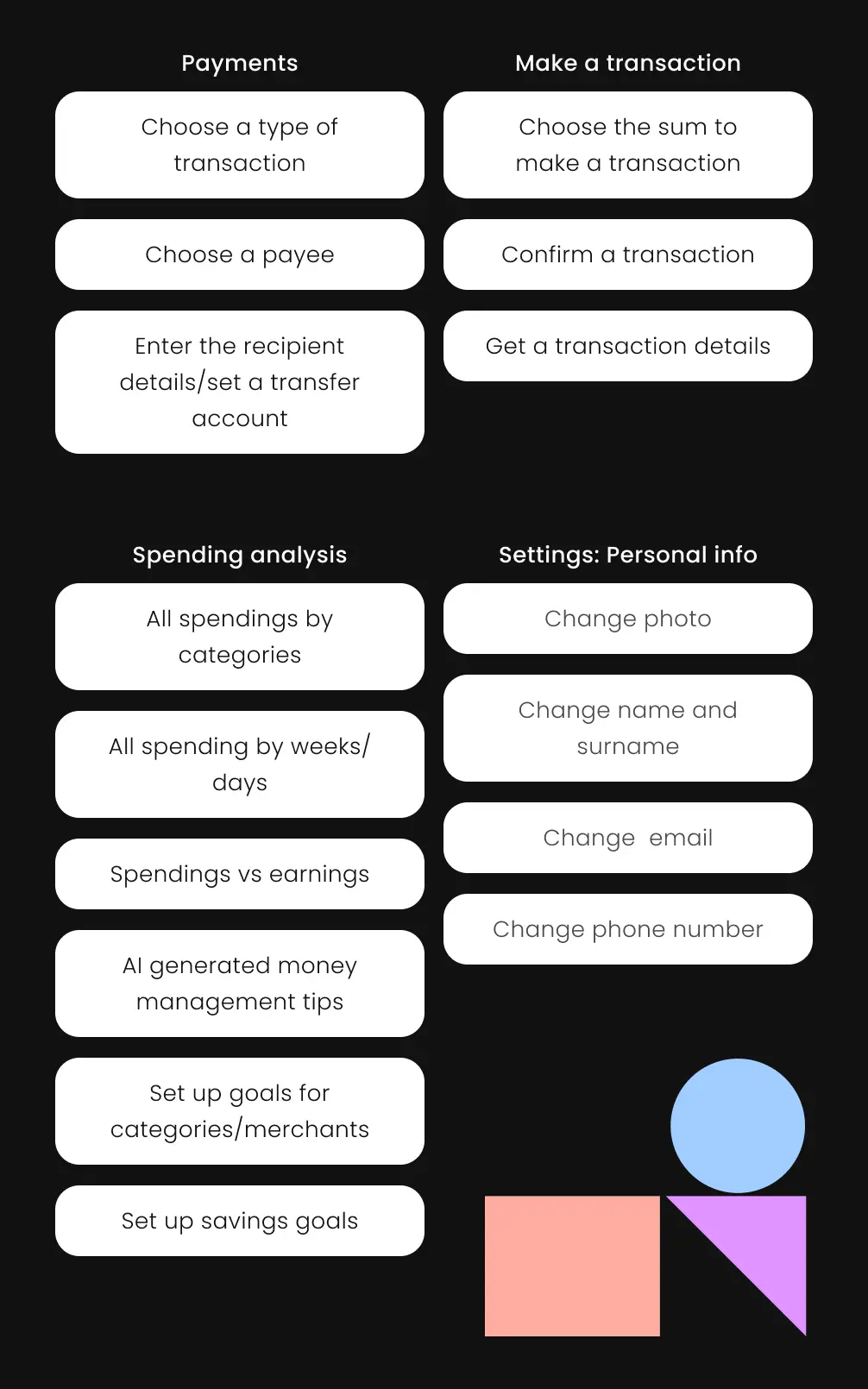
Mind map

We outlined the main functions of the application and presented them hierarchically and interconnectedly to give the client a clear image of the future application. Thanks to our prior neobanking sector experience, our designers quickly adjusted existing knowledge to align with the client’s vision.
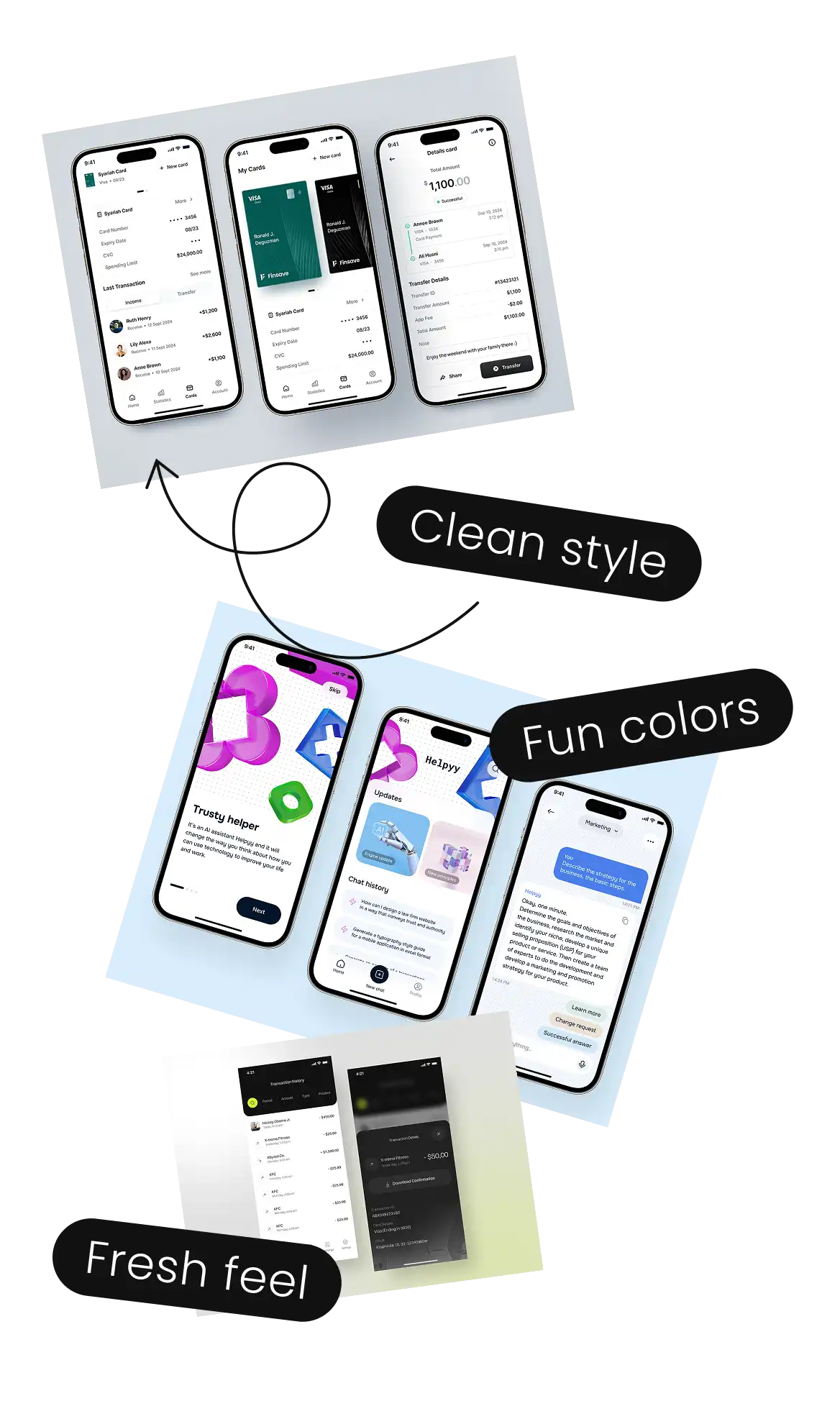
References analysis
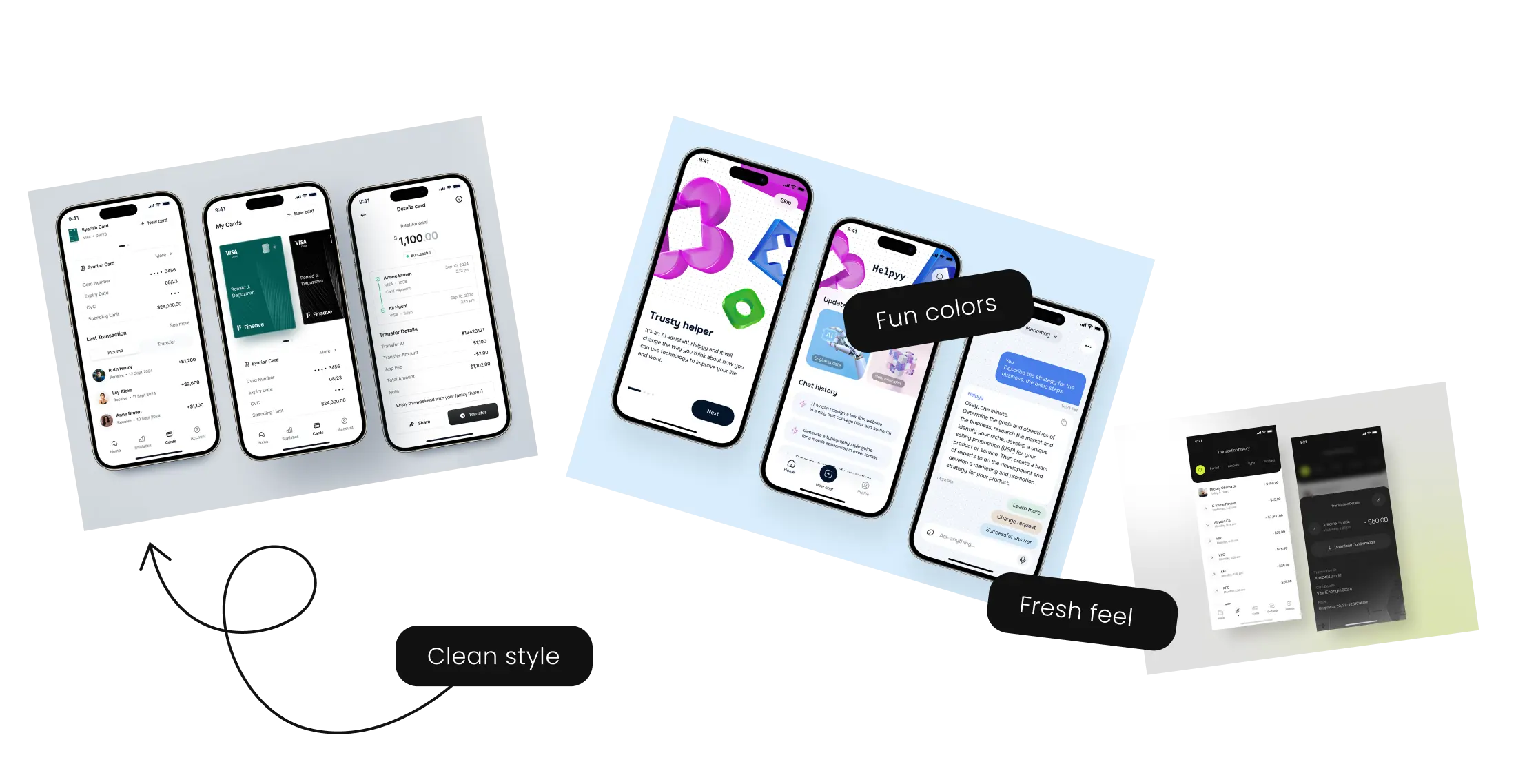
The client desired a minimalist design that was clean and fresh yet engaging. We paid close attention to finding the right visual style based on multiple negative and positive references.


Drafts
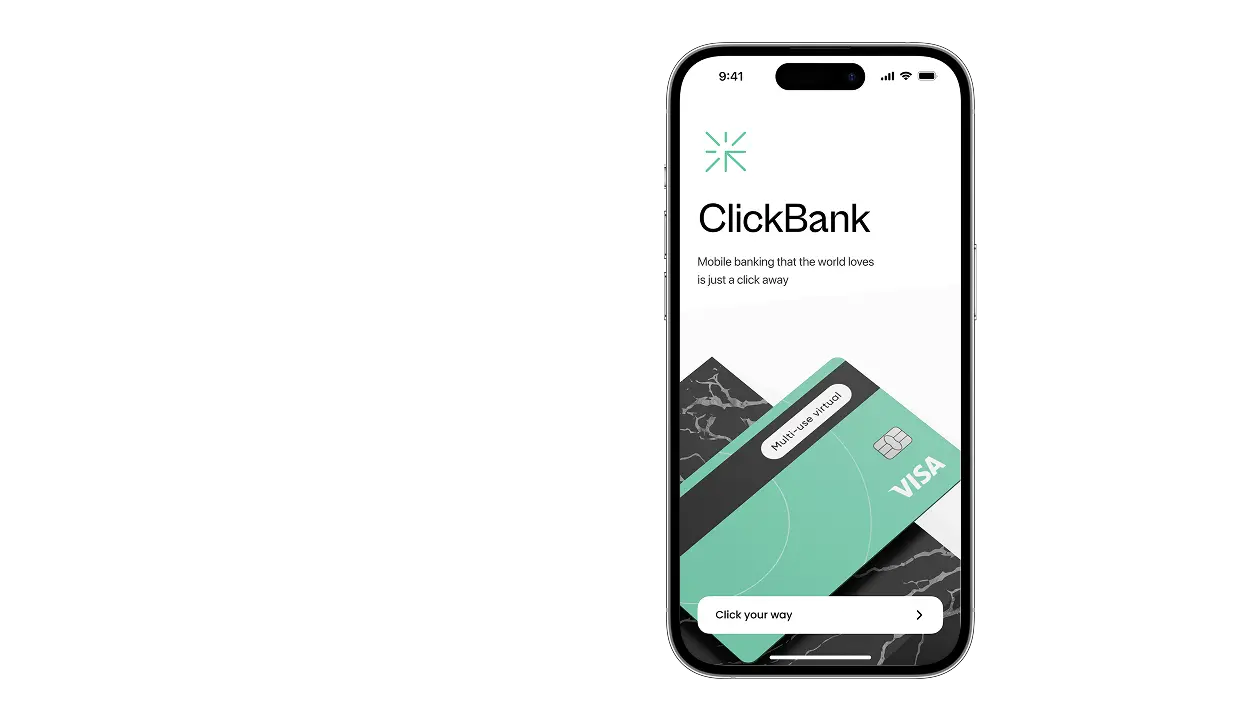
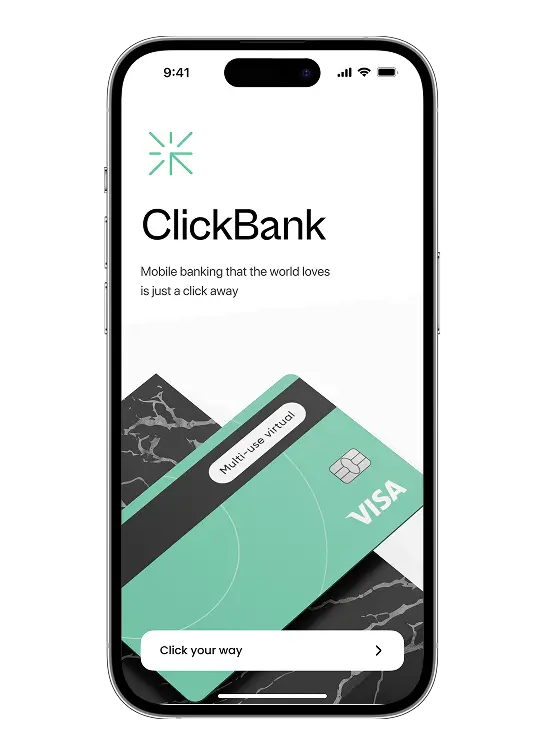
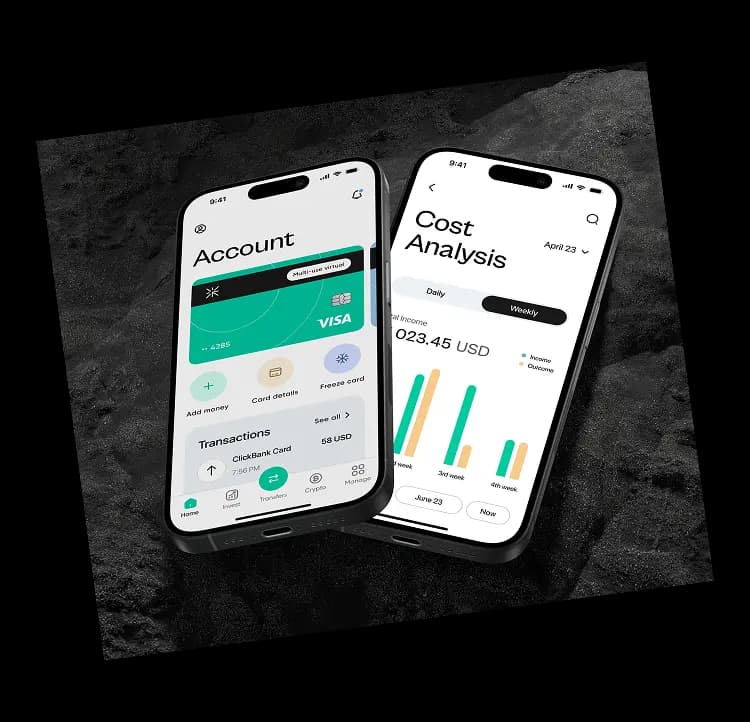
Our team drafted the main and analytics screens with contrasting colors to verify the app's visual concept. Instead of contrasting themes and gradients, the final result was a light theme.

First concept
The second concept featured light colors without gradients.
We used bright blue to highlight stats and card management buttons, and green, yellow, and red for spending evaluations by the AI assistant.


Final concept
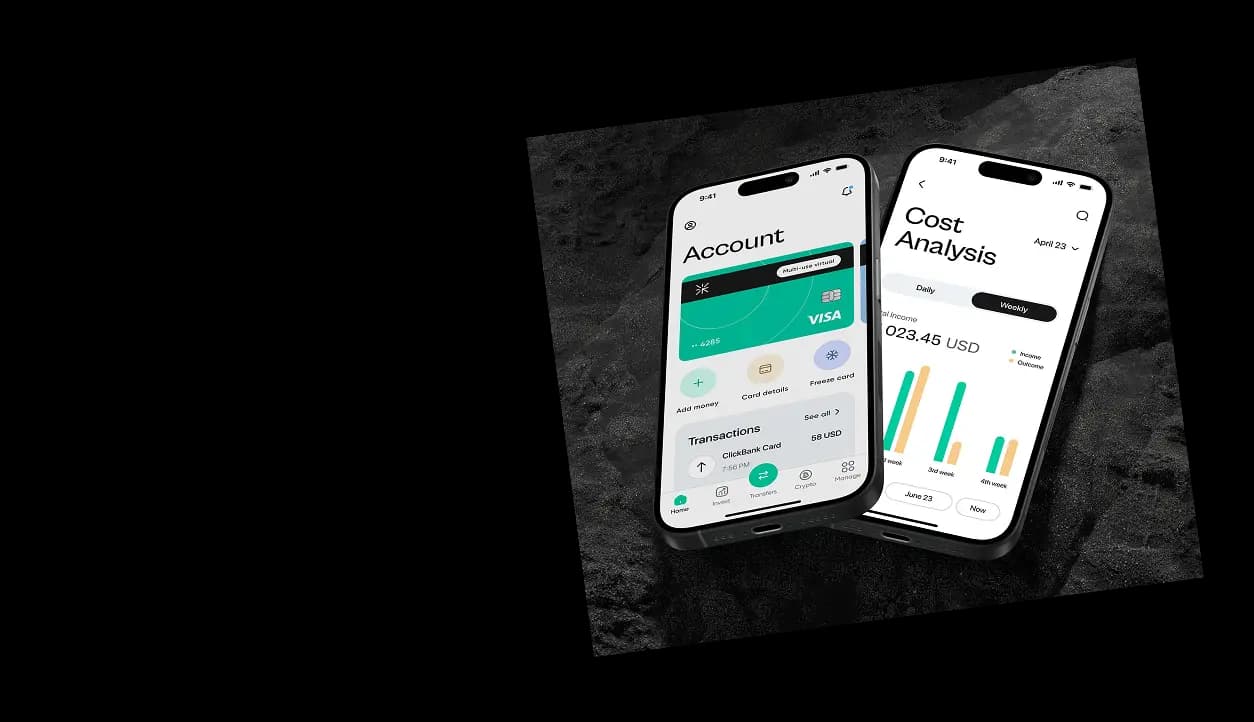
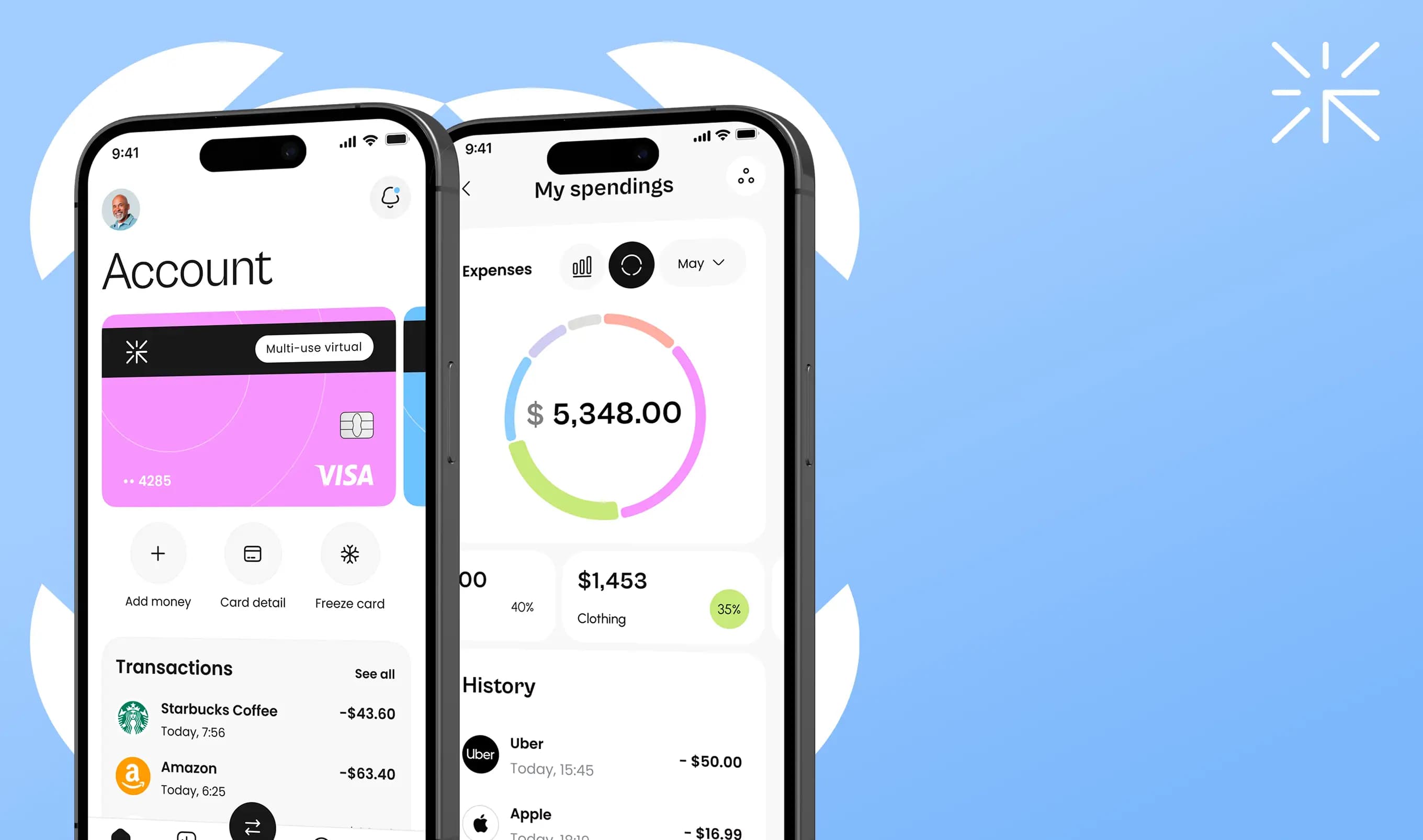
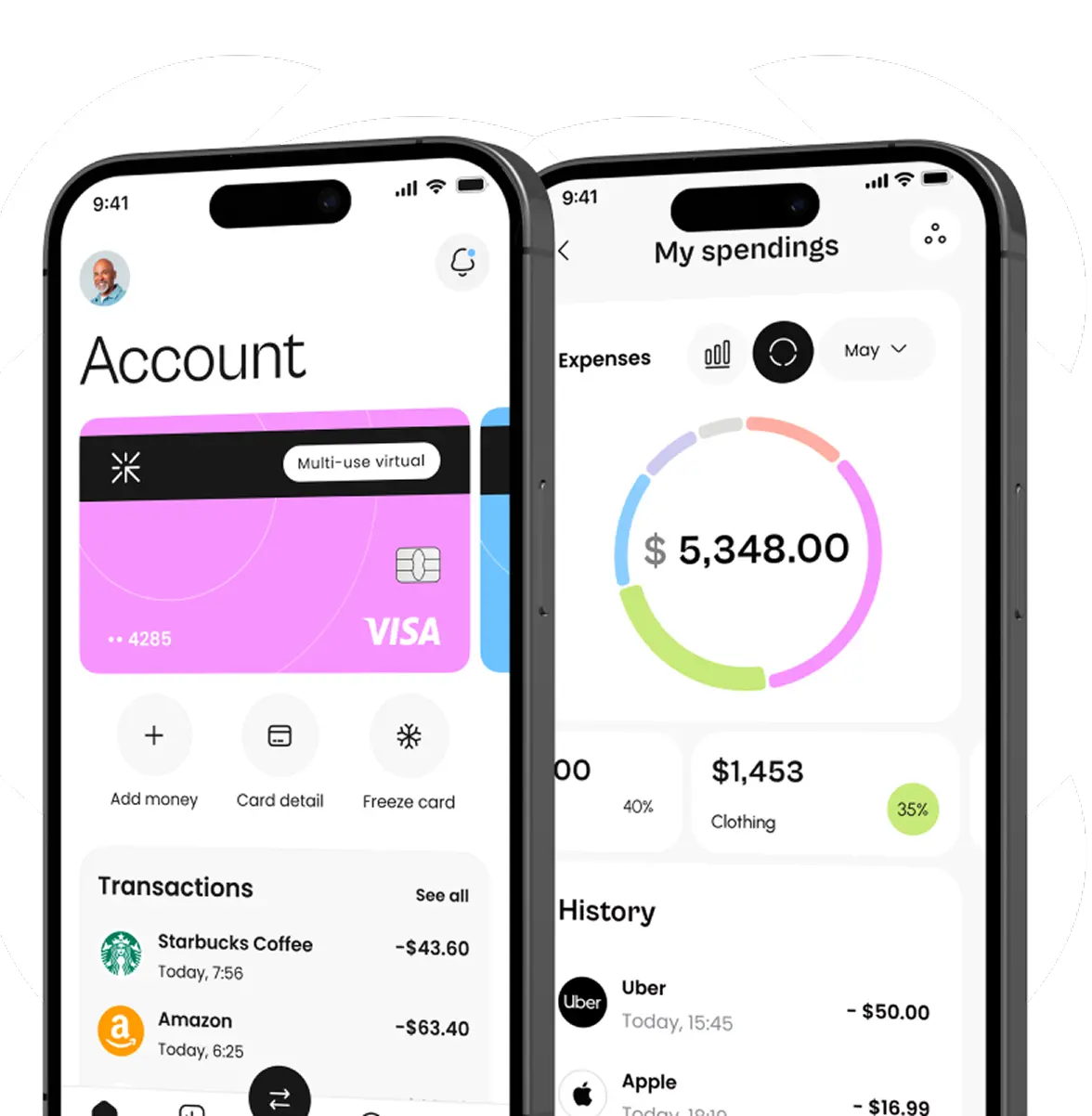
Although the second concept was closer to the client’s vision, we refined it according to the reference provided by the client, modifying colors, fonts, and elements until achieving the elegant final look. We chose one bright accent color to highlight elements needing user attention, making the design recognizable and potentially associated with the neobank.
UI/UX design
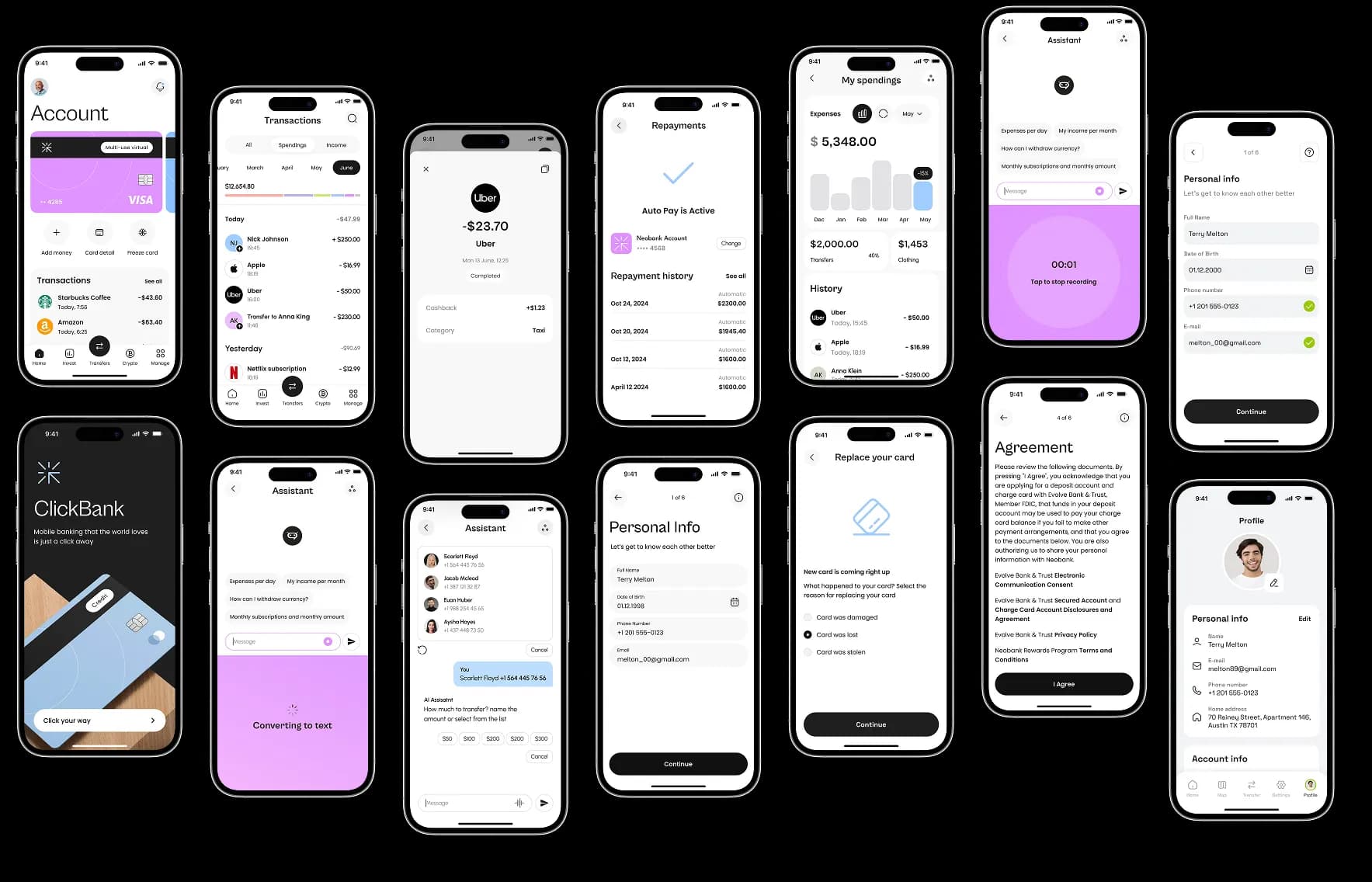
Following the mind map of the application and the final design concept we worked through all app interfaces, ensuring the designs are ready for the development.
Dark mode
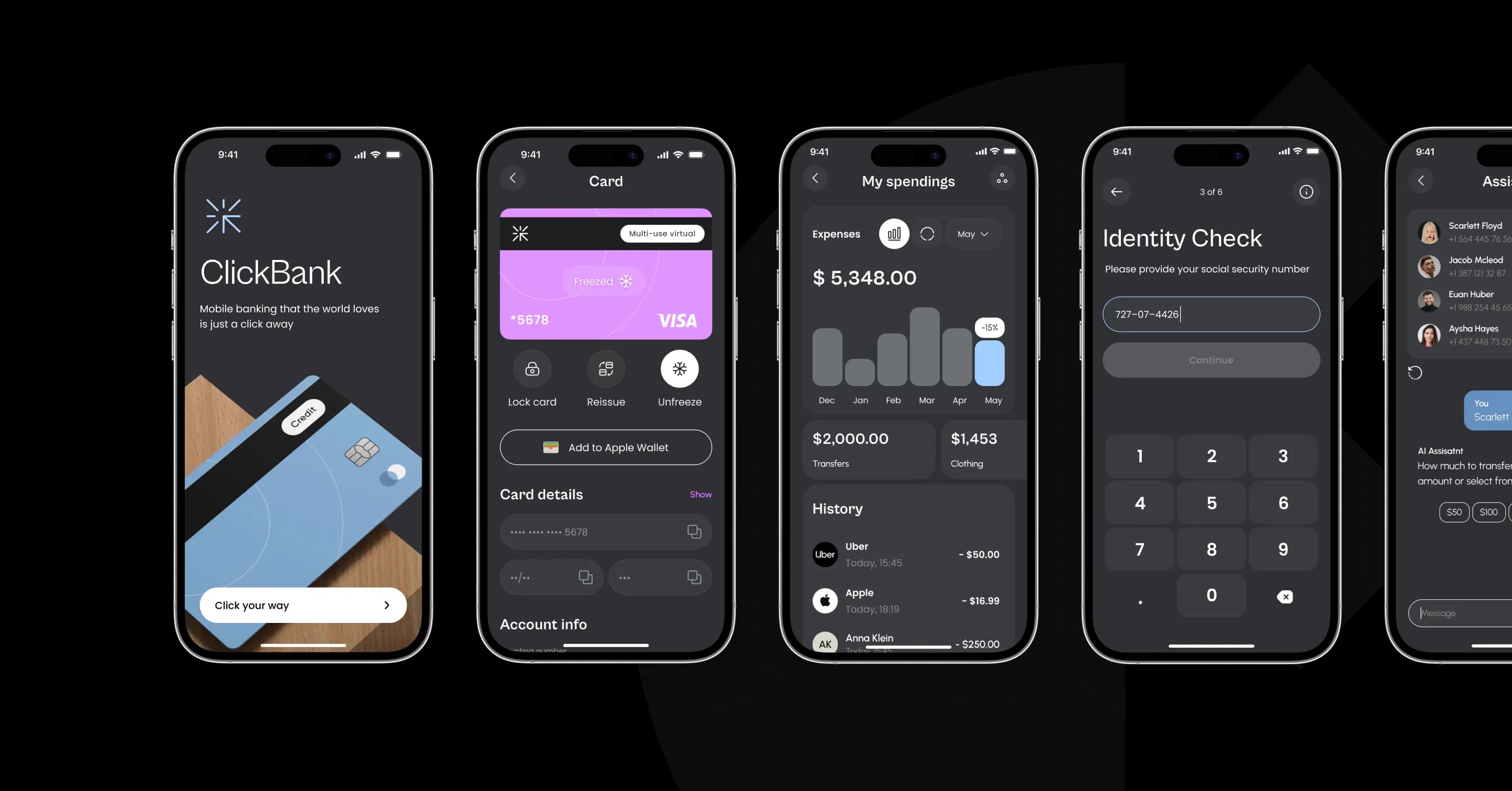
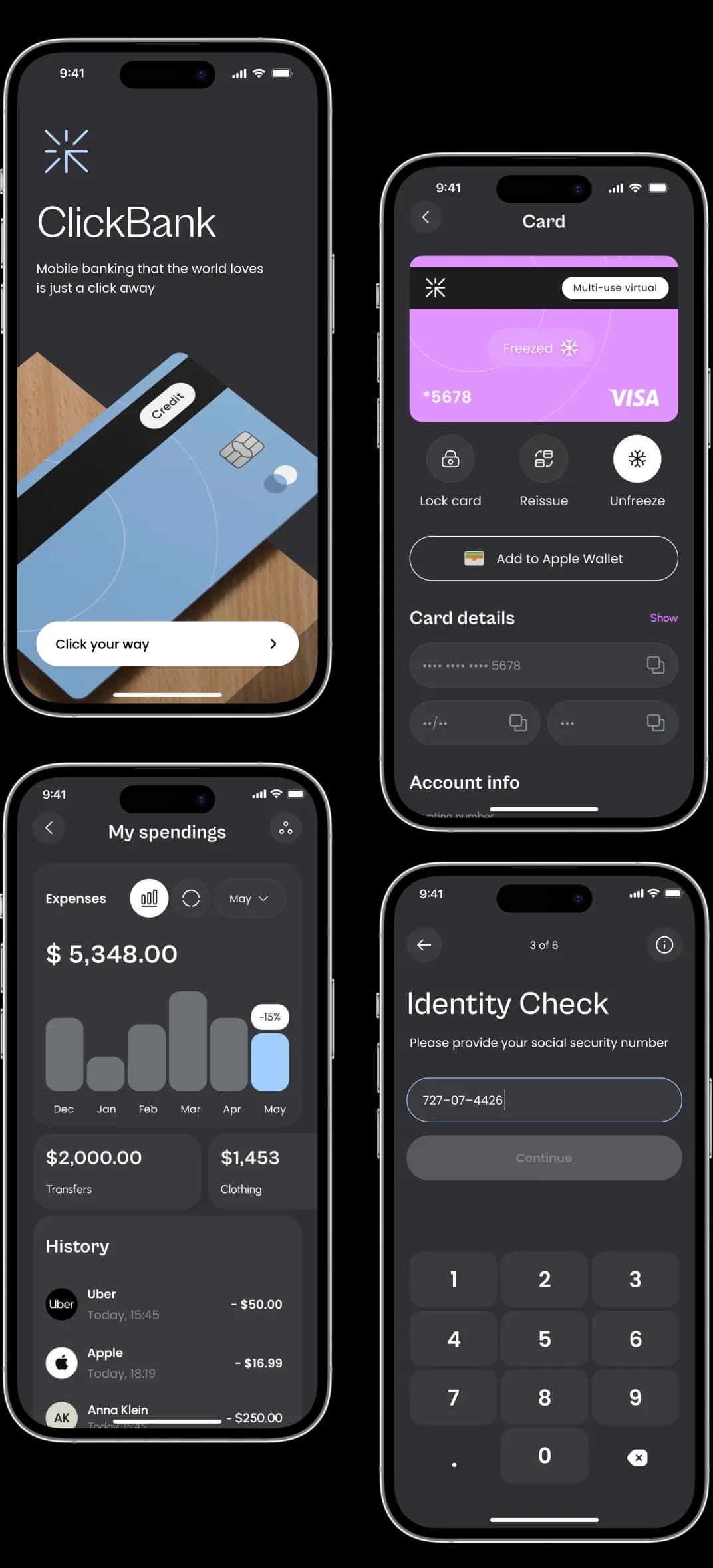
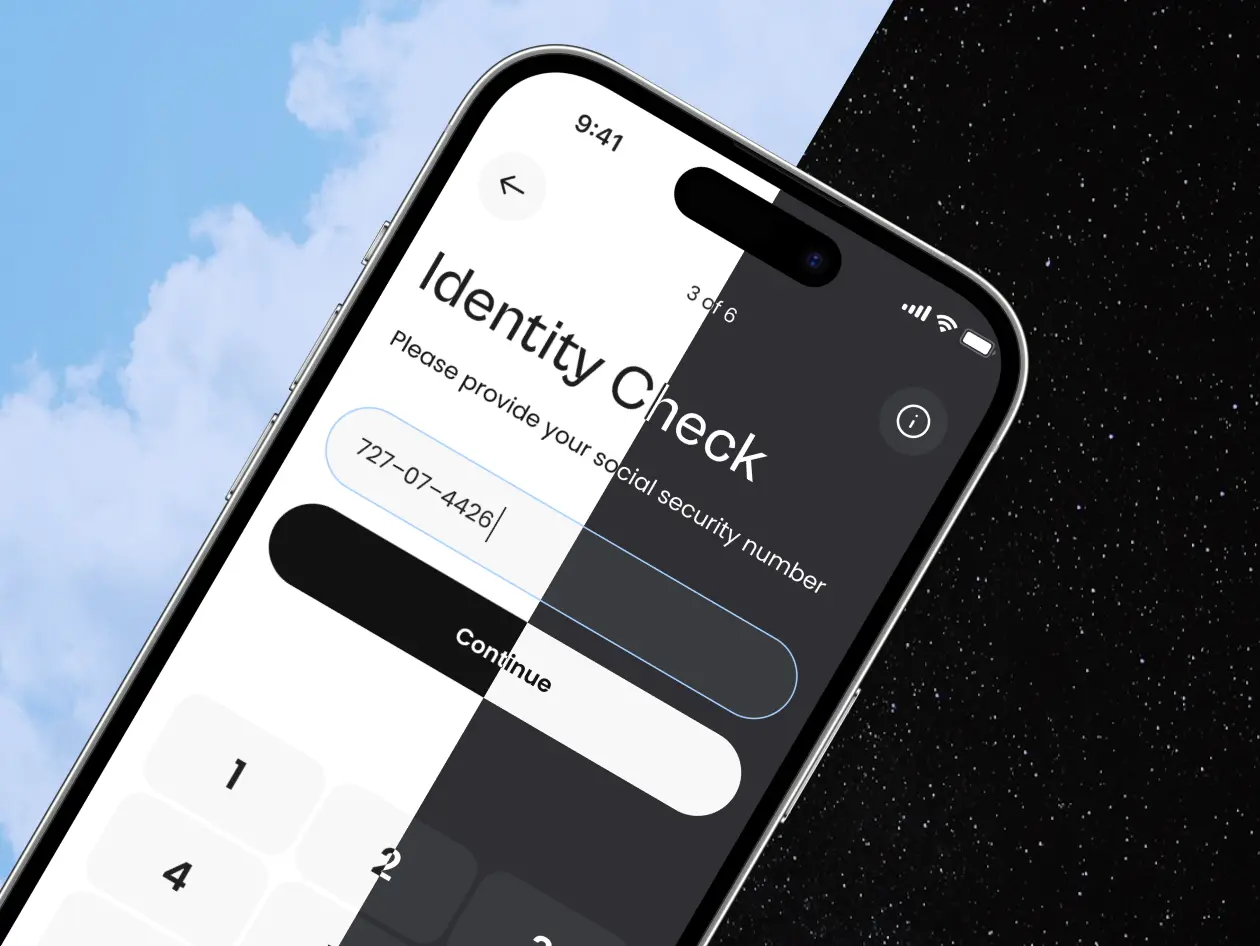
Once the main design concept was refined, we created a dark mode ensuring users could access a comfortable mode while preserving the app's branding style and unique look.
Compiling the UI kit
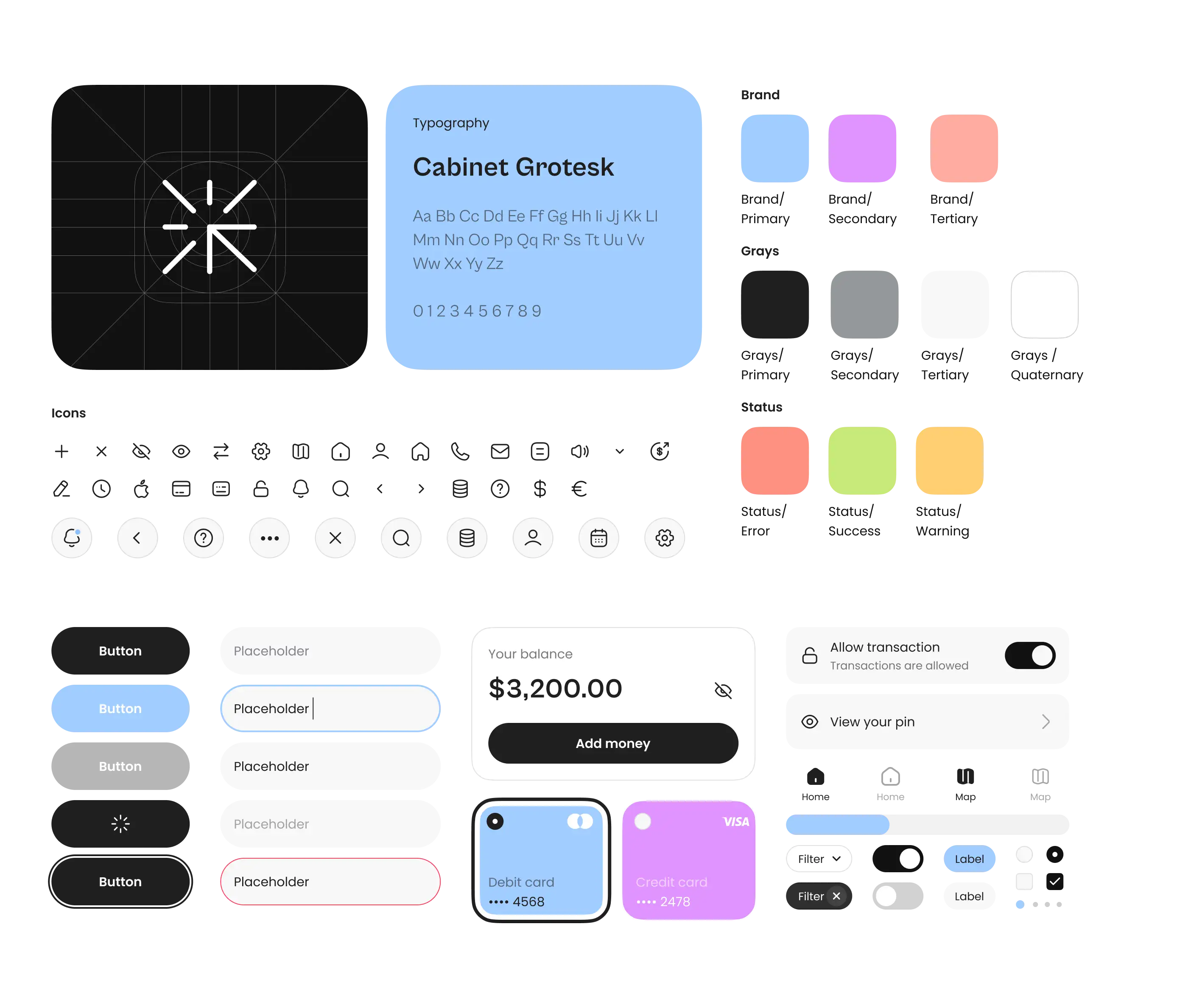
As always, we meticulously designed a UI kit with all interface elements ready for when the project moves to the development stage.

Final design


Minimalist style
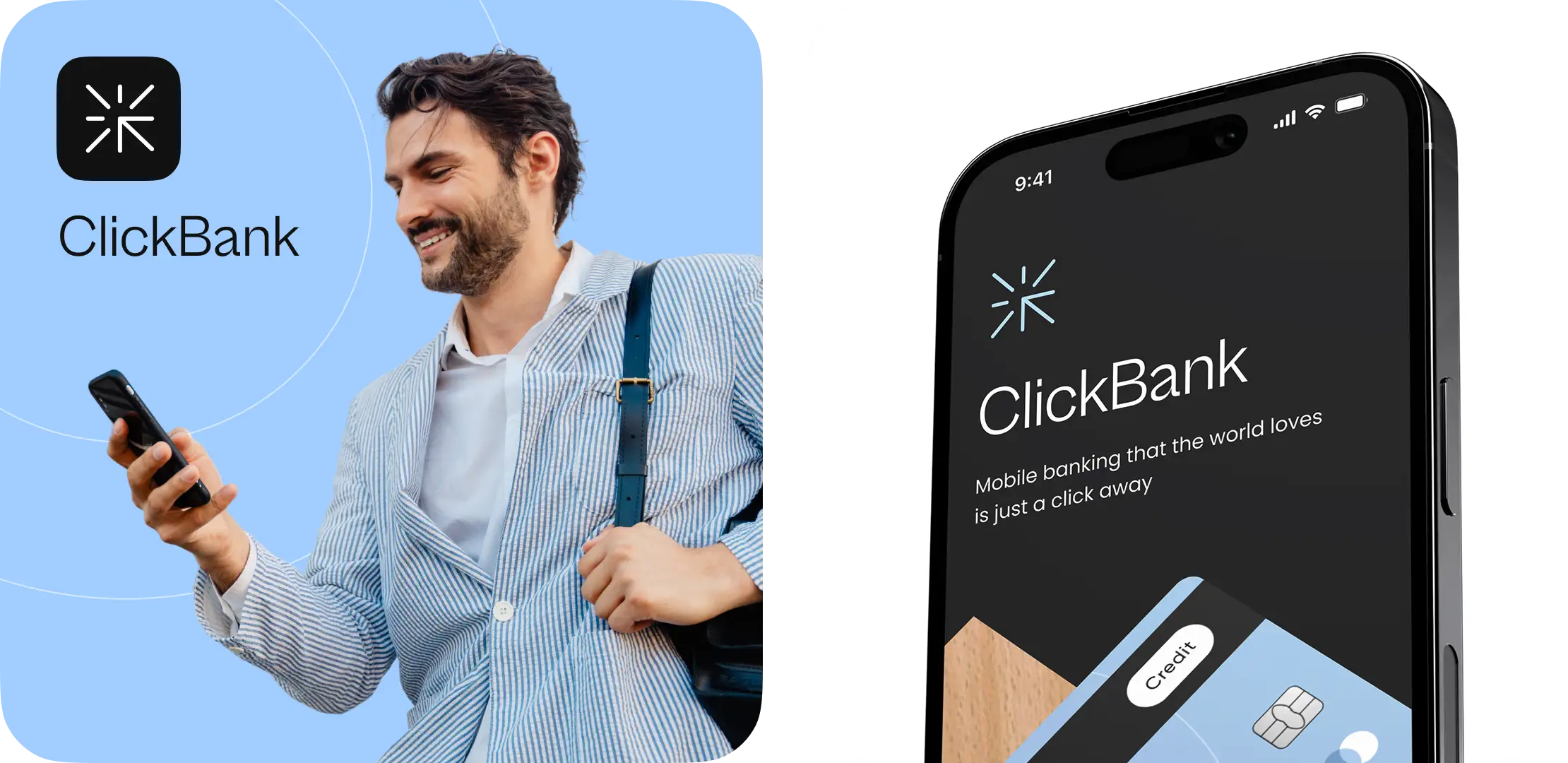
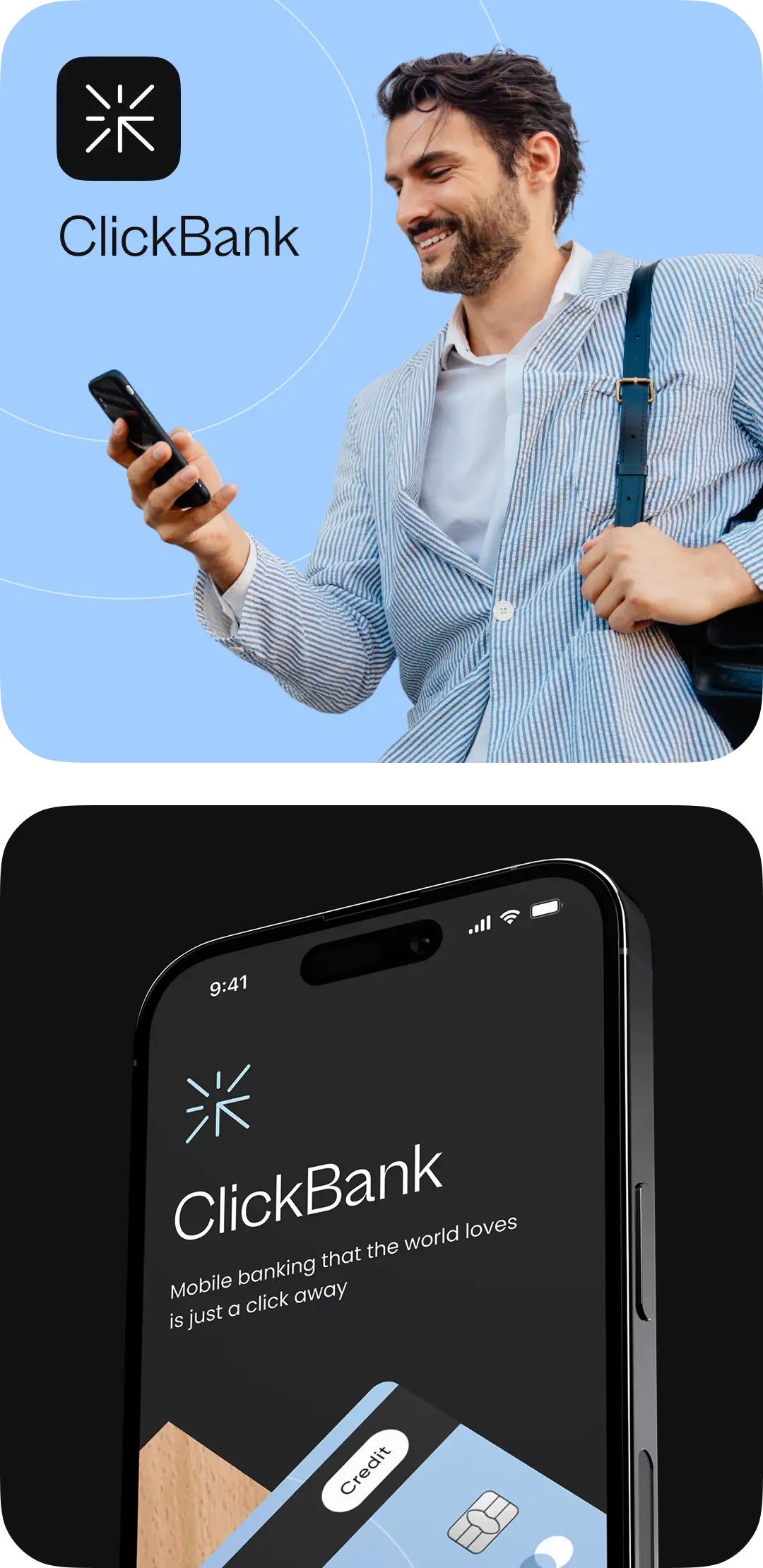
The app's color palette was decided to be black, white, and an accent color. We used rounded shapes for design elements to convey friendliness and care.
Light and dark mode
The application supports both light and dark themes. We designed a dark theme background by creating a dark gradient of an accent color.
Result
As a result, we helped the client start navigating the neobanking field, created a visual concept for the first version of the product in light and dark modes, and designed the AI assistant concept within the application.
The client is now at the stage of choosing and collaborating with a BaaS provider before moving to the React Native app development stage.


Timeline
3 weeks
Cost
$6,000+
Team
