
Agriculture software development means building custom tools for farms and agribusinesses: farm management systems, mobile apps for field crews, livestock records, and traceability for food. With us, a web app for the farm office starts from $15,000, and a field app that runs on both iOS and Android adds from $7,500. Custom software makes sense when ready-made farm tools do not fit how your operation works.
This guide is for farm operators, agribusiness owners, and agtech founders who are planning farm software and want to understand the work before they request quotes. Our custom software development page covers the service itself.
Types of agriculture software
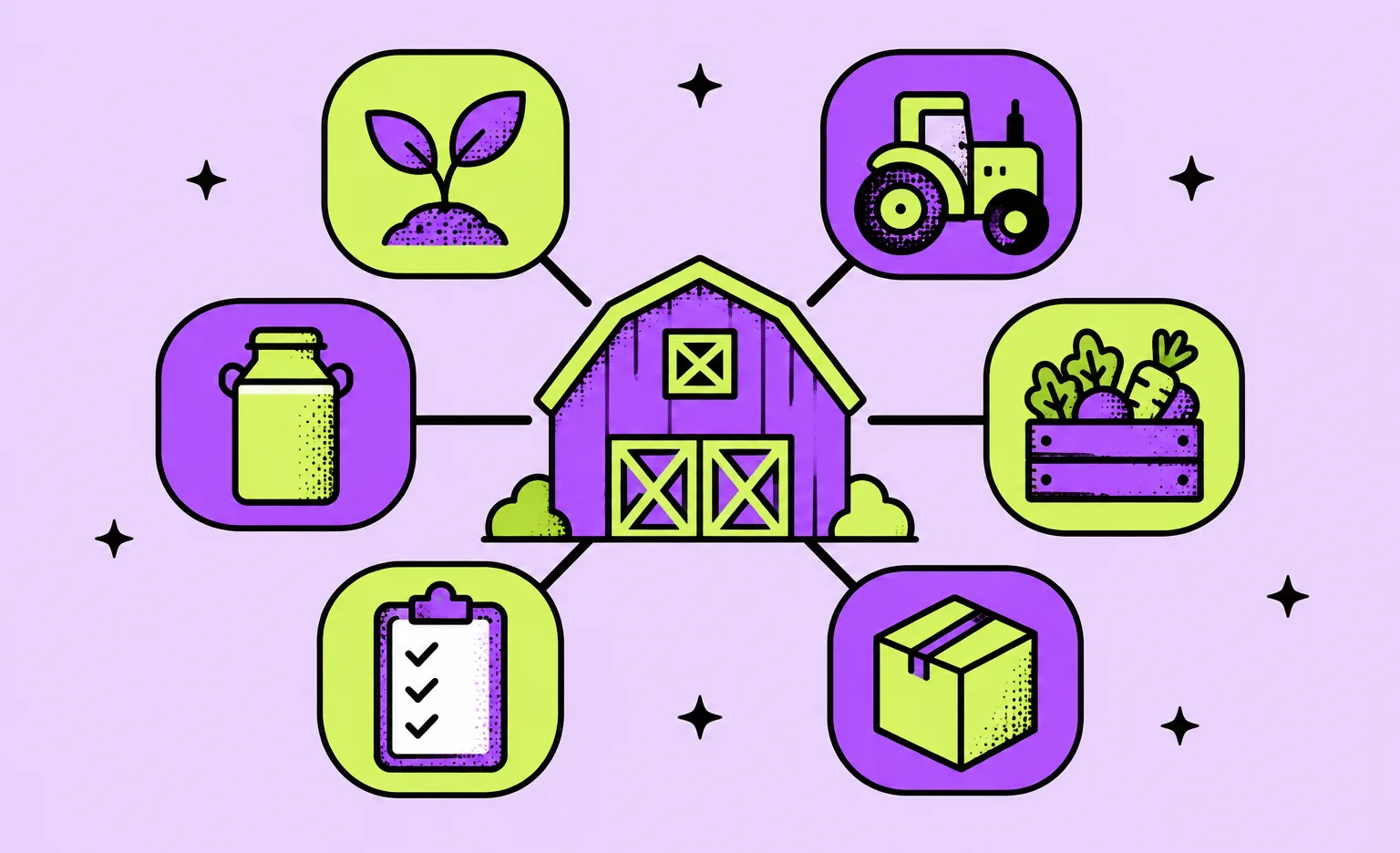
Agriculture software falls into six groups by the job it does and the person who uses it. A project can combine two or three of them, for example a farm management system with a field app and traceability records. The groups you need shape the scope, because each group brings its own data and its own users.
| Type | Main users | What it keeps track of |
|---|---|---|
| Farm management system | Owners and farm managers | Fields, crop plans, tasks, inputs, costs, and harvest records |
| Field and crop app | Agronomists and field crews | Scouting notes, photos, and the work done in each field |
| Livestock management | Ranch and dairy teams | Animals or groups, health treatments, breeding, and feed |
| Precision agriculture tools | Agronomists and machine operators | Machine data, task plans for machines, yield maps, and sensor readings |
| Traceability and food safety | Packers, processors, and their buyers | Lots, harvest and shipping events, and the records buyers or regulators ask for |
| Farm-to-buyer marketplace | Farmers, food producers, and their customers | Listings, orders, payments, pickup, and delivery |
Our logistics software development page covers the fleet, warehouse, and supply chain systems that handle products after they leave the farm. If you deliver food to customers' homes, our grocery delivery app development guide explains delivery slots and items sold by weight.
Buy or build farm management software?
Buy first if your operation fits a standard tool. Ready-made tools from farm management software providers cost little compared with a custom build: Farmbrite's livestock plans start at $29 per month, and farmOS and LiteFarm are free and open source. Build when one of the conditions below holds.
- The software is your product: you are an agtech startup that sells software to farmers, or a company that runs a service for growers.
- Several systems must work together: machinery data, accounting, sales, and a buyer portal, and no single tool connects all of them.
- Your records have their own format: a buyer contract, a certification, or a regulator asks for records that the ready-made tool cannot produce.
- Your process is what makes you different: a way of planning, grading, or selling that a generic tool would force you to give up.
“The first question I ask is whether you need custom software at all. If the answer is no, spend that money on the farm.”
Roman Surikov, CEO at Ronas IT
There is also an option between buying and building: farmOS is built on Drupal and licensed under the GNU General Public License, so a team can extend it instead of starting from an empty codebase. That saves build cost, but the team then has to adapt its code to changes in a project it does not control.
Features a farm management system needs
A farm management system records where, when, and with what the work was done, and adds the money and the reports around it. From the list below, start with the two or three features that replace the most paperwork in your operation today, and add the rest once people use the first ones every day.
- Fields and maps: field boundaries, crop plans by season, and the history of each field.
- Tasks and work orders: who works which field, when, with which machine and which inputs, marked as done from the phone.
- Inputs and inventory: seed, fertilizer, chemicals, and feed, with stock levels and a record of what was applied where.
- Livestock records: animals or groups, health treatments, breeding, and weights.
- Costs and sales: cost per field or per animal group, contracts, and sales.
- Records and reports: spray records, harvest lots, and reports for buyers, lenders, and auditors.
- Roles and access: separate rights for the owner, the manager, the crew, and outside advisors such as an agronomist.
What makes agriculture software harder than office software
Four things separate farm software from a typical business app: the work happens where the mobile signal is weak, machines produce data in their own formats, the season sets the deadline, and buyers and regulators ask for records. Each one changes the design, so plan for these four before the designers start.
Work happens where the signal is weak
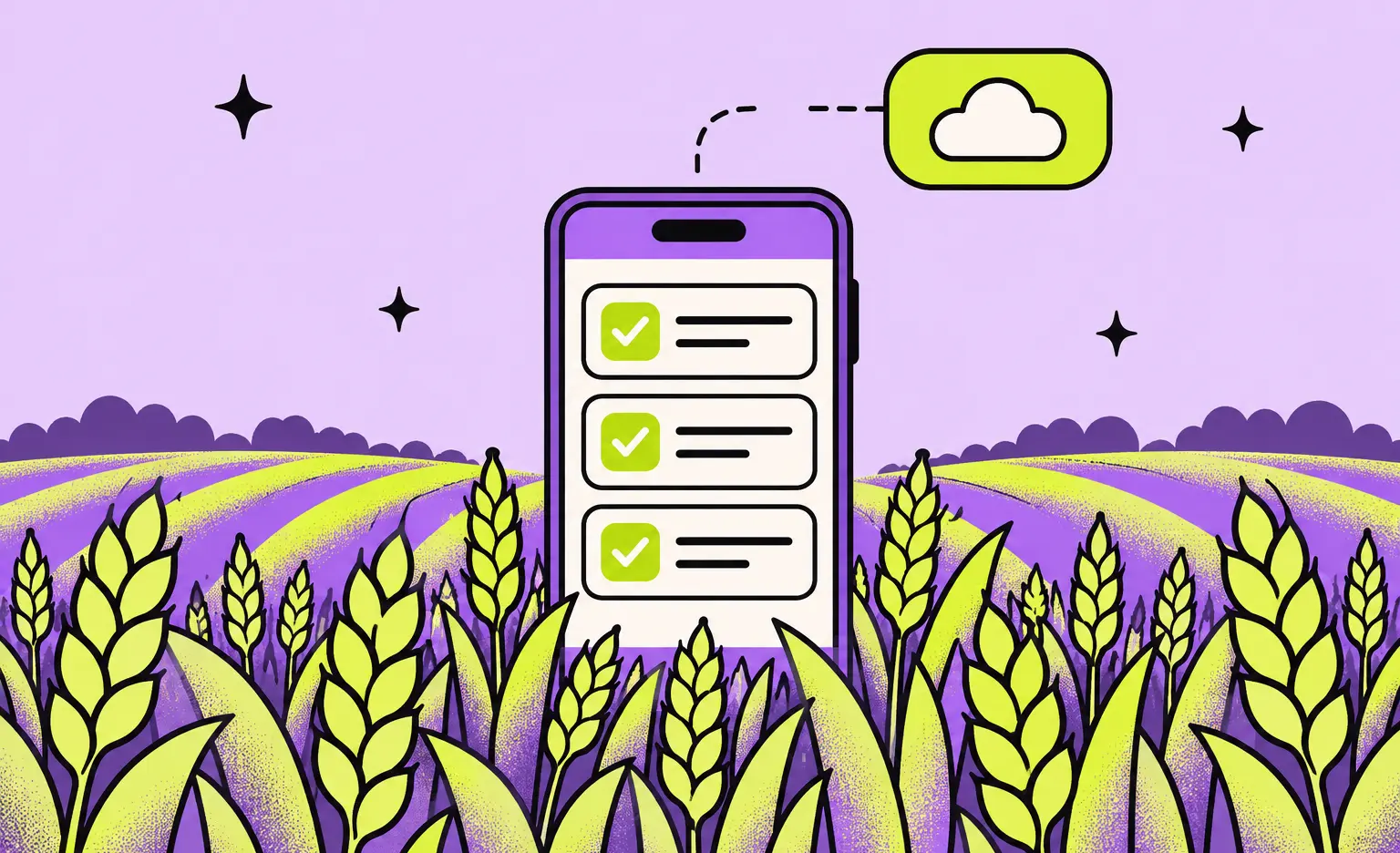
Coverage in a field can be weak or missing, so the field app has to work offline. The app saves every record and photo on the phone first and sends them to the server once the phone is back in coverage. The team also has to decide what happens when two people change the same record before either phone is back online: which change wins, and who sees the conflict. That conflict rule shapes the data model.
“A crew member should see which records have already reached the office.”
Alexander Storozhevsky, Lead developer at Ronas IT
Machines produce data in their own formats
The shared standard for machine data is ISOBUS. The Agricultural Industry Electronics Foundation describes ISO 11783 as the standard for communication between farm machines, mainly tractors and implements, and for data exchange between these machines and farm software. Manufacturers also run their own platforms with their own APIs. The John Deere Operations Center APIs, for example, return field operations such as tillage, seeding, application, and harvest, and access has to be requested.
The details of these APIs change the data model. In Operations Center, a field boundary is optional, and a field can have zero, one, or many boundaries. A boundary is a multipolygon, a shape that can have several separate pieces, and its inner rings mark areas of the field that should not be worked, such as waterways and ditches. Software that assumes one simple outline per field breaks on fields like these. Our article on logistics API integration covers a related question: which system should own a record when several systems hold the same data.
The season sets the deadline
Plan the switch to new software for the quiet part of your operation's year, for example outside planting and harvest on a crop farm. The release date then comes from the calendar of your operation, and the team plans backward from it: the date the crew needs the app, the weeks for a pilot before that, and the build before the pilot. If the date is fixed, the scope changes to fit it.
Buyers and regulators ask for records
Food traceability is the clearest US example. The FDA Food Traceability Rule covers businesses that manufacture, process, pack, or hold foods on its Food Traceability List. It asks them to keep Key Data Elements for specific Critical Tracking Events: set data points recorded at set steps in the supply chain. They also have to provide the records to the FDA within 24 hours or a time the FDA agrees to. During an outbreak or a recall, the FDA can ask for an electronic sortable spreadsheet of that information within 24 hours.
Congress directed the FDA not to enforce the rule before July 20, 2028. Exemptions exist, so whether it applies to your farm is a question for your compliance advisor. If it applies, the first version of the software should assign a traceability lot code in the cases the rule lists, for example the first packing of a harvested crop or the processing or repacking of a food, and carry the same code on later records, such as shipments. In that case, also build the sortable spreadsheet export into the app so no one has to prepare it by hand.
A farmer marketplace we built: Noah
Noah was a farmer marketplace project from Sweden. We built it to connect local farmers and food producers with consumers. It was not a farm management system, but it shared two conditions with farm software: farmers as users and a deadline set by the season. In 2019 a Swedish startup founder asked us for three products: iOS and Android apps for consumers, a mobile app for food producers, and a web admin panel.
- A mobile app for farmers: we built the producer side as a mobile app, because people who work in food production sometimes cannot spend much time in front of a computer and need to change settings quickly. Farmers created their profiles, added products, managed orders, and added promo codes from the phone.
- A season deadline: the client contacted us in March and needed the apps before the Swedish harvest season, which usually lasts from July to October. We finished all the apps within four months, and the marketplace was released before the season started.
- Stack: the Noah team chose native apps, which we wrote in Swift and Kotlin. The admin panel was built with Angular and Laravel, and the apps used Stripe for payments, Google Maps to show producers on a map, and Firebase for analytics and Google sign-in.
After the first release, we added features and supported the product. Noah did not include machinery data or field records, so for those parts the build steps later in this article are our general practice applied to farm software. If your product sells from farms to buyers, our marketplace development page covers vendor management, split payments for sellers, and the admin panel.
The tech stack we would pick for agriculture software
For a new agriculture project, we would give the office app and the field app one shared backend and write the mobile side in React Native with Expo, so a single codebase covers iOS and Android. When a client chooses native apps, as the Noah team did, we build them in Swift and Kotlin.
- Field app: React Native with Expo, React Native MMKV for key-value data on the phone such as settings, and react-native-maps for field maps.
- Offline records and sync: before the build, we would choose how the app stores records and photos on the phone and how it syncs them, together with the conflict rule.
- Updates: EAS Update, so small JavaScript fixes reach the phones without waiting for a new store release.
- Office web app: Next.js.
- Backend: Laravel and PostgreSQL, with Redis for caching.
- Error tracking: Sentry in production, so a crash in the field app shows up before the crew calls the office.
How much does agriculture software development cost?
The smallest farm management system in this guide, an office app and a field app, starts from $22,500 with design, project management, testing, and integrations included. The table below gives our prices for each part of such a system and for a farm marketplace.
| Scope | Starting price | Timeline |
|---|---|---|
| Optional analysis phase: the work of the crew and the office, the systems to connect, and an estimate | $1,000 to $2,000 | 1 week |
| Office web app for the farm, with the backend the field app shares and links to the machinery platform, accounting, or a weather or sensor data service | From $15,000 | At least 6 weeks |
| Cross-platform field app for iOS and Android on the same backend, about half of the first app | From $7,500 | Built alongside the office app |
| Agtech product that many farms use: real-time data and capacity for many users at once, web app | From $20,000 | At least 8 weeks |
| Marketplace that connects farmers with buyers, web app | From $20,000 | At least 8 weeks |
| Support of the field app alone after launch: monitoring, fixes, and updates | From $1,000 per month | Ongoing |
| Support of the whole system after launch, the office app and the field app | From $2,000 per month | Ongoing |
That $22,500 covers the office app with its backend, the field app, the design of both, project management, testing, and the integrations of the project, such as the machinery platform and accounting. Only the analysis phase is a separate choice. An office app that needs real-time data or capacity for many users at once, for example in an agtech product that many farms use, is a complex product from $20,000 for the web app, and its field app adds from $10,000.
The price depends on four things: the number of roles and apps, the offline sync and its conflict rules, the machinery and accounting systems to connect, and the records and reports that buyers or regulators need. Moving years of spreadsheets into the new system adds work too. After launch, support covers monitoring, fixes, and updates for the whole system or for the field app alone; new features are estimated separately. The cloud bill goes to your own account.
How to build agriculture software, step by step
Build agriculture software in the seven steps below and plan them backward from your season.
- Pick one operation and one season. The owner names the first farm, the first crop or herd, the first users, and the date they need the software.
- Write down the scope. The product team describes who records what in the field and in the office, checks that the plan can be built, and puts the scope and the estimate in writing. With us, this is the analysis phase; if your scope is already written, we estimate from your document instead.
- Request access to outside systems. The developers ask the machinery platform, the accounting vendor, and any data provider for API access and test data at the start, because the vendor controls how long approval takes.
- Design the field screens first. The designers start with the screens the crew uses outdoors, then move to the office screens.
- Build in short sprints. A sprint usually takes one to three weeks, and at its end you can try the result yourself, for example new screens on the dev server.
- Pilot on one farm. The crew uses the field app on real work before the wide release, and the team fixes the sync conflicts and the screens that slow people down.
- Release before the season. The apps are released on the App Store and Google Play. Once the first farm runs on the system, the owner adds fields, farms, and users.
How to choose an agriculture software development company
Choose a team that asks about your fields, your season, and your machines before it talks about features. Ask each candidate the questions below and compare the answers. The team you pick then writes down the scope and the estimate, as in the second step above.
- Offline work: how does the field app store records with no signal, and what happens when two people change the same record?
- Outside systems: how will they get API access to your machinery platform and accounting tool, and what do they build while access is pending?
- The season: can they set the release date by your season and say how the scope changes if that date is fixed?
- Relevant work: can they show a project with field users or a seasonal deadline, and put you in touch with one of their clients?
- Ownership: who owns the code and the cloud account?
- Support after launch: who fixes the field app in the middle of harvest?
What to do next
- Write down your operation and your season. The first farm, the first users, and the date they need the software.
- Test ready-made tools against the features you picked. If one of them is enough, buy it.
- List the systems the software must connect to. Ask each vendor whether it has an API and how long access takes.
- Describe the offline work. Which records the crew creates in the field, and which change should win in a conflict.
- Budget for every part of the system. An office web app, a field app, the integrations, support after launch, and the analysis phase if you choose it.
If no ready-made tool fits, share these notes with each team you ask for a quote.



Frequently Asked Questions (FAQs)
What is farm management software?
Farm management software keeps the records and the daily work of a farm in one place: fields and crop plans, tasks, seed and chemical stock, animals, costs, and sales. It can come as two parts: a web app for the office and a mobile app for the people who work in the field. You can subscribe to a ready-made product or have one built around your own operation.
What is the best farm management software?
The best fit is the tool that covers your fields, your records, and the systems you already use. Ready-made options include Farmbrite, which sells monthly plans, and farmOS and LiteFarm, which are free and open source. Custom software makes sense when the software is your product, when several systems must work together, when your records have their own format, or when your process is what makes you different.
How much does it cost to build agriculture software?
Farm software with an office app and a field app starts from $22,500: the office web app with its backend from $15,000 and a cross-platform field app for iOS and Android from $7,500, half the price of the first app. Both prices already include design, project management, testing, and the links to the machinery, accounting, or weather services the system connects to. The optional analysis phase costs $1,000 to $2,000. A marketplace that connects farmers with buyers starts from $20,000.
How long does agriculture software development take?
A farm management system with an office app and a field app takes at least 6 weeks, because both apps share one backend and are built together. If you choose the analysis phase, add a week before the build. In farming, two outside factors can set the real date: how fast the machinery or accounting vendor gives API access, and the season you want the first release to be ready for.
What is precision agriculture software?
Precision agriculture software works with machine data and sensor readings. Typical jobs are planning a task for a machine, reading back what the machine did, and mapping yields. ISOBUS, the ISO 11783 standard, covers the data exchange between farm software and tractors and implements.
Can farm management software work offline?
It can if it is designed for it from the start. The mobile app saves every record on the phone first and sends it to the server when the phone is back in coverage.
Can custom farm software connect to John Deere equipment data?
Yes, through the John Deere Operations Center APIs, which cover field boundaries and field operations such as seeding, application, and harvest. Access has to be requested from John Deere, so the request goes out at the start of the project. For fleets from several brands, each manufacturer's platform has its own API and is a separate integration. ISOBUS covers the data transfer between the machines and farm software.
Does farm software need to keep FDA traceability records?
It does if your business manufactures, processes, packs, or holds foods on the FDA Food Traceability List, or foods that contain a listed food as an ingredient in the form it has on the list, and no exemption applies. The Food Traceability Rule asks for records of set data points at set events in the supply chain, and for records made available to the FDA no later than 24 hours after a request or within a time the FDA agrees to. Congress directed the FDA not to enforce it before July 20, 2028. Whether it applies to you is a question for your compliance advisor.
Related posts




Related Services
Cross-platform App Development
Ship to iOS and Android from one React Native codebase instead of funding two native teams. Ronas IT handles UI/UX design, development, and the releases to Google Play and the App Store, delivering high-performance, secure apps within 2 to 4 months.
Custom Web App Development Services
Build secure, scalable web applications with Ronas IT’s custom web app development services. Our team covers the full cycle — from concept and UI/UX design to development, testing, and ongoing support — using leading tech like React and Laravel. With 200+ custom apps delivered across various industries, we ensure intuitive interfaces, smooth integration, and solutions tailored to your business goals.
Logistics Software Development Services
Ronas IT builds systems for supply chain and fleet management, warehouse process automation, shipment tracking for customers, and route optimization for drivers. We connect them to the ERP, WMS, TMS, and carrier systems you already run, so one shipment stays one record across the stack.
Backend Development Services
Ronas IT builds the server side behind your product, from MVPs to enterprise-scale platforms: APIs, data models, integrations with third-party services, and the infrastructure they run on. Our backend team handles challenges of varying complexity and picks the technologies that fit the product rather than the fashion.