API development services cover the design, build, security, documentation, and upkeep of the API that lets your apps, partners, and other systems use your product's data. At Ronas IT, building an API starts at $2,500 with a timeline of at least 2 weeks, and the connections to the third-party APIs it needs are part of that price. When the scope still needs to be written down, you can book an optional analysis phase of $1,000 to $2,000 first or let the team clarify it during development. Project management is included as well; hosting and monitoring after launch are paid monthly.
This guide is for the founder, CTO, or product owner who is about to order an API. It explains what the work includes, which type of API fits, how a project runs, how the API is secured, what it costs, and what to ask a development company.
What API development services include
API development services include seven parts, from the contract that lists the requests to the support after launch. An offer that leaves one of them out moves that work to your team later, so check that each part below is either in the build price or named as a separate monthly charge.
- Contract: the list of requests, the fields of each request and response, and the error codes, written for example in the OpenAPI Specification so that every team can read it.
- Backend and data: the server code, the database, and the business rules behind each request.
- Access control: sign-in, tokens, roles, and a check on every request that the caller may reach that record.
- Third-party integrations: the payment, email, map, or identity services the API calls on your behalf.
- Tests and documentation: automated tests for each user scenario and reference docs that match the running API.
- Deployment and monitoring: environments, automated releases, and alerts in production.
- Versioning and support: a rule for changing the API without breaking the apps that already use it, and someone who answers when something fails.
Connecting the systems a company already runs, such as an ERP and a CRM, is a related but different project. Our guide to enterprise application integration services covers that case.
When you need a custom API
You need your own API when more than one app or system uses the same data and rules: a web app and a mobile app, a partner's system that reads your orders, or an internal tool next to the product. One API keeps those rules in one place, so each app does not carry its own copy, and a change to a rule reaches every app at once.
For business partners, an API also replaces exports by email or direct access to the database: each partner gets its own key, only the data it needs, and a log of what it read.
REST, GraphQL, gRPC, or WebSocket: which API type fits
A REST API, where each resource has its own address and standard HTTP methods read and change it, fits web apps, mobile apps, and partner access. Choose GraphQL when screens need different slices of the same data, gRPC for fast calls between your own backend services, and WebSocket when the server has to push updates to users in real time. One product can use two of them.
| Type | Fits when | Watch out for |
|---|---|---|
| REST | Web and mobile apps, partner access | A screen that needs data from many resources makes many calls |
| GraphQL | Each screen needs its own set of fields from the same data | Queries need limits on depth and size, or one request can load the server |
| gRPC | Calls between your own backend services, where speed and strict data types matter | A browser reaches it only through gRPC-Web and a proxy |
| WebSocket | Chats, live statuses, and dashboards that update without a reload | Each open connection holds server resources, so it scales differently from requests |
In our backend development work, Laravel is the usual framework for an API. For real-time features in Laravel projects we use Laravel Reverb, the WebSocket server made by the Laravel team.
How an API development project runs
An API project runs in five steps: analysis, contract, build with tests, release, and support. On our projects, the tests do two more jobs: the API documentation is generated from them, and a release cannot be built until they pass.

- Analysis (optional): the team writes the user stories and flows, checks what is technically possible, and delivers a scope document with a budget and a timeline. At Ronas IT this takes at least one week.
- Contract (recommended): write down the requests, fields, and errors, and have the teams that will call the API, such as the web and mobile teams or a partner, review them before the build starts.
- Build with tests: developers build the API in sprints that usually last one to three weeks. Our backend standard says that every change, whether a feature or a bug fix, should come with a test case that describes the expected behavior, and most API tests walk through a whole user scenario instead of checking one function at a time. The tests run against stand-ins instead of the real third-party APIs, because a vendor can change its interface, go down, or limit its test environment, and none of that should block your release. On our projects, our engineers write the code and tests from the contract with AI agents and accept each change.
- Release: the pipeline runs code analysis, then the tests, and builds the release only after the tests pass. Setting up this pipeline is part of the build; keeping it running after launch is a monthly hosting service.
- Support (paid monthly): after launch, the team monitors the API, patches security issues, and reviews its performance against its cost. Support terms and response times are agreed in the support agreement.


API security best practices
Secure an API at the level of each record, not only at sign-in. In the OWASP Top 10 API Security Risks (2023), the first three risks are about identity and access: broken object level authorization, broken authentication, and broken object property level authorization. Encryption matters too, but it does not stop a signed-in user from reading another customer's invoice.
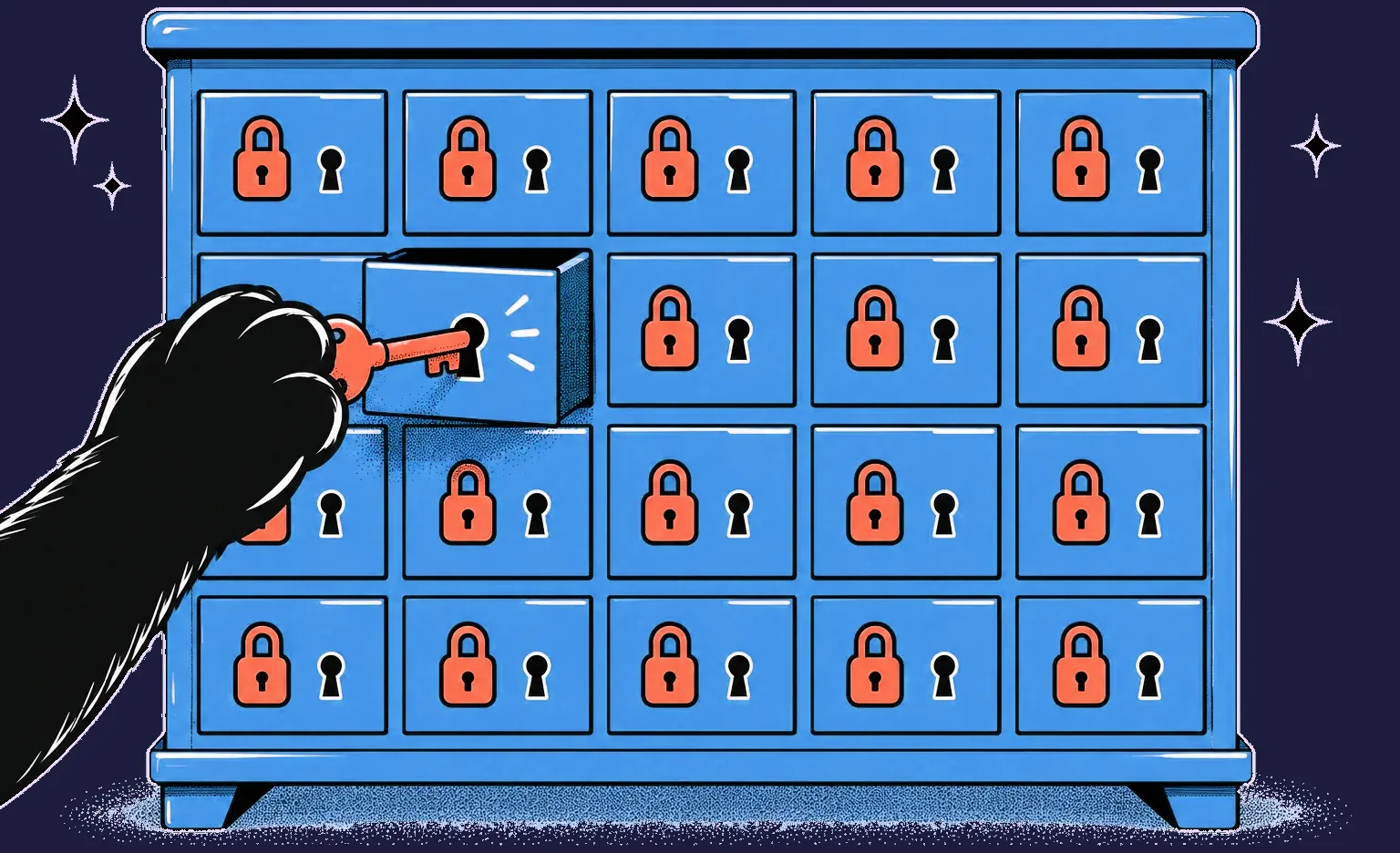
The table pairs the main OWASP risks with what the API should do about each one:
| Risk | What the API should do |
|---|---|
| Broken object level authorization | On every request with a record ID, check that the record belongs to the caller or that the caller's role may see it |
| Broken authentication | Follow RFC 9700, the OAuth 2.0 security practice of 2025: the authorization code flow with PKCE for apps, no password grant, and tokens limited to the access the client needs |
| Broken object property level authorization | Return only the fields the caller may see, and accept changes only to the fields it may edit |
| Unrestricted resource consumption | Limit requests per client and answer the excess with status 429 Too Many Requests; cap page sizes, and set separate limits on paid actions such as text messages |
| Broken function level authorization | Check the role on the server for every admin action instead of hiding the button in the app |
| Improper inventory management | Keep a current list of every live endpoint and version, and switch old versions off on a date |
| Unsafe consumption of APIs | Validate data from third-party APIs as strictly as data from users |
“An easy leak to miss is a response that returns the whole database record because that was quicker to write. The screen shows only a few fields and looks right, so the extra data stays unnoticed until someone reads the raw response.”
Alexander Storozhevsky, Lead developer at Ronas IT
An API gateway in front of the services can handle token checks, rate limits, and call logs in one place. On its own, the gateway cannot tell which user owns which record, so that check stays in the service code. For a fuller list, NIST's SP 800-228 (2025) describes controls for both stages of an API's life: before it runs and while it runs.
An API can now have AI agents among its callers. The Model Context Protocol (MCP), an open protocol through which an AI assistant can discover and call outside tools, lets the assistant reach your API through an MCP server and use it as one of its tools, and the agent then acts with whatever token it was given. OWASP calls the risk Excessive Agency and advises granting such tools the minimum permissions and checking authorization in the system behind them instead of relying on the model to decide. For your API, that means a separate token for each agent, limited to the scopes its task needs, and the same record-level check that every other client gets.
For security measures on real projects, including two-factor sign-in for admin roles and tokens sent in cookies, see our guide to secure enterprise application development.
How documentation and versioning keep an API usable
Documentation tells other developers what the API does, and versioning lets you change the API without breaking the apps that already call it. Both can fail: the docs drift away from the code, or a field is renamed while a live app still uses it. Docs generated from the code and a written versioning rule guard against both.
- Docs from passing tests: our API documentation is generated from the tests, so it describes what the API actually does. The Laravel package we use for that is open source and has passed 100,000 installs.
- One error format: RFC 9457 (2023) defines a standard JSON shape for API errors, so every app can handle a failed request the same way. The status code must match the error too. Paul Asjes of Stripe notes that most error monitoring tools sort responses by status code first, so an error sent with code 200 lands among the successes and nobody sees it.
- Safe retries: when a request that creates an order or a payment times out, the app cannot tell whether the server did the work. If each such request carries an idempotency key, the server remembers the keys it has already processed and does the work once, however many times the request arrives. Sean Goedecke's notes on API design explain the pattern and where it is not needed: reads, and deletes by record ID.
- New version for a breaking change: renaming or removing a field gets a new version, and the old one keeps running until its users move, with a shutdown date they know in advance.
- Mobile apps in mind: people keep old app versions installed, so an API used by a mobile app has to serve them until a forced update.
API work on two of our projects
Two projects show different jobs an API does: for a locker network, the API was documented so the client's own team could connect their systems to it, and for UK Retreats, the Laravel backend connected a React web app to the email and map services it relied on.
A locker network: an API documented for the client's team
For a locker admin platform, we built the backend on Laravel and a Python FastAPI service that carries data between the lockers and the admin dashboard. We wrote API documentation so that the client's team could connect the platform to their wider retail systems, and locker access codes and pick-up notifications could be automated through the API.
UK Retreats: a Laravel API behind a mobile-first web app
For UK Retreats, a service for finding holiday stays in Great Britain, we built a Laravel backend for a React web app, with Laravel Nova as the admin panel for adding new stays. The backend connected to Mailgun for email and the Google Geocoding API to place each new stay on the map, and subscriptions ran through Stripe. The MVP was ready within 3 months.
What API development costs at Ronas IT
At Ronas IT, building the API itself costs from $2,500 and takes at least 2 weeks, with the exact scope set in the estimate. That price covers the third-party integrations, the tests, project management, and the architecture, including microservices, which split a large system into separate services, when the system needs them. Hosting with monitoring and support are separate monthly services after launch, and the table below lists both.
| Part of the work | Price | Timeline |
|---|---|---|
| Analysis phase (optional) | $1,000-$2,000 | At least 1 week |
| API development, with third-party integrations and project management | From $2,500 | At least 2 weeks |
| Hosting: environments, releases, and monitoring | From $200 per month | Ongoing |
| Support for the whole app the API serves: monitoring, fixes, and updates | From $1,000 per month for one app, $2,000 for a system with several client apps | Ongoing |
The price grows with the number of requests and roles, the integrations, and the security requirements. Cloud costs are paid to the provider. When the API is part of a whole product, it is priced with that product: a basic MVP with the backend and admin panel it needs starts at $5,000 and takes at least 2 weeks, and a complex product with high load or real-time features starts at $20,000 and takes at least 8 weeks.
When you do not need a custom API
A custom API is worth building when several apps or partners share your data and rules. In these three cases a simpler step is enough, and we would advise against a custom build.
- The connector already exists: two SaaS tools with a native integration between them only need it switched on and set up.
- You need one link, not an API: sending your orders to one outside service is a single third-party API integration, a smaller job than designing and running a whole API.
- The data moves rarely: a file exported once a week can cost less than an API someone has to maintain.
How to choose an API development company
Choose a development company by what it leaves you with, not only by the price of the first release. These questions show whether the contract, the docs, and the access rules will still be up to date a year from now.
- How will the requests and fields be agreed? Find out who writes them down, when, and who reviews them.
- How do the docs stay current? Docs generated from code or tests stay in sync with the API; docs written by hand can drift.
- How is access to each record checked? Ask what stops one signed-in user from reading another user's data.
- What happens to the tests when a vendor is down? Check whether the tests call live third-party services or stand-ins for them.
- Where will the code and the servers live? On our projects, production runs in your own cloud account, and the repositories are created in your organization; our GitLab is used only if you ask for it, with the transfer written into the contract.
- What is the versioning rule? Ask how a breaking change reaches the apps that already use the API.
- Who answers for code that AI agents write? Ask whether a named engineer accepts each agent change, whether that code passes the same tests and review as the rest, and which AI services see your code and data. Our guide on how to choose a software development company lists the follow-up questions about AI.
What to do next
- List the apps and partners that will call the API and what each of them needs to read or change.
- Write down the roles and which records each role may see.
- Pick the type of API with the table above.
- Ask each development company the seven questions above, and check which of the seven parts of an API service its estimate covers and which it prices as monthly services.
- No written scope yet? Either book the optional analysis phase before the build or let the team clarify the details during development.