Custom software development project management: how to keep scope, time, and budget under control


On a custom software project, project management is the work that keeps the build on its agreed scope, timeline, and budget: planning, change control, risk tracking, reporting, and acceptance. At Ronas IT, project management is included in every build price, from $5,000 for a basic MVP, with no separate fee. The vendor's project manager runs it, and the client owns a part that the vendor cannot supply alone: a person who makes decisions and a clear description of the business process the software must support.
This guide is for founders and managers who are about to order custom software, or whose project has started to slip. It explains what project management covers, where projects stall, what to prepare before development, how scope, time, budget, risks, and acceptance are controlled, how these practices map to the PMBOK Guide, what project management costs, and how to check a vendor's process before you sign.
What project management covers on a custom software project
It covers six areas: scope, timeline, budget, risks, communication, and acceptance. In each one, the work is the same: agree on a plan in writing, track the real state against it, and decide quickly when the two drift apart.
| Area | What gets managed |
|---|---|
| Scope | The features of the release, their priorities, and every approved change |
| Timeline | Sprints, milestones, and the release date |
| Budget | Finished work against the estimate and the conditions behind it |
| Risks | What can delay or block the release, and who watches each item |
| Communication | Reports, calls, and the written record of decisions |
| Acceptance | Demos and sign-off of finished work |
On our custom software development projects, two people on our side share this work. The project manager is your contact for requirements, priorities, changes, and release dates. The tech lead answers for how the product is built: the technical requirements, who is on the team, and the technical plan. On your side, one person needs the authority to decide. If you are about to start with a new vendor, our guide to working with an outsourcing company covers the contract and the first 90 days.
AI coding agents change this work too. When agents write much of the code, the project manager spends less time estimating tasks in story points and more on two things: a clear written scope for each task and the acceptance of what comes back. Those two steps are where faster coding stops turning into faster delivery. A 2026 NBER working paper found that coding agents raise the number of commits far more than the number of releases, and its authors trace the gap to the human steps in the chain. Our article on the benefits of Agile software development shows how sprints, the backlog, and reviews change when agents write the code.
On our projects, the project manager also works with AI agents: to draft the weekly report from progress that has been checked, to turn call notes into tasks, and to work out how a change request affects the time and the cost. The project manager reviews each of these before it reaches you.
Where custom software projects stall: management roadblocks
A custom project can stall long before the code is the problem. The five roadblocks below start on the management side, on the vendor's side or yours, and each one has an early sign you can notice in the first weeks.
- An undocumented process: the software has to follow a workflow that nobody has written down, so each new exception means a redesign. The sign: the team keeps asking how a case is handled, and two people on your side give different answers.
- No decision maker: questions wait because nobody on the client side can approve an answer. The sign: the same open question appears in two reports in a row.
- Requirements that live in calls: what was agreed never reaches the tasks, so the team builds from memory. The sign: a demo shows a feature that differs from what you remember agreeing.
- Changes without a new estimate: a new request goes straight into the work, while the date and the budget in the plan stay the same. The sign: the feature list has grown, and the release date has not moved.
- Silent acceptance: finished work gets no feedback, so problems surface at the end. The sign: nobody on your side has opened the last two deliverables.
Our article on the top six software development challenges covers the wider list, including technical debt and security work left until the end. If your project has already stalled, our guide to software project rescue explains how a new team audits it and decides what to keep.
“When you notice one of the five signs, raise it at the next call, even if you are not sure it matters. Waiting until the problem is clear feels safer, but by then it has reached the plan, the budget, or the date. A sign that turns out to be nothing costs a short conversation.”
Roman Surikov, CEO at Ronas IT
Before development: describe the business process the software will support
Software follows the process it is built on, gaps included. Before the build, describe how the work runs today, who owns each part of it, and what result will count as success.
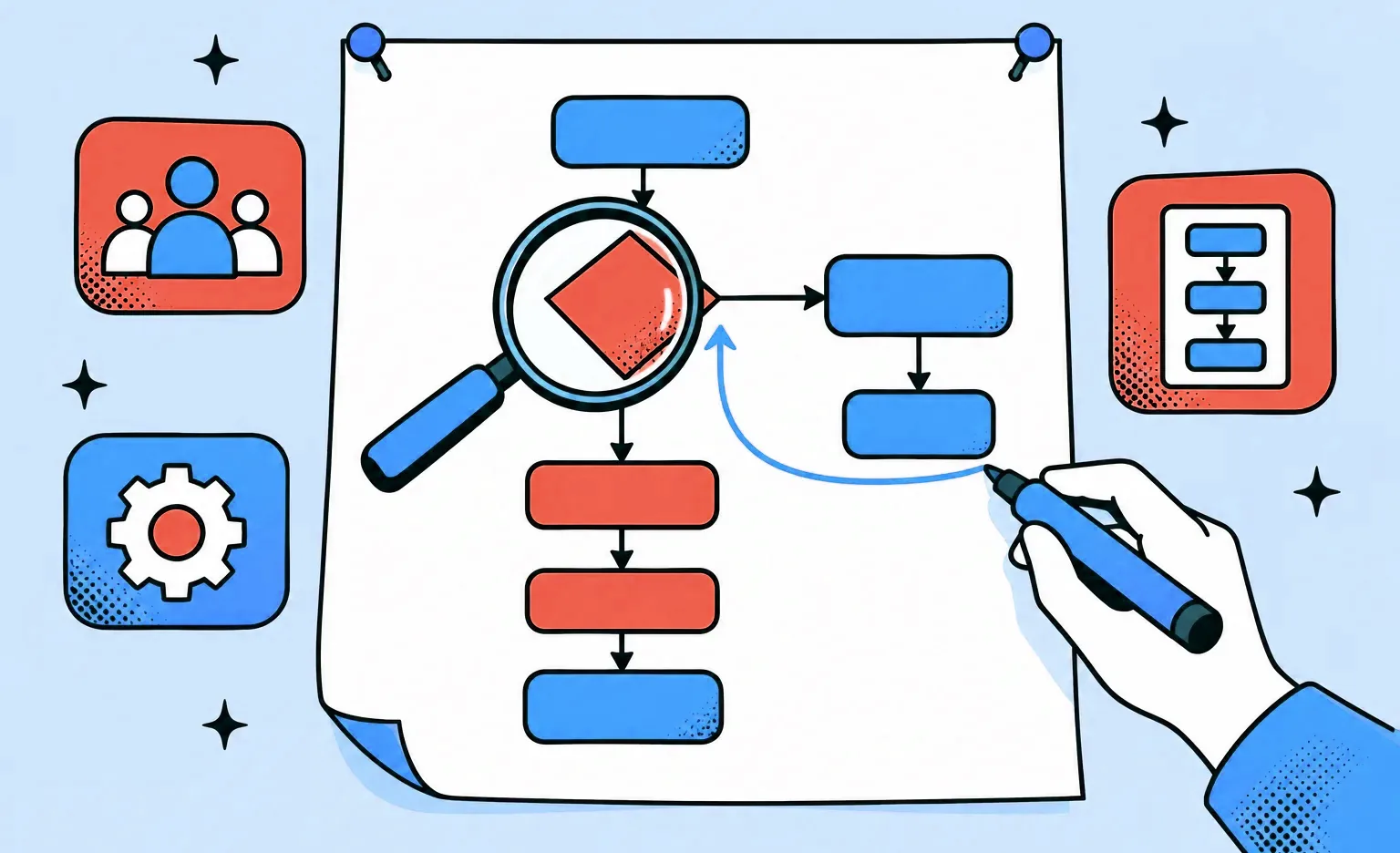
- Map the flow as it runs today: every step, who does it, and where the data comes from and goes. A simple flowchart is enough. If your team already uses BPMN, a standard flowchart-like notation for business processes maintained by the Object Management Group, use it.
- Collect the exceptions: returns, cancellations, manual fixes, and the cases someone always handles by hand. An exception found after design can change screens that are already drawn and code that is already written.
- Name an owner for each process: a person who answers the team's questions about it and approves changes to it.
- Write down the rules: approval limits, who can see what, and what happens when a step fails.
- List the systems and data involved: the tools the process uses now, the data that must move to the new software, and the integrations it needs.
- Decide what success looks like: the result you will check after launch, such as how long an order takes or how many manual steps are left.
On Hamperapp, a laundry and dry cleaning service from Florida, our research before design showed that four different types of users take part in its workflow, so each type needed its own interfaces. In a Clutch review, Hamperapp's co-founder put the client's share of the work this way:
“If there was ever something that we didn't like, it's because we failed to explain needs clearly.”
Jorge Rodriguez, Co-founder, Laundry App, in a review on Clutch
If you cannot write all of this down on your own, our analysis phase does it with you before development. It costs $1,000-$2,000 and takes one week. You get the features written as user stories, maps of the main flows, a review of what is technically possible, and a scope document with the budget and the timeline. The phase is optional: when your scope is already written, a free rough estimate is enough to start. Our guide to the discovery phase explains this stage in more detail.
Scope: a written baseline and one route for changes
Scope stays under control when every feature is written down before work starts and every later change goes through one route: it is described, its effect on time and cost is assessed, and it is approved in writing. At Ronas IT, no work outside the agreed scope starts without written approval.
- Expect each requirement to be written as a task with four answers: the work to do, the expected result, the way to check it, and the supporting materials, such as designs or screenshots. Our requirement tickets follow this template.
- Set priorities for the first release: mark what the release cannot go without and what can wait. When time runs short, this list tells the team what to move to a later release.
- Ask how new requests are sorted: how does the vendor tell a defect from a new request? We treat a defect in work that was agreed as warranty work, and a new idea as a new requirement with its own estimate.
- Design comments re-estimated at agreed points: we share design changes with you as they happen, because a change that looks small in the mockups can affect development. The estimate for your design comments is revised at the checkpoint you agreed on, not after each one.
How a change is paid for depends on the contract. Under a fixed price, it becomes a change request with its own price; under time and materials, it becomes a new item in the backlog. Our comparison of fixed price and time and materials covers which contract suits which kind of project.
Timeline: sprints, milestones, and the date the business needs
A timeline is managed in short cycles. Our sprints usually take one to three weeks. At the end of each one, you get a result you can open and review yourself: new designs, an interface you can test, or an updated build on the development server. Key milestones end with a demo, live or recorded, after which you sign off the result or send a list of comments.
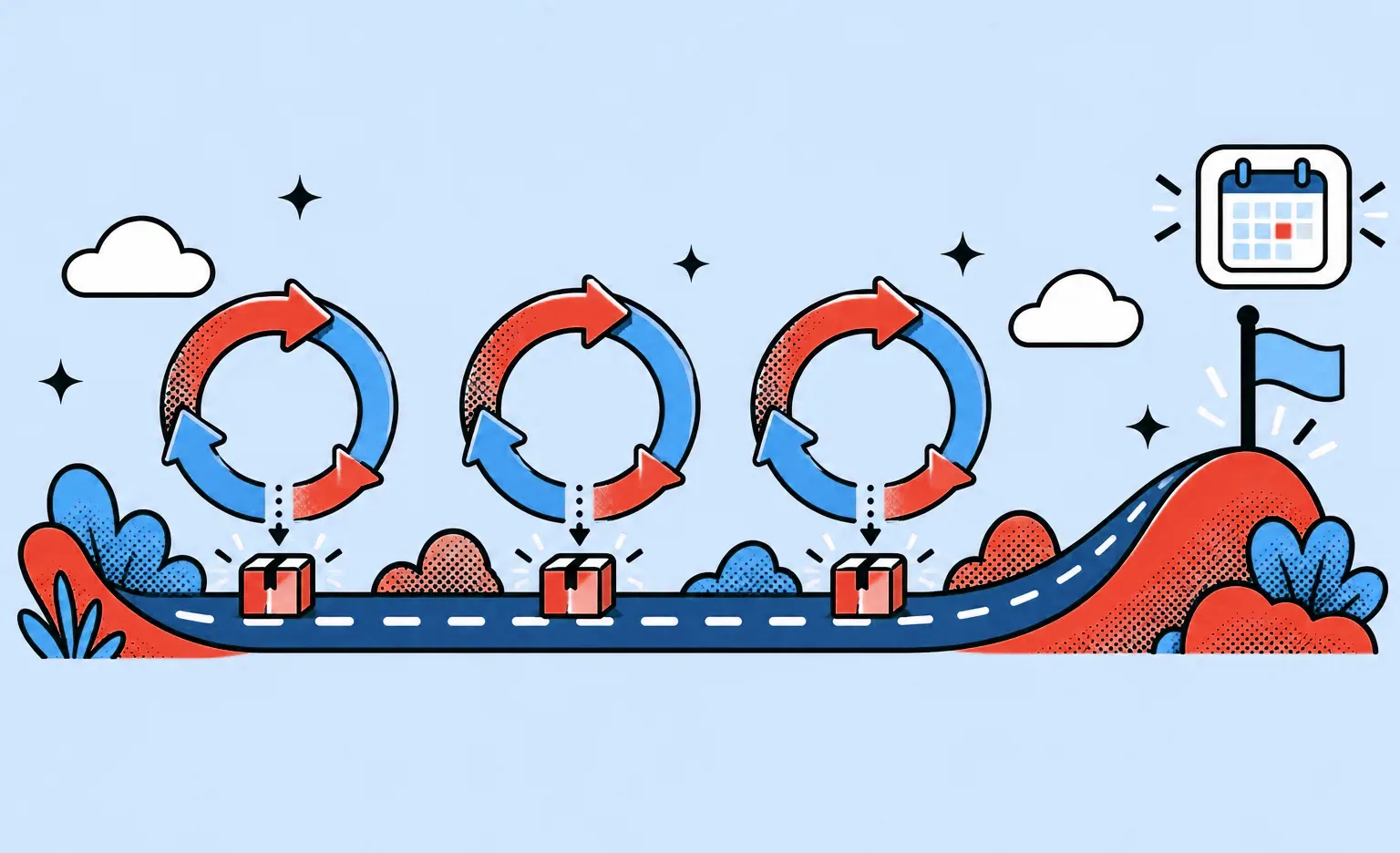
The Scrum Guide (2020) calls sprints “fixed length events of one month or less” and places a sprint review near the end of each one. For you, this means a delay shows up at the end of the sprint in which it happens, before the deadline.
Start the plan from the date your business needs, and set up the team to meet it. In 2019, the founder of Noah, a farmer marketplace from Sweden, contacted us in March and needed the apps before the harvest season, which there usually lasts from July to October. The scope included a web admin panel, a mobile app for food producers, and consumer apps for iOS and Android. We formed two design teams, one for the consumer interfaces and one for the producer app, and all the apps were developed within 4 months, so the marketplace was released before the season started.
Budget: an estimate with conditions and progress you can see
A budget stays predictable when the estimate states what it assumes and the spending is visible every week. At Ronas IT, a development estimate comes with a page of conditions that names the technology stack we propose, the team we expect to assign, and the third-party services the product will use. A weekly report then shows the work completed, any change to the scope, and the plan for the next week.
- Read the estimate as conditional: it holds for the stack and the team it names, and before design, the scope behind it is still an assumption. When the stack or the team changes, the number changes too.
- Compare scope with results: read each report next to the scope the estimate assumed. Scope that grows while finished work does not is the first sign of a budget problem.
- Check the estimate again after design: once the screens exist, the scope is no longer a guess, and the estimate can be compared with it.
Risks: a written list from the first day
Risk management means writing down what could delay or block the release before work starts, and checking that list as the project moves. Our kickoff plan has a section for risks and constraints next to the schedule, the roles, and the success criteria. Before work begins, the project manager confirms those criteria with you, and the tech lead checks whether they can be met.
A list is easier to act on when each risk has two marks: how likely it is and how much it would hurt. Security engineer Jacob Kaplan-Moss argues that a simple likelihood-and-impact grid gives most of the value of a detailed calculation in minutes. Each response then lowers one of the two: a check against the store's review guidelines before submission makes a rejection less likely, while a buffer before the launch date makes a rejection cost less.
- Risks outside the build: after one of our mobile apps was rejected by a store for policy reasons rather than technical ones, we added the risk of a policy rejection to our project charter template, the document every later project starts from.
- Silence: when two deliverables in a row get no feedback, our project manager logs it as a risk and raises it inside the company, because a missing answer is not approval.
- Access and resources: the kickoff checks that the access, data, and resources the team needs are in place, so the first sprint does not wait for them.
Communication and acceptance
Communication works when it has a fixed rhythm and a written record, and acceptance works when your side checks finished work before it counts as done. At Ronas IT, you get one point of contact, a project manager reply within 24 hours on business days, a weekly report, and written confirmation of critical decisions. We ask the same reply time of our clients, because a question that waits a week stops that part of the work for a week.
- Decisions in writing: every agreement made on a call is written down afterwards, so nobody has to rely on memory when the question comes back.
- Demos with the right people: when one person reviews the technical side and another makes the decision, bring both of them into the acceptance of key deliverables.
- Doubts about direction: at the first sign that you doubt the direction, the project manager brings in an account manager, and the CEO if needed.
- Specific comments: a refusal to accept work comes with specific comments. “I don't like it” gives the team nothing to fix.
- Final documents as files: they arrive as PDFs rather than as links to documents that can still change.
How these practices map to the PMBOK Guide
Most of what this guide describes has a place in the PMBOK Guide, the project management standard published by the Project Management Institute (PMI). Our project managers have read both the sixth and the seventh editions and use them in their work. The sixth edition organized project management into process groups and knowledge areas. The seventh, released in 2021, moved from processes to principles and from knowledge areas to performance domains, and added a section on tailoring. According to PMI's FAQ on the seventh edition, process groups remain a valid model: a team can still choose them after it has considered the principles.
The principles that matter most to a buyer
The seventh edition lists 12 principles of project management: stewardship, team, stakeholders, value, systems thinking, leadership, tailoring, quality, complexity, risk, adaptability and resiliency, and change. They describe how a project manager should act rather than which documents to fill in. Five of them show up directly in the way a custom software project is run:
- Focus on value: PMI asks teams to keep checking the project against its business objectives and intended benefits. In practice, the success criteria are agreed before the build, and after launch you check the product against them rather than against the feature list.
- Effectively engage with stakeholders: engage them “proactively and to the degree needed”. For you, this is the decision maker who answers questions within the agreed reply time and joins the demos of key deliverables.
- Build quality into processes and deliverables: PMI ties quality to meeting the acceptance criteria for deliverables. Each of our requirement tasks states how the result will be checked.
- Optimize risk responses: PMI says a risk response should be agreed to by the relevant stakeholders and owned by a responsible person. A risk list without names next to the items does not meet that requirement.
- Tailor based on context: use “just enough” process for the project's context, and keep adjusting it as the project goes.
Tailoring: how much process a project needs
The seventh edition describes tailoring as a sequence: choose the initial development approach, adapt it to the organization, adapt it to the project, and keep improving it while the work goes on. Review points, phase gates, and retrospectives are the moments to inspect and adapt it.
On a custom software project, tailoring decides the sprint length, how often the plan is revised, which documents are kept, and how formal the acceptance of each milestone is. Our onboarding template describes the usual flow of sprints and reports, and states that the project manager adapts it to the project. When a vendor shows you the same heavy process for a two-week prototype and a multi-month platform, or no process at all for either, it has not tailored anything.
The eight performance domains as questions for your vendor
PMI defines a performance domain as “a group of related activities that are critical for the effective delivery of project outcomes”. The table translates each of the eight into what it means on a software build and a question that shows whether a vendor covers it.
| Performance domain | On a custom software project | What to ask your vendor |
|---|---|---|
| Stakeholder | The people who decide, use, and pay for the product, and how they take part in decisions | Who on our side has to attend demos, and how do you reach the person who decides? |
| Team | Who builds the product and how ownership of the outcome is shared | Who is on the team? |
| Development approach and life cycle | Predictive, adaptive, or hybrid delivery, and how often you get something to check | How long are your sprints, and what can I open at the end of each one? |
| Planning | The plan made up front and refined throughout the project | What does the plan contain at kickoff, and at which points do you revise it? |
| Project work | Communication, procurement, and the processes that keep daily work running | Where are decisions recorded, and who buys the third-party services the product needs? |
| Delivery | Meeting the requirements, scope, and quality the project was started for | How is each requirement checked, and who signs off finished work? |
| Measurement | Comparing progress with the intended outcomes and acting on the gaps | What happens when the work falls behind the plan? |
| Uncertainty | Risks, ambiguity, and complexity, including opportunities as well as threats | Which risks do you already expect on a project like ours, and who owns each of them? |
Models, methods, and artifacts: the documents behind the process
A separate section of the PMBOK Guide describes three kinds of tools. A model is a way of thinking that explains a process or a situation, a method is a means of reaching a result, and an artifact is a template, a document, an output, or a deliverable. PMI stresses that the list is neither complete nor mandatory. For a buyer, the artifacts are the useful part, because you can ask to see them:
- Project charter: the document that authorizes the project. Our kickoff plan covers much of the same ground: the schedule, roles, success criteria, risks, and constraints.
- Backlog: an ordered list of the work still to do, which feeds the plan for the next sprints.
- Change log: every change requested during the project and its current status, which is what the written route for changes produces.
- Risk register and issue log: the risks with the person responsible for each, and the problems already affecting the project.
- Lessons learned register: what the team learned during a phase or a sprint, recorded so the next one goes better.
What changed in the eighth edition
In November 2025, PMI published the eighth edition of the PMBOK Guide. It keeps the principles and performance domains of the seventh but simplifies them into six principles and seven domains: governance, scope, schedule, finance, stakeholders, resources, and risk. It also brings process guidance back, which PMI describes as presented “in an evolved, non-prescriptive way”. Whichever edition a vendor cites, the useful test is the same: ask how its process covers each area, and expect names, documents, and dates in the answer.
What project management costs
At Ronas IT, project management has no price of its own. A project manager plans and tracks the work, reports on it, handles risks and problems, and coordinates the work between you, the designers, and the developers, and all of that is already inside the build price, from our MVPs to complex products. Each price below covers one platform, such as a web app, together with its design, backend, and testing.
| Work | Starting price | Timeline | Project management |
|---|---|---|---|
| Basic MVP: the core features of a first release | From $5,000 | At least 2 weeks | Included |
| Extended MVP: more features, roles, and integrations | From $10,000 | At least 5 weeks | Included |
| Complex product: a web app with complex business logic, such as a marketplace or SaaS | From $20,000 | At least 8 weeks | Included |
A mobile app for the same product adds from 50% of the first platform's price, and project management still does not appear as a separate line. If your own leads already run scope and acceptance, a dedicated development team with two developers starts at $8,000 per month and comes with a part-time project manager who coordinates the team, while your leads keep the priorities. Our guide to outsourced development teams compares who manages the work under each engagement model.
How to check a vendor's project management before you sign
Put the questions below to each vendor you are considering and compare the answers: a vendor with a working process names the documents, the people, and the steps, while a vague answer means you learn the process only after you sign.
- What does the weekly report contain? It should show finished work, scope changes, and the plan for the next week.
- How does a change get approved? Ask who writes it down, who estimates it, and who signs it off.
- Who owns what? Ask what the project manager owns, what the tech lead owns, and who your contact will be.
- Does the project manager understand your goal? Ask how the project manager will confirm your goal and the result that will count as success before work starts. In the same Clutch review, the Hamperapp co-founder advises clients to “make sure the project manager is aligned with their vision.”
- What happens when the client does not respond? Ask for the steps the vendor takes when feedback stops.
- What will the first sprint deliver? Expect something you can open at its end, not only setup and planning.
- What does the estimate assume? Ask for the stack, the team, and the outside services it was made for.
What to do next
- Write down the process the software will support: the steps, the exceptions, and the rules, with an owner for each process.
- Name your decision maker: one person who can approve answers, changes, and finished work, and who joins the key demos.
- Set the date and the priorities: the date your business needs and the features the first release cannot go without.
- Agree on the rhythm: the sprint length, the weekly report, and the route for changes, before the first sprint starts.
- Ask for a rough estimate: it is free, and if the scope is not written yet, an analysis phase can write it before the build.


Frequently Asked Questions (FAQs)
What does a project manager do in custom software development?
The project manager plans the work, tracks it against the agreed scope, timeline, and budget, handles change requests and risks, reports on progress, and runs demos and acceptance. On our projects, the project manager is also your main contact.
Who is responsible for project management, the client or the vendor?
Both. The vendor's project manager runs the plan, the reports, and the team. The client names a person who makes decisions, answers questions about the business process, and accepts finished work. Without that person, every open question waits until someone with the right to decide has time for it.
How much does project management cost on a software project?
At Ronas IT, project management is not billed as a separate line; it is part of every build price. A basic MVP starts at $5,000 and a complex product at $20,000. When you compare quotes, check whether a vendor adds it on top, because then the total is higher than the build price suggests.
What is the difference between a project manager and a tech lead?
The project manager owns the client side of the work: requirements, priorities, changes, and release expectations. The tech lead owns the technical side: the technical requirements, the roles in the team, and the plan for building the product. Before work starts, you confirm the success criteria with the project manager, and the tech lead assesses whether they are realistic.
How are changes handled once development has started?
Each change is written down, assessed for its effect on time and cost, and approved in writing before the team works on it. A defect in agreed work counts as warranty work, and a new idea counts as a new requirement. Under a fixed price, the new requirement gets its own price; under time and materials, it joins the backlog for a coming sprint.
What should a weekly project report include?
It should cover what was finished, any change to the scope, and what is planned for the next week. Progress described as finished, checkable work tells you more than a list of tasks marked “in progress”. If a report leaves out scope changes, you learn about extra cost only when the invoice arrives.
Which methodology works best for a custom software project?
Short sprints that each end in something you can check suit a product whose details will change during the build, because a misunderstanding shows up within weeks. A strict sequence of phases suits a project whose result is fully defined in advance. Look less at the name of the method and more at how often you will see working software.
What should I prepare before a custom software project starts?
A written description of the workflow the software will follow, with its exceptions and rules; a named decision maker; the business deadline; and the priorities for the first release. Access to the systems and data the team will use should be ready before the first sprint. If the scope is not written yet, an analysis phase of one week produces it.