DevOps automation services: what they cover, tools, cost, and how to choose

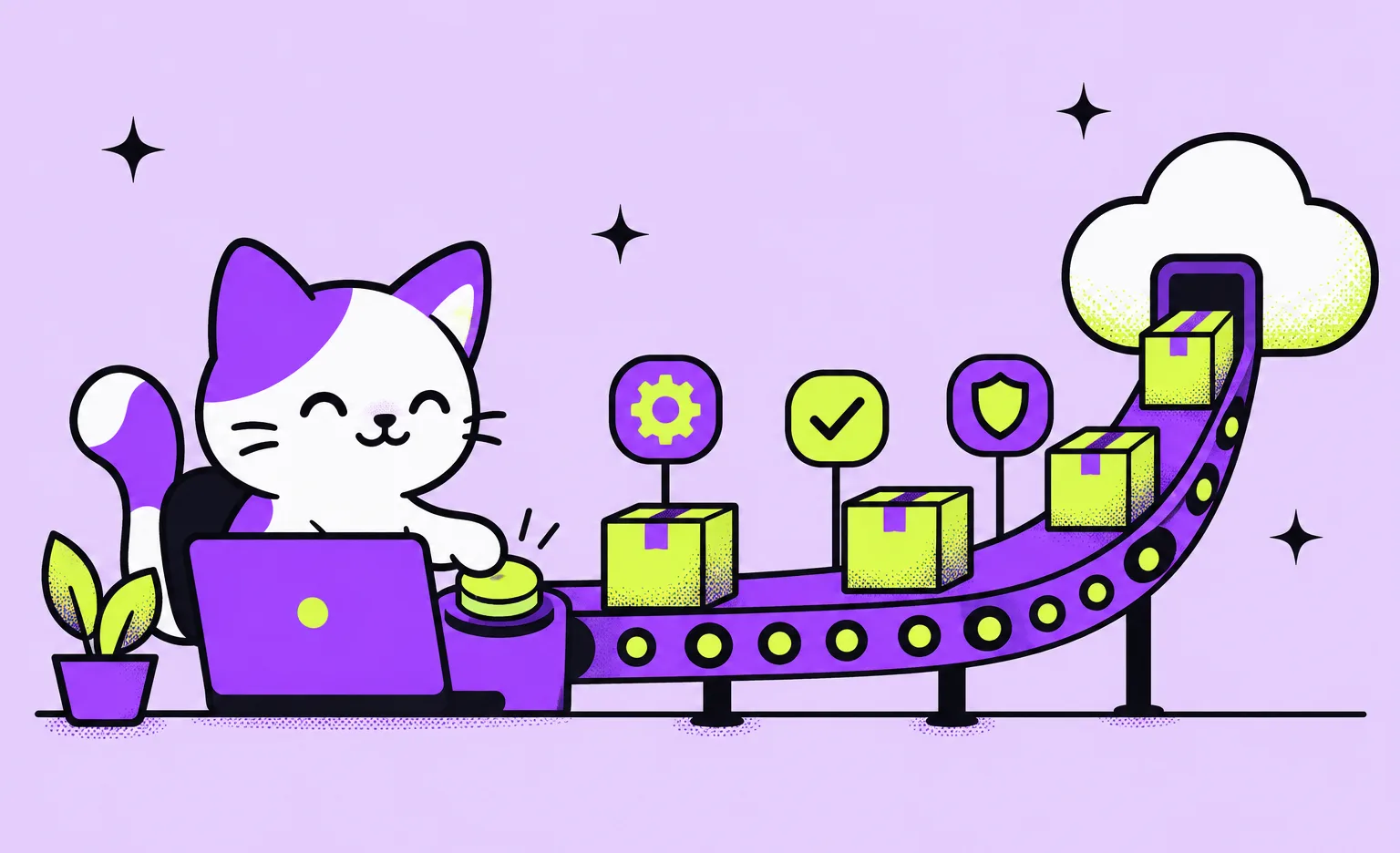
DevOps automation services set up the pipelines and infrastructure code that move a change from a developer's commit to production without manual deployment steps, and the monitoring that shows how the product runs after release. At Ronas IT, DevOps and hosting for one product start from $200 per month. The work usually covers CI/CD, deployments, infrastructure as code, environments, monitoring, error tracking, updates, and cost control.
This guide is for founders, product owners, and engineering leads who release by hand today, or who plan a new product and want releases automated from the start. It covers what the work includes and when a product needs it, how we set it up, which tools we choose, how to measure the result, what it costs, and what to ask a provider.
What DevOps automation services include
The work falls into the seven areas below. A new product needs the pipeline, the environments, and monitoring from its first release.
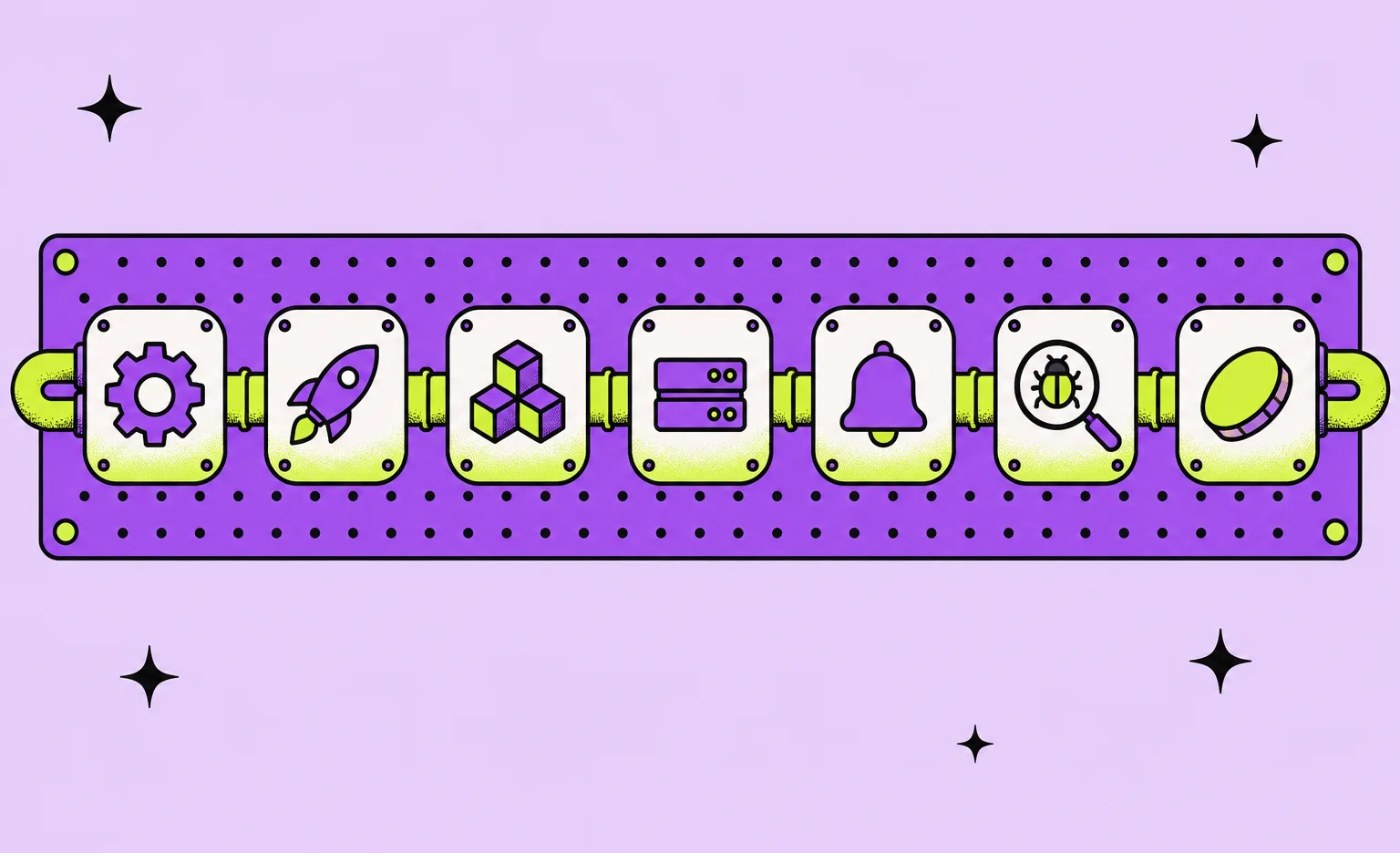
- CI pipeline: code analysis and tests run on every change, and a build is created only when they pass.
- Deployment automation: a passing build reaches the development, staging, or production environment without anyone copying files to a server.
- Infrastructure as code: servers, databases, networks, and access rules are described in code files, so an environment can be recreated and every change is reviewed.
- Environments: separate development and production environments, often with staging between them, built the same way from the same code.
- Monitoring, logs, and alerts: metrics and logs are collected, so the team can get an alert before users report a problem.
- Error tracking: crashes and errors from the app reach the team with the details needed to reproduce them.
- Updates and cost control: libraries, base images, and cluster components are updated on a schedule, and cloud spending is checked against usage.
When a product needs DevOps automation
Releases need automation when they depend on one person or on a manual checklist. If two or more of the signs below describe your product, it is time to put the release process into code.
- Releases wait for one person. Only one developer knows how to deploy, and releases stop when that person is away.
- Development and production differ. A change works on the test server and fails in production because the two servers were set up by hand.
- Users find problems first. The team learns about an outage or an error from a support ticket.
- The cloud bill is a surprise. Nobody can say which resource costs what.
- A new team cannot take over. Moving the product to another team means a migration project instead of access to repositories and documentation.
When a lighter setup is enough
A full setup with Kubernetes, infrastructure code, and a monitoring stack is more than some products need. A landing page, a prototype for user tests, or an internal tool for a few people can run on a managed hosting platform with its built-in deploys, such as Vercel, Netlify, Render, Railway, Fly.io, or Cloudflare Workers. The full setup becomes worth its cost when the product has users who expect it to work, more than one service, or several developers who release in parallel. Our comparison of serverless and containers helps with the choice of platform.
How we set up DevOps automation for a product
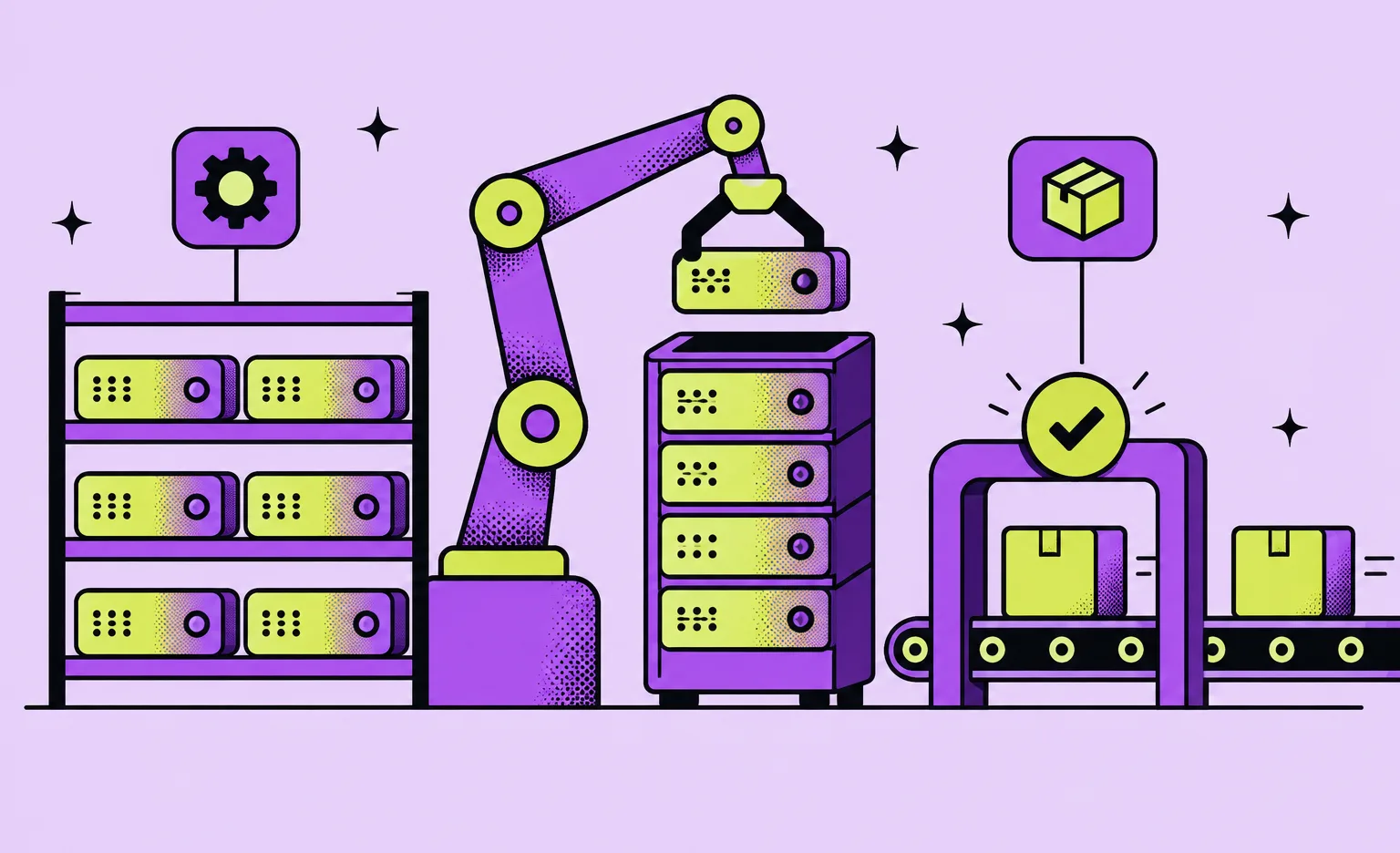
We set up DevOps automation from code that already runs on other projects. Our Terraform modules for AWS and Google Cloud and our Helm charts are open source, and we reuse them across projects. The six steps below follow a new product from the first estimate to support after launch.
- Requirements and budget. A rough estimate is free. When the scope is not yet written down, an optional paid analysis phase sets the technical requirements and the budget before development, because they decide how much infrastructure the product needs.
- Environments from reusable code. Our DevOps engineers provision the production environment in your own cloud account from Terraform modules, managed with Terragrunt. When the product runs on Kubernetes, they install the base components of its cluster from Helm charts. The frontend, backend, and infrastructure repositories start from a working skeleton.
- Pipelines from shared templates. Each project's pipeline starts from our shared CI templates instead of being written from scratch. The backend pipeline runs analysis, then tests, then the build, and the build job depends on the tests, so no image for deployment exists without a passing test suite. No job inherits leftovers from an earlier run, and an idle pipeline costs nothing: each job runs on a new cloud machine that is deleted when the job ends. That machine holds no credentials, and the manager that holds the keys to start machines never runs job code.
- Releases through a separate repository. Release settings live in a deployment repository, each environment has its own protected branch, and changes to those settings go through a reviewed merge request.
- Infrastructure changes by review. The infrastructure pipeline checks the Terraform code and prepares a plan of the changes. A person reviews the plan before anything is applied.
- Launch and support. After launch the setup stays small: production and development environments, automated releases, an issue tracker, and monitoring with Grafana and Prometheus. Security patches and a review of performance against cost are recurring work. An engineer can also set up an AI agent that watches the health of the project; the engineer keeps that agent tuned and handles the alerts and fixes it proposes.
A smaller product runs on Docker Swarm on one cloud virtual machine (VM), and each release changes only what the new build changed. A successful build pushes its image and records the new image tag in the deployment repository on its own, for production as well as for development. The release then runs docker stack deploy, which restarts only the services whose configuration changed, so the database, the cache, and the reverse proxy keep running, and it applies the database migrations as one of its steps. Releases run one at a time, and a build that finishes late or is retried cannot replace a newer version with an older one.
DevOps automation tools we choose by default
By default, we run pipelines on GitLab CI or GitHub Actions, describe infrastructure in Terraform, and monitor with Prometheus and Grafana. Where the product runs is chosen for each project, like any other technology: Kubernetes, released with Helm and Argo CD, for a product with several services or high or changing load, and one VM for a smaller one, as described above. The table below lists one to three tools for each area. Our public tech radar puts each of them in Adopt, its top ring: tools we trust and use by default on new projects.
| Area | Tools | What they automate |
|---|---|---|
| CI/CD | GitLab CI, GitHub Actions | Analysis, tests, and builds on every change |
| Releases to environments | Argo CD, Helm | Rolling out a new version to a cluster from a repository |
| Infrastructure as code | Terraform, Terragrunt | Creating and changing cloud resources through reviewed code |
| Containers and orchestration | Docker, Kubernetes | Packaging the app and running it the same way in every environment |
| Monitoring and logs | Prometheus, Grafana, Loki | Metrics, dashboards, logs, and alerts |
| Error tracking | Sentry | Crashes and errors from the app with their context |
| Library updates | Renovate | Merge requests that keep libraries current |
“The most expensive setup is the one nobody on your team can explain. I would rather run fewer tools and watch them well than add a tool for every problem and then look for someone to own each one.”
Alexander Storozhevsky, Lead developer at Ronas IT
How to measure the result of DevOps automation
Measure DevOps automation by how fast and how safely changes reach production. The DORA guide to software delivery metrics (2026) lists five. The first three show throughput, and the last two show instability: how well deployments go.
- Change lead time: the time from a commit to that change running in production.
- Deployment frequency: how often you deploy, or the time between deployments.
- Failed deployment recovery time: how long it takes to recover from a deployment that fails and needs immediate action.
- Change fail rate: the share of deployments that need immediate action afterward, such as a rollback or a hotfix.
- Deployment rework rate: the share of deployments that are not planned and happen because of an incident in production.
Write the five numbers down before the work starts, even as rough figures from your release history, and compare them after a month or two of automated releases.
Watch the last two numbers closely if your developers write code with AI tools. The 2025 DORA report on AI-assisted software development found that wider AI adoption goes with higher delivery throughput but also with lower delivery stability: more changes arrive, and without strong automated tests and fast feedback the extra volume leads to instability. The automated tests in the pipeline above are one of the controls the report names.
What DevOps automation services cost at Ronas IT
For a single product, DevOps and hosting start from $200 per month, and the table below adds cloud migration and support of the live product. Our DevOps services page describes the work in more detail.
| Service | Price | When it applies |
|---|---|---|
| DevOps and hosting | From $200 per month | Hosting, environments, CI/CD, and monitoring for one new or existing product. When we build the product ourselves, automated deployment is already included in its price. |
| Cloud migration | Estimated by scope | An existing product moves to the cloud: assessment, a migration plan, and the transfer of data and applications. For a product we build from scratch, the cloud setup is part of its price. |
| Support and maintenance | From $2,000 per month | After launch, for the live product as a whole, not only its environment: availability monitoring, fixes, and updates for the web and mobile apps together. A single app starts from $1,000 per month, a website from $300, with its speed and accessibility checked on a schedule. New features are estimated separately. |
Production runs in your own cloud account, so the cloud provider bills you for its resources directly, and that bill is not part of the prices above. The monthly fee pays for the engineer's work together with their AI agents, and the engineer stays responsible for the result.
How to choose a DevOps automation provider
Choose a DevOps automation provider by what you will own and see after the work. Tool lists on provider pages look alike, so ask the seven questions below and compare the answers in writing. Each question comes with our own answer.
“A provider that holds the only access to your production setup is hard to leave, even if the work is good. If production runs in their account and not in yours, keep looking.”
Roman Surikov, CEO at Ronas IT
- Where will the cloud account and the repositories live? With us, production runs in your cloud account. By default, the repositories are created in your organization on GitHub, GitLab, or Bitbucket. Hosting them in our GitLab is an exception, and then the contract states how the code and access rights are transferred to you.
- Is the infrastructure in code, and who reviews changes? Ask to see a reviewed plan of infrastructure changes. Ours come from Terraform, and a person reviews each plan before it is applied.
- Which checks must pass before a build reaches production? In our backend pipelines the tests must pass, because the build job depends on them. Our frontend pipeline checks the dependencies for known vulnerabilities first, and a vulnerability rated critical stops the job before a build is made.
- What response time is written into the agreement? Ask for it in writing. Ours is set in the support agreement for the product.
- How does a handover to an in-house team work? Ours is a structured 2-4 week handover with knowledge transfer and deployment runbooks, which are step-by-step instructions for deploying the product.
- Who shows you what each environment costs? When we run a product on Kubernetes, the cluster includes a cost monitor, so spending is tracked from the day the cluster is set up.
- Do AI agents touch your infrastructure, and with what access? Ask which agents can reach the cloud account, the secrets, and the pipeline, under whose accounts the AI services run, and who approves what an agent changes. With us, every infrastructure change, whoever prepares it, goes through a Terraform plan a person reviews, and the engineer who runs an agent answers for the change. More questions on how a vendor uses AI are in our guide to choosing a software development company.
What to do next
- Write down how a release happens today. List each step and the person who does it.
- Check your product against the five signs above, and decide whether a lighter setup is enough.
- Record the five DORA metrics from your release history as a baseline.
- Decide which environments you need. Development and production at least, and staging if you want to test releases on a copy of production first.
- Ask each provider the seven questions about accounts, infrastructure reviews, checks before production, response time, handover, cost, and AI agents.
A provider can then base an estimate on the release process you have and the setup you need.



Frequently Asked Questions (FAQs)
What is DevOps automation?
DevOps automation is the use of pipelines, code, and tools to run the steps between writing software and operating it: testing, building, deploying, creating infrastructure, and monitoring. It makes releases repeatable, so any developer on the team can ship a change the same way.
What is a CI/CD pipeline?
A CI/CD pipeline is an automated sequence of jobs that runs on every code change. Continuous integration (CI) runs code analysis and tests on the change, then builds it. Continuous delivery or deployment (CD) takes a passing build to an environment, such as staging or production. If a job fails, the change stops there.
What is infrastructure as code?
Infrastructure as code (IaC) describes servers, databases, networks, and access rules in code files instead of creating them by hand in a cloud console. A tool such as Terraform reads the files and creates or changes the resources. Because the files are kept in git, every change can be reviewed, and an environment can be recreated from them.
What are the best DevOps automation tools?
No single tool covers the whole job. A typical set has a CI system such as GitLab CI or GitHub Actions, Terraform for infrastructure, Docker and Kubernetes to run containers, and Prometheus with Grafana for monitoring. Pick the set your team can run and update.
How does DevOps setup start on a project?
On a new product, we set up the environments and pipelines from reusable modules and templates. Moving an existing product to the cloud is a separate project that we estimate by its scope. For an existing product with manual releases, an assessment of its current state comes first.
Can I outsource DevOps while my own team builds the product?
Yes. We set up the development environment, the production environment, or both, no matter which team builds the application. For a product your own team builds, the work includes the same repository and CI/CD setup in your organization, error tracking, and monitoring as for a product we build.
How do I make my CI/CD pipeline faster?
Time each job first and work on the slowest one. Common fixes are to run independent jobs in parallel, cache dependencies between runs, and use a prebuilt image with the tools already installed instead of installing them in every run. Keep the tests that gate deployment: a fast pipeline that lets a broken build through only moves the failure to production.
What is the difference between DevOps automation and IT process automation?
IT process automation handles work around company systems, such as user accounts, access requests, and service tickets. DevOps automation handles the delivery and operation of a software product: its pipelines, environments, and monitoring. The two can share tools, but they serve different teams.
Related posts



Related Services
DevOps Services
Accelerate your software delivery with Ronas IT's DevOps services. We streamline development and deployment through CI/CD automation, proactive monitoring, and secure cloud infrastructure. Enjoy faster releases, minimal downtime, and scalable solutions — letting you focus on growth while we handle seamless operations.
Custom Web App Development Services
Build secure, scalable web applications with Ronas IT’s custom web app development services. Our team covers the full cycle — from concept and UI/UX design to development, testing, and ongoing support — using leading tech like React and Laravel. With 200+ custom apps delivered across various industries, we ensure intuitive interfaces, smooth integration, and solutions tailored to your business goals.
Backend Development Services
Ronas IT builds the server side behind your product, from MVPs to enterprise-scale platforms: APIs, data models, integrations with third-party services, and the infrastructure they run on. Our backend team handles challenges of varying complexity and picks the technologies that fit the product rather than the fashion.