How to choose a web design company: what to check, what to ask, and what it costs


Judge a web design company by what you can check before you sign: launched sites it has designed, the people who will work on yours, how the design turns into a working site, and what you will own at the end. With us, designing a landing page without development starts from $800, and designing a corporate site from $1,500. If we also build the site, the design is in the build price: from $1,000 for a landing page and from $3,000 for a corporate site. Send three or four companies the same short brief and compare their answers.
What does a web design company do?
A web design company plans and draws your website: which pages it has, what each page shows first, and how it looks on a phone and on a large screen. A company may also build the site and connect a content management system (CMS), the admin area where your team edits pages after launch. A full project can include five kinds of work.
- Discovery: the goals of the site, its visitors, competitors, and, for a redesign, what the current site already does well.
- Site map and wireframes: the list of pages and a simple block layout of each one, before any colors or fonts.
- Visual design: the final pages for desktop, tablet, and phone, plus a UI kit, the set of buttons, forms, and other parts the pages are built from.
- Build: the code, the CMS, the forms, and connections to other services, such as your CRM.
- Launch: hosting, redirects from old addresses, and the first fixes after real visitors arrive.
Some companies stop after visual design and hand the files to your developers. Others also build and launch the site. Decide which you need before you compare offers: a design-only price and a design-and-build price for the same site describe different work.
If the site you plan is closer to a product, such as a client portal or a SaaS app, our overview of UI/UX design companies compares companies that design product interfaces, and our guide to choosing a software development company covers the companies that build them.
Write a one-page brief before you contact anyone
A brief makes the offers comparable. Without one, each company prices its own guess of your site. One page is enough if it covers the points below, and the companies you contact can ask about the rest on the first call.
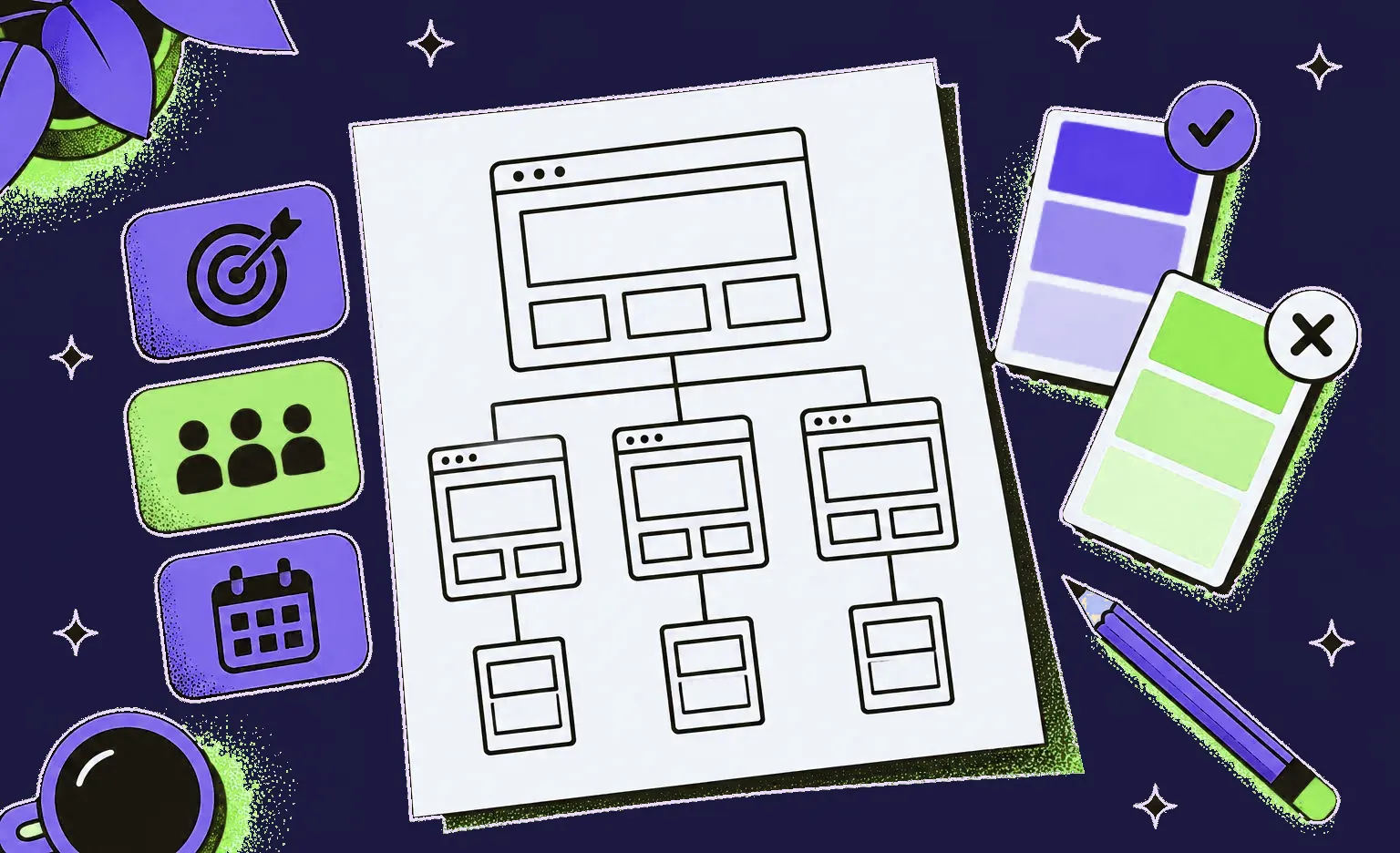
- Goal: what the site must do, such as bring leads, sell online, hire people, or explain a product.
- Visitors: who comes to the site and whether they mostly use a phone or a computer.
- Pages and features: the pages you expect, plus forms, booking, payments, languages, and services the site must connect to.
- Content: who writes the texts and supplies the photos, you or the company.
- Current site: its address and the pages that bring visitors from search today.
- Date and budget: the launch date that matters to you and the amount you plan to spend.
Add what you do not want to see. We designed a web app and a landing page for UK Retreats, a company that helps people find holiday stays across the UK. The client wanted to look confident and minimal and listed what it did not want: gloomy colors, neon shades, and striking contrasts. These negative references set the direction of the design from the first mockups.
How to choose a web design company: what to check and what to ask
Compare your shortlist on the nine points below. Each one ends with a question for the first call. If an answer is vague, ask the question again in writing before you decide on the company.
1. Launched work, not only portfolio shots
Shots on Dribbble or Behance show visual skill, but a shot can be a concept that was never built. A live site shows how the design works with real texts, a real CMS, and real phones. Where the portfolio links to live sites, open three on your phone, scroll a long page, and submit a form. Where a project is under an NDA or shown only as a case study, check that the case says what the company did and what was launched.
Ask: which of these sites are live, and what did your company do on each: the design, the build, or both?
“A portfolio shot shows one screen at its best. On a live site, I open the home page and then a page deep inside the site, such as a service page or a blog post. When both use the same headings, buttons, and spacing, the whole site was designed with the same care as the screen in the portfolio.”
Alexander Kontsevoy, Art Director at Ronas IT
2. Sites like yours
A ten-page company site, an online store, and the sign-up pages of a SaaS product need different skills. Look for at least one project with a similar goal and size.
Ask: which project in your portfolio is closest to our brief, and what was hard about it?
3. The people and the process
Find out who will design your site, who your day-to-day contact is, and how you will see progress. With us, a sprint usually lasts one to three weeks, and each one closes with a result you can open, such as new pages in the mockups. Your project manager replies within 24 hours on business days and once a week sends a report on the work completed and the plan for the following week.
Ask: which roles will work on our site, and what will we see at the end of each sprint?
4. How the design becomes a site, and who edits it after launch
If the company only designs, ask what your developers will receive: layouts for each screen size, a UI kit, and notes on how menus, forms, and error messages behave.
“Request the list of page blocks and their fields before the build starts. When that list exists, a marketer can add a new page in the CMS without a developer. When it does not, every new page turns into a small development task.”
Alexander Storozhevsky, Lead developer at Ronas IT
Ask: who builds the site, which CMS do you suggest and why, and how will our team add a new page after launch?
5. Speed and accessibility targets
A page that looks good in a mockup can still load slowly or be hard to use without a mouse. For speed, Google's web.dev guide to Core Web Vitals sets three targets: the main content appears within 2.5 seconds (Largest Contentful Paint), the page reacts to a click or tap in 200 milliseconds or less (Interaction to Next Paint), and the layout shift score stays at 0.1 or less (Cumulative Layout Shift).
For accessibility, the W3C's WCAG 2.2 guidelines define three levels of conformance, A, AA, and AAA, and our guide to ADA compliant website design explains why we recommend Level AA.
Ask: which speed and accessibility targets will the site meet, and how will you test them before launch?
6. Search traffic during a redesign
If you already have a site, a redesign can lose the search traffic its pages have earned. When the redesign changes page addresses (URLs), Google's guide to site moves asks for a map from each current URL to its new one and redirects from the old URLs to the new ones. It also warns that rankings may move up and down during the change, and that for a medium-sized site it can take a few weeks or more before Google starts to show the new URLs instead of the old ones.
Ask: who prepares the URL map, who sets up the redirects, and who checks the search data after launch?
7. What you own at the end
Agree in writing who owns the design files, the code, the domain, the hosting account, and the admin access to the CMS. Under US law, the person who creates a work is ordinarily its author, and a commissioned work counts as a work made for hire, with the client as its author and copyright owner, only for certain types of work and under an express written agreement (US Copyright Office, Circular 30). Other countries have their own rules, so the contract should state that the rights pass to you, and your lawyer should check the clause.
Ask: will the domain, the hosting, and the CMS be registered in our company's name?
8. Reviews and references
Read reviews on Clutch or GoodFirms and look at what each reviewed project was about, not only at the score. Then ask for two past clients you can call.
Ask: can we talk to two clients whose sites are similar to ours?
9. How the company uses AI
If a studio uses AI, ask where AI sits in the process and who makes the final decisions.
We tested AI generation of design shots on real tasks rather than demos. For routine interfaces, the output worked as a quick first draft, but pages that had to look fresh came out generic. The bigger problem was the handoff: a generated layout lands in Figma as loose elements, repeated cards are not components, and spacing and auto layout have to be rebuilt by hand, which takes longer than redrawing the page from an existing shot. Generation gives a fast start, while a designer picks the direction and finishes the pages. Our designers' work also gets an automatic AI design review.
Day to day, all our designers work in Figma together with AI agents. The agent is connected to Figma and can both read and change the design file. It works on the design next to the designer: it builds page components, sets up the typography, helps assemble the UI kit, and helps work out how visitors move from one page to the next. The designer still decides what goes on each page and accepts every change. Besides the Figma file, the design can be exported as a clickable prototype in the form of a web page, which anyone on your side can open in a browser and click through.
AI also matters after the design is done, because a developer who builds with AI coding agents needs the style written down for them. With each handoff, we add a DESIGN.md file to the site's code repository, even when the pages themselves stay in Figma. This open format from Google Labs, still in alpha, gives coding agents the exact colors, fonts and spacing of your site, with plain-text notes on when to use each, so new pages an agent builds keep your visual style.
Ask: where do you use AI in the design work, who reviews what it produces, and what will our developers and their AI tools get to keep the style consistent after launch?
Does the web design company need to be in your city?
No, but its location changes how you will work together. A local company shares your business hours and can meet in person. A remote one gives you a wider choice of skills and prices. What matters more is how fast the team replies and how it shows progress.

A client of ours, the founder of a data analytics SaaS company, wrote in 2025 that “nearly daily updates on progress meant changes and problems could be addressed rapidly”.
Our comparison of nearshore and offshore teams covers shared hours, cost, and risk in more detail.
How web design companies price their work
A company may charge a fixed price for an agreed list of pages and features, an hourly rate for the time spent, or a monthly fee for ongoing work. The model matters less than what the price covers, so ask each company to list the pages, the screen sizes, the rounds of changes, the CMS setup, the content, the redirects, and the project management in its proposal.
At Ronas IT, the website design has its own price for a site that another team builds, and the price of the website build includes the design:
| Work | What it covers | Starting price | Timeline |
|---|---|---|---|
| Design of a new website that another team builds | The structure and key pages of the site for desktop, tablet, and phone, handed over as organized design files | From $800 for a landing page, from $1,500 for a corporate site | From 3 days for a landing page, from 5 days for a corporate site |
| Building a landing page | A single page adapted to all screen sizes; design included | From $1,000 | At least 1 week |
| Building a corporate website | A new multi-page company site or a redesign of the current one; design included | From $3,000 | At least 2 weeks |
So a new corporate site that we both design and build starts from $3,000, with project management and testing inside that price. Connecting the site to the services it needs, such as your CRM, is included in the build estimate. An online store has its own prices because it also needs a catalog, payments, and orders. Our guide to website cost covers those prices. If the scope is not clear yet, an optional analysis phase ($1,000-$2,000, and takes at least one week) gives you the scope in writing, with a budget and a timeline. A rough estimate from your brief is free.
Red flags in a web design proposal
Read every proposal against your one-page brief: anything the brief asks for that the proposal leaves out needs a written answer from the company. Before you sign, ask the company about any of these:
- Nothing launched: the portfolio has only concepts and mockups, with no live site or case study of a launched project.
- A total without a page list: you cannot tell which pages, screen sizes, and features the price includes.
- A theme sold as custom design: a ready-made theme is fine for some sites, but the proposal should say when the design starts from one.
- Accounts in the company's name: the domain, hosting, or CMS is registered to the company, with no plan to move it to you.
- No plan for old URLs: a redesign proposal that changes page addresses but does not mention redirects puts your search traffic at risk.
- Nobody after launch: the proposal does not say who fixes a broken form a month later.
What to do next
- Write the one-page brief: goal, visitors, pages and features, content, current site, date and budget.
- Shortlist three or four companies with launched work close to yours.
- Send each the same brief and ask the nine questions above.
- Compare what each proposal includes before you compare the totals.
- Before you sign, check the ownership clause and call two past clients.


Frequently Asked Questions (FAQs)
How do I choose a good web design company?
Shortlist three or four companies whose launched projects are close to yours, send each the same one-page brief, and compare their answers. Check who will do the work, how the design becomes a working site, and who owns the domain, the code, and the design files at the end. Call two past clients before you sign.
What questions should I ask a web design company before hiring it?
Ask which portfolio sites are live and what the company did on each, whether it has designed sites like yours, who will work on your site, what you will see at the end of each sprint, which CMS it suggests, which speed and accessibility targets the site will meet, who sets up redirects from your old URLs, whether the domain, hosting, and CMS will be in your name, whether you can talk to past clients, and where it uses AI and who reviews what it produces.
How much does a web design company charge?
Prices depend on the number of pages, the features, and whether the company also builds the site. At Ronas IT, the design of a new website on its own starts from $800 for a landing page and from $1,500 for a corporate site, which another team then builds. If we also build the site, the design is included in the build price: a landing page starts from $1,000 and a corporate website from $3,000. Project management is part of every one of these prices, not an extra line.
How long does it take to design and build a website?
With us, building a landing page takes at least 1 week and a corporate website at least 2 weeks, design included. The design alone takes from 3 days for a landing page and from 5 days for a corporate site. Texts and photos are part of the timeline too: when they arrive late, the launch moves with them.
Should I hire a freelancer or a web design company?
A freelancer can be enough for a small site that needs one skill, such as a landing page on a ready-made builder. A company makes more sense when the site needs design, development, and support, because one team is responsible for all three, and someone else on the team can continue the work if one person leaves.
Who owns my website design, me or the agency?
It depends on the contract. In the US, a commissioned work counts as a work made for hire, with you as its author and copyright owner, only if it falls into certain categories and both sides sign an express written agreement. So your contract should say that the rights to the design and the code pass to you. Ask your lawyer to check the clause, and keep the domain and hosting accounts in your own name.
Is a local web design company better than a remote one?
Not by default. Either kind of company works when the team commits to a reply time and shows its progress on a fixed schedule.
What is the difference between web design and web development?
Web design decides what the site contains and how it looks: the pages, their layout, and how they adapt to phones and large screens. Web development turns the design into code, connects the CMS, forms, and other services, and puts the site online.