Inventory management software development: features, cost, and a faster first release

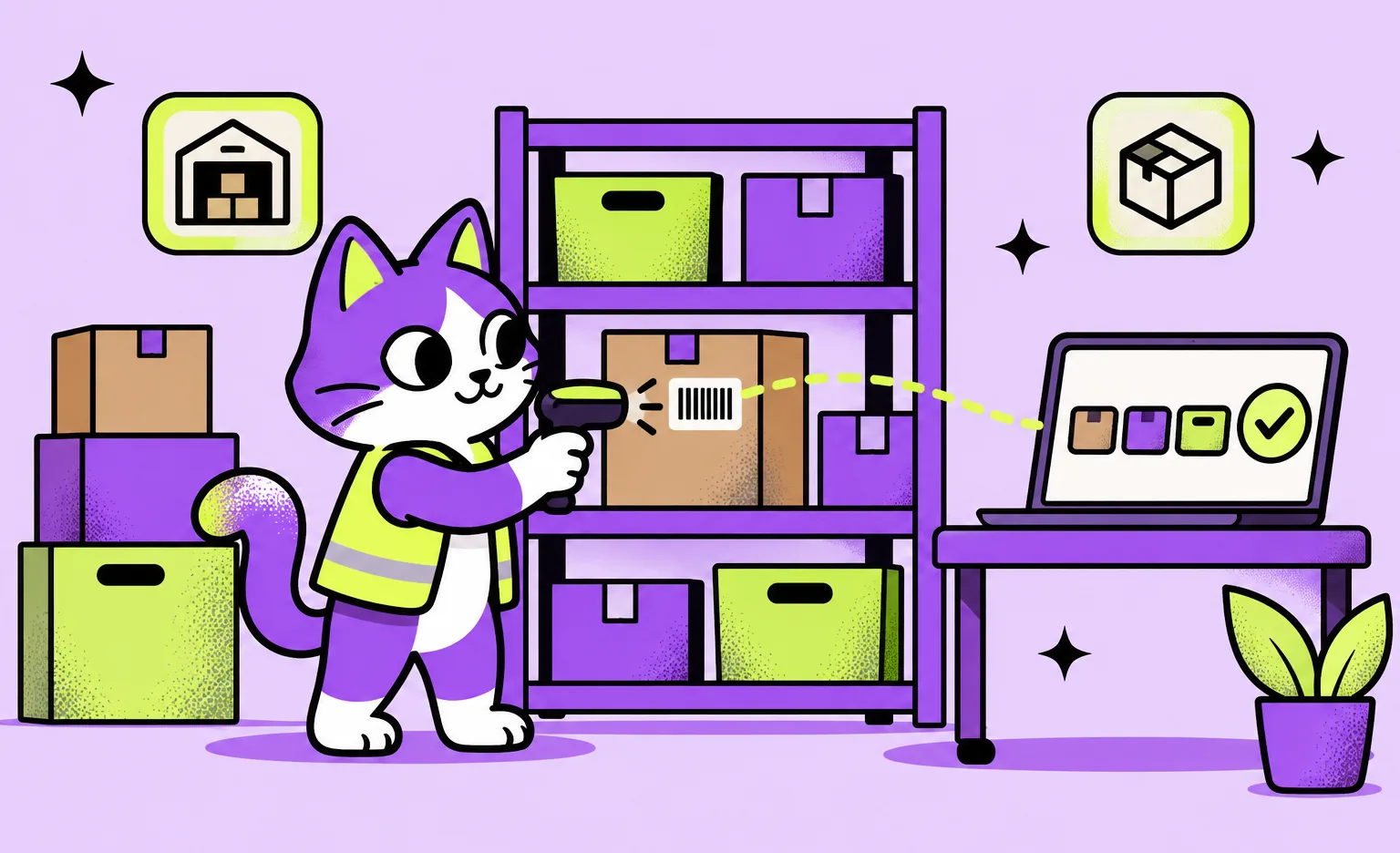
Inventory management software development means building a system that tracks how much stock you have, where it is, and when to reorder it, and that can exchange data with your online store, your suppliers, and your accounting tool. At Ronas IT, a single-location system that tracks batches and expiry dates, built as a backend and a web admin panel, starts from $15,000 and 6 weeks, with design, project management, and a store sync included. A phone app for scanning adds from $7,500.
This guide is for operations leads and founders who have outgrown spreadsheets or a ready-made tool. It covers how an inventory system differs from a WMS and an ERP, when to build custom software instead of buying a tool, the features and integrations of a first release, how to get it out faster, the stack, the cost, and the steps. Our logistics software development page describes the service itself.
What inventory management software does
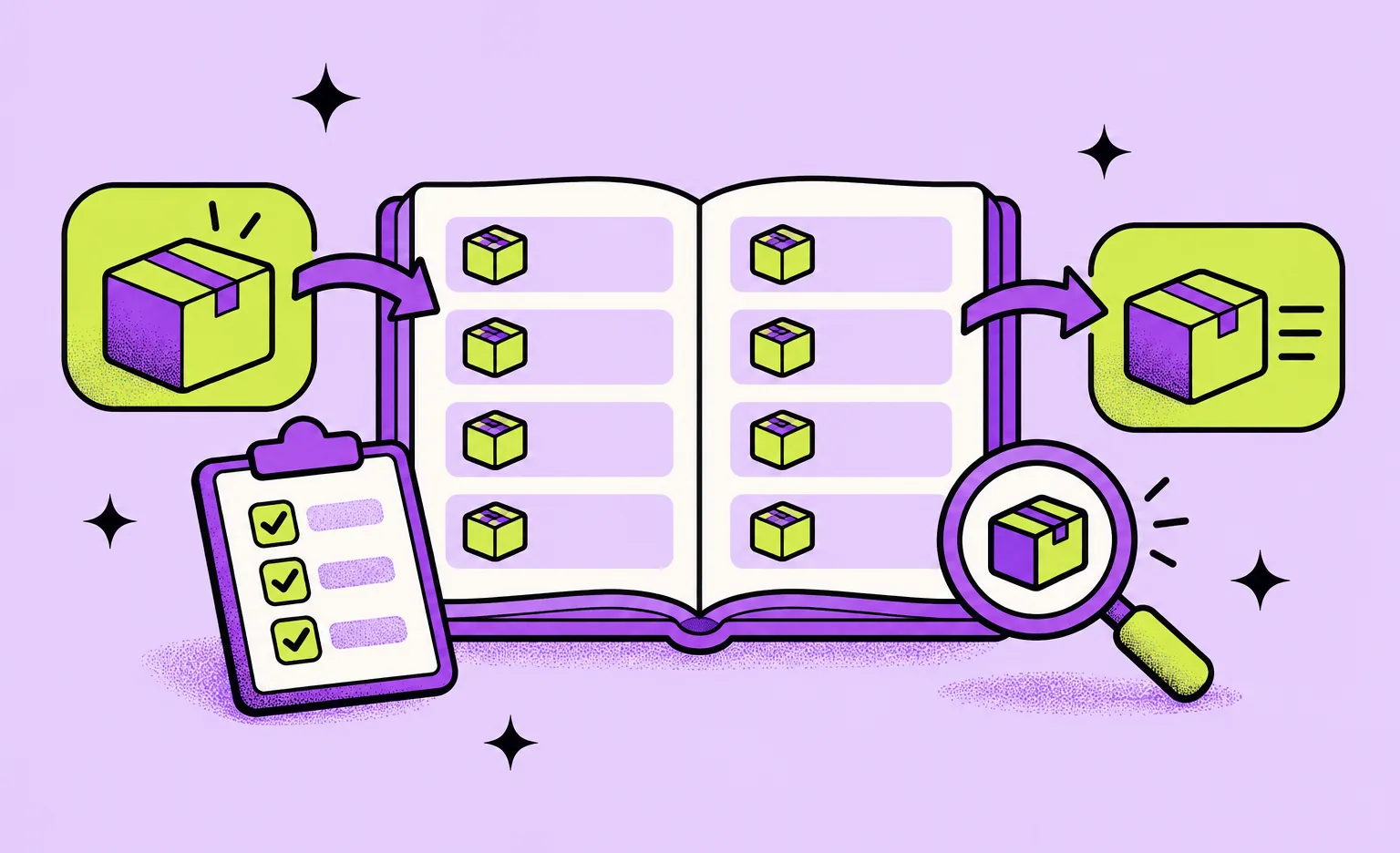
The design we recommend is a perpetual system: every receipt, pick, sale, transfer, return, and write-off becomes an entry, and the stock level of an item in a location is the result of those entries. Because each number has a history behind it, a manager can trace any difference back to the movement that caused it.
- Items: the product or material, its unit of measure, its supplier, and the reorder point that triggers a purchase.
- Locations: warehouses, stores, shelves, kitchens, or vans, down to the level at which your staff count stock.
- Batches and expiry dates: needed for food, medicine, and anything else with a shelf life.
- Movements: who moved what, when, from where to where, and why.
Inventory system, WMS, or ERP: which one you need
An inventory management system tracks stock by item and location and shows when an item needs reordering. A warehouse management system (WMS) runs the work inside a warehouse. An enterprise resource planning (ERP) system connects stock to finance, purchasing, and HR. Compare what each system does before you compare quotes.
| System | Main question it answers | Main users |
|---|---|---|
| Inventory management system | How much do we have, where, and when do we reorder? | Operations, purchasing, store and kitchen staff |
| Warehouse management system | Which receiving, putaway, picking, or packing task does each worker do next? | Warehouse managers and pickers |
| ERP | How do stock, money, purchasing, and people fit into one set of books? | Finance, management, and every department |
If your problem is the pace of work on the warehouse floor, plan warehouse features on top of the stock record and compare your scope with the custom logistics row of the cost table below. If inventory is one module of a company-wide system, look at the ERP row instead.
Custom software or a ready-made tool
Choose a ready-made tool if your process looks like most others: one warehouse, standard products, and a store platform the tool already connects to. Build custom software when stock has to live inside your own product, or when the rules that make your business different force staff to work around the tool. If buying fits your case, we will tell you so.
| Your situation | Better fit | Reason |
|---|---|---|
| One location, standard products, a common store platform | Ready-made tool | You can start without a development project, and the vendor maintains the integrations |
| Stock that your own app or marketplace reads and changes | Custom software | Your product needs stock levels through an API you control |
| Batches, expiry dates, or recipes that turn ingredients into products | Custom software | The data model follows your rules instead of a generic one |
| Inventory is one part of a change to finance, purchasing, and HR | ERP, ready-made or custom | Stock, money, and purchasing need to share one database |
We built such a system for an Australian meal-preparation business that already had a customer ordering app. The inventory system was a Laravel backend with a web admin panel connected to that app. Each batch of a meal got its own QR code with the packed date and shelf life, the same code went on the meal box for customers to read, and administrators tracked stock, restocks, pickups, and packaging orders in the panel.
Features to build in the first release
A first release needs the features staff touch every day: items, stock by location, receiving, stock movements, counts, and low-stock alerts. Forecasting, automatic reordering, and AI features can wait until the system holds enough clean data to rely on. Get the record itself right from the start, because every later feature reads from it: each movement with a date, a location, a person, and a reason.
For the people who handle stock
- Receiving: record deliveries against purchase orders and print or scan labels.
- Movements: transfers between locations, returns, and write-offs, each with a reason.
- Counts: count a shelf or a location, and let the system post the difference.
- Scanning: barcodes or QR codes, from a handheld scanner or a phone camera.
For purchasing and managers
- Low-stock alerts: a warning when an item falls below the reorder point you set for it.
- Purchase orders: orders to suppliers, tracked until the goods arrive.
- Reports: stock value, slow-moving items, and the full history of any item.
- Roles: who may adjust stock, approve write-offs, and edit item data.
Integrations often decide the project timeline
The inventory system has to agree with the other systems that touch your stock, and each connection depends on another vendor's API, documentation, and test access. That is why the list of integrations often predicts the schedule better than the list of screens. Typical connections:
- Online store or ordering app: orders reduce stock, and stock levels limit what customers can order.
- ERP or accounting tool: stock value and purchase costs reach the books.
- Suppliers: purchase orders go out, and delivery dates come back.
- Scanners and label printers: the hardware your staff already use, or their phones.
- Shipping carriers: labels and tracking numbers for outbound orders.
For each connection, decide which system owns each number. If the store and the inventory system can both change stock, one of them has to be the source of truth and the other has to follow it. Otherwise staff see two different numbers for the same item and stop trusting both.
“The sync needs as much design as the screens. When an update between two systems fails, it has to retry and land in a log that someone reads. A silent failure is how the store and the stock record drift apart, and nobody notices until the next count.”
Alexander Storozhevsky, Lead developer at Ronas IT
How to get the first release out faster
A faster first release comes from scope and reuse more than from longer hours. Narrow the release to the first location and its daily flows, start from infrastructure code that already runs elsewhere, and let automated tests and short sprints catch problems while they are still small.
- One location first: add the second warehouse or store after the first one is live.
- Reusable infrastructure: we build the environment from Terraform modules we reuse across projects, and production runs in your own cloud account.
- Tests before every backend deploy: a backend change that fails its tests never reaches production.
- Short sprints: usually one to three weeks, each ending in a result you can check, such as an update on the dev server or a screen to test.
- Development with AI agents: our engineers write and test the code with AI agents at every stage, such as item screens, stock movement records, and reports. They agree with you how your stock is counted and accept every change.
- A larger team for a hard deadline: more developers shorten the timeline only when the work splits into parallel tasks, and they raise the cost.
“I would rather see one location running on real stock than a finished specification for the whole company. The people who use it every day tell you what the second release needs, and their list is more reliable than the one written before the project started.”
Roman Surikov, CEO at Ronas IT
The tech stack we choose
For a new inventory system, our default is a Laravel backend with PostgreSQL, Redis for caching and queues, and a web admin panel on Laravel Backpack, or on Next.js when the warehouse screens need more than Backpack offers. If staff scan with phones, we add a React Native app for iOS and Android. The system runs in Docker containers in Google Cloud or AWS: on Kubernetes when it has several services or a heavy load, and a smaller system frequently goes on a VPS with Docker Swarm instead. Sentry reports production errors to the team.
How much does inventory management software development cost?
A system that handles batches and expiry dates in one location and syncs with your online store starts from $15,000, with the backend, the web admin panel, and the store integration in one price. Integrations are priced inside the build, not as extra line items: more of them raise the estimate of the build itself, as do more locations and roles. Pick the row nearest to your plan.
| Scope | Service | Starting price | Timeline |
|---|---|---|---|
| Single-location system with batches and expiry dates in a web admin panel | Custom business software | From $15,000 | At least 6 weeks |
| Warehouse and supply chain operations across several locations | Complex logistics product | From $20,000 | At least 8 weeks |
| Inventory as one module next to finance, HR, and procurement | ERP-scale business software | From $60,000 | Set in the estimate |
| Phone app for scanning on iOS and Android, if staff scan with phones | Second app on the same backend | From $7,500 | Built alongside the web system |
| Monitoring, fixes, and updates of the web system after launch | Support and maintenance | From $1,000 per month | Ongoing |
| Monitoring, fixes, and updates of the web system with the scanning app | Support and maintenance | From $2,000 per month | Ongoing |
The $15,000 web system covers the backend, the web admin panel, and the integrations. The phone app is the one addition, so a system with a store sync and a scanning app starts from $22,500: the $15,000 above plus $7,500 for the app. Design, project management, and testing of both are included in these sums. If you want a written scope before the build, an analysis phase is optional: $1,000-$2,000, with a timeline of at least one week. The first count in the steps below takes your operations team's time, which none of these prices cover. DevOps and hosting, which keeps the environments, CI/CD, and monitoring running, starts from $200 per month; the cloud bill itself comes to your own account, and you pay the provider directly.
How to build an inventory management system, step by step
Build in the order below: the work on data and integrations comes before design, and a live run comes before the rollout to further locations.
- Map how stock moves today. The operations lead lists every movement, from receiving to write-offs, and who makes it.
- Choose the owner of each number. The product owner and the developers decide which system owns stock levels, prices, and item data.
- Get API access for every integration. The developers request documentation and test accounts from each vendor before the design starts. If you order our analysis phase, it helps with these first three steps: it maps your stock movements, reviews the architecture and what each integration allows, and ends with a written scope, budget, and timeline estimate.
- Design for the people who handle stock. The designers build the receiving, counting, and scanning screens for the devices staff will hold.
- Build and review in sprints. The team puts working parts on the dev server at the end of each sprint, and your staff try them.
- Load the data and count. The operations team imports items and opening stock, then counts the first location, so the system starts from real numbers.
- Go live in one location. Staff use the system on real stock, and the team fixes what they report.
- Add locations and features. Further warehouses, stores, and the features that were planned for later follow once the first location runs.
What to do next
- Check the table in the custom software section above: if your situation matches its first row, start with a ready-made tool.
- List your stock movements and the people who make them.
- Name the systems that touch your stock, such as your online store, your accounting tool, and your carriers.
- Pick the location to start with and the daily flows for the first release.



Frequently Asked Questions (FAQs)
How much does it cost to build inventory management software?
At Ronas IT, a backend and web admin panel for one location, with batch and expiry date tracking, starts from $15,000. Logistics software for inventory across several locations starts from $20,000, and an ERP where inventory is one module next to finance and HR starts from $60,000. The $15,000 already includes design, project management, testing, and the sync with your store or ERP. After launch, support for this web system starts from $1,000 per month, and from $2,000 once a scanning app is added.
How long does it take to build inventory management software?
At Ronas IT, a web system with batch and expiry tracking for one location takes at least 6 weeks, and logistics software for several locations at least 8 weeks. An ERP with inventory as one module takes longer, and its timeline comes with the estimate. A phone app for barcode scanning is built alongside the web system on the same backend. Integrations often decide how long the project takes, because each one depends on another vendor's API, documentation, and test access.
How does inventory management software work?
It keeps stock levels by item and location. In a perpetual system, the design this guide recommends, every stock movement, such as a receipt, a sale, a transfer, or a write-off, is stored as an entry, and stock levels are calculated from those entries. Staff can record movements by scanning items, integrations can bring in orders from your store and send stock and costs to your accounting tool, and managers can get an alert when an item falls below its reorder point.
What is the difference between a perpetual and a periodic inventory system?
As AccountingTools explains, a perpetual system updates inventory records in real time, with every transaction, and a periodic system adjusts the inventory balance only at the end of an accounting period.
How does a barcode inventory system work?
Staff scan an item's barcode or QR code when they receive, move, or count stock, so the system knows which item each entry is for. A phone camera can read both, so staff can scan with a React Native app on iOS and Android. If your team already has handheld scanners, the receiving and counting screens can be built around them instead. The phone app adds from $7,500 to the web system it connects to, half the price of the first app, because it reuses the same backend and design.
How do you create an inventory system?
Start with the work, not the screens: map every stock movement you have today, from incoming deliveries to write-offs, and who makes each one. Then build in sprints, go live in a single location, and only after that add further locations and features.
Can inventory software connect to my online store or ERP?
Yes, if the store or the ERP offers an API or a scheduled export. Before the build, decide which system owns stock levels and item data, because the other systems take their numbers from it. When we build the inventory system, the integration with a store or an ERP is part of its price.



Related Services
Custom Web App Development Services
Build secure, scalable web applications with Ronas IT’s custom web app development services. Our team covers the full cycle — from concept and UI/UX design to development, testing, and ongoing support — using leading tech like React and Laravel. With 200+ custom apps delivered across various industries, we ensure intuitive interfaces, smooth integration, and solutions tailored to your business goals.
Logistics Software Development Services
Ronas IT builds systems for supply chain and fleet management, warehouse process automation, shipment tracking for customers, and route optimization for drivers. We connect them to the ERP, WMS, TMS, and carrier systems you already run, so one shipment stays one record across the stack.
Backend Development Services
Ronas IT builds the server side behind your product, from MVPs to enterprise-scale platforms: APIs, data models, integrations with third-party services, and the infrastructure they run on. Our backend team handles challenges of varying complexity and picks the technologies that fit the product rather than the fashion.