
A UX audit service is an expert review of a product your users already have: the reviewers find where people get stuck, rate each problem by severity, and tell you what to fix first. At Ronas IT, a UX audit starts from $500 and takes from 3 days. The audit is worth buying when a key flow loses users or when staff avoid a system your company owns.
This guide is for product owners and operations leads who suspect the interface is the problem and want to know what an audit delivers before they ask for quotes.
What a UX audit includes
A UX audit checks how well people can do their main tasks in your product, and why they fail when they do. It looks at five areas, plus an optional sixth that your team runs on its own data. A quote that covers only some of them is a smaller audit, which is fine if you know what is left out.
- Task flows by role: the reviewers do the main tasks of each user role, such as placing an order or approving a request, and note every step where they hesitate or fail.
- Usability heuristics: every screen is checked against the ten usability heuristics of Jakob Nielsen, such as visibility of system status and error prevention. He developed them with Rolf Molich in 1990 and refined them in 1994, and the list has not changed since.
- Consistency: the same action should look and work the same way on every screen. Mixed button styles and three kinds of date picker make users learn the product again in each section.
- Content and labels: field names, error messages, and help text are read as a new user would read them. A label in internal jargon makes users ask support what it means. The check covers, for example, whether buttons name their action with a verb and whether one thing has one name across the product.
- Accessibility: contrast, keyboard use, and screen reader support are checked against WCAG 2.2 level AA, the current version of the accessibility guidelines from the W3C.
- Data (optional, run by your team): funnels in analytics, session recordings, and support tickets show how often each problem happens, which turns an expert opinion into a measured one.
Slow screens, crashes, and security gaps are not UX findings, even when users complain about them. They come from the code, and a code audit is a separate piece of work. A good UX audit names these problems when it sees them and passes them on instead of trying to fix them with design.
What the audit report should contain
The report is a ranked list of problems, and each problem is written so that a designer or developer can act on it without a meeting. A deck of general advice, such as “simplify the navigation,” is not an audit report. Ask for these six fields for every finding:
| Field | What it says |
|---|---|
| Location | The screen and the step of the task, with a screenshot |
| Problem | What the user tries to do and what goes wrong |
| Evidence | The heuristic it breaks, plus a funnel drop, a recording, or support tickets where they exist |
| Severity | A rating from 0 to 4, from “not a problem” to “fix before release” |
| Fix | The proposed change, specific enough to design or build |
| Effort | A rough size of the fix, so it can be planned next to other work |
The severity scale comes from Jakob Nielsen's method: 0 means a reviewer does not agree it is a usability problem, 1 is cosmetic, 2 is minor, 3 is major, and 4 is a usability catastrophe that must be fixed before release. The rating combines three things: how often the problem occurs, how hard it is to get past, and whether it bothers users every time or only once. In Nielsen's experience, a rating from one reviewer is too unreliable to trust, and the mean of three reviewers is good enough for many practical purposes.
Severity and effort together give you the order of work. A severity 3 problem with a small fix goes first; a severity 1 problem that needs a new screen can wait for a redesign.
When a UX audit is worth paying for
A UX audit is worth it when a number you care about has gone wrong and you suspect the interface. It is also the right first step before a redesign, because it tells you what to keep. Match what you see against the signals below before you ask for quotes.
| Signal | Where you see it | What the audit checks |
|---|---|---|
| Users stop halfway through a key flow | Funnels in product analytics | Every step and screen of that flow |
| The same question reaches support every week | Support tickets and chat logs | Labels, help text, and error messages |
| Staff keep a spreadsheet next to the new system | Talking to users, watching a shift | Whether the feature is missing or only hard to find |
| Training takes longer after each release | Onboarding time, training requests | Consistency between modules and releases |
| A redesign is on the roadmap | Your backlog and budget plan | What works and should stay, and what to change first |
| Users with disabilities cannot finish tasks | Complaints, screen reader checks | Accessibility criteria from WCAG |
Employees who did not choose a tool at work cannot leave it when it is hard to use. They work around it instead: they keep side spreadsheets, ask a colleague, or skip the feature. Low adoption of an internal system can look like a training problem, and an audit is how you find out whether it is really a design problem. Our article on enterprise UI/UX and data dashboards covers the design side of these systems.
Do you need a UX audit or a digital adoption platform?
A digital adoption platform, or DAP, adds walkthroughs, tooltips, and checklists on top of software to guide users through it. A UX audit finds why users need that guidance and changes the software so they need less of it. The choice depends on one question: can you change the software?
| Question | Digital adoption platform | UX audit and fixes |
|---|---|---|
| What it changes | Adds a guidance layer; the screens stay as they are | Changes the screens and flows themselves |
| Best fit | Third-party software you cannot change | Software you own and can release changes to |
| Cost over time | A product to license and to keep in step with every interface change | A one-time review, then design and development work |
| What users get | Help with a hard screen | A screen that needs less help |
Nielsen's tenth heuristic says it is best if the system needs no extra explanation, though some documentation may still be necessary. A walkthrough is that explanation. For a large third-party system such as an ERP or a CRM, where you cannot move a button, a DAP is a reasonable way to help people through it. For software your company owns, every walkthrough points at a screen, so each release means checking the walkthroughs, and the confusing screen stays confusing. The WalkMe help center, for example, explains that a walkthrough that stops mid-flow may be searching for a page element that has changed since the step was built.
“A guide and a fix come out of the same budget. When the product is yours, I would spend that money on the screen people struggle with, not on a layer that explains it.”
Roman Surikov, CEO at Ronas IT
The two can also work together. An audit can show that most problems sit in one module you are about to rebuild, and a short-term guide can carry users through the old version until the new one ships.
How a UX audit works, step by step
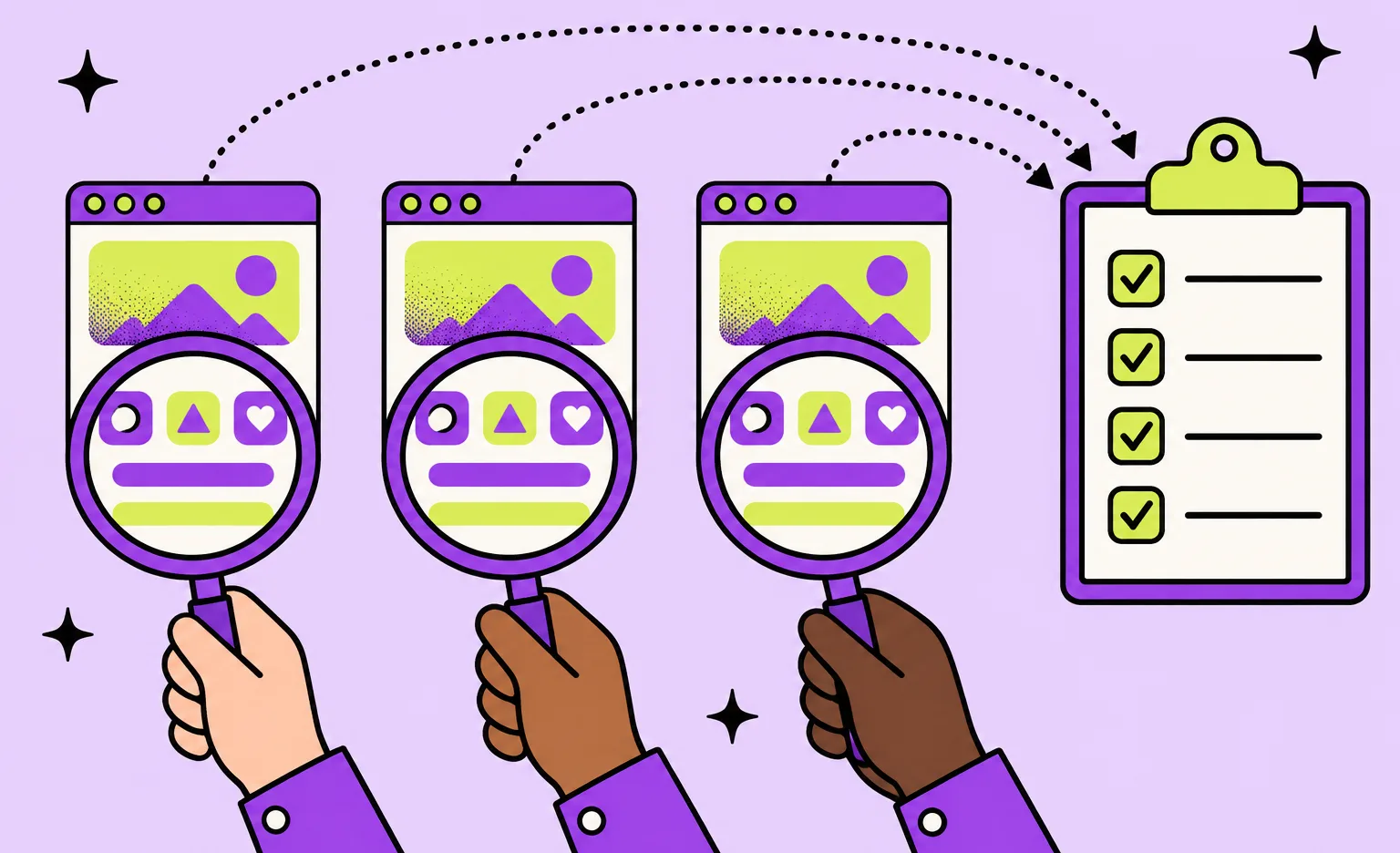
Steps 2 to 4 follow the method that Nielsen Norman Group recommends for a heuristic evaluation. Each step has one owner, so you can see which parts need your time. At Ronas IT, one senior UX designer runs the review, and the data check in step 5 is not part of our audit. Ask any other provider how many reviewers its quote covers.
- You share the context: business goals, the metrics you want to move, a test account for each role, and a sample of support tickets.
- The auditors choose the tasks: two or three main tasks per role, the ones that matter most to the business, such as creating an order or closing a ticket.
- Each reviewer works alone: they walk the tasks and log every issue against a heuristic. Nielsen Norman Group advises three to five people evaluating independently, because a single reviewer is likely to miss some problems.
- The team merges and rates: with more than one reviewer, duplicate findings become one, and every reviewer rates the full list for severity without seeing the others' ratings. With one reviewer, a data check in the next step carries more of the weight.
- Your team checks the data: if you want this step, each major finding is compared with funnels, recordings, or tickets. A finding the data contradicts stays out of the plan, and your team can check it with users.
- The auditors present the report: a call that walks through the top findings, then the full list with severity, fix, and effort.
- You decide who fixes it: your own team works from the list, or the auditors design the fixes and hand them to development.
“I walk the main task of each role myself before I open the analytics. A funnel shows where people leave, but not what confused them on that screen. So my walk gives me questions to check in the data, not answers.”
Elizaveta Denisova, Lead designer at Ronas IT
When you compare proposals, look for step 5. Without it, the report is a list of expert opinions, and your team has no way to tell a real barrier from a reviewer's taste. If a finding stays in doubt, check it by watching a few users; our guide to interactive prototypes and user testing explains how to run those sessions.
A design review before the build: Lainappi
Lainappi is a mobile app for iOS and Android where people rent out and borrow items. The client came to us with its own design and asked us to build the app. Before development started, a quick review of that design showed problems with its logic and visuals. Parts of it were also hard to build, and it did not express the product's core values well enough. So our first task became rebuilding the design.
The app was not yet released, so this was a design review rather than a data-backed audit. Two of its findings show how a problem in a flow becomes a fix:
- Payouts: getting paid took four separate steps: filling in personal data, confirming identity, waiting for the verification result, and adding bank details. We put all of it into a single block on the profile screen.
- Rentals: the status of a rental, its actions, and the talk with the owner sat on separate screens, so a renter had to move between them to finish one rental. We moved them into one chat that shows messages, system notifications, and the related actions.
The Lainappi case study shows screens of the original design and the rebuilt ones.
What drives the cost of a UX audit
Scope sets the cost. Our UX audit starts from $500: a senior UX designer reviews your app's key flows or your website's key pages and gives you the problems ranked by their effect on users and conversion, with a recommendation for each. It does not require a redesign: you can give the report to your own team. A check of the findings against your analytics is not included in the audit. Four parts of the scope change the price:
- Roles: each user role has its own tasks, so a system with an admin, a manager, and a field worker needs more review time than a single-role app.
- Screens and flows: the number of flows in scope matters more than the total screen count. Auditing only the three most important flows costs less.
- Platforms: a web app and a mobile app for the same service are two reviews, because the layouts and the platform conventions differ.
- Accessibility: a check at WCAG level AA adds criteria to test on every screen in scope.
Testing with real users is run by your team; we do not run those sessions, and they are not in the audit price.
Budget for the fixes, too. The audit tells you what to change, and the change takes design and development work. The product redesign in our UI/UX design services starts from $2,500 and covers the design part: a review of the current product, new key screens, and a UI kit for the rest, estimated by the screens and their complexity. Project management is part of that price, and development is priced separately. For a mobile product, our guide on how to redesign a mobile app covers what comes after the audit.
How to choose a UX audit provider
Choose the provider whose findings your team can act on, with the six report fields above filled in for every problem. Five questions separate a useful audit from a generic one, and you can ask all of them on the first call.
- “Describe one finding from a past audit.” Listen for the screen, the evidence, the severity, and the fix. A vague answer predicts a vague report.
- “Who reviews, and do they work independently?” One reviewer is cheaper and can be enough for one flow, but they are likely to miss some problems. Know which one you are buying.
- “How do you rate severity?” The answer should name a scale and the factors behind it, such as frequency, impact, and persistence.
- “Which data will you use?” An audit that never looks at your analytics or support tickets rests on expert judgment alone, so agree whether the provider or your own team checks the findings against the data.
- “What happens after the report?” Some providers stop at the document, and others can design and build the fixes. If your team is busy, the second kind saves a handover.
What to do next
- Pick the one flow that matters most and pull its funnel from analytics, along with recent support tickets about it.
- Write down each user role and its main tasks.
- Decide whether you can change the software. If it is third-party, look at a digital adoption platform; if it is yours, plan an audit.
- Ask each provider the five questions above, and check that their report has the six fields for every finding.
- Budget for the audit and the fixes together.



Frequently Asked Questions (FAQs)
What is a UX audit?
A UX audit is an expert review of a product that people already use. Reviewers walk the main tasks of each user role and check the screens against usability principles. The result is a list of problems, each with a severity rating and a proposed fix, so the team knows what to change first.
What is included in a UX audit?
A full audit covers the key task flows for each role, a check against the ten usability heuristics of Jakob Nielsen, consistency between screens, labels and help text, and accessibility against WCAG 2.2 level AA. A check against analytics data is a separate step that a Ronas IT audit does not include. The report lists each problem with its location, evidence, severity, fix, and rough effort. Code speed and security belong to a separate code audit.
How do you conduct a UX audit?
A UX audit moves from goals to tasks to findings to a plan: reviewers walk the main tasks of each role, log every issue against a heuristic, and rate its severity. The seven steps are in the section “How a UX audit works, step by step” above.
How long does a UX audit take?
It depends on the number of roles, flows, and screens. A review of one flow for one role is shorter than a review of a system with five roles. A UX audit at Ronas IT takes from 3 days.
How much does a UX audit cost?
The price follows the scope: how many roles and screens, and whether accessibility is checked. At Ronas IT, a UX audit of the key flows of an app or the key pages of a website starts from $500. A senior UX designer runs it, and an analytics check is not included. If the fixes need new design, a product redesign starts from $2,500 and grows with the number of screens and their complexity. Project management is included in both, and development of the fixes is priced separately.
What is the difference between a UX audit and usability testing?
In a UX audit, experts inspect the product and predict where users will struggle. In usability testing, real users try tasks while someone watches, so the team sees the struggle directly. An audit is faster and needs no participants. A test is useful for checking a problem that reviewers disagree about or that the data does not show.
What tools are used for a UX audit?
The audit itself needs few tools: accessibility checkers for contrast, and a spreadsheet or a board that collects the findings. Product analytics and session recordings belong to the optional data check that your team runs after the audit. The method matters more than the tools: the same tasks, the same heuristics, and a severity rating for every problem.
How do I prepare for a UX audit?
Prepare a test account for every user role and a sample of recent support tickets. Write down the tasks that matter most to the business and the metrics you want to move. Add any past research and the list of problems your team already knows about, so the reviewers do not spend time finding them again.
Is a UX audit better than a digital adoption platform?
They solve different problems. A digital adoption platform adds walkthroughs and tooltips on top of software, which helps when you cannot change that software, such as a third-party system. A UX audit finds why people struggle in software you can change, so you fix the screen itself. If the software is yours, start with the audit.
Related posts

Related Services
Cross-platform App Development
Ship to iOS and Android from one React Native codebase instead of funding two native teams. Ronas IT handles UI/UX design, development, and the releases to Google Play and the App Store, delivering high-performance, secure apps within 2 to 4 months.
Custom Web App Development Services
Build secure, scalable web applications with Ronas IT’s custom web app development services. Our team covers the full cycle — from concept and UI/UX design to development, testing, and ongoing support — using leading tech like React and Laravel. With 200+ custom apps delivered across various industries, we ensure intuitive interfaces, smooth integration, and solutions tailored to your business goals.
UI/UX Design Services
Ronas IT designs user-focused interfaces for mobile, web, and desktop products, with designers and front-end developers working side by side for pixel-perfect handoff. A library of UI flows for common business scenarios speeds up delivery, and every project follows the same established design standards.