Web application scalability: what to scale first, how to do it, and what it costs

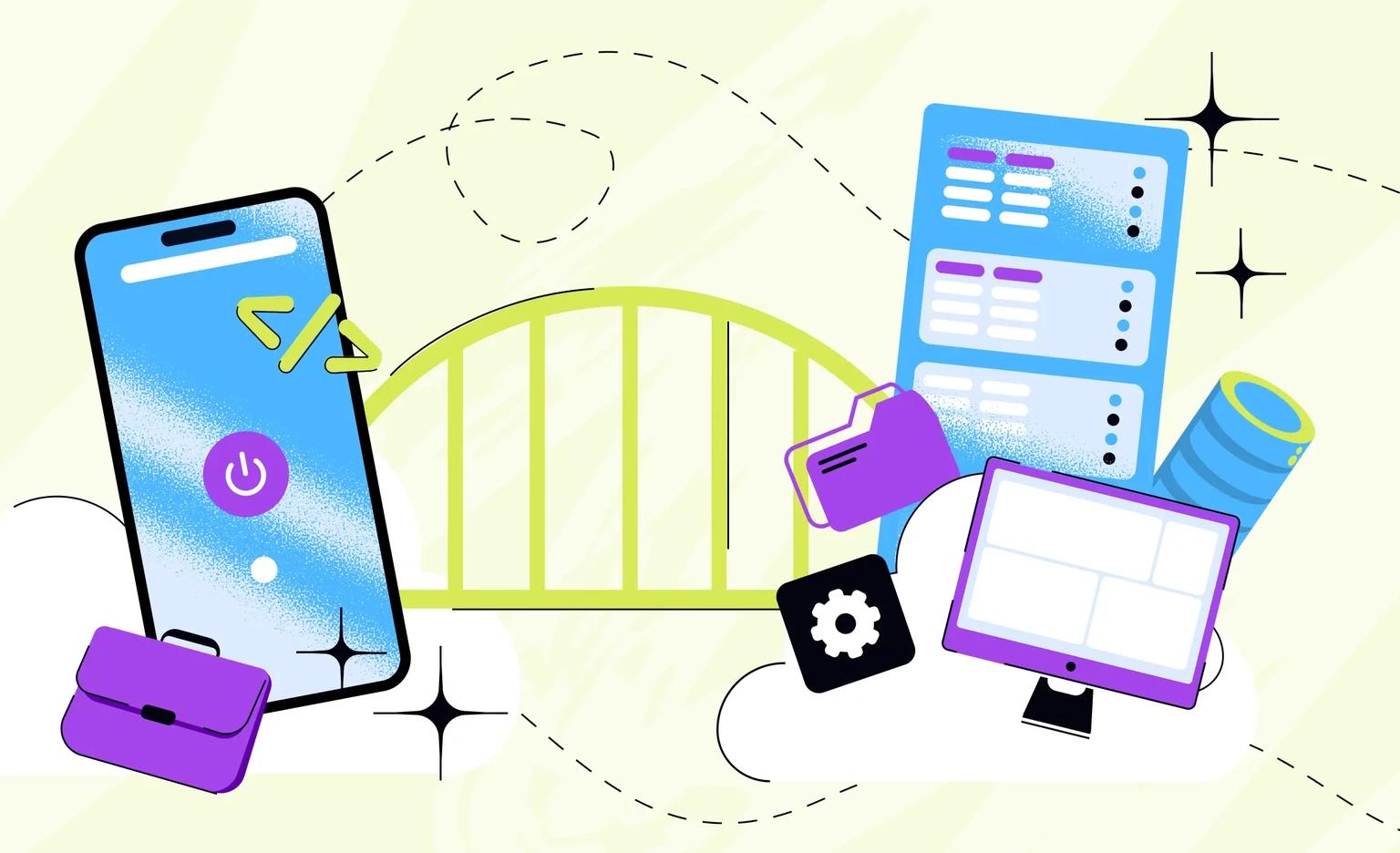
Web application scalability is the ability of a web app to serve more users, more data, and more requests while its response time, error rate, and cost per user stay about the same. To scale one, first measure where requests wait, then remove that bottleneck in the least expensive way: fix slow queries, cache frequent reads, add app servers, and split the database or the app only when one part outgrows the rest.
If your app already runs, our web app development team can start with an assessment. A new web app built for high load starts from $20,000, with design and project management in that price.
What is web application scalability?
A scalable web app handles growth by adding capacity, without a rebuild. Growth comes in three forms: more people using the app at the same time, more data to store and search, and more requests, as each new feature adds work for the servers. Scalability is something you measure with the four numbers below. In a scalable app, throughput rises with the load, and the other three stay about the same:
- Response time at a high percentile: the time within which 95 or 99 of 100 requests finish. Google's Site Reliability Engineering book prefers percentiles to averages because an average can hide the slowest requests, and it treats the 99th or 99.9th percentile as a plausible worst case.
- Error rate: the share of requests that fail, measured at the busiest hour as well as on a normal day.
- Throughput: how many requests per second the app serves while it keeps that response time.
- Cost per active user: the monthly cloud bill divided by the number of active users. If it rises as you grow, the app may be growing by buying bigger servers instead of using them better.
Scalability and performance are related but different. Performance is how fast the app is at today's load. Scalability is whether it stays that fast when the load is several times higher. For speed problems at today's load, see our guide to software performance optimization. For online stores, our guide to e-commerce scalability covers catalogs, checkout, and sale-day peaks.
When scalability becomes a business problem
Scalability becomes a business problem when growth starts to cost more than it brings. Watch for these signs:
- Slow peaks: the app is fast at night and slow at the busiest hour of the day.
- Errors during campaigns: a newsletter or a press mention brings timeouts and failed payments.
- A bill that outgrows users: the team buys bigger servers and keeps them running all day in case of a spike.
- A database at its limit: its CPU or its number of open connections stays close to the maximum, and each new feature adds to it.
- Late background work: emails, reports, and imports finish hours later than they used to.
When you do not need to plan for scale yet
If you are testing an idea with your first users, a scaling project is early: one well-built app on one database is cheaper to build and easier to change. What it needs at this stage is a design that does not block growth later:
- No data on the app server: sessions and uploaded files go to shared storage, so a second copy of the app can start at any time.
- A managed database: the cloud provider runs backups and updates, and the database can move to a larger size later.
- Servers described in code: a tool such as Terraform defines the environment in code, so a new one can be copied instead of rebuilt by hand.
- Monitoring from the first release: you see response time and load change over weeks, before users complain.
With us, a basic web MVP with only the main features starts from $5,000, and an extended MVP, with more features, roles and integrations, starts from $10,000. Both prices include design and project management.
“When a client says the app must be ready for huge traffic, I ask where the first users will come from and how quickly. If they arrive gradually over months, the app can grow step by step, and that needs a smaller budget than a large system built on day one.”
Roman Surikov, CEO at Ronas IT
Find the bottleneck before you scale
Scaling the wrong part costs money and fixes nothing: more app servers do not help when every request waits for the same slow database query. Start by measuring where the time goes. Monitoring in production shows where requests wait today, and a load test shows where they will wait at the traffic you expect.

Each symptom points to a likely bottleneck and a first fix:
| Symptom | Likely bottleneck | First fix to try |
|---|---|---|
| Slow pages, high database CPU | Queries and indexes | Find the slowest queries, add indexes, cache repeated results |
| Slow only at peaks, app servers fully busy | App servers | Add app copies and spread requests with a load balancer |
| Images and scripts load slowly for users far away | Static files | Serve them from a content delivery network (CDN) |
| Timeouts on reports, imports, or emails | Long tasks inside requests | Move them to a background queue |
| Writes are fine, reads overload the database | Read load | Add a read replica |
| Errors when a partner service is slow | Third-party APIs | Timeouts, limited retries with an idempotency key for writes, and a fallback |
A load test should answer the question you have. The k6 documentation describes the common types: an average-load test checks normal conditions, a stress test goes above the expected average, a spike test checks a sudden, short rise, a soak test keeps the load on for a long time, and a breakpoint test raises the load step by step until it finds the limit. Before a campaign with a known date, a spike test at the expected peak is the one that matters.
Vertical vs horizontal scaling
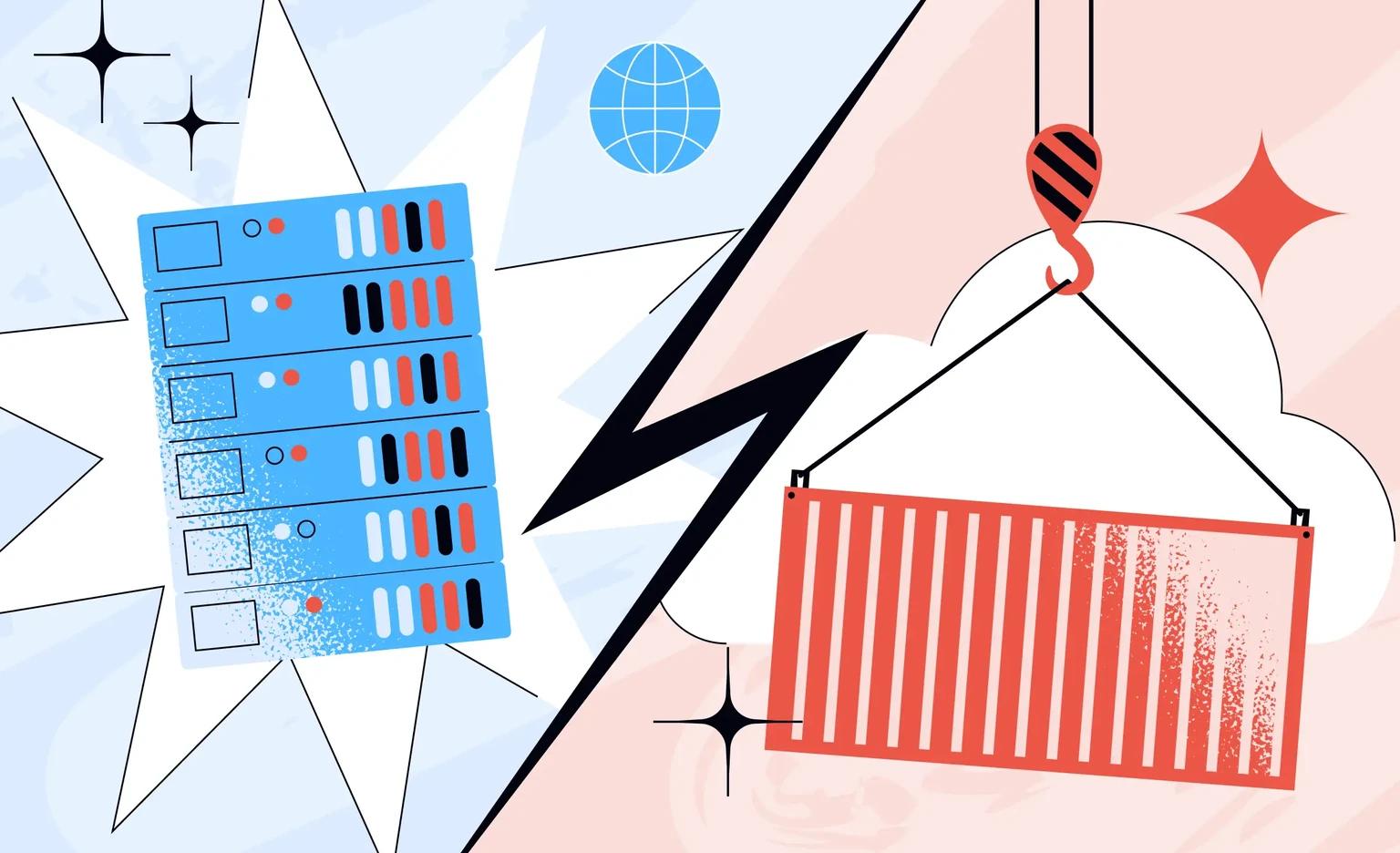
Vertical scaling gives one server more CPU and memory. Horizontal scaling adds more servers that share the load. Vertical scaling is quick and needs no code changes, but it stops at the largest server size and keeps one point of failure. Horizontal scaling can keep adding servers, as long as the app can run as several copies.
| Aspect | Vertical scaling | Horizontal scaling |
|---|---|---|
| What changes | A bigger server | More servers behind a load balancer |
| Code changes | None | The app must keep no data on its own server |
| Limit | The largest server size the provider offers | Shared parts, such as the database |
| When one server fails | The app is down | The other copies keep serving users |
| Fits | Databases, early products, quick relief | App servers of a growing product |
To run as several copies, the app has to be stateless. The Twelve-Factor App, a set of rules for building web apps, says processes are “stateless and share-nothing”, and data that has to persist lives in a backing service such as a database. In practice, user sessions go to a shared store such as Redis, uploaded files go to cloud storage, and no data lives only in one server's memory.
Once the app is stateless, the number of copies can follow the load. On Kubernetes, the HorizontalPodAutoscaler does this: it adds Pods, the units that run the app's containers, when load grows, and removes them when it falls, down to a minimum you set.
How to scale a web application, step by step
Scale in order of cost. Take the cheapest step that fixes the bottleneck you measured, and move to the next step only when measurements show that the current one is not enough.
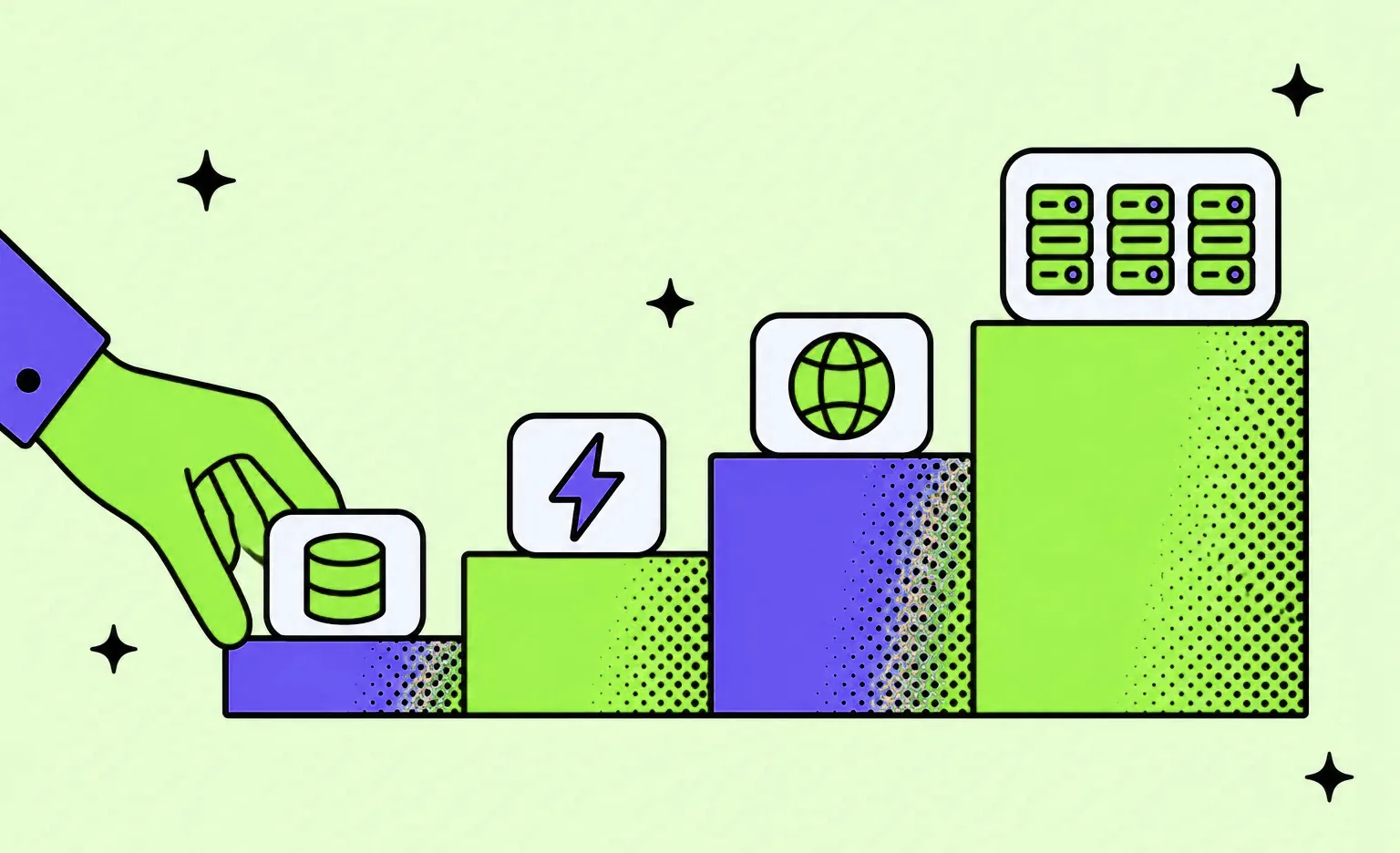
- Fix slow queries and add indexes. A missing index can make one page read a whole table. This step changes no infrastructure, so it is the cheapest one to try first.
- Cache what users read most. Keep the results of frequent reads in a fast store such as Redis, so the database does not compute them again. On Waku Waku, an anime community platform with web and mobile apps that we designed and built, we put a Redis cache for frequently accessed data in front of the PostgreSQL database, which ran on Amazon RDS, a managed database.
- Serve static files from a CDN. Images, scripts, and styles come from servers close to the user, and the app servers spend less time on them.
- Run several copies of the app behind a load balancer. The load balancer spreads requests across the copies, and autoscaling adds or removes copies with the load.
- Move slow work to background queues. Emails, reports, imports, and calls to slow partner APIs run as jobs outside the request, so a user does not wait for them, and a burst of jobs is processed at a steady rate instead of all at once. A queue does not add capacity, though. In Matthew Hawthorne's worked example, workers that handle 1,000 requests per second face 1,100 per second for one hour: about 360,000 jobs pile up, and the last ones wait about 6 minutes. Server dashboards can look healthy the whole time, because they do not count the time a job spends in the queue. Watch the queue length and the age of the oldest job, and add workers when the queue keeps growing.
- Add read replicas. PostgreSQL can run read-only queries on a standby server, which takes read load off the main database. Replicas get changes with a delay: Amazon RDS copies updates to a read replica asynchronously. A page that must show a change right after it is saved should read from the main database.
- Split the data or the app only when one part outgrows the rest. Large tables can be partitioned, and one busy part, such as search or notifications, can move into its own service. Figma's database team describes this order: in 2020 it ran one PostgreSQL database on AWS's largest instance, and its first big step was moving groups of related tables into separate databases, which it calls easy and very impactful. Splitting single tables across many databases came later and was an order of magnitude more complex: the first table took about nine months. The team also chose not to switch to another database, because the data migration carried more risk than staying with PostgreSQL.
“A cache makes reads fast and makes data old. Before we add one, we decide for each cached item how old it may get and what clears it when the data changes. A list of articles that is slightly out of date does no harm. An account balance or a stock count has to be current, so we either clear it on every write or do not cache it at all.”
Alexander Storozhevsky, Lead developer at Ronas IT
Choosing an architecture for a scalable web app
A monolith with clear internal modules has one codebase and one release, and it scales horizontally like any stateless app. Microservices pay off when parts of a large product grow at different speeds and separate teams own them. Serverless fits short, stateless tasks with uneven traffic.
| Architecture | What it is | Fits when | Watch out for |
|---|---|---|---|
| Modular monolith | One codebase and one release, split into modules with clear boundaries | New and mid-size products, one team | Modules that read each other's data directly |
| Microservices | Separate services, each with its own data, linked by APIs | Large systems, parts with very different load, several teams | Network calls, more monitoring, more DevOps work |
| Serverless | Functions or containers that the cloud provider runs for each event | Webhooks, file processing, scheduled jobs, uneven traffic | Time limits, duplicate deliveries of the same event, cost under steady load |
Starting with a monolith is common advice. Martin Fowler writes that almost all the successful microservice stories he has heard started with a monolith that got too big and was broken up. A monolith that is ready for horizontal scaling and has clear module boundaries lets you move one module out later, when its load justifies a service of its own. For the parts that fit serverless, our serverless application development guide explains how to split them from the core.
Third-party services: the limit you do not control
Payment providers, data feeds, maps, and email services have their own rate limits and outages, and more servers on your side do not change them. A scalable app protects itself: every call has a timeout, retries are limited, slow calls go through a queue, and the app keeps working when a partner returns errors or incomplete data. A read can be retried as it is, but a write such as a payment may have gone through before the timeout, so its retry carries an idempotency key or passes a duplicate check, and the customer is not charged twice.
An AI feature brings in a partner of this kind with limits of its own. Anthropic's rate limits are measured in requests, input tokens, and output tokens per minute, a request over any of them gets a 429 error, and the limits depend on the usage tier the organization has reached. Every call is also billed by the tokens it uses, so the model bill, and with it the cost per active user, rises with each user who calls the feature. Send model calls that can wait through the background queue, cache answers to repeated questions, and request higher limits well before a campaign.
On the OddsCrowd web app, a community platform for sports bettors, a new data provider for games and odds was still under development, was unreliable at times, and kept changing its data structures. We spent extra time on error handling, so that the app would not fail if the provider stopped responding or sent incomplete data. The lesson for any growing product: list the partners each user action depends on, and decide what the app shows when one of them is down.
How we set up infrastructure that can grow
We build the production environment in the client's own cloud account, using our open-source Terraform modules for AWS and Google Cloud, and choose where the app runs for each project. A product with several services or a high or changing load runs on Kubernetes, set up with Helm charts, where adding capacity is a change to code instead of manual work on a server; a smaller product often runs on a VPS with Docker Swarm.
- Infrastructure as code: Terraform and Terragrunt keep every environment versioned and reproducible, and every change goes through review.
- A ready cluster: on Kubernetes, it comes with an ingress controller, automatic TLS certificates, a Kubernetes cost monitor, and a CI runner, so the cluster's cost is tracked from the first day.
- Two environments: production and development run separately, with automated releases.
- Tests before release: the backend pipeline runs code analysis, then tests, then the build, and the build cannot start until the tests pass.
- Monitoring and review after launch: Grafana and Prometheus watch the servers, and the recurring work includes security patches and a review of performance against cost.
What scaling a web application costs
For an app that already runs, you can start with an assessment: an analysis phase that audits the code and reviews the architecture against your traffic. The fixes it recommends get their own estimate. If you are building a new product for high load, a complex web product with real-time functions starts from $20,000 and 8 weeks with us.
| Work | Price | When it fits |
|---|---|---|
| Analysis phase (optional) | $1,000–$2,000, about 1 week | A code audit and architecture review of a running app, or the scope and architecture of a new one |
| Dedicated development team | From $8,000 per month | Ongoing architecture work and fixes: two developers and a part-time project manager |
| DevOps and hosting | From $200 per month | Environments, CI/CD, and monitoring for an existing app |
| Backend rework | From $2,500 | A new backend for an existing app, such as splitting a high-load system into services, with data migration |
| Cloud migration | Estimated by scope | Moving an existing app to AWS, Google Cloud, or Azure |
| Support and maintenance | From $1,000 per month for one app, $2,000 for a whole system | After launch: monitoring, fixes, and updates |
| Complex web product | From $20,000, and takes at least 8 weeks | A new product for high load, with real-time functions, design, and project management |
For a new product, the architecture, integrations, and cloud setup are part of its price, and a mobile app next to the web app adds from 50% of it. Cloud hosting is billed by the provider to your own account, separately from our work. Our guide to app hosting cost explains how that bill changes as traffic grows.
How to choose a team to scale your web app
Look for a team that measures before it proposes changes and leaves the infrastructure with you. Scaling work changes how the app runs and what it costs every month, so find out how each team would do the work before you compare prices. These questions help:
- What will you measure first? A good answer names the monitoring that will show where requests wait, before any talk of microservices.
- Where will the infrastructure live? Production should run in your cloud account, with the environments described as code that stays with you.
- How will we see the cost? Expect to hear where you will see what the infrastructure costs and how often the team reviews it.
- In what order will you make changes? A good plan begins with the bottleneck you measured and the least expensive way to remove it.
- How are releases protected? The team should name the automated checks that run before a release, so a fix for load does not break a feature.
What to do next
- Write down your growth target: users at the same time, data volume, and the date of the next big peak.
- Measure where you are: response time at the 95th percentile, the error rate, and the cost per active user.
- Find the bottleneck: use monitoring, or a load test that matches your target.
- Fix it in the least expensive way: then measure again before the next one.
- If your app already runs: ask about an assessment; the fixes it finds get their own estimate.
- If you are building a new product: ask for a rough estimate. If you have no written scope yet, you can ask for an analysis phase.


Frequently Asked Questions (FAQs)
What is scalability in a web application?
It means a web app can take more users, data, and requests by adding capacity in steps instead of being rebuilt. If response time at a high percentile, error rate, and cost per active user stay about the same as the load grows, the app scales.
What is the difference between horizontal and vertical scaling?
Vertical scaling moves the app to a bigger server, which needs no code changes and is limited by the largest server your provider offers. Horizontal scaling runs more copies of the app behind a load balancer; it works once sessions and files are stored outside the app server, and one failed copy does not take the app down.
How do I know if my web app can scale?
Test it. A load test sends the traffic you expect, or more, and shows where response time and errors start to rise. Run it against the user paths that matter most, such as sign-up or checkout, and watch the response time at the 95th percentile and the error rate, not the average.
Do I need microservices to scale a web app?
Not as a rule. A monolith with clear internal modules can run as many copies behind a load balancer, with a cache and read replicas behind them. Microservices are worth their extra network calls and operations work when one part of a large product needs far more capacity than the rest and several teams each own a part.
Can an MVP be built to scale?
Yes, if the first version keeps sessions and files off the app server, uses a managed database, and has monitoring from the start; these choices cost little early on. With us, an extended web MVP with a scalable architecture starts from $10,000, and the price includes design and project management.
How much does it cost to make a web app scalable?
For a running app, the first step can be an assessment: an analysis phase with a code audit and an architecture review, which costs $1,000–$2,000 and takes about a week, and the fixes it finds are priced separately. A new web app designed for high load starts from $20,000 and 8 weeks with us, project management included, and your cloud provider bills the hosting.
How does a web app's database scale?
As load grows, indexes and query fixes come first, a Redis cache takes repeated reads, and read replicas take reads that can tolerate a short delay, while a page that must show a fresh write reads from the primary. Very large tables can then be split into partitions.
Can you scale an existing app without rewriting it?
Yes, if each change targets a bottleneck you measured, such as a slow query, a missing cache, or too few app copies. Rewriting one part makes sense when the same problem comes back after each fix; our guide to performance optimization explains how to tell the two cases apart.