Workflow automation services: what to automate, which tools to use, and what it costs

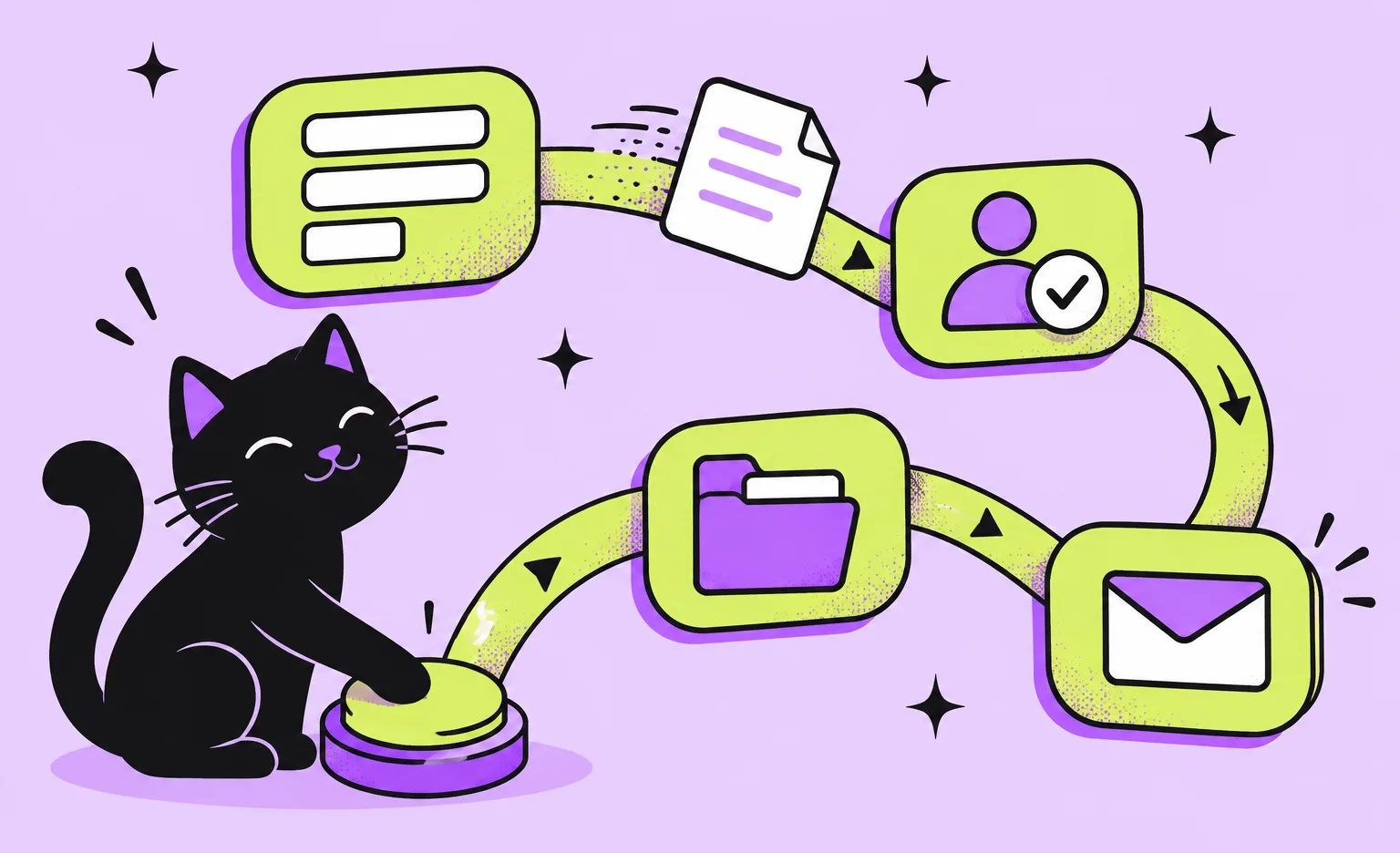
Workflow automation services map a manual business process, such as an invoice approval or a lead handoff, turn it into a flow that runs on rules in a ready-made tool or custom code, connect your systems, and keep the flow running after launch. At Ronas IT, a flow in custom code that connects your systems and external services starts from $2,500, and an optional analysis phase before it costs $1,000 to $2,000.
If you own a slow process and have to decide how to automate it and whether to bring in a partner, this guide covers which workflows to start with, when a no-code platform is enough, where AI helps, what steps a project goes through, and what we charge.
What is business workflow automation?
Business workflow automation is software that moves a task through its steps without a person pushing it along. Each flow has three parts: a trigger that starts it, such as a submitted form or a new invoice; rules that decide what happens next; and actions, such as creating a record, asking a manager for approval, or sending a message.
People stay in the steps that need judgment. The automation takes over the handoffs between them: it sends a request to the right person, reminds them when the request waits too long, and writes the result into the system where it belongs. As a result, work stops getting lost between two people, nobody retypes the same data into a second tool, and anyone can see which step a request is at.
Which business workflows to automate first
Start with a workflow that runs often, follows written rules, starts from digital input, and costs money when it is late or wrong. An invoice that waits a week for approval, or a new lead that nobody answers for two days, is a good first candidate. A process that changes every month, or needs judgment at every step, is a poor one.
To rank candidates by the money they cost you each month, read our article on how to reduce operational costs with IT solutions.
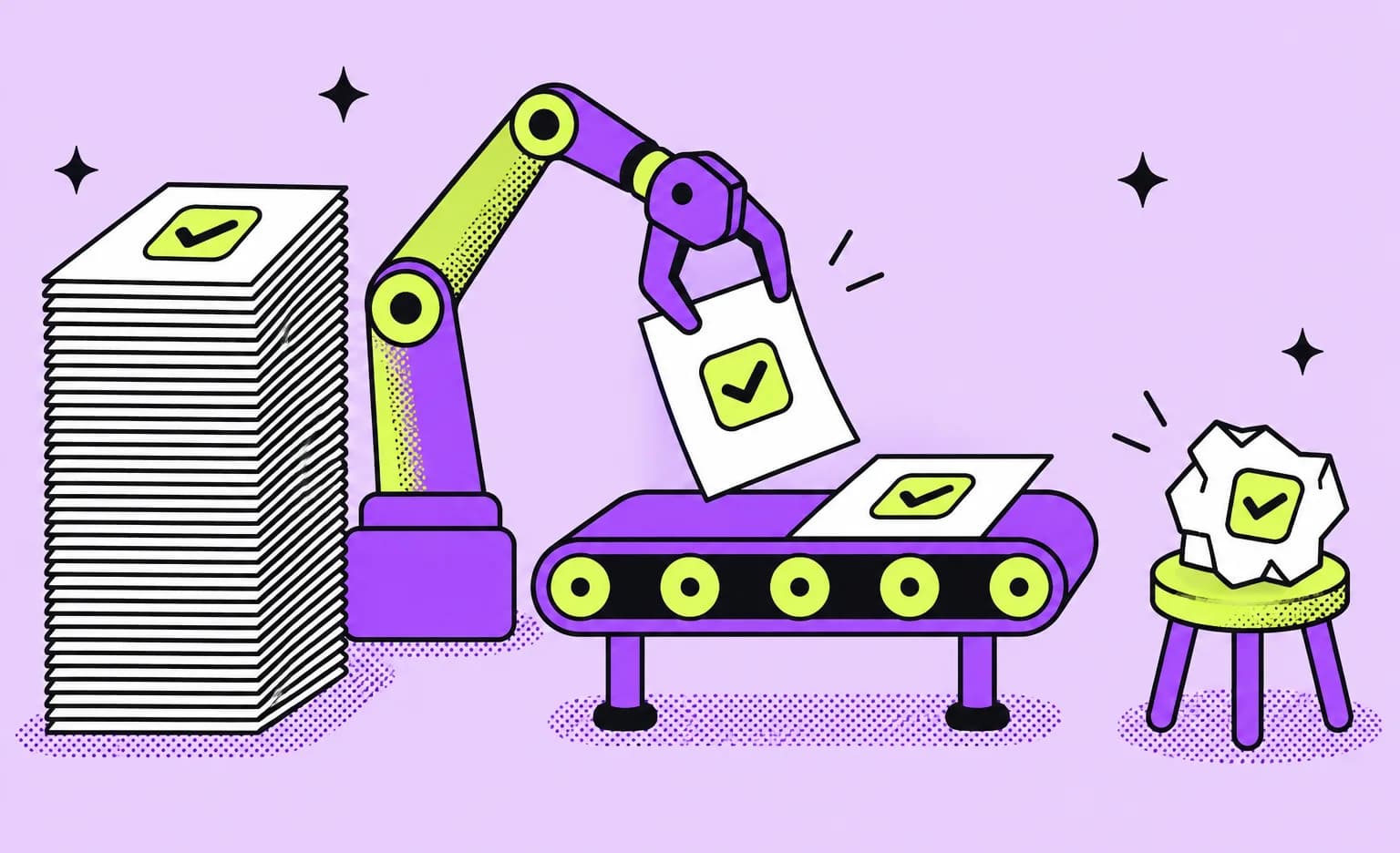
These are examples of workflows to automate in each department:
- Finance: invoice approval routed by amount, matching invoices with purchase orders and delivery receipts, and expense requests.
- Sales: assigning a new lead to the right manager, creating its CRM record, and a reminder when a reply is overdue.
- HR: an onboarding checklist that creates accounts in internal tools, and leave requests that update the team calendar once approved.
- Operations: routing orders to drivers or warehouses, status updates to customers, and exceptions sent to a dispatcher. For delivery and warehousing, we describe this work on our logistics software development page.
- Customer support: sorting tickets by topic and urgency, and answering routine questions from a knowledge base.
What workflow automation services include
A workflow automation project has six kinds of work, starting with a map of the process as it really runs and ending with watching the flows after launch. The first two shape the cost of everything else, so a partner should finish them before quoting the build.
- Process mapping: every step, who does it, which system holds the data, and where work waits, plus the exceptions, such as an approver on leave or a missing document.
- Tool choice: a no-code platform, custom code, or both, and a rule that says which flows go where.
- Flow design: the rules, the approval levels, the time limits, and what happens when a step fails.
- Build and integrations: the flows themselves, plus the connections to your CRM, ERP, accounting, or messenger. When the main job is connecting systems to each other, our guide to enterprise application integration goes deeper.
- Testing: the normal path and the exceptions, including a system that does not answer and a request that arrives twice.
- Monitoring and support: a way to see that a flow has stopped, and a named person who changes the flows when the process changes.
“Everyone in the kickoff meeting describes the normal case, and that part is quick to build. The real work is in the cases nobody mentions until the flow runs into them. If a proposal does not say what happens in those cases, the flow will decide for you, and usually badly.”
Alexander Storozhevsky, Lead developer at Ronas IT
No-code platform or custom workflow automation?
Use a no-code platform when your flows are standard, the volume is modest, and your tools already have connectors. Build custom workflow automation when the volume is high, the rules are business-specific, the data has to stay in your own infrastructure, or the flow is part of a product your customers use. The two can also be combined.
| Option | Good fit for | Risk to plan for |
|---|---|---|
| Hosted no-code platform, such as Zapier, Make, or Microsoft Power Automate | A few flows between popular SaaS tools, in a team without developers | A bill that grows with the number of actions; flows that each person builds in their own way |
| Self-hosted platform, such as n8n | Flows that must run on your own servers, in a team that can run servers | Someone has to host, update, and secure it |
| Custom code | Business-specific rules, high volume, systems without connectors, flows in your product | Maintenance is on your side, so plan tests and monitoring for the first release |
| A mix of both | Standard flows on a platform, and the core process in code | Without a written rule for where each flow runs, the two parts get out of sync |
Hosted platforms and custom code also differ in how their cost grows over time. Zapier, for example, counts a task each time a flow successfully completes an action, and its free plan includes 100 tasks per month. That model is cheap for a handful of flows. For a flow that runs thousands of times a day, compare the yearly subscription with the cost of building the flow once. If your company already works in Microsoft 365, check Power Automate first: it runs inside Microsoft 365 apps such as Teams, Excel, and SharePoint.
n8n is on the Adopt ring of our public tech radar, the ring for technologies we have high confidence in and recommend for wide use. The platform runs in n8n's own cloud or on your servers, and the n8n documentation is direct about the second option: it recommends self-hosting for expert users and warns that mistakes can lead to data loss, security issues, and downtime.
“If a platform subscription can run your flow, we say so, even though it makes our part of the project smaller. The question I ask is who will change the flow after launch. When your own team can do that in the platform, the platform is usually the better deal. Custom code is worth its cost when every change to the flow needs a developer anyway.”
Roman Surikov, CEO at Ronas IT



Where AI fits in workflow automation
AI helps at the steps where a person used to read free-form input and decide: sorting an email, pulling fields out of a document, or drafting a reply. Plain rules stay better for any decision a database query can make, such as who is next in line or whether a deadline has passed. A good flow uses both and puts the model only at the steps that need it.
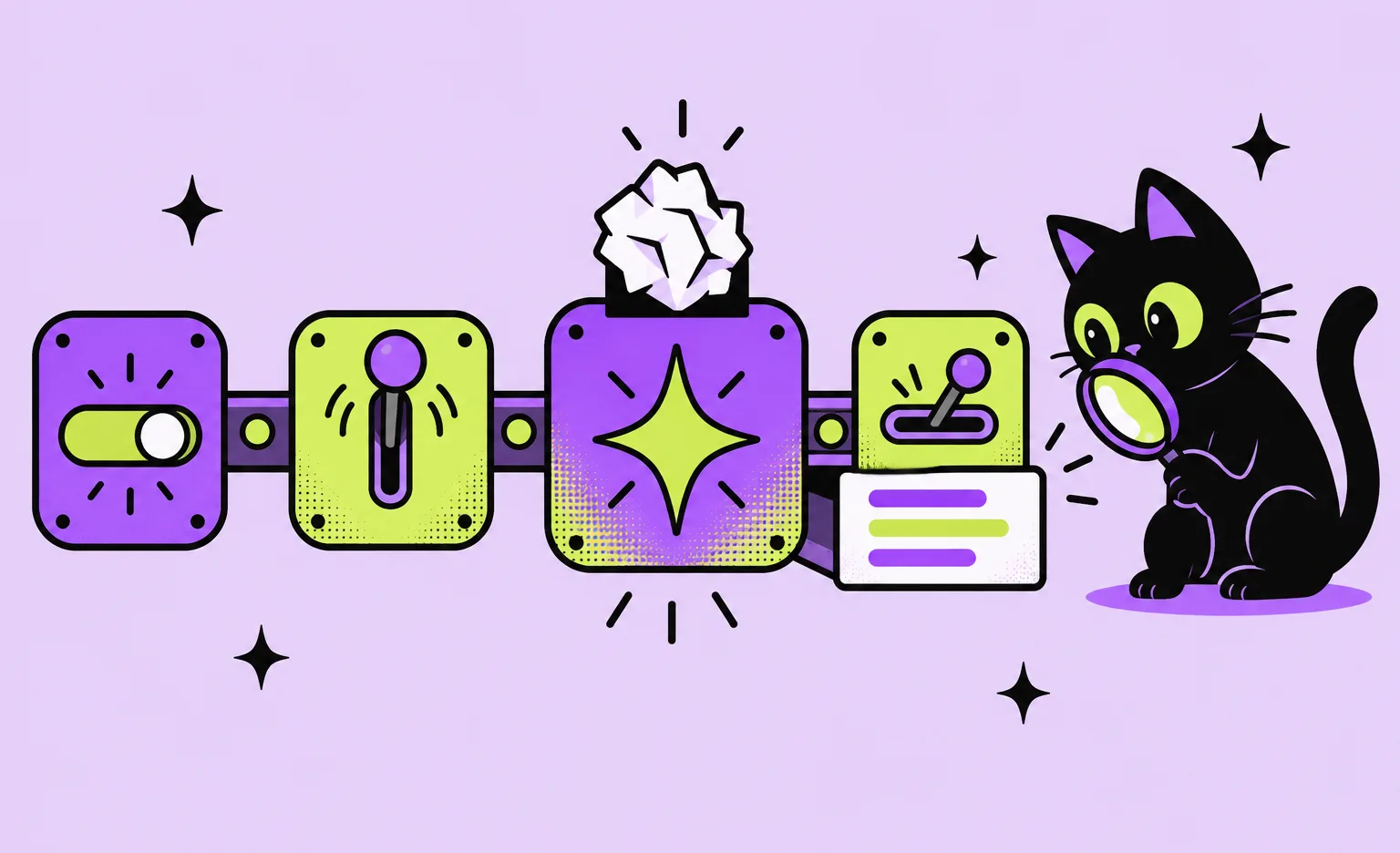
We work this way in our own lead pipeline, and four of its rules can carry over to other flows with an AI step:
- Rules run before the model: job postings from freelance platforms, where the pipeline looks for new projects, are screened by budget, client rating, and keywords in the title, and only the ones that pass reach an AI step. The model then reads fewer postings, and each of them could become a project.
- The model writes into fields: when an AI step qualifies an opportunity, the verdict goes into structured fields rather than free text: a score on the job record, or picklist fields on the CRM lead with the service chosen from a fixed list. A person can filter, count, and correct a field, which is harder with a paragraph of text.
- A query decides who gets a follow-up: it checks that our message was the last one, that there has been no reply for more than a day, and that the CRM status does not stop follow-ups. The model only writes the text, and a manager can switch the whole automation off with one field.
- Writing and sending are separate steps: a message counts as delivered only when the system reads the conversation again and finds the exact text there.
For AI work beyond single steps in a flow, see our AI software development services.
How a workflow automation project runs
We run a workflow automation project in five steps, and the process map comes before the build estimate. Until every step and exception of the process is written down, the number of flows and integrations is a guess, and so is the price. A rough estimate is free; the paid analysis phase is for a process that is not mapped yet.
- Process map. We map the process as it runs today, the systems it touches, and its exceptions, and we check what is technically possible. In the analysis phase, you receive a scope document that gives the budget and the timeline; if your team has already mapped the process, we start from that map.
- A conditional estimate. The budget and the timeline hold for a stated setup, and the estimate writes that setup down: the stack we propose, the team we expect to need, and the third-party services it relies on.
- Sprints with a result to check. We work in sprints, usually of one to three weeks. Each one hands you a working piece to try, for example a flow that already runs on the development server.
- Testing before release. Our backend tests never make real calls to third-party APIs, so a vendor that changes its interface, goes down, or limits its test environment cannot fail the test suite that your release waits on.
- Launch and support. For flows in custom code, our standard post-launch setup is small: two environments (production and development), automated releases, and Grafana with Prometheus to monitor the flows. A stopped flow can then show up on a dashboard before a customer complains about it.
Related case: Hamperapp, a workflow designed into a product
Not every workflow runs as a separate flow between tools. Sometimes the workflow is the product, and the same rule applies: map the roles and the handoffs first, and design the screens second. Hamperapp is a service in Florida that does laundry and dry cleaning, both for consumers and for hotels, restaurants, and other businesses. Our research showed that four types of users take part in its workflow, and we designed and built an interface for each of them.
- Customers: order laundry services and pay online, with payments on Stripe. The order starts the flow.
- Drivers: receive new orders in the app through Ably as they come in, which is the handoff from the customer to the drivers. They follow routes built with Mapbox.
- Managers: stay in the steps that need a person. They edit an order when a customer has forgotten something, such as an item, a comment, or a new delivery time, and charge the payment.
- Administrators: add services, laundries, commercial clients, and promo codes, and manage all orders.
At the time of the case study, the service worked with almost 80 local laundries.
What we charge for workflow automation services
In custom code, a flow that connects the systems you already run starts from $2,500, with the connections, the flow logic, project management, and testing in that price. An invoice approval flow that reads invoices from your accounting system and asks approvers in a messenger connects to two services and starts at that level; more services, rules, and approval steps raise the estimate. The analysis phase before it is optional.
Systems built around workflows cost more: document management with approval flows starts at $15,000.
| Work | When it applies | Starting price | Timeline |
|---|---|---|---|
| Analysis phase: process map, scope, budget, and timeline | Optional, when the process is not mapped yet | $1,000 to $2,000 | At least 1 week |
| Flow in custom code: the connections to your systems and external services, the flow logic, or an API that your other systems call | Your process runs across systems you already have | From $2,500 | At least 2 weeks |
| AI chatbot for support, lead qualification, or other workflows | The flow talks to people in a chat | From $3,000 | At least 1 week |
| AI step inside an internal business process | The flow has an AI step, such as sorting email | From $3,000 per AI feature | At least 1 week |
| Document management system with approval workflows | Documents need a system of their own, not only a flow | From $15,000 | At least 6 weeks |
| HR management system with HR workflow automation | HR records and processes need one system | From $15,000 | At least 6 weeks |
| DevOps and hosting: environments, releases, and monitoring | Custom code on your cloud account or your own servers | From $200 per month | Ongoing |
| Support after launch: monitoring, fixes, and updates | A monthly plan after launch, for custom code | From $1,000 per month | Ongoing |
A typical project combines a flow with an AI step or with a monthly plan. The rules and approval steps of the flow set its final estimate once they are mapped, and our build quote covers the integrations and the flow logic together and states the conditions it depends on. Two costs stay outside our quote: any platform subscription you choose, paid to the platform vendor, and cloud resources, paid to the cloud provider.
Our engineers connect systems through their APIs with AI agents at every stage. Whether the flow matches how your business really approves and pays is checked by the engineer and agreed with you.
When you do not need a workflow automation service
You do not need outside help when your tools already automate the step, when the process is not agreed yet, or when the task is so rare that a checklist costs less than a flow. In each of these three cases we would tell you so and name the cheaper step.
- Your tools already do it: your CRM or help desk may already have built-in rules for assignment and reminders, so check them and switch them on first.
- The process changes every month: agree on it in writing first, because a flow copies the process it is given.
- The task is rare: a task one person does twice a month may not be worth a flow that needs someone to maintain it.
How to choose a workflow automation partner
Before a workflow automation partner gives you a price, listen to what they ask about your process. A price set before anyone maps the process can grow later through change requests. Ask these questions on the first call with each partner you consider.
- What do you deliver first? The answer should be a map of the process and its exceptions, not a list of flows.
- Will you tell me if a platform is enough? If the partner does not say so, you may pay for work that a subscription could do.
- What happens when a step fails? Ask how the partner will find out that a flow has stopped.
- Who changes a flow when the process changes? Ask for the support terms in writing.
- Whose accounts will the flows run in? Flows that run in the partner's accounts can be hard to take back if you change partners. Ronas IT projects start in a cloud account that the client owns.
- How do your own AI agents fit into the work? Ask who accepts the code an agent writes, which AI services see your process documents and credentials, and under whose accounts they run. A partner who says agents make the build fast should show it in the quote. Our guide to choosing a software development company lists the full set of AI questions. At Ronas IT, a named engineer accepts and answers for agent work.
What to do next
- Pick one workflow that runs often and follows rules, and write down each step, who does it, and where work waits.
- List its exceptions: missing data, an absent approver, a duplicate request.
- Check whether your current tools have built-in automation or connectors for these steps.
- For the rest, choose a platform or custom code by the comparison table: how specific the rules are, the volume, and where the data has to stay.
- Ask for a build estimate that lists its conditions, and plan a budget for the analysis phase if the map still has gaps.
A flow does exactly what its process map says, including the gaps. The time spent on the map is the part you keep, whichever tool ends up running the flow.
Frequently Asked Questions (FAQs)
What is workflow automation?
What are examples of workflow automation?
What is the difference between workflow automation and RPA?
What are the best workflow automation tools?
Can I run workflow automation on my own servers?
How does AI improve workflow automation?
How long does a workflow automation project take?
How much do workflow automation services cost?
What are the challenges of workflow automation?
Related posts



Related Services
AI Software Development Services
We deliver custom AI solutions, including generative AI, chatbots, predictive analytics, and recommendation systems. From strategy to integration and ongoing support, our expert team ensures secure, scalable, and value-driven AI applications tailored to your needs, so you can innovate faster and stay ahead of the competition.
Logistics Software Development Services
Ronas IT builds systems for supply chain and fleet management, warehouse process automation, shipment tracking for customers, and route optimization for drivers. We connect them to the ERP, WMS, TMS, and carrier systems you already run, so one shipment stays one record across the stack.