Supply chain management software development: modules, AI features, cost, and steps

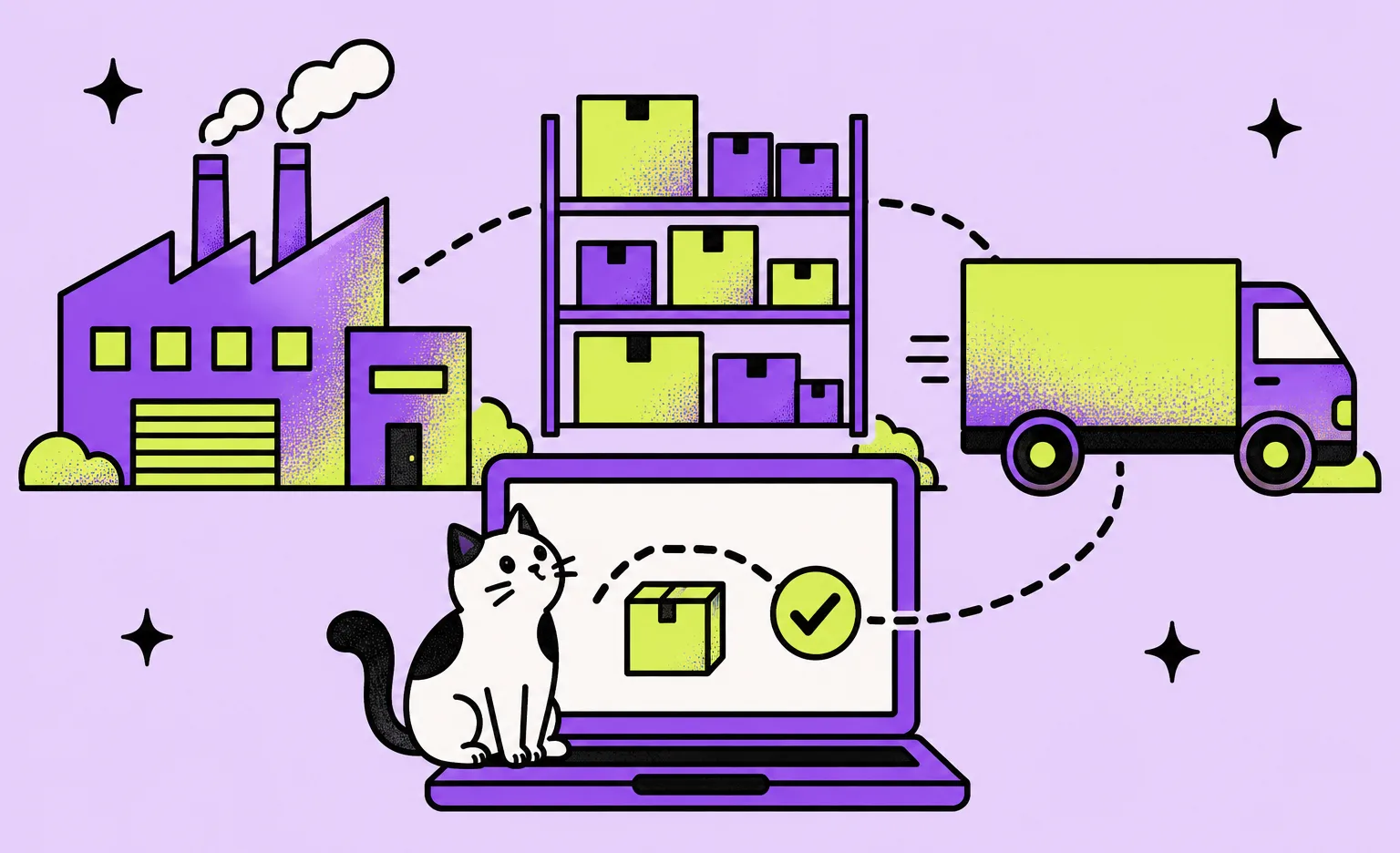
Supply chain management software development means building the system that plans how much stock you need, buys it from suppliers, runs warehouses and shipments, and shows where every order is. At Ronas IT, a custom supply chain system with web and phone apps starts at $30,000 and takes at least 8 weeks. A first release does not need every module: it can cover the one process that a ready-made suite handles badly and connect it to the ERP you already run.
This guide is for operations and IT leads who are deciding whether to buy, build, or extend. Our logistics software development page describes the service itself.
What supply chain management software covers
Supply chain management software is a set of modules, each responsible for one part of the path from forecast to delivery. Suites sell them together, but they are separate in practice: different people use them, and they exchange data through orders, stock levels, and shipment statuses. Knowing which module your problem belongs to tells you what to compare.
| Module | What it does | Main users |
|---|---|---|
| Demand planning | Forecasts demand by item and location and sets stock targets | Planners |
| Procurement and suppliers | Sends purchase orders and tracks confirmations, prices, and delivery dates | Buyers, suppliers |
| Inventory | Keeps stock levels by item and location, with the history of every movement | Operations, purchasing |
| Warehouse management (WMS) | Runs receiving, putaway, picking, and packing tasks inside a warehouse | Warehouse managers and staff |
| Order management (OMS) | Takes orders from every channel and decides which location fulfills each one | Customer service, sales |
| Transportation management (TMS) | Plans loads and routes, books carriers, and tracks shipments | Dispatchers, drivers |
| Visibility and analytics | Shows the status of orders and shipments across partners and flags delays | Managers |
Demand planning and order management read stock levels from the inventory module, so it is a good one to get right first. Our guide to inventory management software development covers it in detail.
Buy a suite, build custom software, or extend what you have
Buy a suite when your processes match what it expects. Build custom software when the process that makes your business different is the one the suite handles badly. Extend when your ERP already holds the right data but staff leave it to make one decision somewhere else. Suite vendors include SAP, Oracle, Blue Yonder, and Kinaxis. If one of them fits your case, we will say so.
| Your situation | Better fit | Reason |
|---|---|---|
| Standard planning, purchasing, and warehouse processes | Ready-made suite | The vendor maintains the features and upgrades, and your team adapts to the tool |
| The ERP holds the data, but planners copy it into spreadsheets for one decision | Custom module on top of the ERP | It reads and writes through the ERP, which stays the system of record |
| Suppliers or carriers confirm orders and dates by email | Custom partner portal | Partners enter confirmations and dates straight into your system, in the steps your process needs |
| You sell logistics as a service, as a 3PL, a delivery company, or a marketplace | Custom system | The software is part of what your customers buy, so its rules are yours |
“Before you pick a row, test the fit. Ask the suite vendor to run one of your real orders through the demo, including the awkward parts, such as a split delivery. If that order needs a workaround there, your team will need the same workaround every day after launch.”
Roman Surikov, CEO at Ronas IT
Where AI helps supply chain optimization, and where it does not
AI helps where a decision repeats often and depends on patterns in past data: demand forecasts, estimates of when a shipment will arrive, and reading documents from suppliers. Route planning is mostly a job for a different tool, an optimization solver, and an alert for low stock needs only a rule.

| Task | Method that fits | Data it needs first |
|---|---|---|
| Demand forecast by item and location | Machine learning or statistical forecasting model | Sales or shipment history by item, location, and day |
| Arrival time of a shipment | Machine learning model | Past shipments with planned and actual times, carrier, and lane |
| Routes for a fleet | Optimization solver | Stops, time windows, vehicle capacity, and travel times |
| Order confirmations, invoices, and delivery notes from suppliers | Language model with a person reviewing unclear cases | Sample documents and the fields your ERP expects |
| Alerts for late shipments or low stock | Rules | Thresholds your team agrees on |
Routing is a classic optimization task. The Google OR-Tools documentation describes it as finding “the best routes for a fleet of vehicles visiting a set of locations,” where “best” usually means the least total distance or cost. A solver searches for such routes under your constraints each time you run it. It does not need years of history, only correct stops, time windows, vehicle capacity, and travel times.
Check a forecast before anyone relies on it
A forecast that looks right on the data it learned from proves little. As the textbook Forecasting: Principles and Practice puts it, accuracy “can only be determined by considering how well a model performs on new data that were not used when fitting the model.” In practice, hold back the most recent months, let the model forecast them, and compare the result with the forecast your planners made for the same months. Use the model only for the items and locations where it does better.
“Before training anything, look at how the history was recorded. If a day when the item was out of stock shows up as a day with zero sales, the model learns that nobody wanted it. Fixing how stockouts are recorded can do more for the forecast than switching to another model.”
Alexander Storozhevsky, Lead developer at Ronas IT
Keep the data and the decision in your own system
Store the history, each forecast, and the number the planner finally chose in your own database, so the model behind the forecast can change without a new project. The planner sees the proposed number next to the current one and accepts or changes it. This also protects you when a managed service changes: the Amazon Forecast documentation says the service “is no longer available to new customers.” Our AI software development page describes how we build such features.
Integrations shape the schedule
A supply chain system is only as current as the data it receives from the ERP, suppliers, carriers, and warehouse devices. Each connection relies on another party's API or file format and on test access they have to give. That is why the schedule depends on the list of integrations, not only on the list of screens.
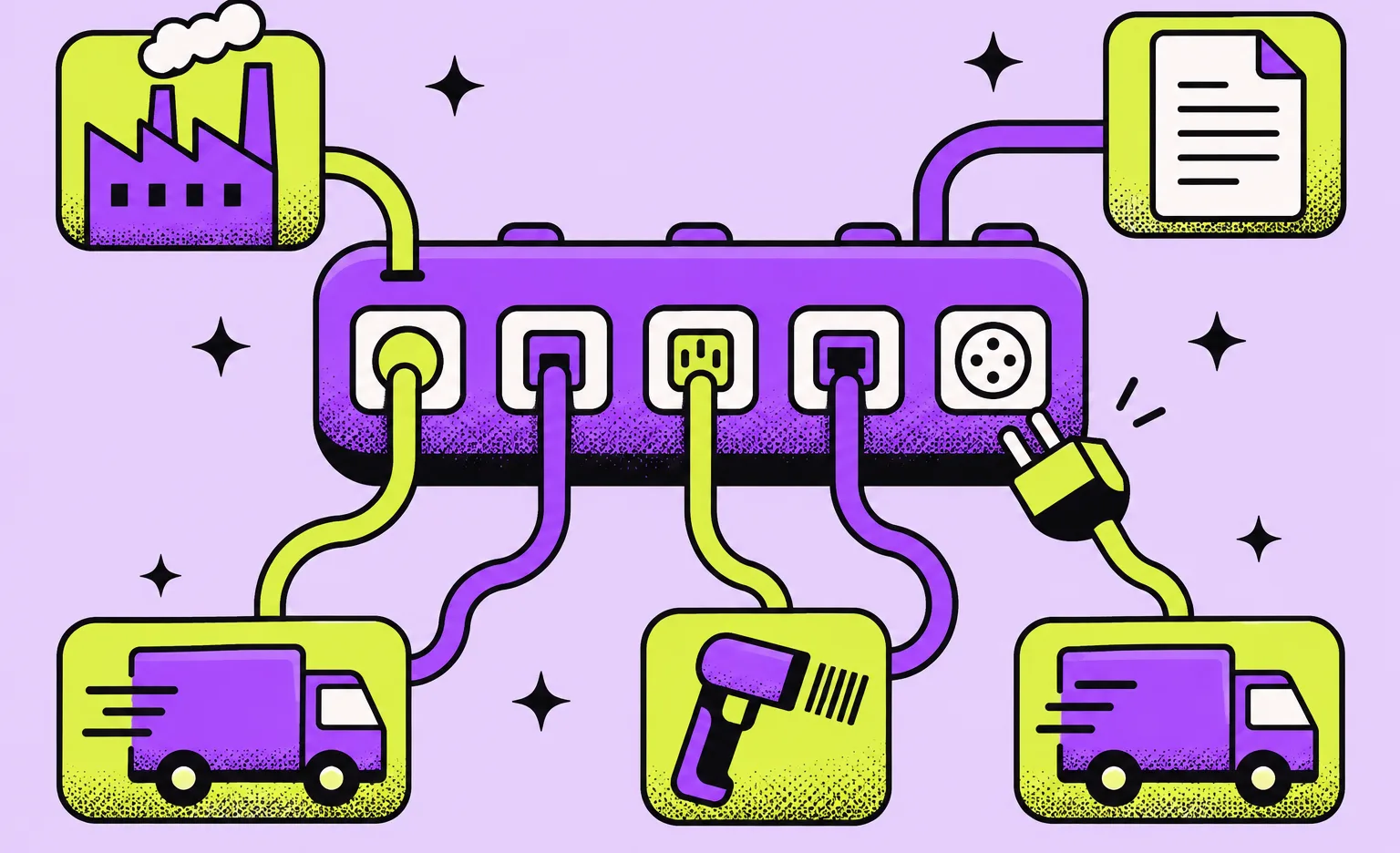
- ERP: items, prices, purchase orders, and stock value. Integration with the ERP needs an owner for every shared record.
- Suppliers and retailers over EDI: orders and ship notices arrive as standard documents, such as the X12 850 purchase order and 856 ship notice. X12 says the 856 “can be used to list the contents of a shipment of goods.”
- Carriers: rates, labels, and tracking events, each with its own API and status codes.
- Warehouse devices: barcode scanners, label printers, and the phones staff carry.
- BI tools: the reports management already reads.
The tech stack we typically choose
We pick the stack for each project, and a supply chain system usually ends up with the tools below. Most of it is business rules, records, and integrations, and that part lives in the backend: Laravel with PostgreSQL for records and Redis for caching and queues. The other parts need different tools:
- Web app for planners and managers: React or Next.js, for screens with large tables and filters.
- Phone app for warehouse staff and drivers: React Native, so one codebase serves iOS and Android.
- Forecasting models: statistical or machine learning forecasting libraries in Python, which work directly on sales tables by item, location, and day.
- Live status on screens: Laravel Reverb, which pushes a status change to open screens without a page reload.
- Monitoring: Grafana and Prometheus, which chart the load and send an alert when a service fails.
How to build supply chain software, step by step
Build one process end to end before you add the next one. The data and integrations come before design, and an AI feature comes after the system has recorded clean history of its own. Run a pilot on real orders at one site or with one group of suppliers before the rollout.
- Choose the first process. Your operations lead names the decision or handoff that causes the most manual work today.
- Map the first release. Our manager and tech lead map who does what, which system holds each record, and what the first release includes, and give a budget and a timeline for it. This is our analysis phase; you can skip it if your team has already written these down.
- Request access. Your IT team asks the ERP vendor, suppliers, and carriers for API or EDI test accounts.
- Design the screens. Our designers work on the planner, warehouse, and driver screens for the devices those people use.
- Build in sprints. We usually plan work in one-to-three-week sprints, and you can open the result of each, such as planner screens ready to test.
- Pilot with one site or one group of suppliers. Your staff use the system on real orders, and our team fixes what they report.
- Add forecasting or other AI features. Once the system holds enough of its own history, the model is trained and checked on months it has not seen.
- Roll out. Further sites, suppliers, and modules follow the process that already works.
The closest project we have published is ShipMe, a delivery auction app for Saudi Arabia: customers posted shipment requests, carriers bid on them, and managers of carrier companies assigned deliveries to drivers from a web dashboard. It shows how we build flows for several roles and a dispatch dashboard. It did not include forecasting or supplier EDI.
How much supply chain management software costs to build
For a custom system, we charge from $30,000: from $20,000 for the web app for planners with the backend and from $10,000 for the phone app, and the work takes at least 8 weeks. Design of both apps and project management are included in that price. If the first release covers one process in a web app only, such as a module on top of your ERP, there is no phone app to build, and it starts from $20,000. A demand forecasting model comes in a later phase, after the pilot, and starts at $15,000.
| What you need | Starting price | Timeline |
|---|---|---|
| Optional analysis phase: process map, scope, budget, and timeline | $1,000 to $2,000 | At least 1 week |
| One process in a web app, such as a planning module on top of your ERP | From $20,000 | At least 8 weeks |
| Custom supply chain system: the first release with web and phone apps, their design, integrations, and project management | From $30,000 | At least 8 weeks |
| Demand forecasting or arrival time model trained on your data | From $15,000 | At least 6 weeks |
| Language model features, such as reading supplier documents | From $3,000 per AI feature | At least 1 week |
| Integrations or an API added to a system you already run | From $2,500 | At least 2 weeks |
| A new ERP, when the ERP itself is the problem | From $60,000 | Set in the estimate |
| Monitoring, fixes, and updates for the live system | From $2,000 per month | Ongoing |
The $30,000 first release includes the backend, the web app for planners, the phone app for warehouse staff and drivers, and the modules you put in its scope, for example live tracking, reports, route planning, and integrations with the ERP and BI tools you already run. Connecting more systems after launch is new work that we estimate separately from support. With each development estimate we send a page listing the proposed stack, the expected team, and the outside services the build will use.
Most of the price goes to how your ERP, suppliers, and carriers agree on each record and to the planning rules your business runs on. Our engineers agree those rules with you and answer for the result.
What to do next
- Name the first process and find it in the buy, build, or extend table above.
- List the systems it touches: the ERP, the suppliers that send EDI, the carriers, and the devices in the warehouse.
- Check your history if you want a forecast: sales by item, location, and day, and how stockouts were recorded.
- Decide who owns the rules on your side after launch.



Frequently Asked Questions (FAQs)
How much does supply chain management software cost?
At Ronas IT, custom supply chain software with a web app for planners and a phone app for the floor starts at $30,000 and takes at least 8 weeks, with design and project management included. A web-only first release for one process starts at $20,000. If you want the scope written before the build, our analysis phase costs $1,000 to $2,000. A demand forecasting model built on your data starts at $15,000, and support for the live system starts at $2,000 per month. If you are replacing the ERP itself, an ERP-scale system starts at $60,000.
What does supply chain management software do?
It plans how much stock you need, orders it from suppliers, keeps track of it in warehouses, and moves it to customers. The work is split into modules: demand planning, procurement, inventory, warehouse management, order management, transportation management, and visibility. Each module can be a ready-made product or custom software connected to the others.
What is supply chain planning software?
It is the module that forecasts demand by item and location and turns the forecast into stock targets. Planners review what it proposes and change it where they know something the history does not show.
What is supply chain visibility software?
It collects status updates from suppliers, warehouses, and carriers and shows where each order and shipment is. The updates come from ship notices that suppliers send over EDI, from carrier tracking APIs, and from scans in your own warehouse. Its value depends on how many of your partners send data in a form it can read.
How is AI used in supply chain management?
AI forecasts demand, predicts delivery dates for shipments, and turns supplier paperwork, such as order confirmations and invoices, into structured fields. Route planning is mostly a job for an optimization solver rather than a machine learning model, and an alert for a late shipment needs only a rule with a threshold.
How do you implement AI in supply chain management?
Start from one decision that repeats often, such as weekly reorder quantities. Check that the history behind it is recorded well enough to learn from, test the model on recent months it has not seen, and compare the result with the forecast your planners make today. Put it into use only where it does better.
Will AI replace supply chain planners?
Not in the designs we recommend. A model can propose a forecast, but it only knows what is in the data, and a planner can know about a promotion, a new customer, or a supplier problem before the data does. So the model's output should be a proposal that the planner accepts or changes.
Can custom supply chain software work with SAP or another ERP?
Yes, if the ERP offers an API, a scheduled file export, or EDI. The custom module reads items, orders, and stock from the ERP and writes its results back, so the ERP stays the system of record for finance. Before the build, we check what the ERP exposes and which records each system owns.
Related posts



Related Services
AI Software Development Services
We deliver custom AI solutions, including generative AI, chatbots, predictive analytics, and recommendation systems. From strategy to integration and ongoing support, our expert team ensures secure, scalable, and value-driven AI applications tailored to your needs, so you can innovate faster and stay ahead of the competition.
Logistics Software Development Services
Ronas IT builds systems for supply chain and fleet management, warehouse process automation, shipment tracking for customers, and route optimization for drivers. We connect them to the ERP, WMS, TMS, and carrier systems you already run, so one shipment stays one record across the stack.
Backend Development Services
Ronas IT builds the server side behind your product, from MVPs to enterprise-scale platforms: APIs, data models, integrations with third-party services, and the infrastructure they run on. Our backend team handles challenges of varying complexity and picks the technologies that fit the product rather than the fashion.