UI/UX design outsourcing: models, where to find a partner, and handoff

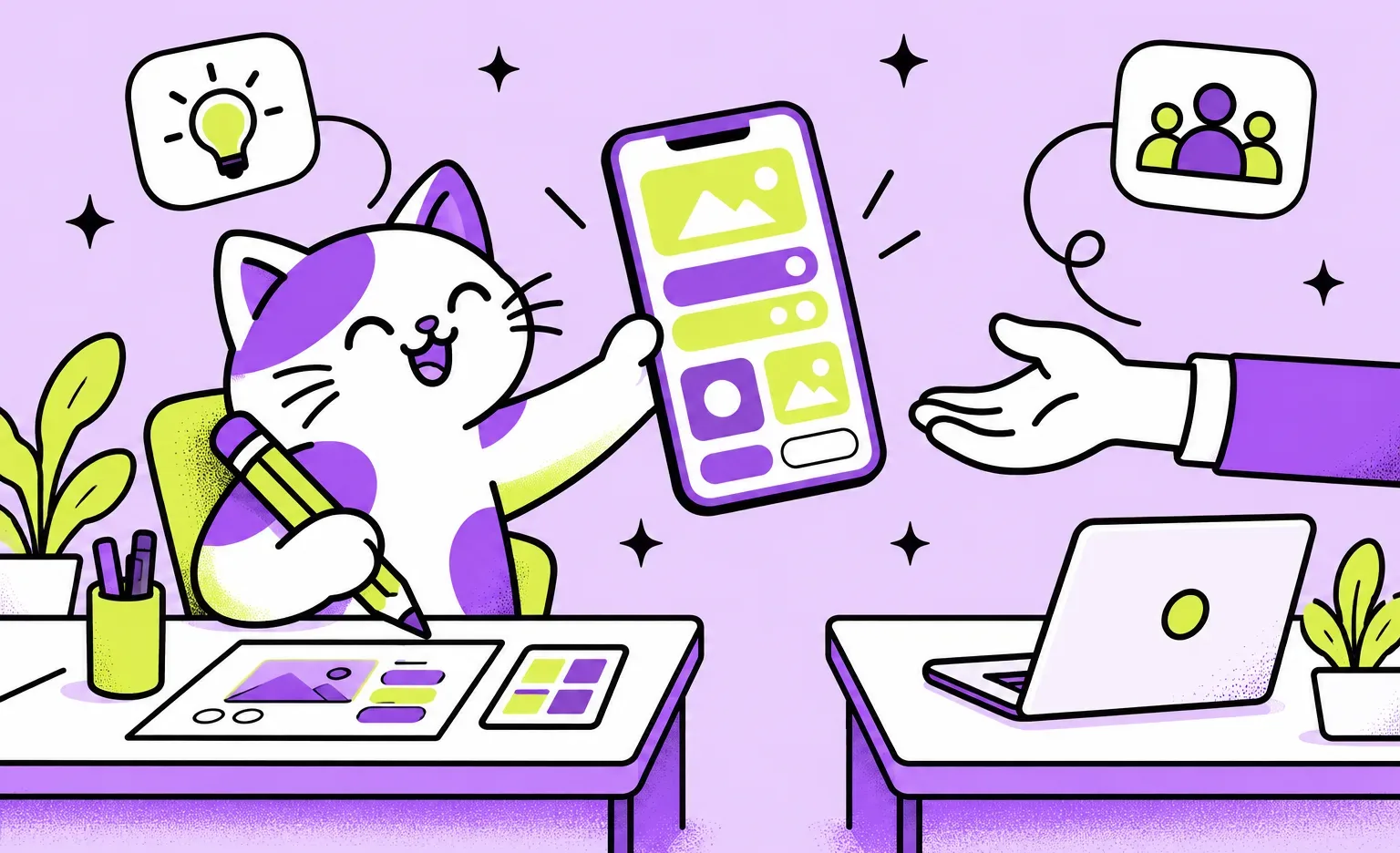
When you outsource UI/UX design, you hire an outside company or freelancer to research, draw, or prototype the screens of your product, while you keep the product decisions. At Ronas IT, the design of a new app starts at $2,000 on any platform, and a website design at $800 for a landing page, both without development. Outsourcing works best when one person on your side approves the design and when the files reach your developers in a form they can build from.
What is UI/UX design outsourcing?
UI/UX design outsourcing means that an outside team does some or all of the design work on your product. The work can cover the whole path from research to handoff, or only one part of it:
- Research: user interviews, a competitor review, or a UX audit of the product you have.
- UX design: user flows and wireframes, the plain layouts that show what each screen does before it gets a visual style.
- UI design: the final look of each screen, with its layout, type, colors, and icons.
- Prototype: clickable screens you can show to users or investors before any code exists.
- UI kit or design system: the library of reusable parts, such as buttons and forms, that developers build once and use on every screen. Our guide to design system services explains when a UI kit stops being enough.
- Handoff support: answers to developer questions while the screens are built.
When does outsourcing UI/UX design make sense?
Outsource the design when you need design skills for work with a clear end, or more design roles than one hire can cover, such as a researcher, a UX designer, and a UI designer. Outsourcing fits situations like these:
- No designer on the team: a founder with an idea, or developers who need screens to build.
- A redesign: your developers stay, and only the design of the product changes.
- A deadline: a prototype for investors or a first release that cannot wait for a new hire.
- Skills you need once: user research or motion design.
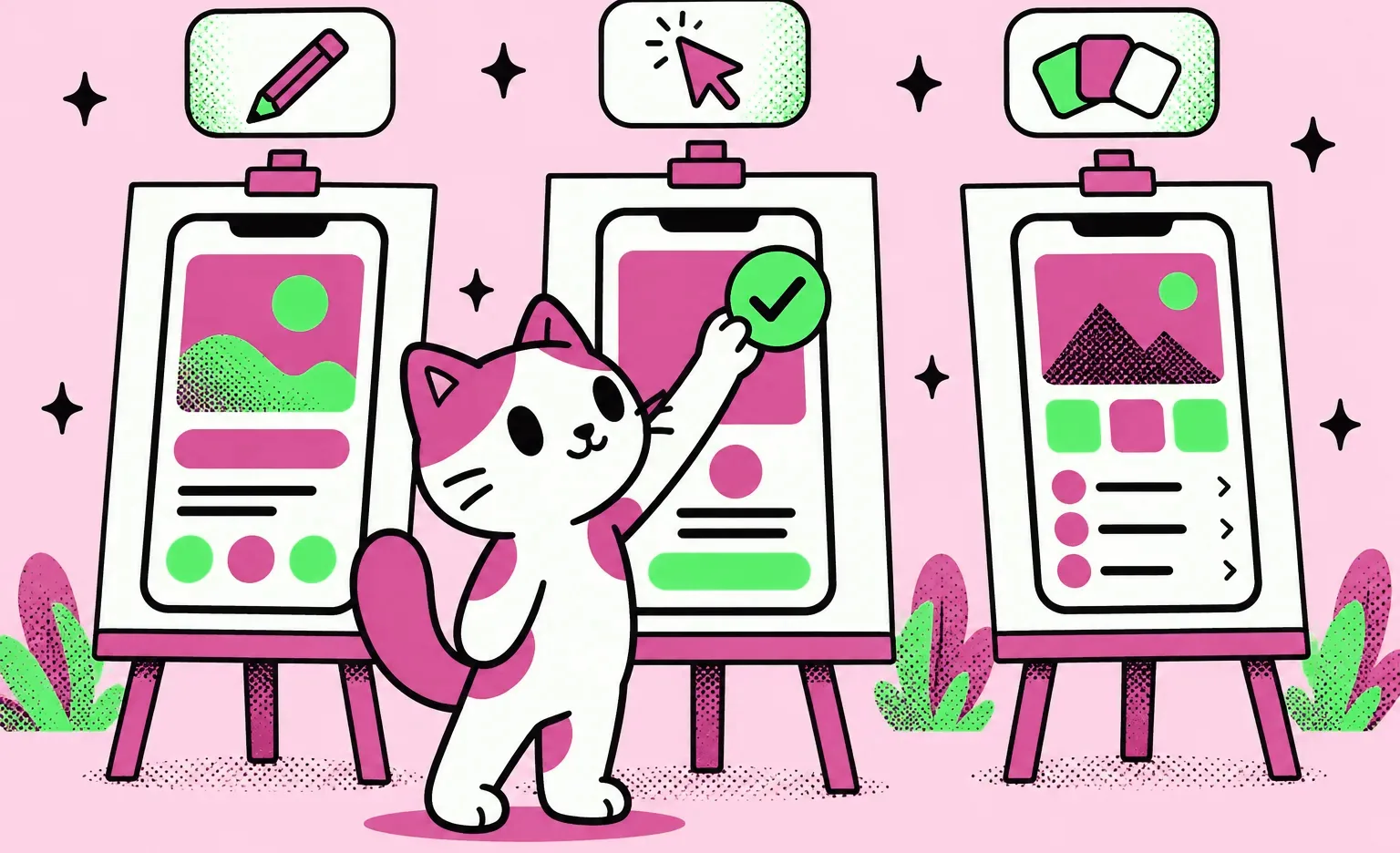
Mind Easy, a mental health app, is an example of the redesign case. Its team already had an app and was satisfied with the technical side, but the design was outdated and did not follow the App Store and Google Play guidelines. We redesigned the app with one designer, made three versions of the concept, and prepared a UI kit for the client's developers. Development stayed with the client.
When to keep UI/UX design in-house
Keep design inside the company when it is part of the daily work on the product and will not end. A product that ships changes every week needs a designer at each planning meeting, and that designer learns about your users from every release. An outside team gains the same knowledge only while it works with you, and it has to learn again after a long break.
Three ways to outsource UI/UX design
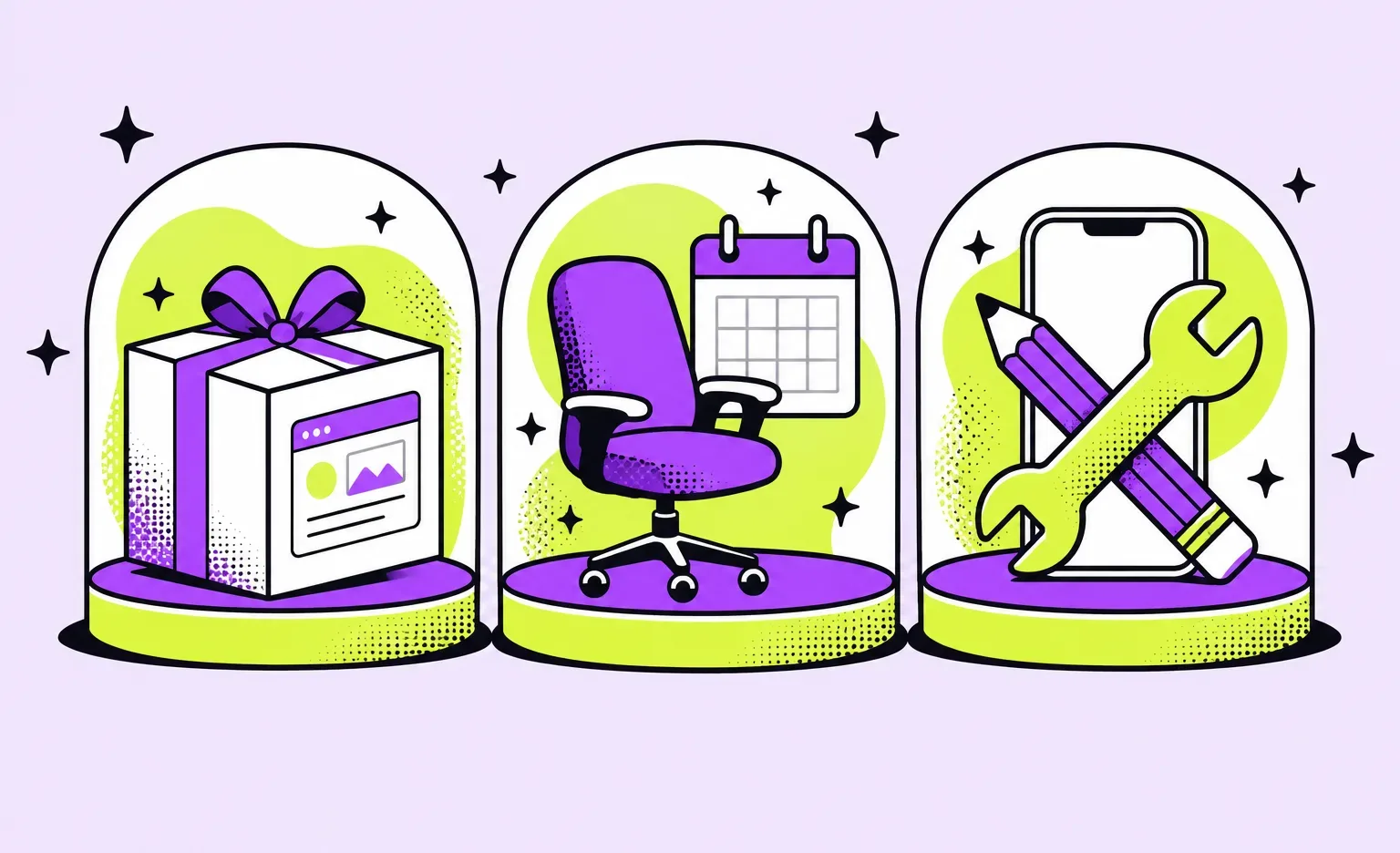
Outsourced design work can run in three ways: a design project with a fixed scope, a designer or a team you pay for by the month, or one company that both designs and builds the product. They differ in who manages the work and in what happens after the files are delivered.
| Model | How it works | Fits when | What you manage |
|---|---|---|---|
| Design project | An agreed set of flows, screens, a prototype, and a UI kit, for a price and a deadline | A new product or a redesign with clear goals | The scope and your feedback |
| Dedicated designer or team | A monthly fee; the designers take tasks from your backlog | Ongoing product work, with a product manager on your side who sets the tasks | The tasks and priorities each week |
| Design and development | One company designs the product and then builds it | You have no developers, or want a single company to answer for the design and the code | The product decisions; the company coordinates its designers and developers |
For a design project or a dedicated designer, you can hire a freelancer or an agency. Design and development together needs one company with both designers and developers. A freelancer can take a small, clear project, and an agency fits when research, UX, and UI have to run at the same time. Our comparison of UI/UX design companies covers how to choose and what to ask before you sign.
Where to find UI/UX designers and agencies
Look where designers show finished work, where clients leave reviews, and where people you know have already hired someone. Build your shortlist from two or three of the channels below.
- Portfolio platforms: Dribbble and Behance show the published work of designers and agencies. They are good for judging visual style, but one screen says little about how a designer handles a whole task. On Dribbble you can also hire through the platform: its hiring page lists a platform fee of 2-5%, depending on project size, and says the platform holds the payment until the project is final.
- Review directories: Clutch and GoodFirms list design agencies with client reviews. Read the reviews of projects like yours, and look at what clients say about communication as well as about the result.
- Freelance marketplaces: Upwork and Toptal connect you with individual designers, and agencies also take work on Upwork.
- Referrals: ask founders and developers you know who designed their product and whether they would hire the same people again.
How to outsource UI/UX design, step by step
Six steps take you from an idea to a signed contract with a design team. The first two decide whom you hire, and the other four settle the deliverables, the rights, the approver, and the working rhythm before the design starts.
- Write a one-page brief. Describe the product and its users, list the platforms, and say who will build it after the design. Add a few products you like and a few you dislike, with a line on why.
“The list of products a client dislikes often helps me more than the list they like. People agree on what looks good, but they disagree on what annoys them, and that is where the style of a product is decided.”
Elizaveta Denisova, Lead designer at Ronas IT
- Send the same brief to three or four teams from your shortlist. Compare how each one describes your goal back to you in its own words. If a team gets the goal wrong at this stage, its screens will start from the wrong goal too.
- Agree on the deliverables in writing. List the flows, the screens with all their states, the prototype, the UI kit, who reviews the design before you see it, and whether the team answers developer questions after delivery, and for how long. At Ronas IT, a designer first checks each part against a written quality checklist, and then another designer reviews it. Ask, too, how the team uses AI in the design work. With us, each designer works in Figma together with an AI agent that the file is connected to: the agent reads and edits the file and takes part in the design: it creates components, handles type styles, contributes to the UI kit, and helps plan the user flows. The designer directs the work and makes the decisions. The clickable prototype can also be delivered as a web page.
- Put the rights in the contract. Under US copyright law, a design you order from an outside party is a “work made for hire” only if it falls into one of nine listed categories and both sides sign a written agreement that says so, according to Circular 30 of the US Copyright Office (revised 2024). Interface design is not named among those categories, so ask for a clause that transfers the copyright in the design files to you, and check it with your lawyer.
- Name one person who approves the design. Comments from several people who disagree cost more rounds than comments from one person who decides.
- Agree on the working rhythm. Ask each team who your one point of contact will be, how fast that person answers, how often the team shows you its work, and what its weekly report contains. At Ronas IT, for example, your contact is a project manager who answers within 24 hours on business days. Sprints usually last from one to three weeks, with mockups you can open at the close of every sprint. Our weekly report covers what was done, what it gives you, what comes next, and the risks.
How to hand off outsourced designs to your developers
A handoff works when developers can build every screen without guessing what the designer meant, and when the files stay with you if you change teams. Agree on five things before the last screen is drawn, while the team can still add what is missing.
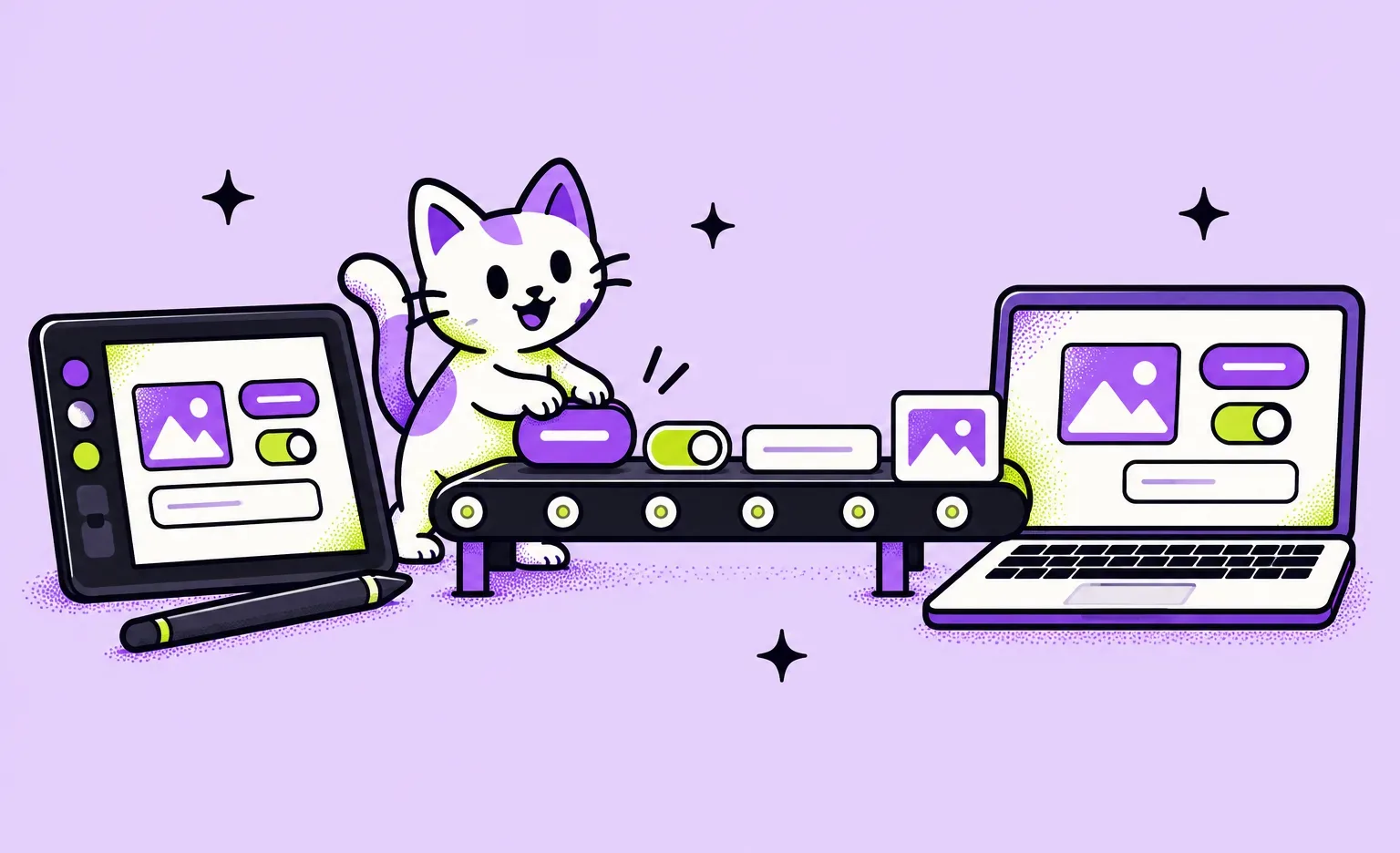
- Whose account holds the files: keep the design files in your own design workspace, or agree on the date when the team moves them there. Check that workspace's AI settings as well: Figma turns content training on by default for Starter and Professional teams, and their admins can switch it off; on Organization and Enterprise plans it is currently disabled. We work on Figma's Organization plan with AI training on files turned off, and we do not let models be trained on our clients' data.
- Access for developers: in Figma, developers inspect sizes, colors, and spacing and see which designs are marked ready for development in Dev Mode, which is available on paid plans and needs a Full or a Dev seat. Budget for those seats.
- Screens in every state: what a screen shows while data loads, when a list has nothing in it, and when an action fails. Developers who get only the main state have to invent the rest.
- A UI kit: the components in one place, with their sizes and variants. Ours start from our company design system, so they exist from the first screen.
- DESIGN.md for AI coding tools: a file in your repository with the colors, type, spacing, and components, so the AI agents your developers use build new screens in the same style. We add one to every handoff.
For a UK client's habit-formation app, we delivered a UI kit with variables, type styles, responsive sizes, inputs, buttons, chats, and tabs. We also made prototypes in Figma, including an animation preview of the onboarding, and passed all the design documentation to the client for the development phase.
Risks of outsourcing UI/UX design and how to reduce them
The risks below come from two sources: the work itself and the distance between you and the team. Each risk has a simple check.
- Designs that are hard to build: ask one of your developers to review the key flows before the visual design starts, while changes are still cheap.
- A scope that keeps growing: new screens appear during the work. Agree in advance when the scope is estimated again, for example at the end of a stage, so the price does not change with every comment.
- Time zones: agree on the hours when both sides are online.
- A team that works out of sight: ask to see work in progress, not only finished screens.
We designed the screens and a clickable prototype in Figma for a SaaS founder, who wrote about working with us in a review on Clutch:
“I felt that I was integrated into their team and heavily involved throughout the process rather than it being just outsourced to a ‘black box’.”
Founder, a data analytics SaaS company
What outsourced UI/UX design costs at Ronas IT
At Ronas IT, UI/UX design of a new product starts at $2,000 on any platform; the number of screens and their complexity set the final figure, so a second platform adds cost only for the screens and states that differ between them. Website design without development starts at $800 for a landing page and at $1,500 for a corporate site or an online store. A redesign of a product you already have starts at $2,500, and project management is part of every one of these prices.
Other teams sell the same work by the hour, for a fixed project price, or by the month for each designer, and hourly rates differ a lot by country. Our guide to UI/UX design cost compares agency rates by country and shows how to calculate a budget.
What to do next
- Decide which parts you need from outside: research, flows, screens, a prototype, or a UI kit.
- Pick the model: a design project, a monthly designer, or design and development together.
- Write the one-page brief with products you like and dislike, and send it to three or four teams from portfolio platforms, review directories, or referrals.
- Before you sign, check that the contract lists the deliverables and transfers the rights in the design files to you.
Outsourced design goes well when the outside team works where you can see it and the files end up in your hands, ready for your developers.