Collaborative project management app for agile teams
A visually unified, real-time project management solution for web and mobile, designed to make teamwork seamless, transparent, and even enjoyable — wherever you work.
This product was delivered under NDA; the client name and application link are confidential.
Project idea
Our client — a European SaaS company — identified a gap in the market for truly adaptive project management tools that cater to the fast-paced realities of agile, distributed teams.
Existing solutions were often too rigid, lacked engaging real-time collaboration, or failed to provide a consistent experience across both web and mobile platforms.
With a focus on scalability and subscription-based growth, the client set out to create a collaborative project management app tailored for agencies, freelancers, and multi-team organizations.
Target audience
The product focused on the needs of:
1
Agile teams and project managers working cross-functionally
2
Designers, developers, and product owners managing shifting priorities
3
Agencies and freelancers handling multiple projects in parallel
Unique selling proposition
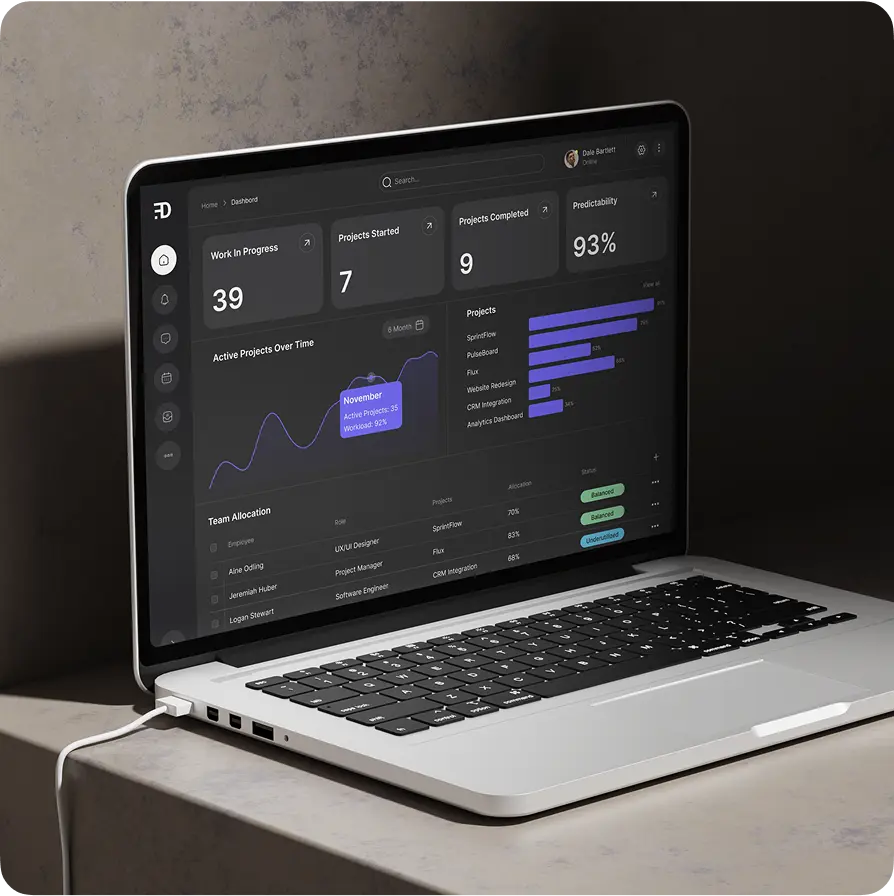
The client envisioned an app designed to deliver real-time team visibility and effortless collaboration. Their goal was instant updates that sync seamlessly across web and mobile, visually grouped tasks by status, and conversations built directly into the workflow through commenting.
The platform was intended to offer a default dark mode, reducing eyestrain for long work sessions, while customizable labels and color coding would allow each team to tailor workflows to their specific needs.


Key objectives
To address the client’s unique needs, we established these primary objectives:
Provide solid performance for teams — no matter project size
Provide granular organization options, including labels, priorities, assignees, file attachments
Build with a design system that enables easy feature expansion
Deliver consistent, delightful experiences on web and mobile
Enable true real-time collaboration: see team updates, comments, and task changes instantly
Offer flexible Kanban, List, and Timeline views
UI/UX design
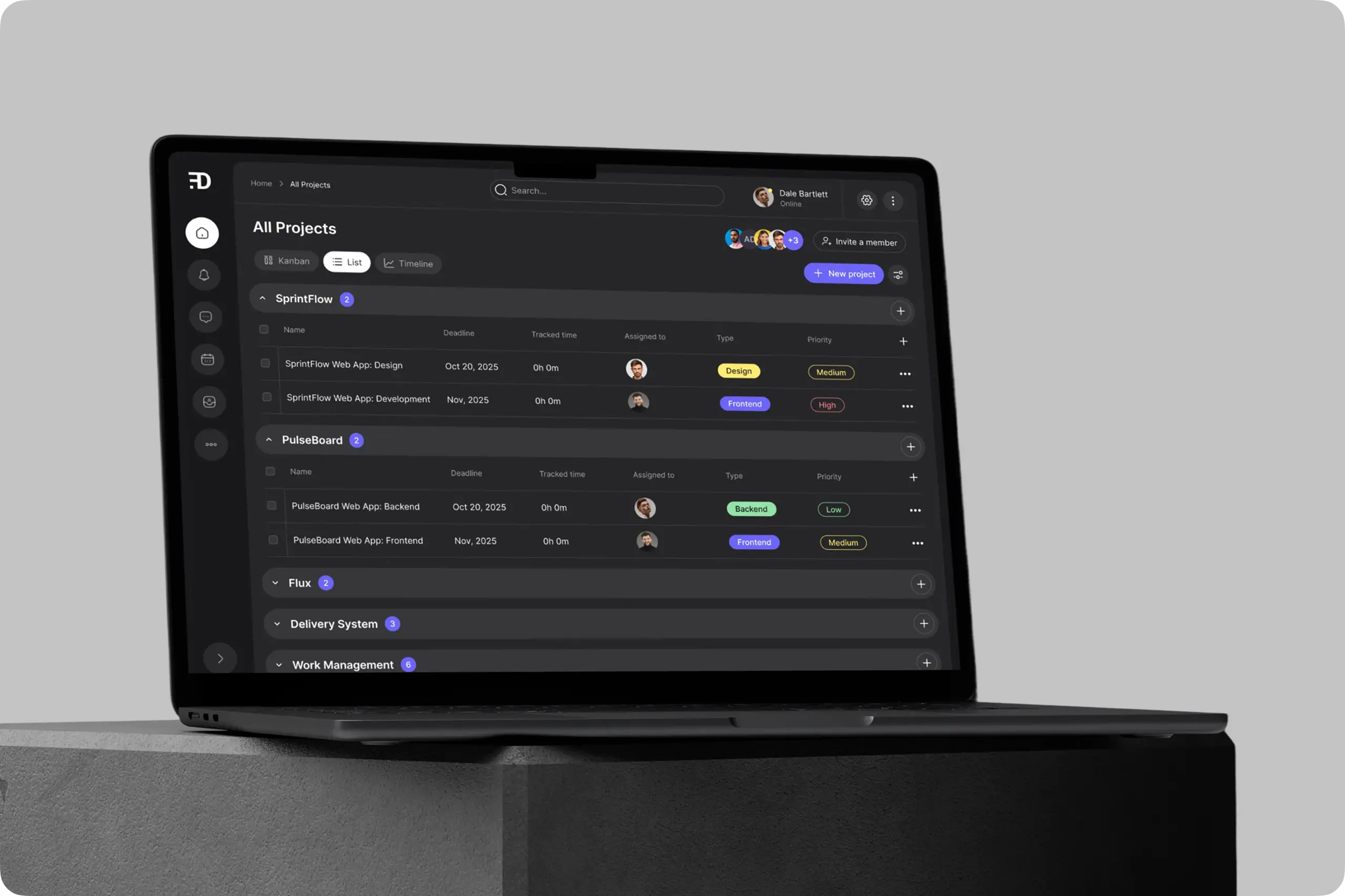
We prioritized an interface that makes the complex... simple:
Unified experience for both web and mobile
Modular screens with a focus on core workflows
Adaptive typography and color for clarity in any environment
Persona-driven avatars and task highlights keeping teams emotionally engaged
Mind map: The blueprint for simplicity
Working closely with stakeholders, we mapped every action and view, from “add a task” to “track progress.” This reduced ambiguity and kept the team aligned as design and development evolved.
Concept: Designed for focus — dark mode at the core
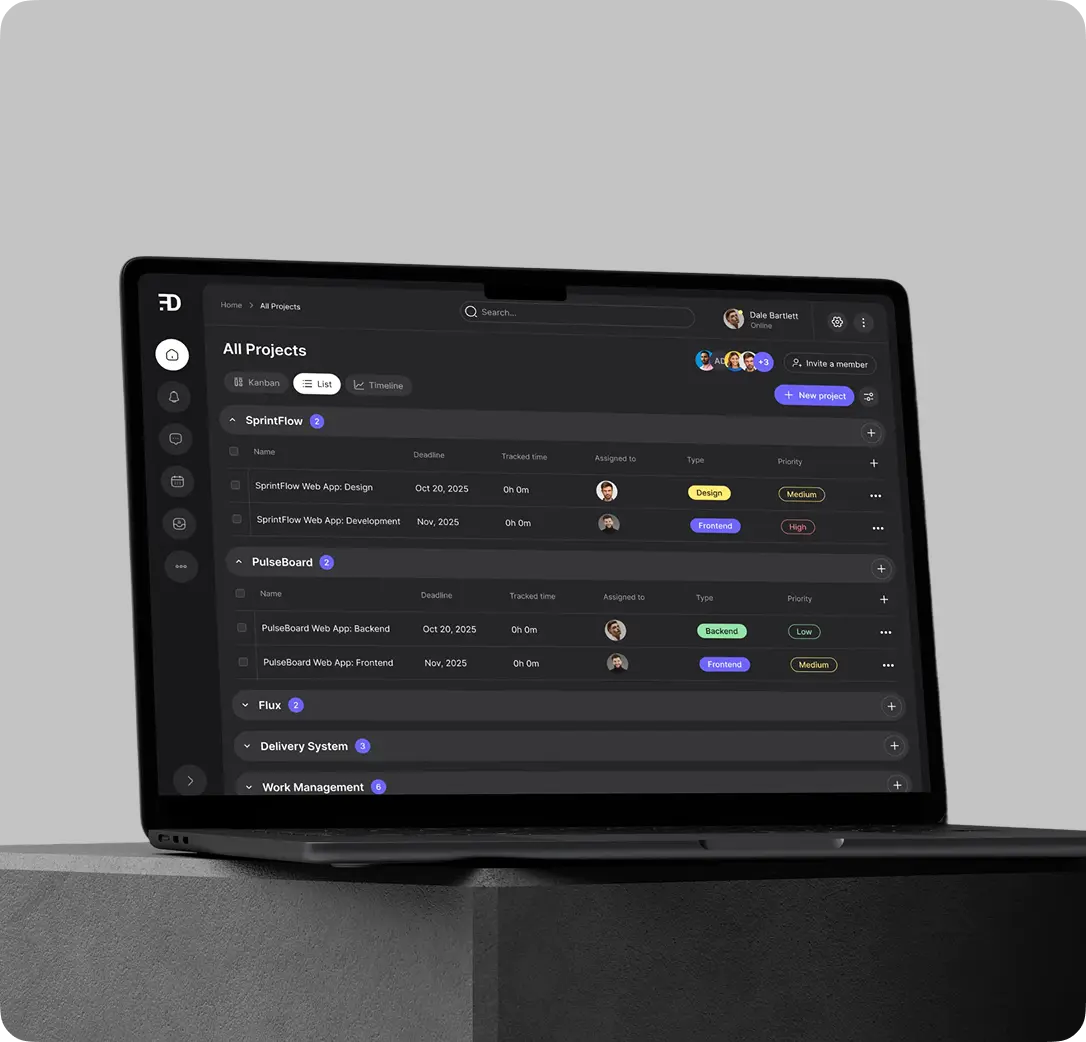
Our early vision: a workspace you want to look at. Dark mode as standard, bright color cues for status and priority. Minimal navigation with quick access to projects, filters, and search. Real-time synchronized updates for a sense of shared presence
User flows and structure
The app is crafted to minimize complexity while maximizing productivity and emotional engagement. Each screen and interaction is designed with clarity, speed, and real-time teamwork in mind.
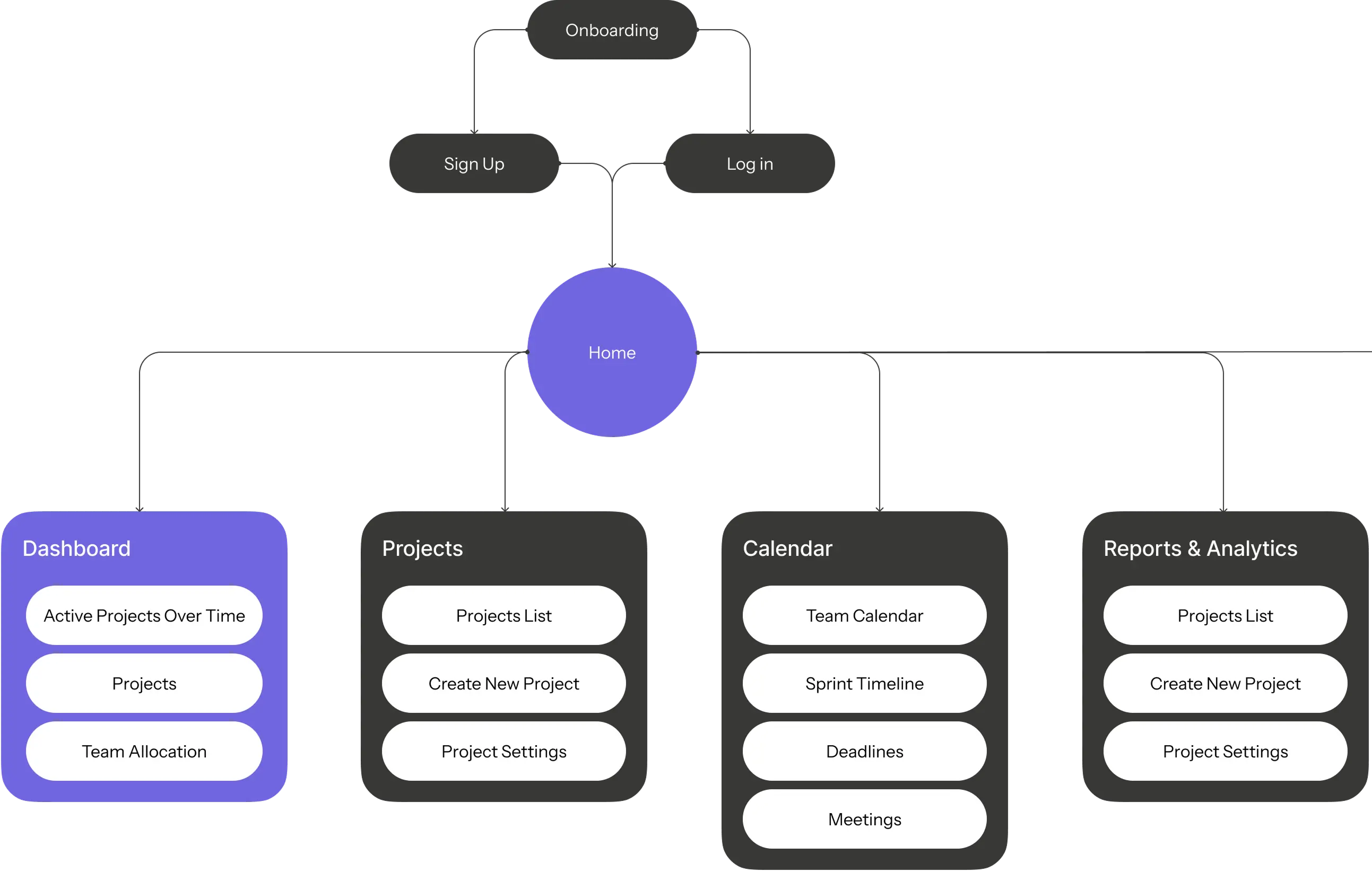
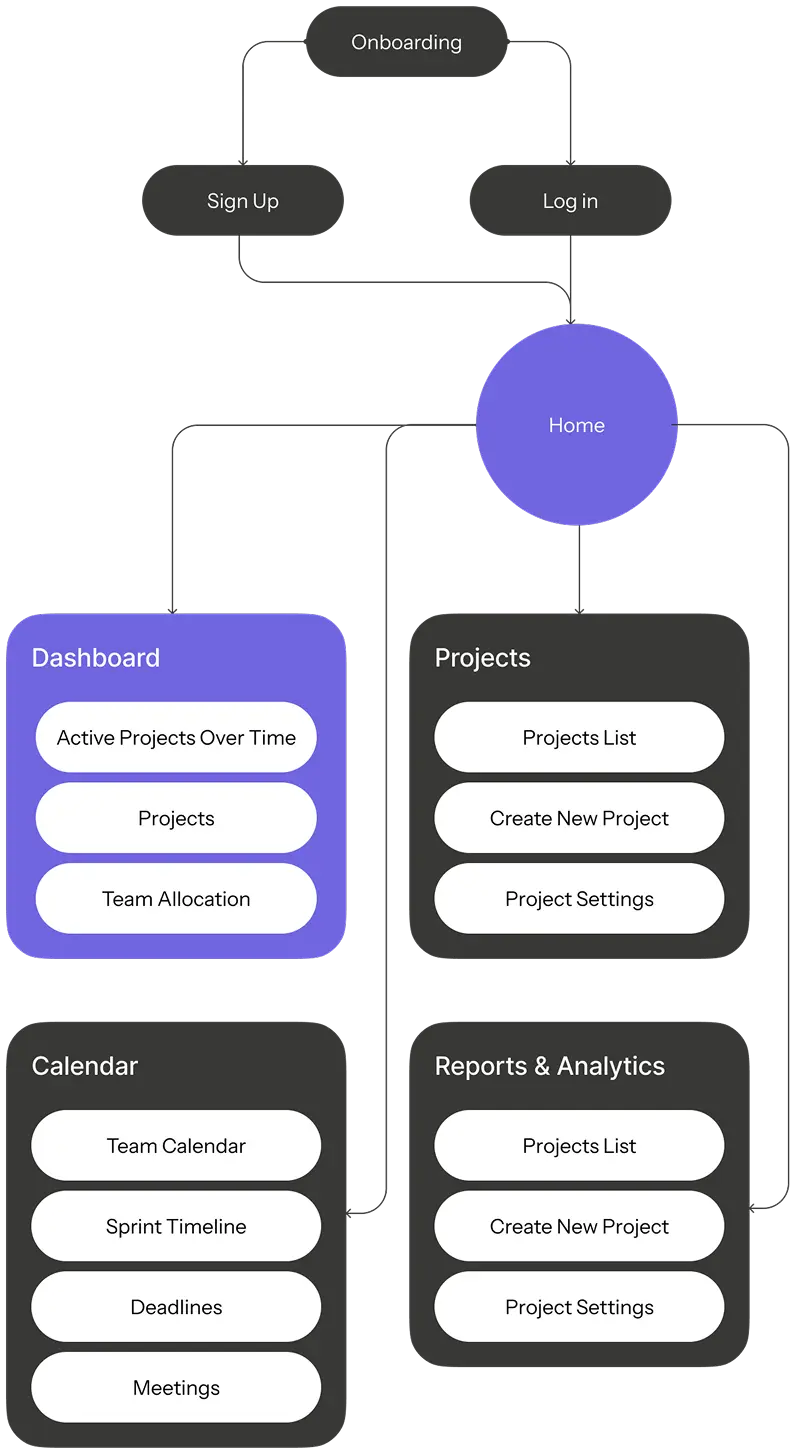
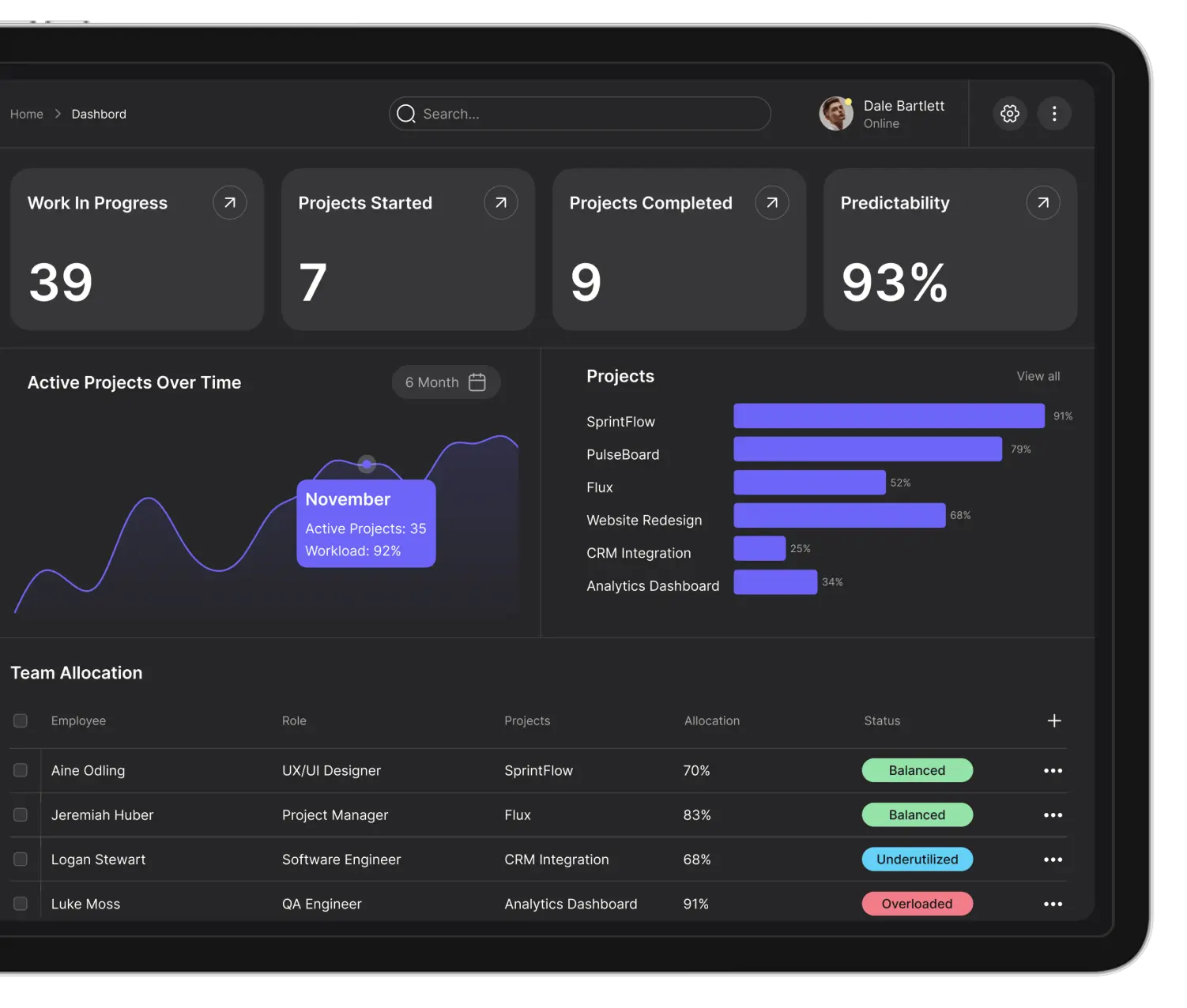
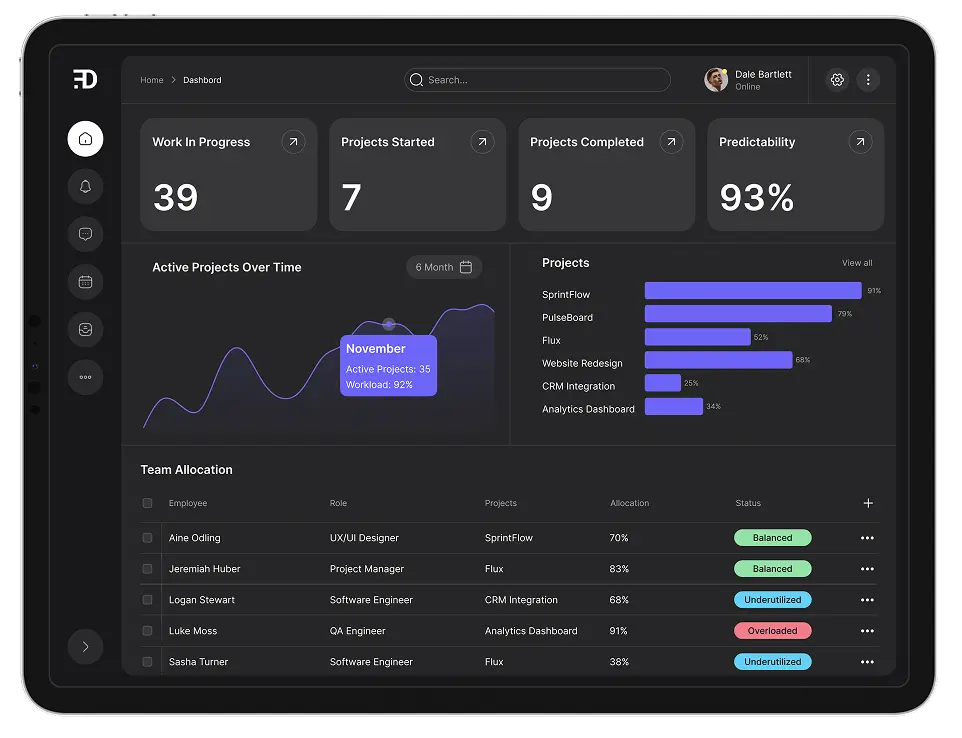
Dashboard
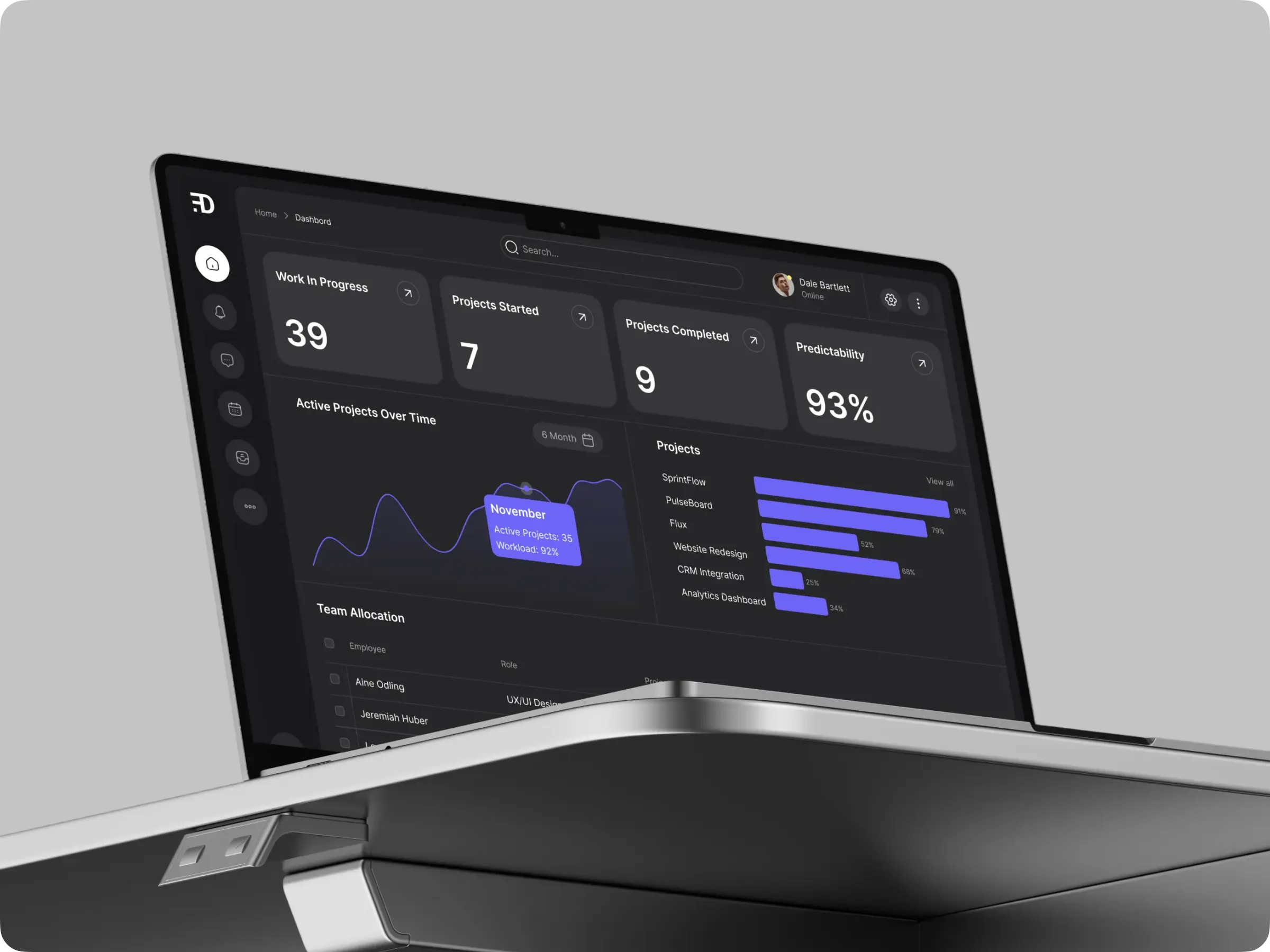
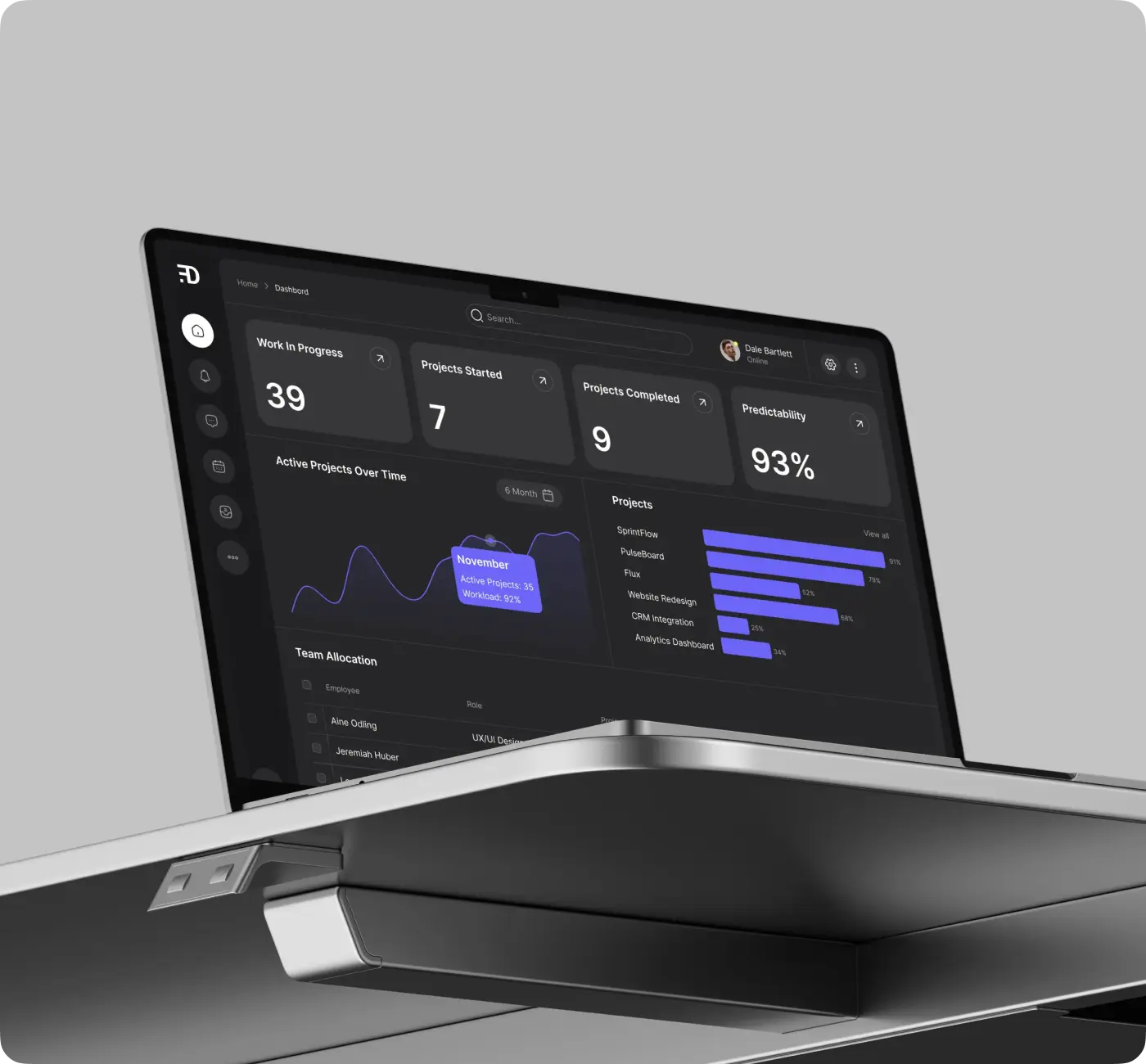
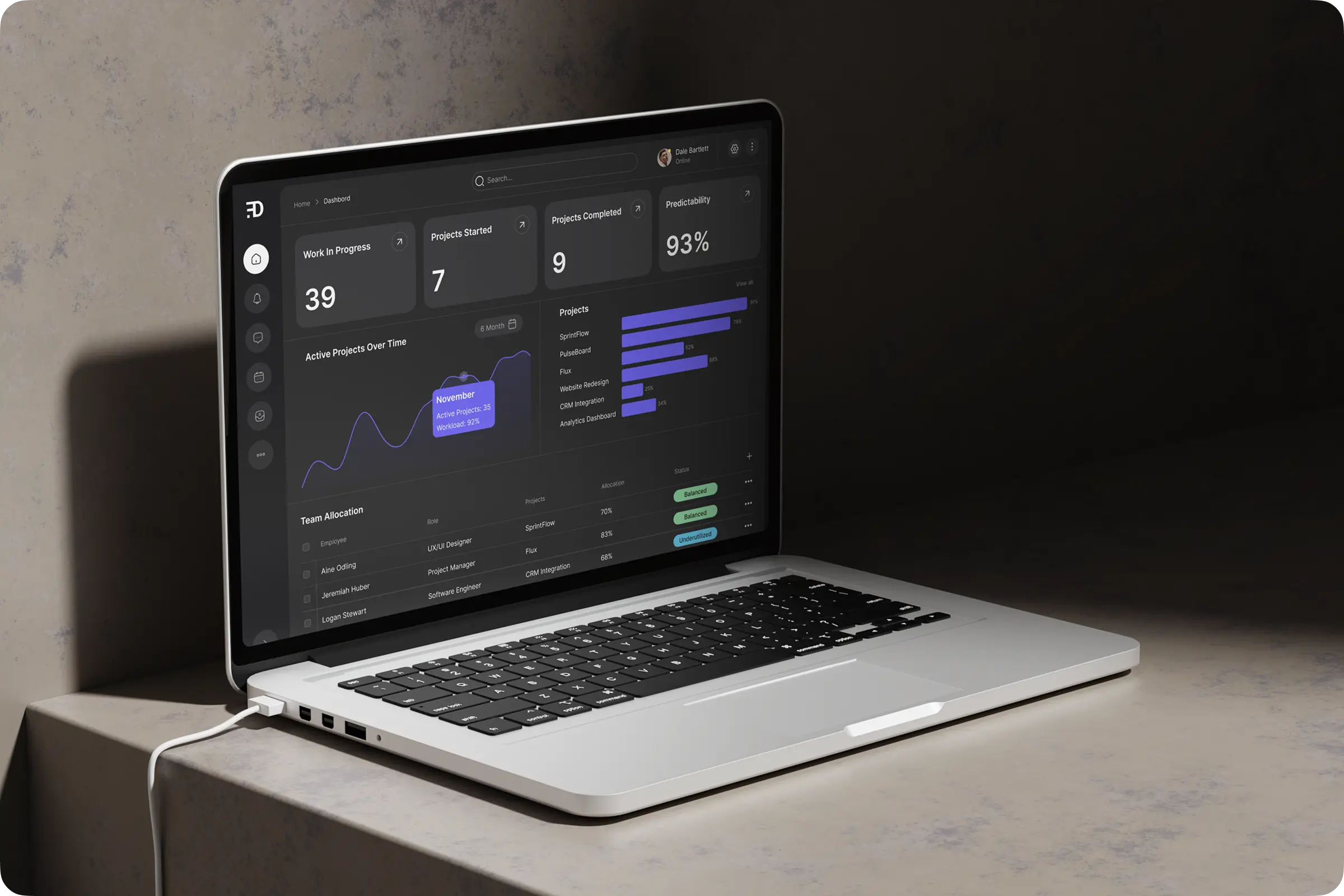
Users access a personalized home dashboard highlighting top projects, priorities, and notifications.
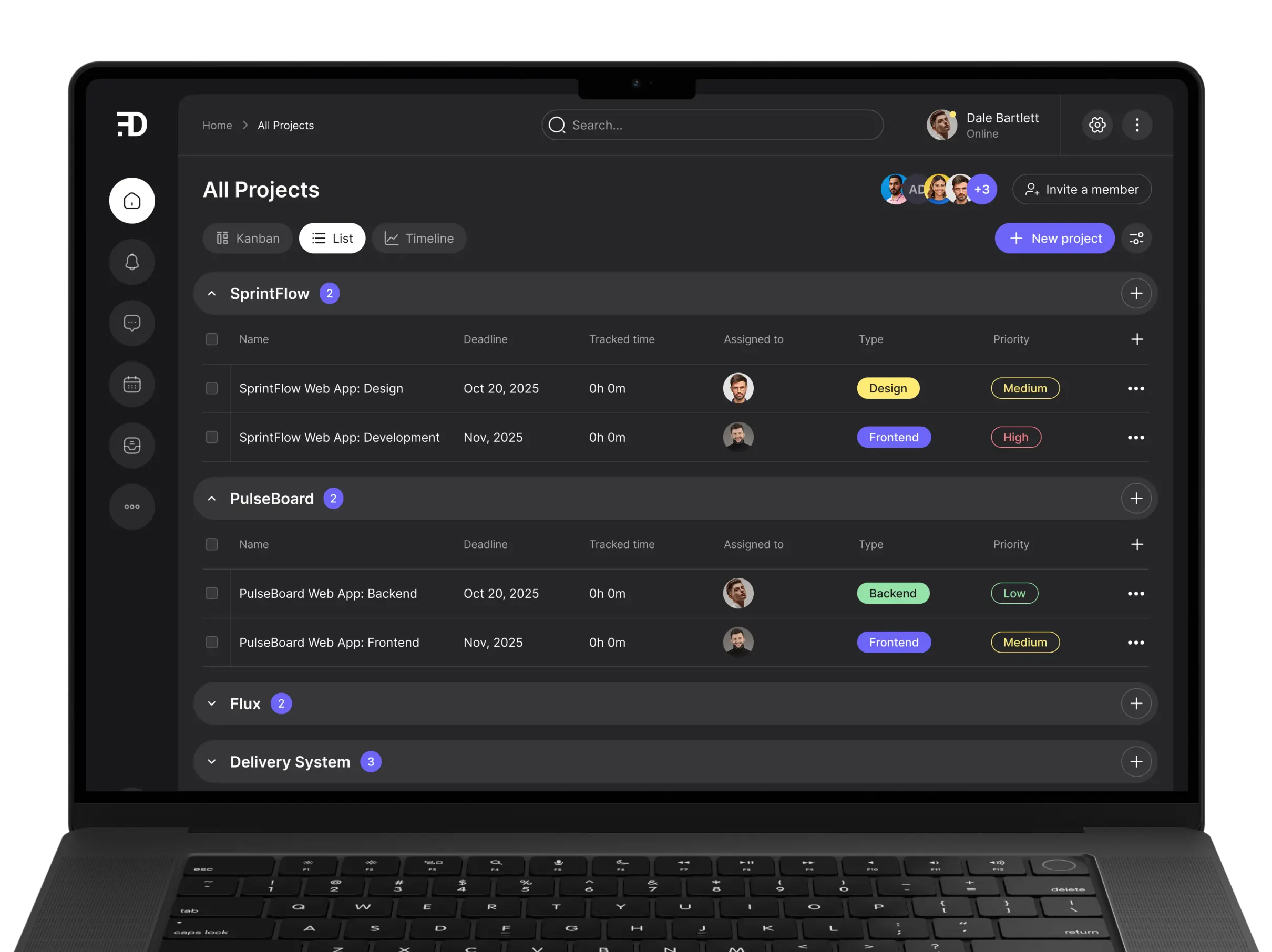
Projects
Each project opens in the user’s selected view for intuitive navigation and organization.
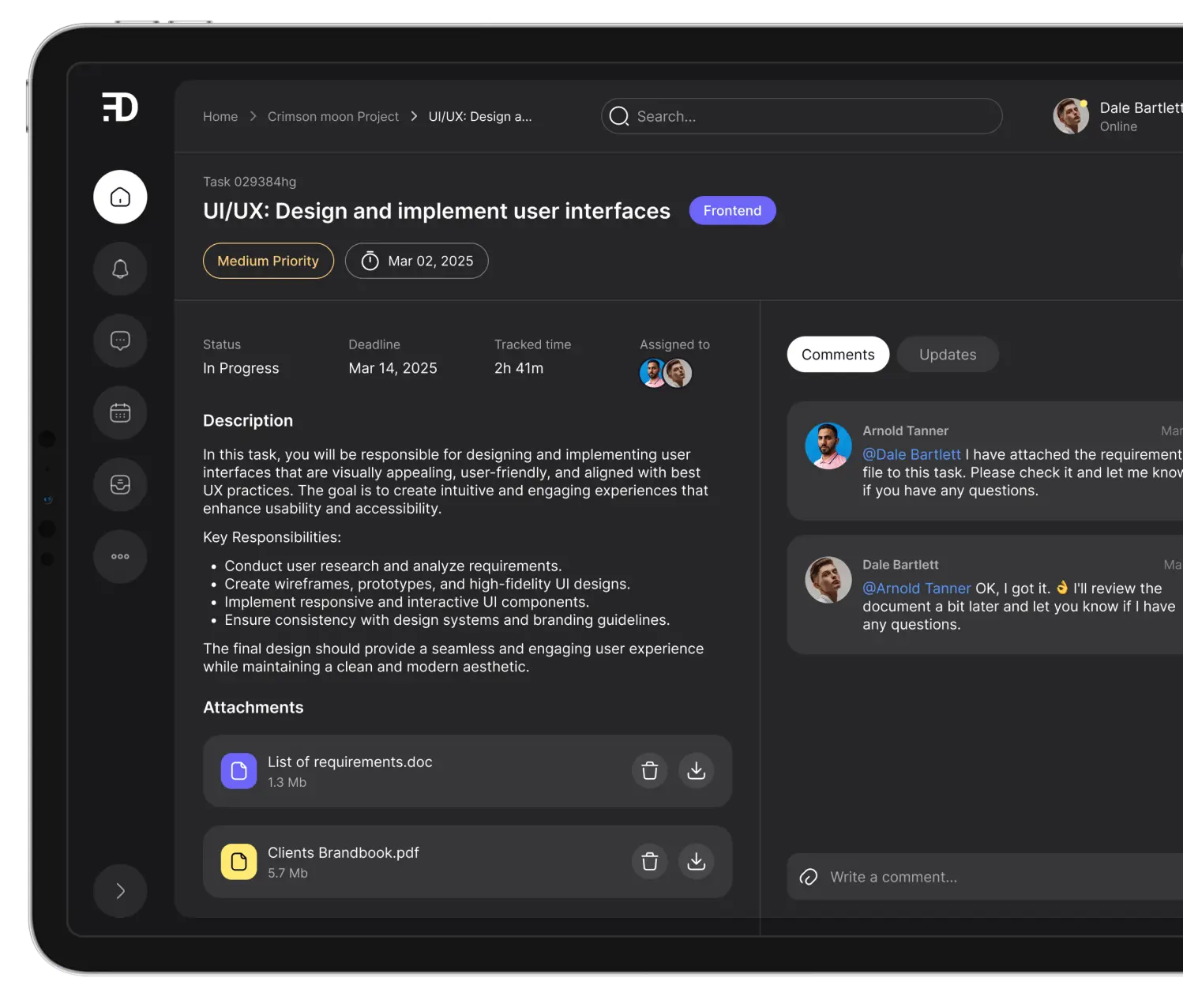
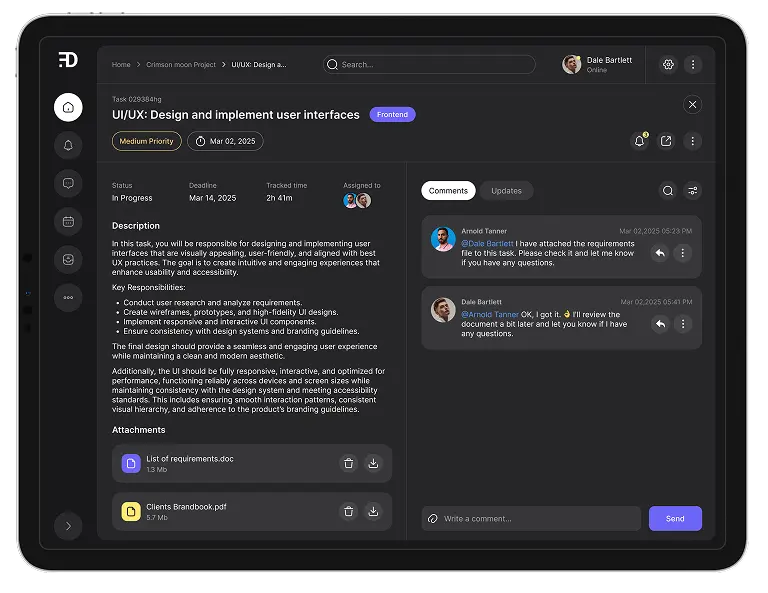
Task pane
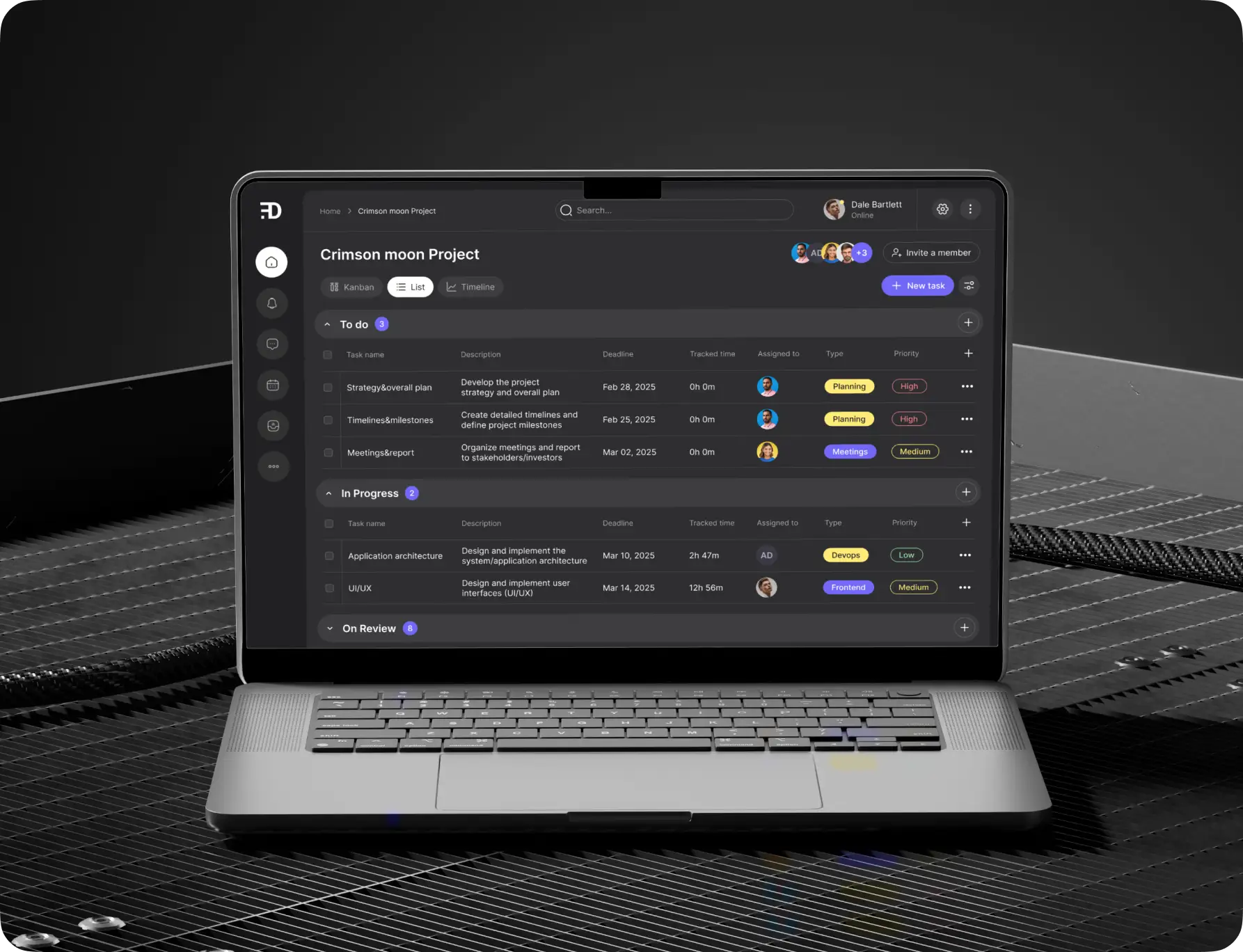
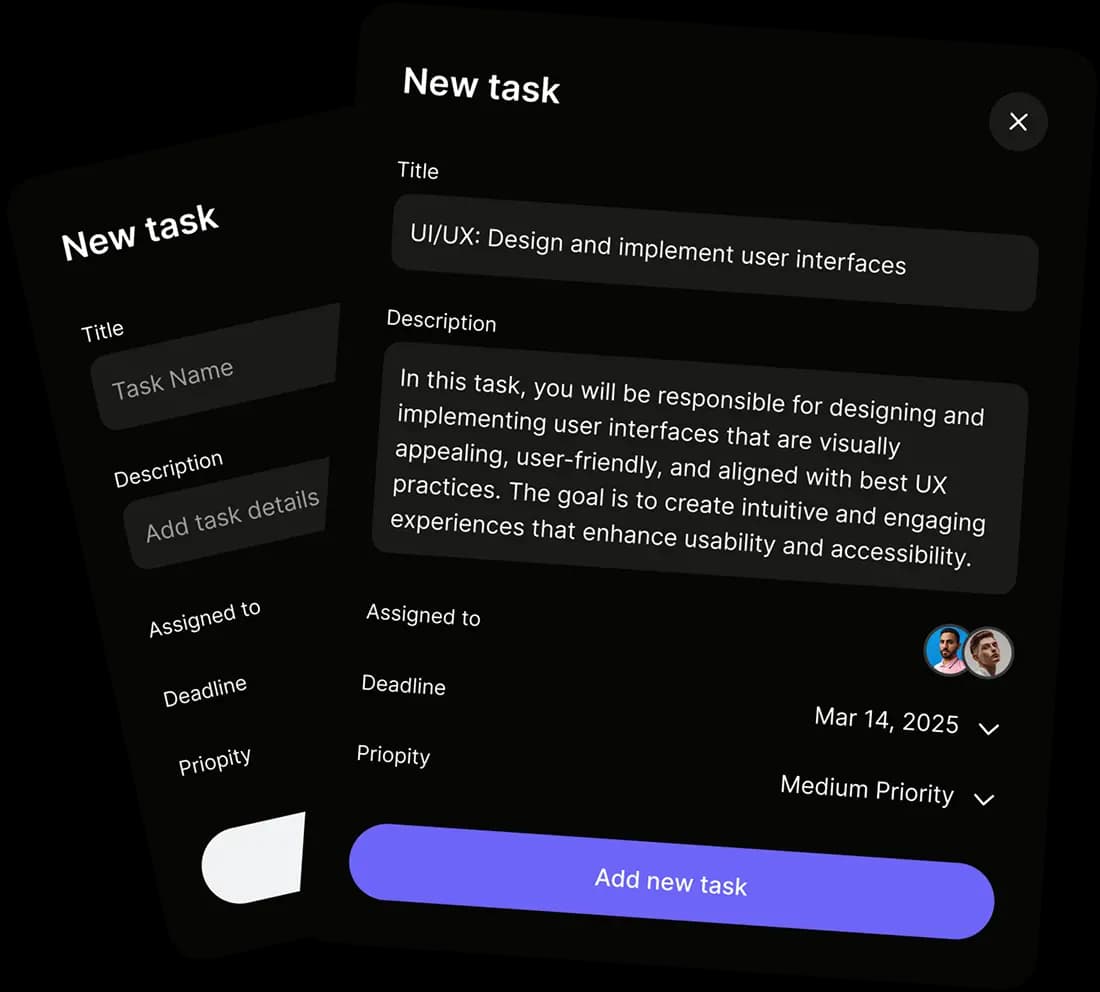
Quick access to detailed tasks, inline comments, assignments, and attachments — all supporting real-time collaboration as described in the platform features.
Unique selling proposition
The client envisioned an app designed to deliver real-time team visibility and effortless collaboration. Their goal was instant updates that sync seamlessly across web and mobile, visually grouped tasks by status, and conversations built directly into the workflow through commenting.
The platform was intended to offer a default dark mode, reducing eyestrain for long work sessions, while customizable labels and color coding would allow each team to tailor workflows to their specific needs.
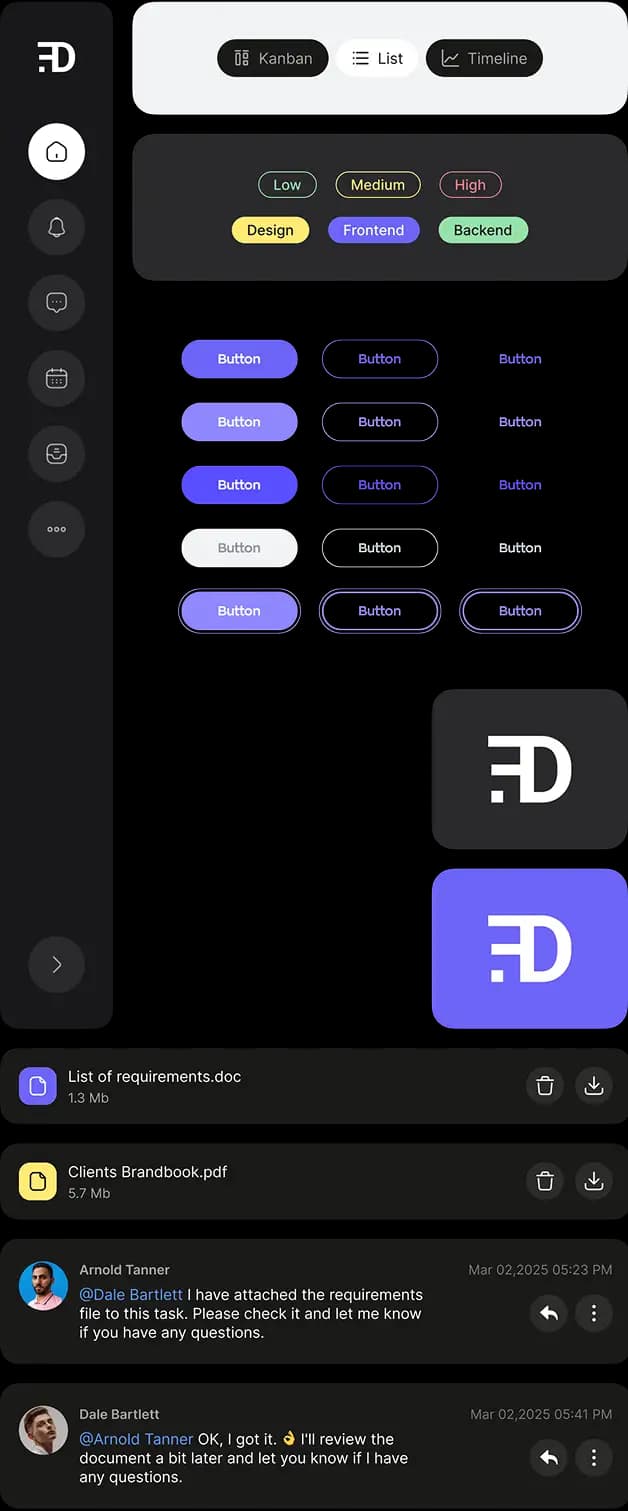
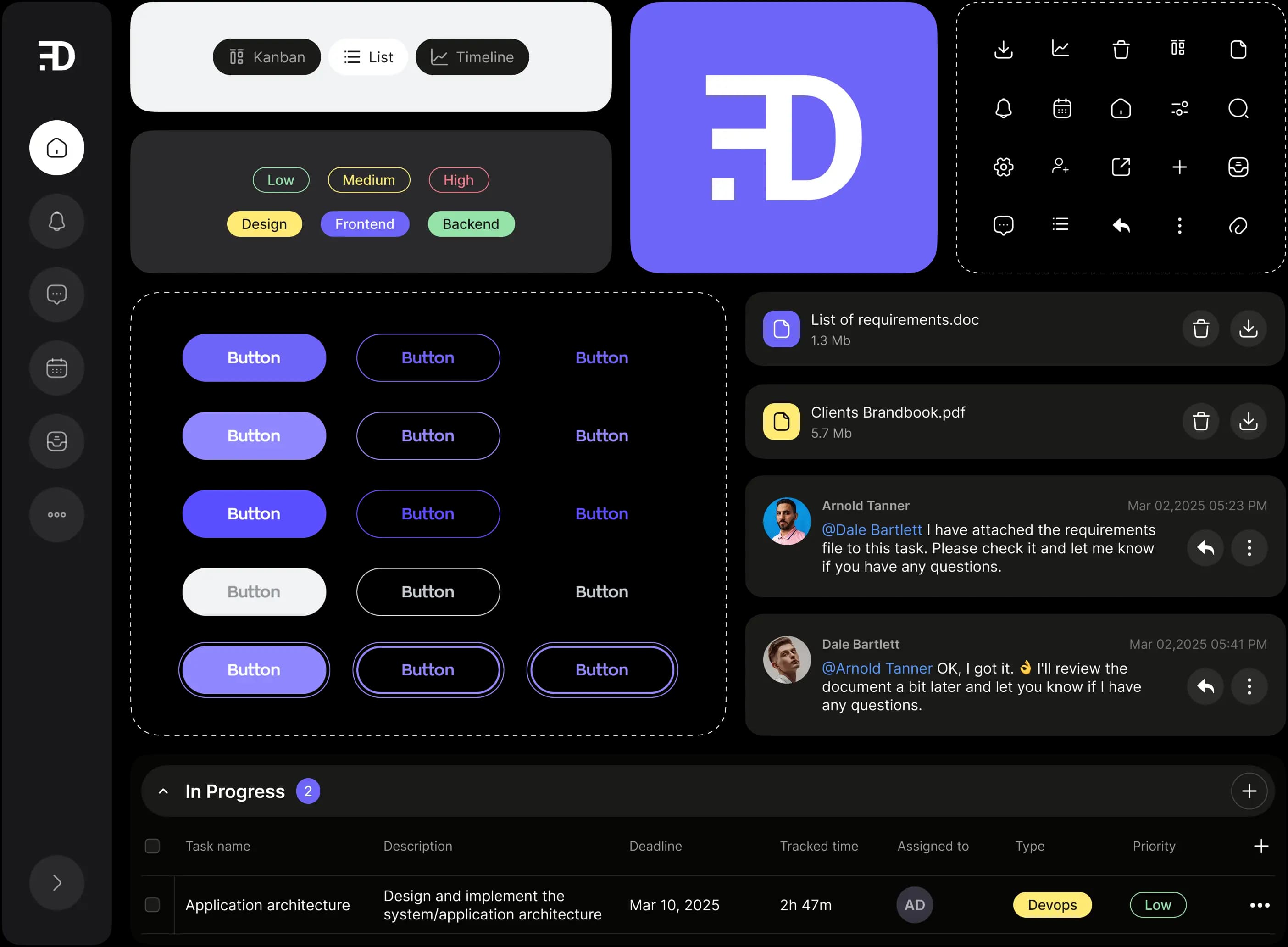
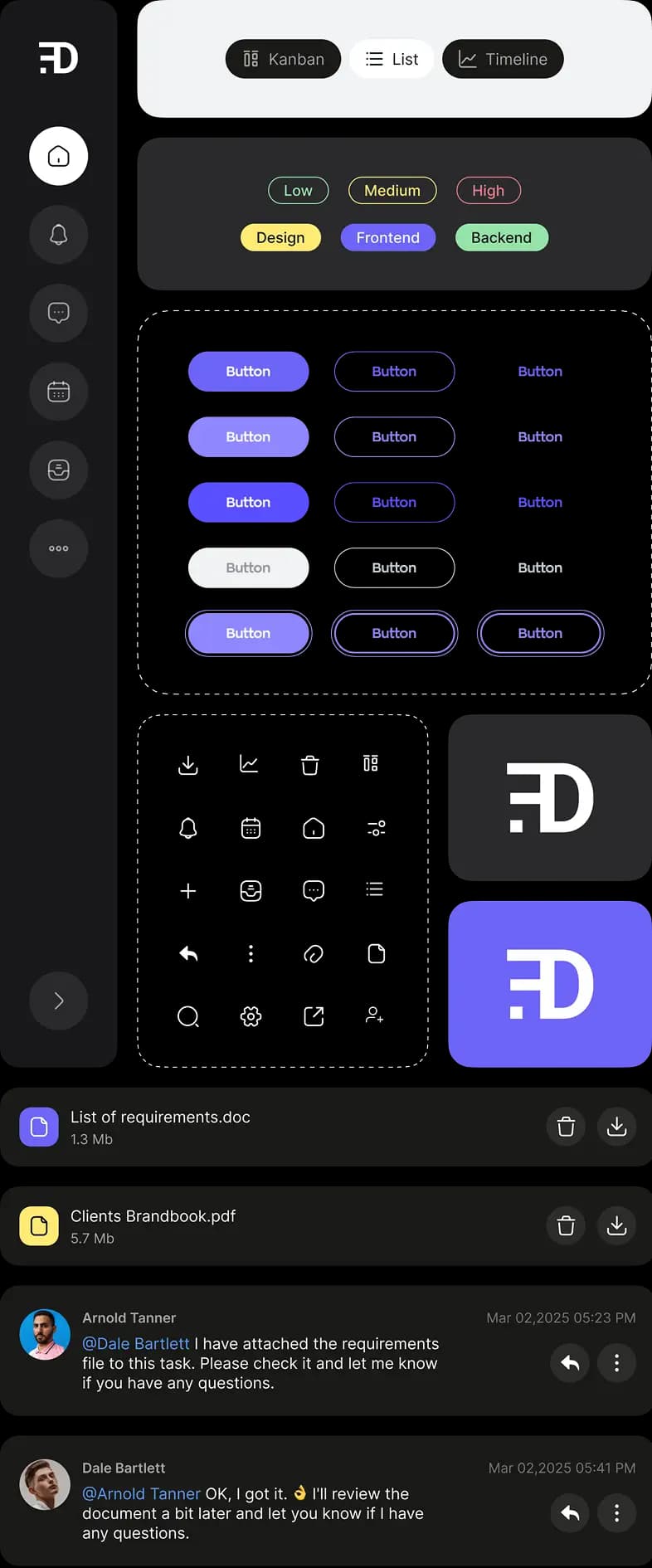
Branding
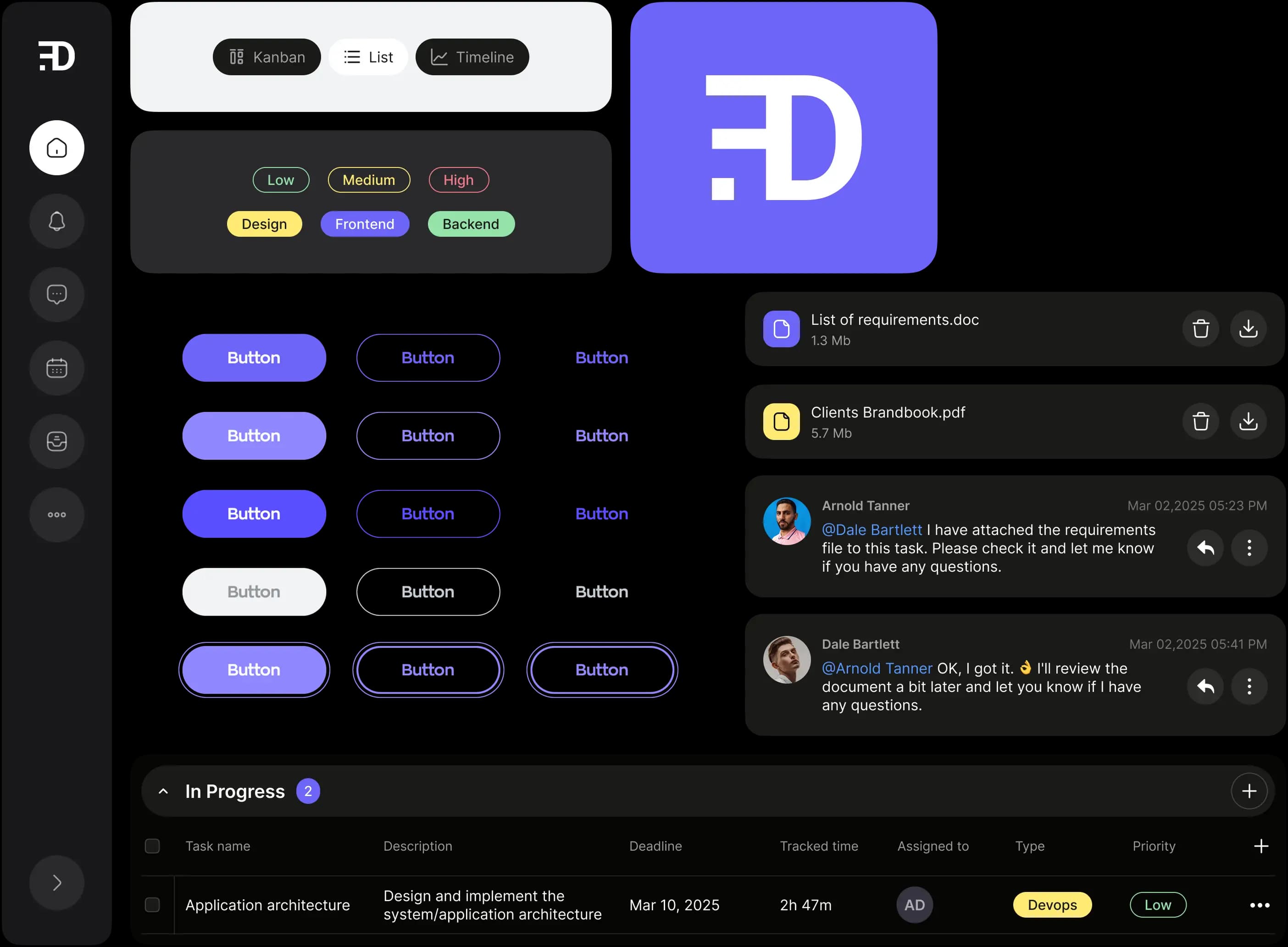
Typography: Inter for clarity and professionalism
Inter
Aa Bb Cc Dd Ee Ff Gg Hh Ii Jj Kk Ll Mm Nn Oo Pp Qq Rr Ss Tt Uu Vv Ww Xx Yy Zz
0123456789*-!><+%&/()=&
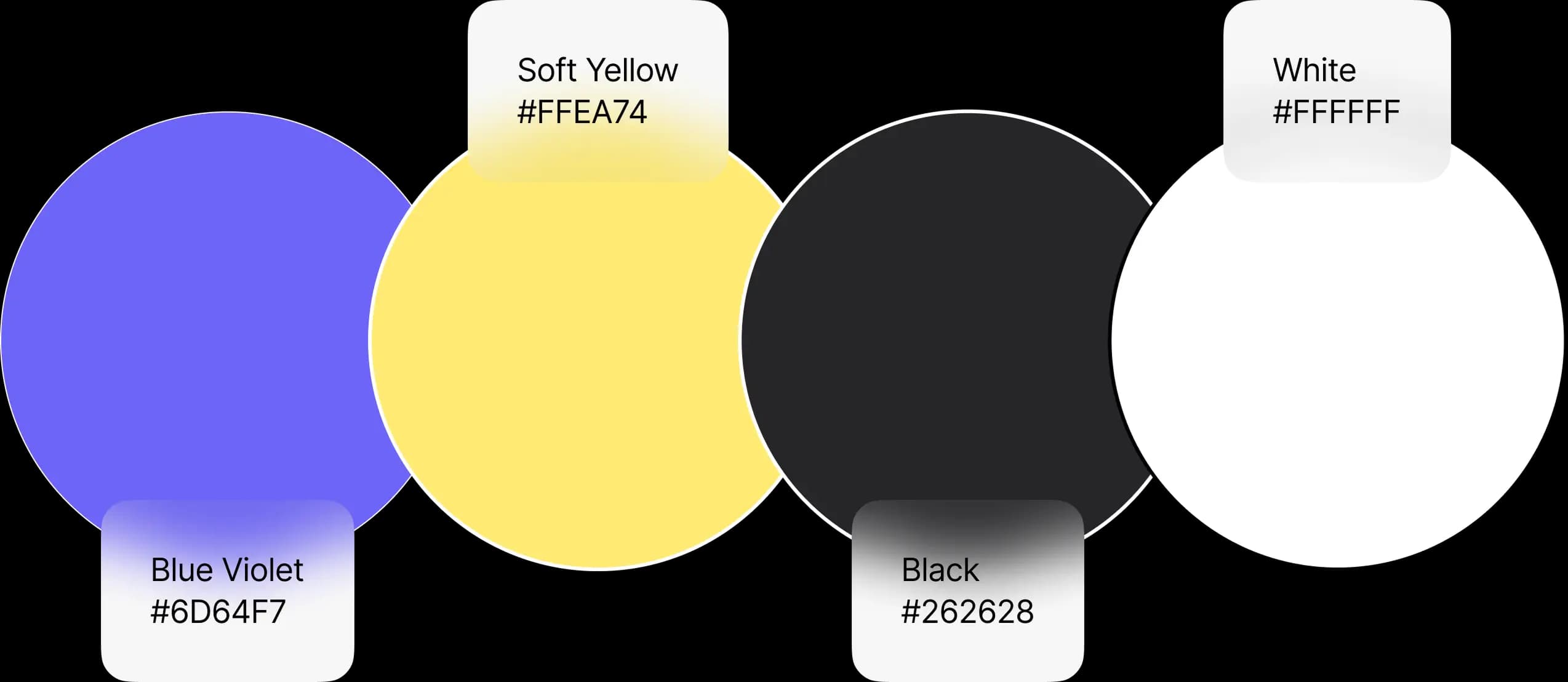
Colors: Bold navy, blue, and yellow — energetic yet relaxing for long work sessions
*The branding described here was developed specifically for this case study and differs from the original application's visual identity.
Development highlights
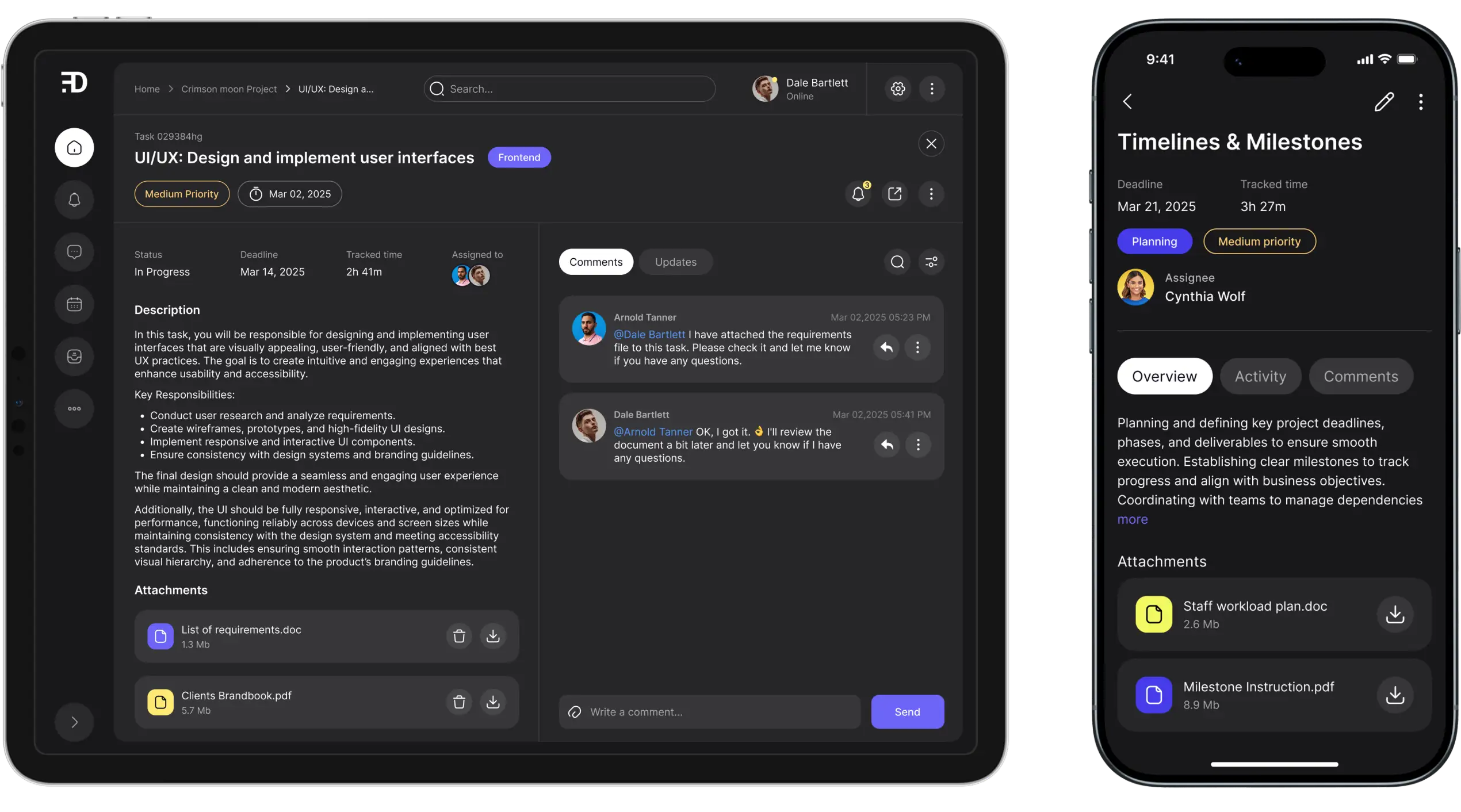
Web app: Built with React and TypeScript for maximum flexibility and maintainability. Real-time sync powered by WebSockets keeps views current — no refreshes needed.
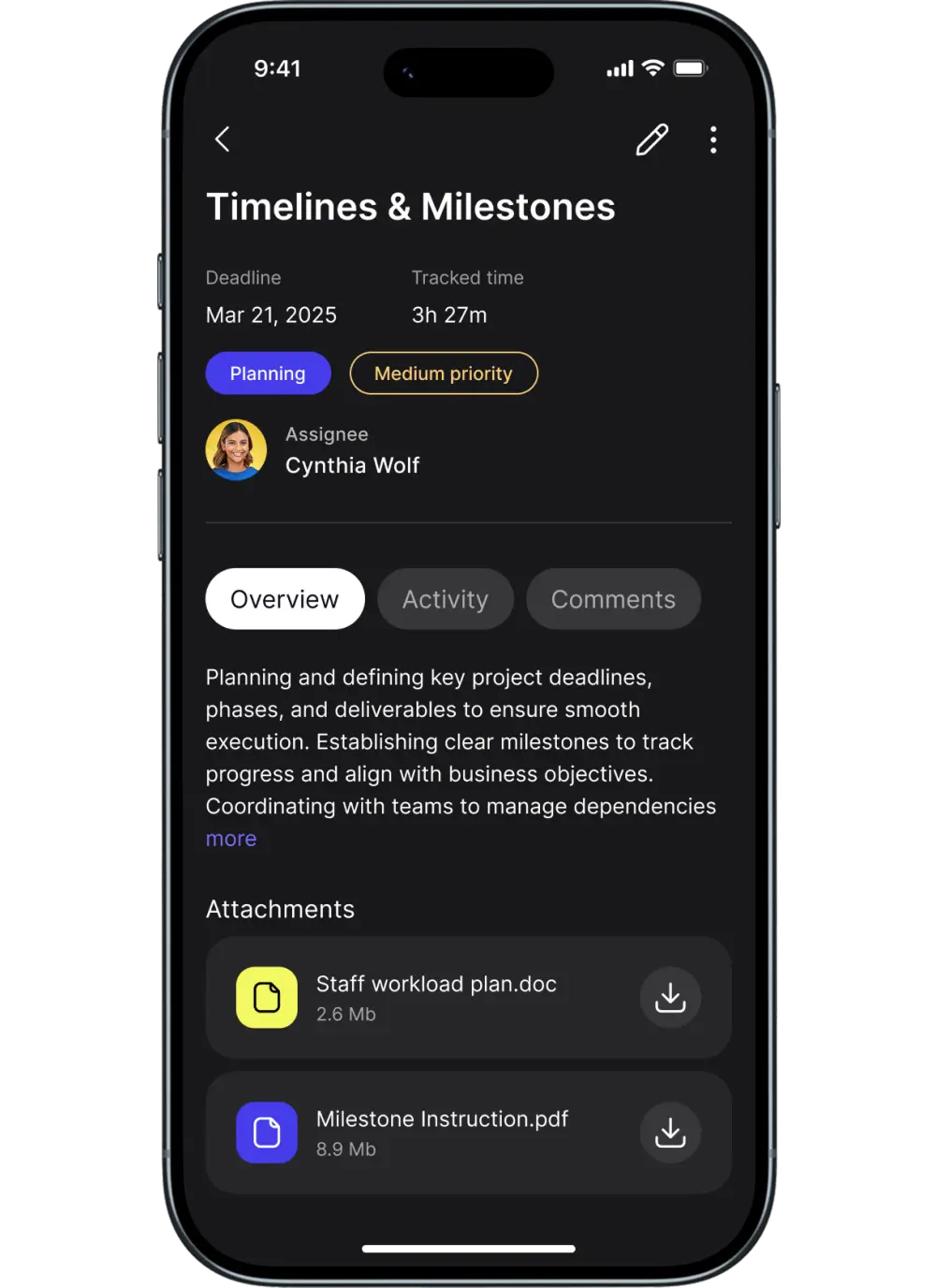
Mobile app: Developed in React Native for parity on iOS and Android. Push notifications, offline access, and intuitive navigation support users on the go.
Platform’s key features
Personalized organization
The app supports deep customization, so teams can tailor workflows as they see fit. Color-coded labels and custom tags help clarify task categories, urgency, or owner at a glance.
Grouping options, sections, and adjustable priorities ensure that even the most complex projects remain navigable.
Personal and team-specific filters make it easy for everyone to zero in on what matters most to them.
Real-time collaboration
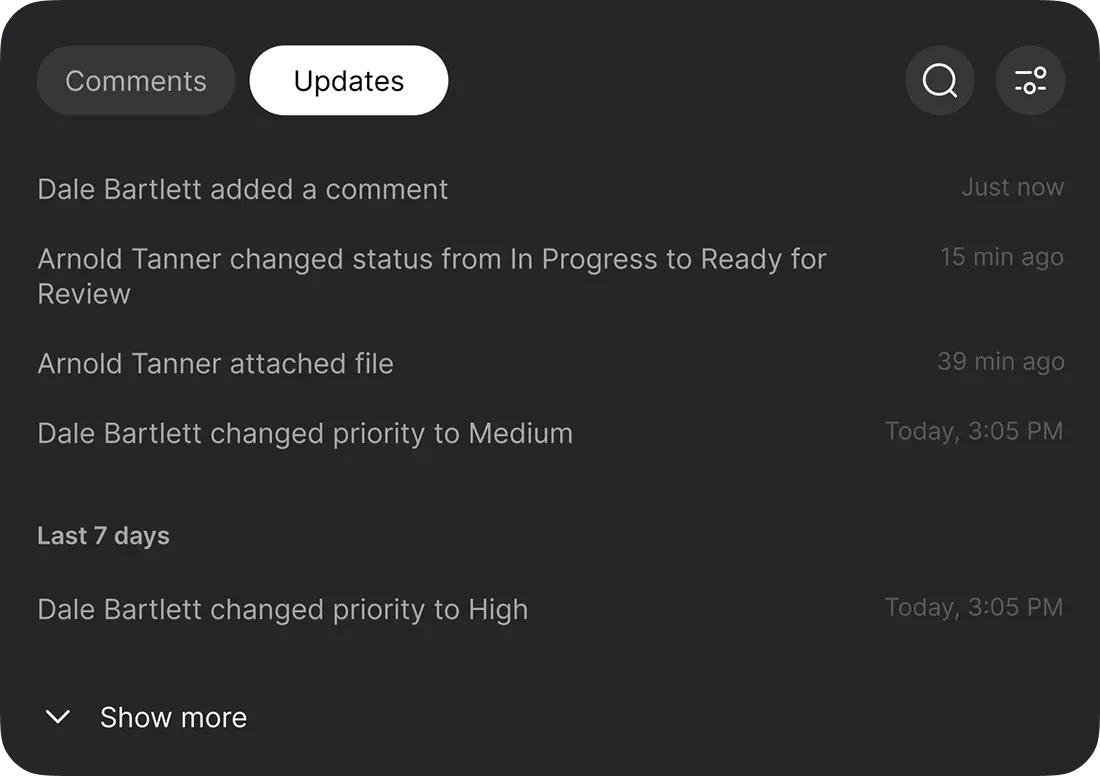
At the core of the app is a sophisticated real-time engine. Whenever users add tasks, change statuses, attach files, or comment, those updates are broadcast instantly across the workspace.
This means every teammate always has the most up-to-date information at their fingertips.
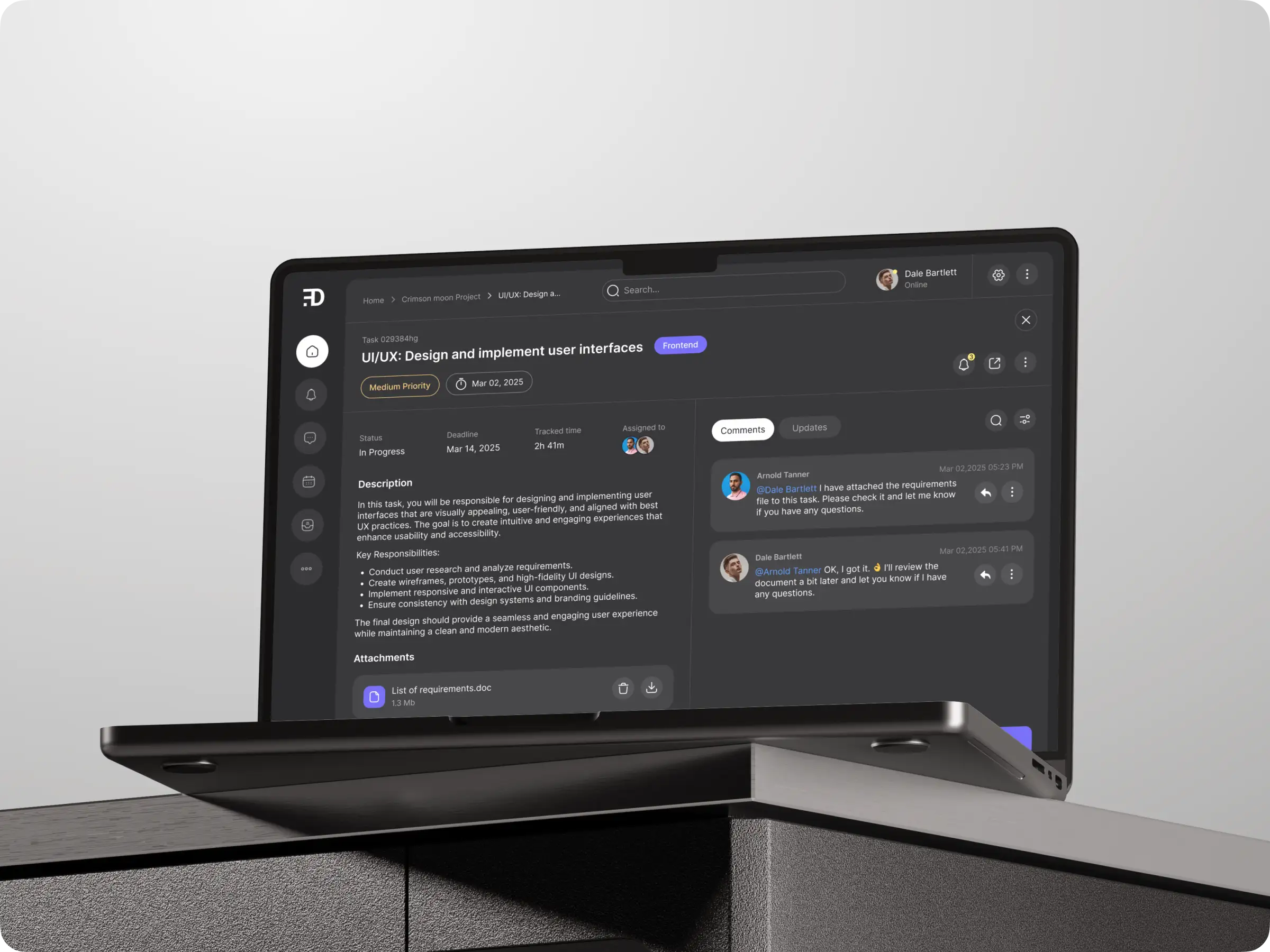
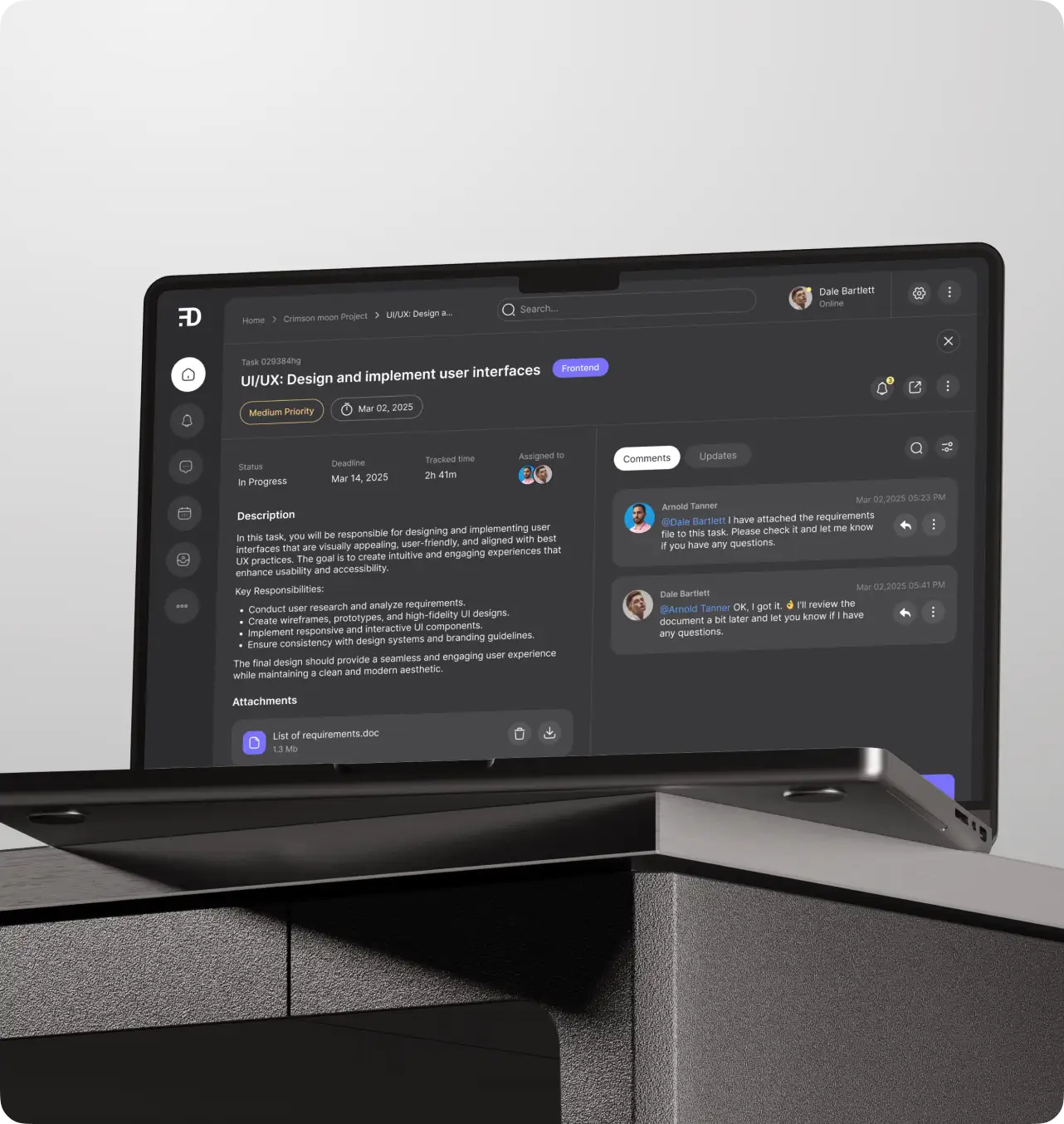
Contextual conversation takes place inside tasks with threaded comments and direct @mentions, keeping collaboration focused and easy to follow without reliance on outside chat tools.

Dynamic views
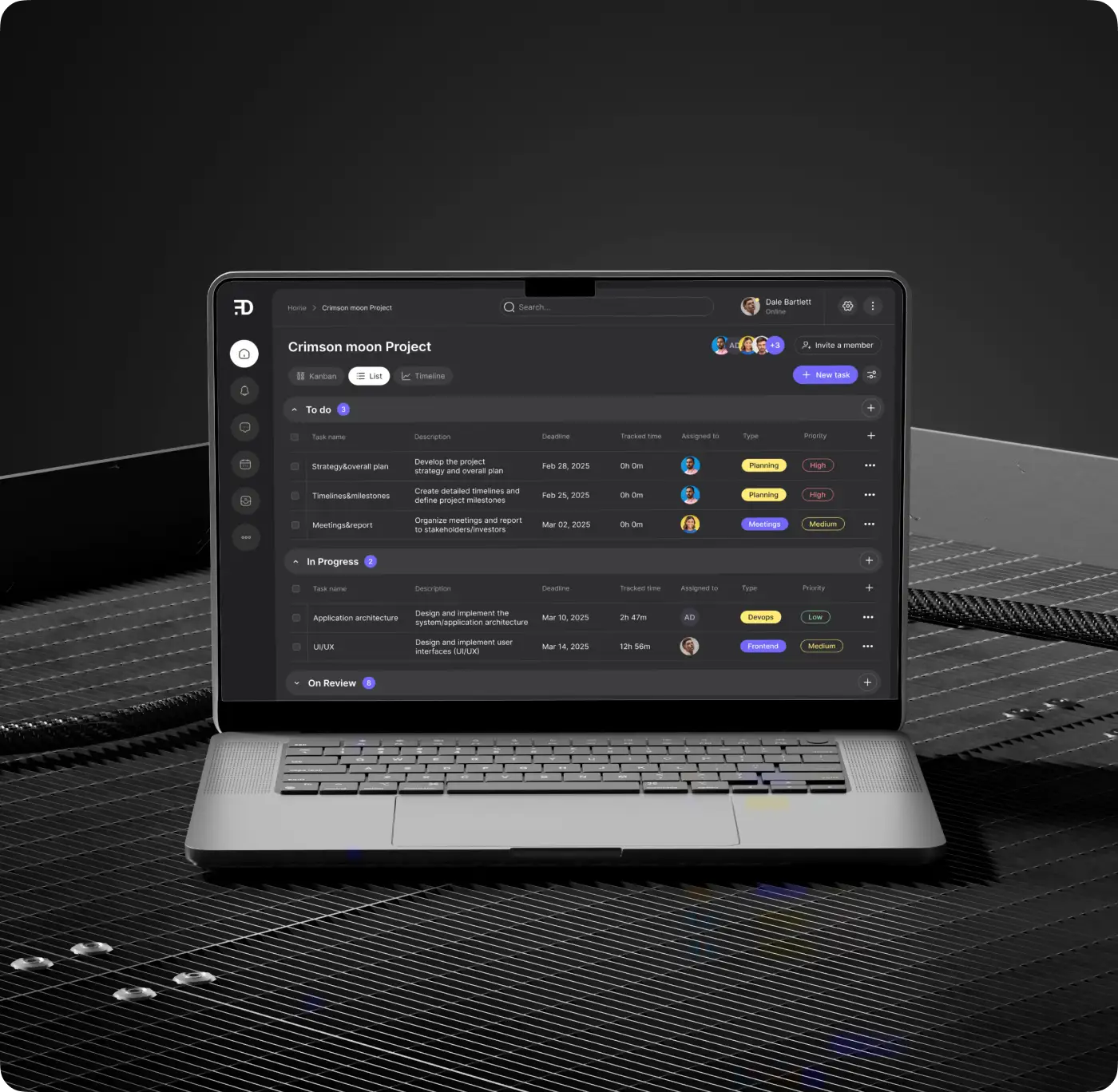
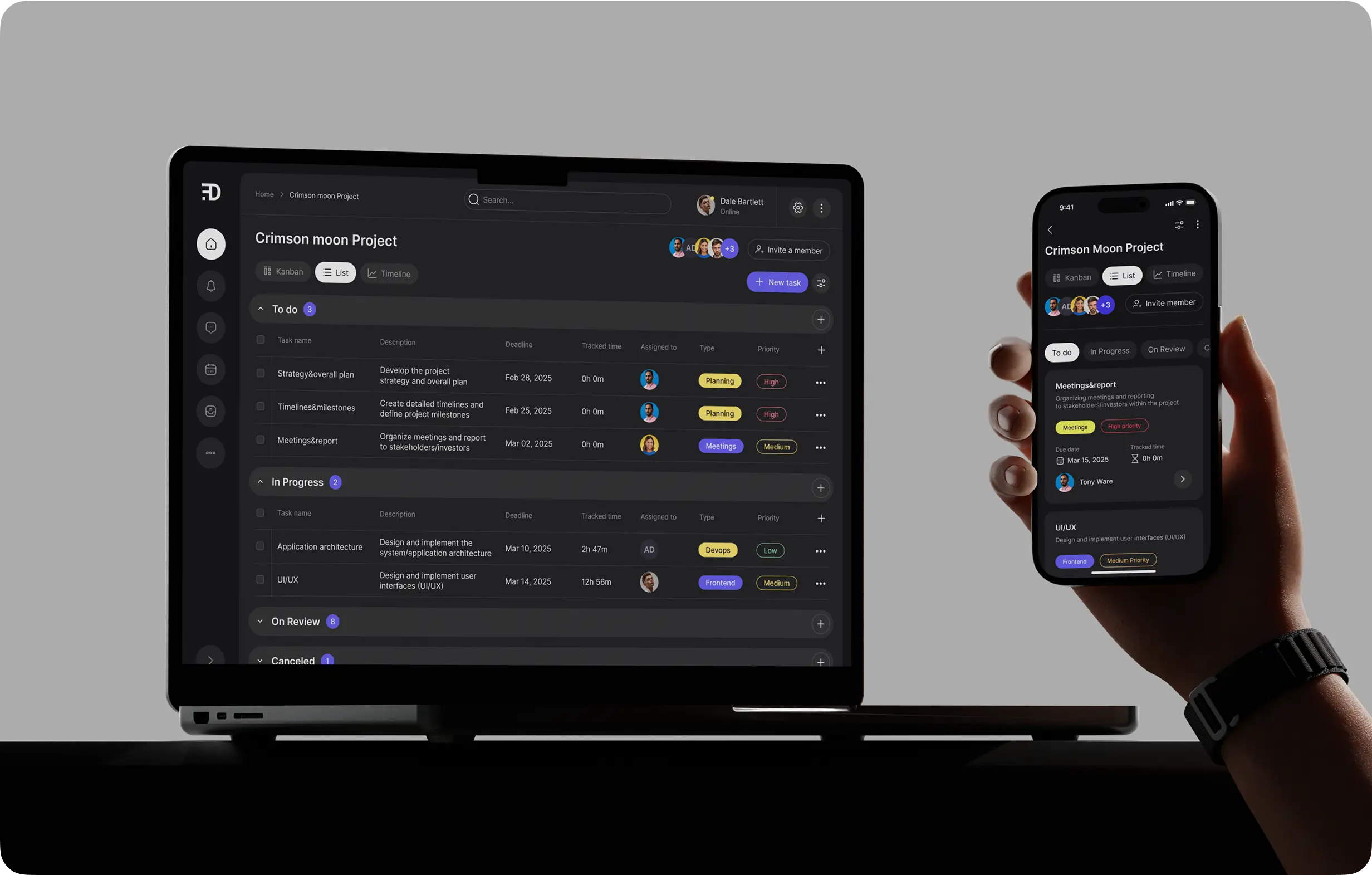
The platform presents projects in Kanban, List, and Timeline formats. This flexibility allows every team member to choose their ideal perspective — whether it’s moving tasks visually across columns for workflow transparency, scanning through a detailed list for updates, or planning ahead by mapping out deadlines on a project timeline.
Switching between these views is seamless, providing total control over how information is organized and digested.
Comprehensive task management
Each task offers space for detailed descriptions, supporting documents, subtasks, and checklists. Users can attach relevant files, add notes or requirements, and break work into actionable steps. Drag-and-drop uploads, integrated file previews, and deadline management tools make all project details not just stored — but easy to update and reference.
Consistent cross-platform experience
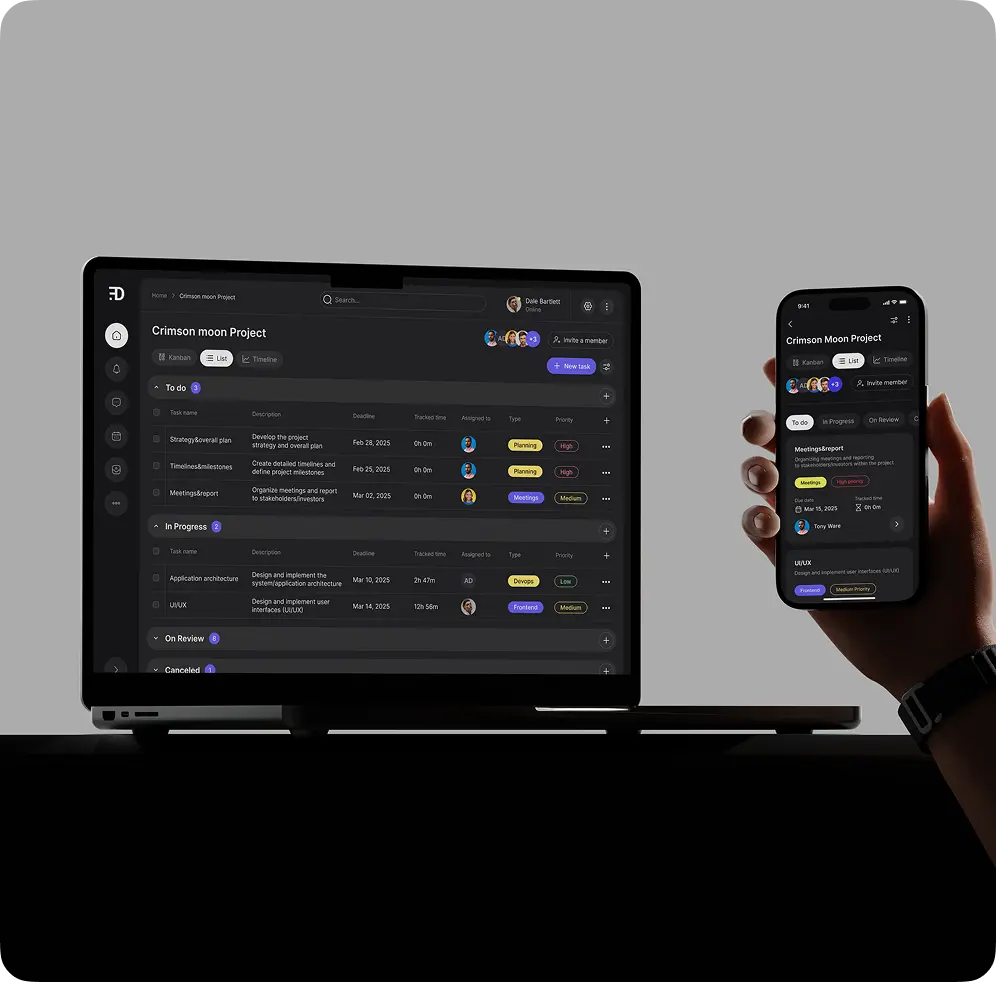
The platform provides feature parity between its web and mobile versions. Whether a user prefers a large monitor or their phone, they get the full suite of tools and an intuitive interface. On mobile, gestures like swipe and drag are optimized for natural, responsive control, making on-the-go updates smooth and frictionless.
Advanced search and filtering
Robust search capabilities power quick discovery of projects, tasks, or team members. Users can locate exactly what they need through real-time search results, and then filter further by tags, priorities, status, or assignee. This prevents large workspaces from becoming overwhelming and helps to keep mission-critical information always just a search away.
Team visualization and progress tracking
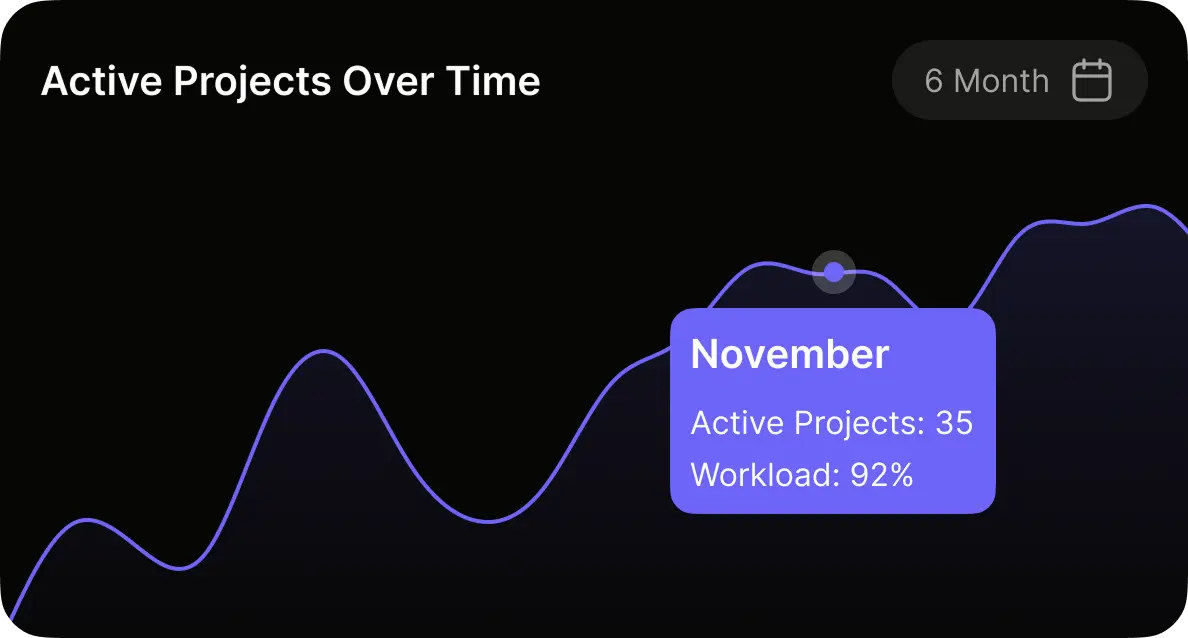
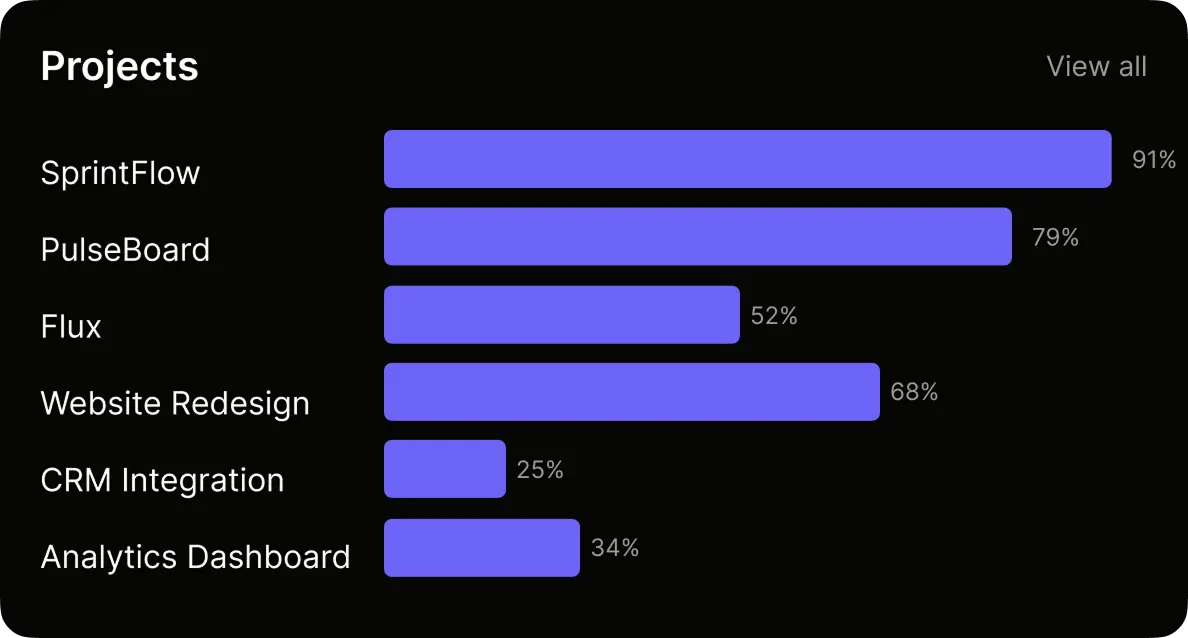
The platform highlights who’s responsible for every task with clear avatars, building accountability and team spirit especially in remote or distributed groups. Progress is made visible with summaries, dashboards, and visual progress bars. Time tracking features allow contributors to log hours and review time spent, supporting better future estimates and client transparency.
Notifications and activity feeds
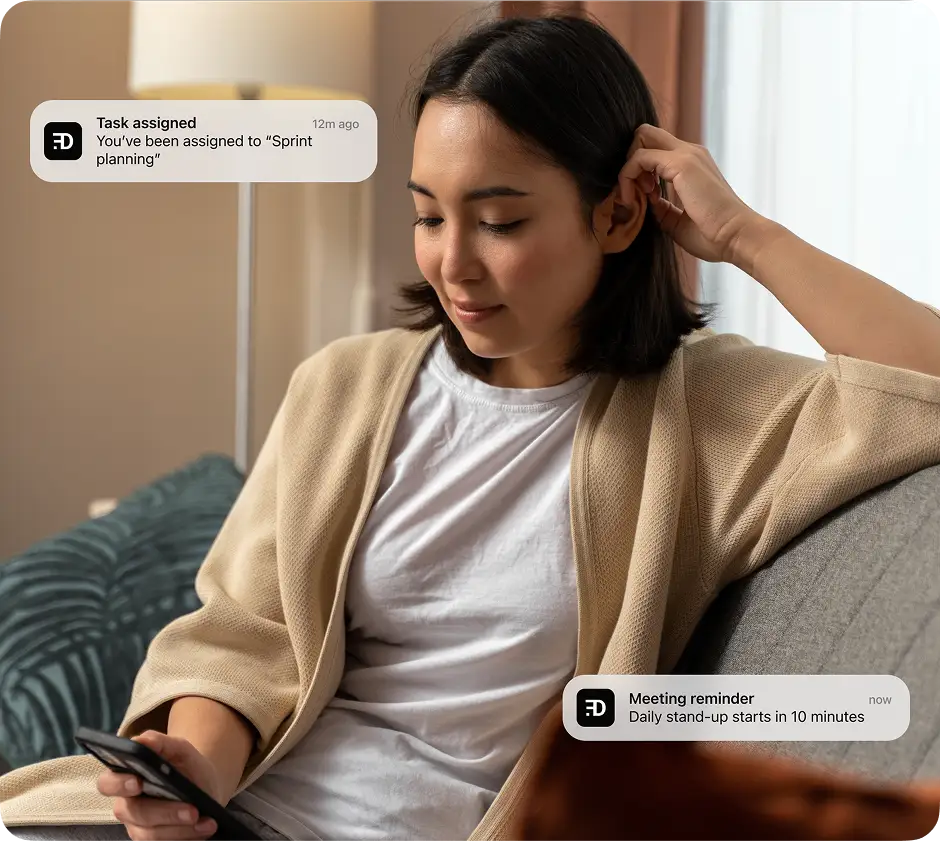
Relevant updates come through in-app and via push notifications, immediately alerting users when they’re assigned a task, mentioned in conversation, or approaching a deadline. The activity feed provides a clear timeline of all project events, creating transparency and an audit trail for both day-to-day collaboration and retrospective review.

Security and reliability
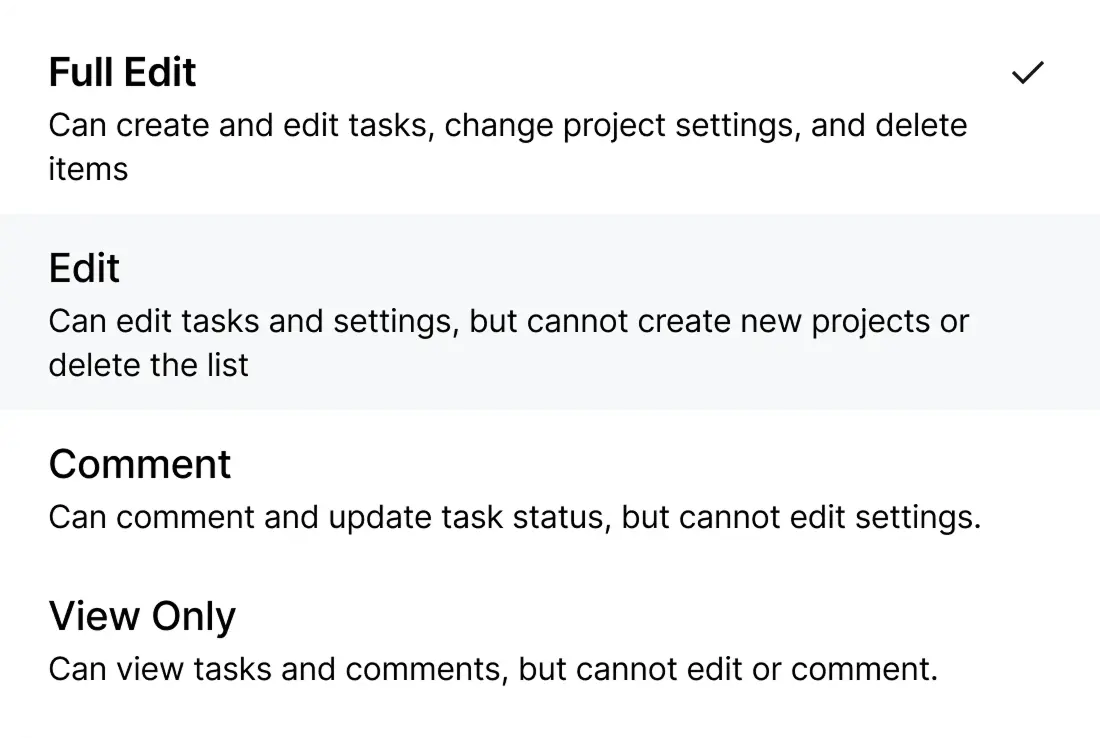
Strong permission settings give organizations confidence that access and visibility are appropriate for every team and project. Work is autosaved in real-time, so users never lose progress, while cloud storage keeps files secure and accessible from any location. The backend is built to scale reliably and handle heavy, concurrent usage without interruption.
Eye comfort and accessibility
Designed for the long-haul, the app defaults to a carefully tuned dark mode with high-contrast color choices and clean, readable typography. Accessibility is a top priority with features that include keyboard navigation, responsive interface sizing, and full compatibility with screen readers — making collaboration welcoming for every user.
How it stands out from other management platforms
Unlike conventional project management tools, our app delivers a true real-time, cross-platform experience with an emphasis on visual clarity, speed, and personalization:
Instant сollaboration:
All actions — comments, status changes, and attachments — sync automatically and immediately for every user, making teamwork both transparent and effortless.
Rock-solid сonsistency:
No feature gating — web and mobile offer the exact same toolkit and flawless interactions, so productivity and functionality never drop off when switching devices.
Intuitive by design:
First-time users can organize their projects and start collaborating in minutes thanks to clean layouts and built-in guidance.
Visual and personal:
Tasks, priorities, and teams stand out through smart use of colors, avatars, and visual cues — turning complexity into clarity.
Totally customizable:
Every team can tailor tags, workflows, and notifications to fit the way they already work best.
Distraction-free workflow:
With minimal visual noise and streamlined navigation, the app prioritizes getting things done.
Optimized for speed:
Fast load times and instant in-app updates mean projects keep moving without wait times or lags.
Monetization and access model
To balance wide adoption and sustainable growth, a tiered SaaS monetization model was developed:
Free plan
Unlimited users
Limited active projects (e.g., 2–3), and essential features
Designed for small teams, trial use, or freelancers
Team plan (subscription):
Unlimited projects and storage
Advanced features: extensive filtering/search, Timeline view, admin controls
Priority support and onboarding assistance
Monthly and annual payment options
Trial and conversion:
New users receive a 14–30 day free trial of Pro features to drive conversion
In-app prompts encourage upgrades as teams reach free-tier limits (e.g., project caps, storage)
Business (custom quota):
SSO integration, audit logs, enhanced permissions
Dedicated account manager and SLA support
Custom billing and onboarding
Challenges we faced
Real-time synchronization
Providing instant updates for all team members, even under heavy usage, was a technical hurdle. We optimized frontend batching and backend data pushes via Redis and WebSocket channels.
Consistent experience across devices
Every screen, action, and micro-interaction was iterated and tested to guarantee mobile users enjoy the full feature set the web offers.


Technologies
Frontend
ReactJS
React Native
TypeScript
Redux Toolkit
Backend
Node.js
TypeScript
Nest.js
PostgreSQL
Redis
Pub/Sub
WebSockets
AWS
EC2
S3
RDS
Docker
Integrations
Socket.io
WebSockets
Monitoring and analytics
Sentry
Datadog
Results
Early access launched to a cohort of pilot users drawn from the client’s network, with over 100 teams actively adopting the product in the initial rollout.
Teams reported improved visibility and fewer missed updates, particularly in remote settings. Real-time commenting and visual Kanban workflow were highlighted among key strengths. Both web and mobile versions were praised for stability and ease of onboarding, positioning the app for broader release and feature expansion in subsequent phases.
Project in numbers
1
Product manager1
UI/UX designer1
Mobile developer1
Backend engineer1
DevOps engineer2
Frontend developer$7 months
Timeline$130,000 +
Cost