

There are three ways to put chat inside a React Native app: plug in a managed chat SDK, build on a backend-as-a-service, or run your own real-time backend. The route you pick decides your monthly bill, where user messages are stored, and how far you can take the product later. Everything else, including which UI library you use, is a smaller decision.
Chat features are part of React Native app development at Ronas IT, and we have shipped all three routes in production apps. The prices below are the ones we quote today, and they start at $3,000 for chat added to an app that already exists.
Three ways to add chat to a React Native app
What separates the three routes is how much of the chat stack you rent and how much you write.
| Managed chat SDK | Backend-as-a-service | Your own real-time backend | |
|---|---|---|---|
| What you get | Server, message history, moderation tools, and UI components | Database, authentication, and push notifications | Full control of the message model, storage, and rules |
| Typical choices | Stream, ChatKitty, CometChat, TalkJS | Firebase, Supabase, AWS Amplify | Socket.io on Node or Nest, Laravel Reverb with Echo |
| Fits when | Chat supports the product but is not the reason people open the app | You are validating an idea and message volume is still small | Chat is the product, or the rules around it are unusual |
| Main cost | Monthly fee that grows with monthly active users | Query and scaling limits you inherit from the vendor | Engineering time for presence, delivery, and ordering |
| Where messages live | Vendor infrastructure | Vendor infrastructure | Wherever you host |
| Hardest part to undo | Migrating history out of the vendor | Reworking the data model once volume grows | The first month of work before chat feels finished |
The choice usually comes down to one question: if chat broke tomorrow, would users stop opening the app, or just complain? If they would stop, own the backend. If they would complain, buy the chat and spend your engineering budget on the part they came for.
What React Native gives you on a chat screen
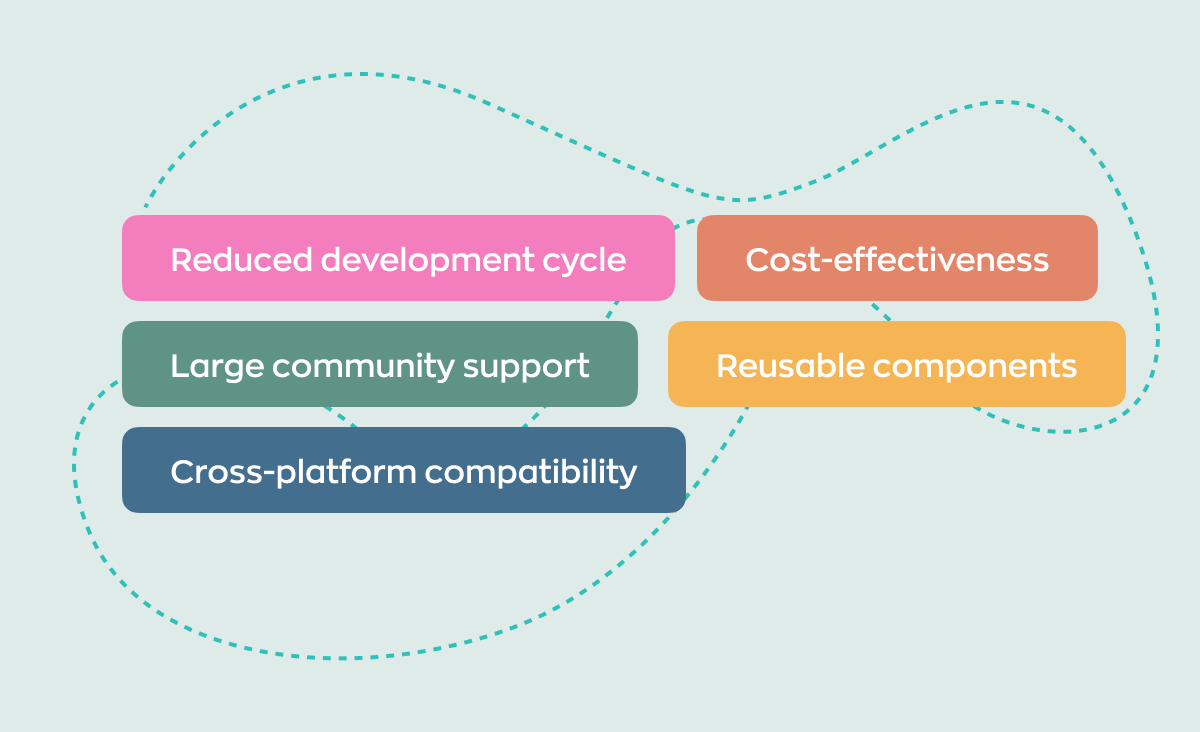
One team ships the same chat screen to iOS and Android from a single TypeScript codebase, which matters more for chat than for most screens: message bubbles, input toolbars, read states, and unread badges are fiddly, and building them twice doubles the number of places a bug can hide.
The rendering also got faster, which is why older “React Native is too slow for chat” advice no longer holds. Since React Native 0.76, released in October 2024, the New Architecture is enabled by default. It removed the framework's dependency on the old asynchronous bridge, so JavaScript now talks to native views directly, and native modules load when they are first used rather than at startup. Version 0.82 was the first release to run entirely on it, and the releases since have been deleting the legacy code path; 0.86, from June 2026, is current. On a chat screen you notice this when you scroll a long conversation, swipe to reply, or a new message pushes the list up.
Reusable components pay off here too: kits like Gifted Chat, React Native Paper, and gluestack-ui give you bubbles, lists, and forms that you can restyle, and TypeScript catches prop mistakes before they reach a device. If you need a custom element, such as a sticker picker or a reply preview, you build it once and reuse it across the app and future projects.
The honest limit: your JavaScript code still runs on one thread. Heavy work in that thread, such as decrypting a long history or parsing thousands of messages at once, will show up as a stutter. The fix is architectural rather than framework-level: load messages in pages, render only the ones on screen, and move expensive work off the main thread.
React Native chat libraries and what each one is for
Most chat screens we ship use two or three of the libraries below, not ten. Pick one for the interface, one for the transport, and one for push, and add the rest only when a real requirement asks for it.
| Library or service | Layer it covers | Reach for it when |
|---|---|---|
| Gifted Chat | Chat interface: bubbles, input toolbar, avatars, typing indicator | You want a working chat screen in a day and will restyle it later |
| FlashList | List rendering that keeps only the visible messages in memory, from Shopify. Version 2 runs on the New Architecture only | Conversations grow past a few hundred messages, or you support low-end devices |
| Stream Chat React Native | Full SDK: server, message store, and UI in one package | You want chat live this quarter and can pay per active user |
| ChatKitty | Hosted chat backend with channels, reactions, and moderation. A small vendor whose npm packages have had no release since October 2025 | You need a chat server without running one |
| Pusher Channels | Hosted WebSocket transport only | You already have a backend and only need the real-time pipe |
| Firebase | Realtime Database or Firestore, auth, and Cloud Messaging | An MVP or pilot where message volume is still small |
| Socket.io with Node or Nest | Custom real-time server | You own the message model, presence rules, and retention |
| Laravel Reverb with Echo | Custom real-time server for a Laravel API | Your backend is already Laravel and you want the real-time layer in the same codebase |
| Expo Notifications | Push delivery through Firebase Cloud Messaging and APNs | Any chat that has to reach users when the app is closed |
| Reanimated and Lottie | Animated reactions, stickers, and transitions | Reactions and stickers are part of how the product feels |
Gifted Chat is a UI layer and nothing more, so it gives you no delivery guarantees, no history, and no moderation. And a hosted transport such as Pusher is not the same purchase as a hosted chat service: the first moves messages, the second also stores them, orders them, and gives you tools to remove them.
A minimal Gifted Chat screen is a handful of lines: give it the message list, the current user, and a handler for outgoing messages, and it renders the bubbles, avatars, and input toolbar for you.
import { useCallback, useState } from 'react';
import { GiftedChat } from 'react-native-gifted-chat';

export function ChatScreen() {
  const [messages, setMessages] = useState([]);

  const onSend = useCallback((newMessages = []) => {
    setMessages((previous) => GiftedChat.append(previous, newMessages));
  }, []);

  return (
    <GiftedChat
      messages={messages}
      onSend={onSend}
      user={{ _id: 1 }}
    />
  );
}
FlashList is what keeps that same screen smooth once a conversation grows past a few hundred messages. Its maintainVisibleContentPosition option exists for exactly this case: new messages can arrive at the bottom without the list jumping, and a screen with only a few messages can start already scrolled to the newest one.
<FlashList
  data={messages}
  keyExtractor={(item) => item.id}
  renderItem={({ item }) => <MessageBubble message={item} />}
  maintainVisibleContentPosition={{
    autoscrollToBottomThreshold: 0.2,
    startRenderingFromBottom: true
  }}
/>
The transport side looks different because you own it. A Socket.io client connects to your backend once and stays open for the life of the screen, forwarding every message it receives into state:
import { useEffect, useState } from 'react';
import { io } from 'socket.io-client';

export function useChatSocket(roomId) {
  const [messages, setMessages] = useState([]);

  useEffect(() => {
    const socket = io('https://chat.example.com', { query: { roomId } });

    socket.on('message', (message) => {
      setMessages((previous) => [...previous, message]);
    });

    return () => {
      socket.disconnect();
    };
  }, [roomId]);

  return messages;
}
When chat needs to understand what is being said rather than just deliver it, that becomes an AI feature on top of the chat layer: smart replies, thread summaries, translation, or automated moderation through a model API. It is worth planning as a separate milestone, because it changes what you must store and log.
What we learned shipping chat in React Native apps
A different constraint decided the shape of the chat on each of the projects below.
“Teams budget for building chat. They rarely budget for leaving it. Message history is the one thing you cannot re-create: if it sits with a vendor, moving it later means an export, an import, and a stretch of time when search and threading are broken for people who are still using the app. So I ask one question before we pick anything. Would you be willing to lose the first year of messages? If the answer is no, own the storage from day one, even when you rent the transport.”
Alexander Storozhevsky, Lead developer at Ronas IT
A hosted service when chat is a supporting feature
On a marketplace app we built for the UAE, buyers and sellers message each other to arrange a deal, because the app deliberately has no in-app payments. Nobody opens it for the chat, though: they come for the plant listings and the AI assistant that helps them search. So we integrated ChatKitty instead of writing a chat server, and spent the engineering budget on what was specific to that market: seller licence verification and right-to-left Arabic layout. That was the right call for that project at that time. Starting the same app today, we would first check whether the vendor is still shipping releases, because ChatKitty has published none since October 2025.
Our own real-time layer when the conversation is the product
On a SaaS project management platform, the discussion lives inside tasks: inline comments, mentions, assignments, and attachments. Keeping every collaborator in sync under heavy usage was the hard part, and we solved it with our own WebSocket layer, so a comment, a status change, and an attachment all travel the same way. Buying chat here would have meant two sources of truth for the same conversation.
The half of that work which repeats on every project is code we keep in the open. Our Laravel chat package covers conversations, messages, and the broadcast events a mobile client subscribes to, under an MIT licence, and our Expo push notification driver for Laravel handles the delivery side. A custom real-time layer starts from maintained code rather than a blank file, and you can read both before you hire anyone.
When the requirement decides the route for you
In a GDPR-compliant virtual classroom for European schools, class chat sits next to video, with emoji reactions and quick polls. Two constraints ruled out a quick integration: data had to stay in the EU, and the chat had to be fully usable with a screen reader. Accessibility and data residency are not add-ons you retrofit into a vendor widget.
Pick a rendering layer that can carry a message list
One project started as a small support tool built with minimal resources: a Node.js backend and a Cordova mobile app. As it grew into a full messaging platform, the Cordova webview could no longer render a growing message list well, so we rebuilt the mobile clients natively and kept the backend on Node.js with MongoDB, sized for the 100,000 users the client required. That was a limit of hybrid apps that draw their screens in a webview. React Native draws real native views instead, which is why a long message list holds up on it.
Chat decisions that are expensive to change later
Chat looks simple until the second week, when messages start arriving out of order and the unread badge stops matching the screen. These are the decisions worth making before the interface is polished, in the order they usually bite.
- Message identity and ordering. Let the server assign message IDs and a sequence, and never sort a conversation by the timestamp on the sender device. Clocks differ, and users will see replies above the messages they answer.
- The offline queue. Decide what happens to a message typed in a lift. A local outbox with a pending state, retries, and deduplication on reconnect is a day of work up front and a rewrite later.
- Pagination. Ask for the next page by pointing at the last message you already have, not by asking for “messages 40 to 60”: new messages keep arriving while the user scrolls, so those positions shift underneath them. Pair it with a list that renders only what is on screen.
- One rule for unread counts. The socket and the push payload will disagree unless a single source decides what counts as read. This is the most common cause of a badge that never clears.
- Media storage. Keep files out of the message store. Upload to object storage, serve through expiring signed links, and store only references in the conversation.
- Encryption. End-to-end encryption is a product decision, not a checkbox. It removes server-side search and moderation, and message previews in notifications. Search has to move to the device instead.
- Moderation and audit trail. Someone will report a message. Decide who can see, hide, and export it, and keep a record of that action.
- Data residency. If messages must stay in a specific region, that constraint alone can rule out the SDK and BaaS routes before you compare their features.
A practical order of work follows from that list: build the message list first, seed it with tens of thousands of messages, and only then design the bubbles. A chat that looks beautiful and stutters at 10,000 messages is harder to fix than a plain one that scrolls.



Features users expect, and what each one adds to the build
Basic messaging is a small part of the work: every feature below carries its own technical commitment, so read this as a release order rather than a list to promise all at once.
| Feature | What it needs on top of basic messaging |
|---|---|
| Real-time delivery | A WebSocket, the always-open connection that lets a server push a message without the app asking, plus reconnect logic and a queue for offline use |
| Read receipts and typing indicators | A presence channel and per-message state, which multiplies write volume on the backend |
| Group chats | Membership rules, fan-out on delivery, and per-user unread state instead of one counter |
| Media and file sharing | Object storage, signed links, size limits, thumbnails, and virus scanning for business use |
| Voice messages and transcription | Audio recording and playback, plus a speech-to-text API such as Google or AWS for transcripts |
| Voice and video calls | Signaling, TURN servers, and a media stack such as WebRTC. Plan this as a second project, not a feature of the chat screen |
| Reactions, emoji, and stickers | An asset pipeline and animation library, plus per-message reaction storage |
| Location sharing | Location permissions, a map component, and a clear rule for when live sharing stops |
| Search across history | A server-side search index, or a client-side one if you add end-to-end encryption |
| Push notifications | Firebase Cloud Messaging and APNs, token refresh handling, and one unread-count rule |
| Accessibility | Screen reader labels on every message action, large touch targets, and contrast checks |
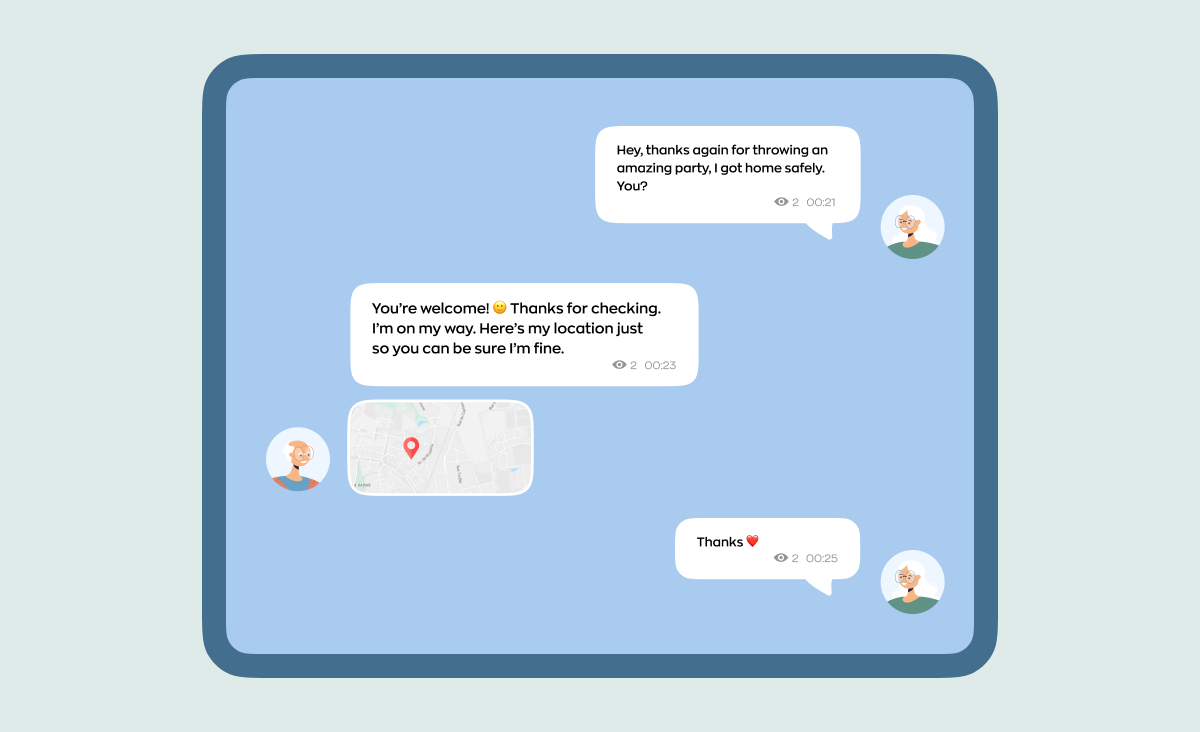
Interface design for chat has to follow the platform conventions users already know, Material Design on Android and the Human Interface Guidelines on iOS, because people notice a wrong keyboard or a wrong swipe immediately. Accessibility belongs in the same first pass: labels for message actions and a sensible reading order.
How much does a React Native chat app cost?
Adding chat to an app that already exists starts at $3,000 and about a week of work. A validation-scope cross-platform app that includes chat runs $20,000 to $40,000 and 4 to 6 weeks. A custom real-time API behind it starts at $10,000 and 3 weeks. The spread comes from the route you pick rather than the number of screens.
| What you are buying | Starting price | Timeline |
|---|---|---|
| Third-party API integration, such as a hosted chat service in an existing app | $3,000 | From 1 week |
| Custom API development, including your own real-time backend | $10,000 | From 3 weeks |
| Validation-scope cross-platform app for iOS and Android with React Native | $20,000–$40,000 | 4–6 weeks |
| Mobile app design | $8,000 | From 2 weeks |
| Analysis phase, if the requirements are still open | $2,000–$3,000 | 1–2 weeks |
Not everything is in that table. A managed chat SDK bills separately, per monthly active user, so read the vendor's current pricing before you commit to that route. Voice and video calls are their own build with their own infrastructure. And a larger product, with more user roles, more integrations, or a heavier backend, sits above the validation range; we break the drivers down in what affects React Native app cost, and the full list of starting prices is on our pricing page.
React Native apps with chat you can check yourself
Lists of “chat apps built with React Native” are unreliable, so every example below comes with a public repository or engineering post you can open. Mattermost, Rocket.Chat, Bluesky, and Zulip are open source, which makes them the most useful reading if you want to see how a mature React Native chat client is put together.
Mattermost
Mattermost is an open-source team collaboration platform, and its mobile client is a React Native and TypeScript app that still ships releases, the latest in July 2026. It is the clearest public example of how channels, offline history, and push handling are organised in a product rather than in a tutorial.
Rocket.Chat
Rocket.Chat is the other open-source platform in this category, and its React Native mobile app is also on a regular release cadence. The community edition is self-hostable, which is why it turns up in organisations that cannot let messages leave their own infrastructure, and it is worth reading if data residency is your constraint too.
Bluesky
The Bluesky app is React Native with Expo, sharing one codebase across iOS, Android, and the web through React Native for Web, and its direct messages live in the same repository. It is the largest consumer app on this list where messaging sits inside a social product rather than being the whole product.
Discord
Discord published a well-known engineering post in 2018 explaining that its iOS app was React Native, maintained by two engineers who reused business logic from the web React codebase, and that an earlier Android attempt had been dropped over touch performance. Most articles stop there and miss what happened next: Discord rebuilt its Android app on React Native in 2022, and a 2025 post says plainly that its mobile clients are React Native. Discord has now made the same choice twice, at consumer scale.
Zulip, the counter-example
Zulip's mobile app was React Native for years. The project launched a Flutter client in June 2025, and the React Native repository now describes itself as an unsupported legacy app due to be archived. It is a useful reminder that this decision gets revisited: pick the stack that fits the team you have, and expect to defend the choice again in a few years.
One name you can strike off any such list is Messenger. In Project LightSpeed Meta rebuilt the Messenger iOS app on the UI framework that ships with iOS, cutting core code by 84%, from more than 1.7 million lines to 360,000, and making the app start twice as fast. If you want a broader survey of what React Native does run, we keep separate lists of React Native app examples and the best apps built with React Native.
What to do next
If you are about to start, work through these five steps in order. They take a day and they prevent the rebuild that usually follows a rushed choice.
- Write down five facts about your chat: who talks to whom, expected messages per day, how long history must be kept, who moderates, and which region the data must stay in.
- Answer the one question that picks the route: if chat broke for a day, would users stop opening the app?
- Build the message list first, with FlashList and at least 10,000 seeded messages on a low-end Android device.
- Decide the unread-count rule and the offline queue behaviour before designing the bubbles.
- If end-to-end encryption, data residency, or the ability to move your message history out later is on your list, settle it now, because each one removes options.
If you want a second opinion on the route before you commit, we build React Native apps and give technical advice on this exact decision, and we will say plainly when a hosted SDK is the better buy than a project with us.
Frequently Asked Questions (FAQs)
Which React Native chat library should I use?
Should I use a chat SDK or build my own real-time backend?
Is a React Native live chat widget the same as the chat in this article?
How long does it take to build a chat app with React Native?
What drives the cost of a React Native chat app up or down?
Is React Native fast enough for a chat app?
Which backend should I pick for React Native chat?
How do push notifications work in a React Native chat app?
Can I add end-to-end encryption to a React Native chat app?
Is Gifted Chat production-ready?
Can I build a chat app with Expo?
Is ChatKitty a good choice for React Native chat?
Related posts




Related Services
React Native App Development Services
Save time and costs with Ronas IT's React Native app development, allowing cross-platform capabilities for iOS and Android. Our team has built 20+ React Native apps since 2020, ensuring rapid development, flexible maintenance, and cost-effective solutions.
MVP Development Services
Need to launch your startup quickly? Ronas IT offers urgent MVP development services, allowing you to get a fully-functional app in 4 to 12 weeks, depending on scope. Ideal for testing business ideas, presenting to investors, or entering the market swiftly. Benefit from our extensive experience and accelerated development process.
Cross-platform App Development
Ship to iOS and Android from one React Native codebase instead of funding two native teams. Ronas IT handles UI/UX design, development, and the releases to Google Play and the App Store, delivering high-performance, secure apps within 2 to 4 months.