
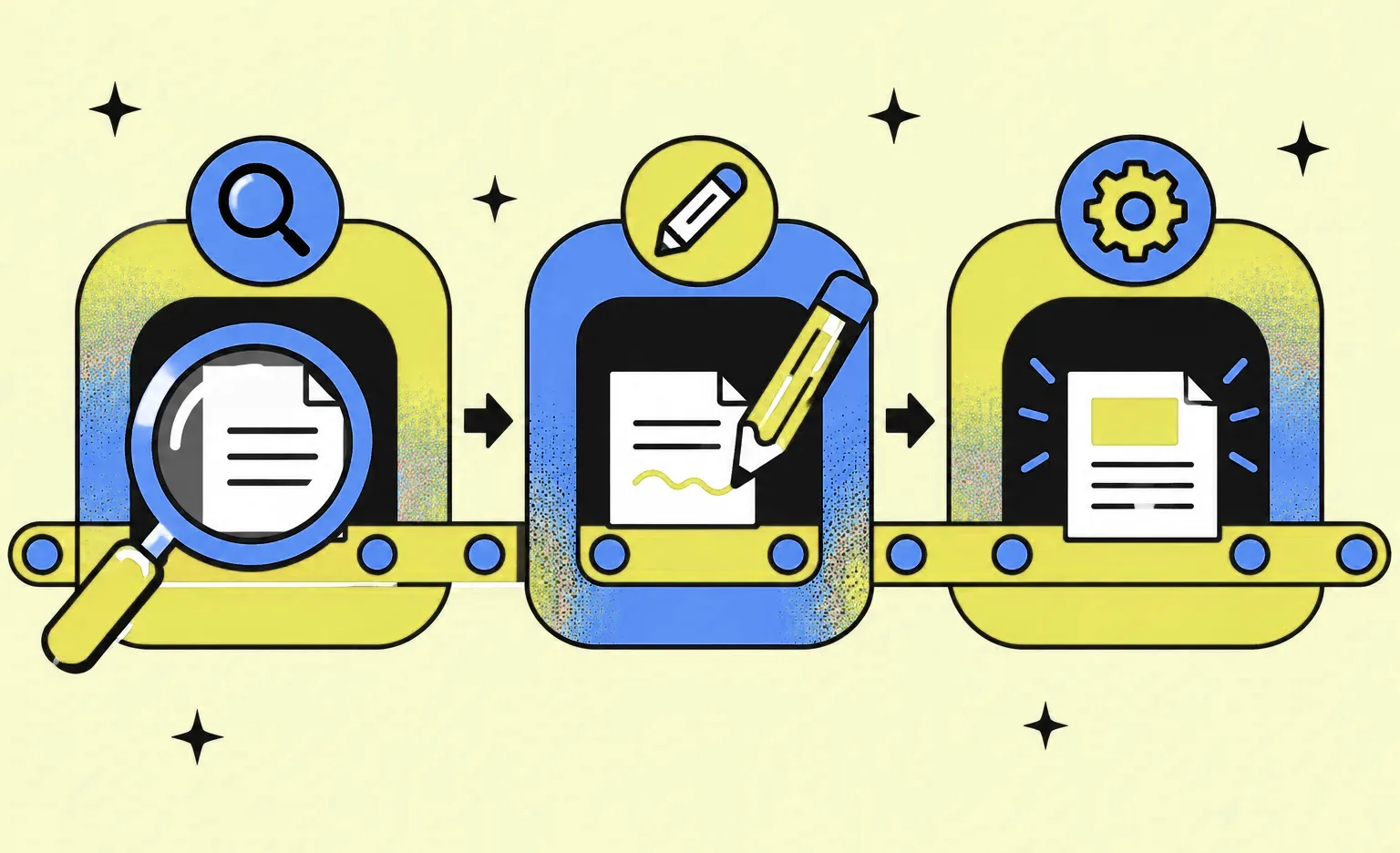
A website redesign goes through seven steps: audit the current site, set the goal and record its starting value, plan the structure and the redirects, design, build, test, and then launch and measure. Each step ends with a result you approve. At Ronas IT, a corporate website rebuilt on a new design takes at least 2 weeks, with the design included. Content, approvals, and integrations add time.
Website redesign process, step by step
Each step produces something the next one needs: the audit decides which pages stay, the goal decides what the design must improve, and the URL map tells developers which redirects to build. Skipping a step does not remove its work. Someone still does it later, when more of the site is built and changes take longer.
| Step | What happens | What you approve |
|---|---|---|
| 1. Audit | The team reviews analytics, search traffic, and content | A list of pages to keep, merge, or remove |
| 2. Goal | You agree on the metric the redesign must move and record its current value | The goal and its starting number |
| 3. Structure and redirects | The team plans the pages, the navigation, the content, and the map from old URLs to new ones | The sitemap and the URL map |
| 4. Design | A visual concept, then the key pages for desktop, tablet, and phone with a UI kit, a review by a second designer, and a prototype | Final mockups and a UI kit |
| 5. Build | Developers build the templates, move the content, and connect forms and other services | The new site on a staging server |
| 6. Testing | The team checks forms, redirects, analytics, speed, accessibility, and indexing settings | Permission to launch |
| 7. Launch and measure | The site goes live, the team checks the redirects, and you compare results with the start | A report against the goal |
Steps 3 to 5 can overlap. New texts can be written while the design is in progress, and developers can start on approved templates while the rest are still being designed.
1. Audit the current site
Start with what the current site does well, so the redesign does not remove it. Export from Google Search Console the pages that get search traffic and the queries they rank for, and from your analytics the pages that lead to sales or leads. Then go through the content page by page and mark each one: keep, merge with another page, or remove.
A UX audit adds the reasons behind the numbers: where users get stuck and which tasks take too long. For a web app, a check of the code can come before design, as the web app section below explains.
2. Set the goal and record the starting value
Choose the one metric the redesign has to move, such as leads from the contact form, sign-ups, or the share of users who finish a key task. Write down its current value before any change goes live. If your business has seasons, compare it with the same months of the previous year. After launch, this number is what you measure the redesign against.
Name one person on your side who approves each step. Our projects start with a written kickoff plan that covers the target users, the current state of the design, the metrics that will count as success, and a check that the team has the access and data it needs to start.
3. Plan the structure, content, and redirects
Turn the audit decisions into a new sitemap and navigation. Then list every page that needs new text or images, and decide who prepares them. A page cannot be finished in the build without its final content, so put content deadlines next to the design dates.
The same step produces the URL map: a table of every URL that changes or merges into another page, with its new address. Pages that keep their URL need no redirect, and a page removed without an equivalent can return a 404 or 410 instead of redirecting to an unrelated page. Google's guide to site moves with URL changes tells site owners to prepare this mapping and to redirect each changed URL to its final destination directly, not through a chain of redirects. Our cost guide lists the other steps that protect search traffic during a redesign.
4. Design and test with users
In our process, design for a website moves in this order:
- Visual concept: the designer styles a few pages so that you can agree on the look, the colors, and the fonts before the full design starts.
- Key pages and UI kit: the approved concept is carried over to each type of page, with the desktop, tablet, and phone versions drawn side by side, and the UI kit is built along the way. Seeing the phone version next to the desktop one keeps the mobile layout from becoming an afterthought.
- Review: the designer checks each part against our checklist, and then a second designer reviews it before you see it.
- Prototype: a clickable version of the flows you plan to test with users, at the level each flow needs, from simple navigation between pages to detailed transitions. Then the build starts.
Each of our designers does these steps in Figma with an AI agent that has access to the design file, both to read the layouts and to edit them. With the agent, the designer creates components, works on type, builds up the UI kit, and thinks through layouts, navigation, and user flows; the designer directs each of these and decides what ships. The prototype can be exported as a web page, which your test users open in an ordinary browser. The final design also includes a DESIGN.md file that writes down the style rules for your developers and the AI tools they use.
Test the prototype with real users before the build starts: a flow is quicker to change in a prototype than in code. Your team runs those user tests; they are not part of our design price. In a 2000 article, Jakob Nielsen of Nielsen Norman Group wrote that small tests with up to five users each give the best results, and that you should run as many of them as you can afford. After you fix the problems, he wrote, you test the new design again.
“Give people the same task on the old site first and then on the new prototype. If you test only the prototype, you learn that the new flow works, but not that it is easier than the old one.”
Elizaveta Denisova, Lead designer at Ronas IT
With five people, this comparison shows where the new flow still trips people up. It does not prove which design is easier overall: that takes a larger quantitative study.
With us, design runs in sprints that usually last one to three weeks, and each sprint ends with new screens you can open in the mockups. Before a stage ends, every comment in the design file has to be closed, and a comment is closed only once the change is actually made. The design step ends with final mockups and a UI kit, the set of interface components developers build from. Our guide to design systems explains what a design system includes.
5. Build the site and move the content
Developers build the page templates in the new design, the content moves into them, and forms, payments, or a CRM connection are set up again. The redirects from the URL map go in at this step. All of this happens on a staging server, a test copy of the site that search engines are told not to index, so unfinished pages do not show up in search. While the pages are being built, the designer reviews them against the design.
The staging server stays blocked from search, but the live site must not inherit that setting. Google's site-move guide says that if you use noindex rules during development (they tell search engines not to index a page), you should prepare a list of the URLs to remove them from when the move starts.
6. Test before launch
Testing checks that the new site does everything the old one did, plus what the redesign added. Before you approve the launch, check that:
- every form and integration sends its data to the right place;
- each changed URL from the map redirects to its new address in one step, and pages that kept their URL still load: the Google guide suggests its URL Inspection tool for single URLs and scripts for large numbers of them;
- analytics and Search Console tracking work on the new pages;
- the production build has none of the staging server's noindex rules or crawl blocks;
- robots.txt and the firewall still let in the crawlers that search engines and AI search tools use;
- pages work on phones and in the main browsers;
- text contrast, keyboard use, and the other checks of WCAG 2.2, the Web Content Accessibility Guidelines, pass.
The links in AI search answers depend on the same work. Google's guide to AI features says that a page can appear as a supporting link in AI Overviews or AI Mode only if it is indexed and eligible to show a snippet, and that there are no additional technical requirements. ChatGPT search relies on its own crawler, and OpenAI's crawler documentation says that sites that opt out of OAI-SearchBot are not shown in ChatGPT search answers. A new robots.txt or a bot rule switched on at launch can shut that crawler out without anyone noticing.
On our projects, every commit has to pass automated tests and checks by QA agents. The code then goes through code review, a team lead review, and a manager review against the agreed scope, and you review the result on the staging build.
7. Launch and measure
Pick a launch date outside your busiest season, and check the redirects and the analytics right after the switch. Submit the new sitemap in Search Console and watch it for errors on the pages from your audit list. If you move to another domain or subdomain, Google also asks you to submit a Change of Address in Search Console. It is not needed when only the paths on the same domain change or when you switch between www and non-www.
Give search results time before you judge the redesign. Google's site-move guide says that for a medium-sized website, it can take a few weeks or more before Google search results gradually show the new URLs instead of the old ones. Compare the goal metric with its starting value after that, and plan the next changes from what the numbers show.
Should you redesign all at once or in stages?
Redesign all at once when the structure or the navigation has to change, because those changes touch every page. Redesign in stages when the structure works and only some pages or flows lose users: each stage costs less, and you can measure it before you start the next one.
| Approach | Fits when | Watch for |
|---|---|---|
| All at once | The navigation or the page structure changes | Users meet many changes on one day, and a drop in traffic is harder to trace to one cause |
| In stages | The structure works, but some pages or flows lose users | Old and new designs live side by side for a while, so shared parts need clear rules |
| Both | The structure changes once, and then pages improve one at a time | The first launch still needs every step above |
A launch on one day is also a project that can stall before that day comes, and the risk grows with the size of the site or web app. Engineer Swizec Teller describes a rewrite that a team worked on for two years toward one big switch. The business never agreed to flip it and dropped the project, so two years of improvements had to be ported to the old code. While the new version is built, the old one keeps changing, and every fix or new page has to be made twice. If you choose a single launch, freeze changes to the old site or agree who copies each change into the new one.
Either way, do not combine the redesign with a move to a new domain or a new CMS. Google's site-move guide advises changing one thing at a time: if you plan a new domain, a new CMS, and a new layout, make these changes one after another.
An A/B test, which shows two versions of a page to different visitors and compares the results, fits the staged approach. It needs enough traffic on the page to give a clear answer.
How long a website redesign takes
At Ronas IT, the new design and the build of a corporate site together take at least 2 weeks. Design and build can run partly in parallel, because developers can begin with approved templates while other pages are still in design. A new design ordered alone takes from 5 days for a corporate site. If the scope is not clear yet, an optional analysis phase comes first and takes at least one week.
We do not give a separate timeline for each of the seven steps, because the total depends on the project. Three things often add time: content that is not ready when the build needs it, each extra round of approval, and every connection to another service.
What a website redesign costs
When we redesign and rebuild a corporate website, it starts at $3,000 with the new design, project management, and connections to services such as a CRM included. If you need only the new design, with responsive mockups of the key pages in Figma for your own developers, it starts at $1,500 for a corporate site and $800 for a landing page. If you are not sure which pages need the change, a UX audit of the key pages starts at $500 and ranks the problems by their effect on conversion. Our website redesign cost guide gives the starting prices by project type.
Redesigning a web app: what changes
A web app redesign has to keep people's daily work going. Users log in to finish tasks, they have different roles and permissions, and they have learned where things are. So the process adds three things to the steps above: a check of the code before design when the scope is not clear, a design for every state of a screen, and a release plan that does not break a workflow halfway.
- A code check when the scope is unclear: the optional analysis phase ($1,000 to $2,000, and takes at least one week) covers it: a review of the current architecture and code, including its quality, security, and tests, a verdict on what to keep, refactor, or rewrite, and a scope with budget and timeline. Our code audit guide explains what that review checks.
- Every state of a screen: design the empty list, the error, the loading state, and what each role can and cannot see, not only the main view. Otherwise developers decide these cases in code, one screen at a time.
- A release by workflow: when you can, ship the new design one workflow at a time and tell users what changes before it does. A problem in one new flow then stays inside that flow.
“A new screen often needs data the old one never asked for, such as a status, a date, or a filter. I look for those fields before the design is approved, because a field in a mockup can mean a change in the backend.”
Evgeny Leonov, CTO at Ronas IT
For a web product, a redesign of the existing interface, with a review of its usability and a UI kit for the other screens, starts at $2,500 and takes at least 1 week. A full new design of every screen without development starts at $2,000 and grows with the number of screens and their complexity. When the core features also need new code, the work is priced as a web app build on the same scale as a new product: from $5,000 and 2 weeks for the core features, from $10,000 and 5 weeks for more roles and integrations, or from $20,000 and 8 weeks for a product with complex business logic, with design and project management included.
Who does what during a website redesign
The agency runs the steps, but some inputs can only come from your team. A redesign slows down when it waits for one of them, so agree on these duties before the work starts.
| Task | Your team | Our team |
|---|---|---|
| Access | Gives access to analytics, Search Console, the CMS, and hosting at the start | Reviews the data during the audit |
| Goal and approvals | Agrees on the goal metric and approves the result of each step | Confirms the goal metric with you and shows each result for approval |
| Content | Writes or approves the texts and supplies photos | Plans which pages need new content and moves it into the new design |
| Feedback | Replies to questions within 24 hours on business days and reviews mockups by the agreed date | The project manager replies within 24 hours on business days |
| Design review | Approves the visual concept and then the key pages | A second designer reviews each part before you see it, and the designer checks the built pages |
| User tests | Tests the clickable prototype with its users | Prepares the prototype and updates the design after your tests |
| Testing | Reviews the staging build | Tests forms, redirects, and pages before your review |
| Launch | Approves the launch date | Switches the site and checks the redirects and analytics |
On our side, a project manager is your one point of contact and sends a weekly report: what was done, what it gives you, what comes next, and the risks. Our UI/UX design services cover the design steps, and our web development services cover the build, so one team can carry the work from the audit to the launch.
Your website redesign checklist
Each item below comes from one of the seven steps above. The items are grouped by when you check them. Keep the list open during the project and mark each item done before you approve the result of its step.
Before and during design
- Export the pages with search traffic and the pages that bring leads or sales.
- Mark every page: keep, merge, or remove.
- Write down the goal metric and its current value.
- Name the person who approves each step.
- Map every URL that changes or merges to its new address.
- Agree who writes the new content and by when.
- Test the prototype with a few users and fix what they struggled with.
Before launch
- Check every form and integration on the staging server.
- Test that each changed URL redirects to its new address in one step and unchanged URLs still serve their pages.
- Make sure the production build does not carry over the noindex rules and crawl blocks of staging.
- Check the pages on phones, in the main browsers, and against WCAG 2.2.
After launch
- Submit the new sitemap and watch Search Console for errors.
- Wait a few weeks, then compare the goal metric with its starting value.
- Plan the next changes in small stages and measure each one.


Frequently Asked Questions (FAQs)
What are the steps of a website redesign?
There are seven: audit the current site, choose one goal metric and write down its current value, plan the new structure and the redirects, design and test with users, build the site and move the content, test before launch, and launch and measure. Each step ends with a result you approve, such as the URL map after planning or the final mockups after design.
How long does a website redesign take?
With us, a redesign of the interface of a live web product takes at least 1 week, and a corporate website rebuilt on a new design, with the design included, at least 2 weeks. A new design of a corporate site alone takes from 5 days, and the number of screens and their complexity set the rest. Late content, extra rounds of approval, and connections to other services add time, and search results can need a few more weeks after launch to show the new pages.
How do you redesign a website without losing SEO?
Export the pages that get search traffic before you change anything, keep their text where you can, and map every URL that changes or merges into another page to its new address. Send each of those URLs straight to its final page with a permanent (301) redirect. Pages that keep their URL go on serving their content, and a page you remove without an equivalent can return a 404 or 410. At launch, make sure the live site did not carry over the noindex rules of the test server, and watch Search Console for errors in the weeks after.
How do you measure the results of a website redesign?
Compare the one metric the redesign had to move, such as leads from the contact form or sign-ups, with the value you recorded before any change went live, using last year's same months as the baseline for a seasonal business. Then plan the next changes from what the numbers show, and measure each one the same way.
How do you manage a website redesign project?
Give the project a schedule that includes content deadlines and time for reviews. On our projects, a project manager is your single point of contact. The work is split into sprints, which usually take one to three weeks. Every sprint gives you something you can open.
What should you prepare before you hire an agency for a redesign?
Write down the goal and its current number, the types of pages you have, the services the site connects to, such as a CRM or a booking tool, and your deadline. Prepare access to analytics, Search Console, and the content management system. With that, an agency can give a rough estimate. Ours is free. If the scope is not written down yet, we recommend a paid analysis phase first.
Do you need user testing for a website redesign?
Yes, at least for the flows that lead to a sale or a lead. Small tests on the prototype are enough; step 4 of the process above explains how many users to test with and who runs the tests.