Designing for complexity: Best practices for enterprise UI/UX and data dashboards


Enterprise software is the backbone of modern business. Unlike consumer apps and consumer UX, enterprise applications manage vast data, multiple team roles, and critical business processes. This complexity can cause confusion and lower user engagement if user experience is not a top priority.
Many organizations discover that even the most advanced enterprise software solutions struggle without strong enterprise UX design and a clear UX strategy. Users get frustrated by confusing workflows or cluttered dashboards, causing them to miss important insights or slow down key tasks. Achieving business goals starts with making these enterprise tools easier to use, more consistent, and more efficient.
In this article, we'll look at the current impact of AI in healthcare, show how digital solutions benefit clinical practice, and highlight what future-ready businesses need to know to support patients and professionals successfully.
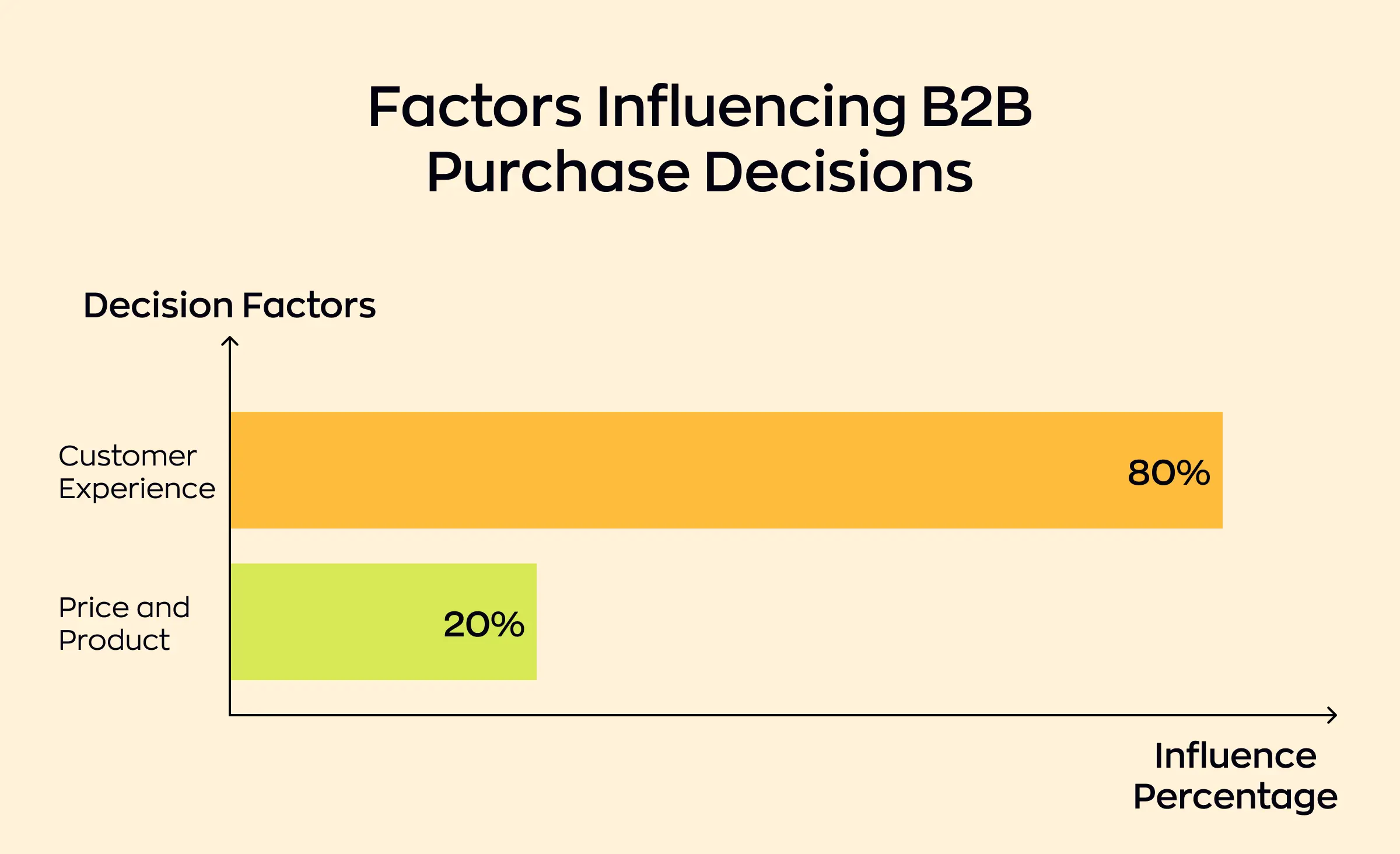
Enterprise UX design is all about solving for scale and complexity. It requires UI design that is not just visually appealing, but also structured, logical, and in line with best practices. With the right approach to enterprise UI/UX best practices, teams can build systems that support productivity, efficiency, and real results.
In this article, we'll explore what sets enterprise UX apart, dive into effective strategies and design systems, and show how thoughtful user experience can help enterprise applications drive better business outcomes.
The unique challenges of enterprise UI/UX
Designing user experiences for enterprise software is not as simple as applying what works from consumer apps. The complexity grows with every additional user, business process, and interconnected system. To create real impact, enterprise UX must address the high demands of today's organizations — starting with the features that make enterprise environments so different.
Multiple users, multiple roles
Enterprise applications rarely serve just one type of user. Instead, they support multiple user roles, from executive decision makers to support teams, each with unique needs and permissions. Crafting a UX design that delivers a seamless enterprise UI for everyone requires careful planning and a deep understanding of real work scenarios.
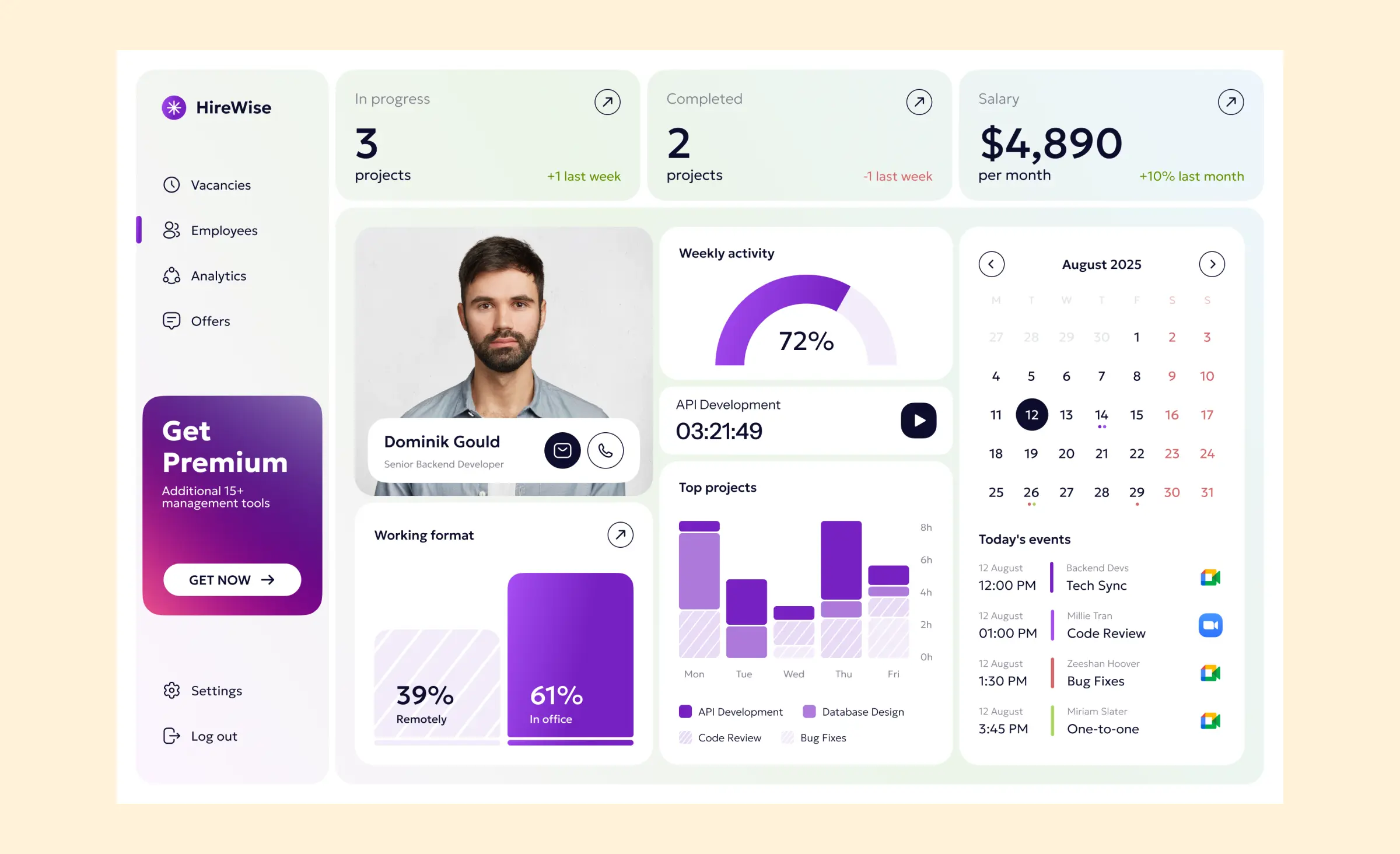
Integration with legacy systems
Many organizations depend on legacy technology. Integrating modern enterprise applications with older systems creates new usability challenges. Designers must make sure that data and workflows stay smooth, minimizing disruption to the business process and to users in a complex enterprise environment.
Usability, accessibility, and the human factor
Enterprise software often must meet strict accessibility and compliance requirements. Good usability is non-negotiable — without it, user adoption suffers, and productivity drops. Yet, even the most advanced solution will face resistance to change if it fails to consider employee habits and established workflows.
Bringing together these elements is what distinguishes enterprise UX. While the obstacles are significant, overcoming them is essential for long-term business growth and efficiency.
Just overcoming complexity isn't enough: successful enterprise UX design also unlocks new possibilities for every user. In the next section, we'll break down the core principles and best practices that can help your team build interfaces that truly work for your enterprise.
Core principles for enterprise UI/UX design
A successful enterprise UX design must do more than just look appealing; it should help people do their jobs with clarity and ease. Many principles from consumer UX — like clarity and user feedback — still apply, but must be adapted to suit enterprise needs, such as multi-role access and scalability. These principles guide every choice, from high-level UX design strategy to the details of UI design.
Clarity and consistency
Enterprise user experience starts with interfaces that communicate purpose and function at a glance. Inconsistent or cluttered designs cause confusion and mistakes. By developing a sturdy design system and thoughtful information architecture, teams make sure users always know what to expect when interacting with enterprise applications.
Efficiency and productivity
Speed and effectiveness matter in every enterprise environment. Good UX design streamlines workflows and removes extra steps from business processes, so employees spend less time fighting with software and more time achieving results. Enterprise design should highlight paths to completion and use user feedback to constantly refine how daily work happens.
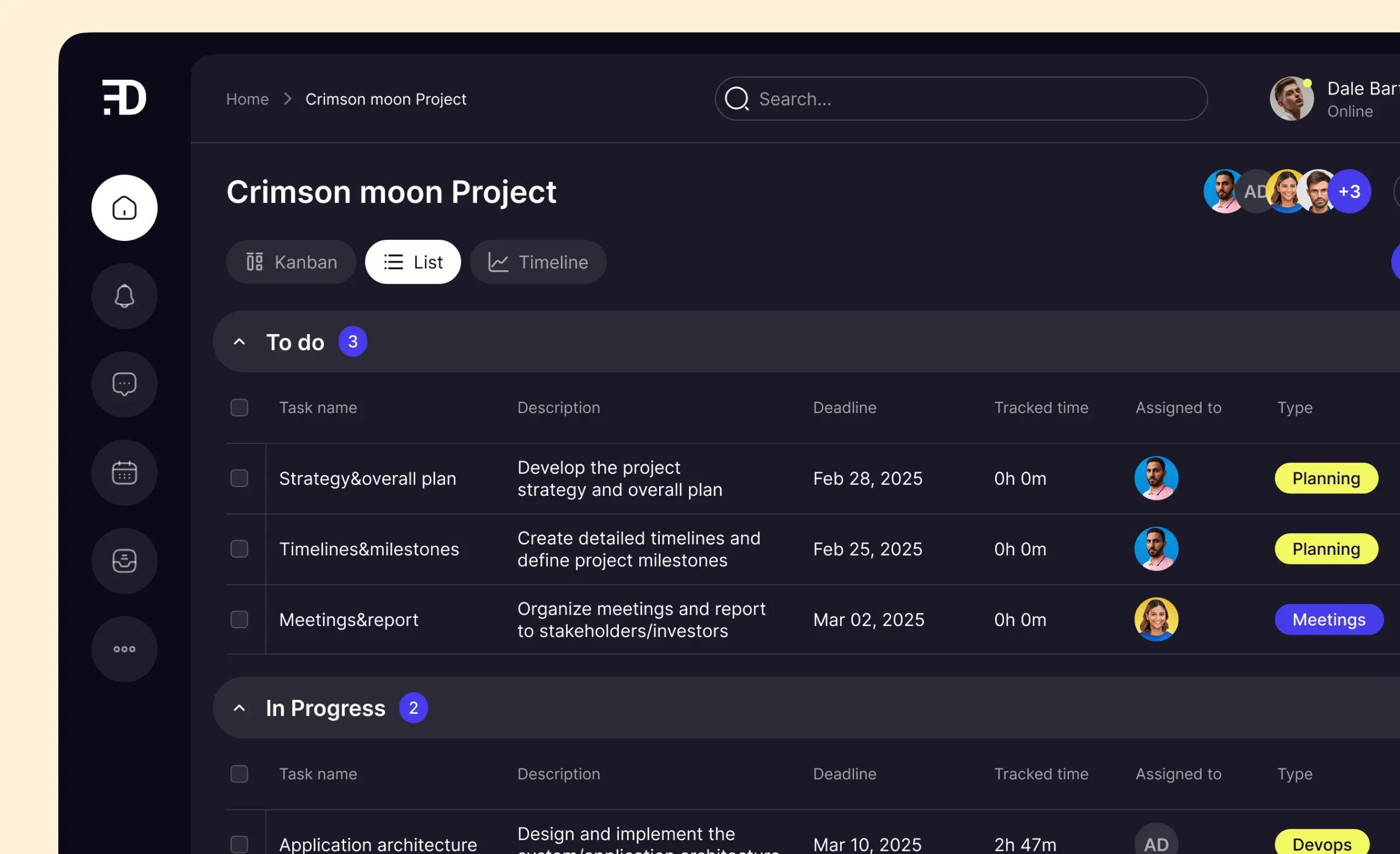
Personalization without complexity
No two users do exactly the same work. Personalization and customization — such as role-based access and flexible dashboards — allow enterprise applications to adapt to specific roles without sacrificing clarity. When enterprise UX designers provide role-based views, they help users focus on the tools and information that support their responsibilities.
Empowering control and engagement
Enterprise users need a sense of control in the systems they use every day. Features like instant user feedback, meaningful product design, and options for user control encourage higher user engagement and satisfaction. These elements create an environment where people feel empowered to complete their work and contribute to the organization's success.
An ongoing practice of UX research and testing
No design is ever finished in a changing enterprise. Usability testing and a commitment to continual learning keep the user experience aligned with evolving business needs. Enterprise UX designers gather insights from real users and apply them throughout the product life cycle — transforming best practice into regular improvement.
Every principle here sets the stage for an enterprise design that works today and scales tomorrow. With these foundations, the next step is to apply them specifically to data dashboards, where clear, actionable information can drive stronger business outcomes.
Best practices for designing data dashboards
When it comes to enterprise software, a well-designed dashboard determines whether users see only more noise — or gain valuable, actionable insight. Getting dashboard usability right turns data into a strategic advantage for any enterprise.
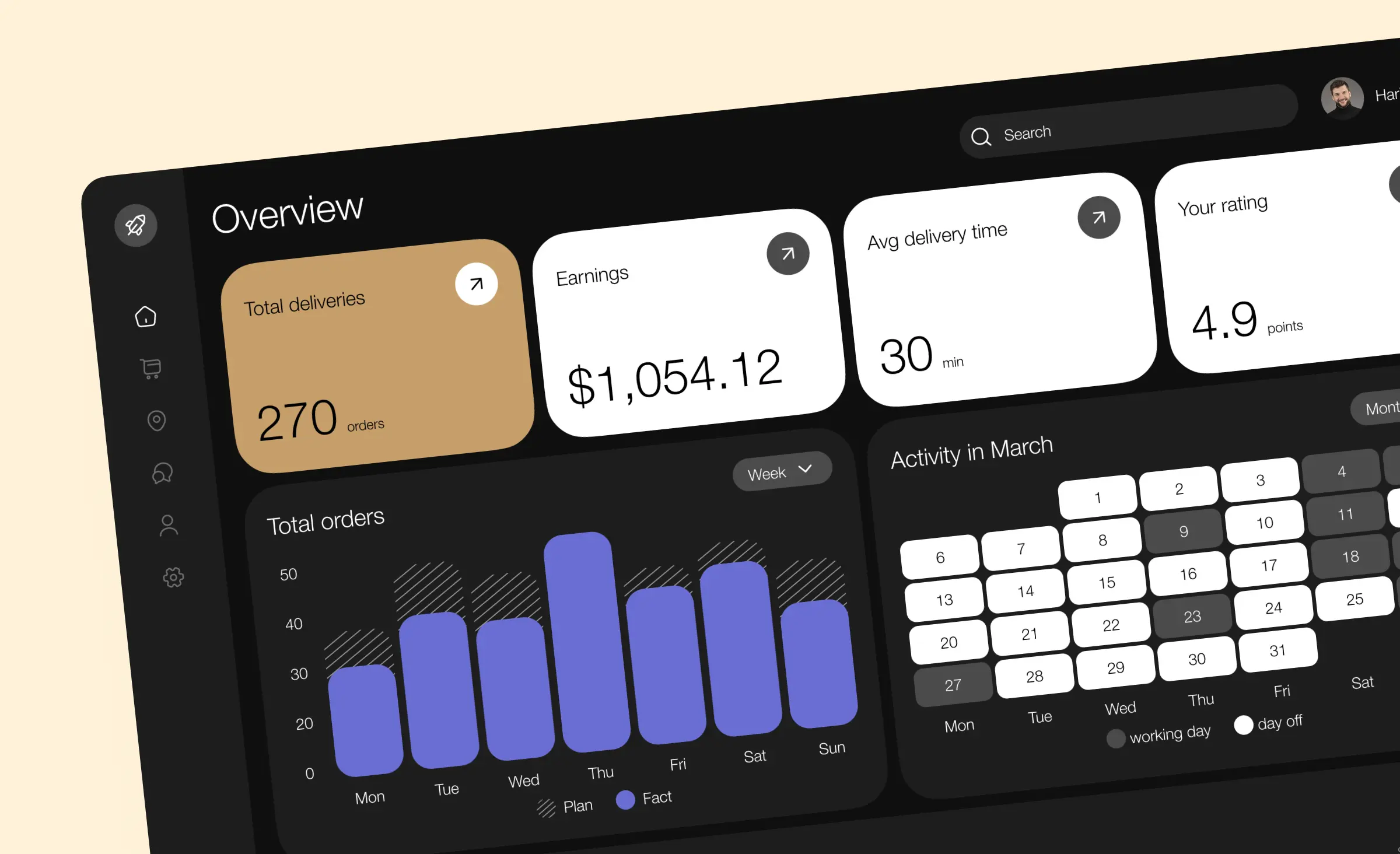
Understand your audience and goals
Every dashboard starts with knowing who will use it and for what purpose. In enterprise applications, UI designers must balance the needs of managers, analysts, or team leads — all with distinct priorities. Strong user research helps focus dashboard layout on key metrics that matter most to users.
Focus on clarity and visualization
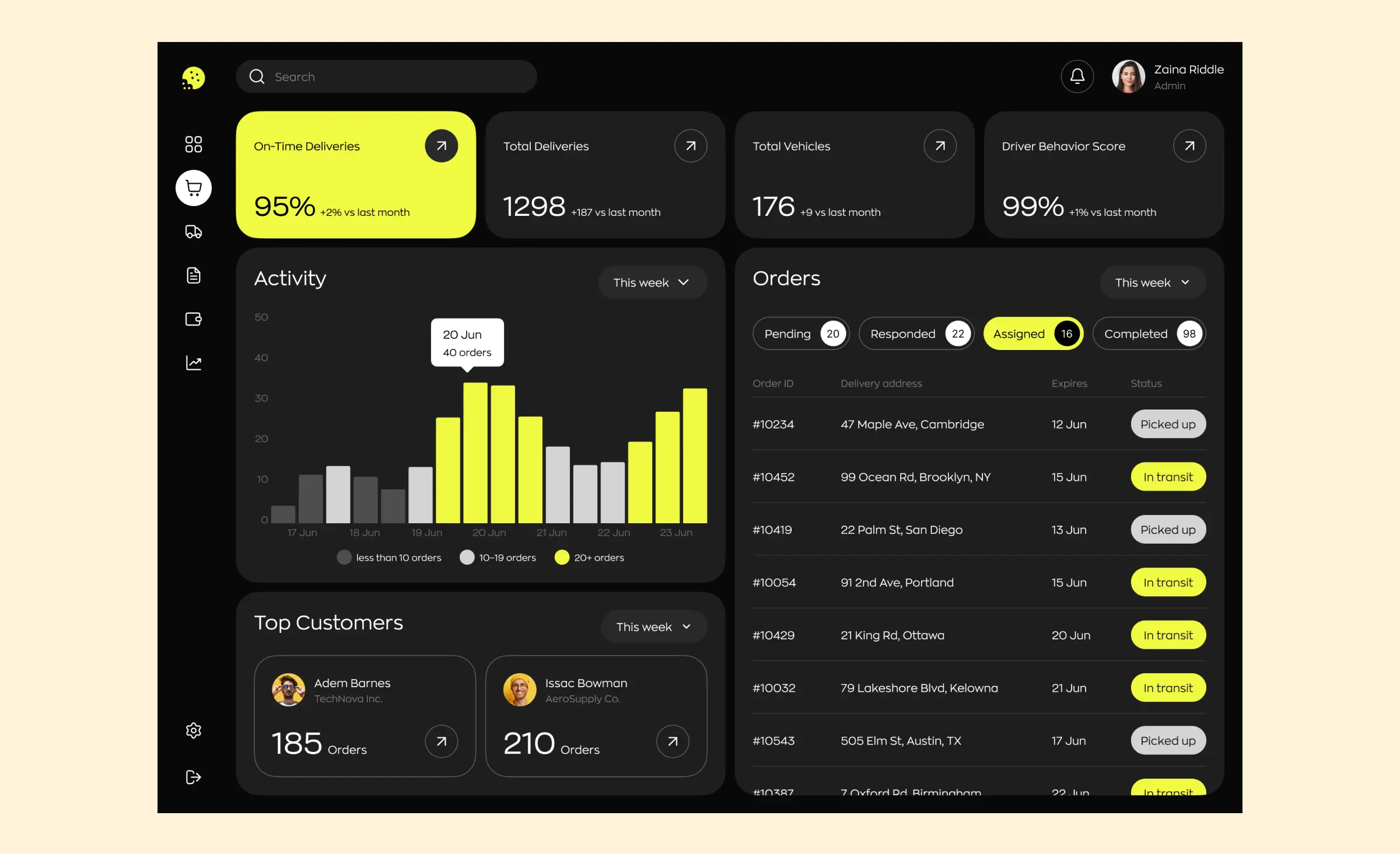
Data visualization is central to dashboard success. The best enterprise dashboards use charts, graphs, and visuals that fit the story, making complex information easy to scan. For every enterprise tool, UI design should highlight clear pathways to insight and act on real-time data whenever possible.
Intelligent layout and responsive design
A dashboard lives at the heart of every enterprise system, so responsive design is a must. Whether accessed on a large desktop or a tablet during a meeting, great UX design helps the dashboard adapt smoothly and keeps information legible. Modern enterprise design also uses artificial intelligence to suggest relevant data points or surface anomalies before users even know where to look.
Make interactions meaningful
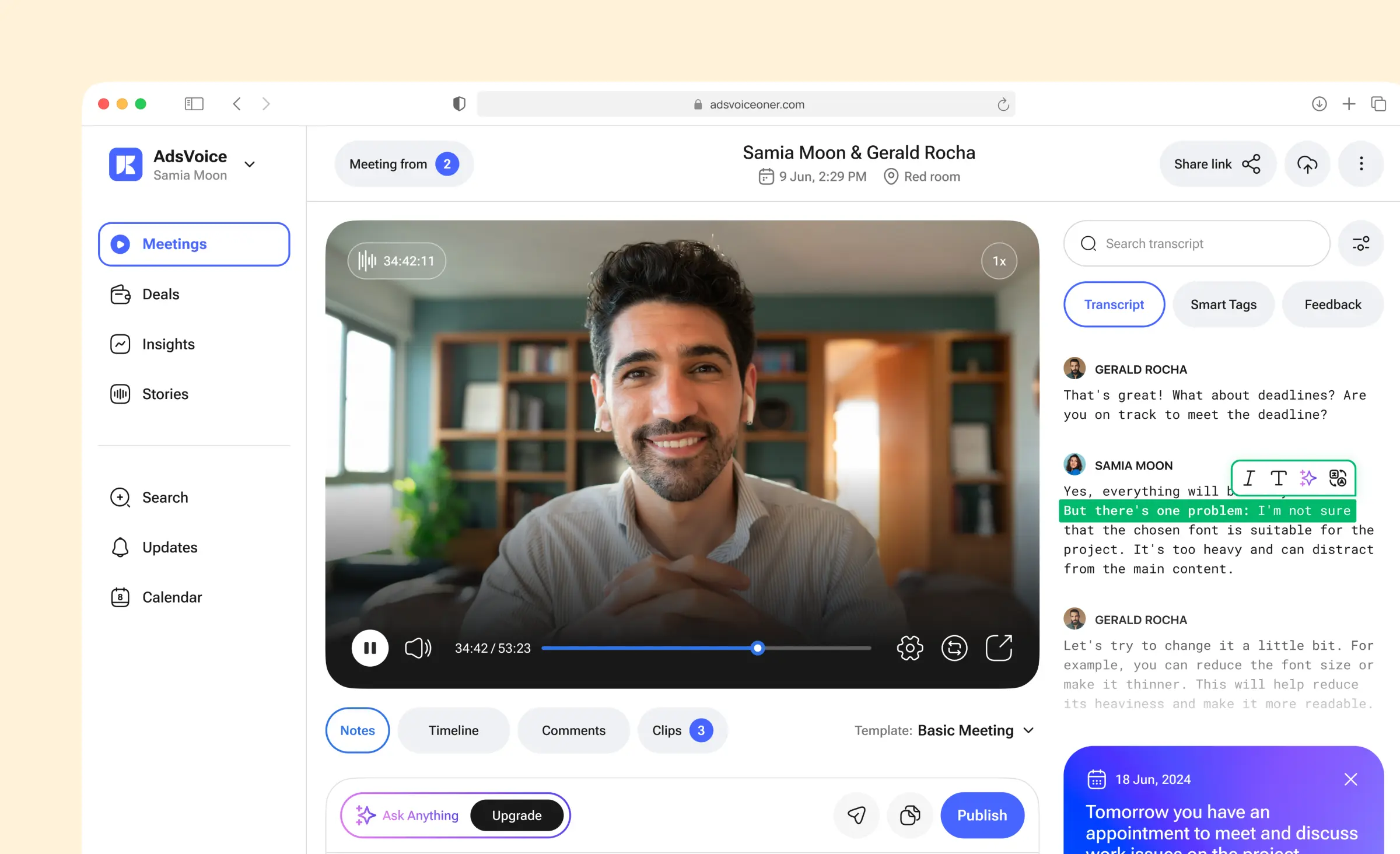
Usability in an enterprise dashboard depends not just on looks but on how users interact. Drill-down capabilities let enterprise app users start from a summary and explore details as needed, increasing both flexibility and productivity. Enterprise dashboards must help enterprise users to explore, filter, or export their data without confusion or extra steps.
Testing and continuous improvement
Great enterprise products are never finished. Best practices call for ongoing UX research to test dashboard usability across new devices and workflows. By refining dashboards based on feedback from real enterprise users, you provide the solution that continues to meet evolving needs.
The right dashboard drives better business
An effective enterprise dashboard puts key metrics front and center, blending thoughtful enterprise design with smart usability and intuitive UI design. Done right, it transforms the enterprise tool into the hub of decision-making, helping the organization react faster and grow stronger.
As we look to the tools and methodologies for building these experiences, the focus must stay on both form and function — delivering value to users at every turn.
Tools and methodologies for enterprise UI/UX
Successful enterprise UX design depends on using the right mix of tools, research methods, and well-defined processes. Ronas IT believes these are best practices that can support modern enterprise teams in building user-friendly, scalable solutions.
Building on enterprise design systems
An effective enterprise design system establishes clear standards for every interface. Using a design system provides consistency in UI design, making it easier for enterprise app developers and designers to collaborate. Features such as reusable components and auto layouts in tools like Figma help structure content, keep design files organized, and maintain a predictable experience for enterprise users throughout the enterprise system.
Rigorous quality control throughout the design process
Quality control is vital in enterprise design systems. Setting standard quality checklists and requiring regular peer reviews leads to better user experience and smoother implementation. Usability testing at key stages helps catch issues early and make sure that enterprise UX design matches real needs.
Structured file and page organization
For clarity and teamwork, it is good practice to follow a clear file structure: ideally, one file per enterprise product, with dedicated pages for application screens, UI kits, mind maps, drafts, and cover pages. Breaking down screens by user flow or feature, especially in larger projects, helps maintain focus and manage design tasks efficiently. Keeping local components on their relevant screens and consolidating reusable patterns in a universal UI kit supports both scalability and clarity.
Embracing research and prototyping
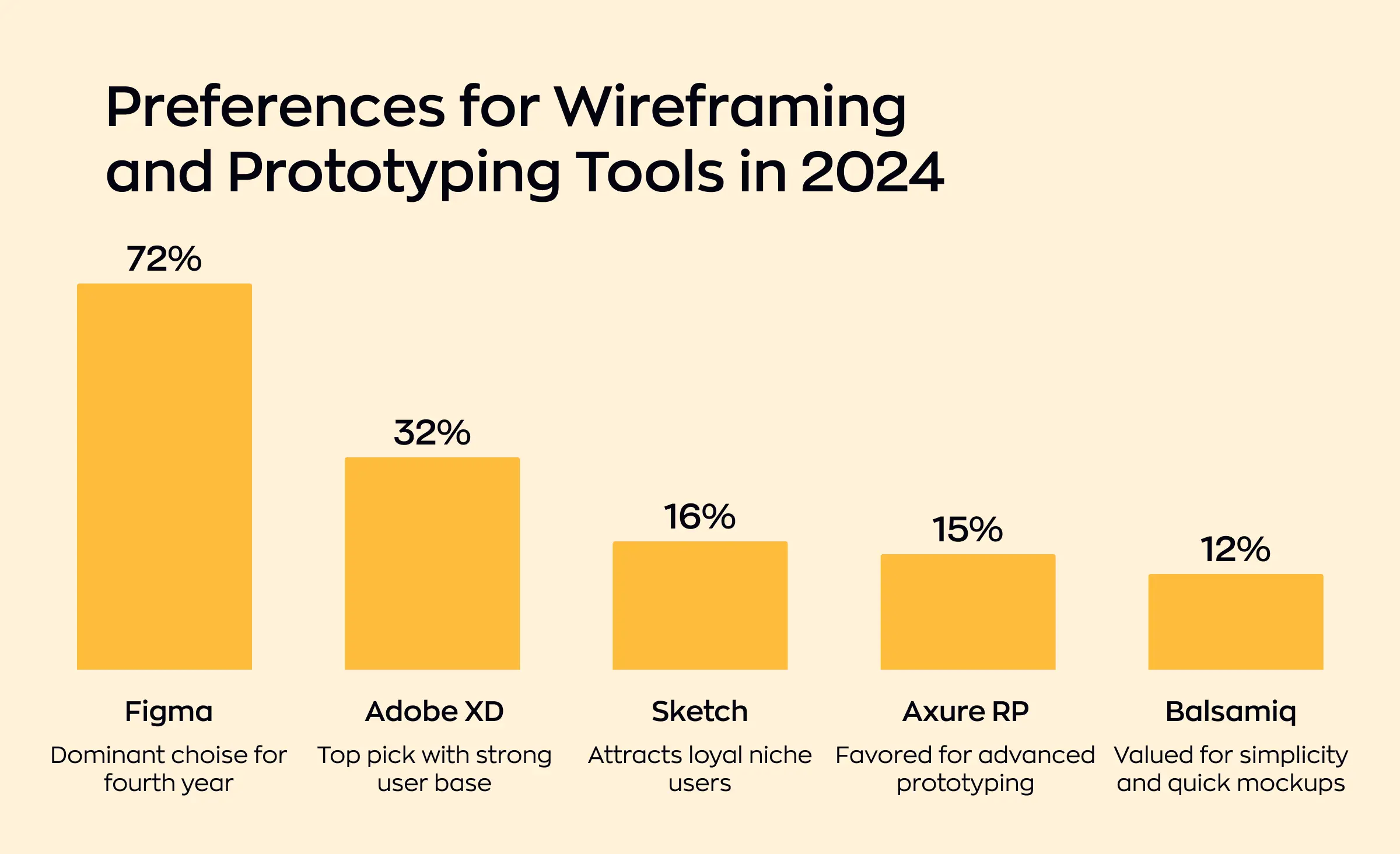
A strong design process relies on both UX research and user research. Collecting feedback through interviews, workshops, and usability testing reveals what users value most in an enterprise application. Early prototyping tools, such as Figma and Adobe XD, allow teams to validate concepts and quickly adapt to user feedback. Maintaining a well-documented library of proven user flows can help speed up work on common scenarios and provide coverage of a wide range of enterprise software uses.
Collaboration and communication
Efficient teamwork is the backbone of any successful enterprise project. Collaboration platforms like Zeplin or InVision bridge the gap between UI designers, developers, and stakeholders. Open communication channels make it easier to spot inconsistencies, adjust designs during handoff, and share design trends or workflow improvements that benefit the whole team.
Continuous learning and knowledge sharing
An enterprise UX designer should prioritize growth and knowledge transfer. Regular internal training sessions, collaborative workshops, and design critiques are powerful ways to keep pace with the latest UX/UI design and enterprise software trends. Sharing design literature or tips in dedicated channels raises the level of expertise across the team.
The role of variables in enterprise design
A modern enterprise design system isn't complete without a robust system of variables. At Ronas IT, we've fully adopted this approach in our own workflow. Variables serve as the foundation for scalable and consistent enterprise UX design by standardizing colors, text styles, spacing, and other key user interface properties across every enterprise app. When our design teams set up color palettes or typography using variables, even broad changes — such as switching from light mode to dark mode or updating text sizes to improve accessibility — can be managed in seconds and applied throughout the entire enterprise product.



By embracing these tools and best practices, organizations can ensure their enterprise UX design process is robust, adaptable, and ready for every project's unique challenges. This combined focus on research, collaboration, and quality produces enterprise applications that meet business goals and improve user experience across the board.
Partnering with Ronas IT for enterprise design excellence
Organizations searching for effective enterprise solutions know that design is not just about how something looks — it's about how it works and supports real business needs. At Ronas IT, our approach to enterprise UX is rooted in collaboration and experience.
We bring deep experience in enterprise software design, building products that streamline complex workflows and improve user experience design from the ground up. Our team specializes in enterprise UI design and dashboard design, creating intuitive, data-rich interfaces that help teams make smarter, faster decisions. Whether it's a single application or a suite of connected enterprise applications, Ronas IT crafts every project to serve enterprise users at every level.
What sets Ronas IT apart in enterprise software design?
- Proven track record in delivering complex enterprise software for fintech, healthcare, and logistics domains.
- Custom software development tailored to unique business goals and workflows.
- Dedicated focus on dashboard design and information-rich enterprise apps.
- Strong application of modern enterprise design systems and scalable standards.
- Expertise in designing enterprise solutions that boost productivity, adoption, and satisfaction.
- Seamless collaboration and transparent processes that keep stakeholders in the loop.
By applying user research, we identify pain points, map out user journeys, and optimize both layout and logic to maximize usability and efficiency. Each design project is guided by proven enterprise UX design methodologies and informed by the realities of working in demanding industries — fields where precision, compliance, and clarity matter most.
Our enterprise design process uses advanced tools and standards to provide consistency, maintainability, and rapid scalability. We translate business goals into enterprise software with interfaces that are not only visually engaging but also seamless to use, no matter the user's technical experience. For companies needing a tailored enterprise solution, we bridge the gap between technology and people, creating software that boosts productivity and drives real business results.
From dashboard design to complex enterprise software, our team is ready to help you build systems that empower your team.
Conclusion
Thoughtful design is the foundation of every successful enterprise app. When teams follow enterprise UI/UX best practices and invest in strategic UX design, they do more than just create attractive screens — they deliver enterprise software that empowers people and supports business goals.
Every enterprise faces unique challenges, but the value of great user experience is universal. By applying industry best practices and staying focused on the needs of real users, your organization can achieve seamless enterprise UX and build systems that adapt as your business evolves. While consumer UX often relies on trends and emotional engagement, enterprise design succeeds through reliability, adaptability, and long-term support for real users.
If your company wants to transform complex enterprise software into tools for growth, now is the time to act. Contact Ronas IT today by filling out a short form below this page to see how thoughtful design can help your enterprise reach its full potential.
Related posts












Related Services


Development
React Native App Development Services


Development
MVP Development Services
Development