Designing for everyone: The principles of inclusive UI/UX for digital products

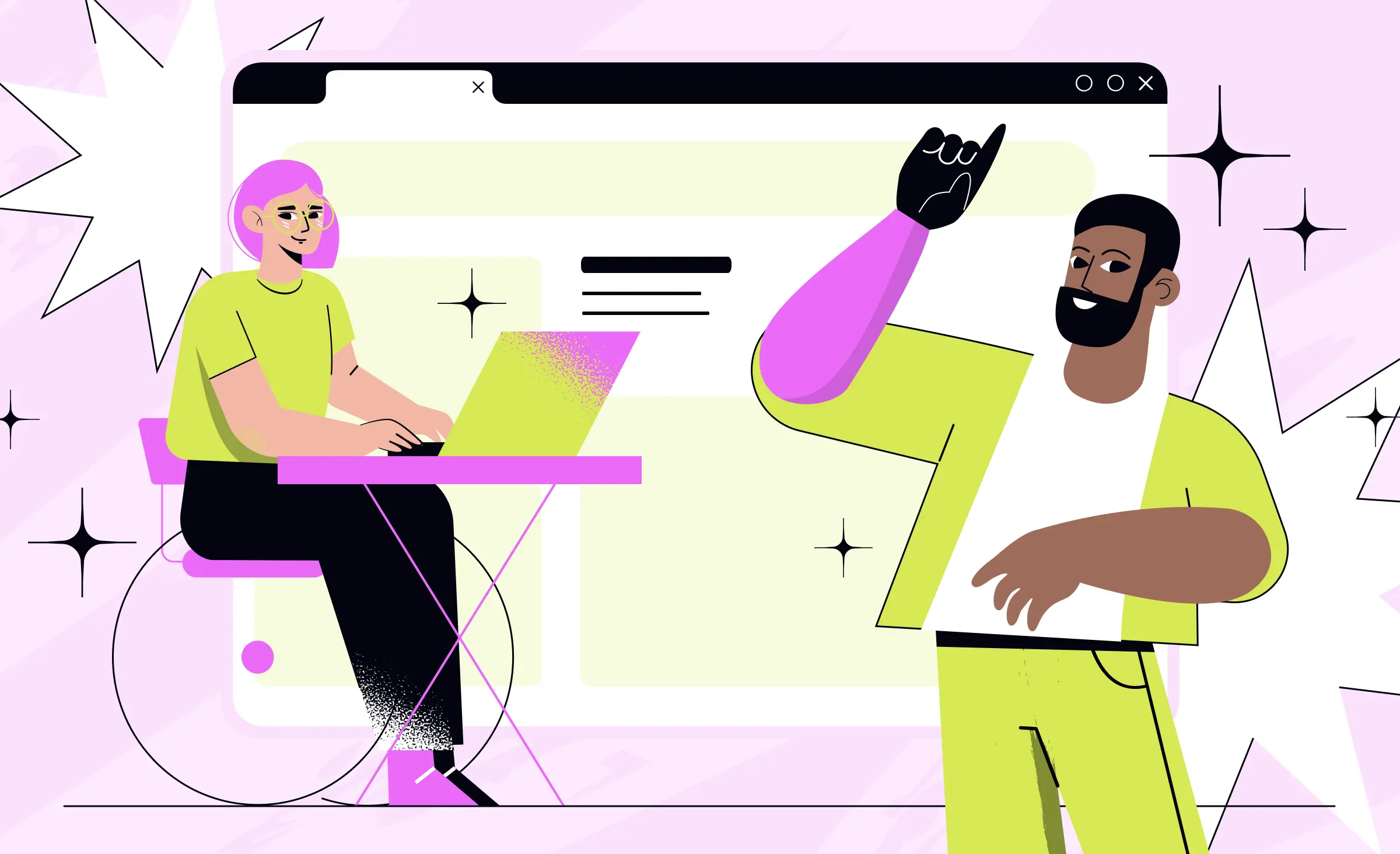
Good design is usable. Great design is inclusive. As digital products become essential in daily life, it's important to make sure everyone enjoys the same user experience. If a product limits equal access, some users will face barriers — and companies will miss growth opportunities.
Inclusive design is more than adding features or meeting rules. It's about accessible design that considers how people of all abilities use your product, whether they browse with assistive tools, change text sizes, or just want clear content on a busy day. Designing for digital accessibility improves usability for everyone.
A recent analysis by WebAIM found over 50 million accessibility errors across one million home pages — an average of 51 barriers per page — even as the error rate decreased from last year. Each of these errors represents a real obstacle for users and a likely violation of key accessibility standards, highlighting how much work remains for digital products to deliver true equal access.

In this article, we'll show why inclusive design matters, and how weaving accessibility considerations into your process leads to better digital products for all. From first ideas to launch, these steps help you create welcoming, effective interfaces covering different user needs.
The foundation of fairness: Understanding inclusive UI/UX
When building inclusive products today, simple usability is no longer enough. Modern users expect more than just functional interfaces — they expect brands to remove accessibility barriers and design with real-world challenges in mind. Inclusive design is the approach that makes this possible, laying a strong foundation for both digital accessibility and a better overall user experience.
Inclusive design means creating digital products everyone can use, no matter their ability, environment, or device. This way of thinking weaves accessibility into your entire design process right from the start, instead of treating it like an afterthought or just a list of requirements. While accessibility focuses on outcomes — removing barriers that keep users out — inclusive design is the method that helps you achieve those outcomes every step of the way. Through inclusive product design, you can provide universal design for all, not just those with long-term disabilities.
The best part is that everyone benefits. Think about a busy parent trying to use a mobile app with one hand, or someone outdoors struggling with glare on their screen. Inclusive product design serves these real-world needs.

Businesses that adopt inclusive design enjoy many advantages:
- Larger market: Digital accessibility opens doors to more potential users, including underserved groups.
- Better SEO: Accessible content makes it easier for search engines to read and rank your web content.
- Stronger brand image: Prioritizing user experience and accessible design builds trust.
- Legal protection: Reducing the risk of lawsuits by following accessibility guidelines and standards.
- Simpler, smarter experiences: Everyone enjoys clearer navigation, better content, and more intuitive product design.
With a focus on equal access and real inclusion, you can transform your product into something truly valuable for all. Let's move on to the core principles that shape effective and inclusive digital design.
Core principles of inclusive UI/UX design
Inclusive UI/UX design is about building digital products that work for the widest range of users by recognizing differences in abilities, situations, and preferences right from the start. Unlike quick fixes, this approach weaves accessibility standards such as the Web Content Accessibility Guidelines (WCAG) together with broad inclusive design principles. The goal is a user interface that prioritizes accessibility, usability, and user experience for everyone.
Below, we explore the foundational mindset that drives inclusive product design, the essential principles, and a practical audit checklist to help your digital content be effective and accessible.
Foundational mindset
Inclusive design starts with the understanding that every digital product and interface excludes someone. Recognizing this, an inclusive product designer sees exclusion as a problem to solve, not just an unfortunate side effect. A guiding approach is “solve for one, extend to many,” which means designing for users who face the greatest barriers first. Solutions developed for users with disabilities — such as accessibility features for visually impaired users — often end up benefiting everyone.
Recognize and remove barriers
To create accessible applications, teams need to look for obstacles that hinder access. These barriers can include tiny touch targets on mobile devices, complex user flows, or interactions that break down in challenging environments, like noisy or low-bandwidth situations. Regular accessibility audits and early testing with assistive technology help catch these problems before users encounter them.

Center diversity in research
Inclusive UX work means going beyond average user assumptions. Product design teams intentionally include participants of different ages, backgrounds, abilities, and levels of digital literacy in their user research. Co-creating with diverse users exposes needs and challenges that standard usability testing often misses, leading to better digital products.
Follow accessibility standards with WCAG
Accessibility guidelines provided by the World Wide Web Consortium set the gold standard for making web content accessible. The four core pillars of WCAG — perceivable, operable, understandable, and robust — guide practical design choices. These include using strong contrast ratios, enabling keyboard navigation, adding alternative text, providing captions, and writing clean code that works across different assistive technologies.

Support multiple ways to interact
Inclusive digital products support a variety of devices, input methods, and sensory experiences. Users can interact with touch, keyboard, mouse, or voice, and access content in visual, text, or audio forms. Making your digital content work across many device types strengthens digital accessibility and inclusivity.
Keep experiences simple and understandable
Simplicity is crucial for usability, accessibility, and effective product design. A strong information architecture organizes digital products with clear hierarchies, intuitive navigation, and familiar patterns. Plain language, logical interactions, and error recovery features reduce confusion and help users accomplish their goals smoothly.

Offer user control and flexibility
User control is central to inclusive design. Let people adjust text size, switch contrast modes, and control time limits or motion effects. Designs should forgive mistakes, provide clear confirmation and error messages, and default to safe choices so that everyone can use your product confidently.
Embed inclusion throughout the lifecycle
Inclusive digital product design treats accessibility as a priority from the very beginning. Teams measure, test, and update the user experience with inclusive metrics and usability tests, checking if improvements for one group do not inadvertently create new obstacles for others. This process goes beyond compliance, embedding accessibility into every stage, from ideation to delivery.



Inclusive design audit checklist
Maintaining alignment with accessibility standards and inclusive design best practices requires regular, structured audits. Here's a practical approach to auditing your user interface, digital content, and overall product design:
Define scope and objectives
Identify which platforms, user journeys, and components — such as navigation, forms, and media — to audit first. Typically these are focusing on high-traffic and high-risk flows. Set measurable goals, like meeting WCAG 2.1 AA compliance for critical tasks or reducing keyboard navigation blockers, and clarify who will handle findings and fixes.
Run automated accessibility scans
Use automated tools, including contrast checkers and structure validators, to quickly flag obvious accessibility issues such as low contrast, missing alternative text, or incorrect heading structure. Log each issue with the affected page or screen, severity, and related WCAG criteria to track progress.
Perform manual UI/UX checklist review
Review each page or workflow against a detailed checklist, covering:
- Visual design: Check for strong contrast ratios, correct text size, sufficient spacing, clear focus states, and making sure color is not the only way information is conveyed.
- Structure and navigation: Verify the use of clear, meaningful headings, logical tab order, consistent navigation patterns, and visible focus indicators on all interactive elements.
- Forms and controls: Labels should be present and correctly connected, errors should be described in plain language, and status messages should be accessible to screen readers.
- Media: Confirm that audio and video content includes captions and transcripts, and that media players are accessible with keyboard and assistive technologies.
Test with assistive technologies
Navigate core user flows using only a keyboard to check focus order, identify traps, and check complete accessibility without a mouse. Use a screen reader — and others where relevant — to confirm alternative text, correct reading order, accessible labels, and announcements for dynamic content.
Include user testing with diverse participants
Conduct usability sessions with people who have different disabilities and access needs — including visual, motor, and cognitive differences. Ask them to complete core tasks, capture points of friction, and include these findings in your audit log to prioritize improvements.
Document, prioritize, and integrate findings
Combine all audit results into one central backlog, tagging issues by severity, affected flows, and the accessibility guidelines involved. Record design decisions — such as color standards, alt text patterns, and ARIA usage — in your design system, and schedule regular re-audits after major releases.
By following these inclusive design principles and maintaining a thorough audit process, your team can identify and address barriers early — delivering digital products that are truly welcoming to all users. In the next section, we'll show how to put these ideas into action at every stage of your development lifecycle.
Integrating inclusive design into the development lifecycle
Inclusive design brings real value to digital accessibility, but only if you make it part of your daily development process. Your team's ability to deliver for all users depends on how deeply accessibility is woven into each stage — from early ideas to final launch and beyond. Building accessible digital products takes ongoing effort and teamwork between product managers, product designers, and developers.
Bringing accessibility into each phase
A proactive approach is best. It's easier and more effective to set accessibility standards and address accessibility issues throughout the process, rather than tacking on fixes at the end.
Research and discovery
Start by making digital accessibility a core goal. Conduct accessibility audits of your existing digital content and products. Ask: Where do users get stuck? Do we meet basic accessibility guidelines? Involve people of different backgrounds and abilities — direct input from real users adds perspectives that traditional research often misses. As you define your project scope and requirements, include clear accessibility requirements so that success is measurable from the beginning.
Inclusive design and prototyping
Build every wireframe and mockup with inclusivity in mind. Product designers use design systems that are built for accessibility, including pattern libraries, accessible color tokens, and responsive design rules for web and mobile apps. Test your prototypes with screen readers and contrast checkers before handing them to developers. Regular usability testing with diverse participants helps uncover real-world issues that automated checks may overlook.
This self-care app by Ronas IT demonstrates the importance of accessibility, featuring a high-contrast, minimalist interface that keeps users focused on their mental practices Accessible development and testing
During development, your team should follow coding standards that support digital accessibility — using semantic HTML, meaningful landmarks, and clear ARIA (Accessible Rich Internet Applications) attributes. The latter are HTML attributes that add semantic meaning to web elements. Run both automated and manual accessibility testing to catch issues early and often. Test core user flows and content using keyboard navigation, various screen readers, and across devices. Make sure all new features align with the accessibility guidelines defined in earlier phases.
Deployment, feedback, and maintenance
When your product is live, continue monitoring for accessibility issues. Encourage users to share feedback about barriers or pain points, and build regular accessibility audits into the maintenance schedule. Product managers should treat accessibility testing and user reporting as ongoing responsibilities — not just a launch task. Record all updates and improvements in your documentation and design system to support a culture of continuous improvement.

Why it matters
Integrating inclusive design into every step of your design process means accessibility becomes a core part of your workflow, not an afterthought. Instead, it becomes a natural, visible part of how you create digital content for every user — whether you're building a new mobile app, iterating on your website, or supporting products across devices. This approach not only prevents costly last-minute fixes, but also delivers better UX design and more sustainable digital products.
Next, we'll explore practical tools and resources that help your team embrace digital accessibility and speed up the process for every project.
Tools and resources for inclusive design
Delivering accessibility in digital product design requires a toolkit of robust resources. From evaluating digital products with the latest accessibility testing tools to building content-ready components in modern design systems, teams today can improve digital accessibility and bring inclusive experiences to every user.
By integrating accessibility guidelines and industry standards into your workflow, you make it easier to produce digital content that not only complies with regulations but also exceeds user expectations.
Design systems for accessibility
A thoughtful design system is a foundation for consistent and accessible product design. Platforms like Figma, Sketch, and Adobe XD now offer accessibility-focused plugins to check color contrast, text size, and focus states as you build user interface components. By documenting accessibility requirements directly in your design systems, your team can standardize inclusive patterns across all digital products. This approach reduces rework and empowers every designer with best practices at their fingertips.
Accessibility testing: Automated and manual
Automated tools are an essential first line of defense in accessibility digital product design. Solutions such as Axe DevTools, Lighthouse, and the WAVE Accessibility Tool instantly scan your digital content, flagging issues like low contrast, missing alt text, or poor ARIA usage. You can also use various methods of manual testing if needed. Use screen readers and other assistive technology — like magnifiers and keyboard-only navigation — to get a true sense of your digital experience from your users' perspective. Dedicated accessibility testing at regular intervals helps catch context-specific issues that automated scans alone might miss.
Guidance from the World Wide Web Consortium and WCAG
At the core of digital accessibility are clear standards. The World Wide Web Consortium is the organization behind the global Web Content Accessibility Guidelines, or WCAG. These standards detail what teams must do to make web content and digital products perceivable, operable, understandable, and robust for all users. By following the latest accessibility guidelines, such as WCAG 2.1 or newer, your team makes every aspect of your digital experience meet or exceed industry expectations and legal requirements.
Additional resources for continuous learning
Digital accessibility is an evolving field, and ongoing education is key. Online communities, open-source libraries, and industry blogs share updates on accessibility guidelines, product design trends, and practical tips for creating better digital products. Curated content — such as webinars, checklists, and case studies — helps you keep your skills sharp and your development process up to date.
Summary of key tools and resources
Design tools:
Figma, Sketch, Adobe XD (with accessibility plugins)
Automated accessibility testing:
Axe DevTools, Lighthouse, WAVE Accessibility Tool
Manual testing and assistive technology:
Screen readers (NVDA, VoiceOver), screen magnifiers, keyboard navigation
Guidelines and standards:
Web Content Accessibility Guidelines (WCAG) from the World Wide Web Consortium
Design systems:
Documented component libraries with built-in accessibility requirements
Educational resources:
Industry blogs, webinars, curated checklists, community forums, and accessibility content updates
With the right tools, resources, and commitment, every team can move from simple compliance toward true inclusion. In the next section, we'll show how Ronas IT turns these best practices into real-world solutions that bring inclusive design to your digital products and empower your users.
Partnering with Ronas IT for inclusive digital products
At Ronas IT, we make it our mission to help organizations design and build digital products that are truly accessible. With our deep expertise in design and strict adherence to worldwide accessibility standards, we help our clients create digital experiences that feel welcoming from the very first interaction.
One example of our commitment is Mind Easy, a mental health app that we redesigned for greater accessibility. We crafted the UI to be more adaptive by introducing a clear visual hierarchy, high contrast, and features that support voice navigation — all while staying true to our client's goals for inclusivity and cultural awareness. We also made sure the app followed platform-specific requirements and usability best practices, supporting users with a wide variety of needs and abilities. As part of the project, we developed UI kits that empower ongoing quality assurance and make implementation easier for any development team. By thinking ahead and addressing accessibility issues early, we delivered an inclusive experience from the ground up.

We have also worked on educational products for the European market, such as interactive learning platforms and virtual classrooms. Our solutions are accessible by design — from high-contrast themes and full keyboard navigation to comprehensive screen reader support, WCAG compliance, and language or accessibility preferences that users can control.

We create seamless onboarding, flexible user journeys for students, teachers, and admins, and enable real-time collaboration, while meeting the highest standards of data security and privacy. This attention to detail means every user can access content fully, comfortably, and safely.

Through custom software development, support with digital transformation, and integrating accessibility into every stage of product creation, we help our clients stay ahead of industry best practices and regulatory requirements. Our product designers and development teams build accessibility testing, quality assurance, and inclusive interface thinking into every project phase — from initial discovery to ongoing support after launch.
If you want your digital product to stand out for inclusivity and reach every possible user, Ronas IT has the skills and mindset to help you succeed. We bring both technical expertise and a genuine, human touch to every project.
Conclusion
The most remarkable digital products today don't just strive for good user experience — they lead with inclusive design from the very beginning. As the digital world continues to grow, accessibility becomes a universal advantage that benefits every user, regardless of background, ability, or circumstance.
When teams make accessibility a top priority in digital product design, they open the door to broader audiences, improved usability, and genuine inclusivity. The best results come from blending thoughtful content, practical accessibility guidelines, and real-world UX design practices to create products that everyone can use comfortably. With these foundations, product design becomes more than just functionality — it becomes a statement of care for all users.
Related posts








Related Services


Development
React Native App Development Services


Development
MVP Development Services

Development